Mineuniverse
Resource Packs
Real 3D by: Rucker765

Real 3D by: Rucker765

RESOURCE PACK
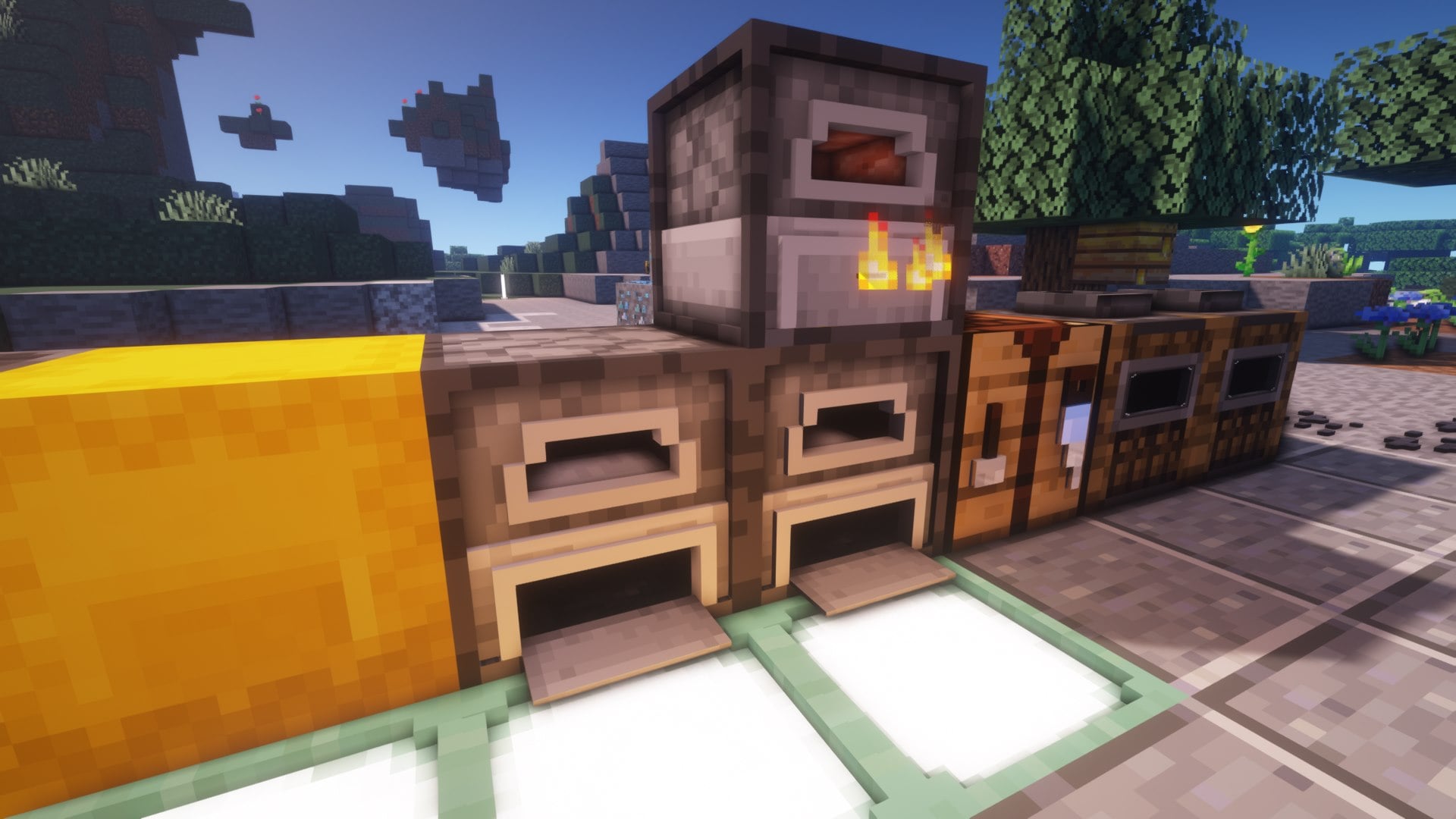
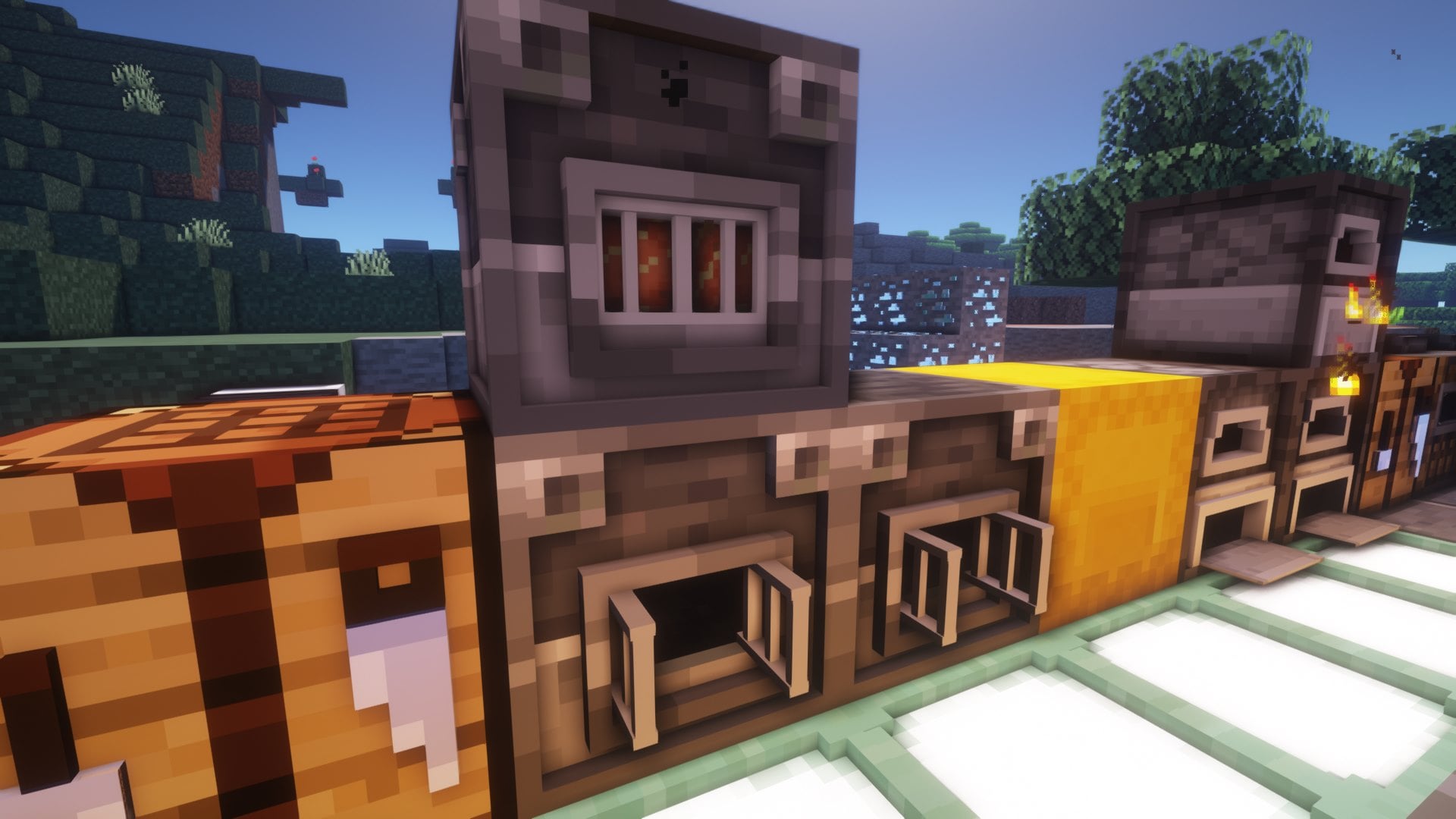
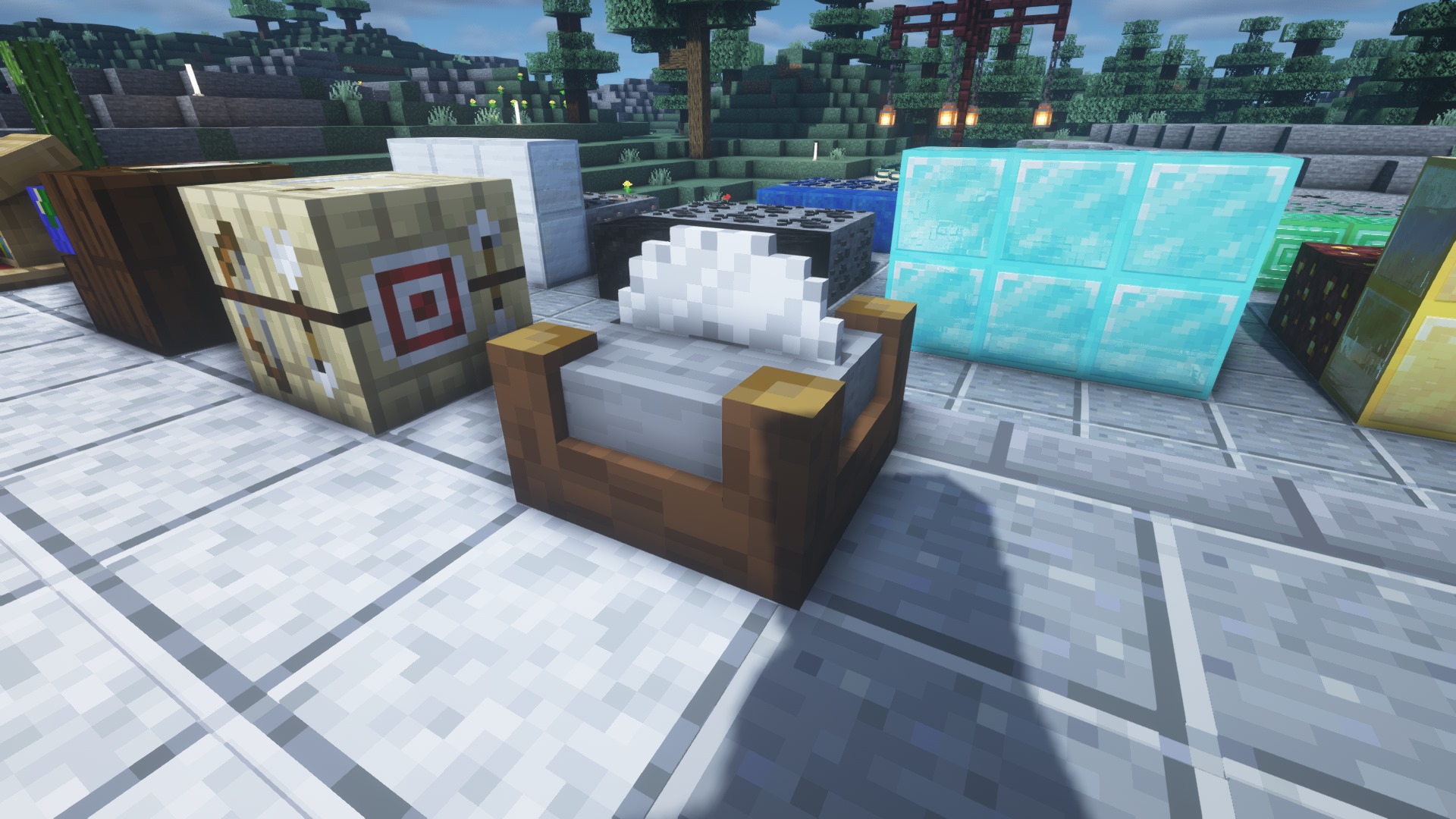
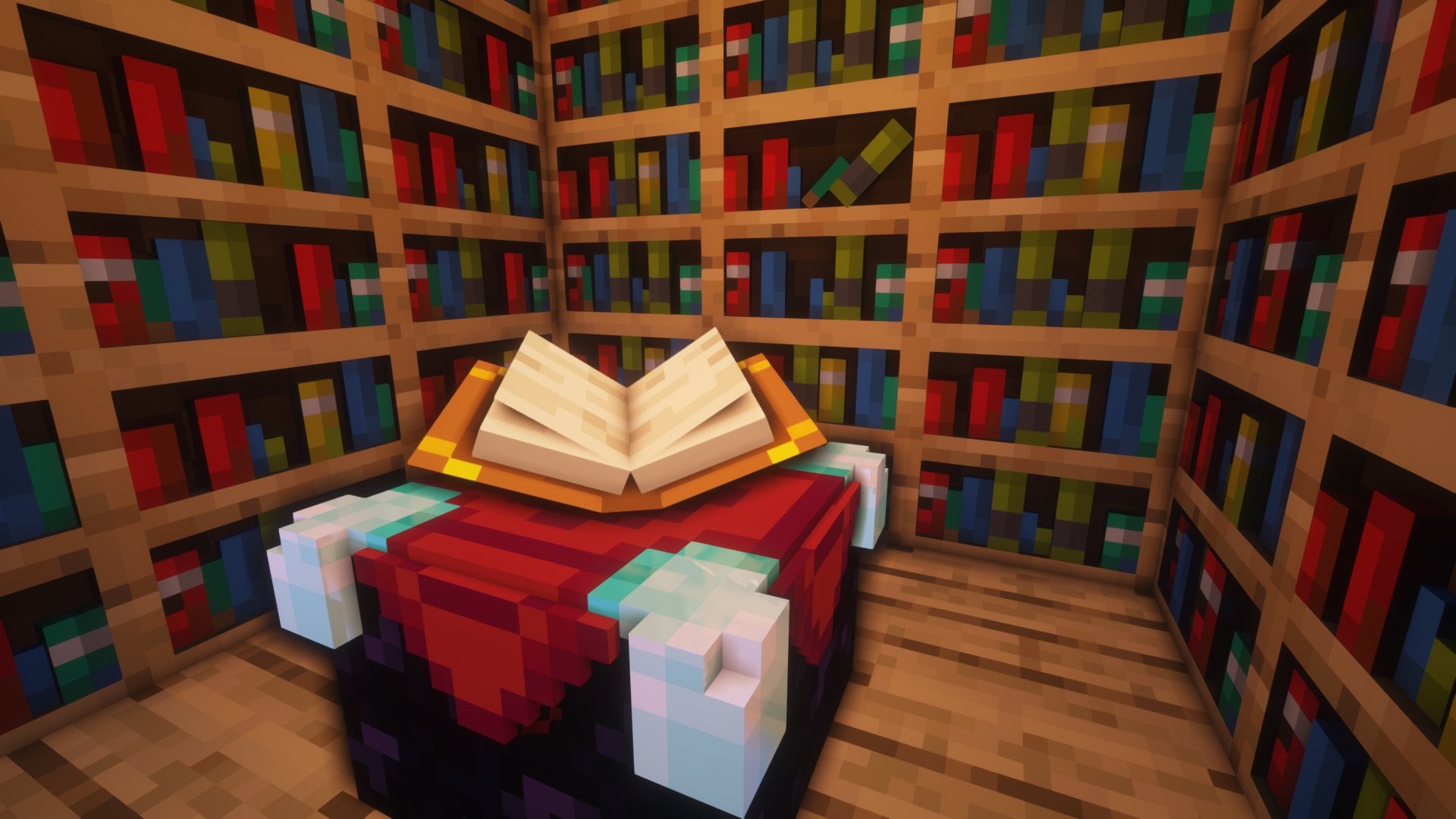
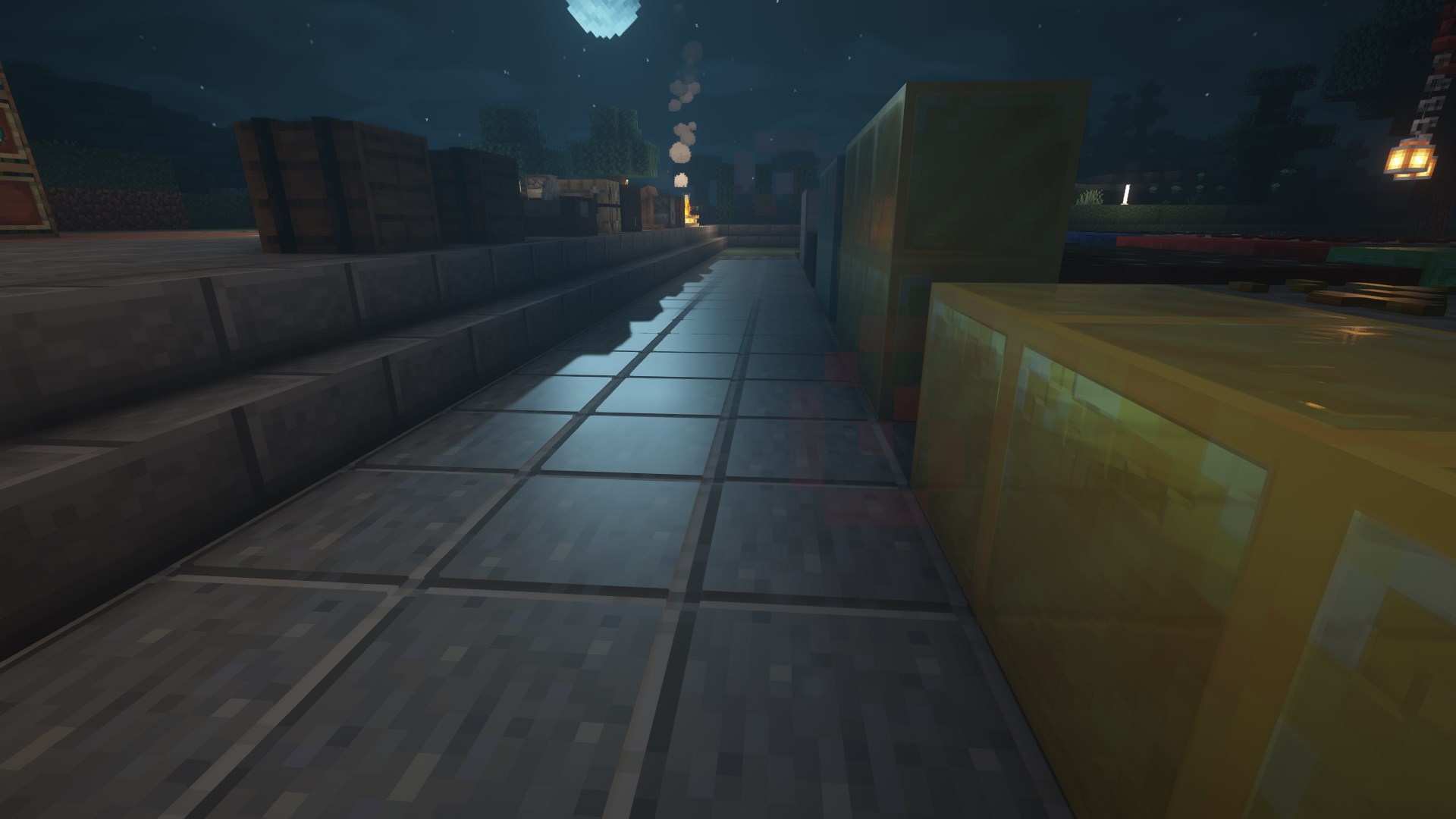
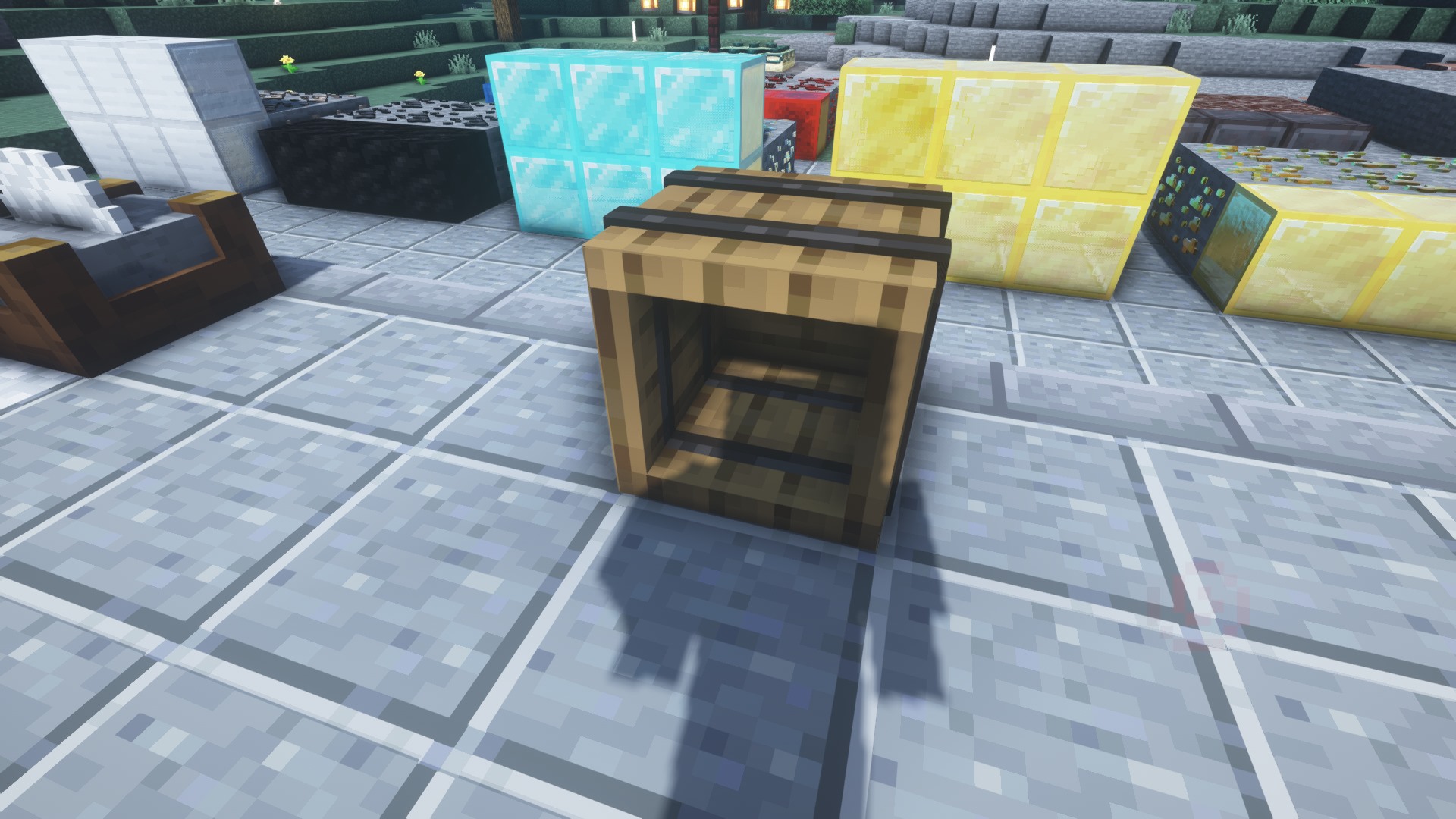
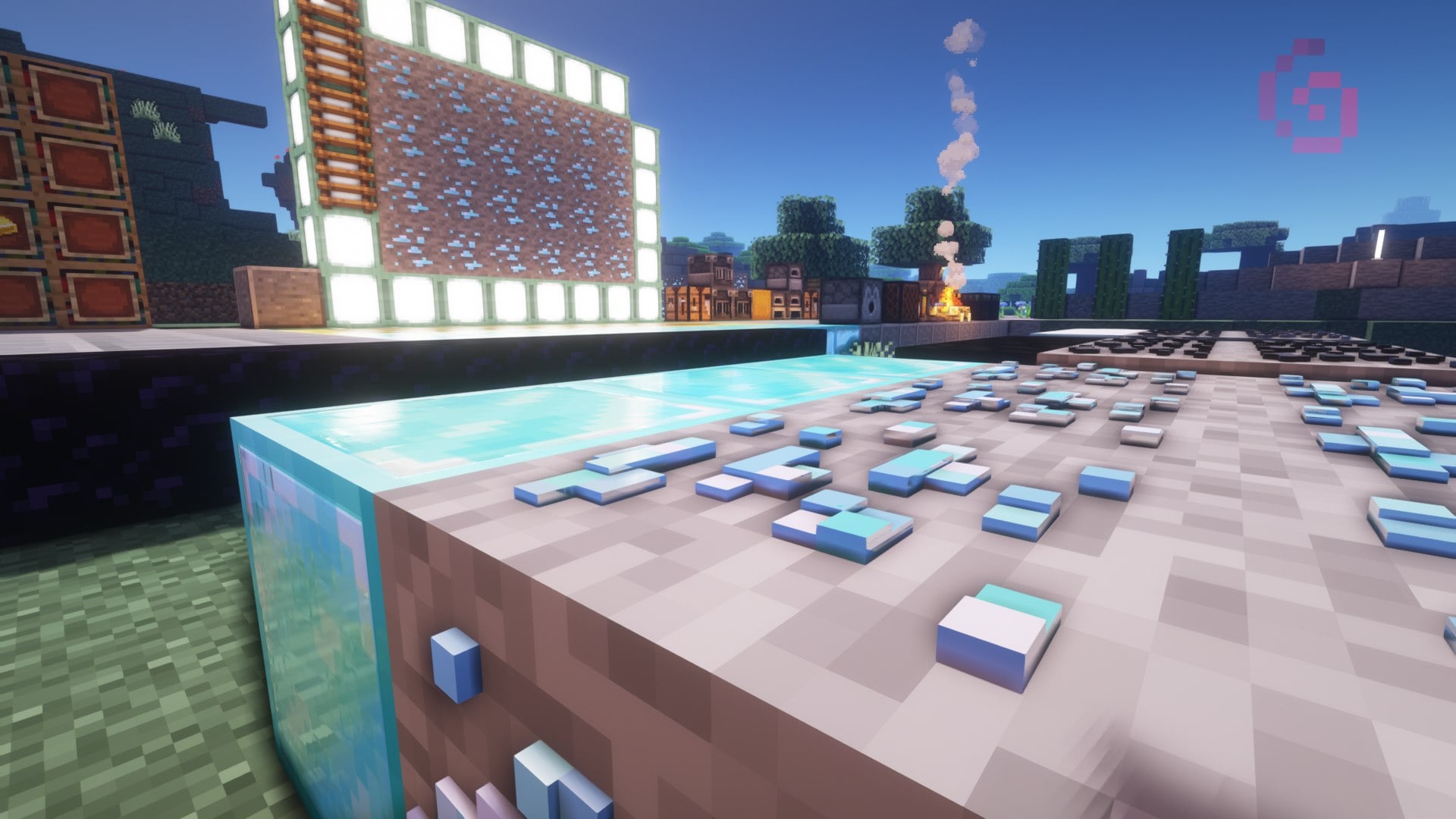
Custom 3D models to make the game feel more real.
by Rucker710
Download Claim this project
3,597 downloads
0 likes
0 followers
Updated Oct 14, 2026
0 hypes
Follow0
128x Photo Realistic Traditional
Advertisement Remove ads with Premium →

This pack is a 3D model pack that is still in progress of being made, I felt like most 3D packs were just a little to much so I stared to make my own. As of now not many blocks are done but I will be doing more updates along the way with this free pack. The pack does not require any shaders but it does have PBR textures so if you want to see reflections, and most of the updated textures with a 3D effect you will need to use shaders to see them. I use BSL and its what I built the pack around.

YOU MUST USE OPIFINE FOR THE PACK TO WORK


Join our discord if you have any ideas on new things for the pack or have any questions you need answered

https://discord.gg/4yUtFJcJ
 

V.1.3


128x


Grass

Stone

Dirt

Diorite &  Polished Block

Granite &  Polished Block

Andesite & Polished Block

Gravel

Cobblestone

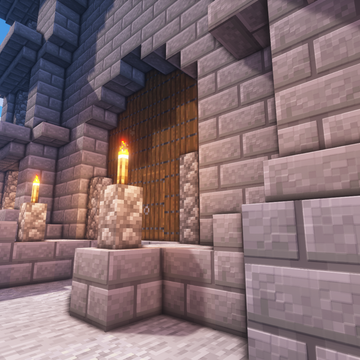
Stone, Stone Brick, Button, Stone Stairs, Slab

Sand

Red Sand

Clay

Bedrock

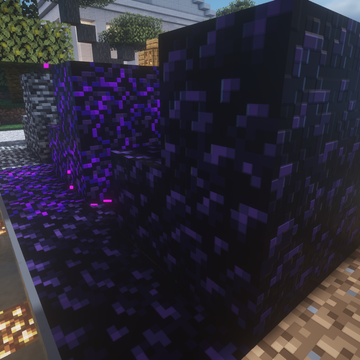
Obsidian

Snow, and Snow Covered Grass

Mycelium

Podzol

Gold Ore and Block

Diamond Ore and Block

Iron Ore and Block

Redstone Ore and Block

Lapis ore & Block

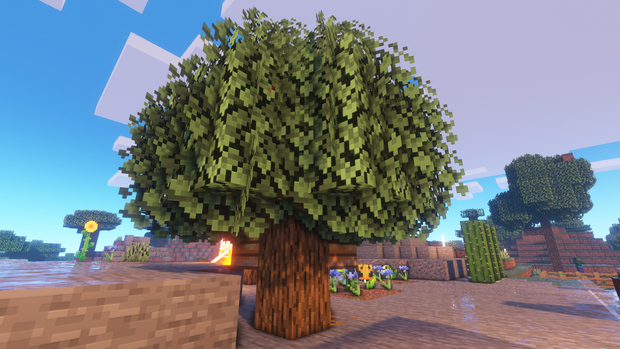
Oak: Logs, Leaves, Planks, Door, Fence, Button, Sign, Stairs, Slab

Carved Pumpkin and Jack-O-Lantern

Bookcase

Enchanting Table

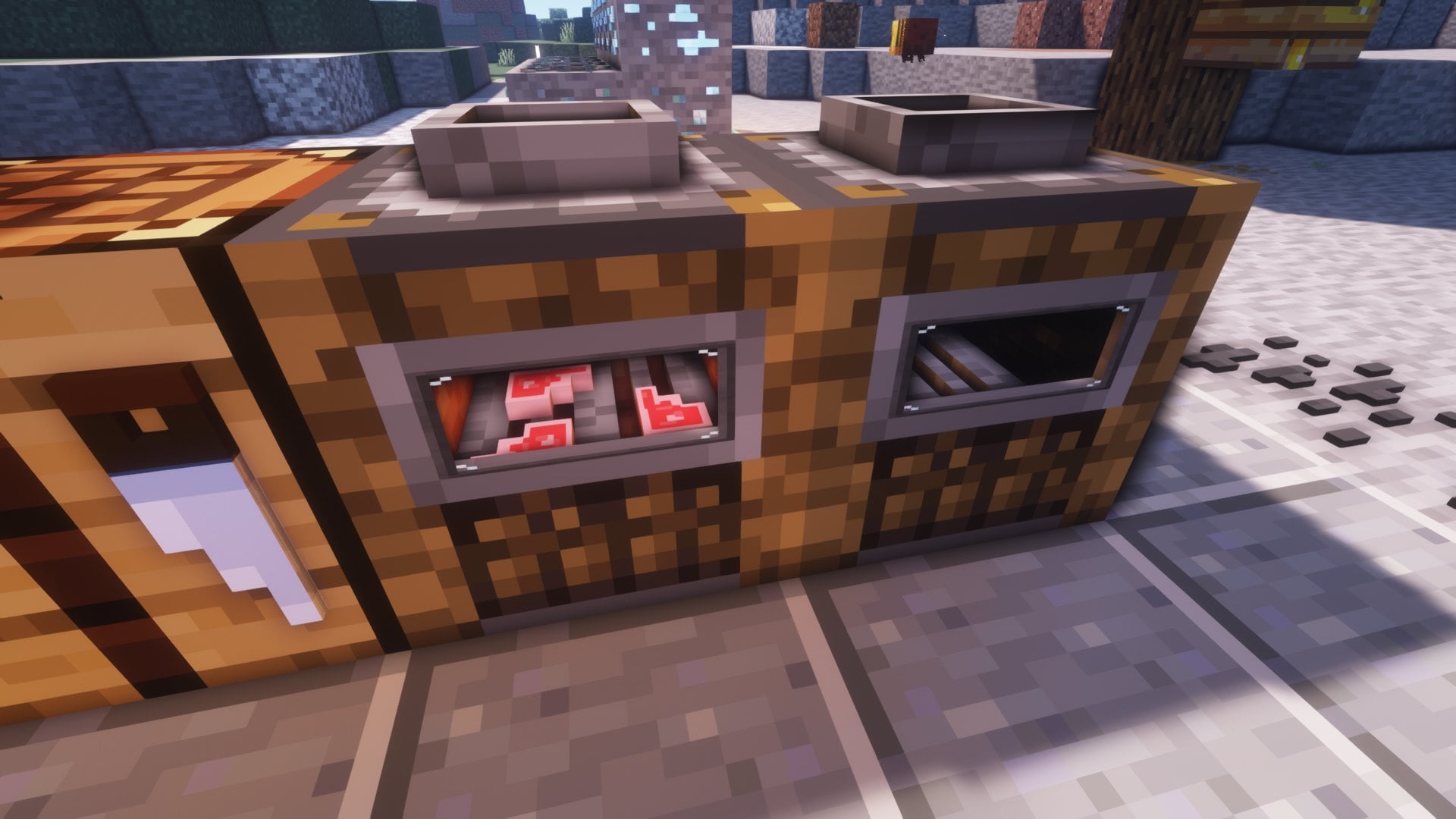
Blast Furnace

Furnace

Smoker

Campfire

Craft Table

Sea Lantern

Ladder

Clear Glass

Rails

Beehive, Bee nest <WIP>

R3D V.1.3.1
MC 1.17.1, 1.17
Release 2021-07-19 Get
1.17 R3D.zip
MC 1.17
Alpha 2021-07-19 Get
R3D V.1.1.zip
MC 1.16.4
Release 2021-01-29 Get

Requirements & install

How to use this resource pack in Minecraft
Resolution
128x
Minecraft
1.16.4 – 1.17.1
Install folder
.minecraft/resourcepacks

How to install resource packs

  1. Download the resource pack .zip file (do not extract it).
  2. In Minecraft open Options → Resource Packs → Open Pack Folder.
  3. Drop the .zip into the resourcepacks folder (.minecraft/resourcepacks).
  4. Move the pack to the Selected column and click Done.

Packs from 128x upwards need more video memory: install a performance mod such as Sodium for smooth frame rates.

Browse more: 16x resource packs 32x resource packs 64x resource packs 128x resource packs 256x resource packs 512x+ resource packs Resource Packs for 1.17.1 All resource packs
Advertisement Remove ads with Premium →

You Might Also Like