Mineuniverse
Resource Packs
Re: Botania Pack

Re: Botania Pack

RESOURCE PACK
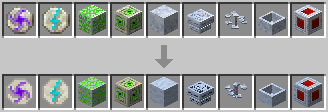
Update Dreamwood and Quartz Textures of Botania for more logic !
by WoXayZ
Download Claim this project
9,101 downloads
0 likes
Updated Oct 14, 2026
0 hypes
16x Miscellaneous
Advertisement Remove ads with Premium →

preview

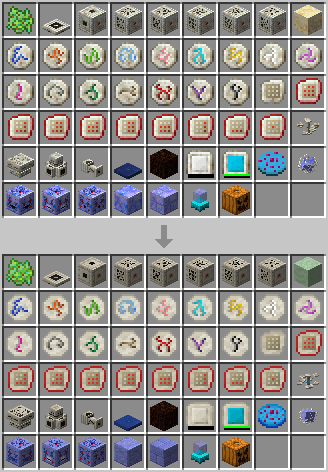
Changes :

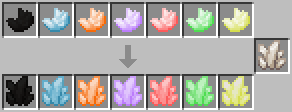
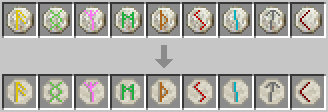
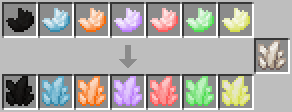
  • Quartz are now in harmony with the vanilla version.

Quartz Items

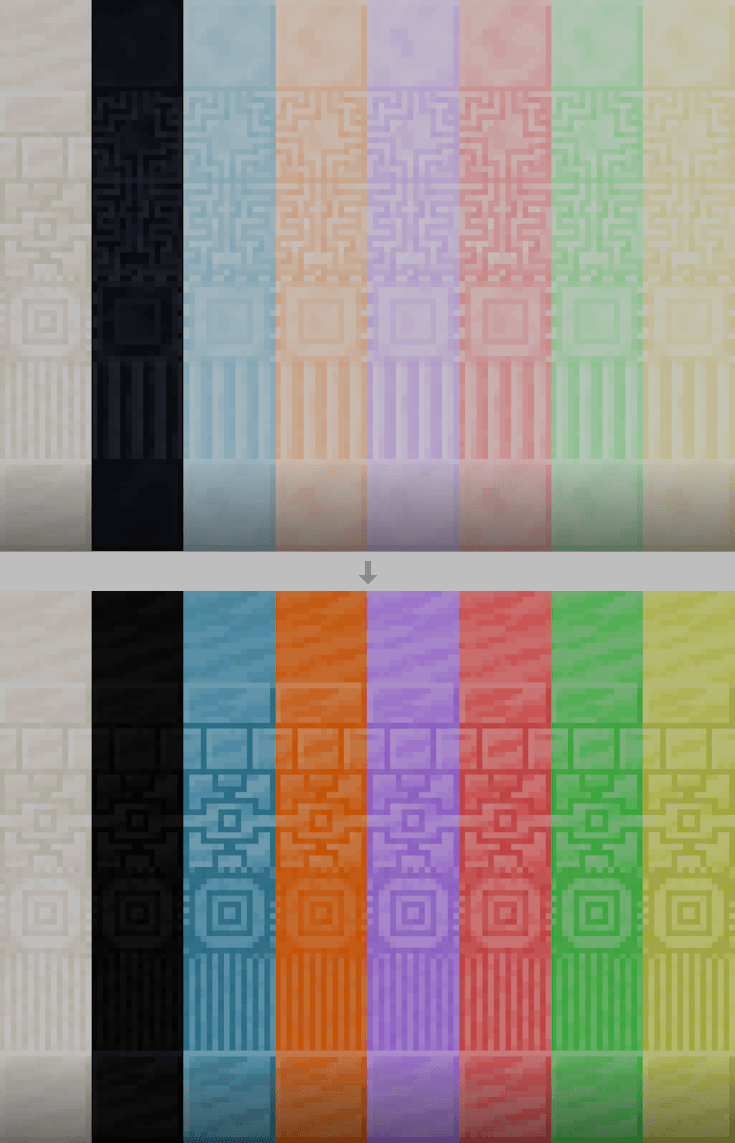
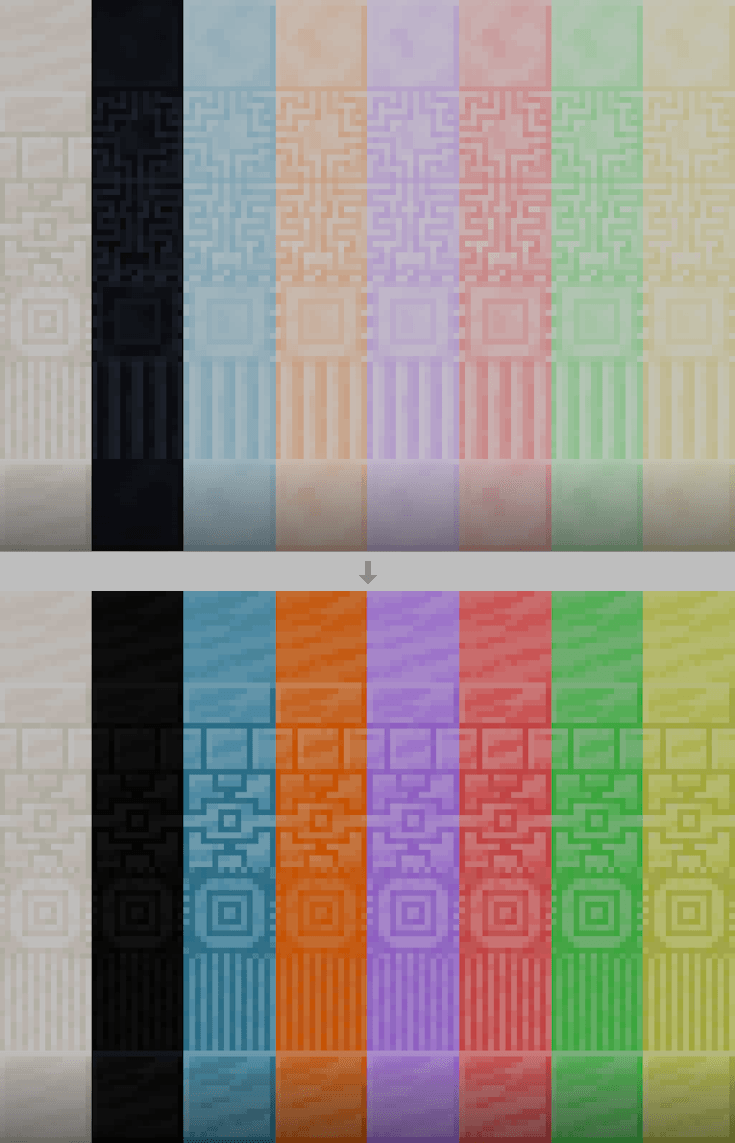
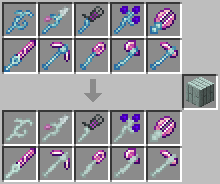
  • Dreamwood stuff is now in harmony with the real color of Dreamwood.

Dreamwood

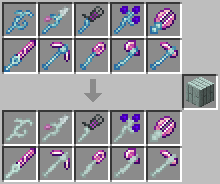
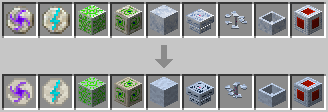
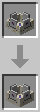
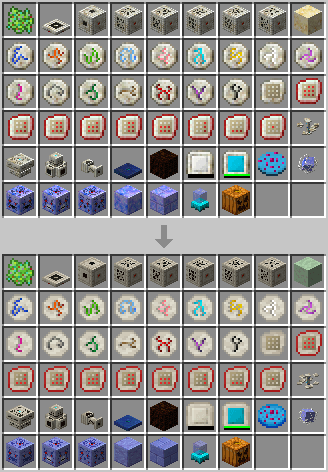
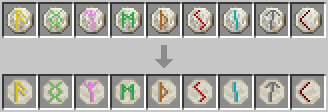
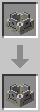
  • Livingrock based are now in harmony with the real style of Livingrock. (and other (jappa) changes)

Compatibilities:

  • Mythic Botany

  • Botanic Additions

  • Applied Botanics


Authorizations

Of course you can freely use this resource pack in your modpacks (creators and players) !


Not the good version ?

Tell me which version you want and i'll add it.

 

Mod : https://www.curseforge.com/minecraft/mc-mods/botania

ReBotania_1.21-1.0
MC 1.21.1
Release 2026-09-01 Get
ReBotania_1.20-1.1
MC 1.20.1, 1.20, 1.20-Snapshot
Release 2026-09-01 Get
ReBotania_1.20-1.2
MC 1.20.1, 1.20, 1.20-Snapshot
Release 2026-09-01 Get
ReBotania_1.20-1.0
MC 1.20.1, 1.20, 1.20-Snapshot
Release 2025-04-07 Get

Requirements & install

How to use this resource pack in Minecraft
Resolution
16x
Minecraft
1.20-Snapshot – 1.21.1
Install folder
.minecraft/resourcepacks

How to install resource packs

  1. Download the resource pack .zip file (do not extract it).
  2. In Minecraft open Options → Resource Packs → Open Pack Folder.
  3. Drop the .zip into the resourcepacks folder (.minecraft/resourcepacks).
  4. Move the pack to the Selected column and click Done.
Browse more: 16x resource packs 32x resource packs 64x resource packs 128x resource packs 256x resource packs 512x+ resource packs Resource Packs for 1.21.1 All resource packs

More from WoXayZ

Advertisement Remove ads with Premium →

You Might Also Like