Mineuniverse
Resource Packs
Raven Phantoms

Raven Phantoms

RESOURCE PACK
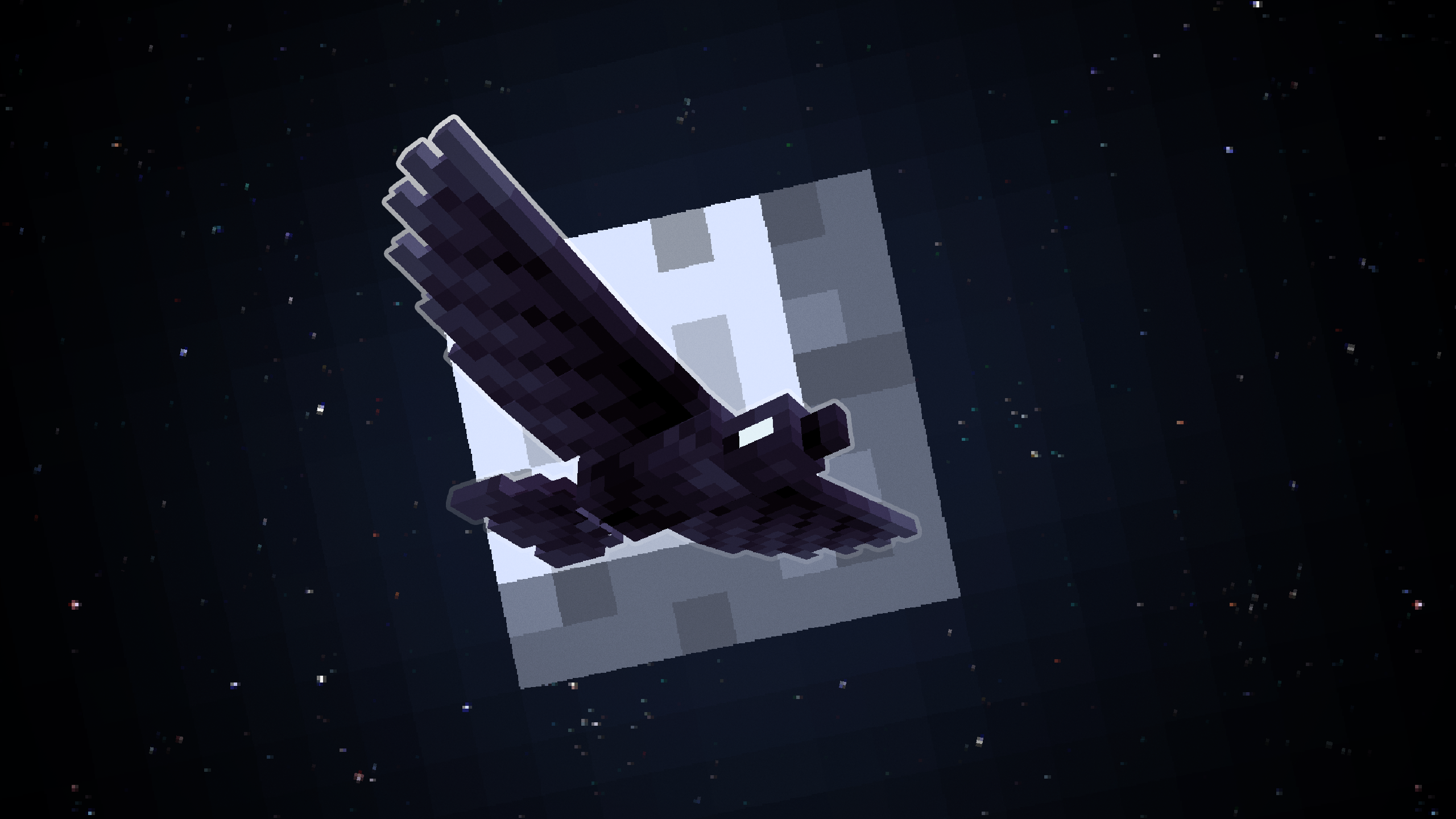
Replaces Phantoms with dark-winged Ravens!
by 2dwisp
Download Claim this project
455,074 downloads
0 likes
Updated Oct 14, 2026
0 hypes
16x Miscellaneous
Advertisement Remove ads with Premium →

Title

                                      Bluesky Xwitter Ko-fi                                                          Modrinth CurseForge

🐦‍⬛ Introduction:

Replaces phantoms with ravens. Also replaces all phantom-related items with raven-related ones, and includes a raven-themed elytra variant using CIT.

🪽 How To Get Raven Wings:

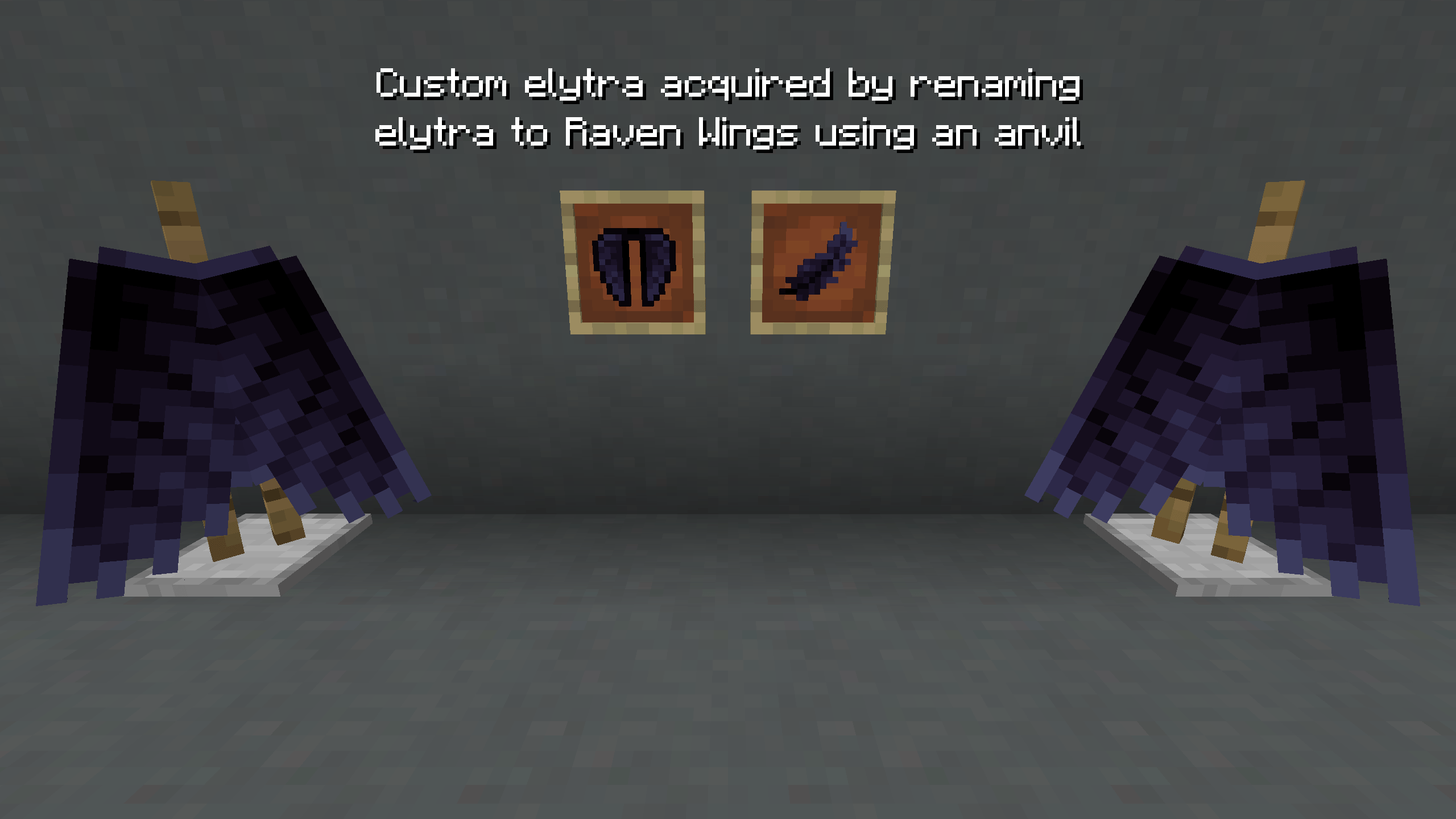
Using the anvil, rename your elytra to Raven Wings. Demo below.
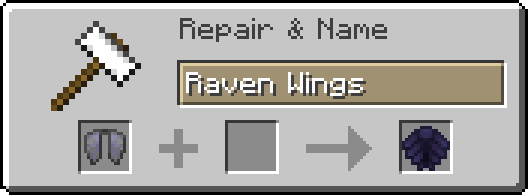
Renaming Guide

⚠️ Required Mods:

One of the following setups must be installed for this pack to work as intended. The pack won't break your game without them, but you won't get the full experience.

OR

OR

🎨 All of my Creations:

🤔 Frequently Asked Questions:

Q: How do I install resourcepacks?
A: Follow this guide.

Q: The pack isn't working!
A: Please make sure either of the setups mentioned in 'Required Mods' above is installed correctly.

Q: Can you port this to Bedrock?
A: I currently have no plans to port this to Bedrock.

Q: Can someone else port this to Bedrock?
A: No, I do not allow third-party ports of my packs.

Q: Can you add this feature?
A: Maybe! Comment any suggestions and we can see what happens.

Q: I found a bug!
A: Comment all bugs and I will fix them as soon as possible.

Q: Does this pack work on X version?
A: Probably. In theory, the pack should work on most modern versions. Though I do not support older versions of Minecraft.

Q: Can I add this to my modpack?
A: Of course! You must give credit and can not claim any of my work as your own.


Bisect Hosting

Raven Phantoms v1.0.1
MC 1.20.2, 1.21, 1.20.5, 1.20.3, 1.20.1, 1.20, 1.20.6, 1.20.4
Release 2024-06-17 Get
RavenPhantoms_v1.0.0.zip
MC 1.19.3, 1.20.2, 1.18.1, 1.19.4, 1.18.2, 1.19.2, 1.20.1, 1.20, 1.19.1, 1.18, 1.19
Release 2023-11-21 Get

Requirements & install

How to use this resource pack in Minecraft
Resolution
16x
Minecraft
1.20 – 1.21
Install folder
.minecraft/resourcepacks

How to install resource packs

  1. Download the resource pack .zip file (do not extract it).
  2. In Minecraft open Options → Resource Packs → Open Pack Folder.
  3. Drop the .zip into the resourcepacks folder (.minecraft/resourcepacks).
  4. Move the pack to the Selected column and click Done.
Browse more: 16x resource packs 32x resource packs 64x resource packs 128x resource packs 256x resource packs 512x+ resource packs Resource Packs for 1.21 All resource packs

More from 2dwisp

Advertisement Remove ads with Premium →

You Might Also Like