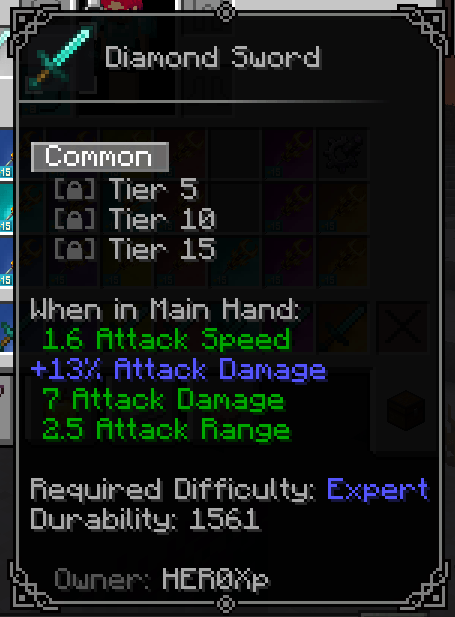
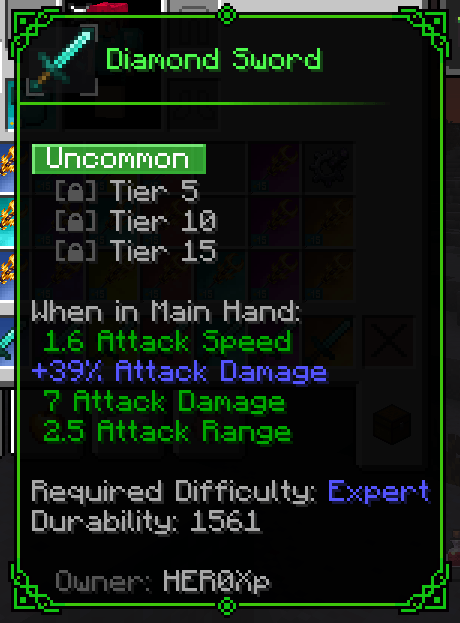
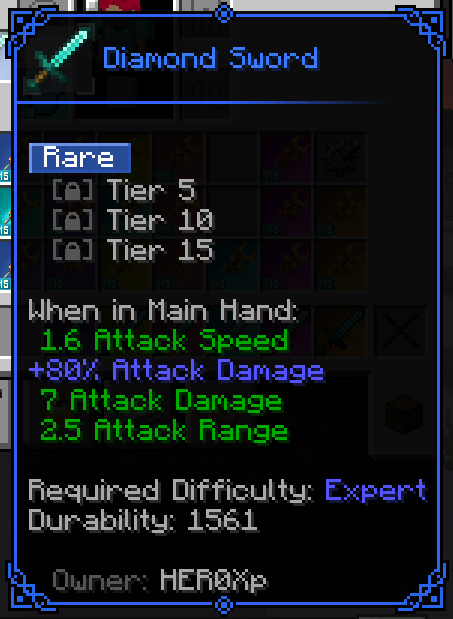
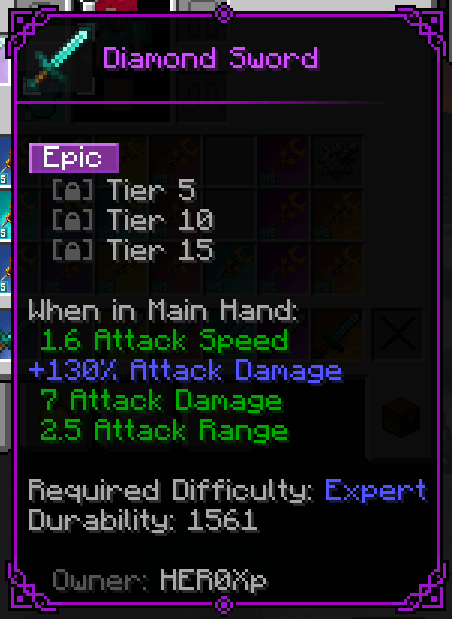
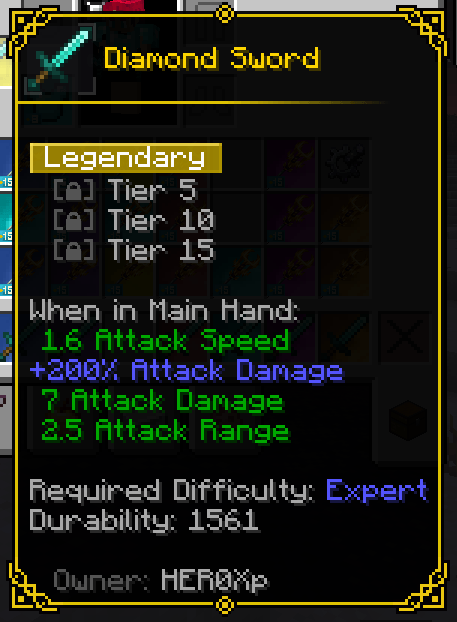
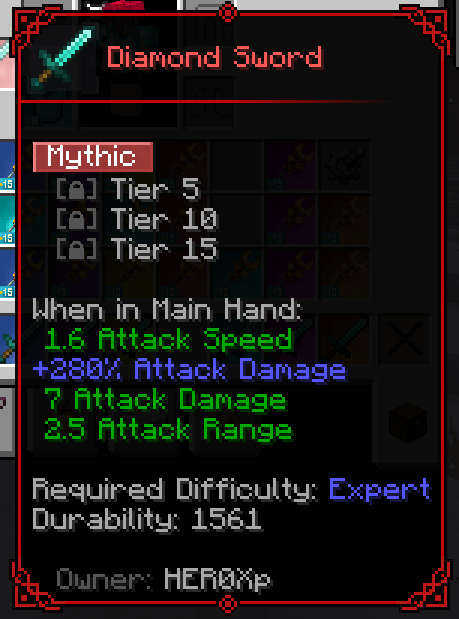
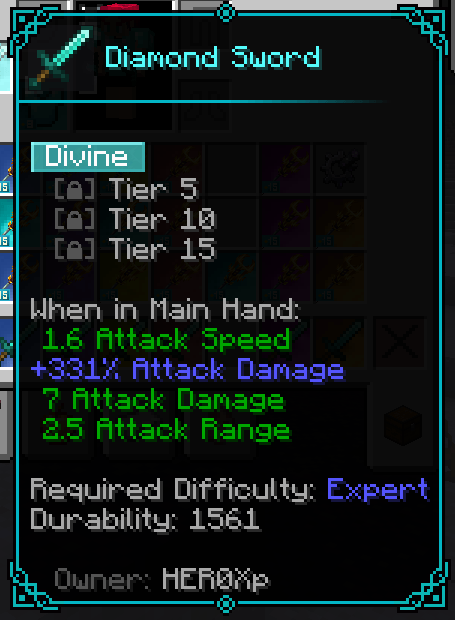
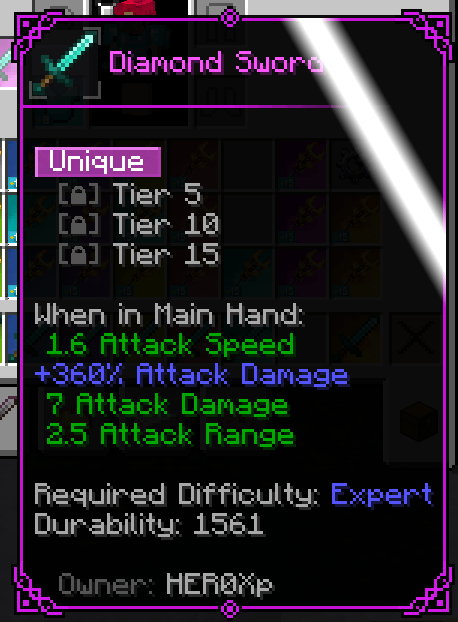
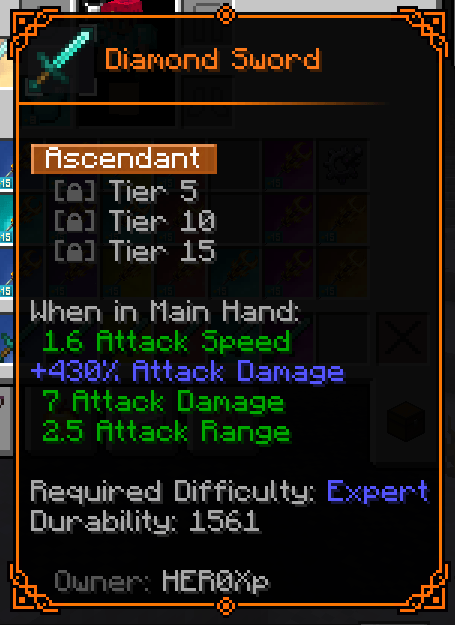
This resource pack adds several frames for the Tooltip Overhaul mod.
Inspired by the RPG style of Diablo 4, Mu Legend, and others.
Visit the Tooltip Overhaul wiki to learn how to use them.
Here's the path to each file:
tooltipoverhaul:textures/overlay/wr_common_frame.pngtooltipoverhaul:textures/overlay/wr_uncommon_frame.pngtooltipoverhaul:textures/overlay/wr_rare_frame.pngtooltipoverhaul:textures/overlay/wr_epic_frame.pngtooltipoverhaul:textures/overlay/wr_legendary_frame.pngtooltipoverhaul:textures/overlay/wr_mythic_frame.pngtooltipoverhaul:textures/overlay/wr_divine_frame.pngtooltipoverhaul:textures/overlay/wr_unique_frame.pngtooltipoverhaul:textures/overlay/wr_ascendant_frame.pngWhen I have more time we'll add some extra styles, with more color variations.
Do you have new ideas, improvements for my mods, or have you found a bug? This is the perfect place to share them!
In our Discord community you can:
💡 Submit proposals and suggestions for improving the mods.
🛠️ Report problems and bugs so we can fix them together.
🎮 Show your creativity: you're free to use my mods in your own modpacks.
📢 Share your modpack on the server and show the community your unique style.
This space is designed for us to grow together, with respect and enthusiasm for creating mods and modpacks. Your contribution is always welcome!