Mineuniverse
Resource Packs
Randomized textures

Randomized textures

RESOURCE PACK
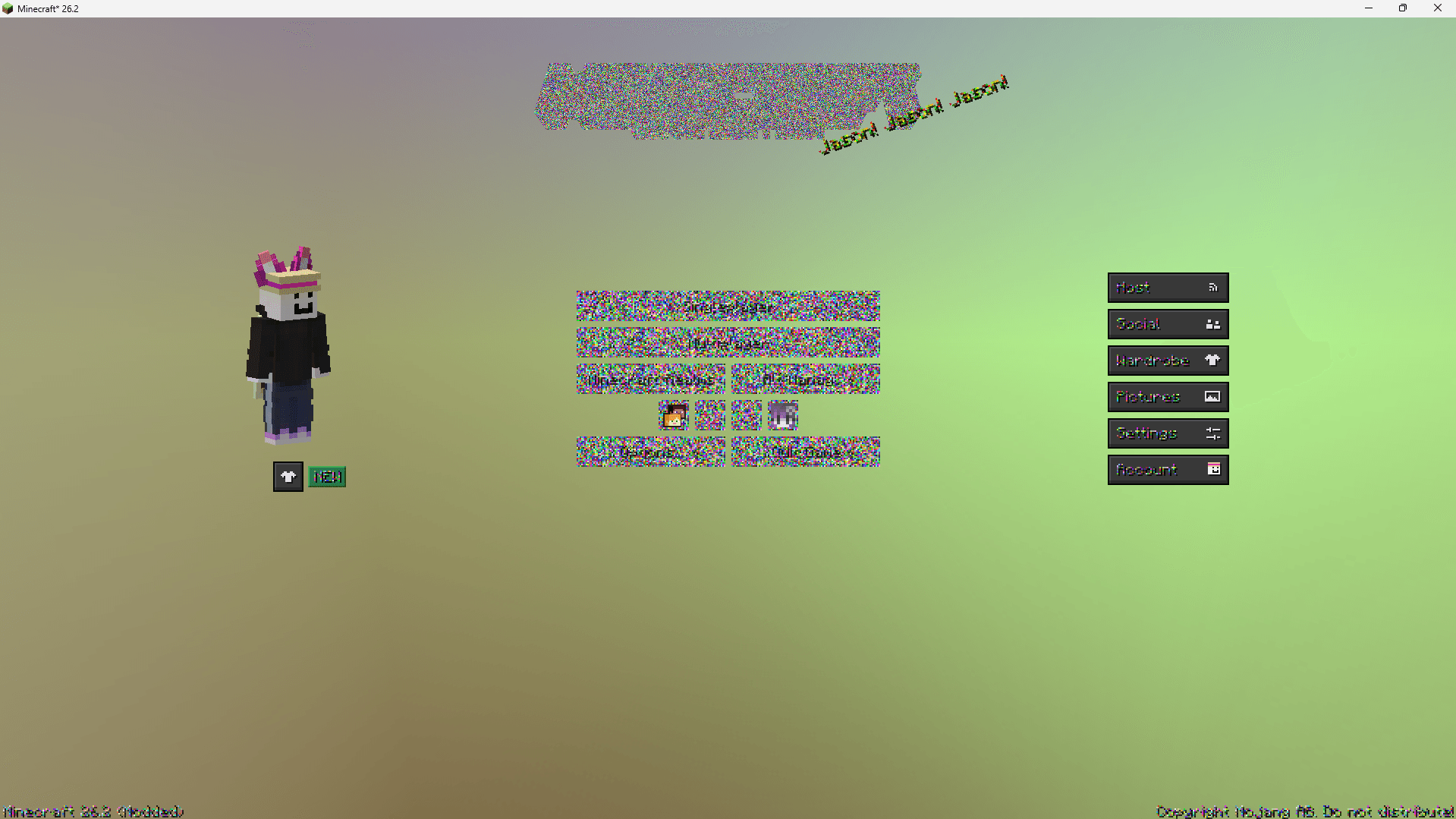
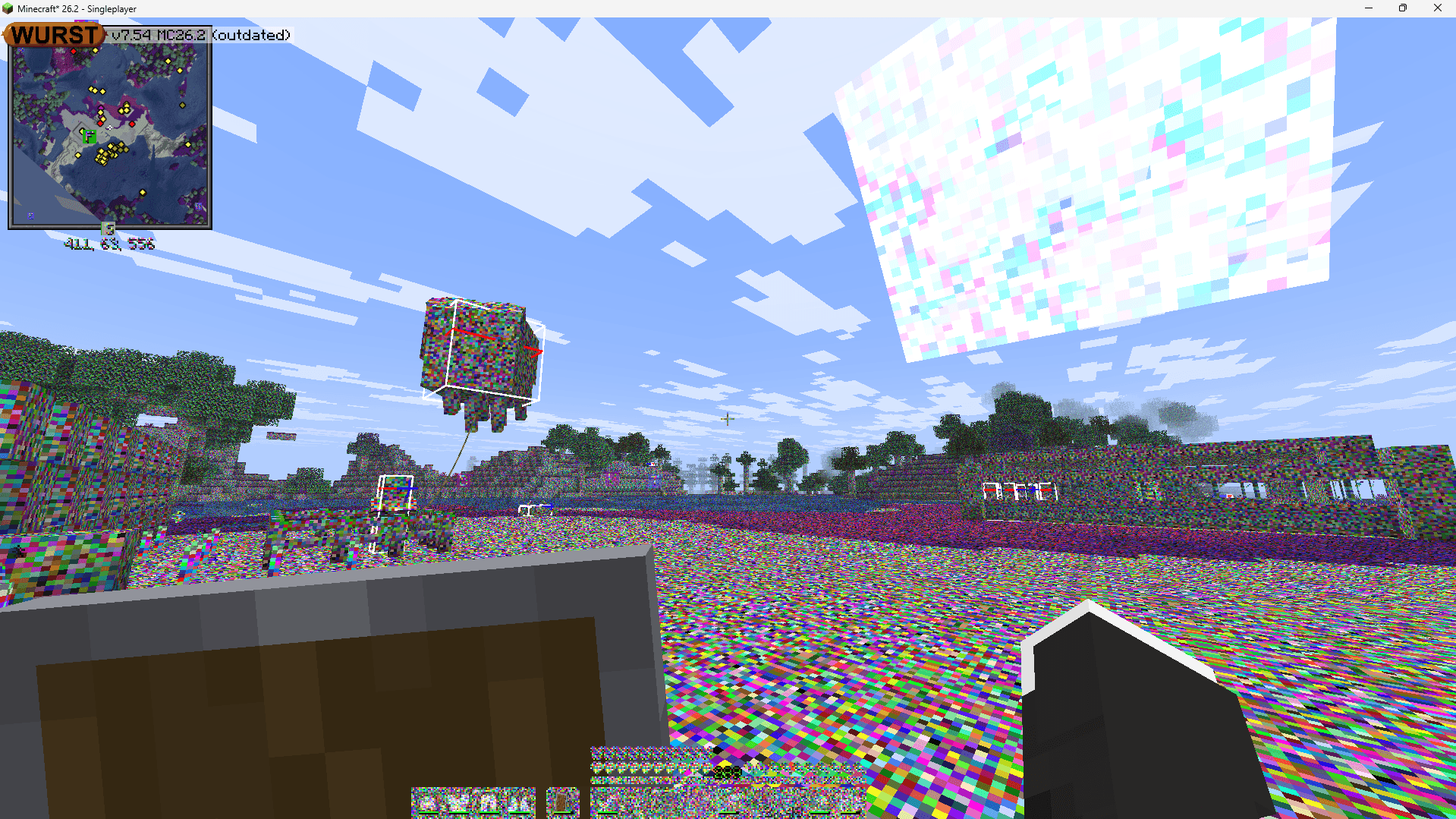
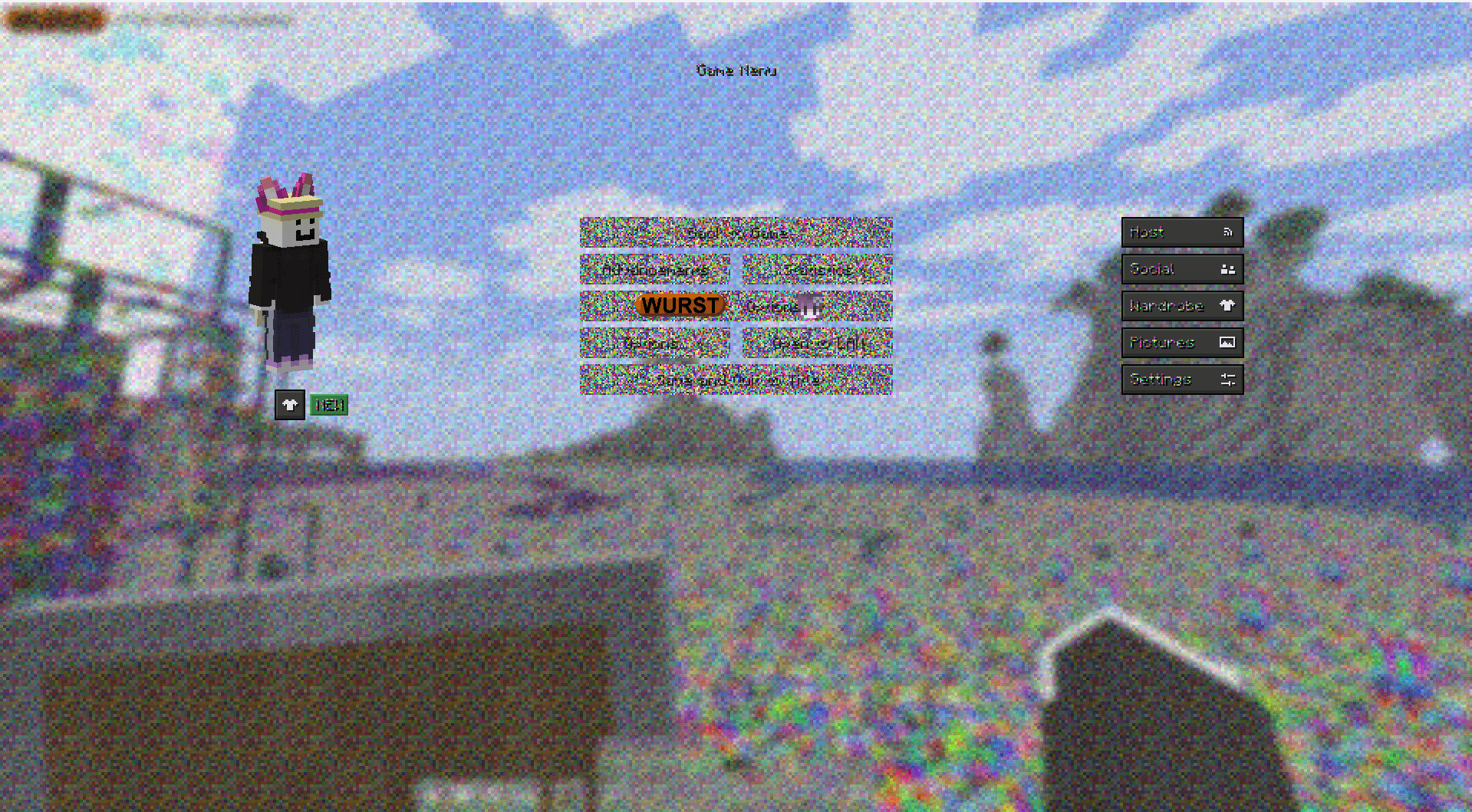
I used a python code to turn all pixels into random colors
by magen049
Download Claim this project
10 downloads
0 likes
Updated Oct 14, 2026
0 hypes
16x Miscellaneous
Advertisement Remove ads with Premium →

I used a python code:

import os
import random
from pathlib import Path
from PIL import Image

def randomize_image(image_path):
    try:
        img = Image.open(image_path).convert("RGBA")
        width, height = img.size
        pixels = img.load()

        for x in range(width):
            for y in range(height):
                r = random.randint(0, 255)
                g = random.randint(0, 255)
                b = random.randint(0, 255)
                
                a = pixels[x, y][3] 
                
                pixels[x, y] = (r, g, b, a)

        img.save(image_path)
        print(f"Randomized: {image_path.name}")
    except Exception as e:
        print(f"Failed to process {image_path.name}: {e}")

def process_resource_pack(pack_path):
    path = Path(pack_path)
    
    if not path.exists():
        print("Error: The specified path does not exist.")
        return

    png_files = list(path.glob("**/*.png"))
    print(f"Found {len(png_files)} texture files. Starting randomization...\n")

    for img_path in png_files:
        randomize_image(img_path)

    print("\nAll textures have been randomized successfully!")

if __name__ == "__main__":
    resource_pack_folder = "."
    
    process_resource_pack(resource_pack_folder)


to change all pixels to random colors. it's beautiful!

random textures-1.21.11.zip
MC 1.21.11
Release 2026-09-30 Get

Requirements & install

How to use this resource pack in Minecraft
Resolution
16x
Minecraft
1.21.11
Install folder
.minecraft/resourcepacks

How to install resource packs

  1. Download the resource pack .zip file (do not extract it).
  2. In Minecraft open Options → Resource Packs → Open Pack Folder.
  3. Drop the .zip into the resourcepacks folder (.minecraft/resourcepacks).
  4. Move the pack to the Selected column and click Done.
Browse more: 16x resource packs 32x resource packs 64x resource packs 128x resource packs 256x resource packs 512x+ resource packs Resource Packs for 1.21.11 All resource packs
Advertisement Remove ads with Premium →

You Might Also Like