Mineuniverse
Resource Packs
rainbow's detailing

rainbow's detailing

RESOURCE PACK
tweaks to the visual style of the game to add details.
by thepoeticrainbow
Download Claim this project
2,672 downloads
0 likes
0 followers
Updated Oct 14, 2026
0 hypes
Follow0
16x Animated Miscellaneous Traditional
Advertisement Remove ads with Premium →

A builder's companion


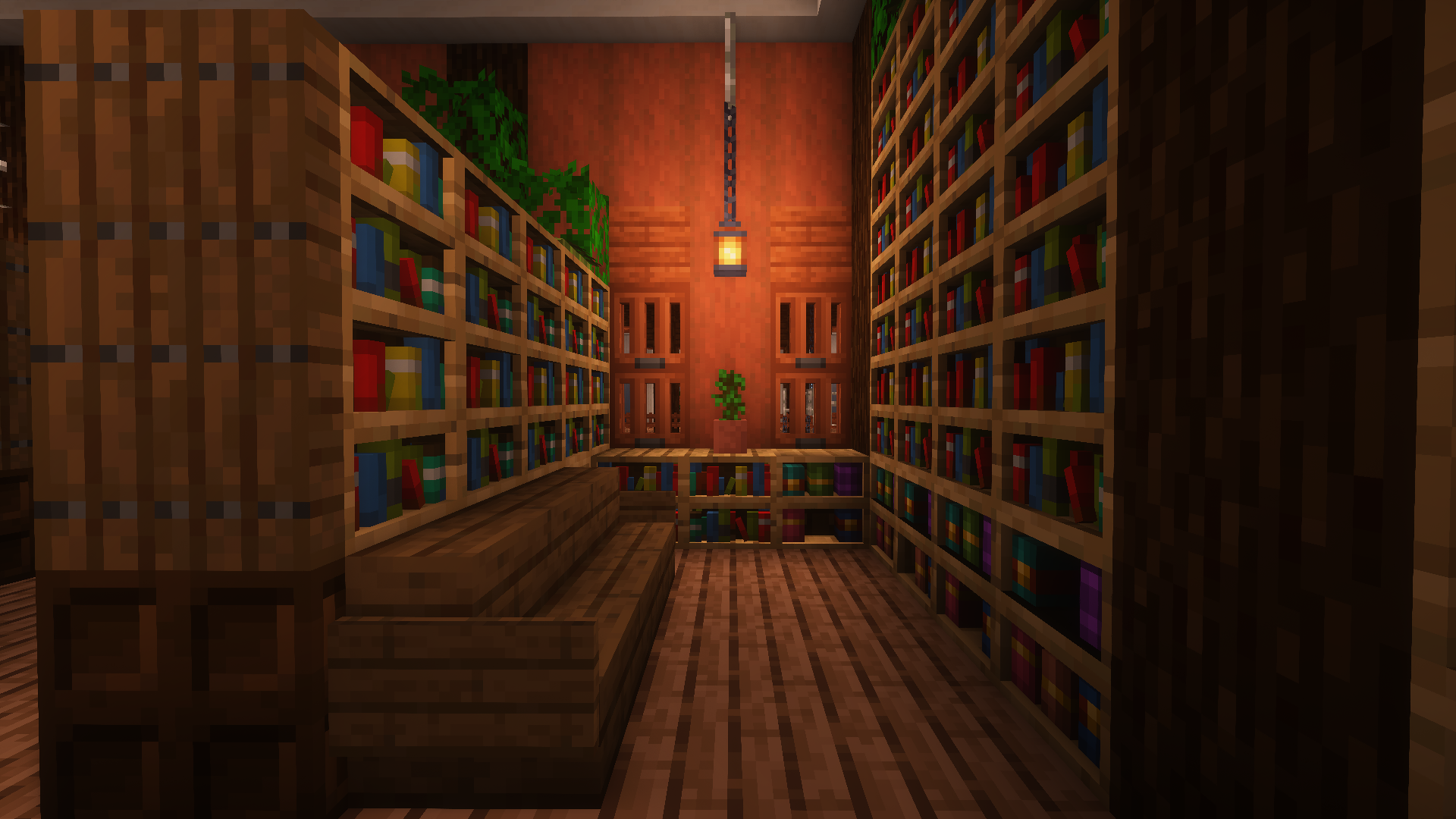
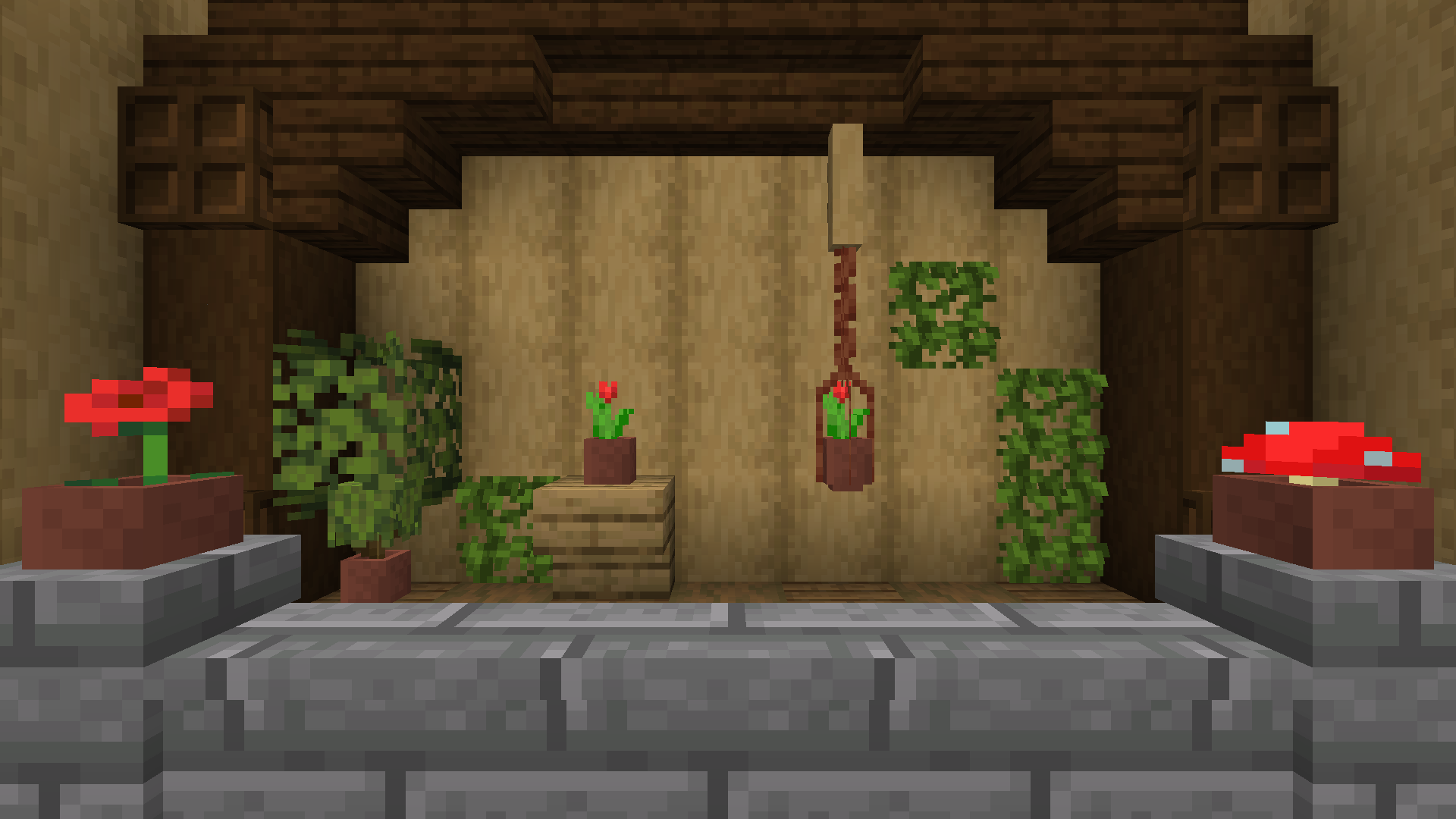
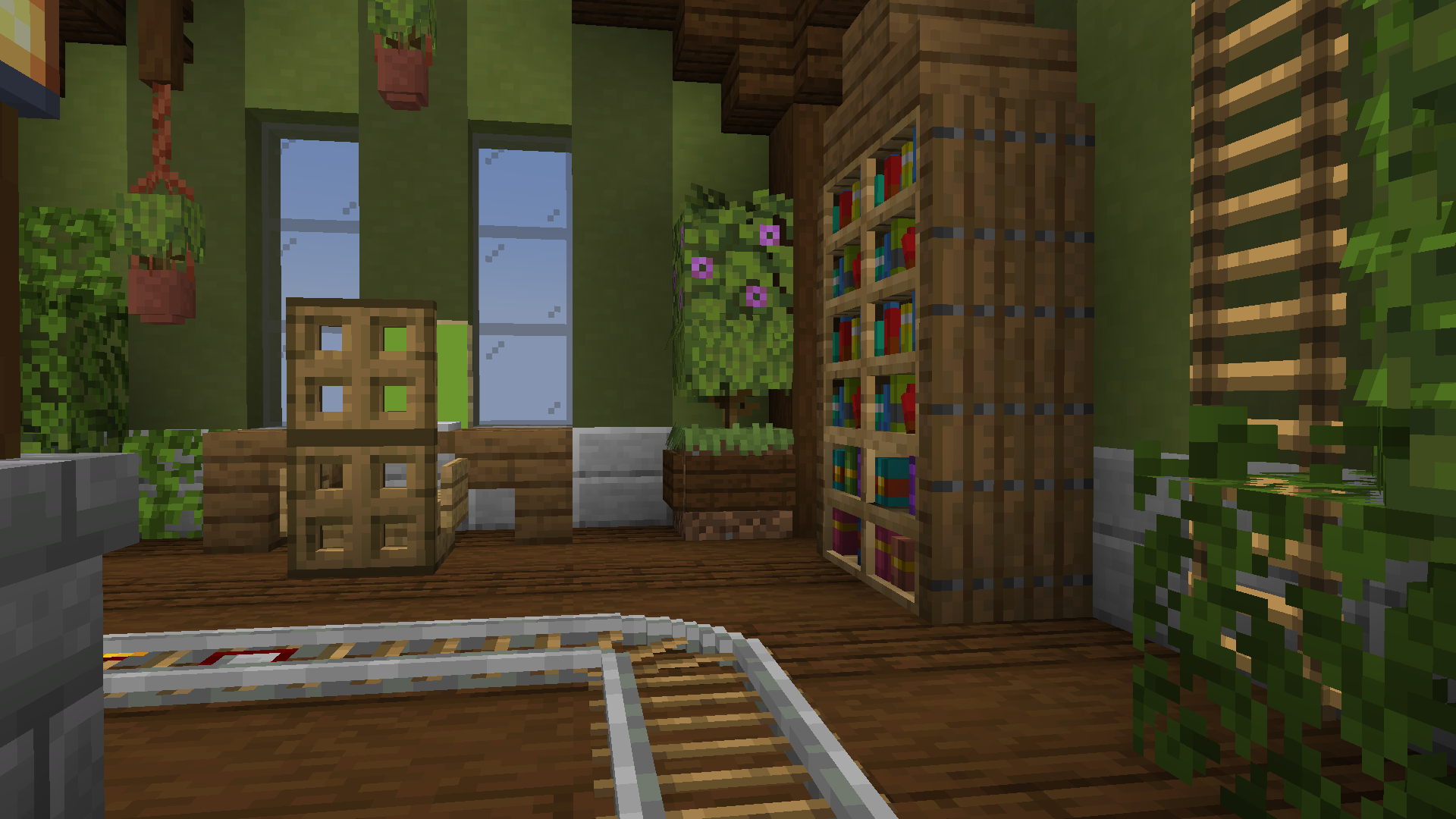
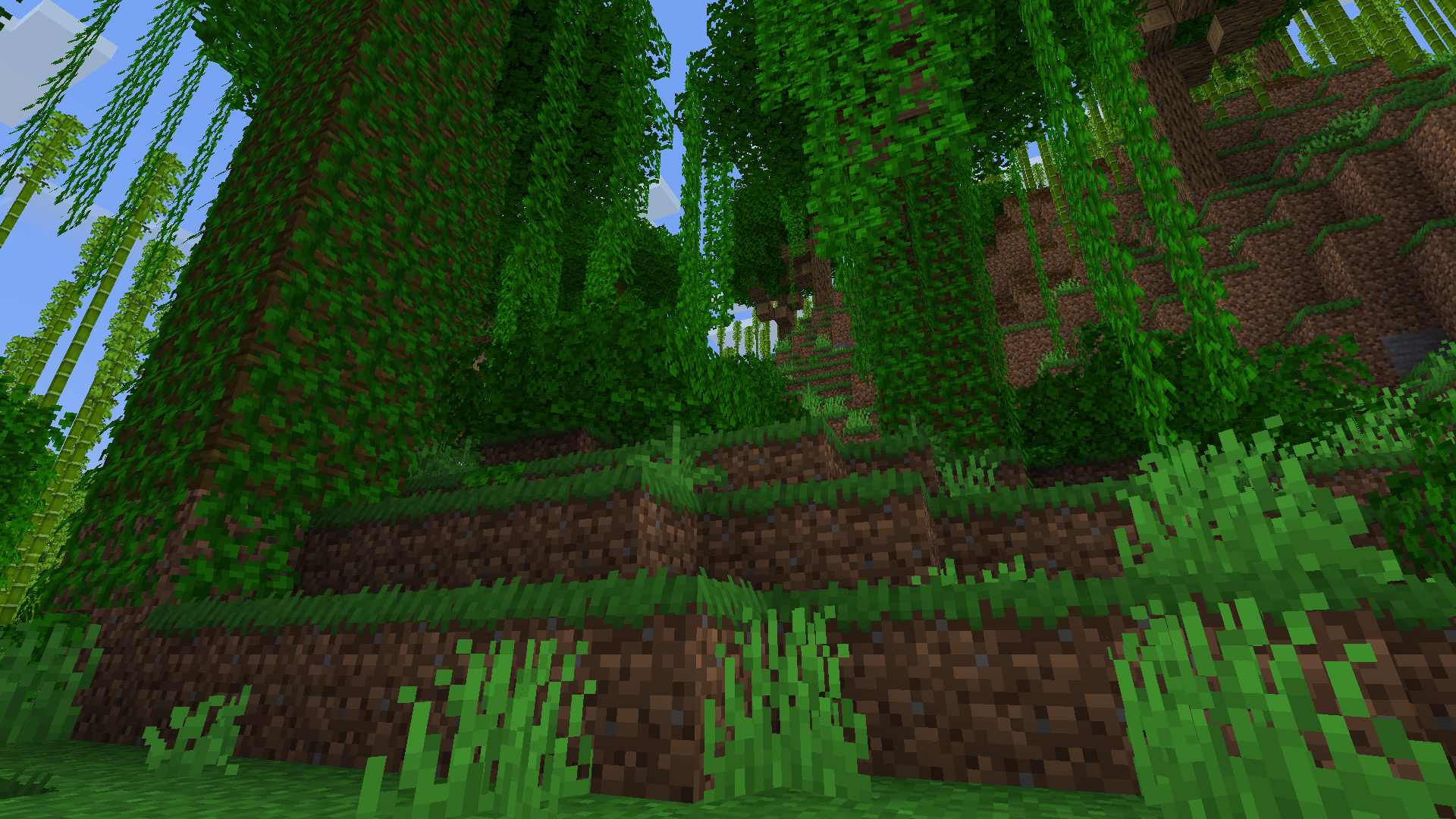
Rainbow's Detailing is an all-in-one resource pack that tweaks the visual style of the game to add details in many areas. Blocks you already use are given a boost in detail and greater harmony with other blocks. In the end, the pack will give you more possibilities with building.

Every addition in the pack is pixel consistent with Vanilla and uses proper parenting in the models. This means additions like the new model for Walls should work with any Walls added from a mod. If the mod is notable and the pack does not work, then I will consider adding support for it.

The pack is especially tailored to those who avoid resource packs in fear of their builds looking bad without them. The largest change that would affect your builds' looks would be the color swap of Stripped Dark Oak. The color is changed to match Dark Oak Planks and finally gives the Stripped Dark Oak a set of matching stairs and slabs in doing so. Without the pack, the log is desaturated and strangely lighter. This is your only worry in using my pack.


Consider supporting me on Ko-Fi.


A general list of blocks affected:


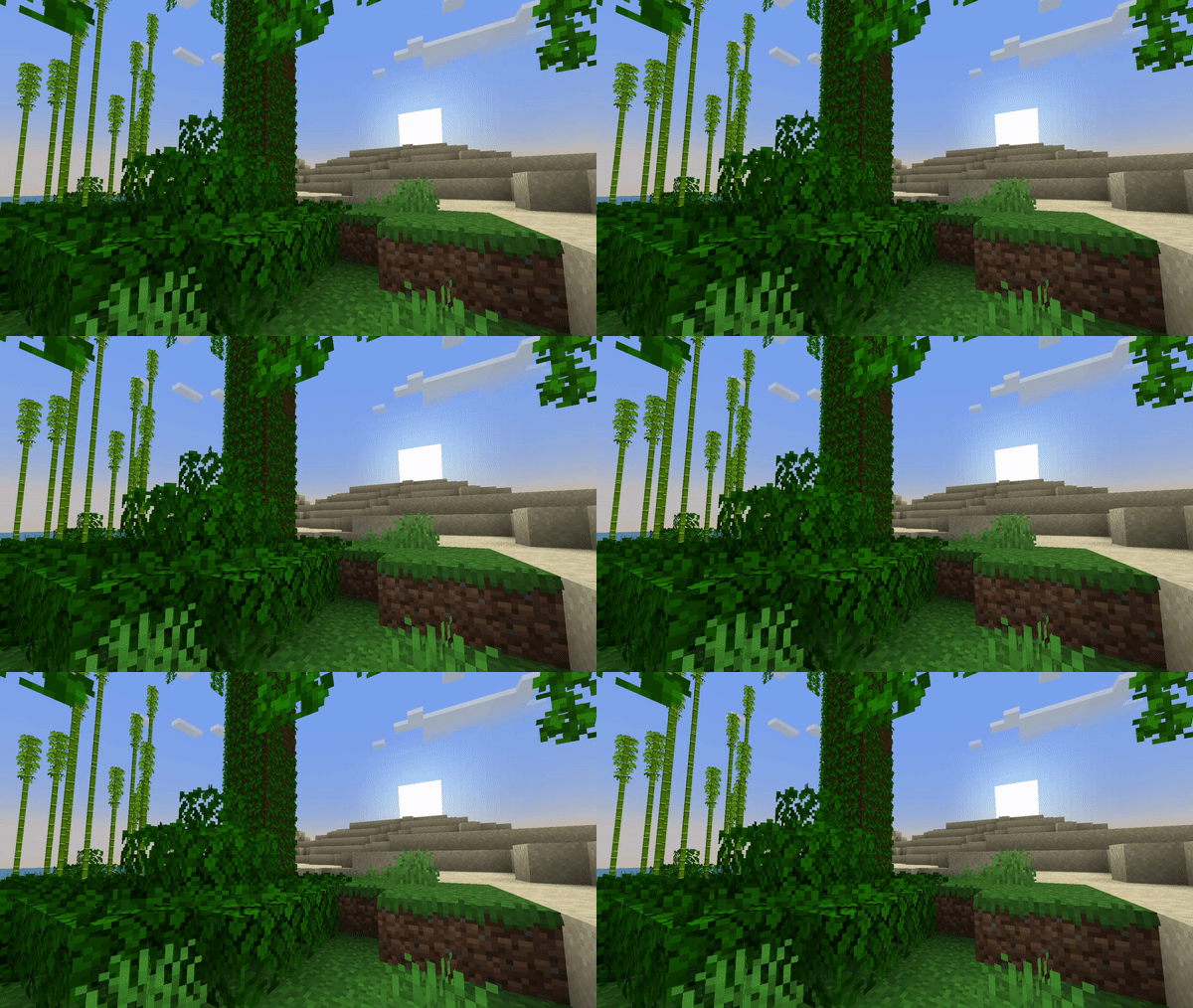
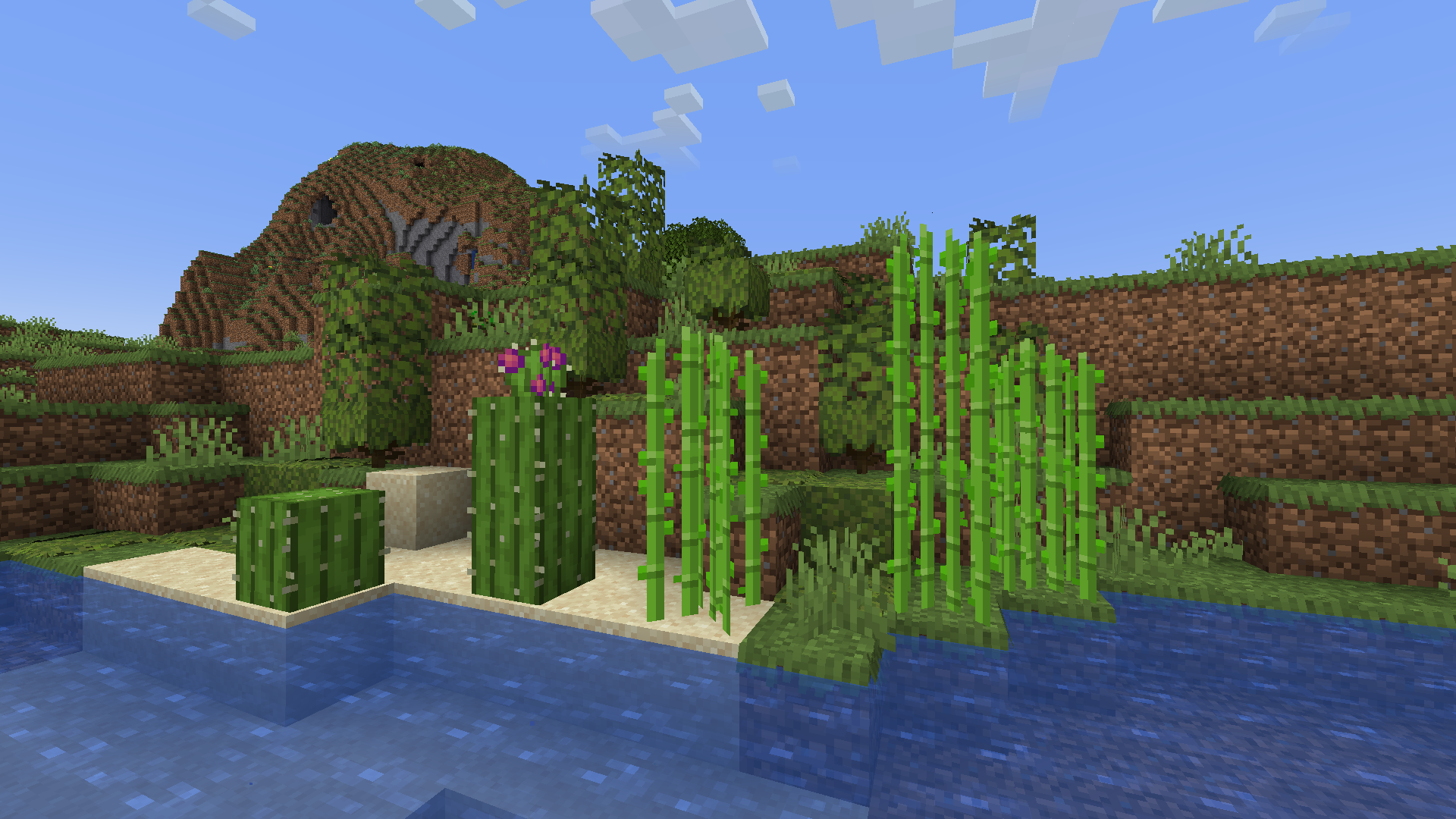
  • Grass Blocks
  • Grass
  • Moss Carpet
  • Leaves
  • Vines
  • Azaleas
  • Stripped Dark Oak
  • Fences
  • Walls
  • Doors
  • Trapdoors
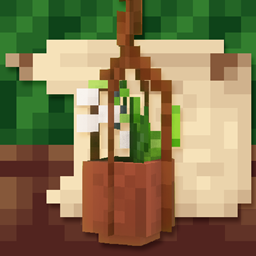
  • Flower Pots
  • Bookshelves
  • Chiseled Bookshelves
  • Map Item Frames
  • Sculk Vein
  • Rails
  • Ladders
  • Sugar Cane


You are not allowed to redistribute my pack without using official download links. Any edits of the pack cannot be publicly uploaded for distribution without explicit permission. Thank you.

rainbows_detailing_1.0_[1.20.x].zip
MC 1.20.2, 1.20.2-Snapshot, 1.20.3-Snapshot, 1.20.1, 1.20, 1.20-Snapshot
Release 2023-10-31 Get

Requirements & install

How to use this resource pack in Minecraft
Resolution
16x
Minecraft
1.20-Snapshot – 1.20.3-Snapshot
Install folder
.minecraft/resourcepacks

How to install resource packs

  1. Download the resource pack .zip file (do not extract it).
  2. In Minecraft open Options → Resource Packs → Open Pack Folder.
  3. Drop the .zip into the resourcepacks folder (.minecraft/resourcepacks).
  4. Move the pack to the Selected column and click Done.
Browse more: 16x resource packs 32x resource packs 64x resource packs 128x resource packs 256x resource packs 512x+ resource packs Resource Packs for 1.20.3-Snapshot All resource packs

More from thepoeticrainbow

Advertisement Remove ads with Premium →

You Might Also Like