Mineuniverse
Resource Packs
Rainbow Enchantment Glint+

Rainbow Enchantment Glint+

RESOURCE PACK
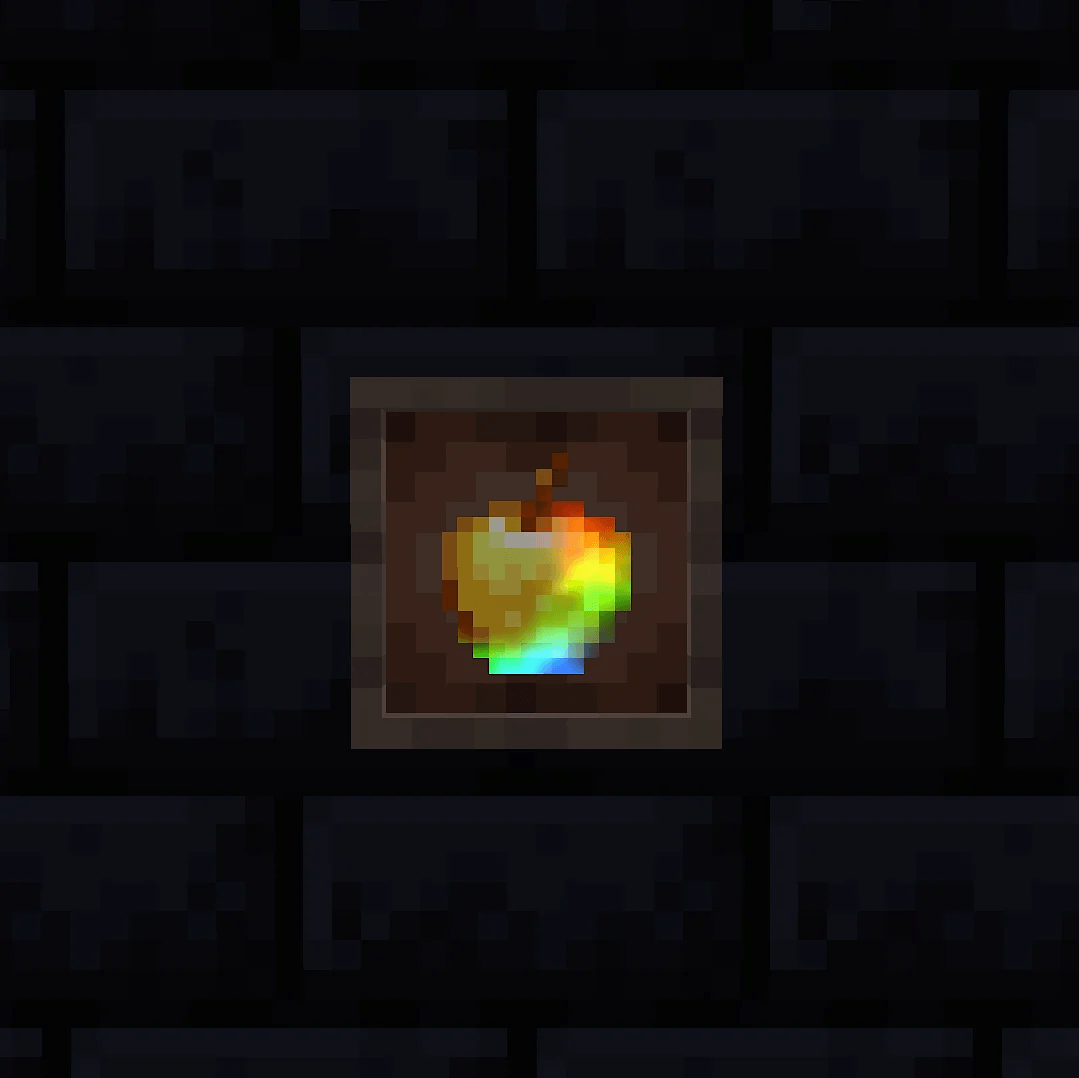
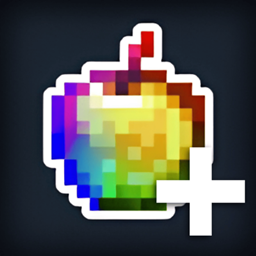
Give all your enchanted items a vibrant, animated rainbow glint! Fork of Rainbow Enchantment Glint
by Fring
Download Claim this project
Add a badge to your pageLink to Rainbow Enchantment Glint+ from a README, website or forum post.
Preview: Badge

Badges update automatically and link to the resource pack page on MineUniverse.

21,566 downloads
0 likes
0 followers
Updated Oct 14, 2026
0 hypes
Follow0
128x Animated Miscellaneous
Advertisement Remove ads with Premium →


Rainbow Enchantment Glint+

Features:

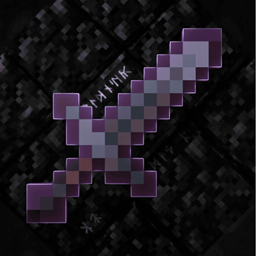
  • 🌈 Rainbow Glint: Replaces the boring purple enchantment glow with a smooth, shifting rainbow effect!
  • Full Support: Works perfectly on all enchanted items and books
  • FPS Friendly: Super lightweight and highly optimized resource pack

ℹ️ Note: This project is a fork of Rainbow Enchantment Glint by DIMaalF

26.3+3.0.0
MC 26.3
Release 2026-09-16 Get
1.21-1.21.3+2.2.0
MC 1.21, 1.21.1, 1.21.3, 1.21.2
Release 2026-09-11 Get
1.21.4-26.2+2.2.0
MC 1.21.8, 1.21.5, 1.21.4, 1.21.6, 1.21.7, 1.21.9, 1.21.10, 1.21.11, 26.1, 26.1.1, 26.1.2, 26.2
Release 2026-09-11 Get
Rainbow Enchanted Glint+ 2.1.0.zip
MC 1.21.8, 1.21.5, 1.21.4, 1.21.6, 1.21.7, 1.21.9, 1.21.10, 1.21.11, 26.1, 26.1.1, 26.1.2, 26.2
Release 2026-08-08 Get
Rainbow Enchanted Glint+ 2.0.0
MC 26.1, 26.1.1, 26.1.2, 26.2
Release 2026-06-11 Get
Rainbow Enchanted Glint+ 1.0
MC 1.19-Snapshot, 1.19.3, 1.20.2, 1.19.4, 1.19.4-Snapshot, 1.20.5, 1.20.1, 1.20, 1.20.6, 1.20-Snapshot, 1.19.1, 1.20.4, 1.19.2, 1.19, 1.19.3-Snapshot
Release 2026-06-02 Get
Rainbow Enchanted Glint+ 1.0
MC 1.21, 1.21.8, 1.21.5, 1.21.4, 1.21.1, 1.21.6, 1.21.3, 1.21.7, 1.21.2, 1.21.9, 1.21.10, 1.21.11
Release 2026-06-02 Get

Requirements & install

How to use this resource pack in Minecraft
Resolution
128x
Minecraft
1.21.9 – 26.3
Install folder
.minecraft/resourcepacks

How to install resource packs

  1. Download the resource pack .zip file (do not extract it).
  2. In Minecraft open Options → Resource Packs → Open Pack Folder.
  3. Drop the .zip into the resourcepacks folder (.minecraft/resourcepacks).
  4. Move the pack to the Selected column and click Done.

Packs from 128x upwards need more video memory: install a performance mod such as Sodium for smooth frame rates.

Browse more: 16x resource packs 32x resource packs 64x resource packs 128x resource packs 256x resource packs 512x+ resource packs Resource Packs for 26.3 All resource packs

More from Fring

Advertisement Remove ads with Premium →

You Might Also Like