Mineuniverse
Resource Packs
Railways of Elysia

Railways of Elysia

RESOURCE PACK
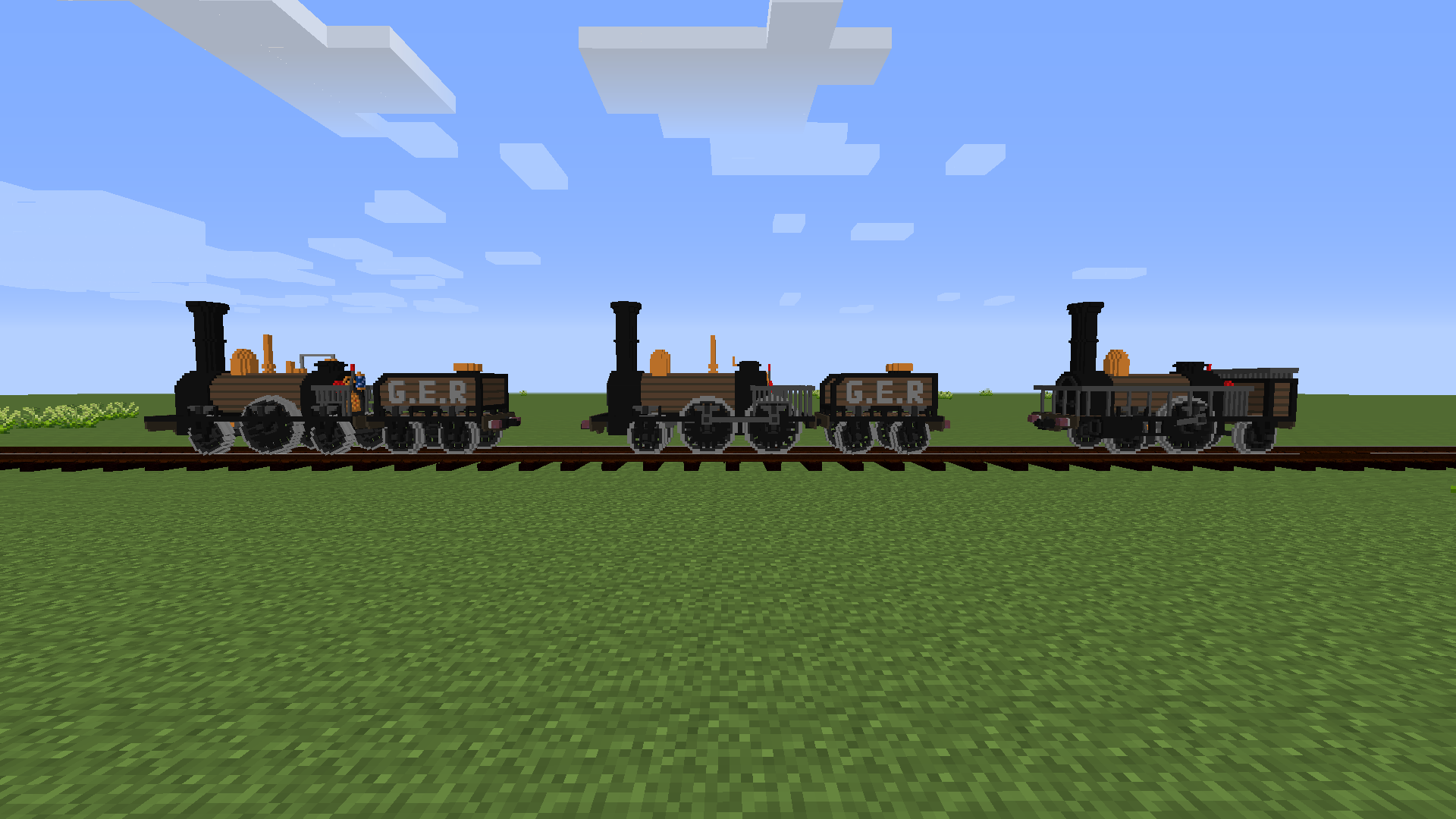
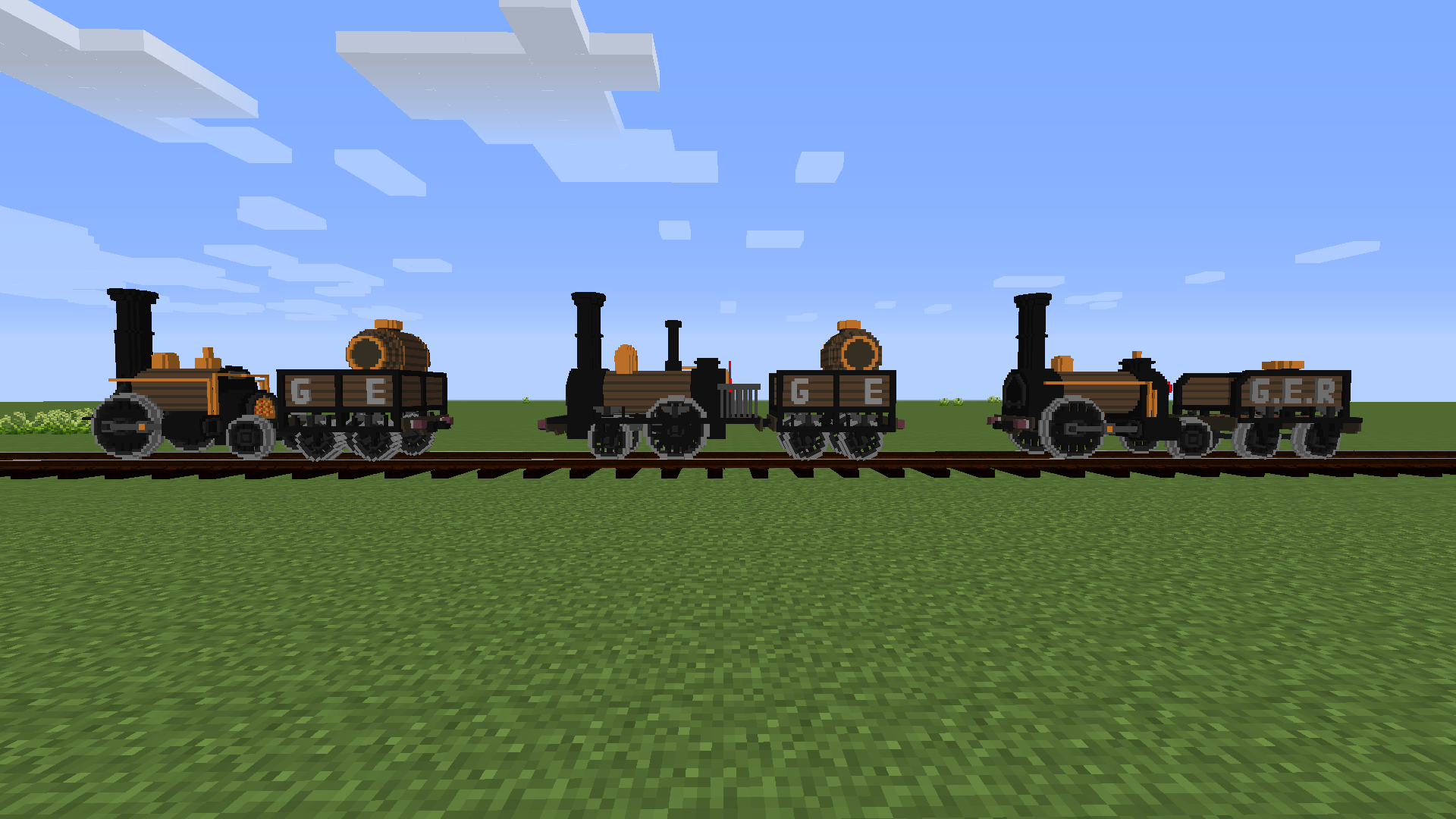
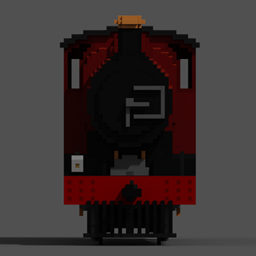
Immersive Railroading Content Pack for Elysia AWR
by ZeBoss07
Download Claim this project
Add a badge to your pageLink to Railways of Elysia from a README, website or forum post.
Preview: Badge

Badges update automatically and link to the resource pack page on MineUniverse.

1,864 downloads
0 likes
0 followers
Updated Oct 14, 2026
0 hypes
Follow0
16x Miscellaneous
Advertisement Remove ads with Premium →

YOU NEED THE IMMERSIVE RAILROADING MOD FOR THIS TO WORK  https://www.curseforge.com/minecraft/mc-mods/immersive-railroading


RESOURCE PACKS FOR IMMERSIVE RAILROADING PACK WORK REGARDLESS OF VERSION!

Place the  pack in ...[your minecraft folder]/config/immersiverailroading


Immersive Railroading Content Pack for trains used for my Modpack: Elysia AWR https://www.curseforge.com/minecraft/modpacks/elysia-reshapen
These trains are utilised on my MC server running this modpack: Elysia MC https://discord.gg/vVPhUeKEp9


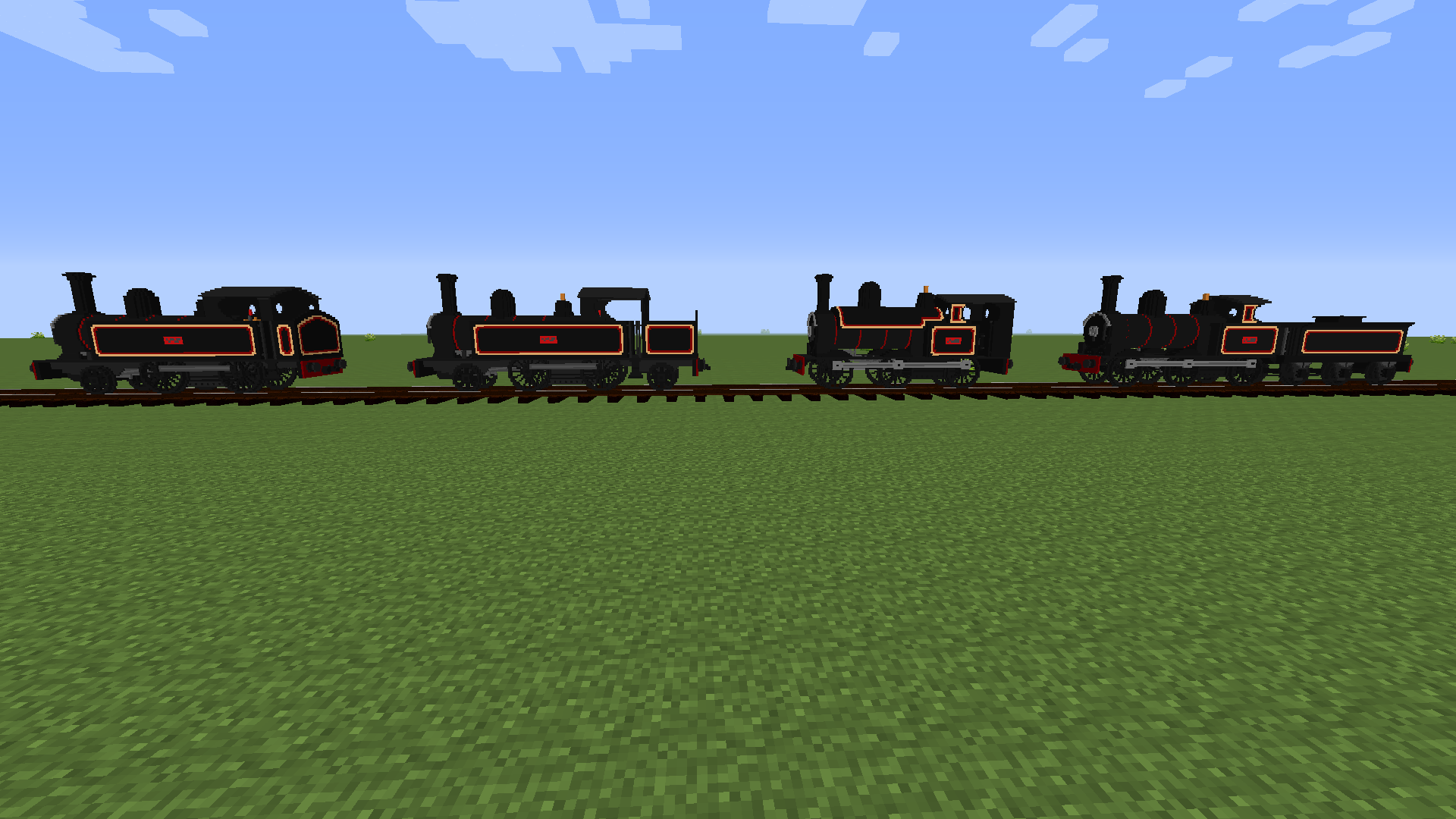
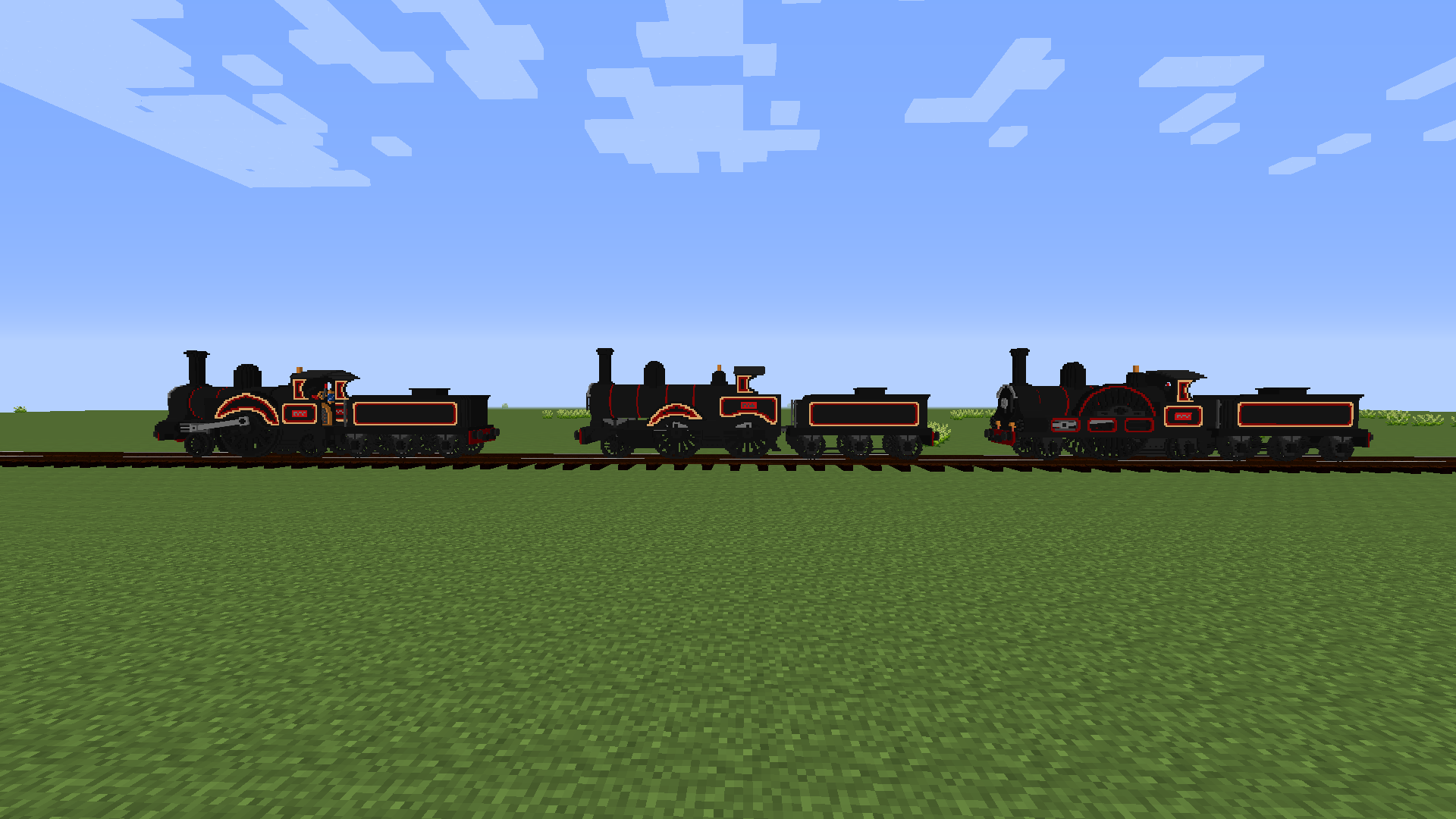
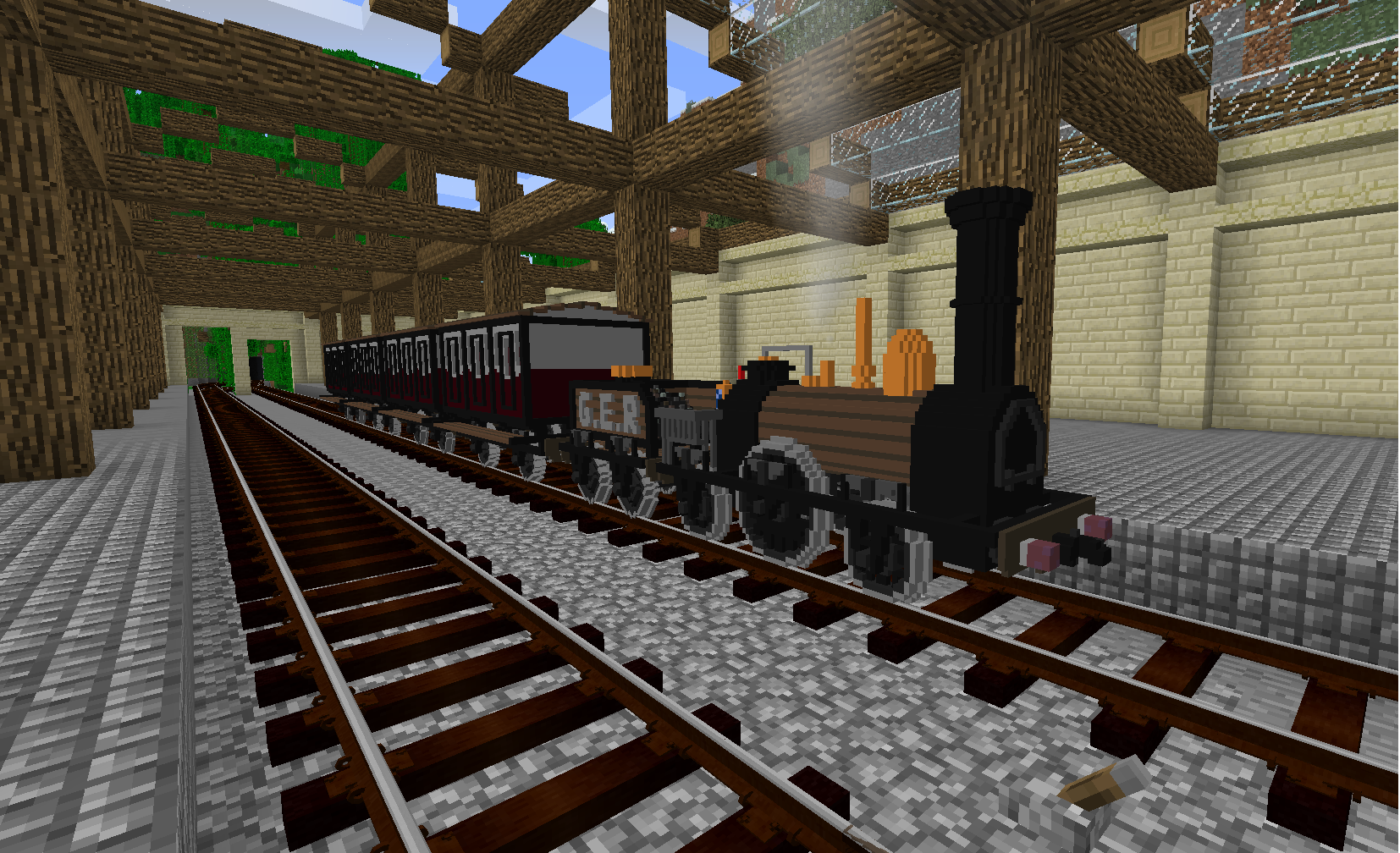
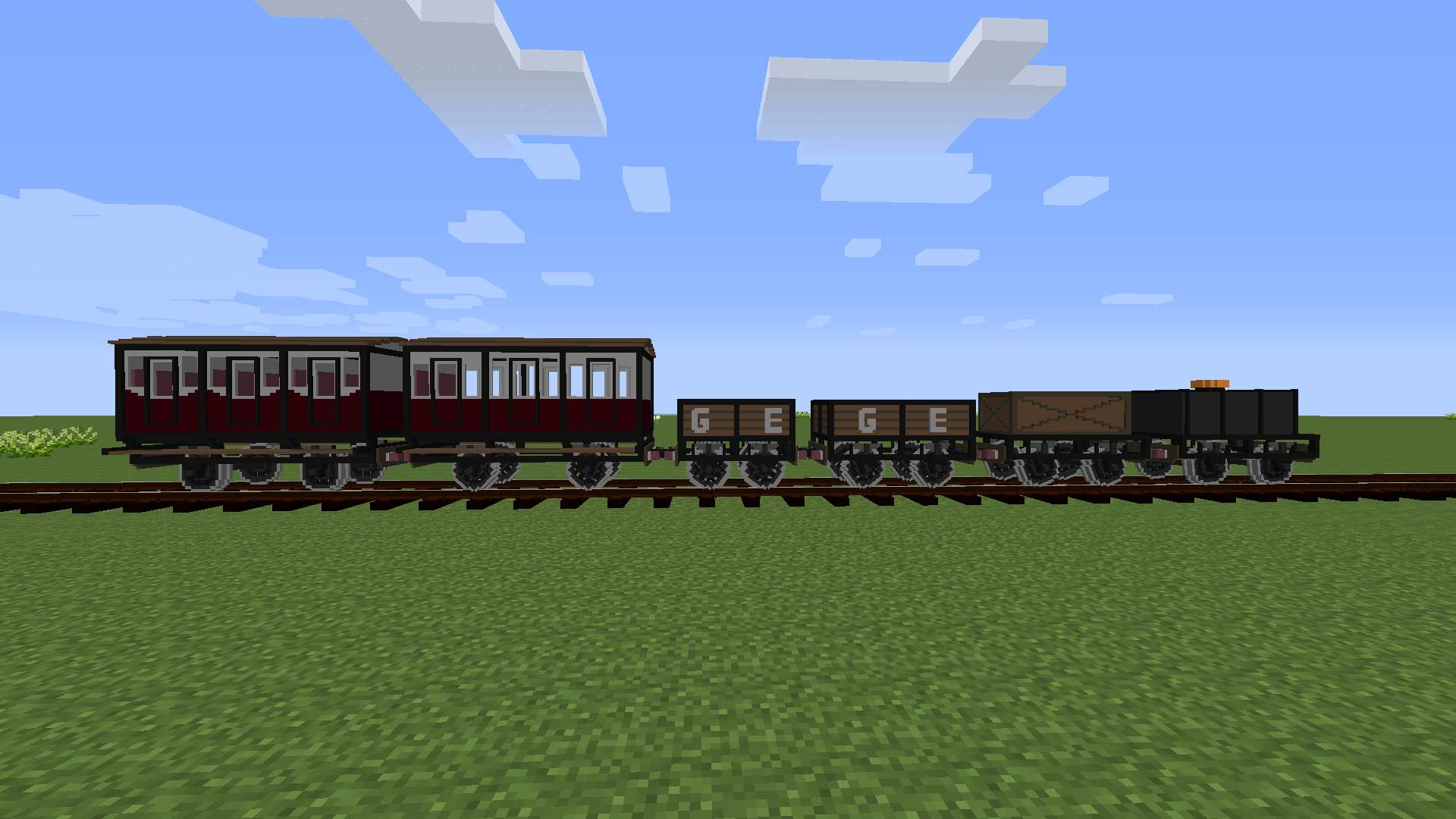
Current Stock:

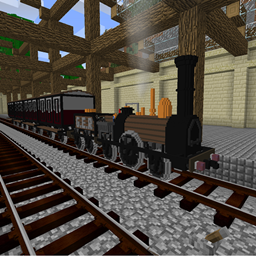
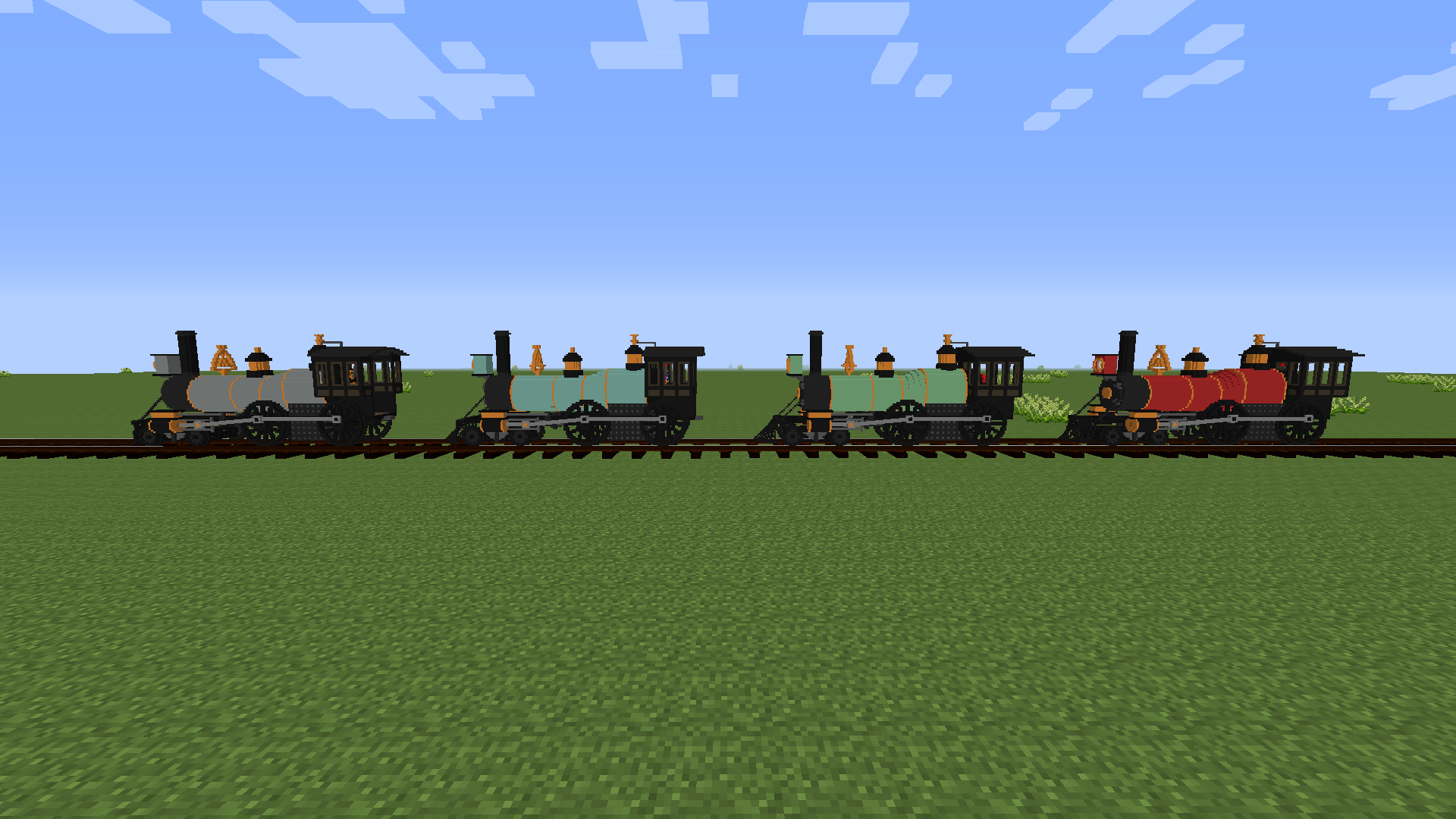
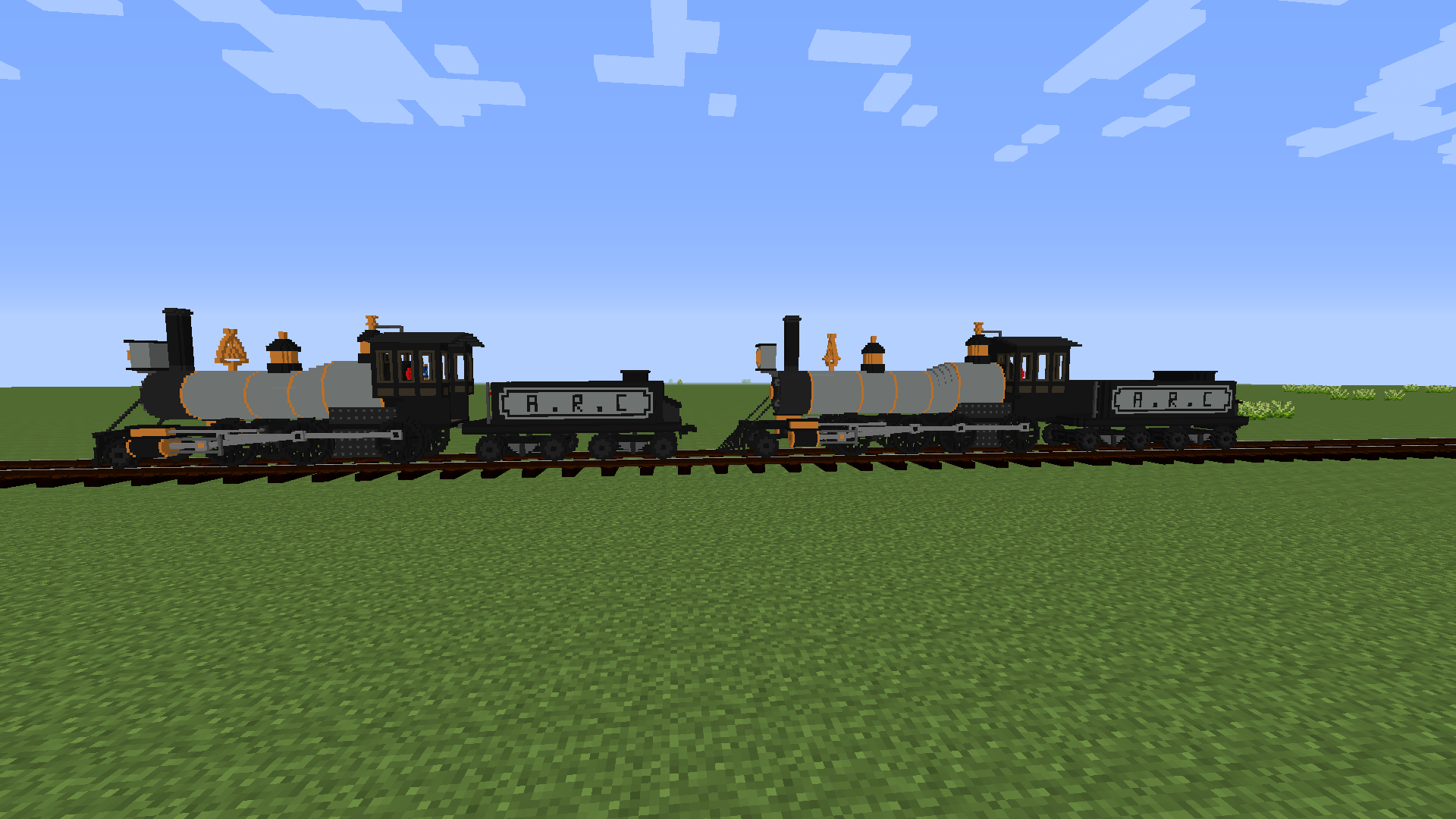
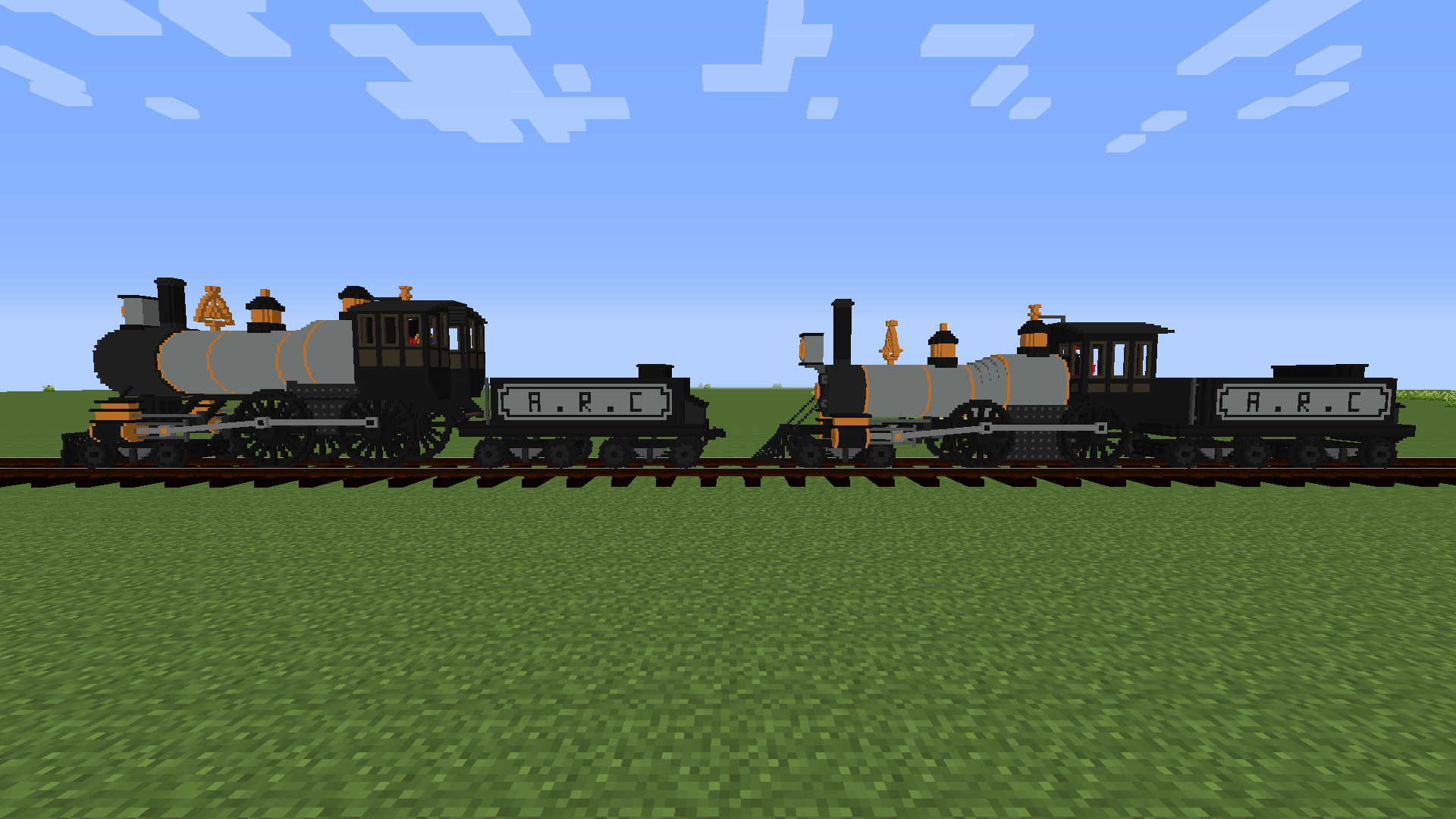
29 Locos

10 Tenders

16 Cargo Wagons

10 Tank Wagons

11 Passenger Wagons

ElysianRailways_V1.7.zip
MC 1.16.5, 1.20.1, 1.12.2
Release 2026-02-15 Get
ElysianRailways_V1.6.1.zip
MC 1.16.5, 1.12.2
Release 2025-03-15 Get
ElysianRailways_V1.6.zip
MC 1.16.5, 1.12.2
Release 2025-01-05 Get
ElysianRailways_V1.5.zip
MC 1.16.5, 1.12.2
Release 2024-08-06 Get
ElysianRailways_V1.4.zip
MC 1.16.5, 1.12.2
Release 2024-03-24 Get
ElysianRailways_V1.3.1.zip
MC 1.16.5, 1.12.2
Release 2023-11-12 Get
ElysianRailways_V1.3.zip
MC 1.16.5, 1.12.2
Release 2023-11-06 Get
ElysianRailways_V1.2.zip
MC 1.16.5, 1.12.2
Release 2023-05-06 Get
ElysianRailways_V1.1.zip
MC 1.16.5, 1.12.2
Release 2023-03-26 Get
ElysianRailways_V1.0.zip
MC 1.16.5, 1.12.2
Release 2023-02-07 Get
ElysianRailways_V0.1.zip
MC 1.16.5, 1.12.2
Beta 2023-01-27 Get

Requirements & install

How to use this resource pack in Minecraft
Resolution
16x
Minecraft
1.12.2 – 1.20.1
Install folder
.minecraft/resourcepacks

How to install resource packs

  1. Download the resource pack .zip file (do not extract it).
  2. In Minecraft open Options → Resource Packs → Open Pack Folder.
  3. Drop the .zip into the resourcepacks folder (.minecraft/resourcepacks).
  4. Move the pack to the Selected column and click Done.
Browse more: 16x resource packs 32x resource packs 64x resource packs 128x resource packs 256x resource packs 512x+ resource packs Resource Packs for 1.20.1 All resource packs

More from ZeBoss07

Advertisement Remove ads with Premium →

You Might Also Like