Mineuniverse
Resource Packs
R.e.p.o totem blue

R.e.p.o totem blue

RESOURCE PACK
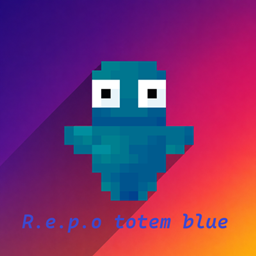
Transform your Minecraft Totem of Undying into a unique blue Repo character! ๐Ÿ”ต Enjoy a fresh and fun design that gives your Totem a cool new look while keeping the classic Minecraft style.
by Ethan_Slyde
Download Claim this project
104 downloads
0 likes
0 followers
Updated Oct 14, 2026
0 hypes
Follow0
Animated Data Packs Miscellaneous Modern Traditional
Advertisement Remove ads with Premium →


Blue Repo Totem — Minecraft Texture Pack

Transform your Minecraft Totem of Undying into a unique blue Repo character! ๐Ÿ”ตโœจ

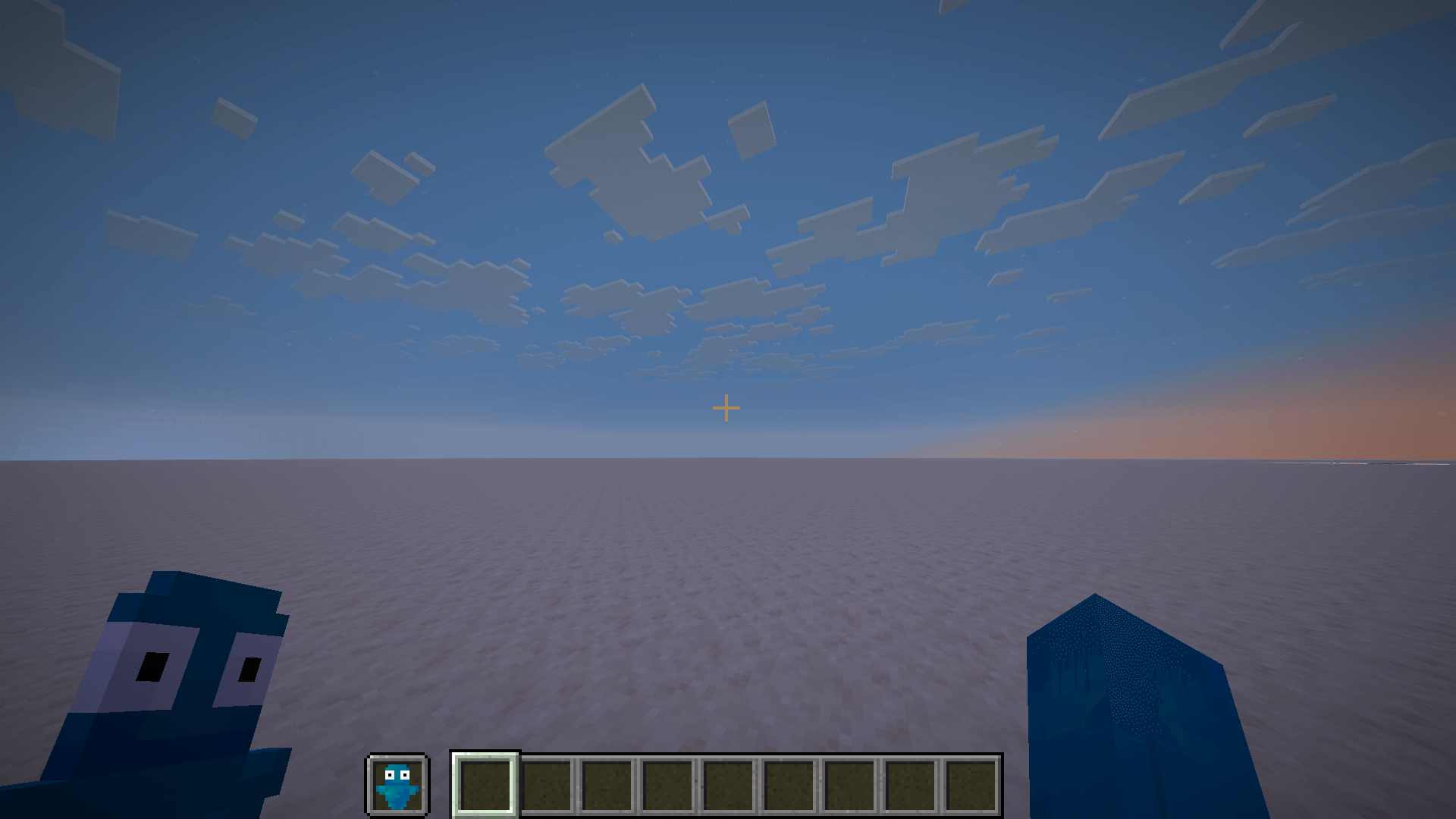
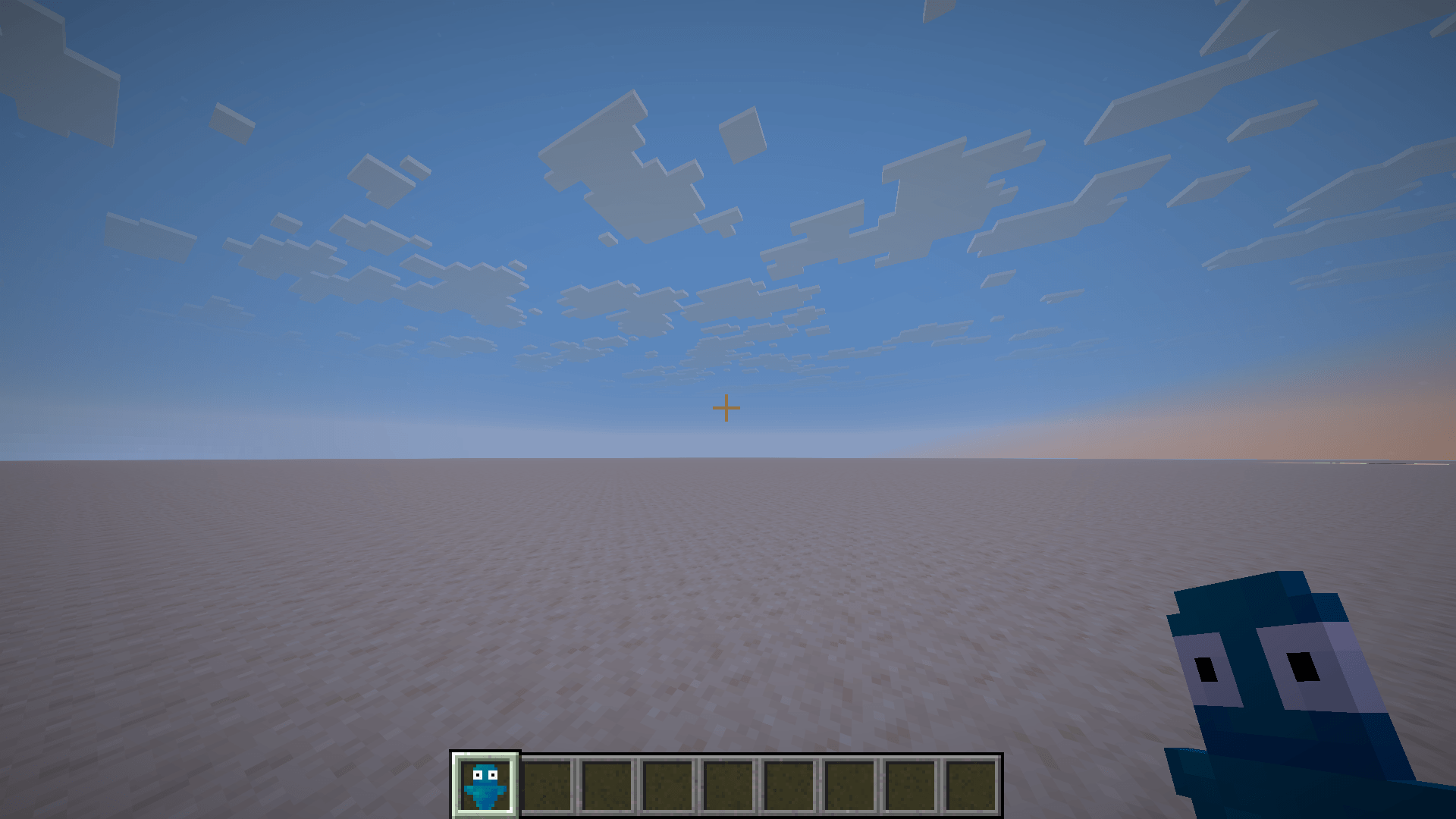
Blue Repo Totem gives the classic Minecraft Totem of Undying a completely new appearance, replacing its original design with a custom blue Repo-inspired character.

The goal of this texture pack is to make the Totem more fun, original, and recognizable while still fitting naturally into the Minecraft aesthetic.

โœจ Features:

  • ๐Ÿ”ต Custom blue Repo character design

  • ๐ŸŽจ Completely redesigned Totem of Undying texture

  • ๐Ÿ‘€ Easy to recognize during gameplay

  • โš”๏ธ Great for Survival and PvP

  • ๐Ÿงฑ Keeps the Minecraft style while adding a unique touch

  • ๐Ÿ’™ Simple, clean, and fun design

Whether you're using your Totem during a Survival adventure, in PvP, or simply want to customize your Minecraft experience, Blue Repo Totem is made to give your game a fresh new look.

This is the first version (V1) of the project, and I plan to improve it based on your feedback.

๐Ÿ’ฌ Your feedback matters! Feel free to share your opinions, suggestions, and ideas. They can help me improve the texture and create even better versions in the future.

๐ŸŽฎ Enjoy Blue Repo Totem and have fun! ๐Ÿ”ต๐Ÿ”ฅ

R.e.p.o-totem-blue
MC 1.17.1, 1.21.2-Snapshot, 1.21, 1.21.6-snapshot, 1.18.1, 1.20.2-Snapshot, 1.20.5-Snapshot, 1.19-Snapshot, 1.21.1-Snapshot, 1.19.3, 1.20.2, 1.19.4, 1.21.8, 1.17, 1.19.4-Snapshot
Release 2026-09-03 Get

Requirements & install

How to use this resource pack in Minecraft
Resolution
Not specified
Minecraft
1.20.2-Snapshot โ€“ 1.21.8
Install folder
.minecraft/resourcepacks

How to install resource packs

  1. Download the resource pack .zip file (do not extract it).
  2. In Minecraft open Options โ†’ Resource Packs โ†’ Open Pack Folder.
  3. Drop the .zip into the resourcepacks folder (.minecraft/resourcepacks).
  4. Move the pack to the Selected column and click Done.
Browse more: 16x resource packs 32x resource packs 64x resource packs 128x resource packs 256x resource packs 512x+ resource packs Resource Packs for 1.21.8 All resource packs

More from Ethan_Slyde

Advertisement Remove ads with Premium →

You Might Also Like