Mineuniverse
Resource Packs
PvPFlow

PvPFlow

RESOURCE PACK
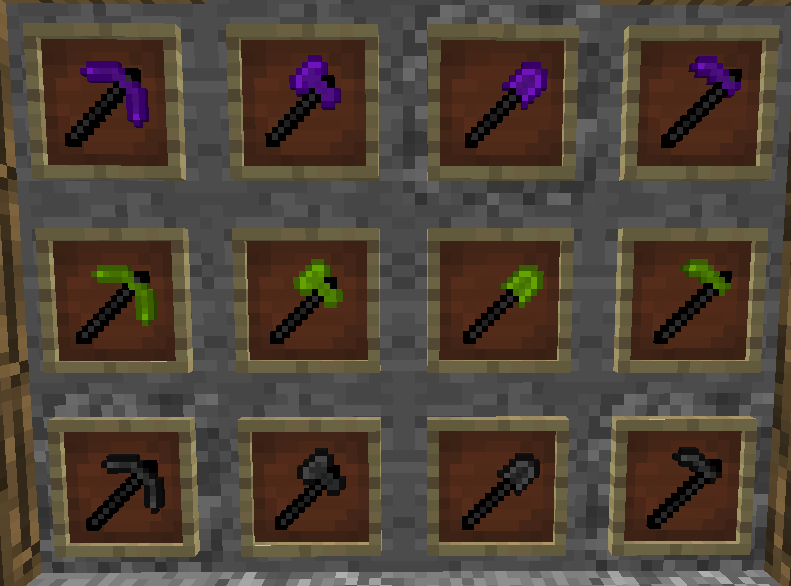
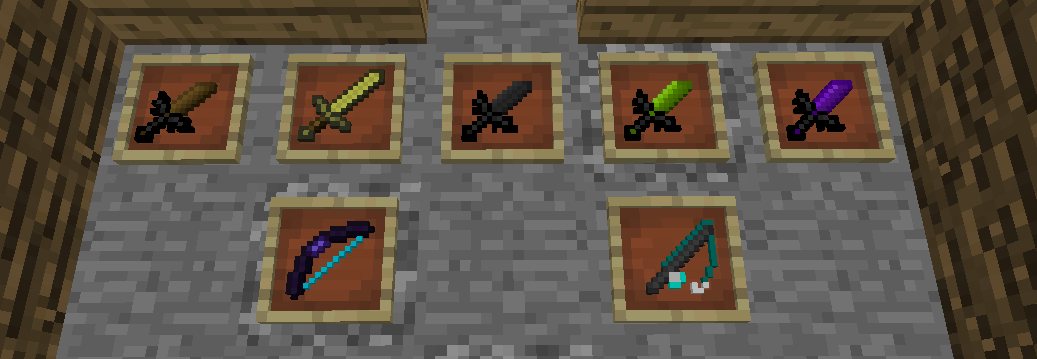
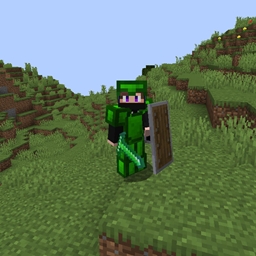
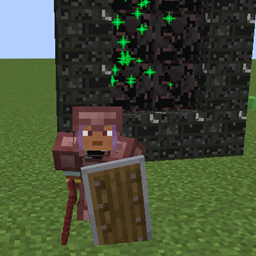
A 16x16 PvP-focused texture pack with clean sword & axe designs, bold outlined wool blocks for better visibility, and a space-themed sky with a red nebula night and realistic sun. Optimized for competitive modes like BedWars and SkyWars.
by PluggLab
Download Claim this project
1,501 downloads
0 likes
Updated Oct 14, 2026
0 hypes
16x Animated
Advertisement Remove ads with Premium →

🔥 PvPFlow — Resource Pack


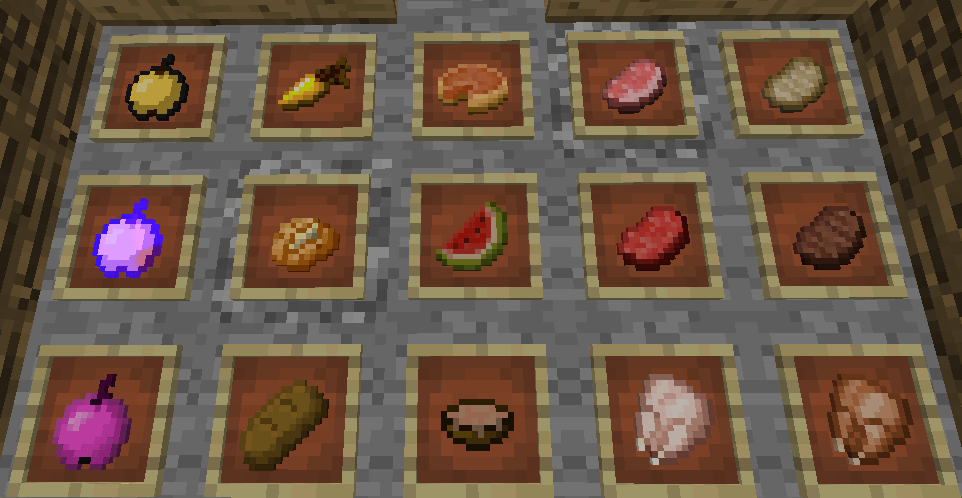
PvPFlow is a lightweight, competitive-focused resource pack designed to give you a cleaner visual experience and better clarity during PvP fights.


✨ Key Features


🎯 Optimized PvP Visuals
Every texture is redesigned to reduce visual clutter and improve combat readability.


🏹 Clean Weapon Design
Bow and combat items are reworked for better visibility during fast-paced fights.


🌌 Custom Skybox
A unique sky that enhances immersion without distracting from gameplay.


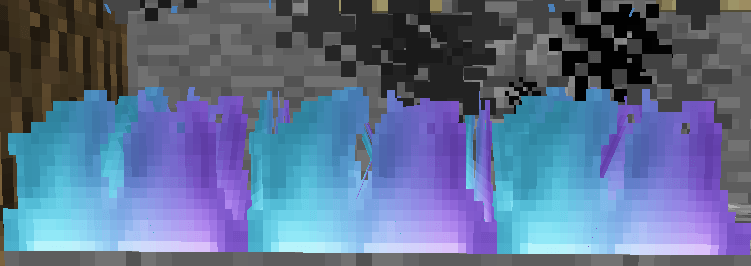
🔥 Optimized Fire
Fire effects are less obstructive, giving you a clearer view in fights.


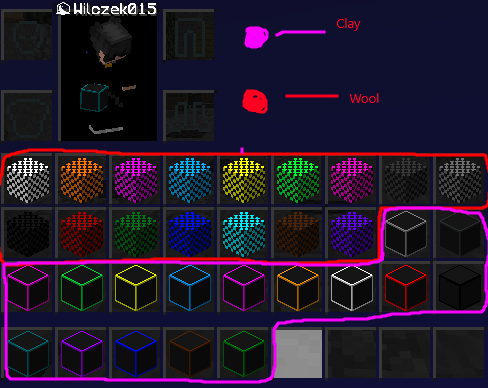
🧱 Block Clarity Improvements
Wool and clay textures are redesigned for better contrast and readability in PvP arenas.


💫 Enhanced Enchant Glint
A modernized enchantment effect that looks cleaner while staying visible in combat.


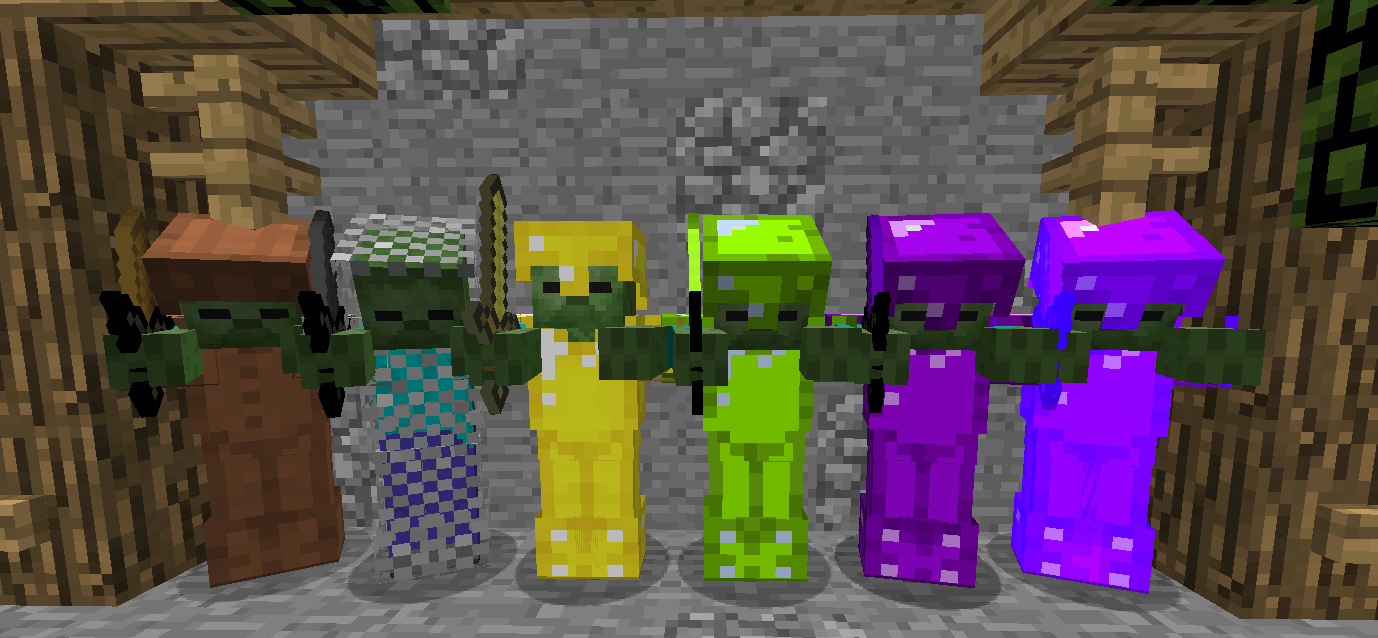
🛡️ Armor Improvements


Leather armor has been cleaned up by removing unnecessary overlay effects for a more consistent visual style.


⚠️ Notes
Some textures (like wool) are still experimental and may be adjusted based on community feedback.


PvPFlow is constantly evolving — expect regular updates focused on performance, clarity, and competitive balance.


PvPFlow 0.2
MC 1.8.7, 1.8.8, 1.8.4, 1.8.3, 1.8.6, 1.8.9, 1.8.1, 1.8.5, 1.8.2
Release 2026-04-07 Get
PvPFlow
MC 1.8.7, 1.8.8, 1.8.4, 1.8.3, 1.8, 1.8.6, 1.8.9, 1.8.1, 1.8.5, 1.8.2
Release 2025-06-01 Get

Requirements & install

How to use this resource pack in Minecraft
Resolution
16x
Minecraft
1.8.2 – 1.8.9
Install folder
.minecraft/resourcepacks

How to install resource packs

  1. Download the resource pack .zip file (do not extract it).
  2. In Minecraft open Options → Resource Packs → Open Pack Folder.
  3. Drop the .zip into the resourcepacks folder (.minecraft/resourcepacks).
  4. Move the pack to the Selected column and click Done.
Browse more: 16x resource packs 32x resource packs 64x resource packs 128x resource packs 256x resource packs 512x+ resource packs Resource Packs for 1.8.9 All resource packs

More from PluggLab

Advertisement Remove ads with Premium →

You Might Also Like