A streamlined PvP and survival texture pack focused on clarity and performance. Uncluttered visuals, reduced noise, and enhanced visibility of traps, overlays, and particles. Includes transparent GUI, clear liquids, subtle sound edits, and refined environmental effects.
Custom Crosshair
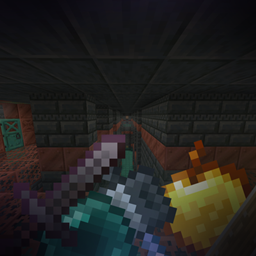
Old xp bottles
3D Smooth end crystals
Smooth respawn anchor & glowstone
No explosion sounds
No fire damage sound
No death sound
No cave ambient sounds
No ender pearl teleportation sound
Totem pop sound is a low volume firework rocket
No explosion particles
No generic particles
Hollowed gust particles
All particles are transparent
Lower opacity beacon beam whilst in a beacon beam
Lower opacity powdered snow freeze overlay
Lower fire
Old enchantment glint
No vignette
No pumpkin blur
Lower nether portal opacity
No fishing bobber
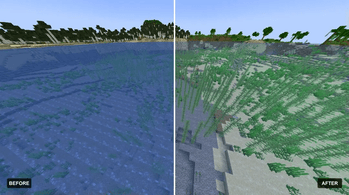
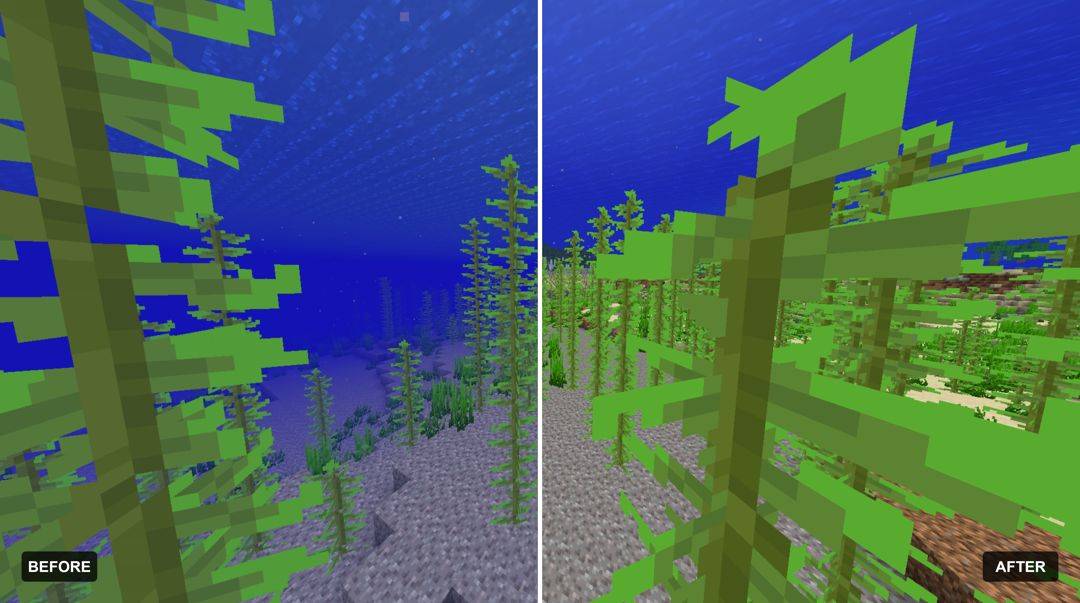
Clear water
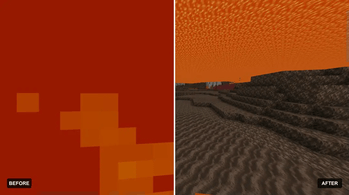
Clear lava
Clear view whilst in powdered snow
Lower opacity rain
Lower opacity snow
Transparent gui
Brewing guide
No Fog
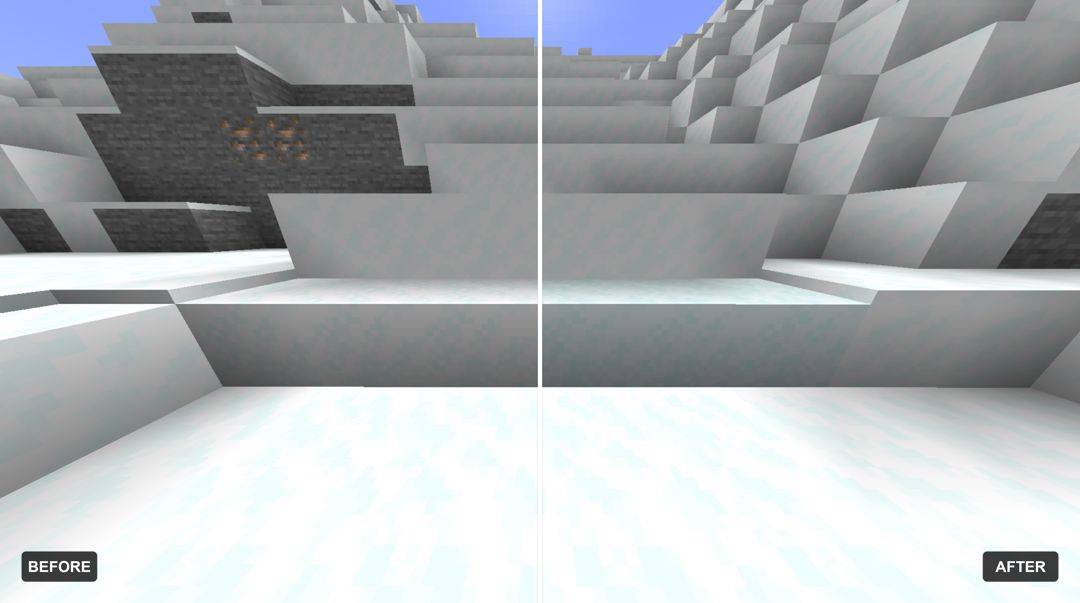
More obvious powdered snow
More obvious trapped chests
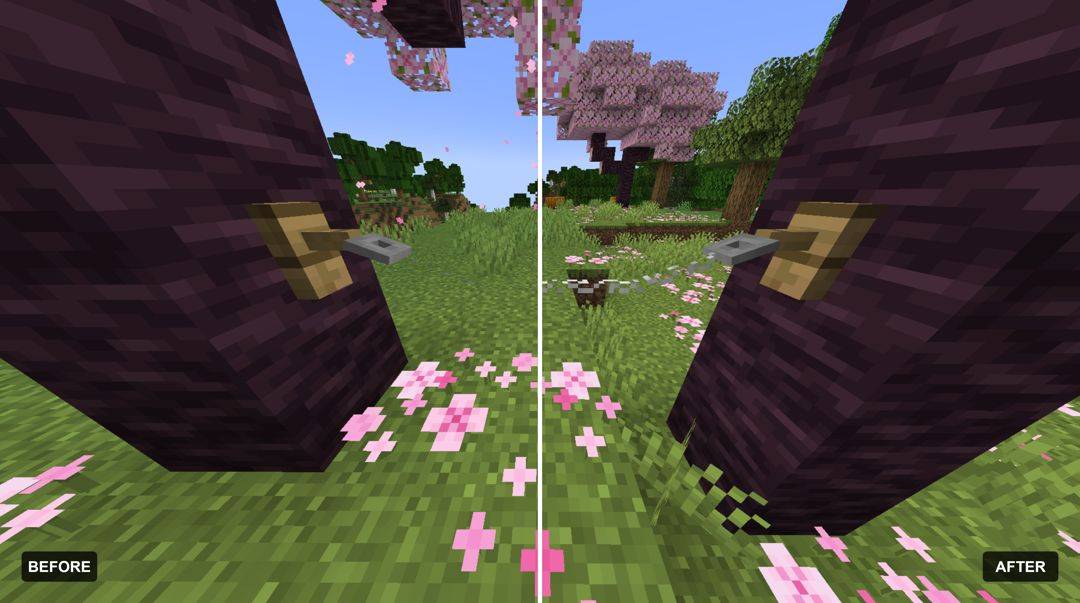
More obvious string
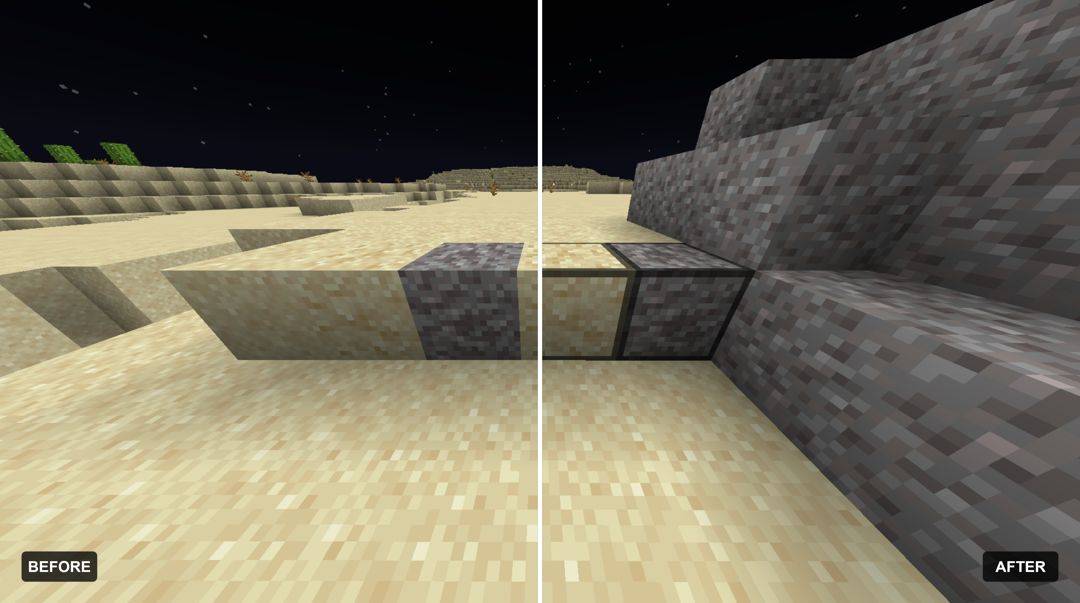
More obvious suspicious sand
More obvious suspicious gravel
Lower totem
Lower shield
Shorter tall grass
Side shield
Smaller hand held items
Eating animations
Bow and crossbow status
Texture pack made by Shikaru
GUI - Chronicaly
Improved Brewing Guide - Moonbert0
Visible Suspicious Sand - micro
LeoTweaks 3D String - Darkleonard
PvP ClearStrike - MAK66
Smaller Totem - Reverseeh
No Fog - Hxndrik
Eating Animation Resource Pack - Bluebird
Bow Status - CapTommy
3D Crystals - CapTommy
Respawn Anchors & Glowstone - CapTommy
Smaller Handhelds - dark_phoenix_

![[Trapped] chest](https://media.forgecdn.net/attachments/1894/116/trapchest-jpg.jpg)