# ⚔️ Blade of Miquella PvP
This resource pack overhauls the textures and models of many items and blocks related to PvP and beyond, adding high-quality custom animations and a striking custom sky.
---
### 🌟 Key Features
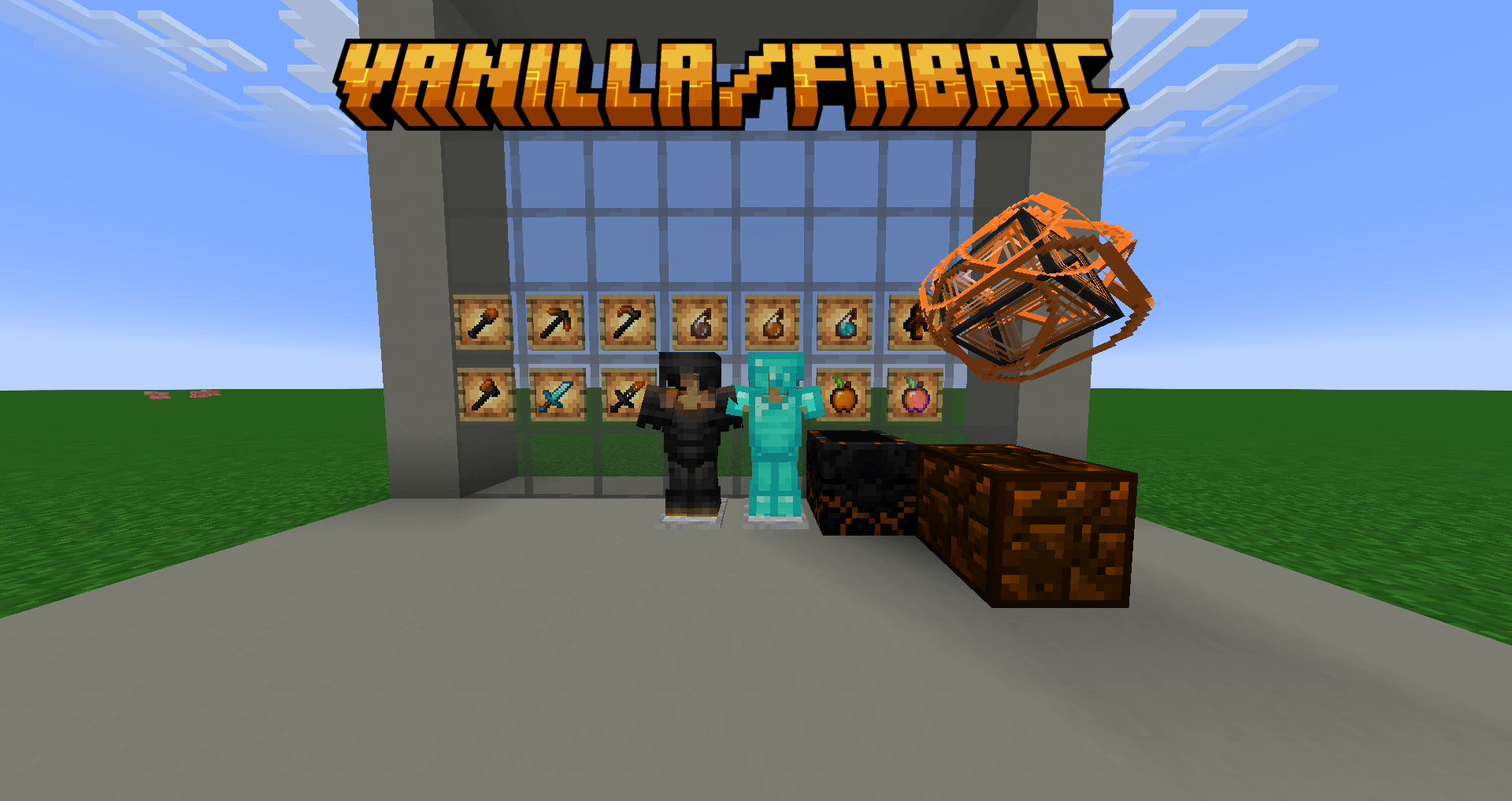
* **Visual Overhaul:** Redesigned textures and models for crucial PvP items and blocks.
* **Animated Items:** Custom, fluid animations for the **Totem of Undying, Golden Apple, Enchanted Golden Apple, and Ender Pearl**.
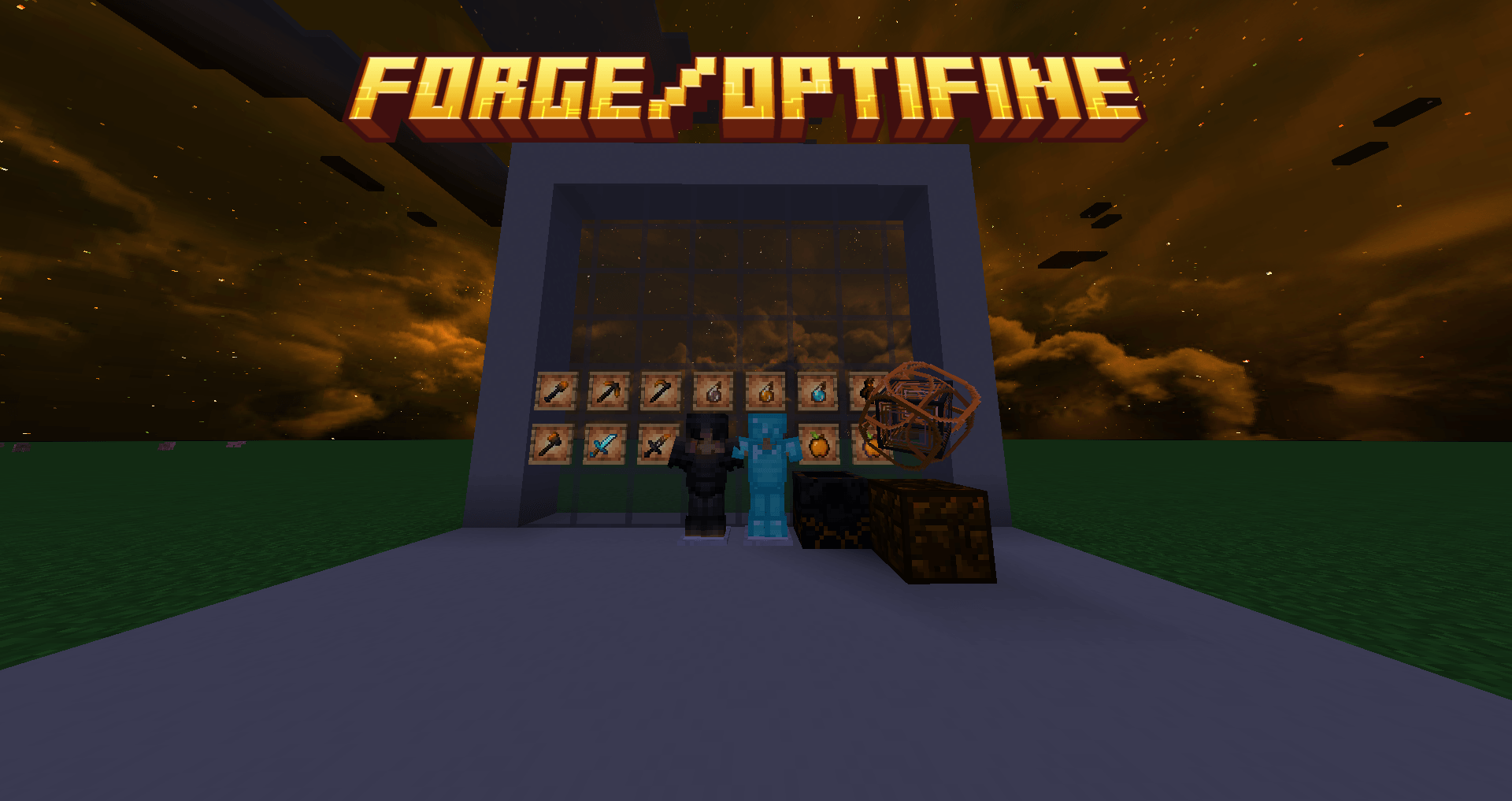
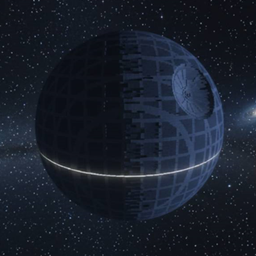
* **OptiFine Integration:** Adds a beautiful custom sky (check images 1 & 2).
* **1.16.5 Exclusive:** Includes a fully redesigned Custom GUI specifically for 1.16.5 players.
---
### 📦 Supported Versions
| Minecraft | Status | Note |
|---|---|---|
| **1.16.5** | ✅ Supported | Includes the exclusive Custom GUI |
| **1.17.x - 1.21.1** | ✅ Supported | Full support |
---
### ❓ FAQ
**Do I need OptiFine for this to work?**
The base textures, models, and item animations work perfectly in vanilla Minecraft. OptiFine is strictly required if you want to see the custom sky. **FabricSkyBoxes is not supported and will not work.**
**Can I use this in my YouTube videos or modpacks?**
Yes. You are free to use this resource pack in your content or public modpacks.