Mineuniverse
Resource Packs
PVP all in one

PVP all in one

RESOURCE PACK
the best resource pack for pvp and mini games servers
by ieoub
Download Claim this project
1,765 downloads
0 likes
0 followers
Updated Oct 14, 2026
0 hypes
Follow0
16x Animated Data Packs Font Packs Medieval
Advertisement Remove ads with Premium →

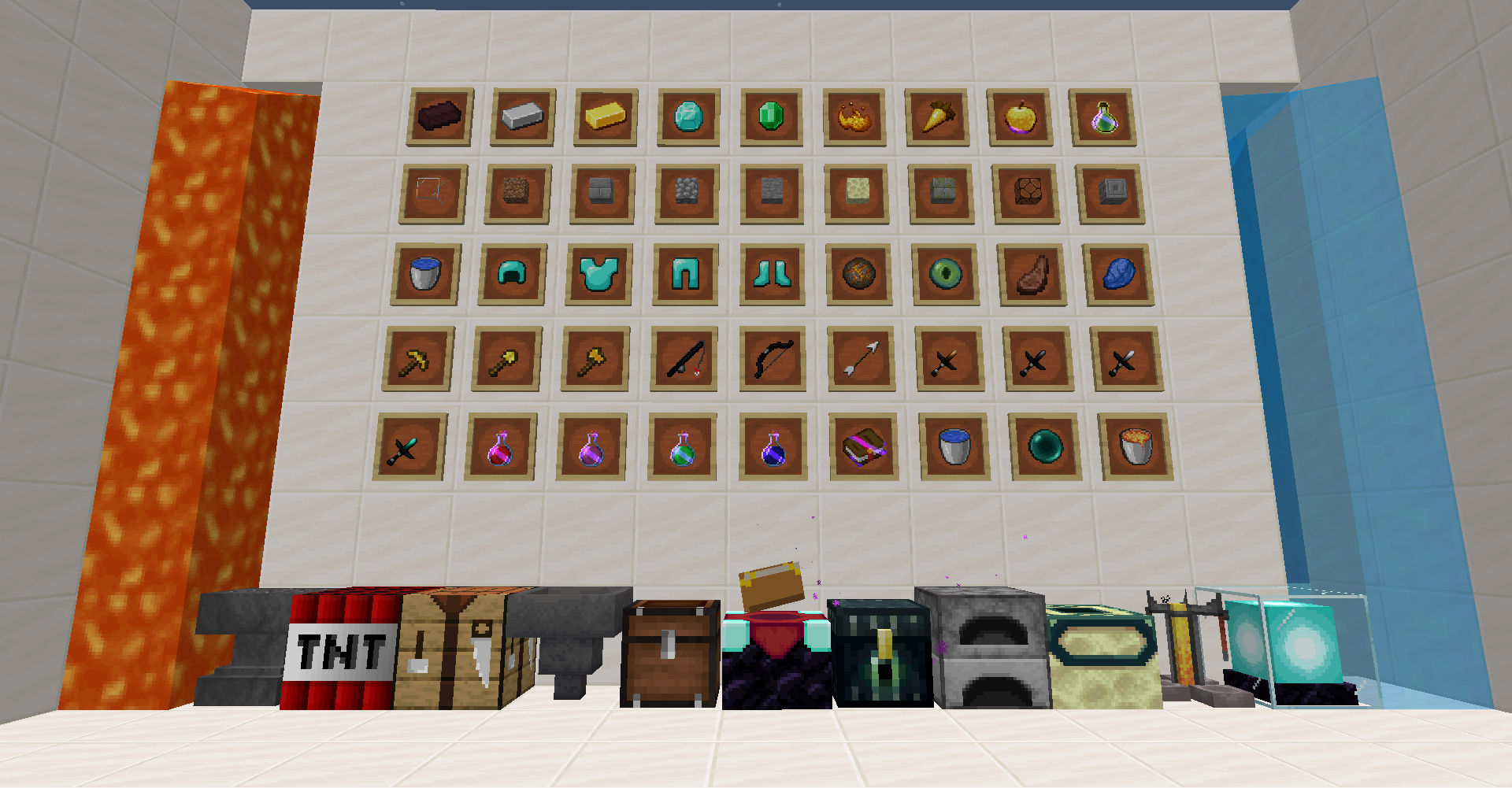
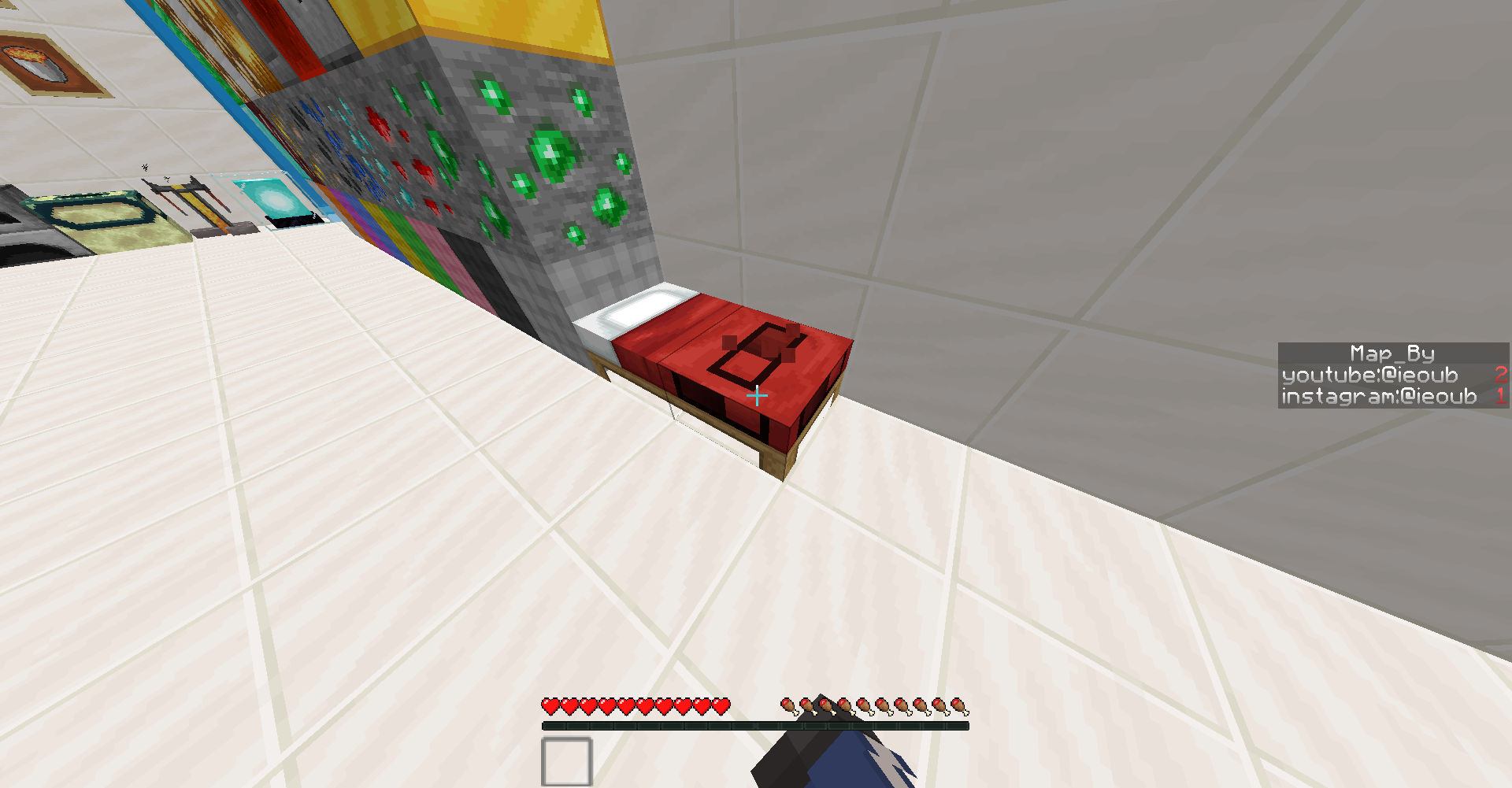
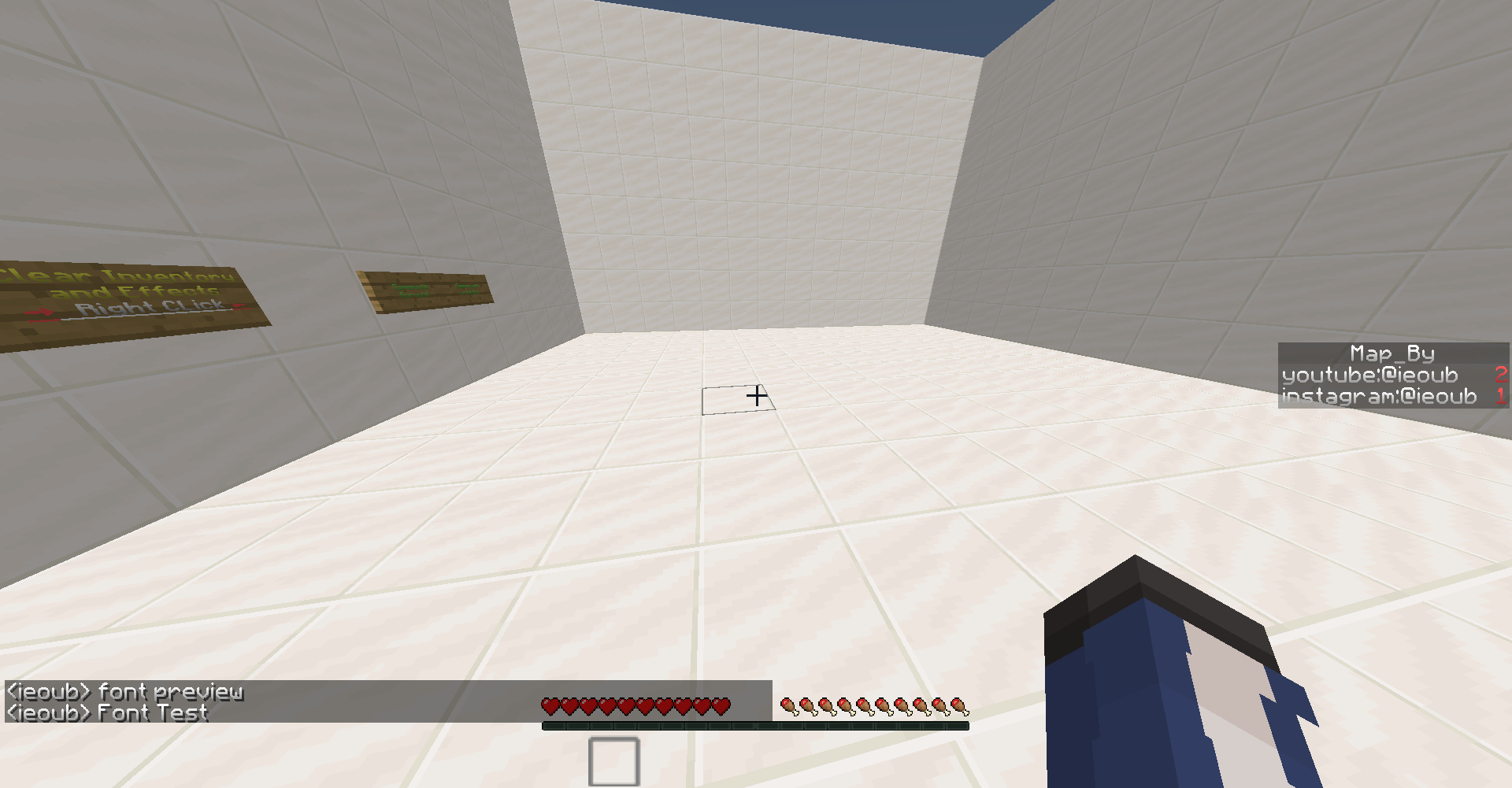
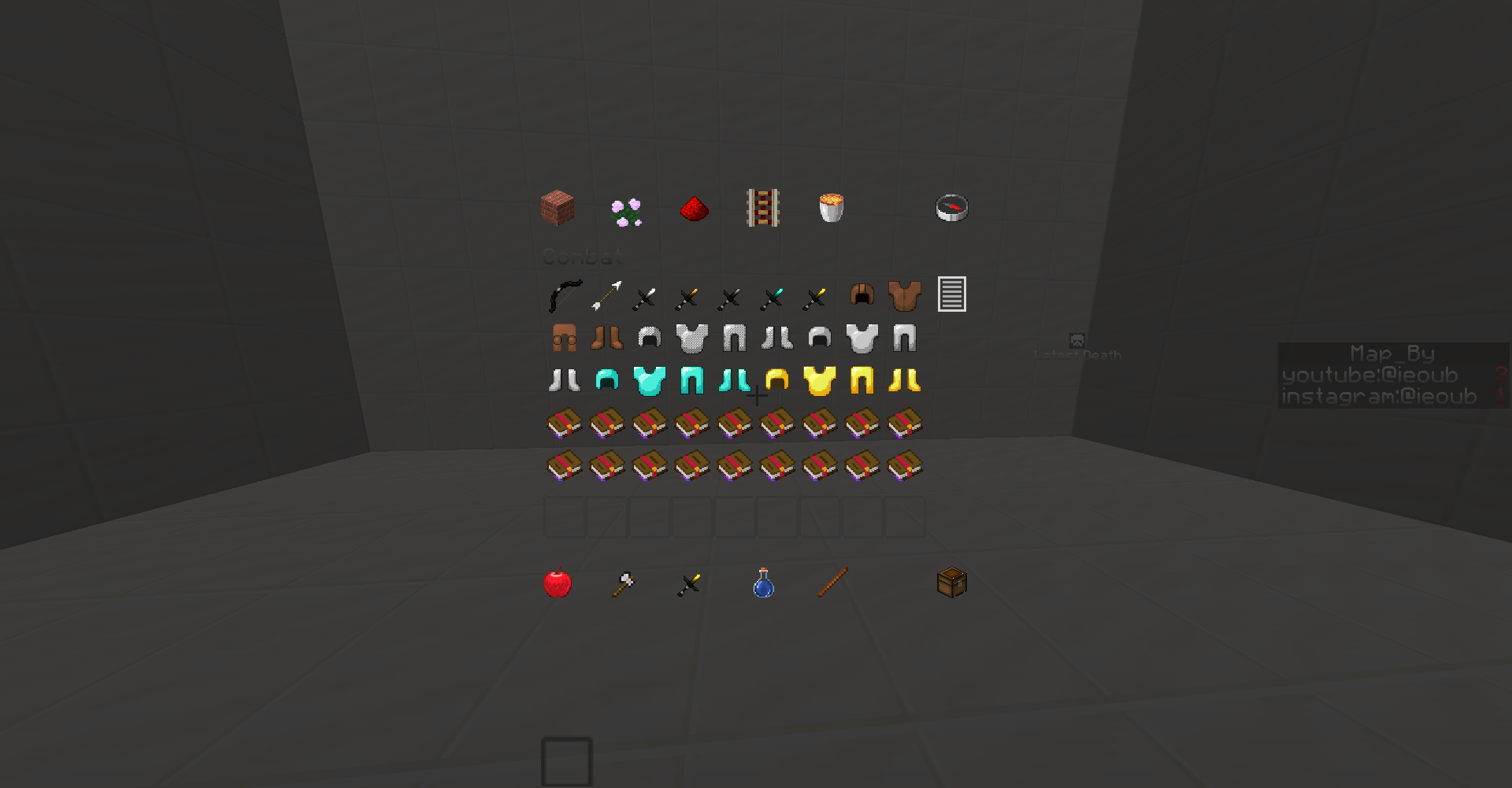
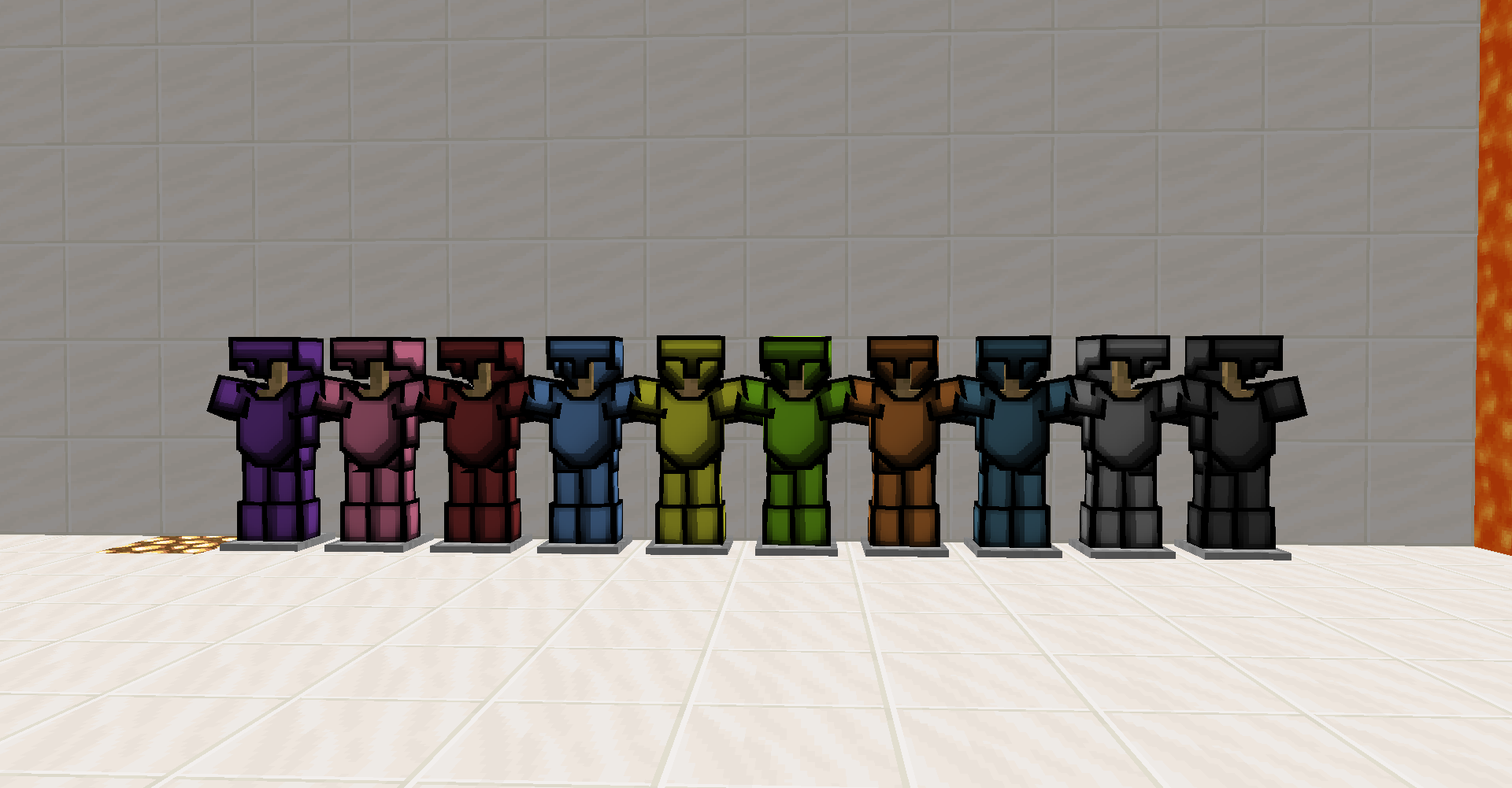
PVP all in one texture pack enhances your PvP experience with a comprehensive collection of textures. Dive into battle with tiny tools including swords, pickaxes, axes, hoes, and shovels. Equip yourself with custom armor and witness unique destroy animations, such as the infamous bed destruction effect.

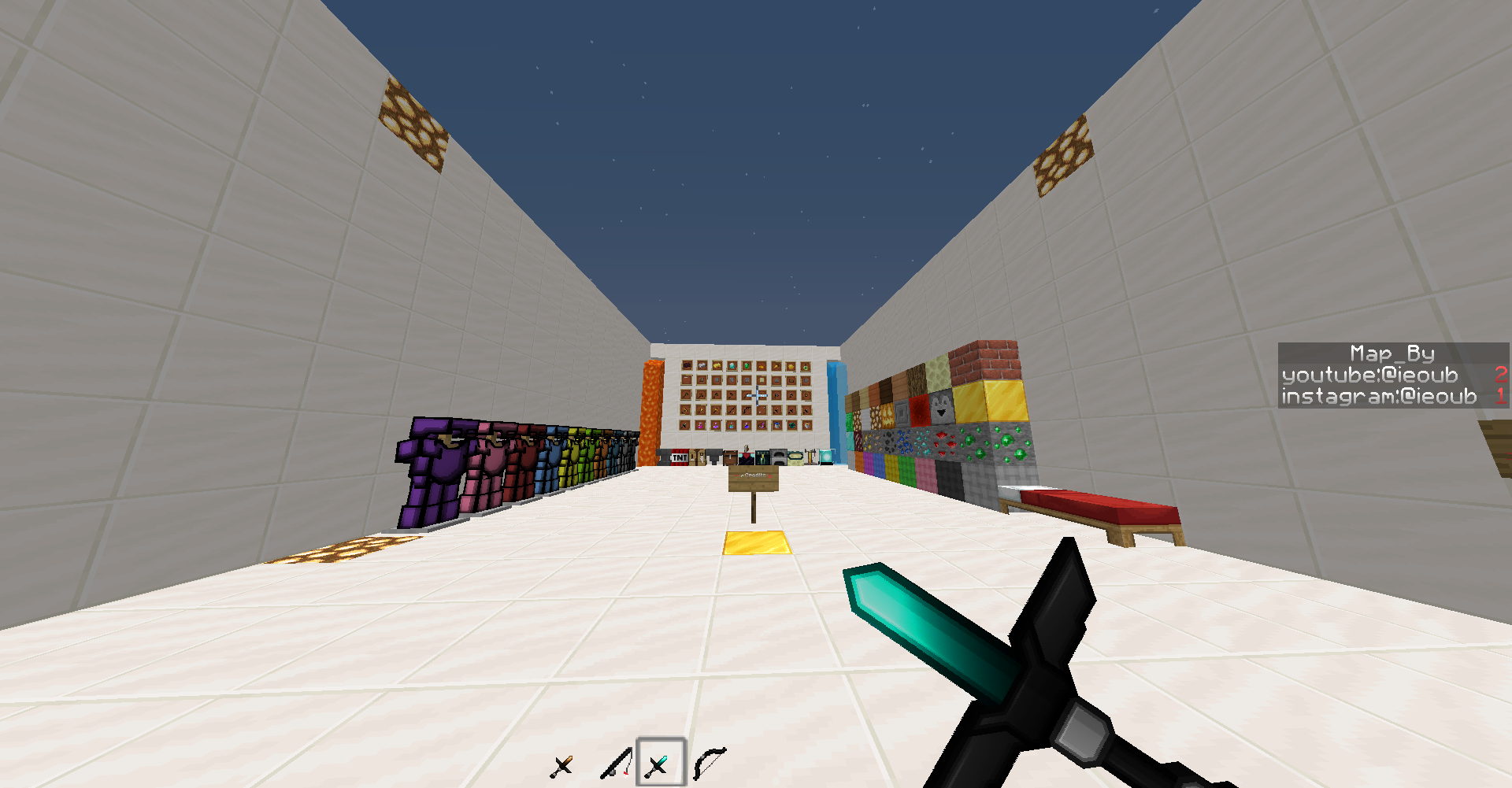
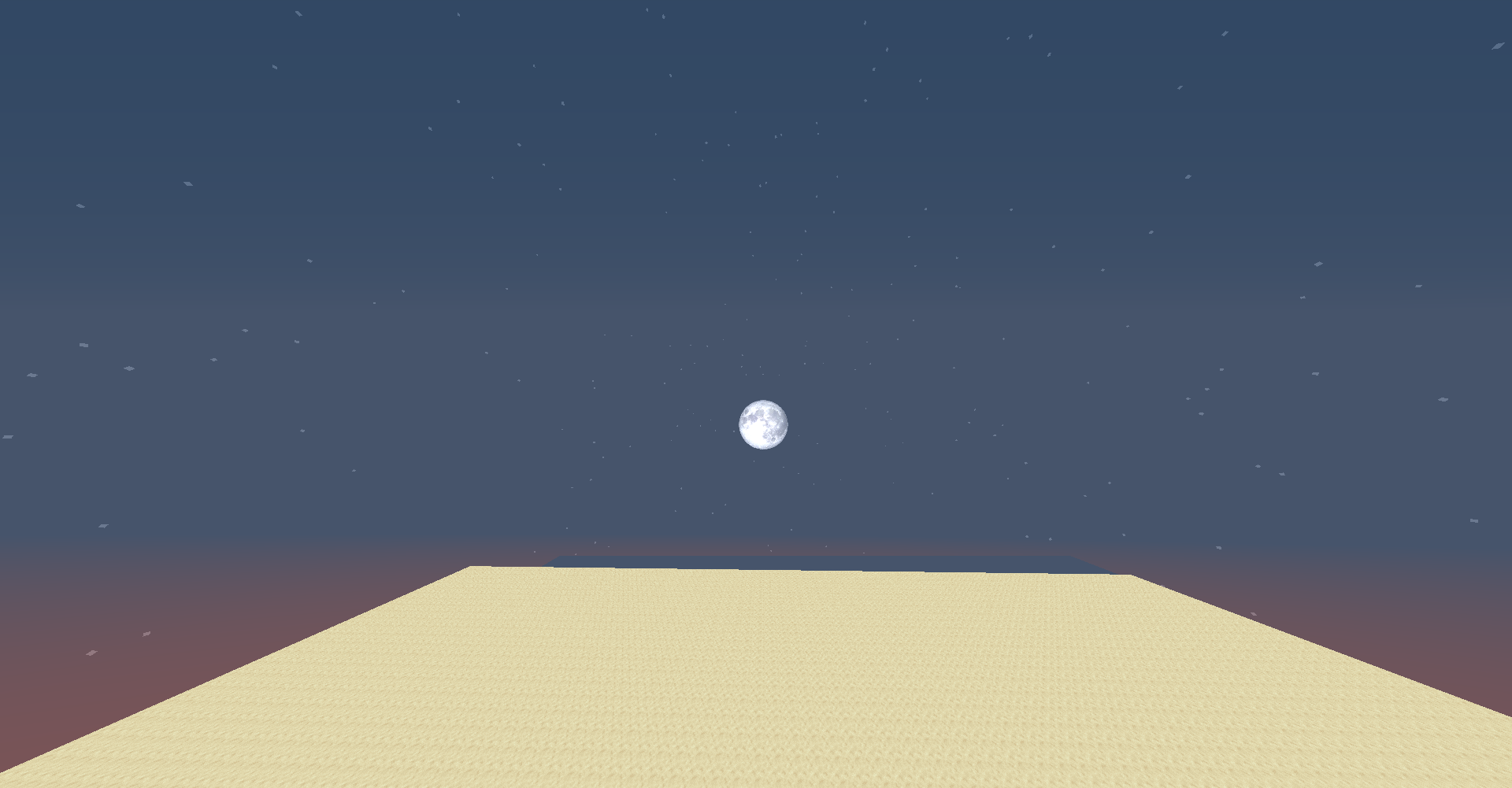
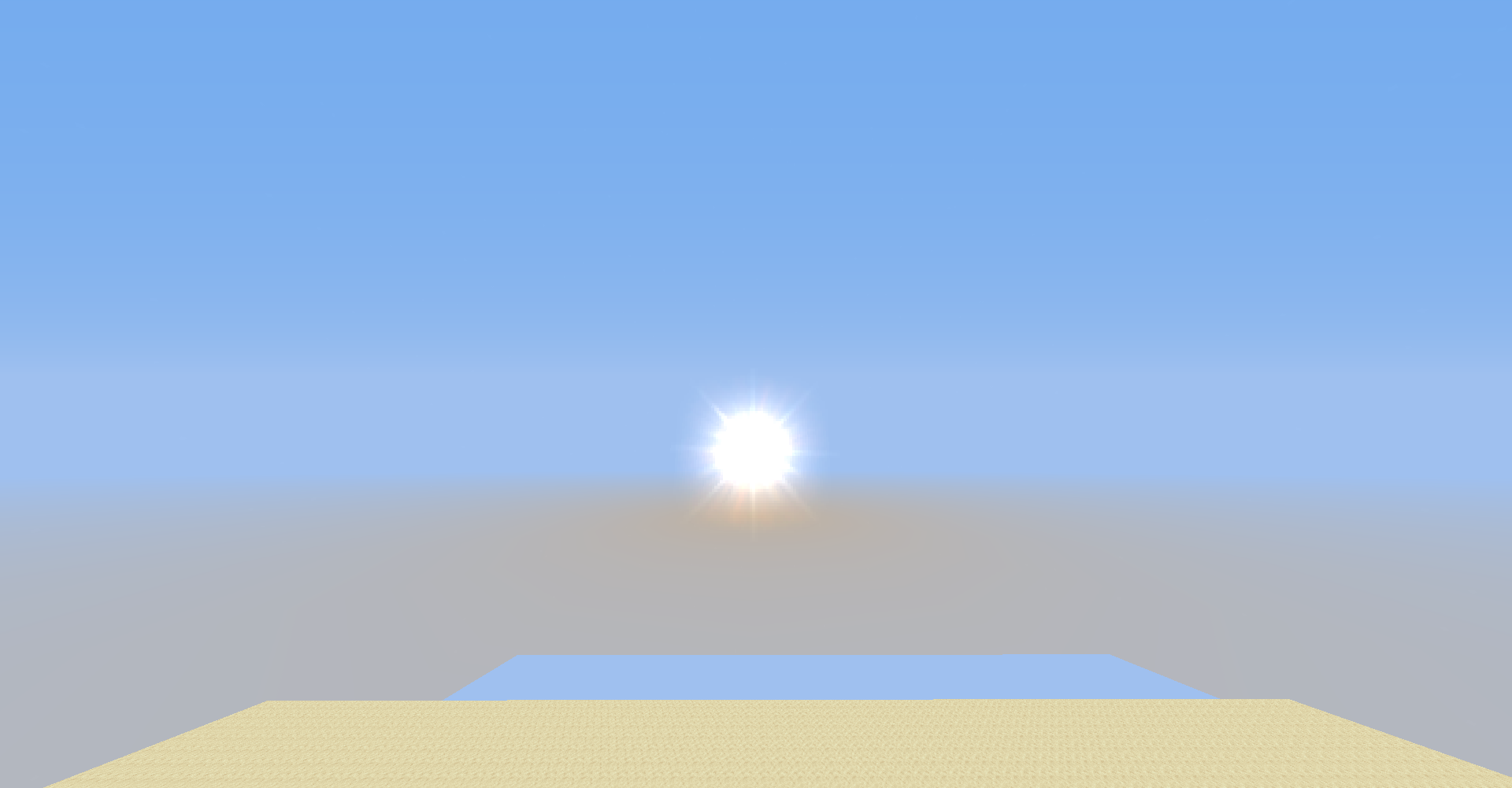
Immerse yourself in the night sky with a high-quality moon image and enjoy finely crafted armor textures and wool. Experience a seamless user interface with TransparentGUI and discover custom blocks that elevate your gameplay.

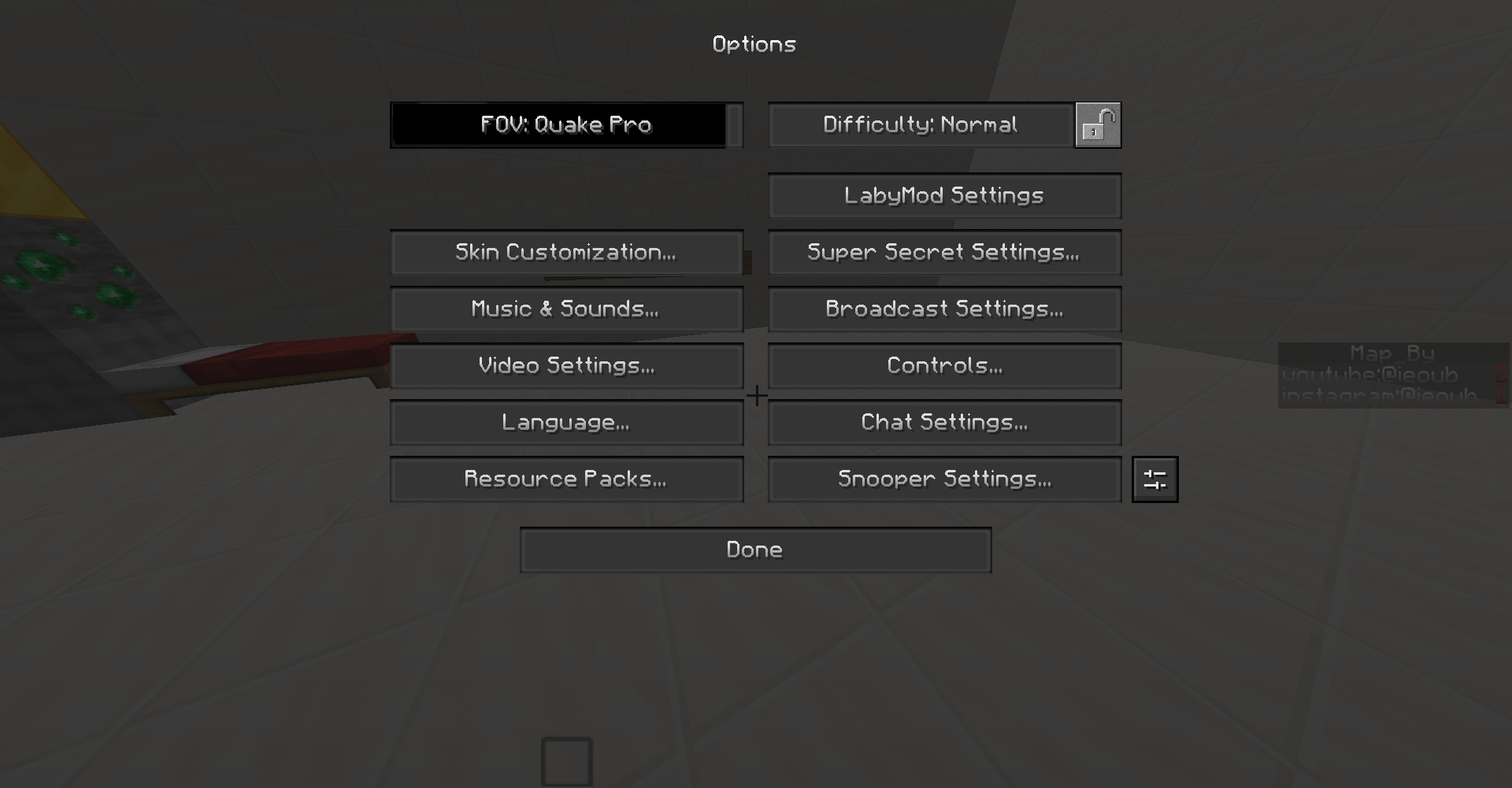
With higher-resolution items and a smoother font, every detail is optimized for PvP action. Say goodbye to pumpkin blur with our anti-pumpkin blur feature and add realism to your world with lifelike chest designs. Explore the darker side of Minecraft with our unique dark settings.


This pack contains : 

  • Tiny tools  (sword, pickaxe, axe, hoe, shovel)
  • Custom Armor
  • Water shader (it's just a texture so it doesn't affect device) 
  • Destroy Animation ( known as bed destroy animation )
  • Realistic moon and sun
  • Armors Texture
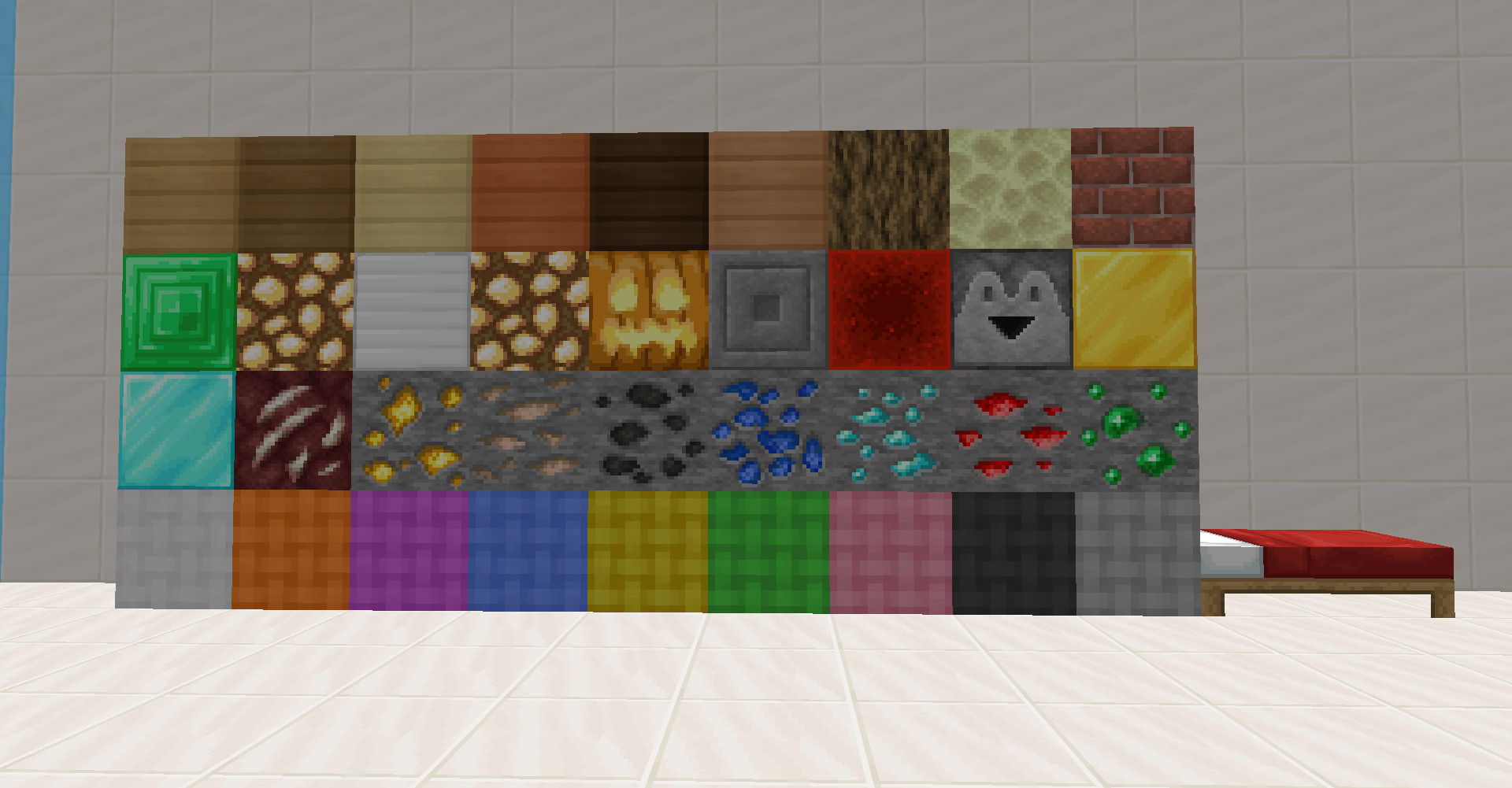
  • Wool high quality
  • TransparentGUI
  • Custom Blocks
  • higher-resolution items and
  • Smoother Font
  • Anti pumpkinblur 
  • Realistic chest
  • Dark minecraft settings


Tiny pvp tools

 better bed destroy animation high quality armorsCustom fonts high qualityHigh Quality Blocks and Items : wool previewtransparent gui Chests

Realistic MoonGame Setting guiAnti- blur pumpkin head

PVP all in one.zip
MC 1.8.9
Release 2024-05-04 Get

Requirements & install

How to use this resource pack in Minecraft
Resolution
16x
Minecraft
1.8.9
Install folder
.minecraft/resourcepacks

How to install resource packs

  1. Download the resource pack .zip file (do not extract it).
  2. In Minecraft open Options → Resource Packs → Open Pack Folder.
  3. Drop the .zip into the resourcepacks folder (.minecraft/resourcepacks).
  4. Move the pack to the Selected column and click Done.
Browse more: 16x resource packs 32x resource packs 64x resource packs 128x resource packs 256x resource packs 512x+ resource packs Resource Packs for 1.8.9 All resource packs
Advertisement Remove ads with Premium →

You Might Also Like