Mineuniverse
Resource Packs
Purpled PVP

Purpled PVP

RESOURCE PACK
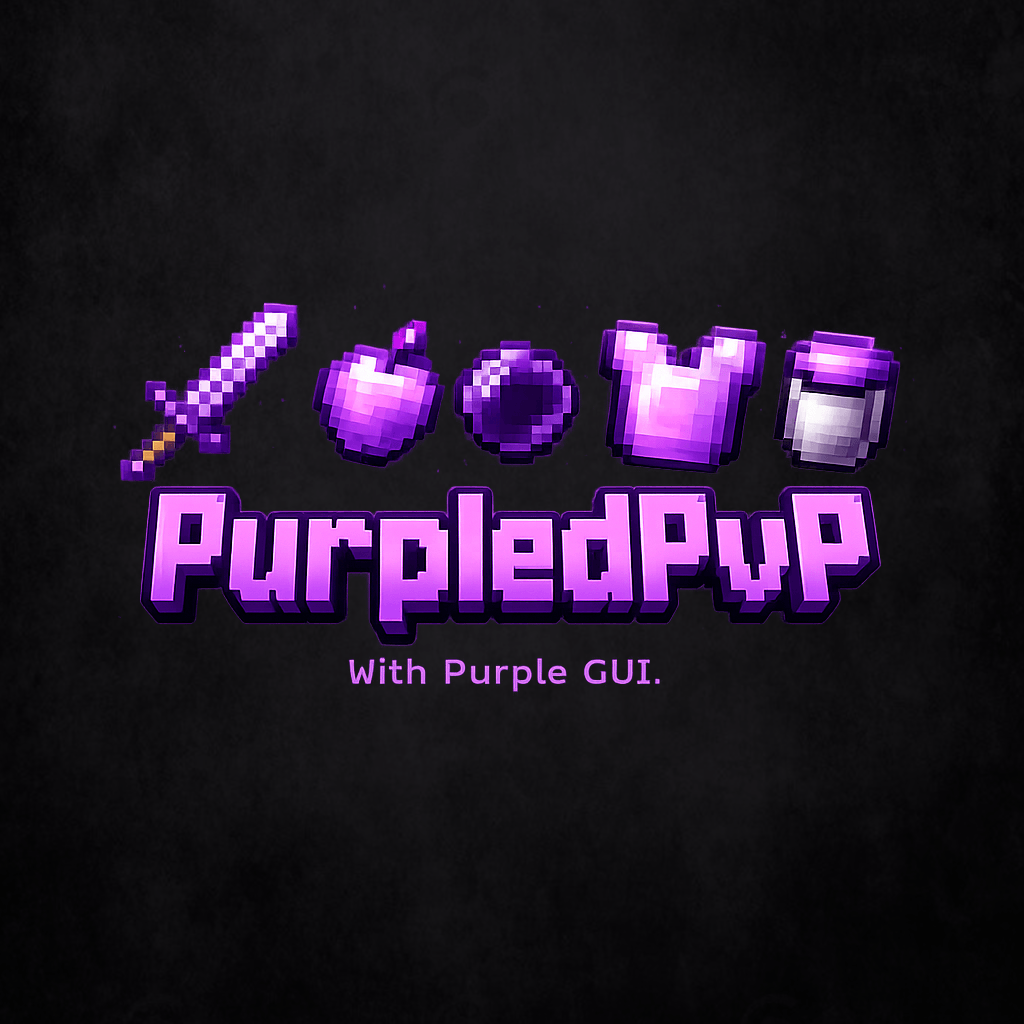
Purple-themed PvP pack with short swords, purple lava, optimized crystals, a lower shield, green-sided grass, redesigned GUIs, and a smaller crosshair. Clean, stylish, and made for a better PvP experience.
by Paragraf_7
Download Claim this project
Add a badge to your pageLink to Purpled PVP from a README, website or forum post.
Preview: Badge

Badges update automatically and link to the resource pack page on MineUniverse.

2,505 downloads
0 likes
0 followers
Updated Oct 14, 2026
0 hypes
Follow0
16x
Advertisement Remove ads with Premium →

This PvP texture pack is fully designed in a purple theme and was created to improve your overall PvP experience. Many particles have been reworked to look cleaner and more stylish without being distracting.

The pack includes short swords for better visibility during fights, as well as custom purple lava that perfectly matches the overall style. Important PvP elements have also been optimized: the shield is positioned lower to block less of your view, and the crystals have been visually reworked.

Additionally, the grass has been improved so that the sides are also green, giving it a much cleaner look—just like in many popular texture packs.

Almost all GUIs in the game have been redesigned to provide a consistent and modern look, except for some GUIs from certain mods.

A smaller crosshair is also included, allowing for more precise aiming in PvP.

Overall, this texture pack is perfect for players who want a clean, clear, and stylish PvP experience with a purple aesthetic.

!Purpled PVP!.zip
MC 1.21.8, 1.21.7, 1.21.9, 1.21.10, 1.21.11, 26.1, 26.1.1, 26.1.2
Release 2026-06-06 Get

Requirements & install

How to use this resource pack in Minecraft
Resolution
16x
Minecraft
1.21.7 – 26.1.2
Install folder
.minecraft/resourcepacks

How to install resource packs

  1. Download the resource pack .zip file (do not extract it).
  2. In Minecraft open Options → Resource Packs → Open Pack Folder.
  3. Drop the .zip into the resourcepacks folder (.minecraft/resourcepacks).
  4. Move the pack to the Selected column and click Done.
Browse more: 16x resource packs 32x resource packs 64x resource packs 128x resource packs 256x resource packs 512x+ resource packs Resource Packs for 26.1.2 All resource packs

More from Paragraf_7

Advertisement Remove ads with Premium →

You Might Also Like