Mineuniverse
Resource Packs
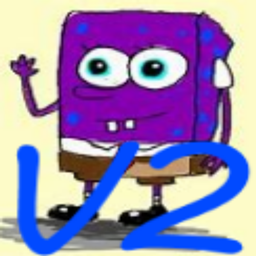
Purple PvP Texture Pack V2

Purple PvP Texture Pack V2

RESOURCE PACK
Purpule Themed PvP Pack
by N1cro_BG
Download Claim this project
4,701 downloads
0 likes
0 followers
Updated Oct 14, 2026
0 hypes
Follow0
16x Miscellaneous
Advertisement Remove ads with Premium →

DISCLAMER1: THIS PACK IS NOT THE PACK THAT THE YOUTUBER PURPLED USES.


THE TEXTURE PACK IS FINALLY UPDATED YAYYYYY   :D


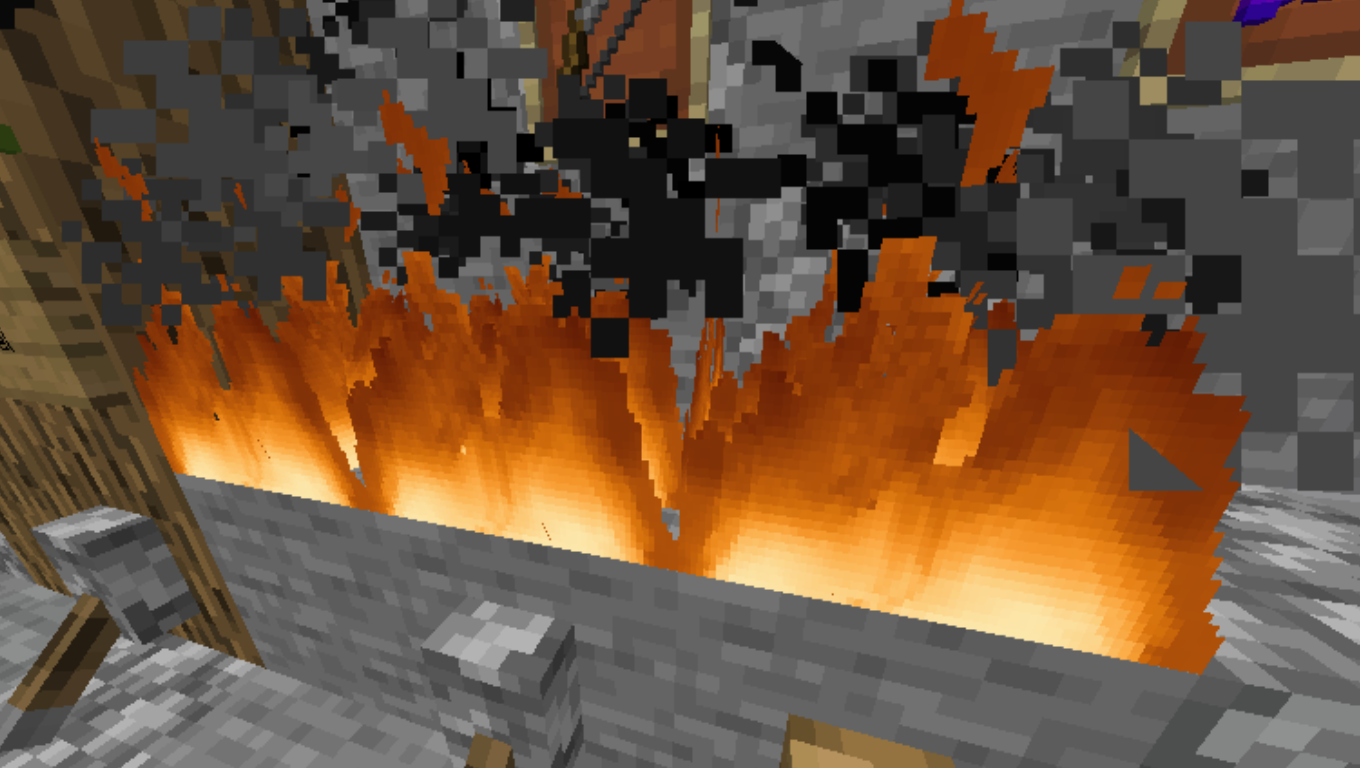
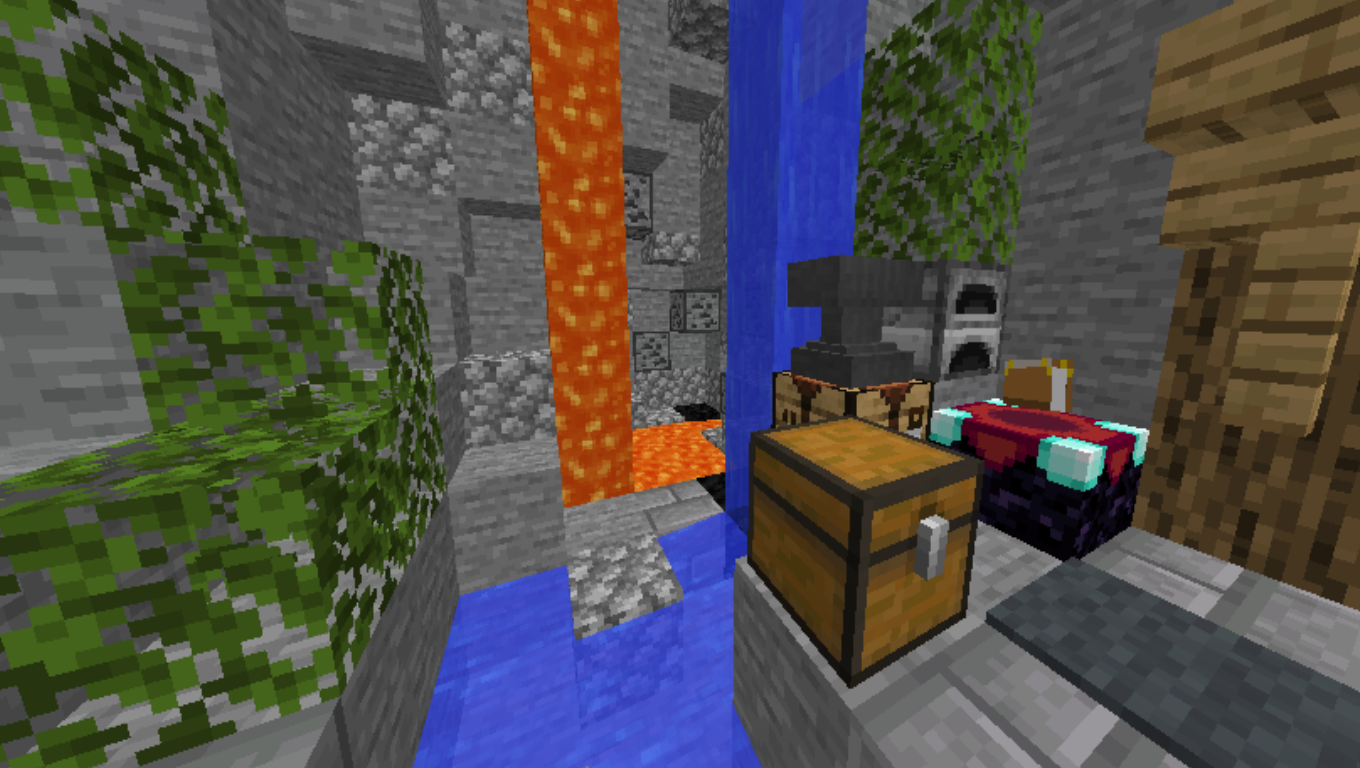
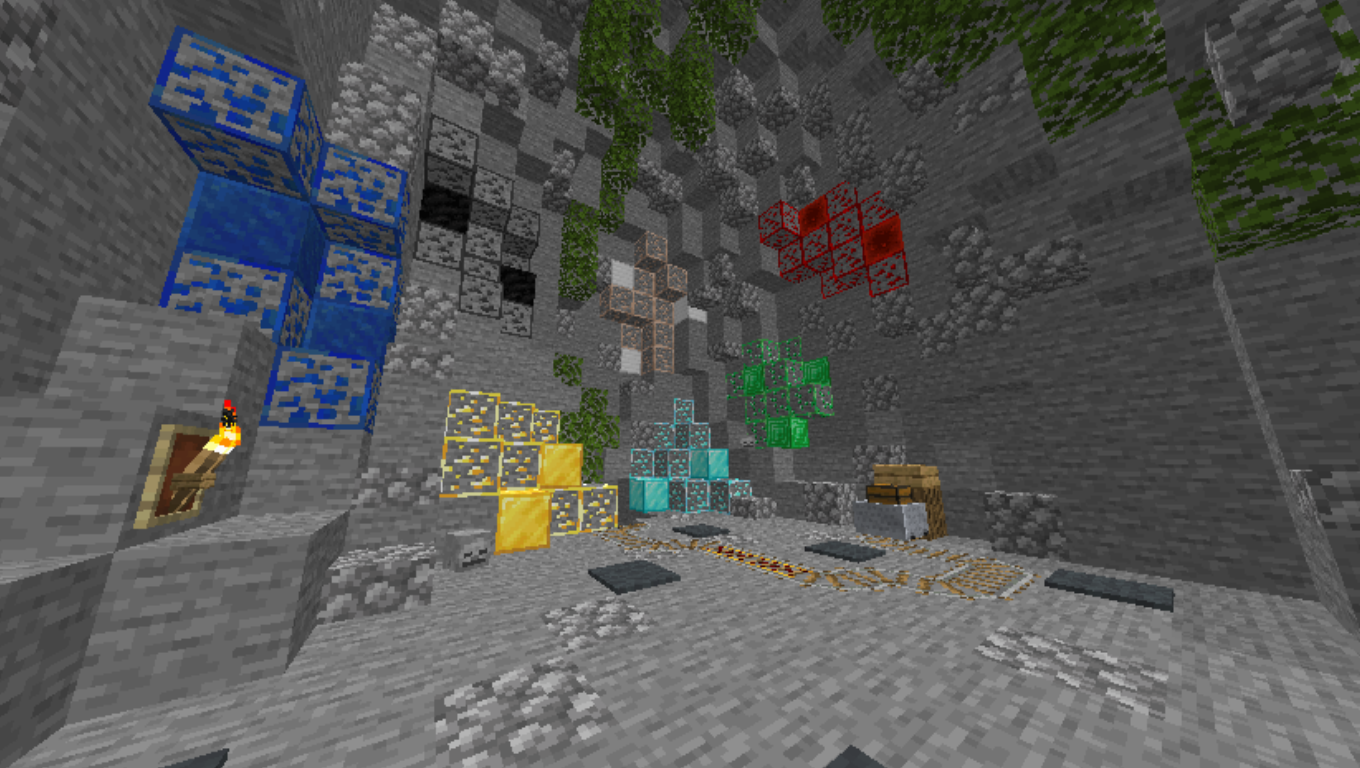
Most of the blocks are 1.14 blocks but the: Bed, TNT and the sun and moon and the fire are modified.


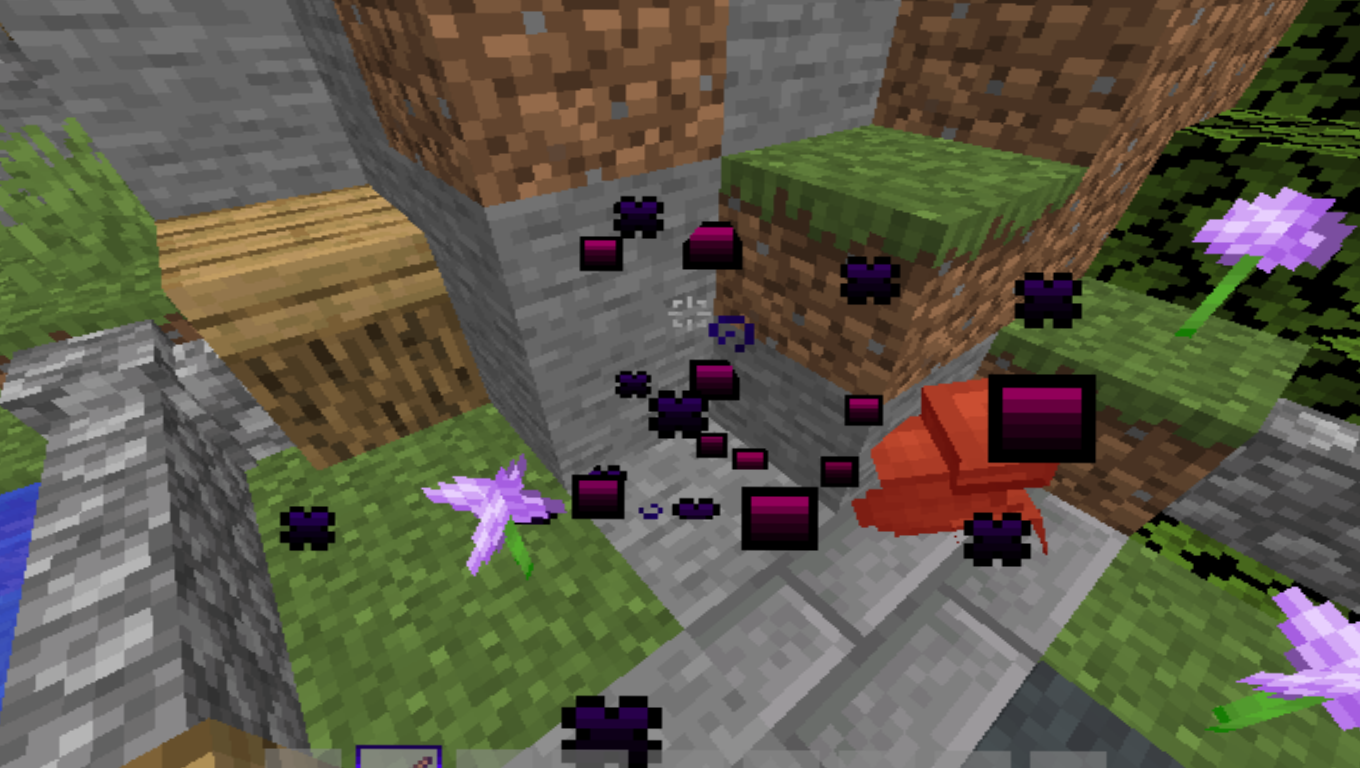
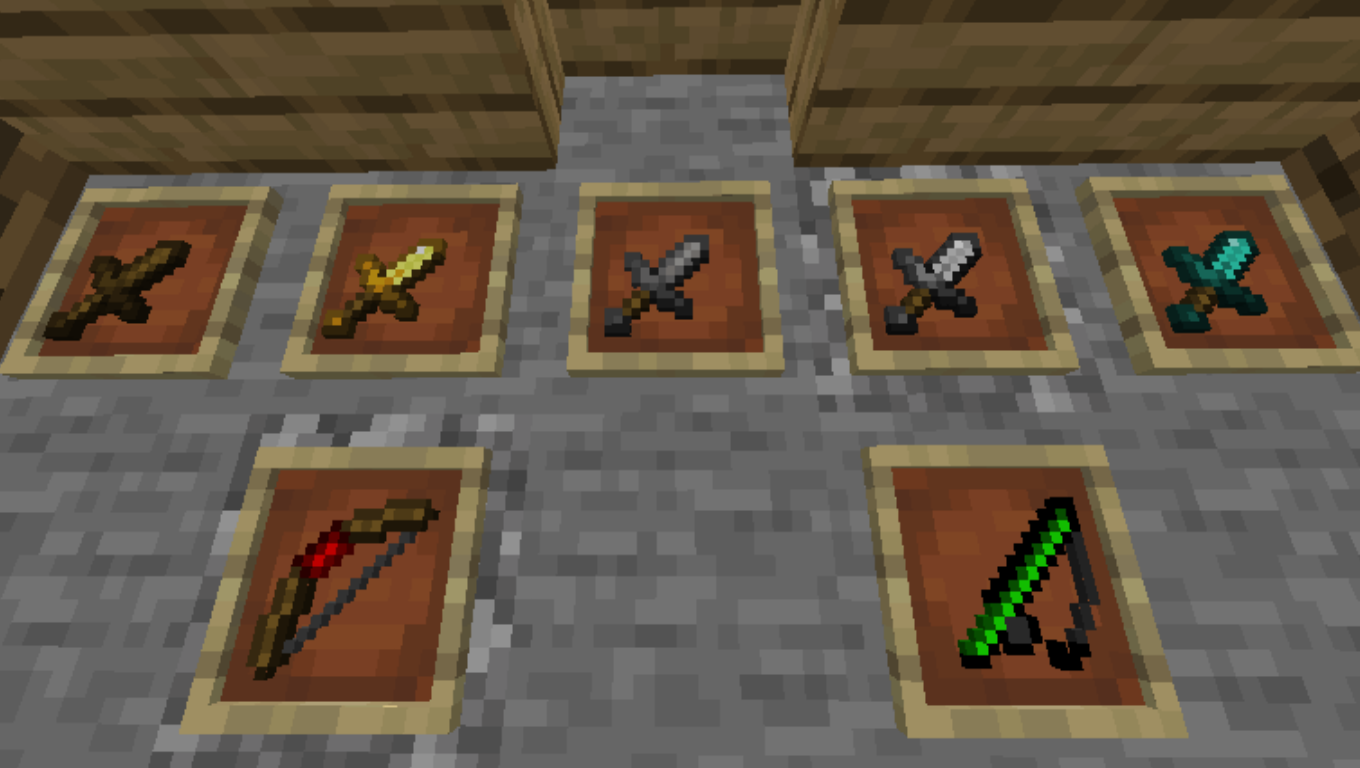
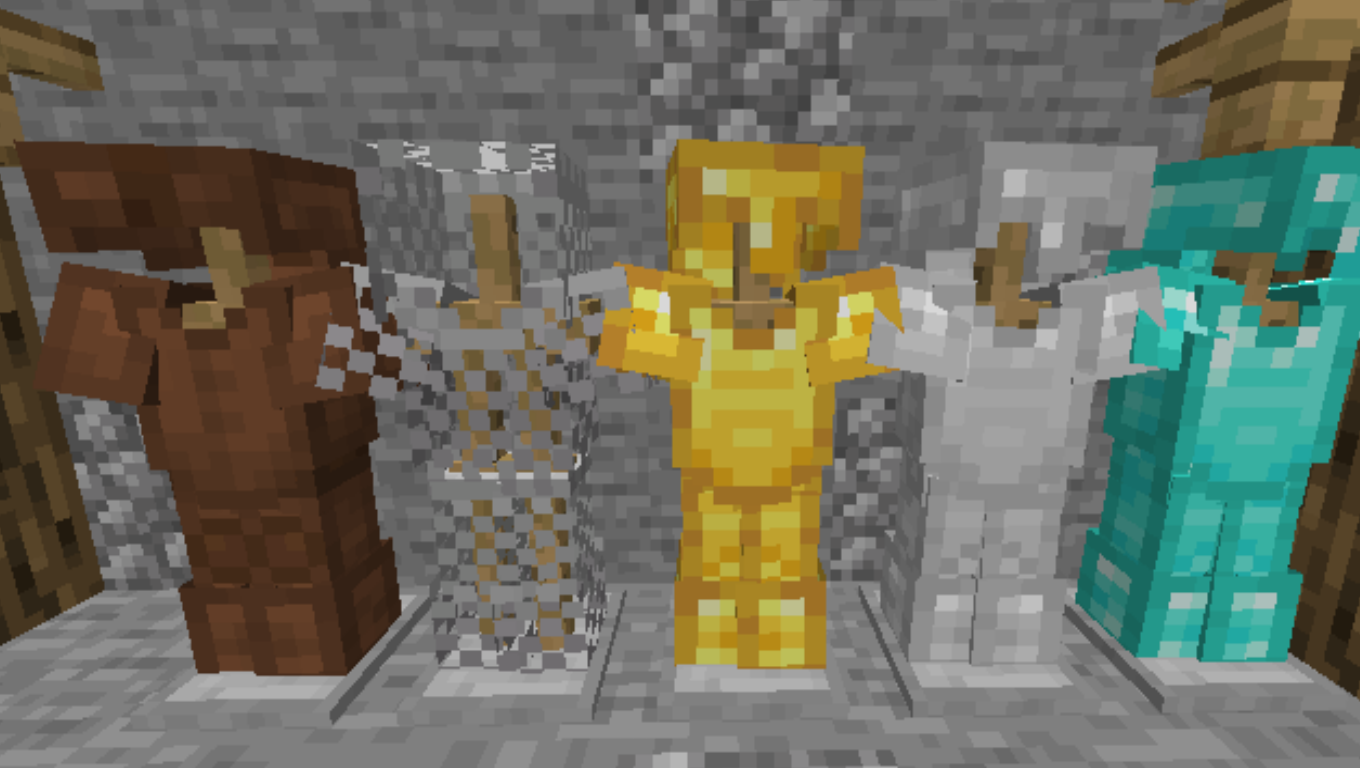
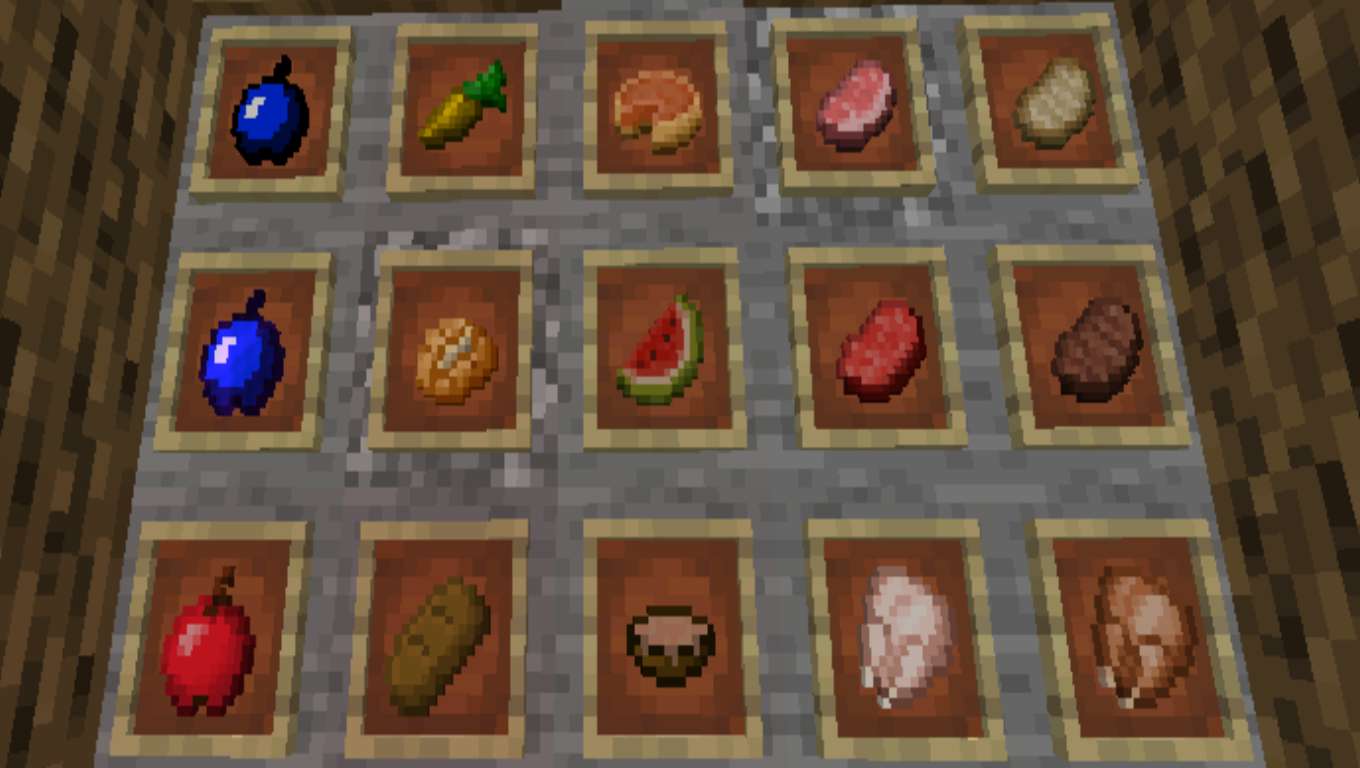
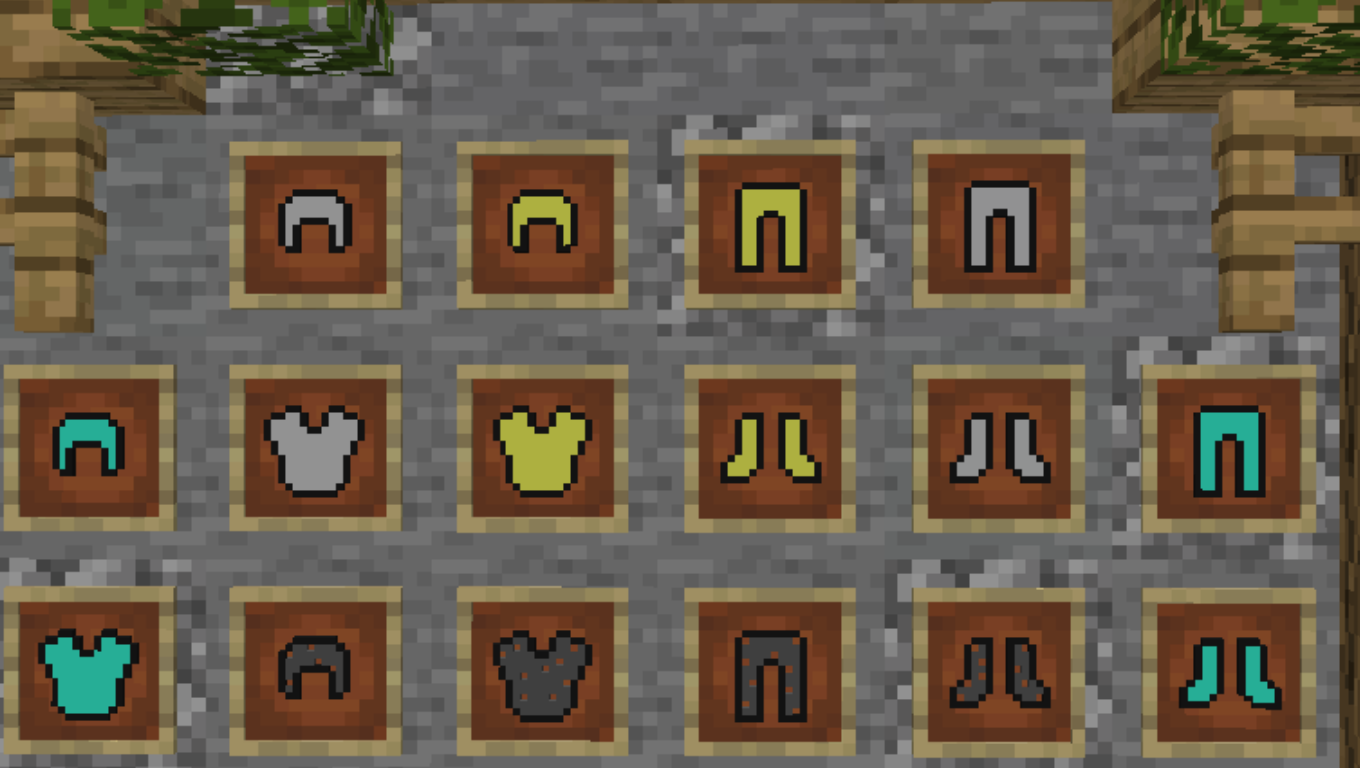
The items that are modified are: bucket of lava, bucket of water, empty bucket, bow, all the armors, all swords, all pickaxes, all axes, all shovels and all hoes, the gapple (Golden Apple), bed, ender pearl, fishing rod, the golden carrot, all the ores without coal and the arrows.


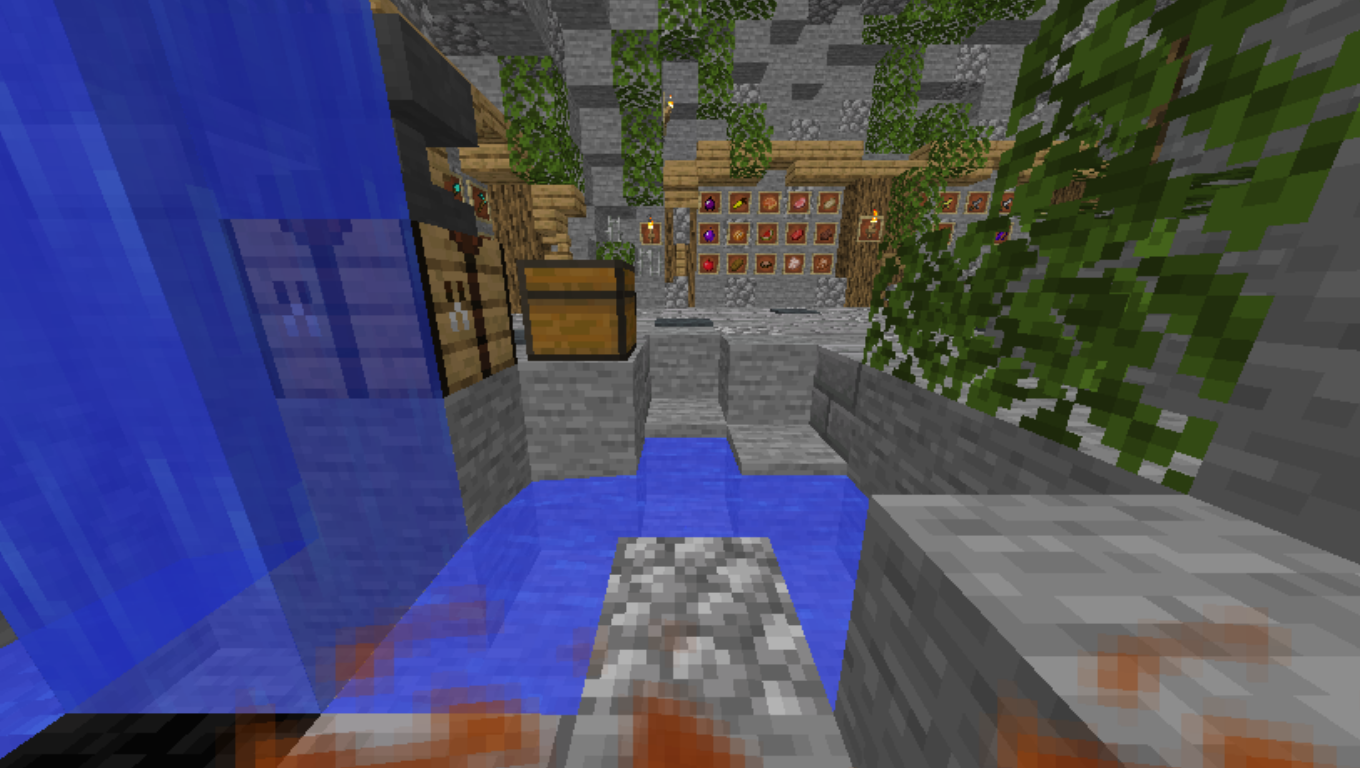
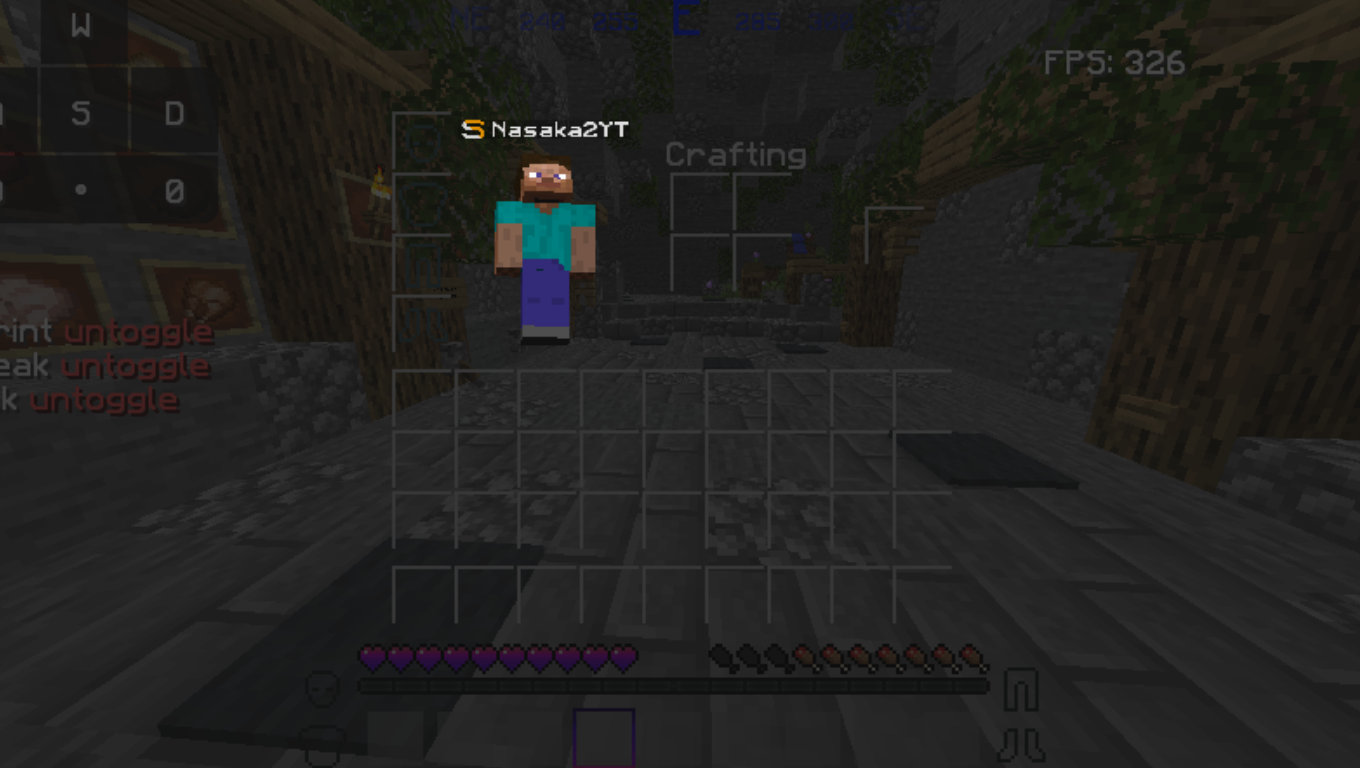
The Hud's that are changed are the inventory, the hotbar, levels, hearts, bubbles, armor, crosshair, all the buttons, the background for the server selector, the crafting table, furnace hud, brewing stand hud, chest hud, and the viliger hud, and all particles.


That's from me hope you enjoy the pack :D


Disclamer3: THE ZIP FOLDER/THE PACK FOLDER IS CALLED Purple PvP Texture Pack V2.zip. Just to know :D


Bye :D

Purple PvP Texture Pack V2 9/23/2021
MC 1.8.7, 1.8.4, 1.8.8, 1.8.3, 1.8.6, 1.7.10, 1.8, 1.8.2, 1.8.5, 1.8.9, 1.8.1
Alpha 2021-09-23 Get
Purple PvP Texture Pack V2 newest with new hud + all 1.8 versions
MC 1.8.7, 1.8.4, 1.8.8, 1.8.3, 1.8.6, 1.8, 1.8.2, 1.8.5, 1.8.9, 1.8.1
Release 2021-03-31 Get
Purple PvP Texture Pack V2 With old hud + all 1.8 versions
MC 1.8.7, 1.8.4, 1.8.8, 1.8.3, 1.8.6, 1.8, 1.8.2, 1.8.5, 1.8.9, 1.8.1
Release 2021-03-30 Get
Purple PvP Texture Pack V2 With new hud + all 1.8 versions
MC 1.8.7, 1.8.4, 1.8.8, 1.8.3, 1.8.6, 1.8, 1.8.2, 1.8.5, 1.8.9, 1.8.1
Release 2021-03-30 Get

Requirements & install

How to use this resource pack in Minecraft
Resolution
16x
Minecraft
1.8.2 – 1.8.9
Install folder
.minecraft/resourcepacks

How to install resource packs

  1. Download the resource pack .zip file (do not extract it).
  2. In Minecraft open Options → Resource Packs → Open Pack Folder.
  3. Drop the .zip into the resourcepacks folder (.minecraft/resourcepacks).
  4. Move the pack to the Selected column and click Done.
Browse more: 16x resource packs 32x resource packs 64x resource packs 128x resource packs 256x resource packs 512x+ resource packs Resource Packs for 1.8.9 All resource packs

More from N1cro_BG

Advertisement Remove ads with Premium →

You Might Also Like