Mineuniverse
Resource Packs
Pumpkins Reforged

Pumpkins Reforged

RESOURCE PACK
Prettier and more varied pumpkins!
by Rappenem
Download Claim this project
27,678 downloads
0 likes
Updated Oct 14, 2026
0 hypes
16x Miscellaneous
Advertisement Remove ads with Premium →

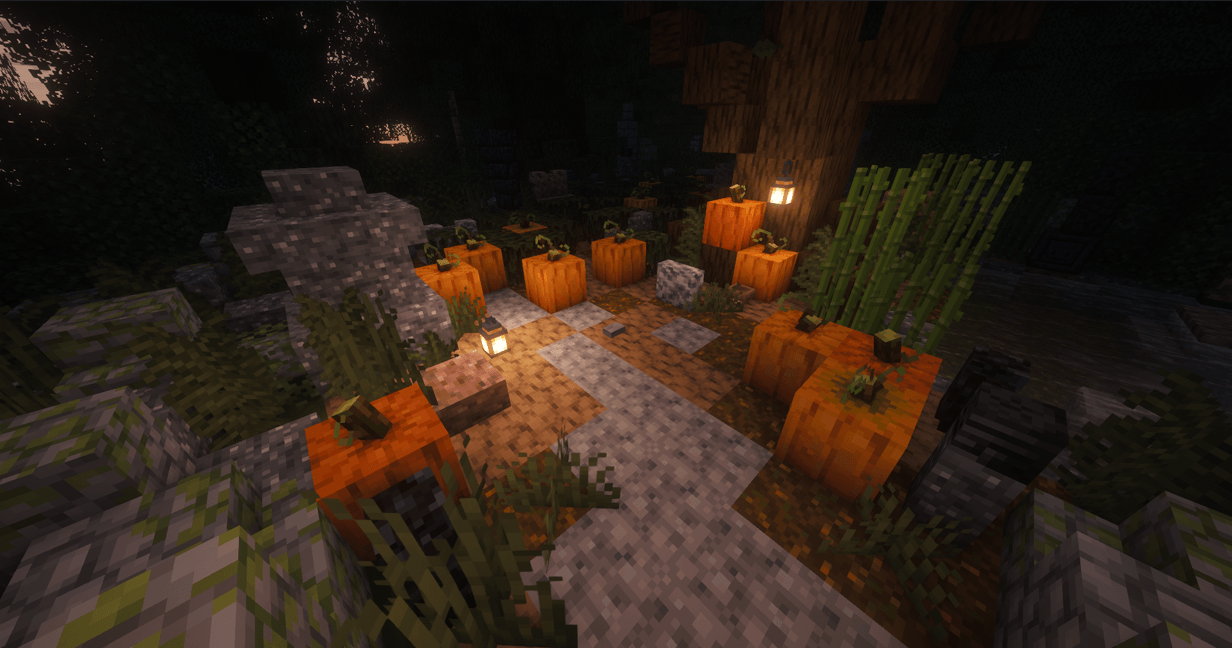
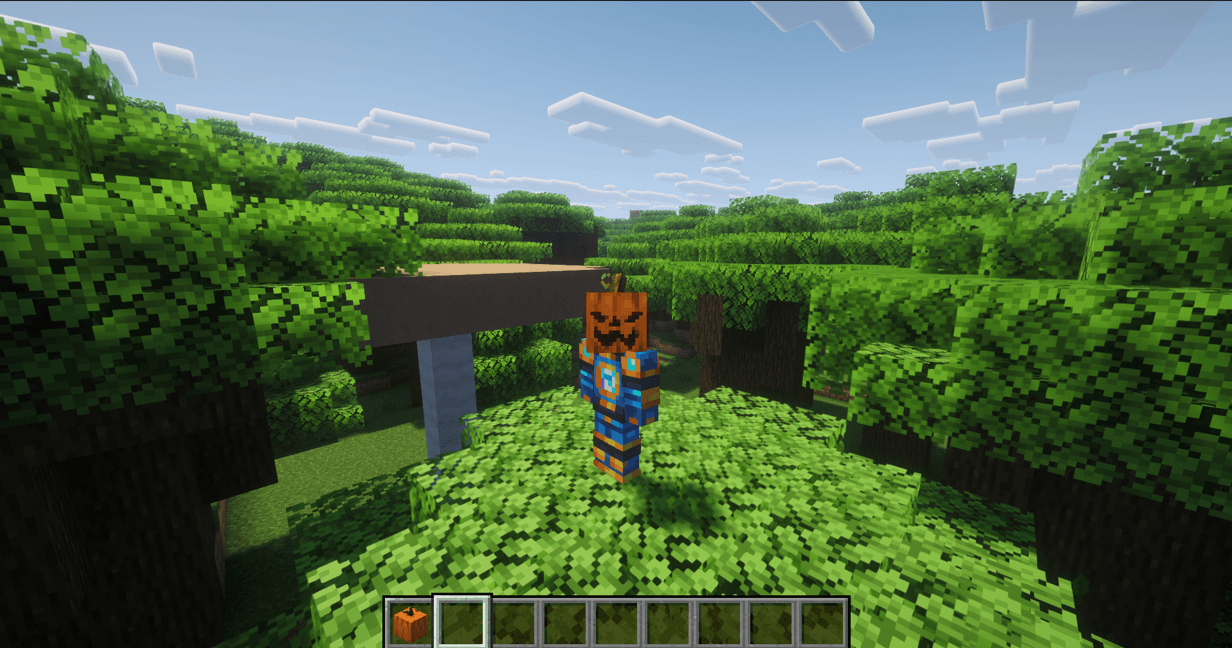
This pack completely reimagines pumpkins giving them brand new models with stems and vines! Regular pumpkins have 3 variants, while carved pumpkins now have 10+ expression variants from spooky to downright goofy :D

pumpkins

The contents of this mini pack are from a greater project I'm working on called Rappenem's Reforge which aims to resprite the whole game in this style. So if you like the pixel art on display here consider checking it out and supporting me on Patreon for early access as well as bonus content!

FF DFH

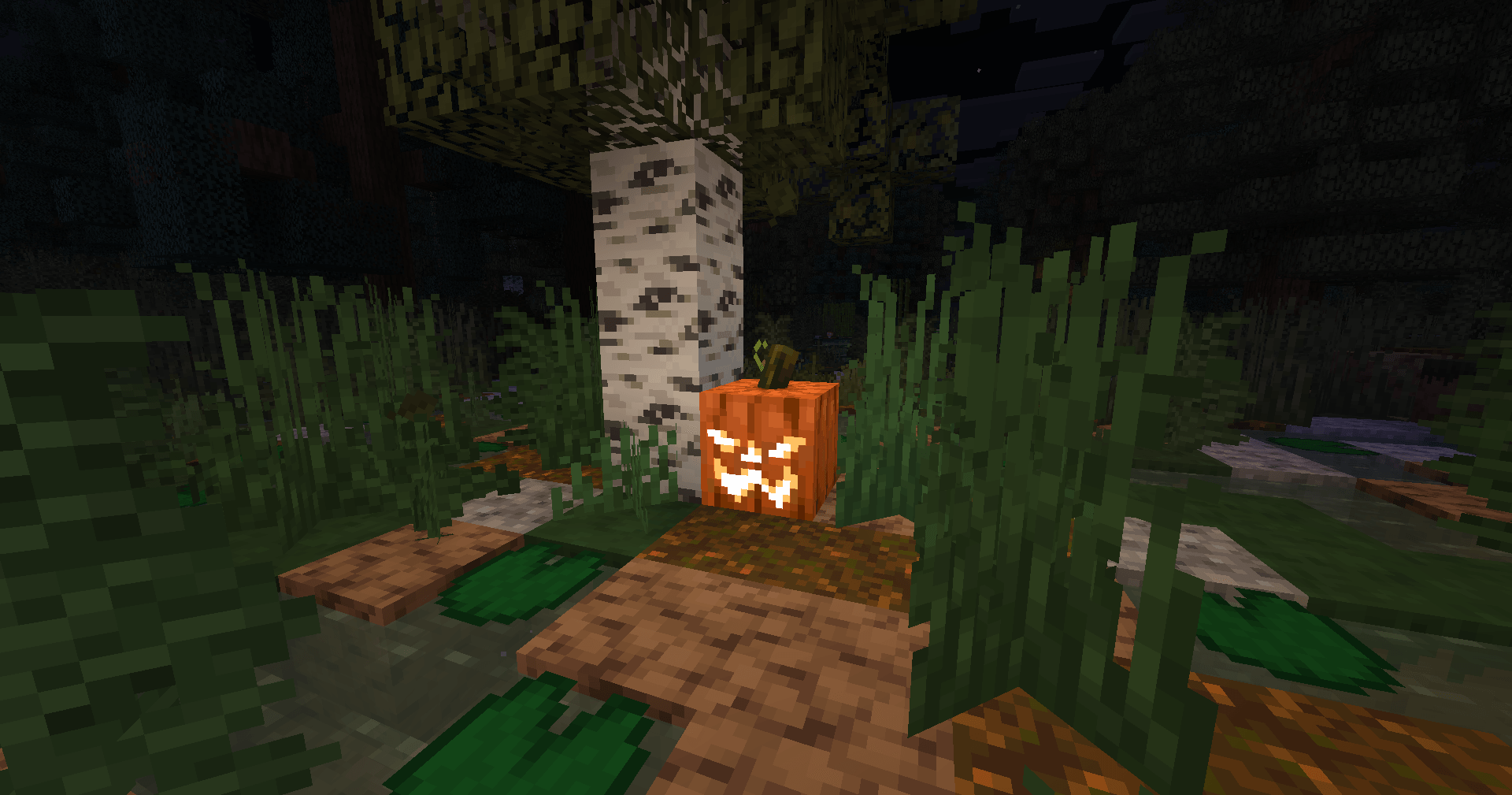
Spice up your builds with these 13 unique pumpkin faces variants!

Image Image Image

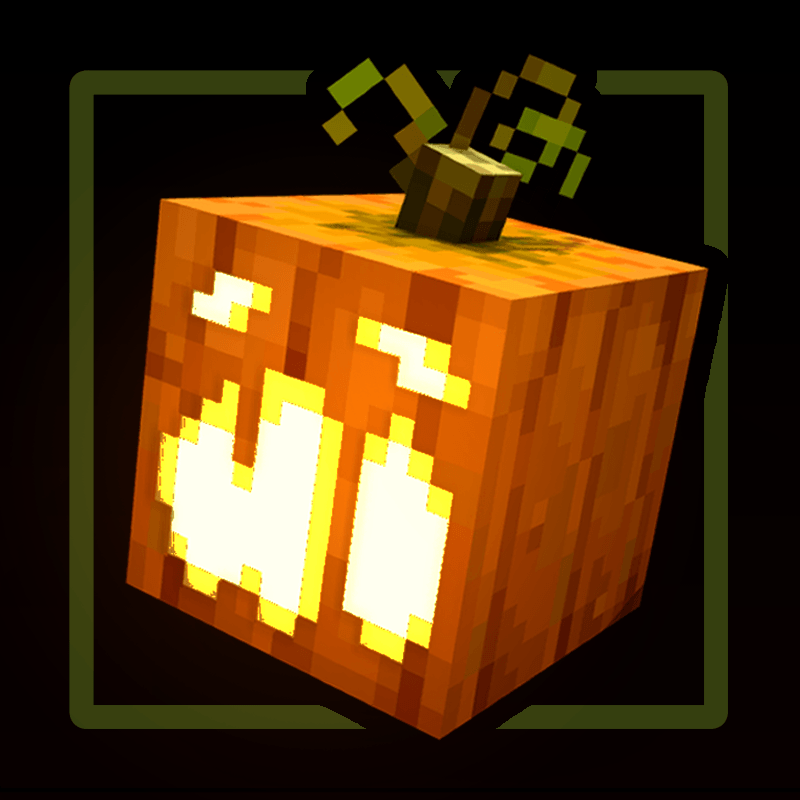
Enjoy more vibrant jack-o-lanterns thanks to the addition of emissives

Image

3 unique pumpkin models to add variation to the patch!

Image

Additional notes:

  • The face variants are not truly "random" given how Minecraft's code actually works. Upon world generation each block is associated to a variant meaning that while giving the illusion of randomness, breaking and replacing a pumpkin in the same spot will always generate the same variant.
  • Features that make the pumpkin models showcased in these screenshots like transparency and multi-axis rotations are only possible in newer versions of the game (1.21.11+) meaning if you're playing in older versions you might notice that things like the vines and emissive jack-o-lanterns are missing. This is perfectly normal and the only way to achieve compatibility with older versions!
Pumpkins Reforged v1.0.zip
MC 1.21, 1.20.2, 1.21.8, 1.20.5, 1.21.5, 1.21.4, 1.20.1, 1.20, 1.20.6, 1.21.1, 1.21.6, 1.21.3, 1.21.7, 1.20.4, 1.20.3, 1.21.2, 1.21.9, 1.21.10, 1.21.11, 26.1, 26.1.1, 26.1.2
Release 2026-06-18 Get

Requirements & install

How to use this resource pack in Minecraft
Resolution
16x
Minecraft
1.21.7 – 26.1.2
Install folder
.minecraft/resourcepacks

How to install resource packs

  1. Download the resource pack .zip file (do not extract it).
  2. In Minecraft open Options → Resource Packs → Open Pack Folder.
  3. Drop the .zip into the resourcepacks folder (.minecraft/resourcepacks).
  4. Move the pack to the Selected column and click Done.
Browse more: 16x resource packs 32x resource packs 64x resource packs 128x resource packs 256x resource packs 512x+ resource packs Resource Packs for 26.1.2 All resource packs

More from Rappenem

Advertisement Remove ads with Premium →

You Might Also Like