This can work on older Versions of minecraft make sure to have optifine
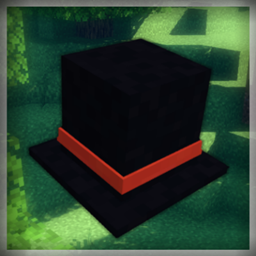
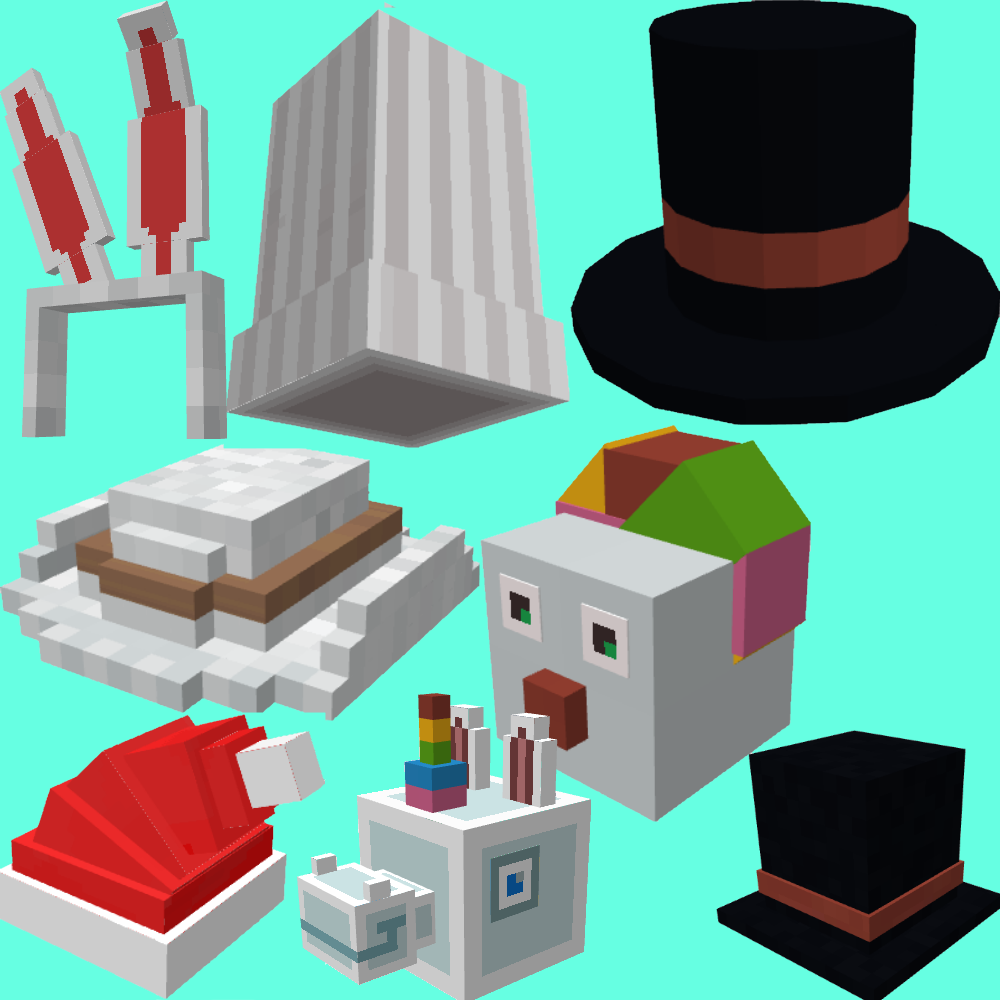
This is my first ever Texture Pack Which add some Minecraft hats that replace the carved pumpkin when you name it a certain way if you would like to see a hat added put a comment and it might be added.
OPTIFINE REQUIRED
Enjoy
_____________________________________
Credits:
thayus - Made the Pack Icon YT
BlockBench - Program Used
_____________________________________
Item Names:
1. Hexadecagon Tophat
2. Tophat
3. Hostle Wolf
4. Dog Hat
5. Bunny Ears
6. Cowboy Hat
7. Mini Crown
8. Goat Head
9. Unicorn Hat
10. Warden Hat
11. Helmet
12. Donkey Hat
13. Pink Axolotl Hat
14. Cyan Axolotl Hat
15. Brown Axolotl Hat
16. Blue Axolotl Hat
17. Gold Axolotl Hat
18. Feez Hat
19. Bowler Hat
20. Eye Patch
21. Straw Hat
22. Goggles Hat
23. Witch Hat
24. Slime Mask
25. Devil Horns
26. 3 heads
27. Arrow Head
28. Clown Mask
29. Ghost Pet
30. Santa Hat
31. Antlers
32. Minecarts
33. Presents
34. Frog
35. Cat
36. Chef Hat
37. Mask
38. Halo Ring
39. Shocked
1. Kirby
------------------------------------------------------
General Update/ Very Late Valentines update/ Easter Update:
1. Red Cap
2. Bunny
3. Hard Hat
4. Headphones
5. Heart eyes
6. Hearts
------------------------------------------------------
Easter Egg to Two Player Puzzle Map
1. Tv head
Go Support the map (LINK)
------------------------------------------------------
General update/bug fix
1. kasa
2. piglin hat