Mineuniverse
Resource Packs
puffins pvp pack

puffins pvp pack

RESOURCE PACK
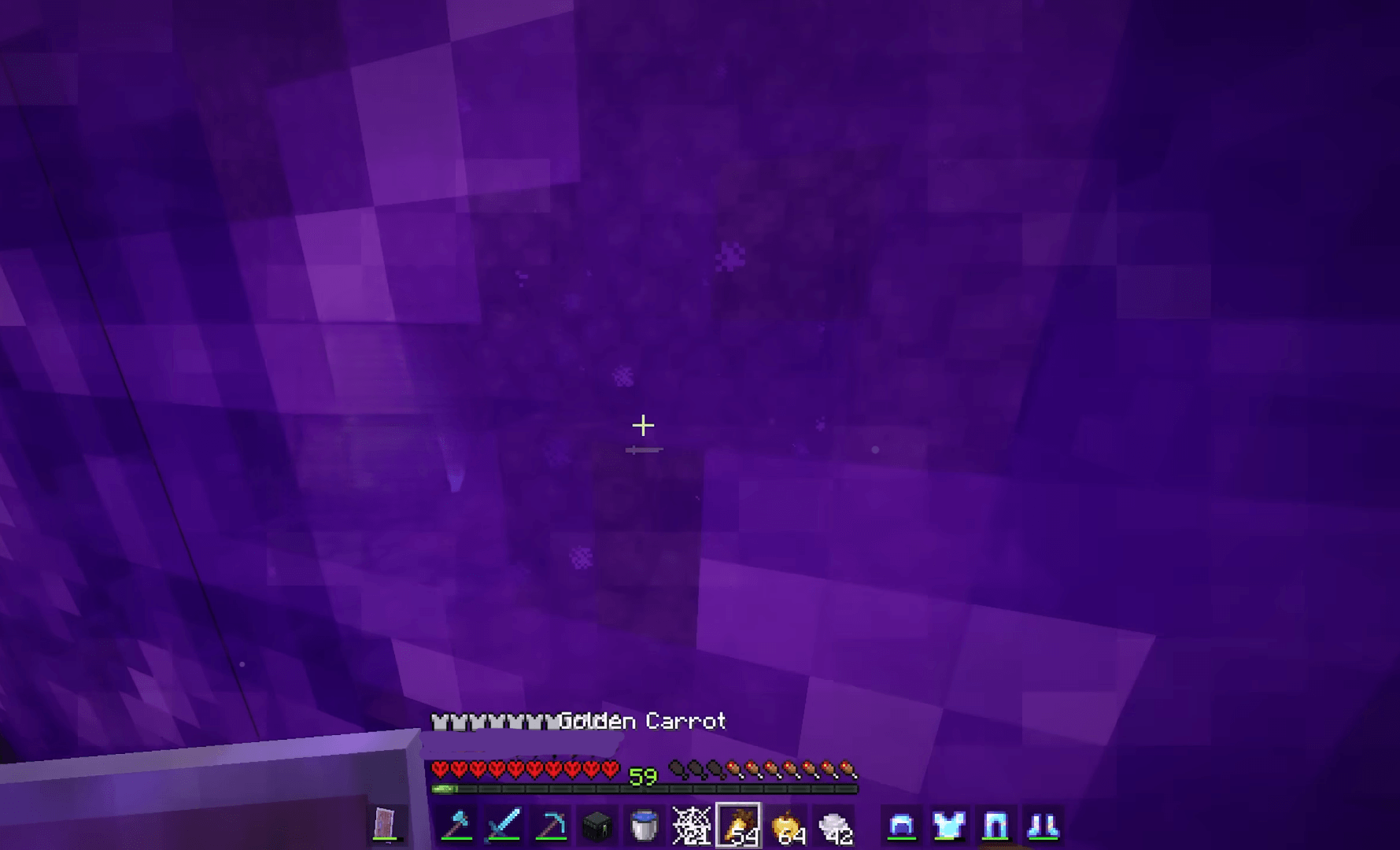
A PvP pack designed to enhance your combat experience by adding all the essential features needed for smooth and competitive gameplay. It improves visibility with clearer textures, boosts performance for higher FPS, and refines in-game elements to make fig
by theportato
Download Claim this project
425 downloads
0 likes
Updated Oct 14, 2026
0 hypes
32x
Advertisement Remove ads with Premium →

This pack will make your PvP experience absolutely amazing, as it contains all possible functions and aspects, needed for high-speed, smooth and competitive play. The primary aim of the pack is to increase your visibility, speed, and responsiveness in order to provide the highest results while competing.

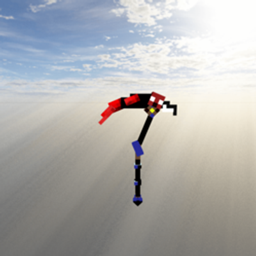
The set of modifications includes improved visuals due to the simplification of textures which helps to notice an opponent, projectiles and other crucial factors much faster. Weapons, tools and armor become more distinct, meanwhile, particles, fire and GUI are adapted to be out of the way of players in the critical situation. This makes a big advantage for players.

Also, thanks to the improvements of performance and reduction of useless elements, such as unnecessary effects, you will have increased FPS and improved playability. The pack provides you with great advantages to have good results on low-end PCs.

Moreover, there is an opportunity to improve such aspects, related to PvP as hit feedback, crosshair and game-feel in general. The pack increases the player's speed and performance significantly which becomes crucial in PvP.

To conclude, this pack provides you with everything you need to play comfortably and productively

puffin pvp pack
MC 1.21.2-Snapshot, 1.21, 1.21.6-snapshot, 1.21.1-Snapshot, 1.21.8, 1.21.5, 1.21.4, 1.21.5-Snapshot, 1.21.1, 1.21.6, 1.21.3, 1.21-Snapshot, 1.21.4-Snapshot, 1.21.2, 1.21.9-snapshot
Release 2026-04-11 Get

Requirements & install

How to use this resource pack in Minecraft
Resolution
32x
Minecraft
1.21.4-Snapshot – 1.21.9-snapshot
Install folder
.minecraft/resourcepacks

How to install resource packs

  1. Download the resource pack .zip file (do not extract it).
  2. In Minecraft open Options → Resource Packs → Open Pack Folder.
  3. Drop the .zip into the resourcepacks folder (.minecraft/resourcepacks).
  4. Move the pack to the Selected column and click Done.
Browse more: 16x resource packs 32x resource packs 64x resource packs 128x resource packs 256x resource packs 512x+ resource packs Resource Packs for 1.21.9-snapshot All resource packs

More from theportato

Advertisement Remove ads with Premium →

You Might Also Like