Mineuniverse
Resource Packs
Public Transport Annonce

Public Transport Annonce

RESOURCE PACK
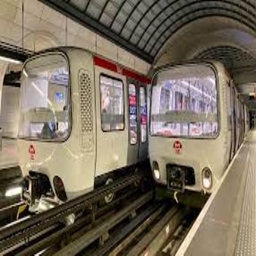
Add more sound for public transport.
by MarcusIsLion
Download Claim this project
Add a badge to your pageLink to Public Transport Annonce from a README, website or forum post.
Preview: Badge

Badges update automatically and link to the resource pack page on MineUniverse.

2,842 downloads
0 likes
0 followers
Updated Oct 14, 2026
0 hypes
Follow0
Data Packs Modern
Advertisement Remove ads with Premium →

1 000 Dwnloads ! Thank you guy's !

EN:

Minecraft Transit Railway is a recommended mod to use the resource pack, but otherwise you can use block commands!

This resource pack will allow you to add annoncement for your public transportation in all your worlds.

Use with Minecraft Transit Railway:

   Here are the steps to add the sound of an announcement in your trains:

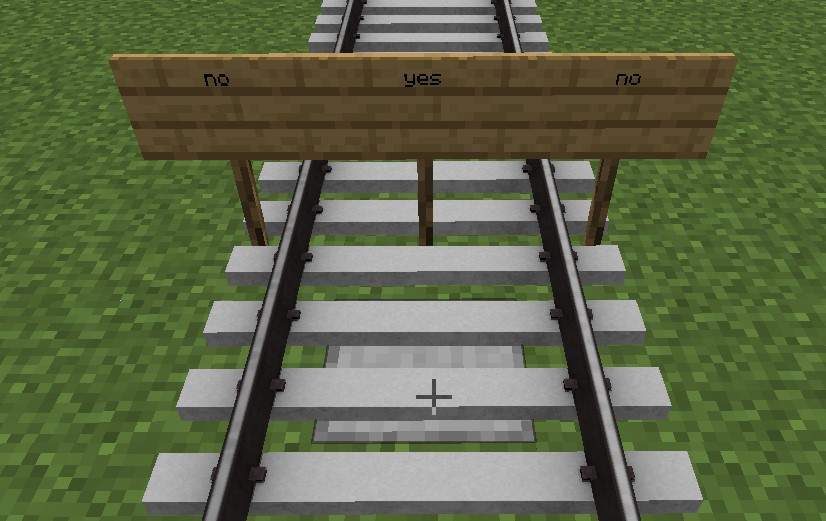
      1. Place the "announcer" block under the center of your rails.

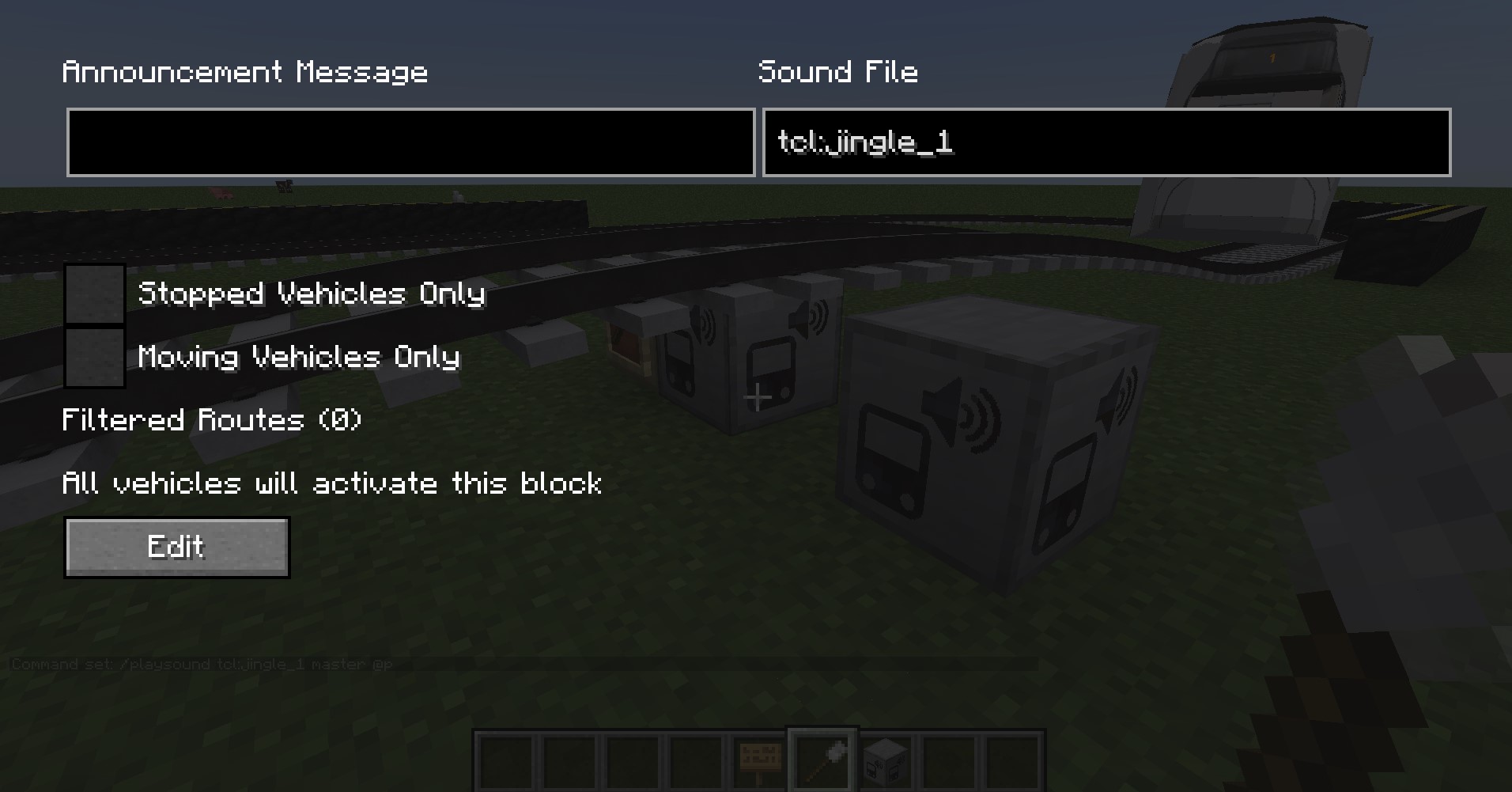
      2. Right click on this block with the "brush".

      3. Go to the top right and a submenu will appear.

      4. Go to the small search bar and write: "[companie_name]_".

      5. Select the desired ad.

Without Minecraft Transit Railway :

   Here are the steps to add the sound of an announcement to your trains:

      1. Place the block "command block".

      2. Make a right click on this same block.

      3. Write the command: "/playsound [__sound_name__] master @p".

      4. Press the enter key.

      5. Send a redstone signal in the block command and admire.


1 000 téléchargements ! Merci à vous !

FR:

Minecraft Transit Railway est un mod recommander pour utiliser le pack de ressource, mais sinon vous pouvez utiliser des commandes blocks !


Ce ressource pack vous permetera d'ajouter des sond pour vos transport publics dans tous vos mondes.

Utilisation avec Minecraft Transit Railway :

    Voici les étapes à suivre pour ajouter le son d'une annonce dans vos trains :

          1. Placer le block "annoncer" sous le centre de vos rails.

          2. Faite un clique droit sur ce même block avec le "brush".

          3. Aller en haut à droite et un sous-menu se dévoile.

          4. Aller dans la petite barre de recherche et écriver : "[nom_de_la_compagnie]_".

          5. Sélectionner l'annonce désiré.

Sans Minecraft Transit Railway :

    Voici les étapes à suivre pour ajouter le son d'une annonce dans vos trains :

          1. Placer le block "commande block".

          2. Faite un clique droit sur ce même block.

          3. écrivez la commande : "/playsound [__nom_du_son__] master @p".

          4. Appuyez sur la touche entré.

          5. Envoyer un courant de redstone dans le commande block et admirer.


Credits :
TCL (Transport Commun Lyonnais, Lyon)

RATP (Régie Autonome des Transports Parisiens, Paris)

RTM (Régie des Transports Métropolitain, Marseille)

SNCF (Société Nationnal des Chemins de fer Français, France)

Public_Transport_Annonce_1.16.2-1.16.5
MC 1.16.3, 1.16.5, 1.16.4, 1.16.2
Release 2023-08-01 Get
Public_Transport_Annonce_1.17-1.17.1
MC 1.17.1, 1.17, 1.17-Snapshot
Release 2023-08-01 Get
Public_Transport_Annonce_1.18-1.18.2
MC 1.18.1, 1.18.2, 1.18
Release 2023-08-01 Get
Public_Transport_Annonce_1.19.3
MC 1.19.3
Release 2023-08-01 Get
Public_Transport_Annonce_1.19.4
MC 1.19.4
Release 2023-08-01 Get
Public_Transport_Annonce_1.19-1.19.2
MC 1.19.2, 1.19.1, 1.19
Release 2023-08-01 Get
Public_Transport_Annonce_1.20-1.20.1
MC 1.20.1, 1.20
Release 2023-08-01 Get
Public_Transport_Annonce_1.16.2-1.16.5
MC 1.16.3, 1.16.5, 1.16.4, 1.16.2
Release 2023-07-09 Get
Public_Transport_Annonce_1.17-1.17.
MC 1.17.1, 1.17, 1.17-Snapshot
Release 2023-07-09 Get
Public_Transport_Annonce_1.18-1.18.2
MC 1.18.1, 1.18.2, 1.18
Release 2023-07-09 Get
Public_Transport_Annonce_1.19.3
MC 1.19.3
Release 2023-07-09 Get
Public_Transport_Annonce_1.19.4
MC 1.19.4
Release 2023-07-09 Get
Public_Transport_Annonce_1.19-1.19.2
MC 1.19.2, 1.19.1, 1.19
Release 2023-07-09 Get
Public_Transport_Annonce_1.20-1.20.1
MC 1.20.1, 1.20
Release 2023-07-09 Get
Public_Transport_Annonce_1.16.2-1.16.5
MC 1.16.3, 1.16.5, 1.16.4, 1.16.2
Release 2023-06-22 Get
Public_Transport_Annonce_1.17-1.17.1
MC 1.17.1, 1.17, 1.17-Snapshot
Release 2023-06-22 Get
Public_Transport_Annonce_1.18-1.18.2
MC 1.18.1, 1.18.2, 1.18, 1.18-Snapshot
Release 2023-06-22 Get
Public_Transport_Annonce_1.19-1.19.2
MC 1.19-Snapshot, 1.19.2, 1.19.1, 1.19
Release 2023-06-22 Get
Public_Transport_Annonce_1.19.3
MC 1.19.3, 1.19.3-Snapshot
Release 2023-06-22 Get
Public_Transport_Annonce_1.19.4
MC 1.19.4-Snapshot, 1.19.4
Release 2023-06-22 Get
Public_Transport_Annonce_1.20-1.20.1
MC 1.20.1, 1.20, 1.20-Snapshot
Release 2023-06-22 Get
Public_Transport_Annonce_1.16.X
MC 1.16-Snapshot, 1.16.3, 1.16.1, 1.16, 1.16.5, 1.16.4, 1.16.2
Release 2023-06-19 Get
Public_Transport_Annonce_1.17.X
MC 1.17.1, 1.17, 1.17-Snapshot
Release 2023-06-19 Get
Public_Transport_Annonce_1.18.X
MC 1.18.1, 1.18.2, 1.18, 1.18-Snapshot
Release 2023-06-19 Get
Public_Transport_Annonce_1.19.X
MC 1.19.3, 1.19.4-Snapshot, 1.19.4, 1.19-Snapshot, 1.19.2, 1.19.1, 1.19, 1.19.3-Snapshot
Release 2023-06-19 Get
Public_Transport_Annonce_1_18_X
MC 1.18.1, 1.18.2, 1.18
Release 2023-06-07 Get
Public_Transport_Annonce_1_17_X
MC 1.17.1, 1.17, 1.17-Snapshot
Release 2023-06-07 Get
Public_Transport_Annonce_1_16_X
MC 1.16-Snapshot, 1.16.3, 1.16.1, 1.16, 1.16.5, 1.16.4, 1.16.2
Release 2023-06-07 Get
Public_Transport_Annonce_0.2.0
MC 1.19.2, 1.19.1, 1.19
Release 2023-05-08 Get
Public_Transport_Annonce_0.2.0
MC 1.18.1, 1.18.2, 1.18, 1.18-Snapshot
Release 2023-05-08 Get
Public_Transport_Annonce_0.2.0.
MC 1.17.1, 1.17, 1.17-Snapshot
Release 2023-05-08 Get
Public_Transport_Annonce_0.2.0
MC 1.16-Snapshot, 1.16.3, 1.16.1, 1.16, 1.16.5, 1.16.4, 1.16.2
Release 2023-05-08 Get
Public_Transport_Annonce_0.2.0
MC 1.15-Snapshot, 1.14.4, 1.14.1, 1.14.3, 1.15, 1.15.2, 1.14, 1.14.2, 1.14-Snapshot, 1.15.1
Alpha 2023-05-08 Get
Public_Transport_Annonce_0.2.0
MC 1.13.1, 1.13, 1.13-Snapshot, 1.13.2
Alpha 2023-05-08 Get
Public_Transport_Annonce_0.2.0
MC 1.12.1, 1.12, 1.11, 1.11.1, 1.11.2, 1.11-Snapshot, 1.12.2, 1.12-Snapshot
Alpha 2023-05-08 Get

Requirements & install

How to use this resource pack in Minecraft
Resolution
Not specified
Minecraft
1.19.2 – 1.20.1
Install folder
.minecraft/resourcepacks

How to install resource packs

  1. Download the resource pack .zip file (do not extract it).
  2. In Minecraft open Options → Resource Packs → Open Pack Folder.
  3. Drop the .zip into the resourcepacks folder (.minecraft/resourcepacks).
  4. Move the pack to the Selected column and click Done.
Browse more: 16x resource packs 32x resource packs 64x resource packs 128x resource packs 256x resource packs 512x+ resource packs Resource Packs for 1.20.1 All resource packs

More from MarcusIsLion

Advertisement Remove ads with Premium →

You Might Also Like