Mineuniverse
Resource Packs
Proyecto Exodo ES

Proyecto Exodo ES

RESOURCE PACK
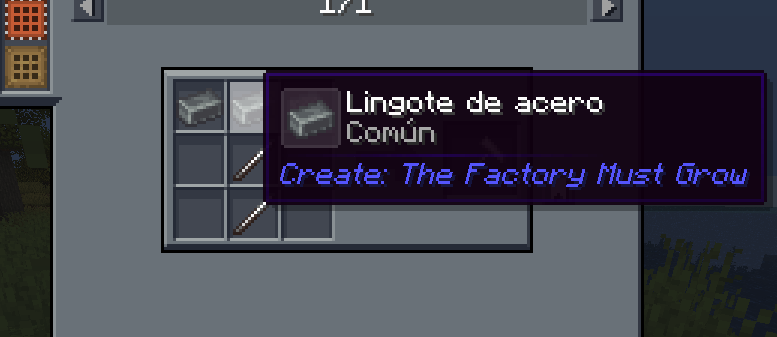
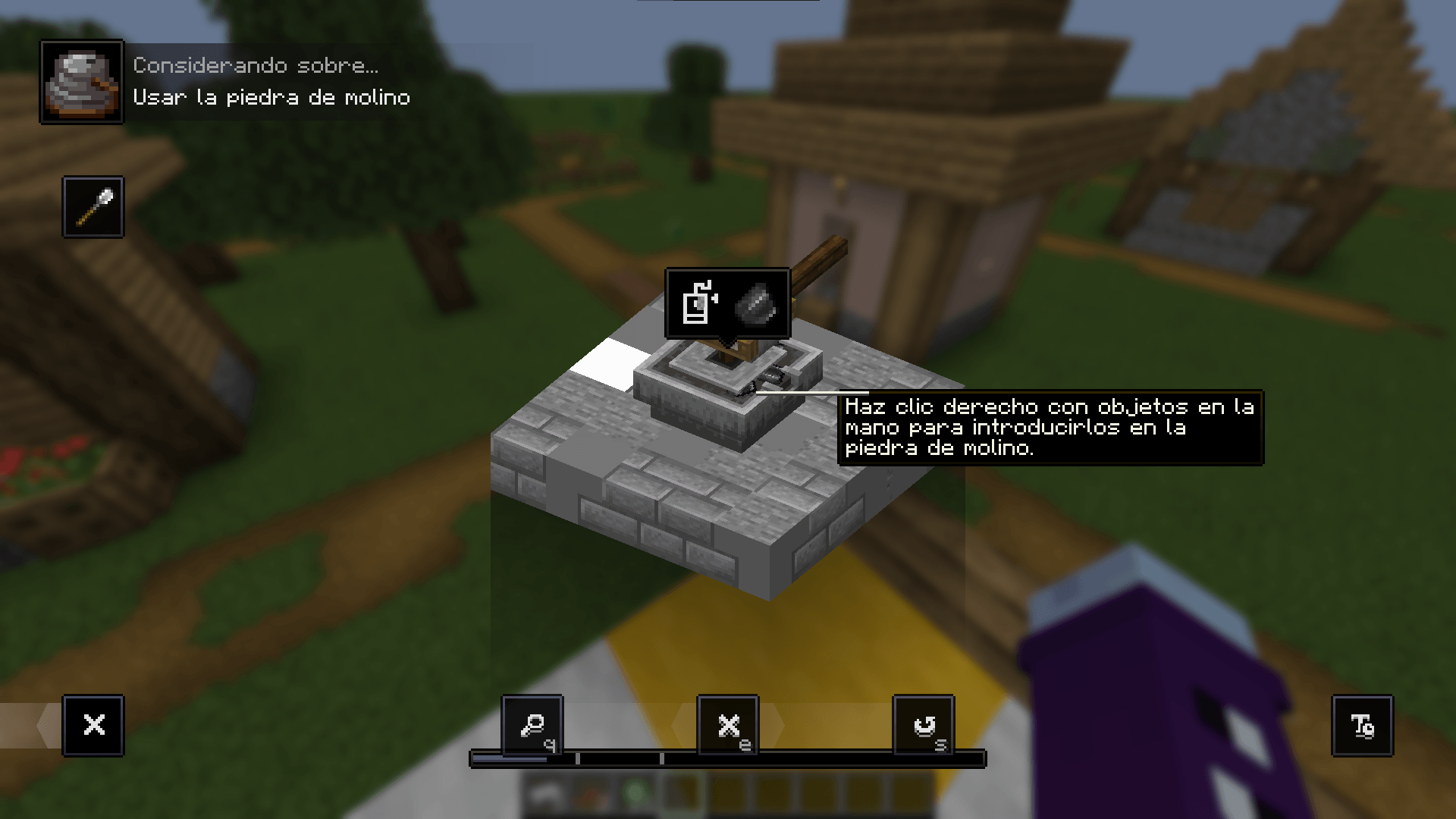
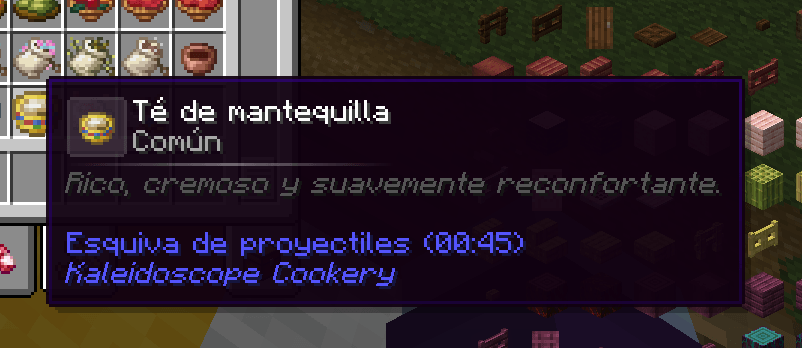
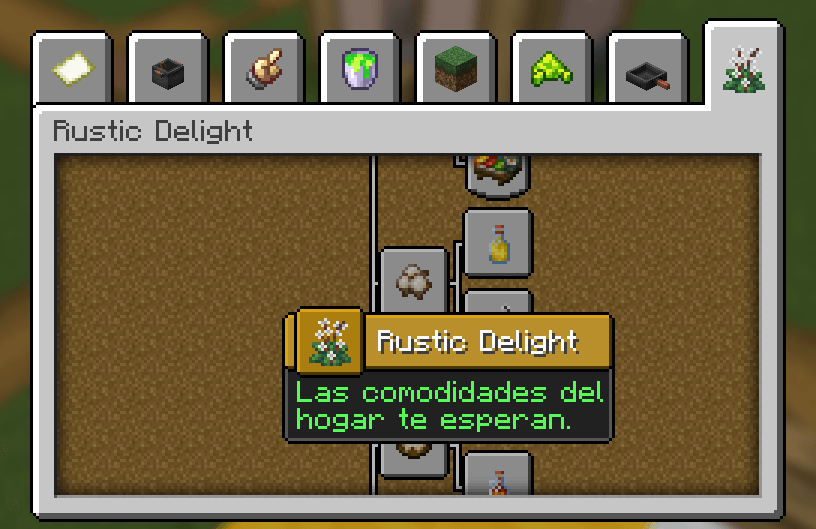
Projecto Exodo ES - Forces mods to use the language-specific JSON file, thereby applying the Spanish translation for that mod. Additionally, if the JSON file does not exist, the texture pack will create it.
by MaxwellWTV
Download Claim this project
242 downloads
0 likes
0 followers
Updated Oct 14, 2026
0 hypes
Follow0
Font Packs Miscellaneous Mod Support
Advertisement Remove ads with Premium →

ENGLISH 📣

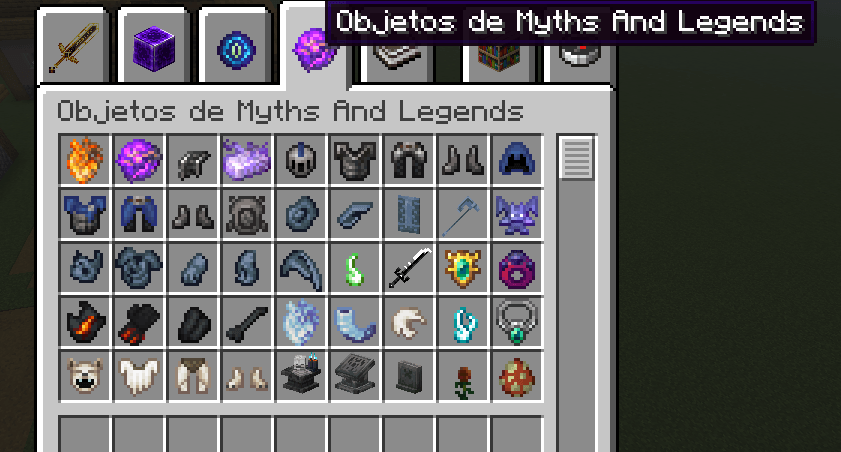
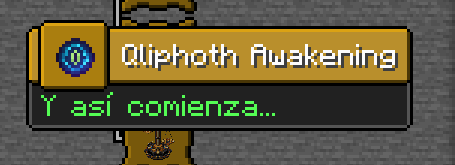
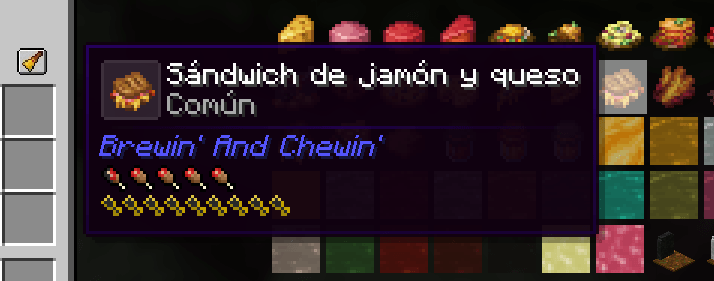
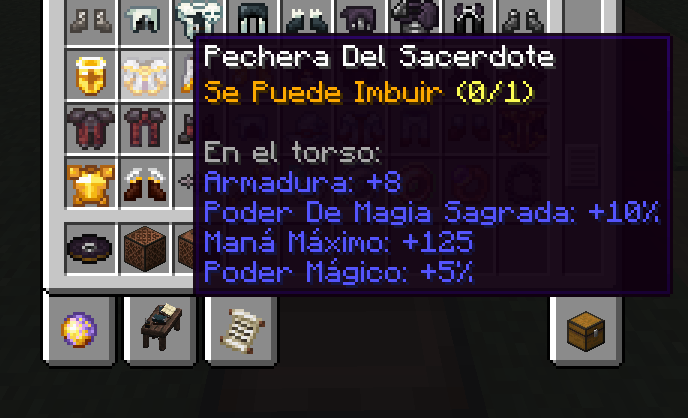
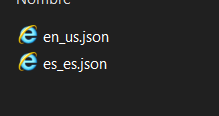
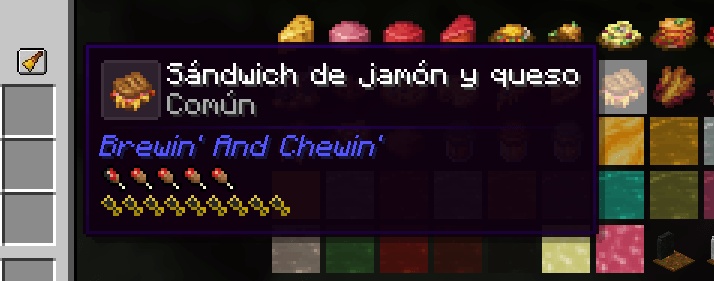
Forces mods to use the language-specific JSON file, thereby applying the Spanish translation for that mod. Additionally, if the JSON file does not exist, the texture pack will create it. Fixes the annoying issue where some mods fail to use the correct Spanish language file. We'll focus on gradually releasing more translated mods with their lang files.


SPANISH📣

Obliga a los mods a utilizar el archivo JSON específico del idioma, aplicando así la traducción al español para ese mod. Además, si el archivo JSON no existe, el paquete de texturas lo creará. Soluciona el molesto problema en el que algunos mods no utilizan el archivo de idioma español correcto. Nos centraremos en ir lanzando progresivamente más mods traducidos con sus archivos de idioma.



Mods translations currently available

  Calabozos y Arepas

Proyecto Exodo 0.1.zip
MC 1.21.1
Release 2026-10-12 Get
Proyecto-Exodo 1.1.zip
MC 1.20.1
Release 2026-10-11 Get
Proyecto Exodo 1.0.zip
MC 1.20.1
Release 2026-08-24 Get
Proyecto Exodo 0.9.zip
MC 1.20.1
Release 2026-08-18 Get
Proyecto Exodo 0.8
MC 1.20.1
Release 2026-08-15 Get
Proyecto Exodo 0.7
MC 1.20.1
Release 2026-07-10 Get
Proyecto-Exodo 0.6
MC 1.20.1
Release 2026-05-10 Get
Proyecto-Exodo 0.5
MC 1.20.1
Release 2026-05-02 Get
Proyecto-Exodo 0.4
MC 1.20.1
Release 2026-04-13 Get
Proyecto-Exodo 0.3
MC 1.20.1
Release 2026-04-11 Get
Proyecto-Exodo 0.2
MC 1.20.1
Release 2026-04-09 Get
Proyecto-Exodo 0.1
MC 1.20.1
Release 2026-04-07 Get

Requirements & install

How to use this resource pack in Minecraft
Resolution
Not specified
Minecraft
1.20.1 – 1.21.1
Install folder
.minecraft/resourcepacks

How to install resource packs

  1. Download the resource pack .zip file (do not extract it).
  2. In Minecraft open Options → Resource Packs → Open Pack Folder.
  3. Drop the .zip into the resourcepacks folder (.minecraft/resourcepacks).
  4. Move the pack to the Selected column and click Done.
Browse more: 16x resource packs 32x resource packs 64x resource packs 128x resource packs 256x resource packs 512x+ resource packs Resource Packs for 1.21.1 All resource packs
Advertisement Remove ads with Premium →

You Might Also Like