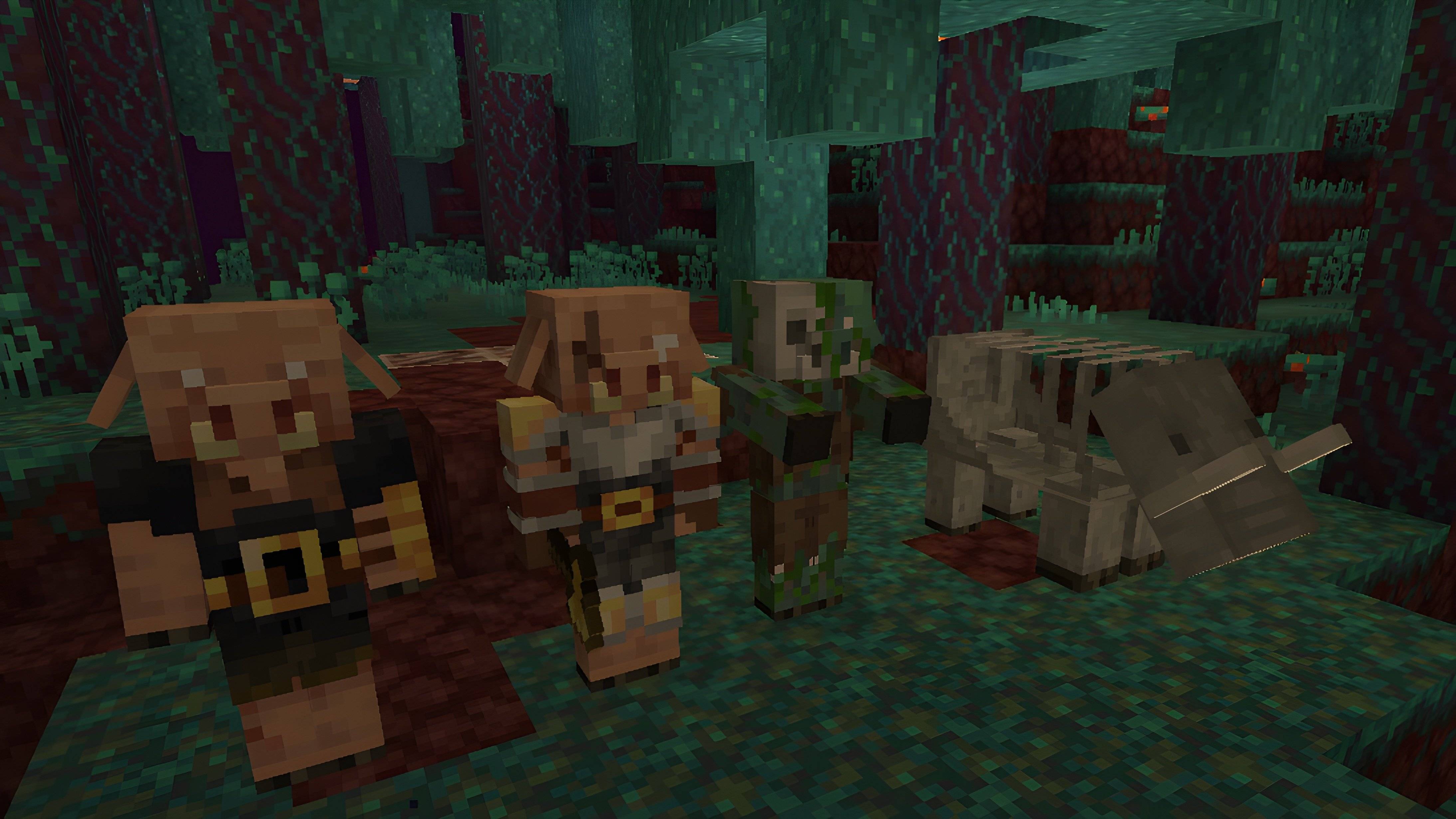
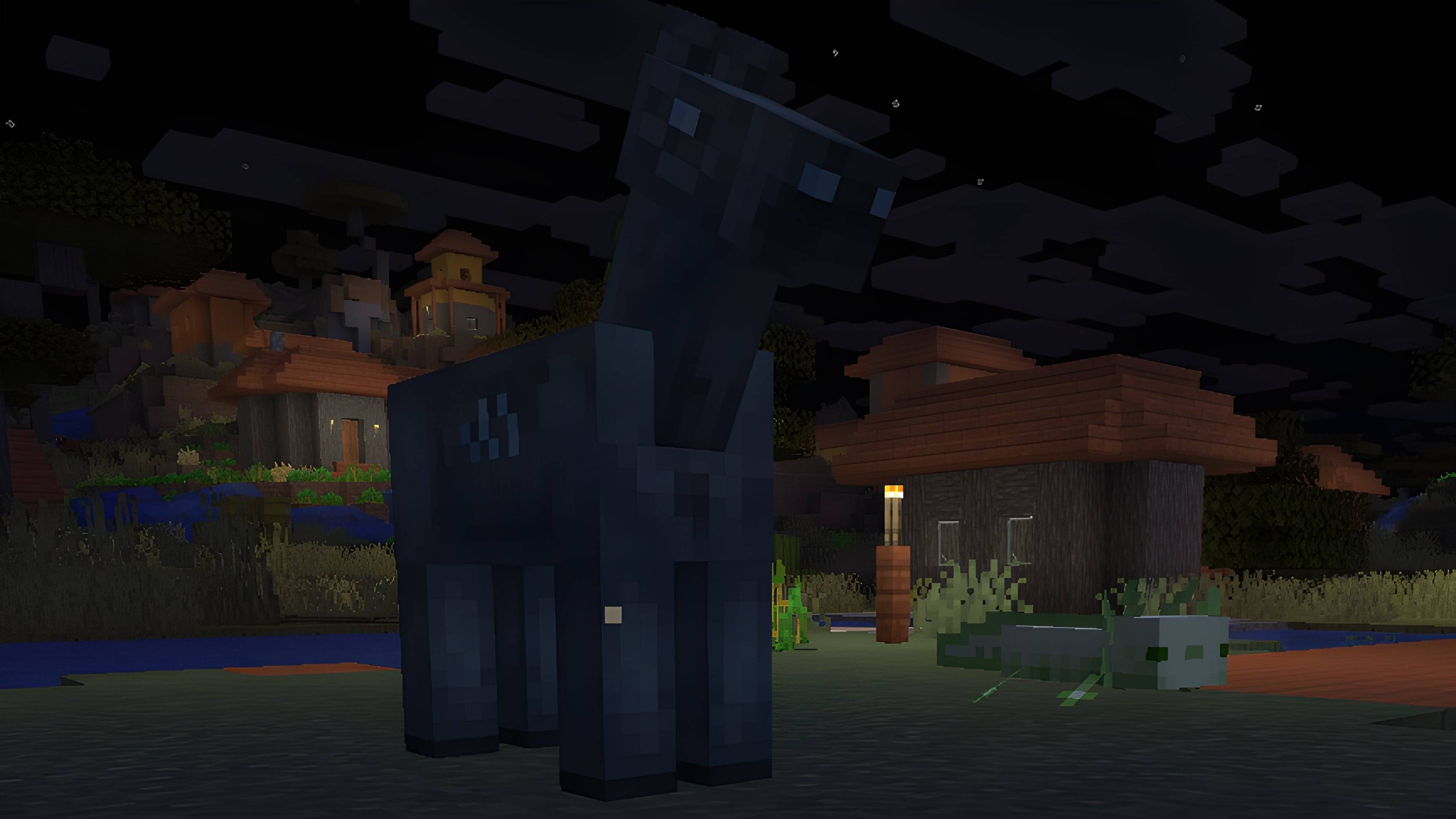
Resource-Pack "Project: Supernova Reveries" updates certain mob and item textures, preserving the game's vanilla-style while making it more visually appealing.
Compatible with Minecraft Java 1.26.1+. Note: some baby mob textures may remain unchanged on someversions.
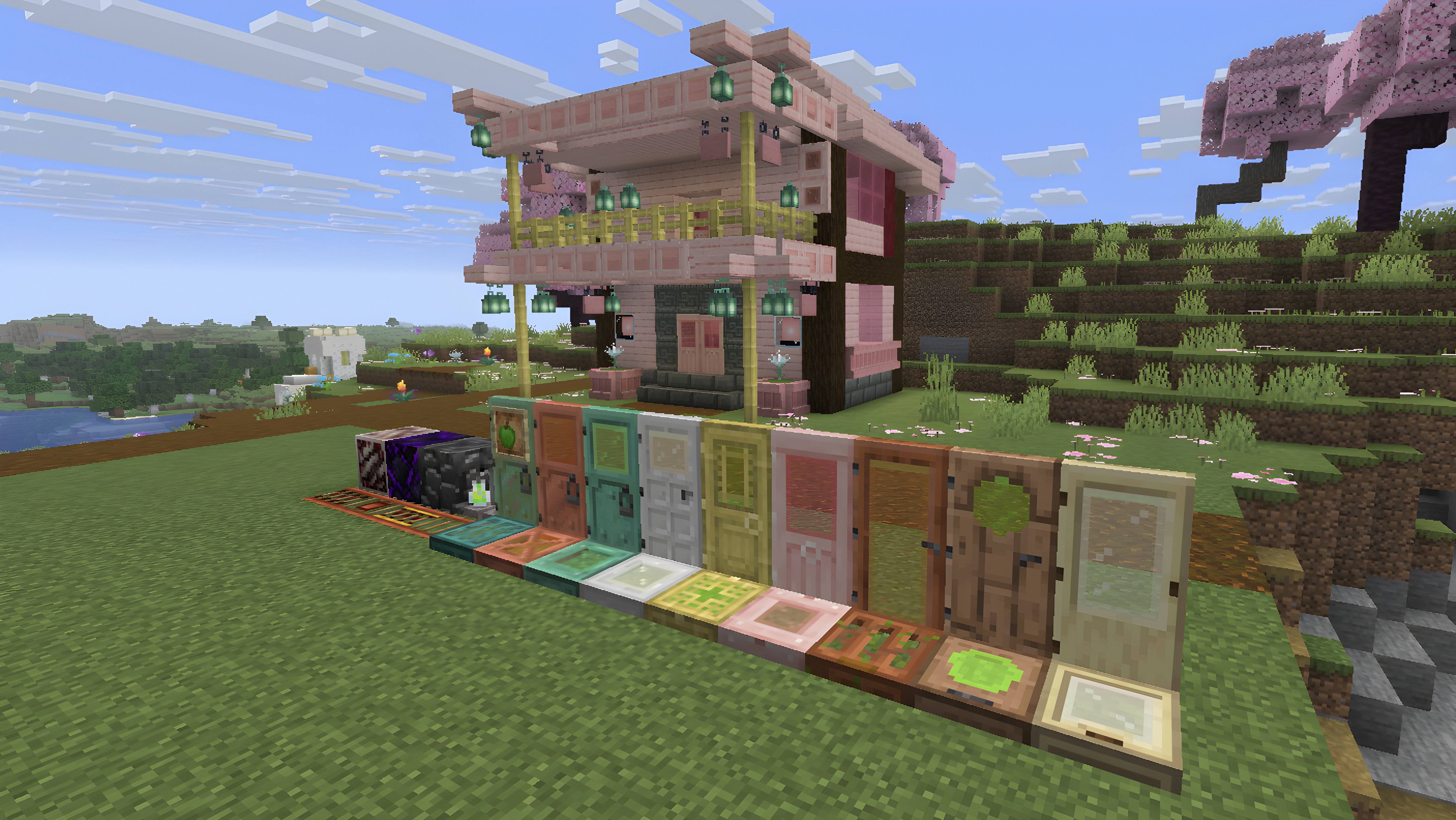
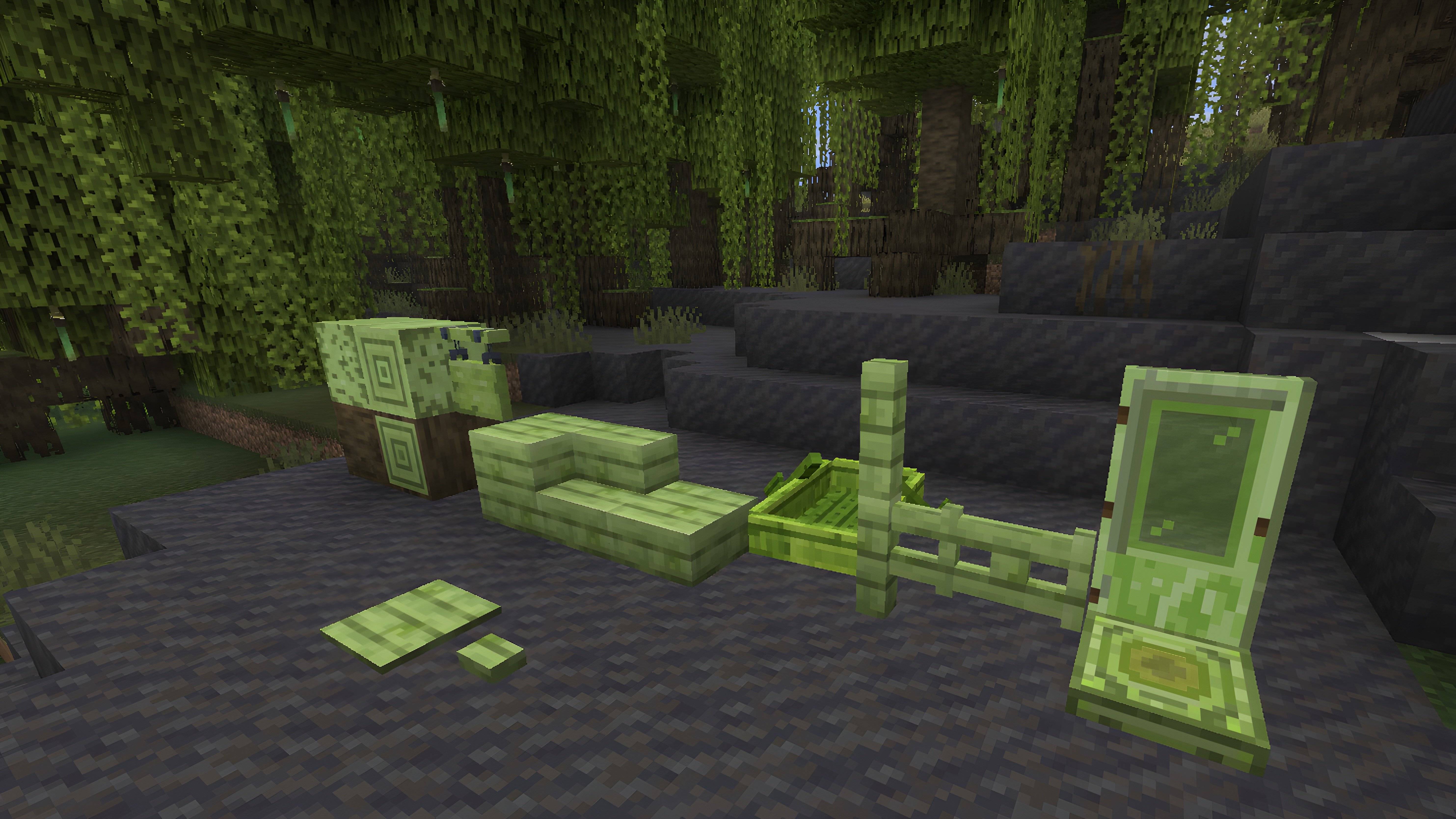
Blocks: Mangrove wood items now use a green palette to better match swamp biomes. Door and trapdoor models updated for iron, copper, bamboo, birch, jungle, cherry and acacia. Rails now have copper base instead of iron. Ancient debris features a black texture (replacing brown). Andesite (and its variants), emerald block, and quartz ore revert to their classic textures. Reworked models for barrel, brewing stand, brown glazed terracotta, cherry leaves, chiseled bookshelf, crafting table, crying obsidian, enchanting table, lever, and several plants (corals, flowers, mushrooms, saplings). Apples are green instead of red.
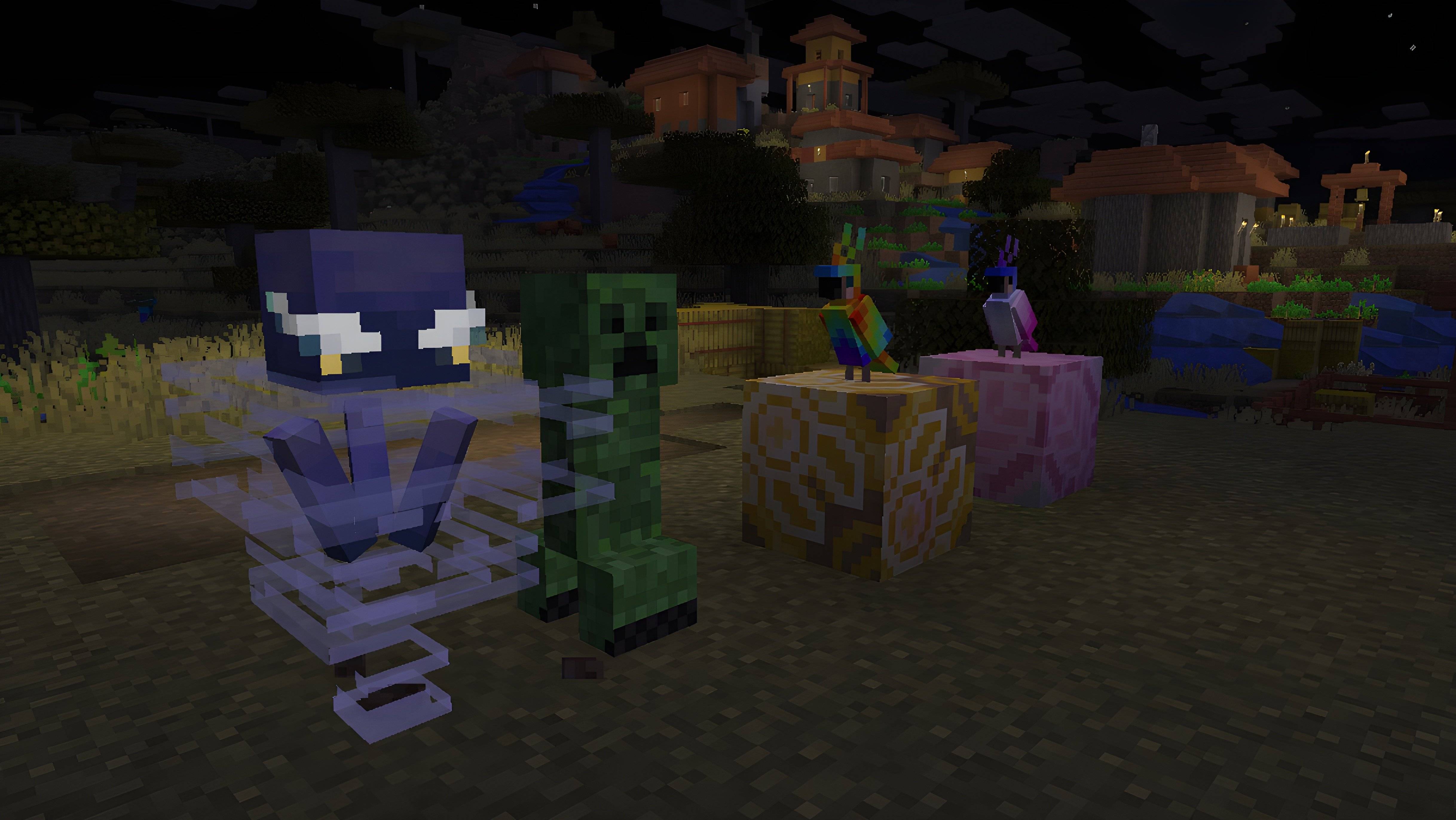
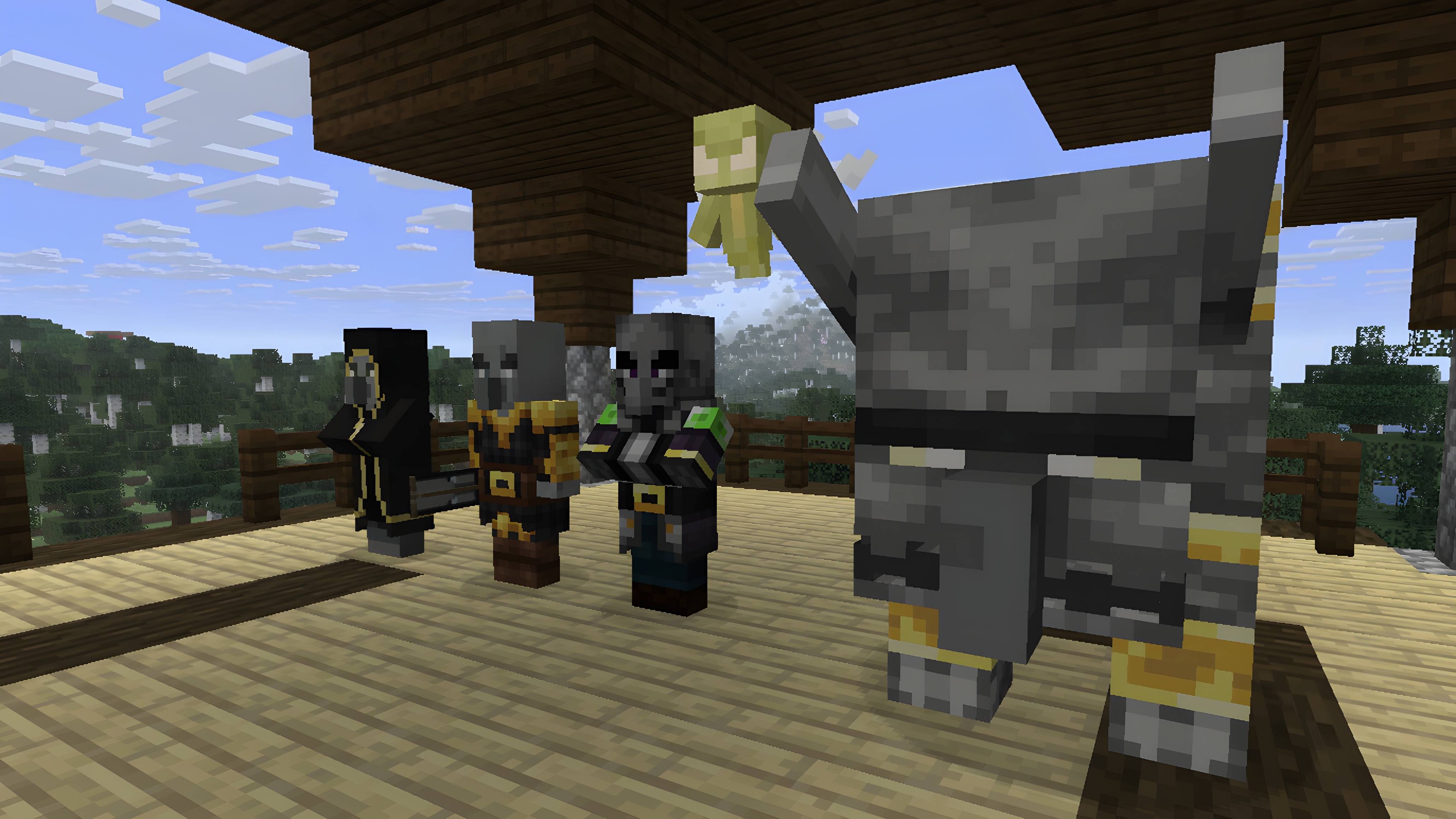
Entities: Subtle visual updates for armour stands, beds, end crystals, bees, cats, rabbits, turtles, phantoms, dolphins, frogs and iron golems. Brown axolotl is redesigned as bratty green. Breeze gains glowing brows and smaller eyes. Creepers now resemble foliage. Pufferfish received a remodel. Hoglins now appear skeletal rather than zombie-like. Zombie horses use a drowned-style model. Parrots now have pink and rainbow colour variants (replacing blue and gray). All Illagers and Piglins have new models.
Effect icons: Updated icons for Blindness, Dolphin’s Grace, Invisibility, Jump Boost, Speed and Strength.
Project Supernova Reveries V1.6 by dreamch (Prod. by Muss Dev)
MC 1.9.3, 1.16-Snapshot, 1.6.1, 1.3.1, 26.1-snapshot, 26.1, 26.1.1, 26.1.2