Mineuniverse
Resource Packs
Programmer Plus - Fix Overlay for Programmer Art

Programmer Plus - Fix Overlay for Programmer Art

RESOURCE PACK
The all-encompassing fix for Programmer Art!
by Todoms
Download Claim this project
116,406 downloads
0 likes
Updated Oct 14, 2026
0 hypes
16x Miscellaneous Traditional
Advertisement Remove ads with Premium →

Planet Minecraft Page

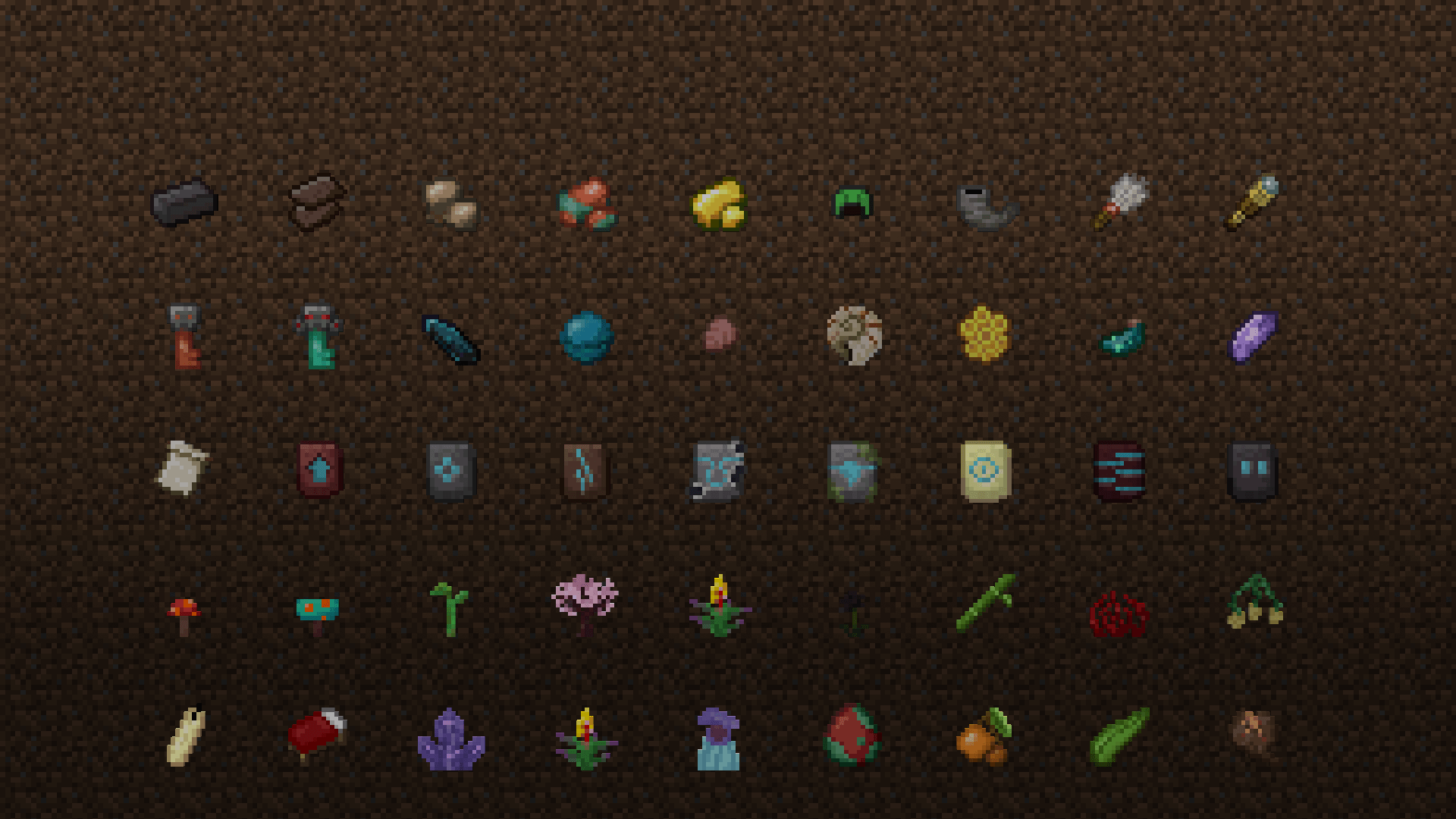
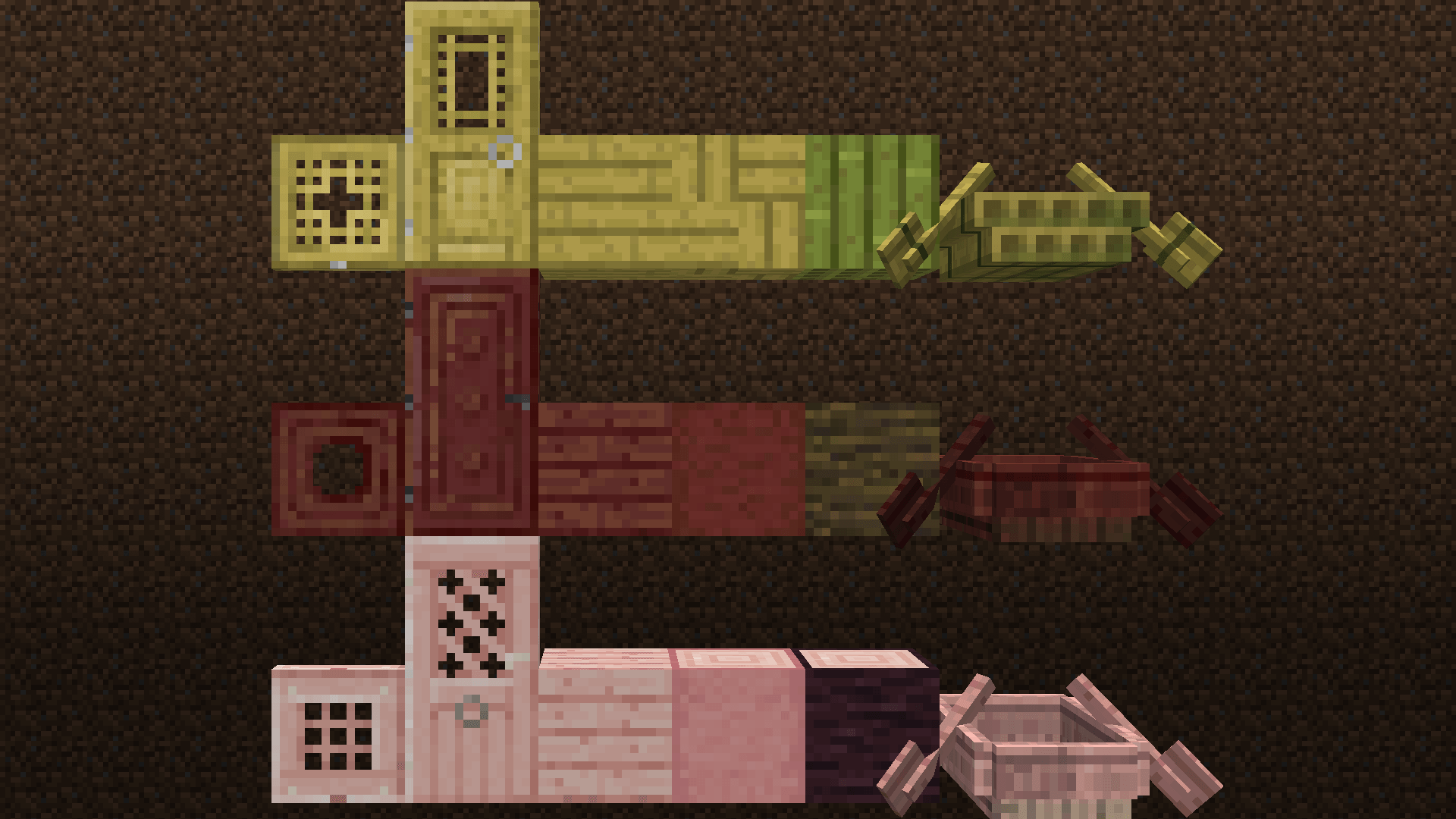
Programmer Plus is a resource pack that intends to bring a classic feel back to Minecraft by remaking all of the textures added since the Texture Update to replicate the old look of the game, which includes the blocks, items, mobs, etc.


The resource pack's main point of reference is the look of version 1.12, thus I strive to bring the aesthetics of the game as closest to this era as possible, some changes that exhibit this which are worth mentioning are as followed:

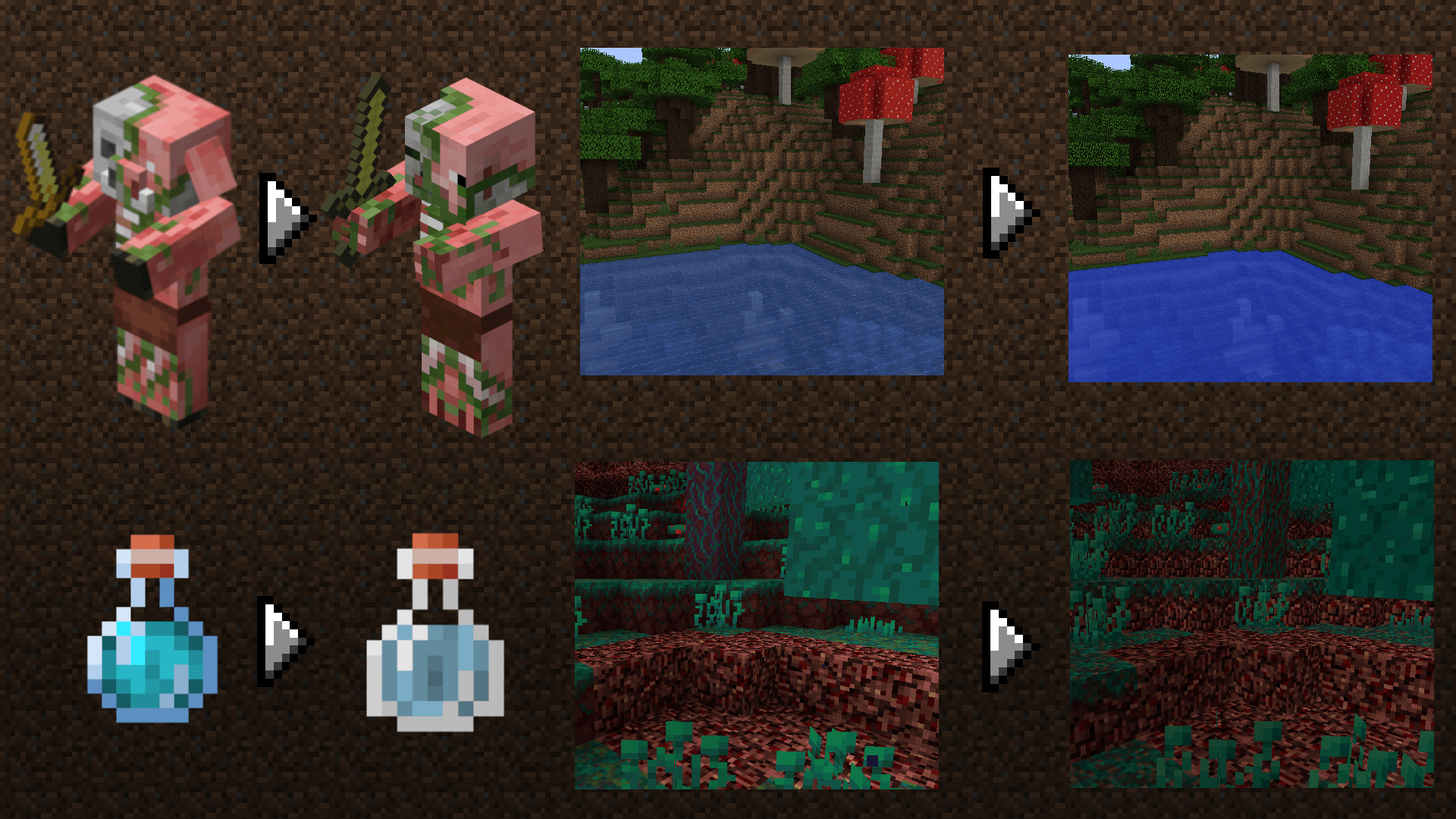
Changes the water texture back to its pre-1.13 look.

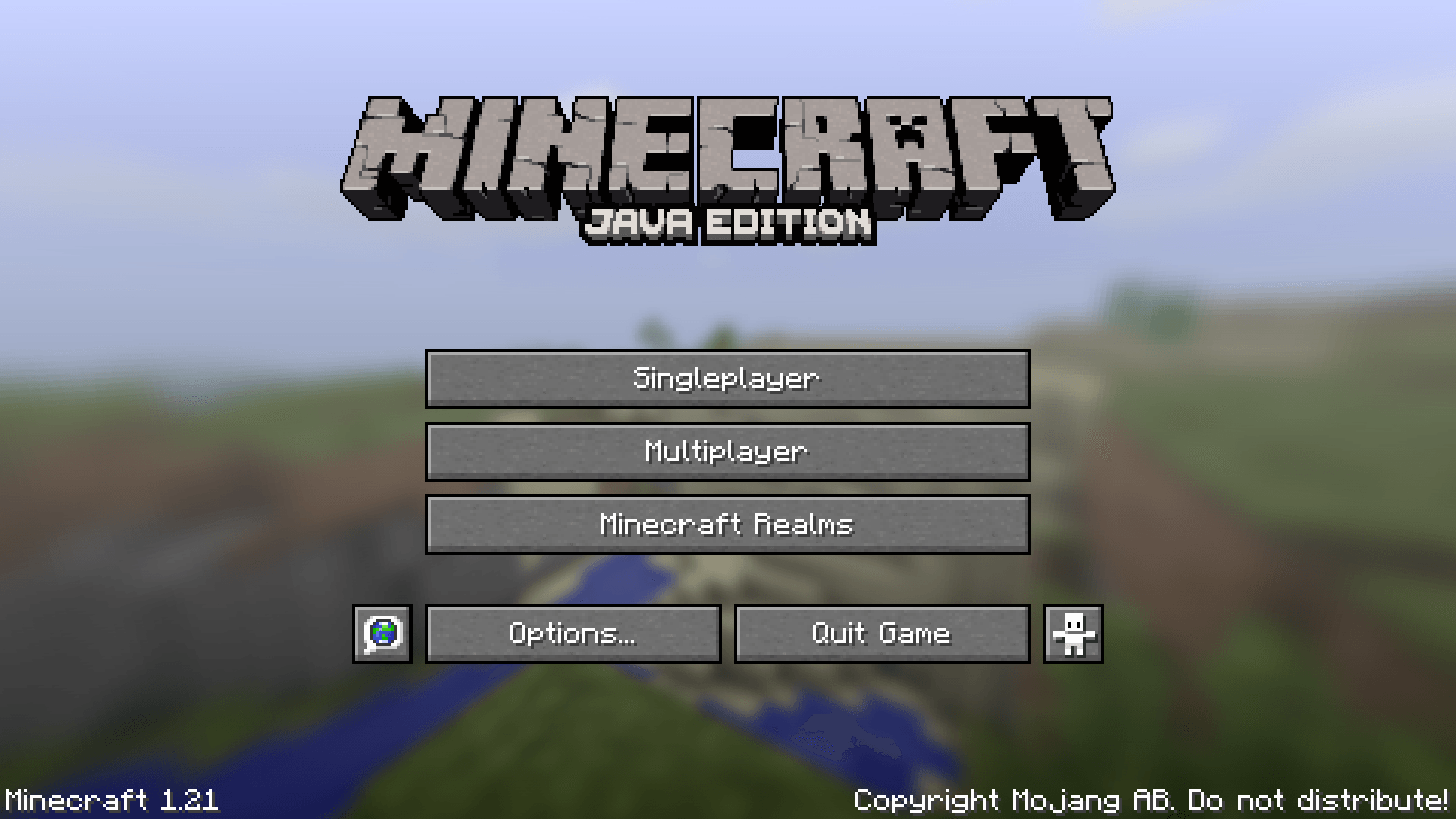
Brings back the classic title screen panorama.

Brings back the classic Mojang loading screen (Only works with Optfine).


---------------------------------------------------------------

v2.0 Changelog

  • Updated up to 1.21.4
  • Potions have their pre-1.19.4 colors (Only works with OptiFine)
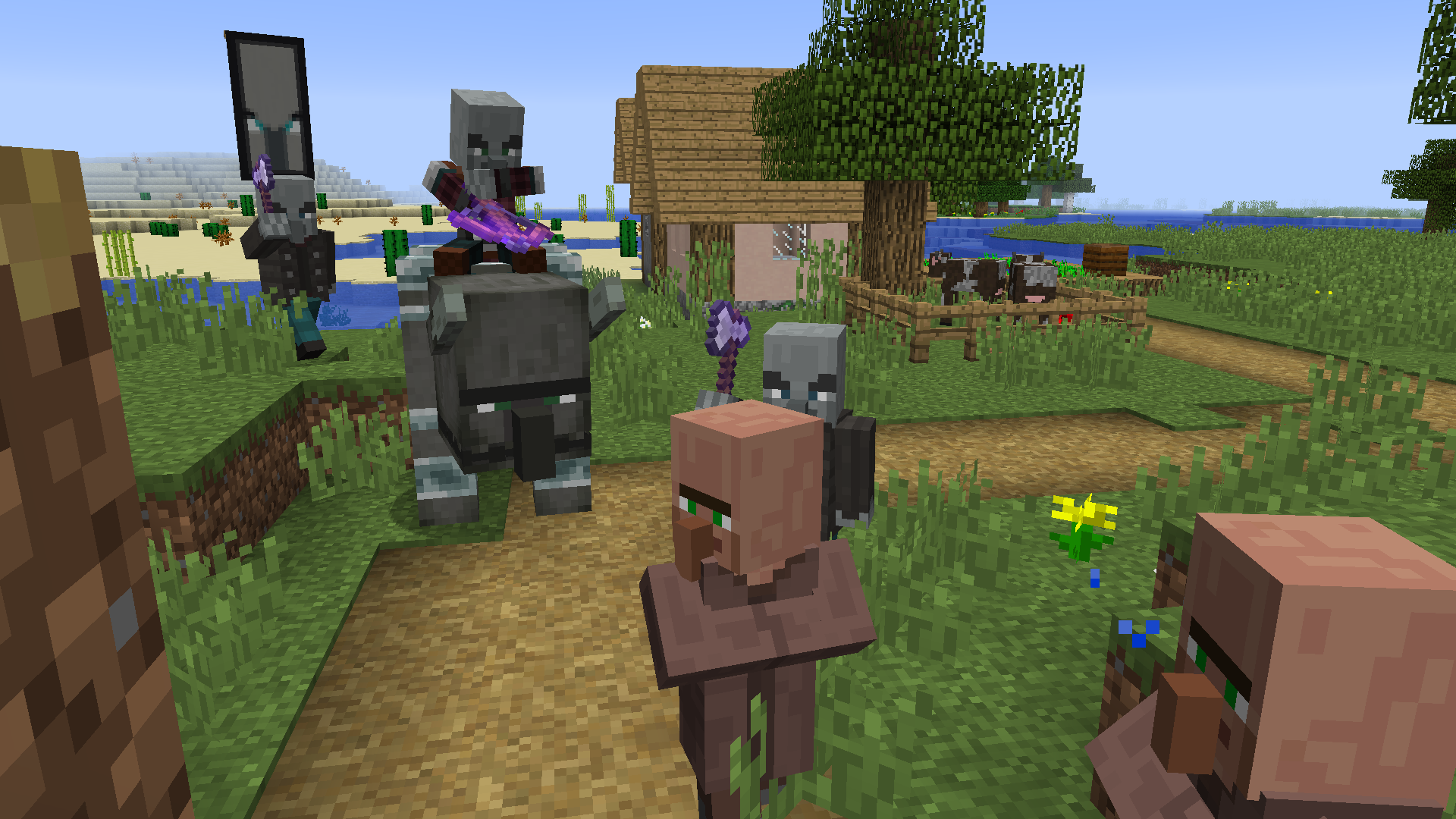
  • Updated texture for Wandering Trader, Panda, Armadillo, Turtle and Pillager Updated texture of Villager professions to be a mix of their current and pre-1.14 profession texture
  • Redid textures of Netherite gear
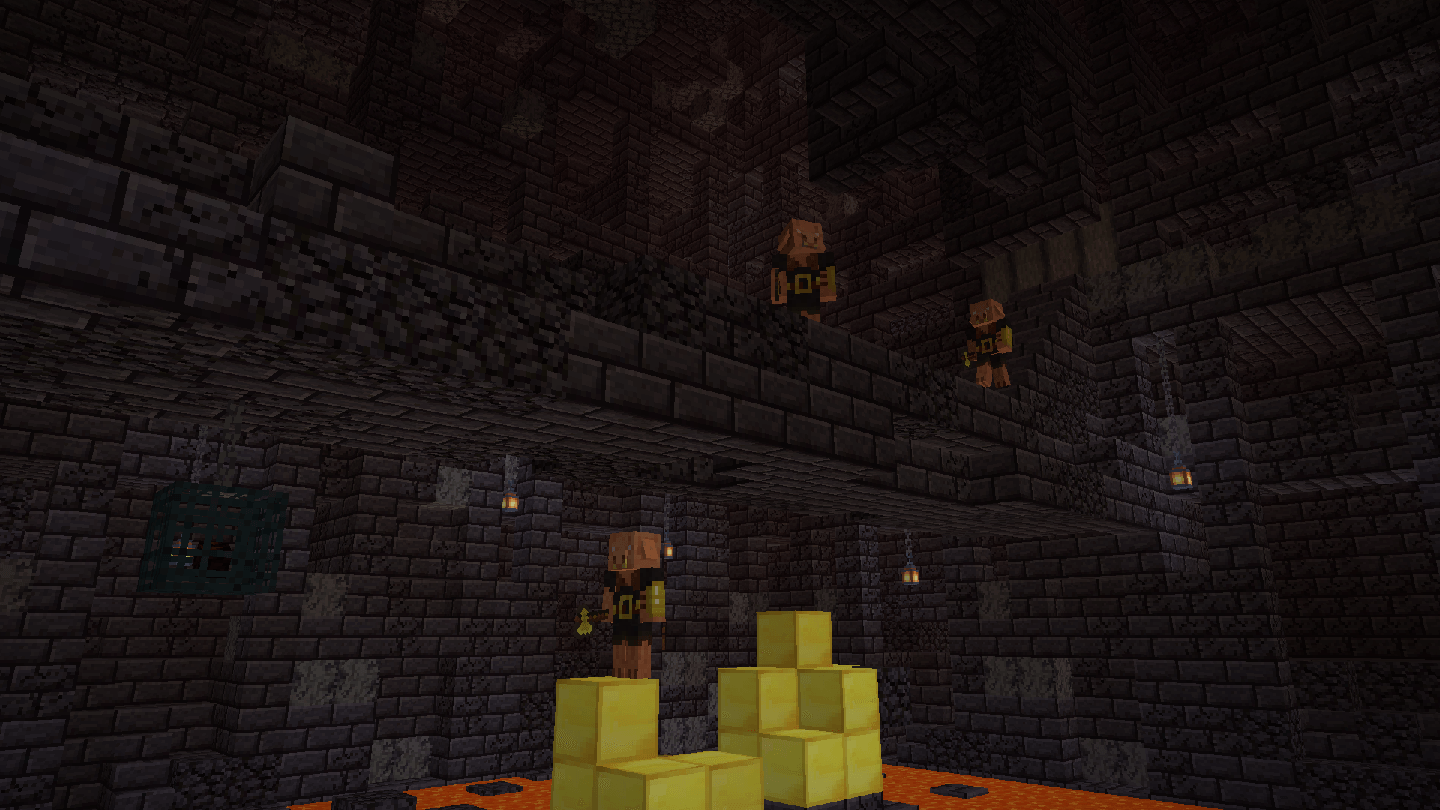
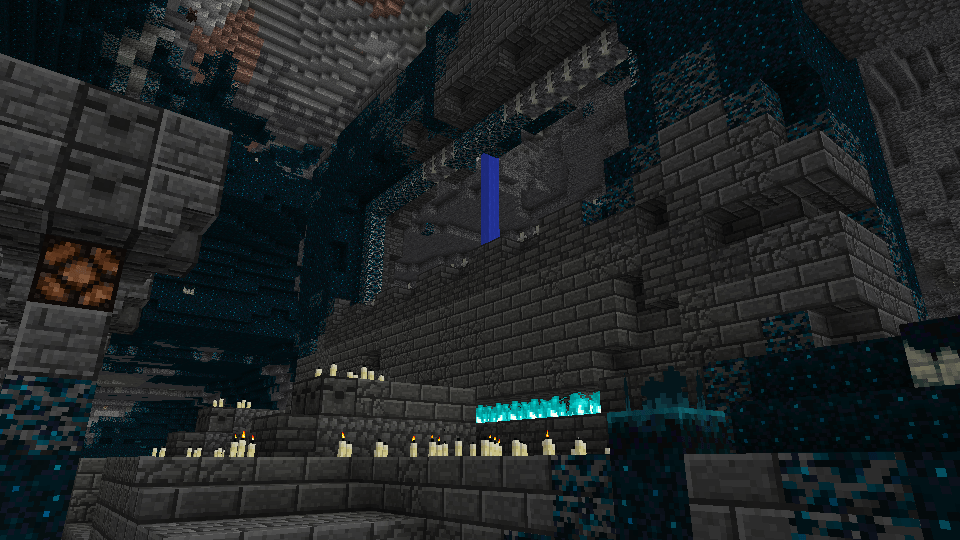
  • Redid deepslate texture
  • Several other tweaks

Use resource pack over Programmer Art

If you have any feedback, suggestions or requests for mod support, then feel free to leave it in the comments!




Programmer Plus v2.1
MC 1.20.2, 1.21, 1.20.5, 1.21.4, 1.20.3, 1.20.1, 1.20, 1.20.6, 1.20.4, 1.21.3, 1.21.1, 1.21.2
Release 2025-01-26 Get
Programmer Plus v2.0 -OUTDATED-
MC 1.21
Release 2024-07-18 Get

Requirements & install

How to use this resource pack in Minecraft
Resolution
16x
Minecraft
1.20.4 – 1.21.4
Install folder
.minecraft/resourcepacks

How to install resource packs

  1. Download the resource pack .zip file (do not extract it).
  2. In Minecraft open Options → Resource Packs → Open Pack Folder.
  3. Drop the .zip into the resourcepacks folder (.minecraft/resourcepacks).
  4. Move the pack to the Selected column and click Done.
Browse more: 16x resource packs 32x resource packs 64x resource packs 128x resource packs 256x resource packs 512x+ resource packs Resource Packs for 1.21.4 All resource packs

More from Todoms

Advertisement Remove ads with Premium →

You Might Also Like