Mineuniverse
Resource Packs
Programmer Art Tweaks

Programmer Art Tweaks

RESOURCE PACK
A couple of small tweaks to the classic Programmer Art
by strikefire200
Download Claim this project
Add a badge to your pageLink to Programmer Art Tweaks from a README, website or forum post.
Preview: Badge

Badges update automatically and link to the resource pack page on MineUniverse.

399 downloads
0 likes
0 followers
Updated Oct 14, 2026
0 hypes
Follow0
16x Miscellaneous
Advertisement Remove ads with Premium →

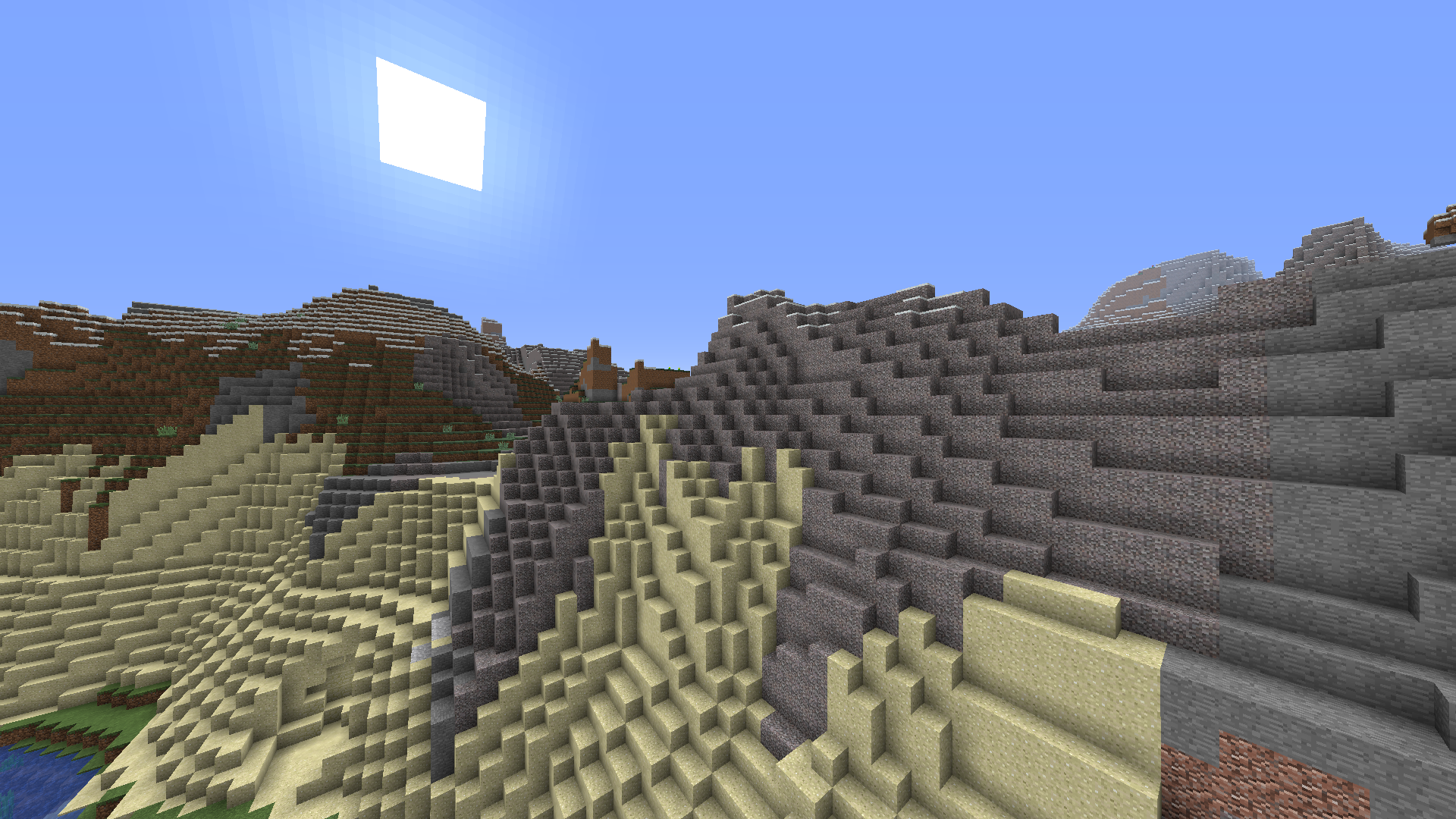
Introducing Programmer Art Tweaks, which brings a couple of small tweaks to the classic Programmer Art which I thought were a little more pleasing.


***When using this pack, make sure it is placed ABOVE Programmer Art for it to work***


Changed Textures:

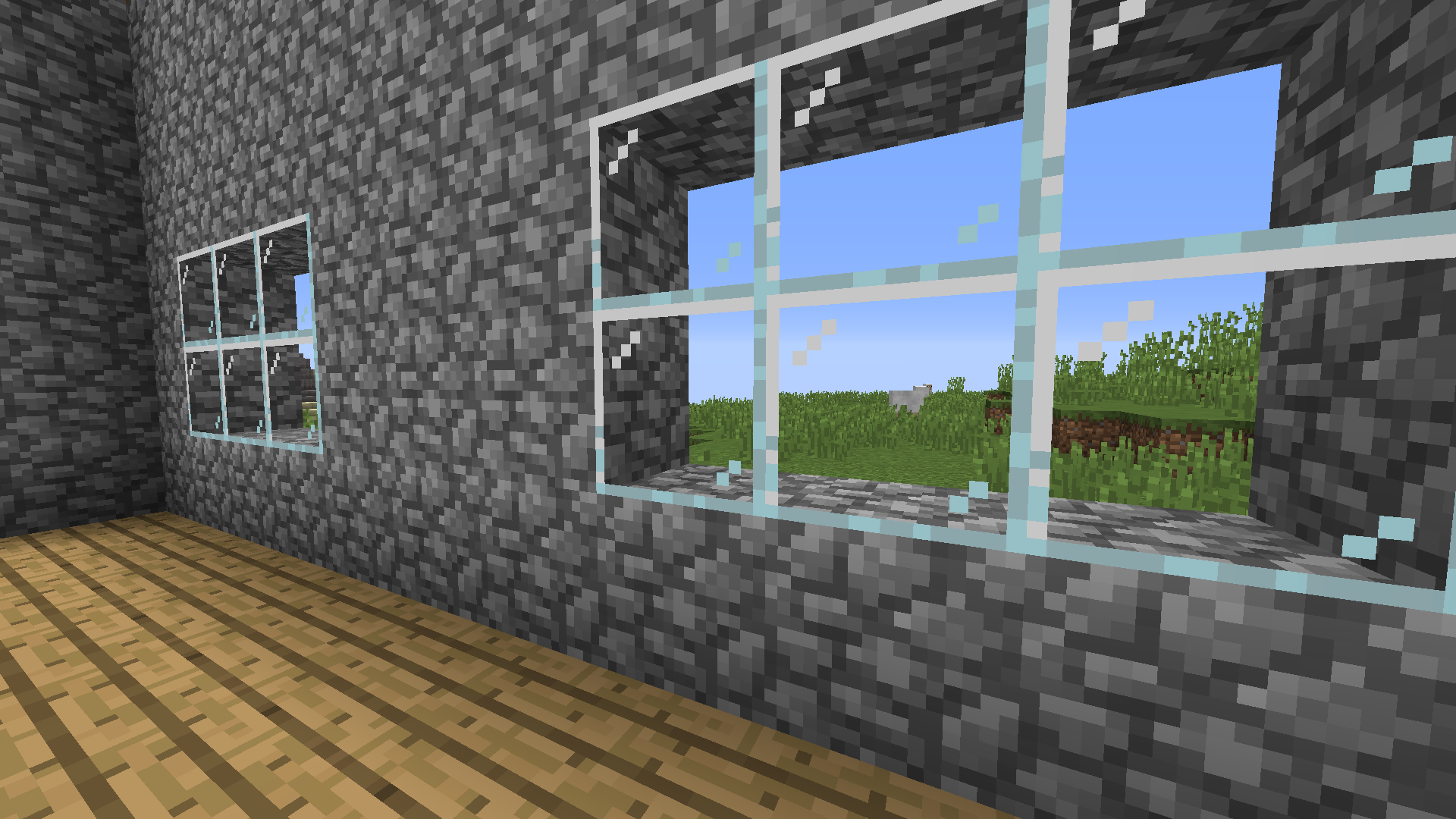
  • Glass and Stained Glass changed to be more see-through like Jappa's textures, while also fitting the Programmer Art style
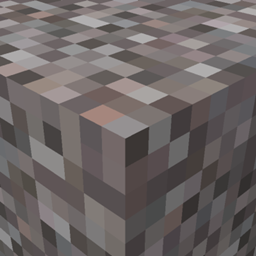
  • Gravel reverted back to its pre-1.3.1 texture (because the regular programmer art texture for gravel is just so bad)
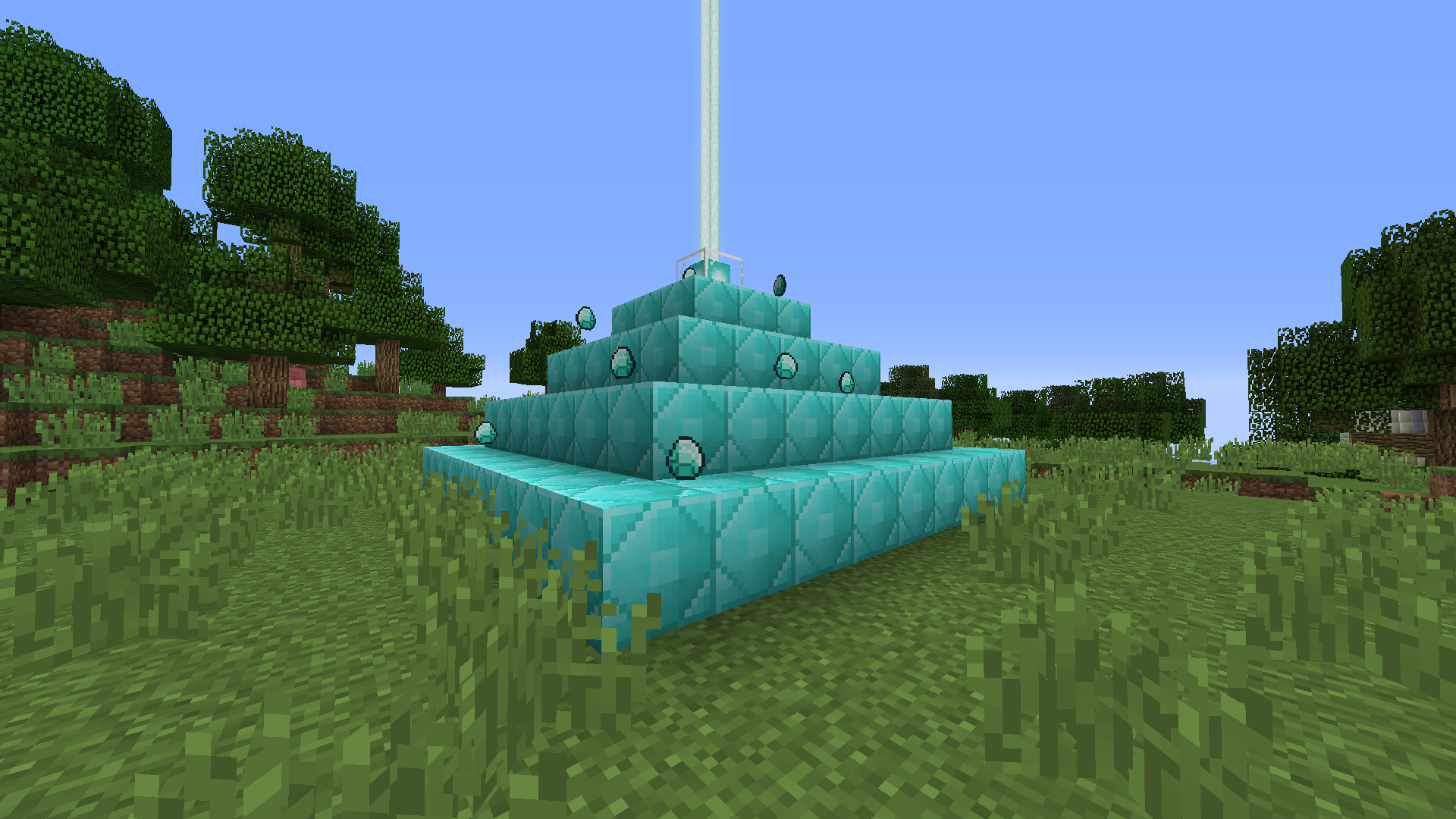
  • Block of Diamond changed to fit more in line with the Block of Emerald texture
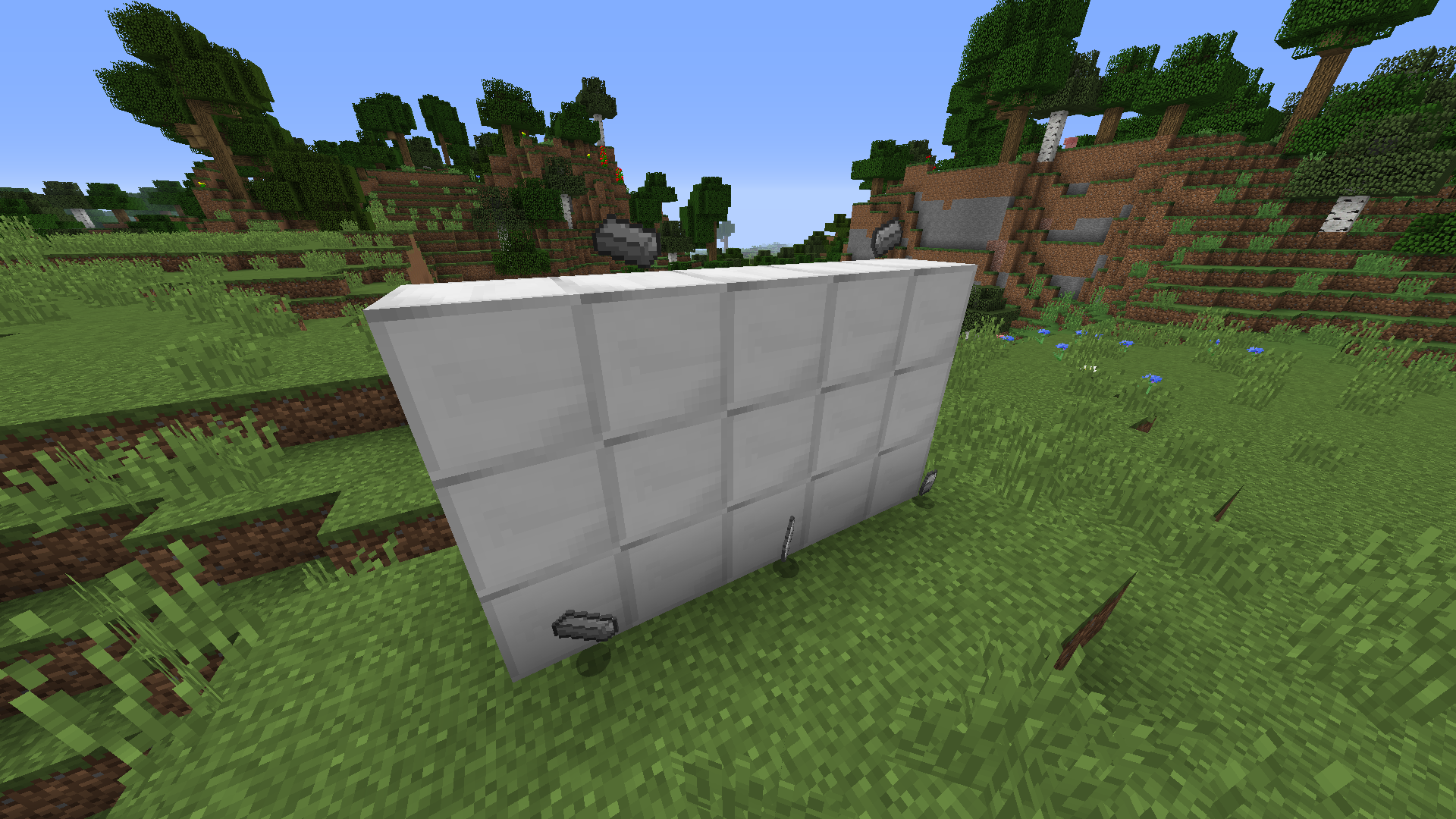
  • Block of Iron reverted back to its pre-1.0 texture to fit more in line with the Block of Gold texture
  • Empty chestplate and empty helmet slot textures changed to mimic actual armor textures instead of weird non-minecraft-y textures


If you dislike any of these textures, simply go into the resource pack file and delete any you dislike. If there are any other tweaks you would like to see made to the classic Programmer Art, let me know.


It is recommended that you also use Programmer Art Fix and Programmer Art Fix Add-ons Classic Improved in tandem with this pack.


Before:

After:

ProgrammerArtTweaks1.0.zip
MC 1.16, 1.6.4, 1.7.10, 1.12.2
Release 2021-05-11 Get

Requirements & install

How to use this resource pack in Minecraft
Resolution
16x
Minecraft
1.6.4 – 1.16
Install folder
.minecraft/resourcepacks

How to install resource packs

  1. Download the resource pack .zip file (do not extract it).
  2. In Minecraft open Options → Resource Packs → Open Pack Folder.
  3. Drop the .zip into the resourcepacks folder (.minecraft/resourcepacks).
  4. Move the pack to the Selected column and click Done.
Browse more: 16x resource packs 32x resource packs 64x resource packs 128x resource packs 256x resource packs 512x+ resource packs Resource Packs for 1.16 All resource packs
Advertisement Remove ads with Premium →

You Might Also Like