Mineuniverse
Resource Packs
PowerUp Lantern

PowerUp Lantern

RESOURCE PACK
Make Your Lanterns 3D And More Realistic !
by Agames_STUDIO
Download Claim this project
55 downloads
0 likes
0 followers
Updated Oct 14, 2026
0 hypes
Follow0
16x Medieval Miscellaneous Traditional
Advertisement Remove ads with Premium →

🏮 PowerUp Lantern - Enhanced Visual Resource Pack


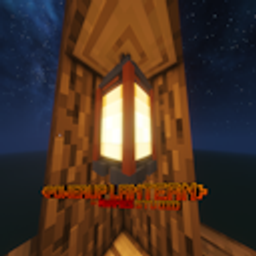
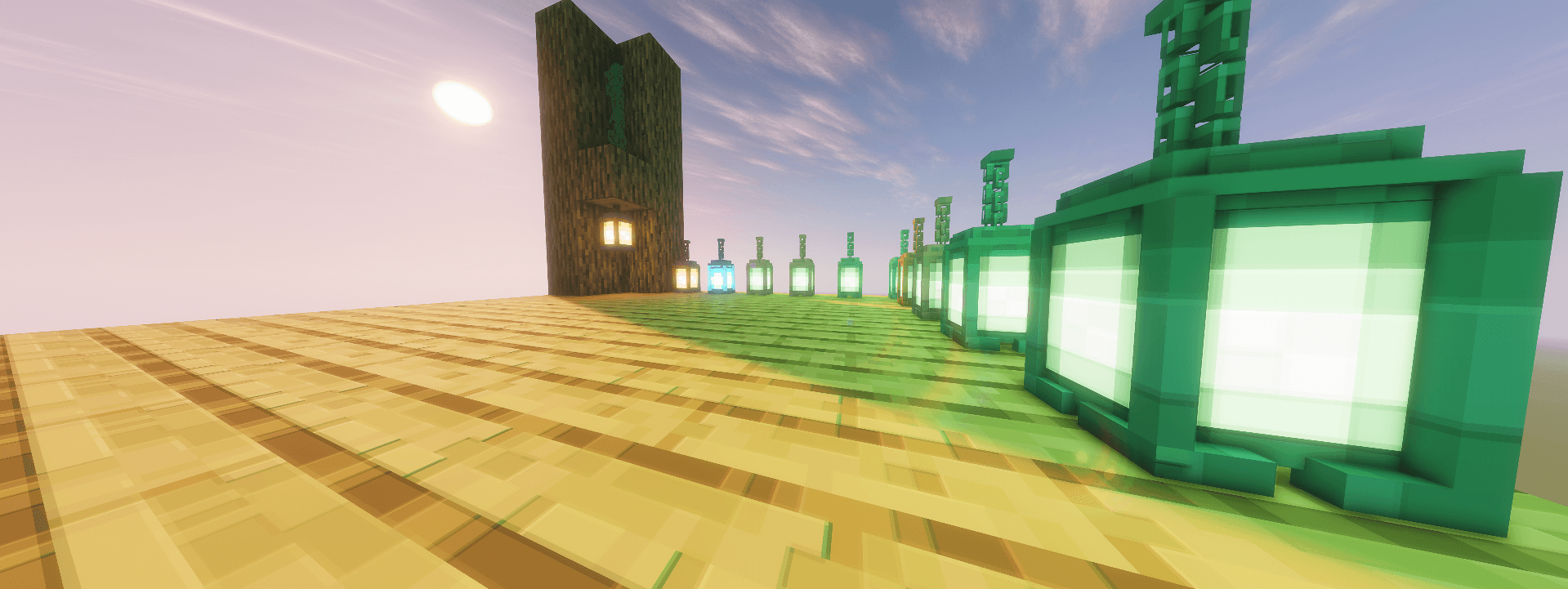
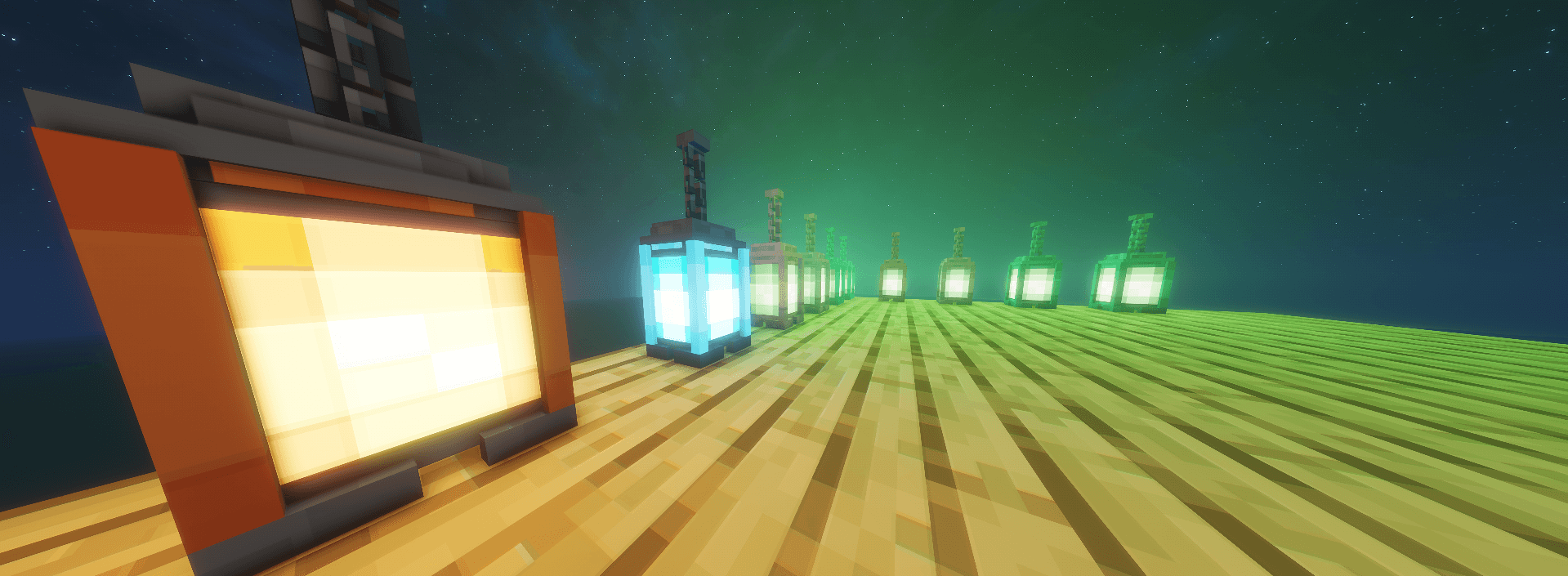
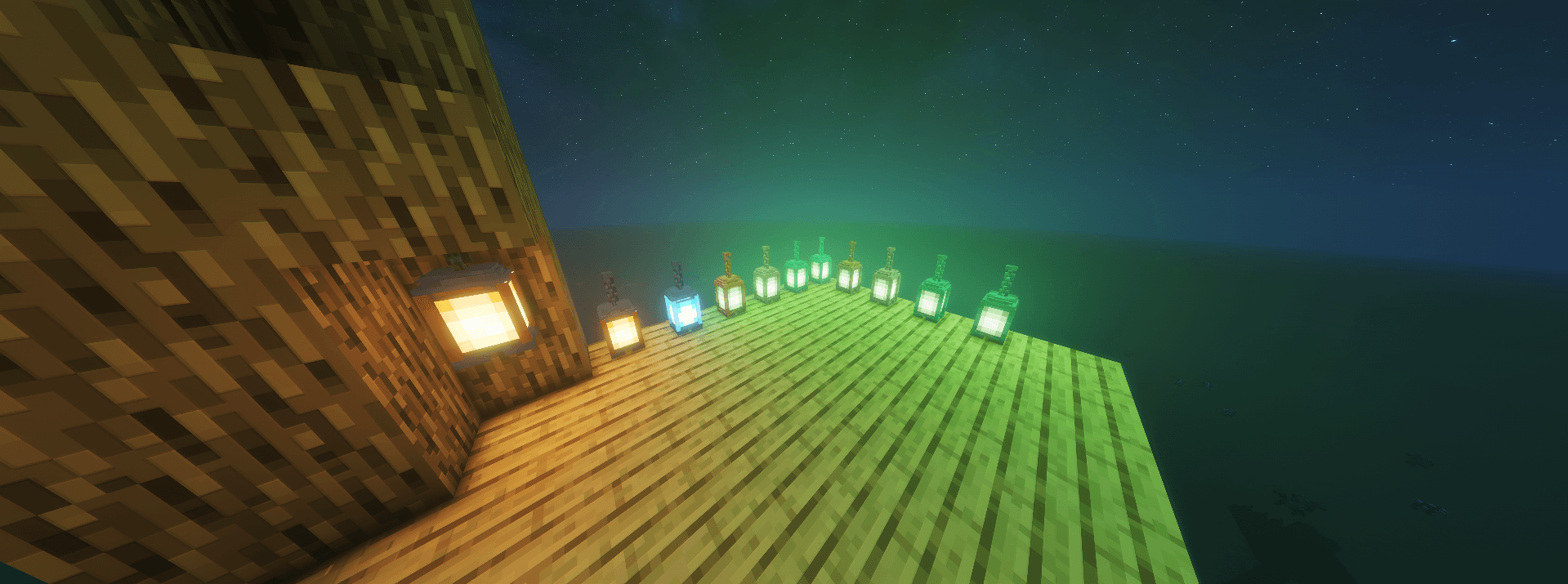
Tired of flat, default lighting? 3D Lanterns brings a whole new dimension and total immersion to your Minecraft world! This resource pack completely transforms regular, soul, and copper lanterns into detailed 3D blocks while preserving the original aesthetic.

✨ Features
Full 3D models: Lanterns now feature real depth, handles, and internal frames instead of flat textures.

3D rendering everywhere: Crisp, detailed visuals whether placed on a block, hanging from a chain, or held in hand.

Vanilla-friendly: Designed to blend seamlessly with standard Minecraft blocks and graphics.

FPS-optimized: Optimized geometry ensures smooth performance, even in heavily decorated bases.

No mods required: Works with pure Vanilla Minecraft (Java Edition)!

🕹️ How to install and apply in-game (Tutorial)

Download the resource pack .zip file.

Launch Minecraft and go to Options ➔ Resource Packs...

Click "Open Pack Folder" in the bottom left corner.

Drag and drop the downloaded .zip file into the folder that just opened.

Return to Minecraft, hover over the pack in the "Available" column, and click the arrow to move it to "Selected."

Click "Done" and enjoy your new 3D lanterns!

An AgamesStudio Project

Paypal :

Paypal Donation QR Code


PowerUpLantern-1.0.BETA-26.2
MC 26.2
Release 2026-07-31 Get

Requirements & install

How to use this resource pack in Minecraft
Resolution
16x
Minecraft
26.2
Install folder
.minecraft/resourcepacks

How to install resource packs

  1. Download the resource pack .zip file (do not extract it).
  2. In Minecraft open Options → Resource Packs → Open Pack Folder.
  3. Drop the .zip into the resourcepacks folder (.minecraft/resourcepacks).
  4. Move the pack to the Selected column and click Done.
Browse more: 16x resource packs 32x resource packs 64x resource packs 128x resource packs 256x resource packs 512x+ resource packs Resource Packs for 26.2 All resource packs

More from Agames_STUDIO

Advertisement Remove ads with Premium →

You Might Also Like