Mineuniverse
Resource Packs
Powah: Pyxal-ated

Powah: Pyxal-ated

RESOURCE PACK
A powah retexture by Pyxal42
by pyxal42
Download Claim this project
625,559 downloads
0 likes
0 followers
Updated Oct 14, 2026
0 hypes
Follow0
16x Mod Support Traditional
Advertisement Remove ads with Premium →

Disclaimer: This pack is still a work in progress and doesn't change all textures yet

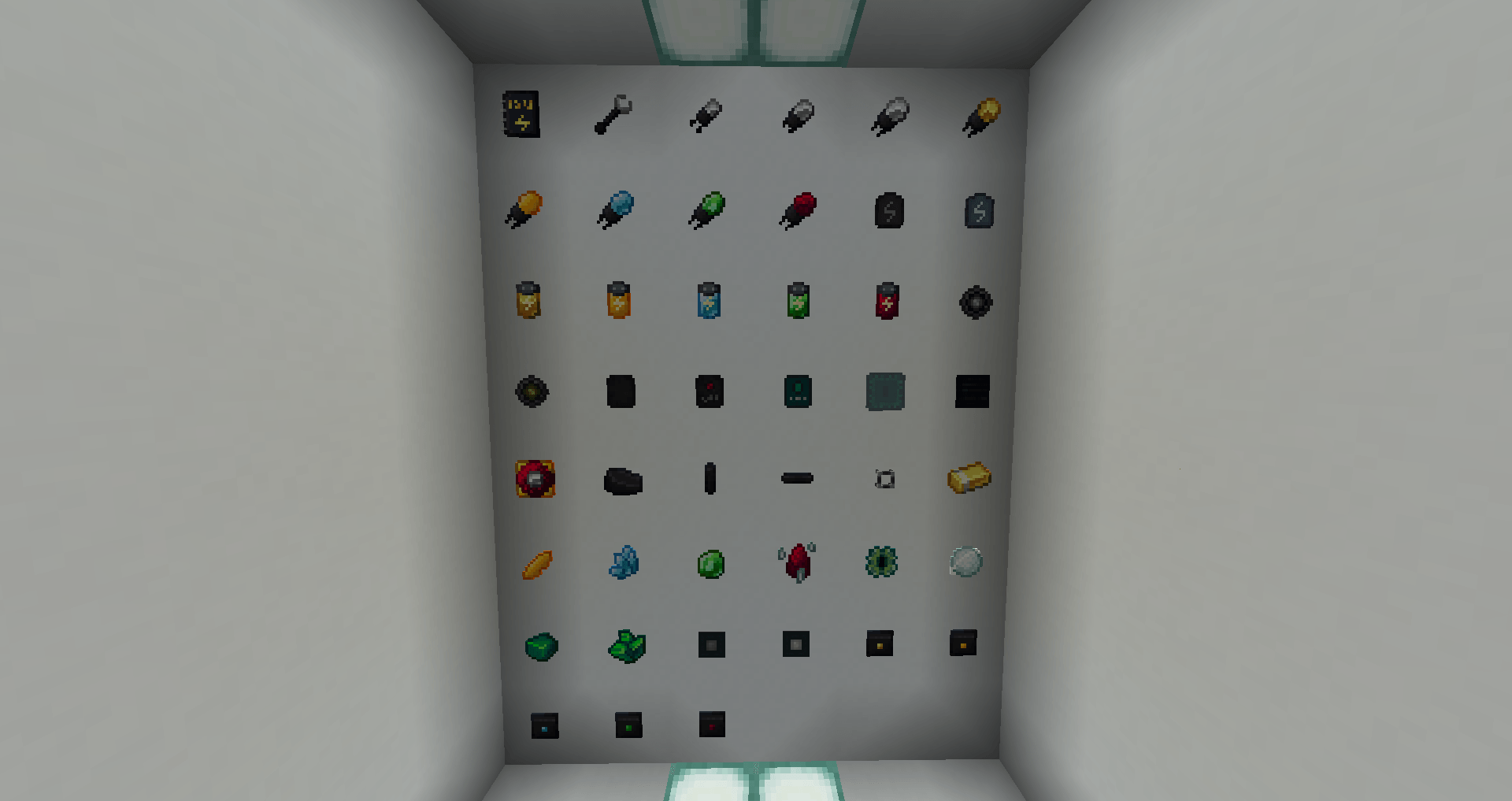
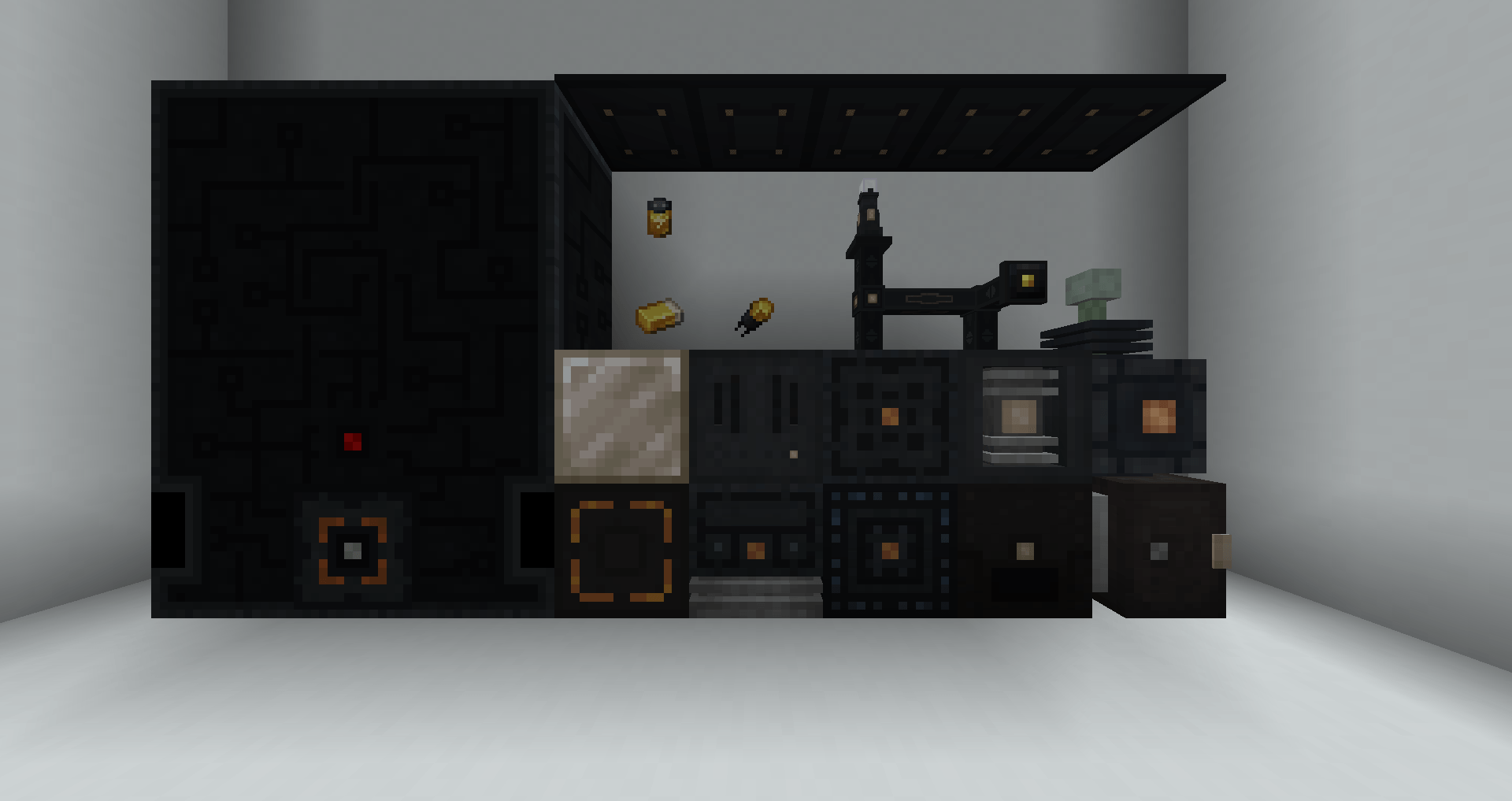
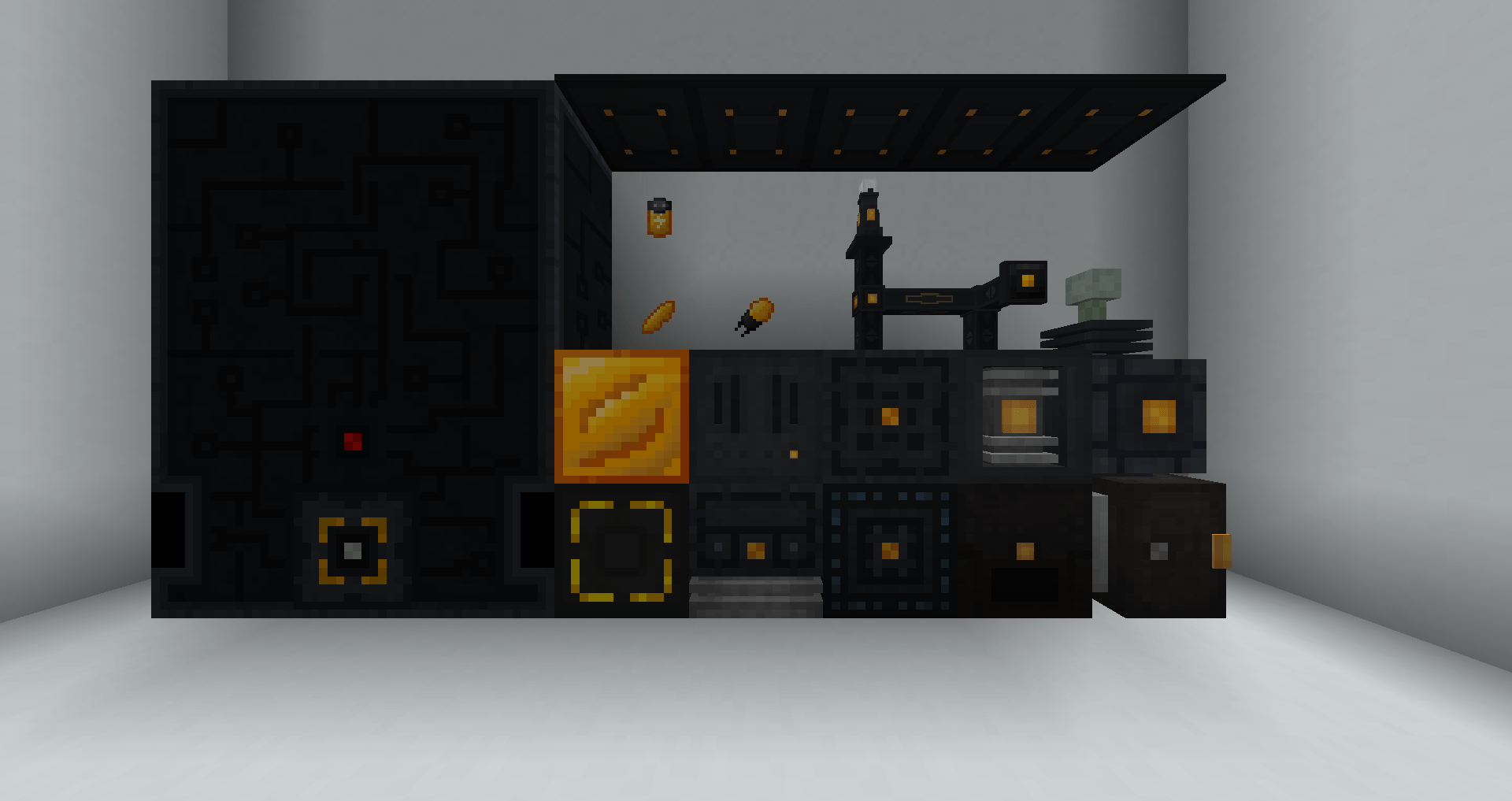
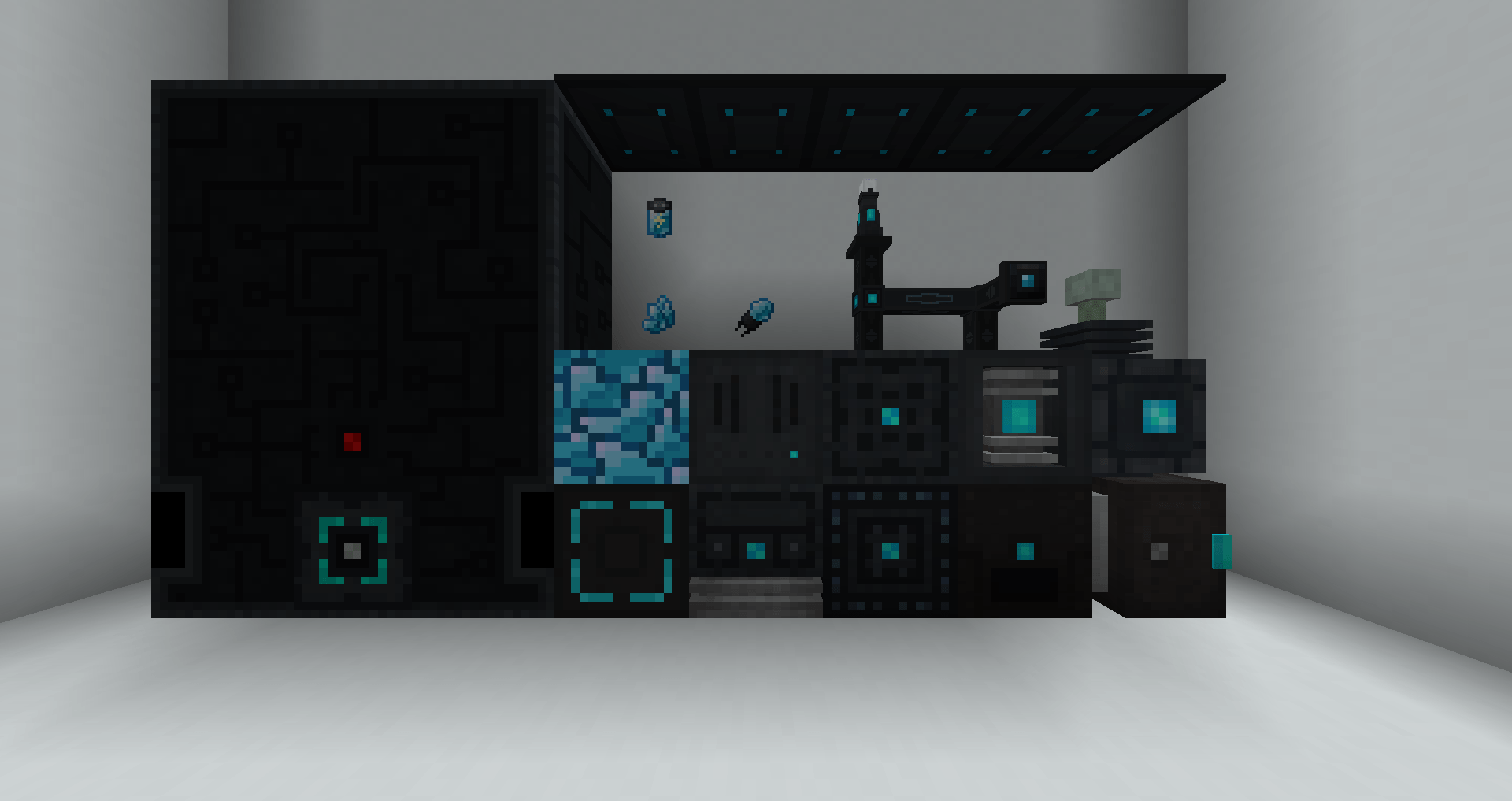
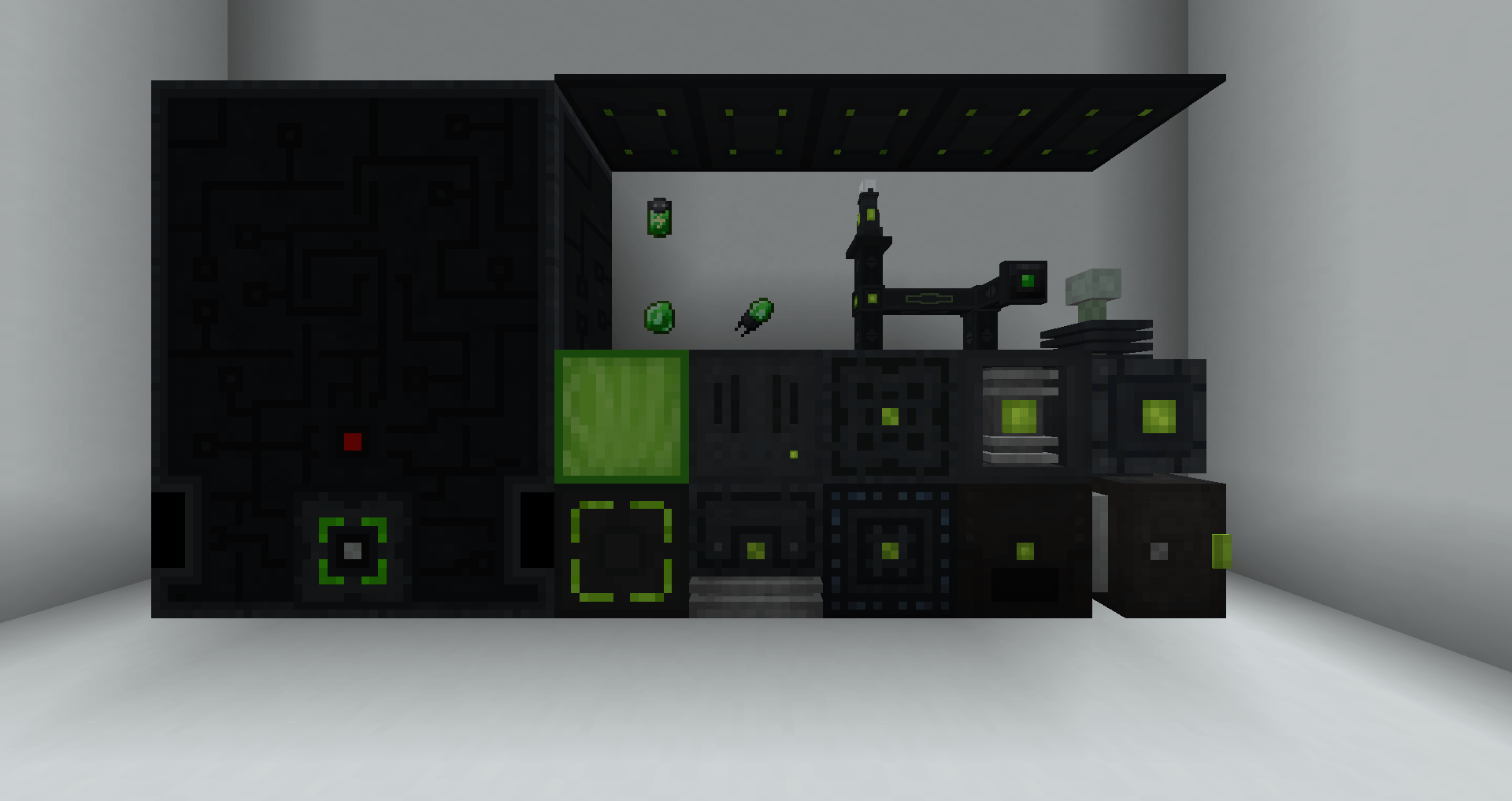
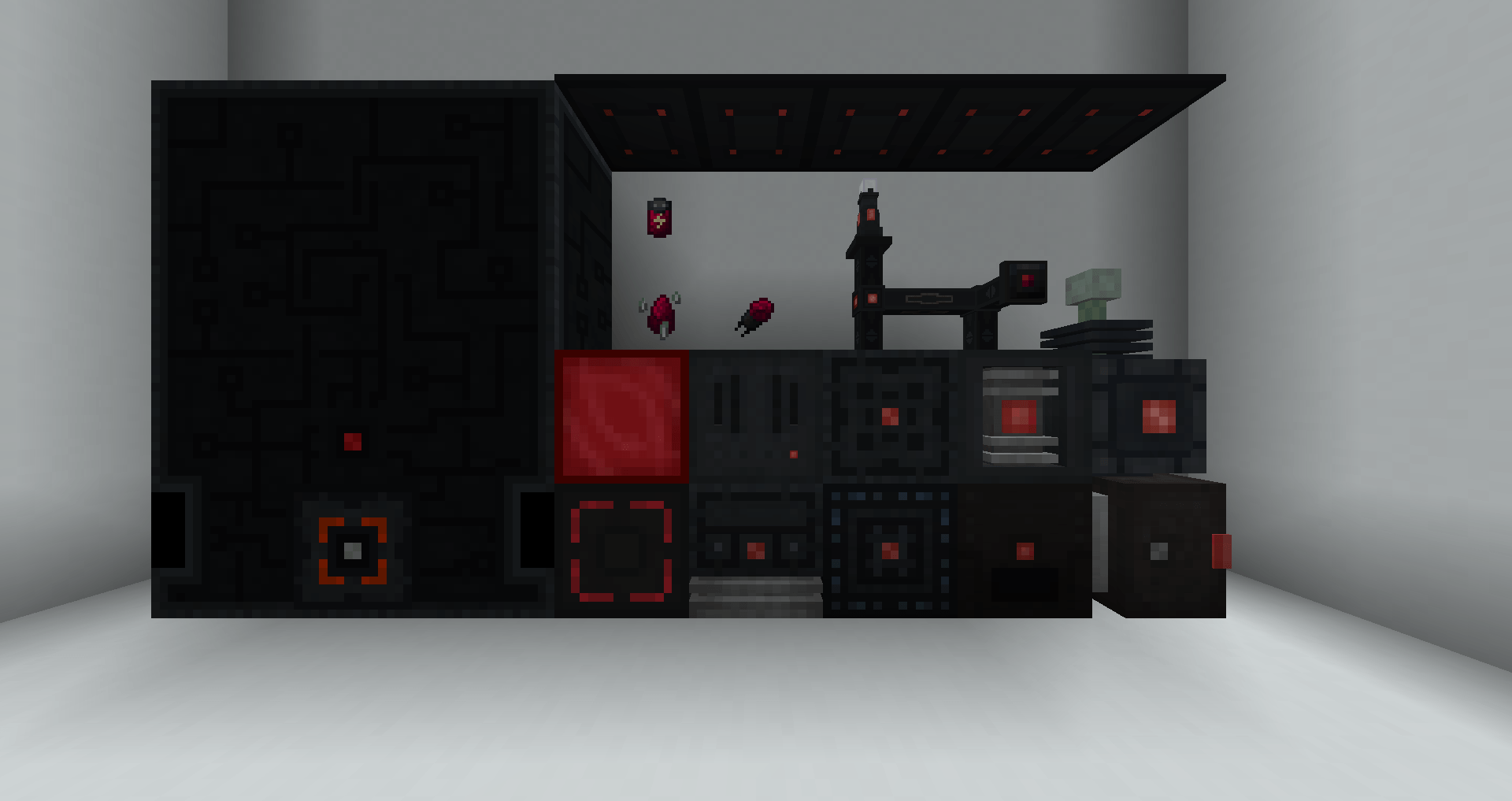
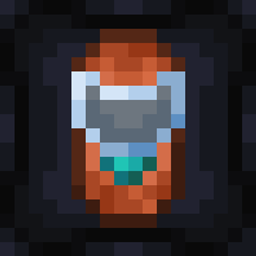
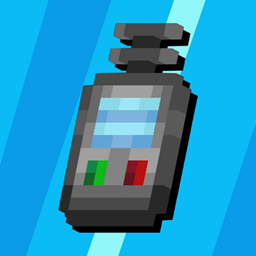
Powah is a great tech mod and my goto when I need electricity, but its artstyle isn't quite my taste as it clashes with minecraft's art style and has some -in my opinion- over detailed models. So here I am, making a texture pack to make it fit more with the game's aesthetic

Current progress

As of 0.2.2, the texture pack changes:

  • Items: ALL DONE AT LAST
  • Block texture files: 43/130
  • Block Remodel: 15

The gallery hasn't been updated since the first released version since for the moment not much more has changed but I'll be sure to update the images once enough things have changed and I have time

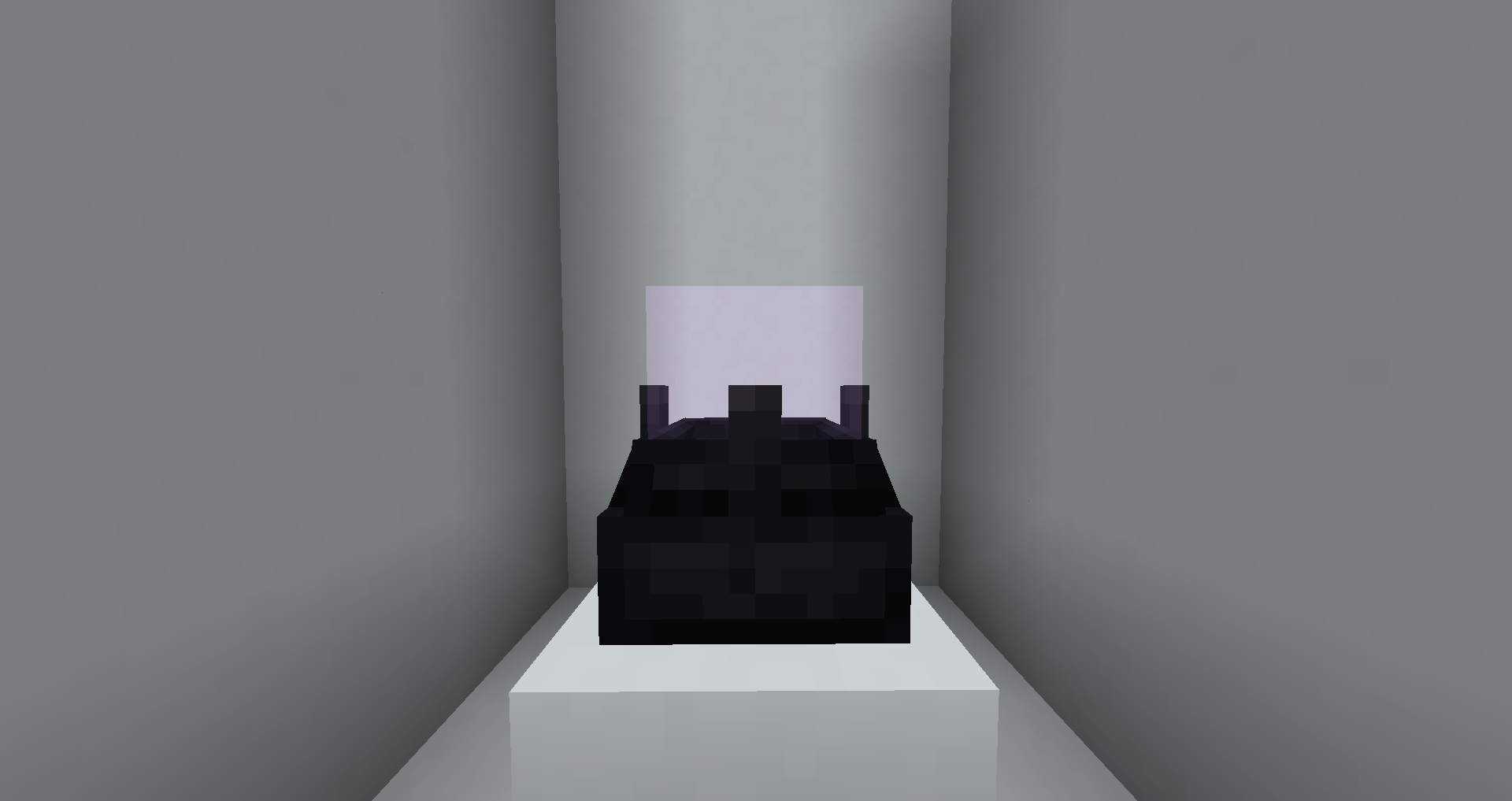
Since I have started this project it would seem that the mod itself is getting retextured. That said I will still continue this project. On another quick side note, I'm fairly certain the ender cell and energy cell models are hardcoded, and while I will try my best to find a fix I might not be able to do anything about it.

This texture pack and a bunch of other modded texture packs I made are soon going to have a merged alternative for those who want it all without having to install each of the texture packs manually (me)

Powah Pyxal-ated 0.2.2
MC 1.20.1, 1.20
Release 2025-11-14 Get
Powah Pyxal-ated 0.2.1
MC 1.20.1, 1.20
Release 2025-11-12 Get
Powah Pyxal-ated 0.1.2
MC 1.20.1, 1.20
Release 2025-09-30 Get
Powah Pyxal-ated 0.1.1
MC 1.20.1, 1.20
Release 2025-05-29 Get
Powah pyxal-ated 0.1.0
MC 1.20.1, 1.20
Release 2025-04-24 Get

Requirements & install

How to use this resource pack in Minecraft
Resolution
16x
Minecraft
1.20 – 1.20.1
Install folder
.minecraft/resourcepacks

How to install resource packs

  1. Download the resource pack .zip file (do not extract it).
  2. In Minecraft open Options → Resource Packs → Open Pack Folder.
  3. Drop the .zip into the resourcepacks folder (.minecraft/resourcepacks).
  4. Move the pack to the Selected column and click Done.
Browse more: 16x resource packs 32x resource packs 64x resource packs 128x resource packs 256x resource packs 512x+ resource packs Resource Packs for 1.20.1 All resource packs

More from pyxal42

Advertisement Remove ads with Premium →

You Might Also Like