Mineuniverse
Resource Packs
Polished and Slab Consistency

Polished and Slab Consistency

RESOURCE PACK
An aesthetic update to Smooth Stone and several slabs
by CIooIess
Download Claim this project
384 downloads
0 likes
0 followers
Updated Oct 14, 2026
0 hypes
Follow0
16x Miscellaneous Traditional
Advertisement Remove ads with Premium →

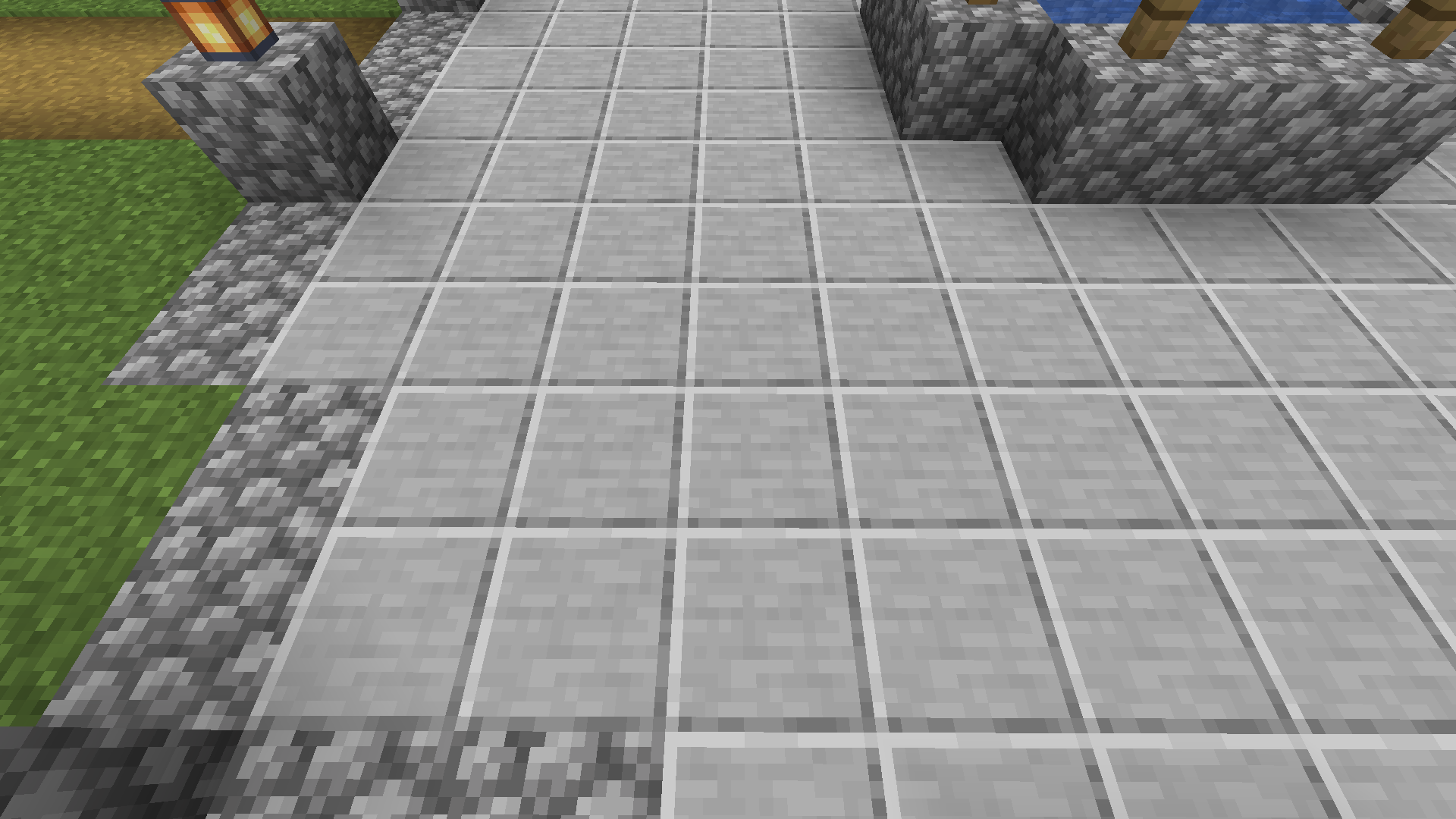
Have you ever been bothered by the fact that unlike other polished stone blocks, Smooth Stone lacks any embossing/light direction?

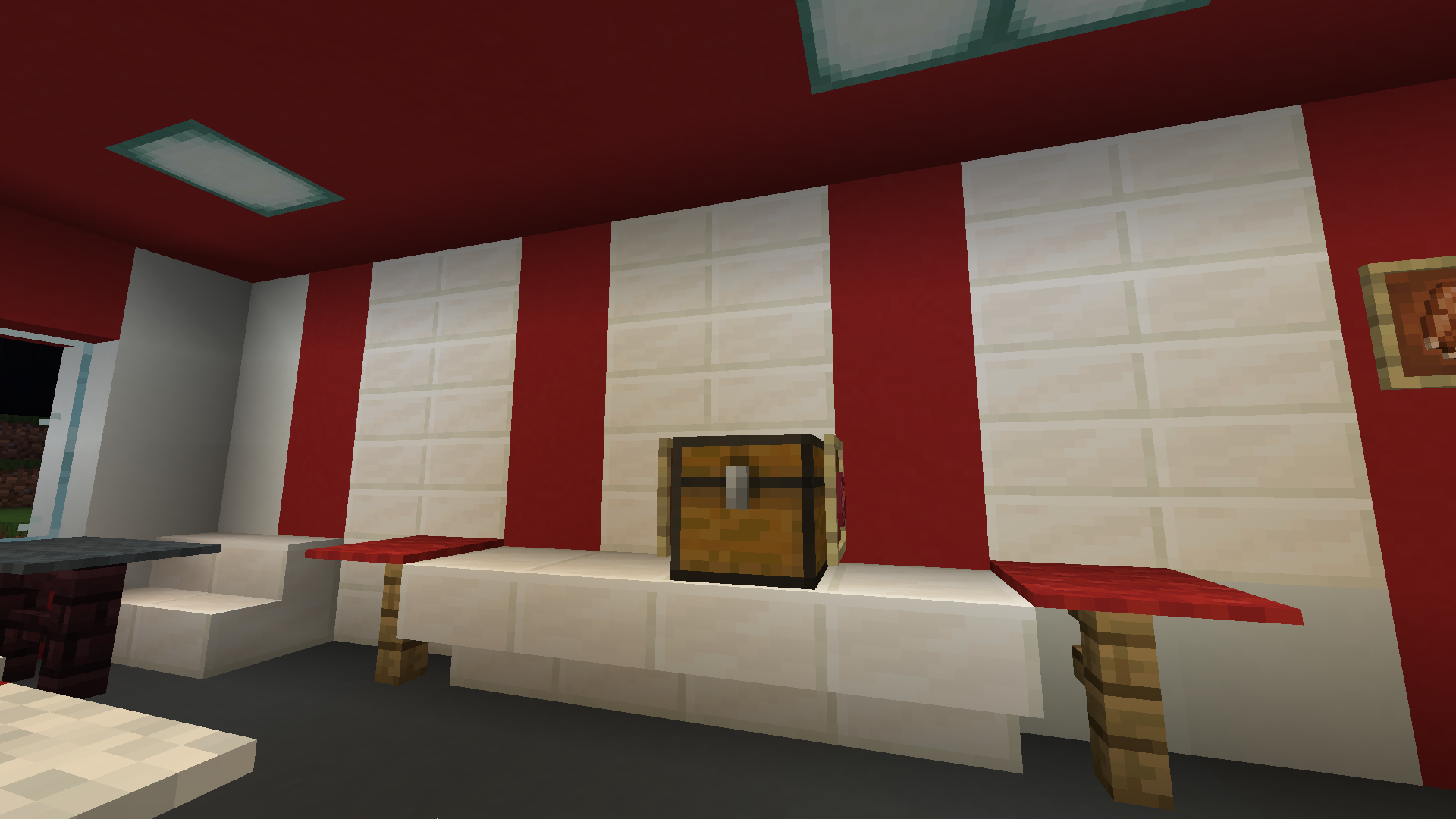
Have you ever been bothered by the fact that unlike Smooth Stone slabs, all other double slab blocks that should have noticeable double slabbing... don't?

I know I have. That's why I made this pack.


This pack does three distinct things:

  • Changes the Smooth Stone texture to have embossing/light direction like all the other polished stone blocks, as well as the side textures of it's own slab
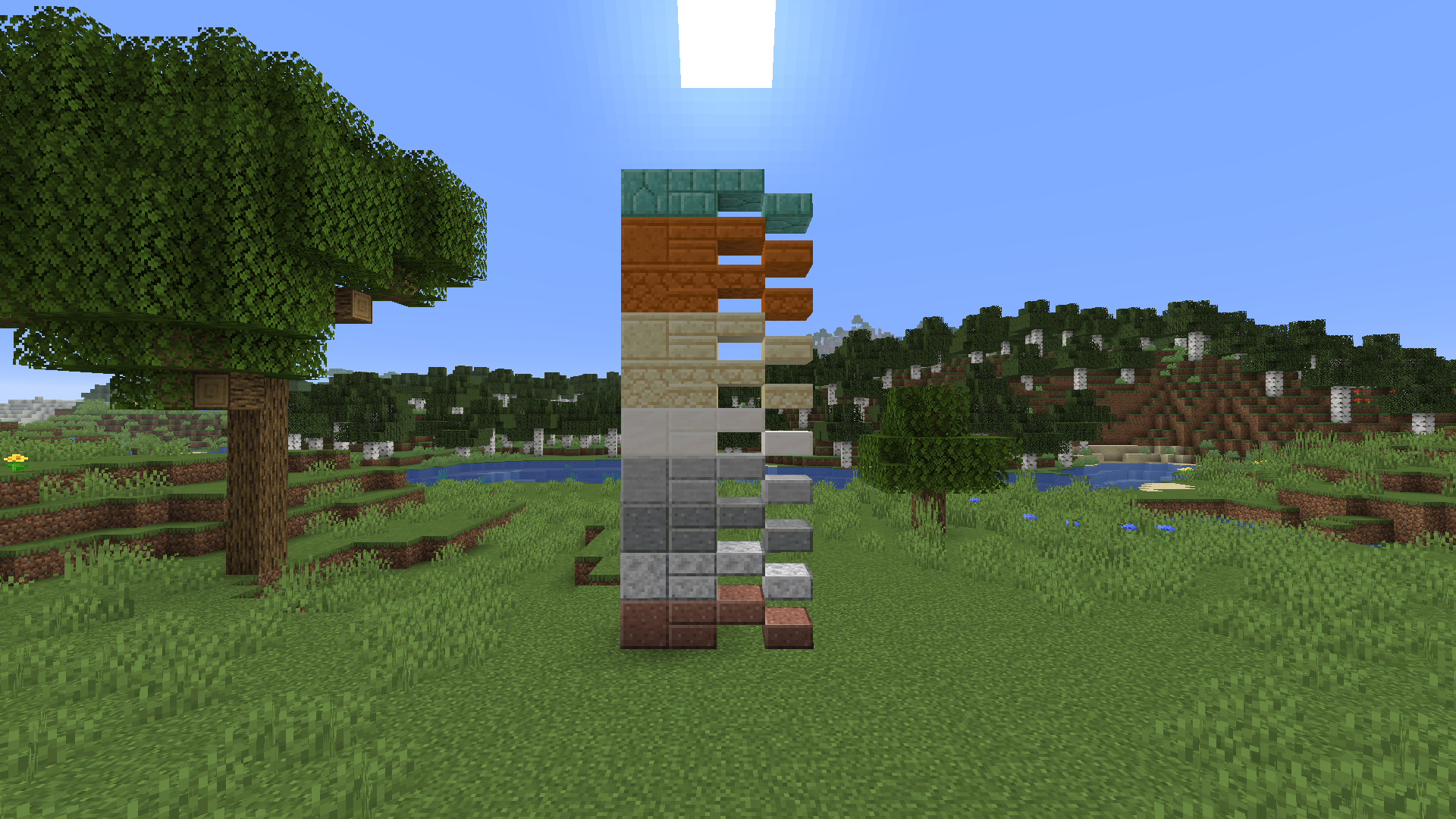
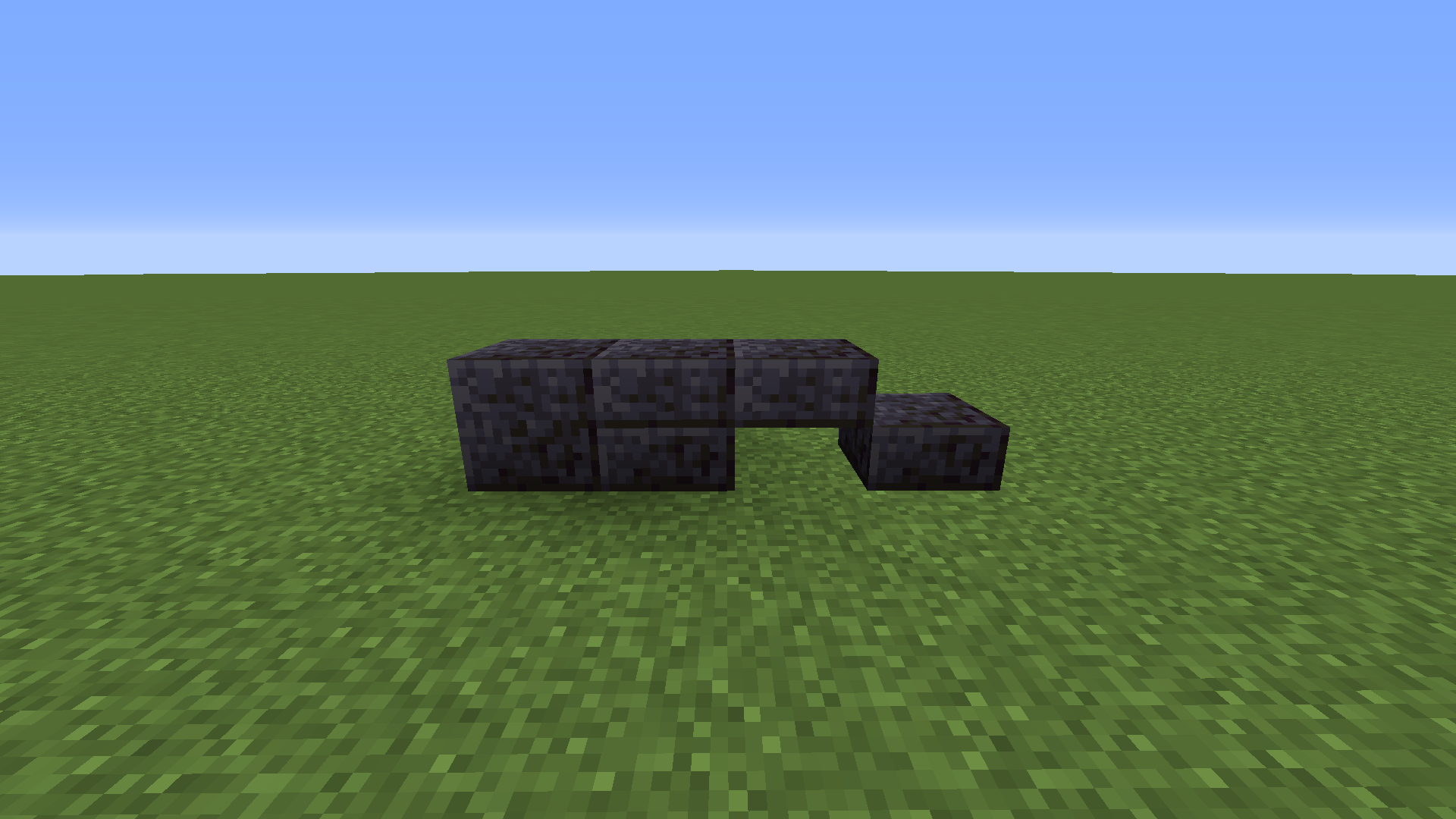
  • Gives several slab textures that should have separate upper & lower slab bordering just that
  • As a result, those block's double slab blocks distinctly display that they are double slab blocks


Affected blocks are:

  • Smooth Stone
  • Polished Granite Slabs
  • Polished Diorite Slabs
  • Polished Andesite Slabs
  • Quartz Slabs
  • Sandstone Slabs
  • Cut Sandstone Slabs
  • Red Sandstone Slabs
  • Cut Red Sandstone Slabs
  • Prismarine Slabs

1.16.3 Update:

  • Polished Blackstone Slabs

1.17 Update:

  • Polished Deepslate Slabs


Works with 1.15 - 1.16; 1.16.3; 1.17
Polished and Slab Consistency 1.17
MC 1.17
Release 2021-06-29 Get
Polished and Slab Consistency 1.16.3
MC 1.16.3
Release 2020-09-22 Get
Polished and Slab Consistency by Clooless.zip
MC 1.16-Snapshot, 1.15-Snapshot, 1.15, 1.15.2, 1.15.1
Release 2020-05-15 Get

Requirements & install

How to use this resource pack in Minecraft
Resolution
16x
Minecraft
1.15-Snapshot – 1.17
Install folder
.minecraft/resourcepacks

How to install resource packs

  1. Download the resource pack .zip file (do not extract it).
  2. In Minecraft open Options → Resource Packs → Open Pack Folder.
  3. Drop the .zip into the resourcepacks folder (.minecraft/resourcepacks).
  4. Move the pack to the Selected column and click Done.
Browse more: 16x resource packs 32x resource packs 64x resource packs 128x resource packs 256x resource packs 512x+ resource packs Resource Packs for 1.17 All resource packs

More from CIooIess

Advertisement Remove ads with Premium →

You Might Also Like