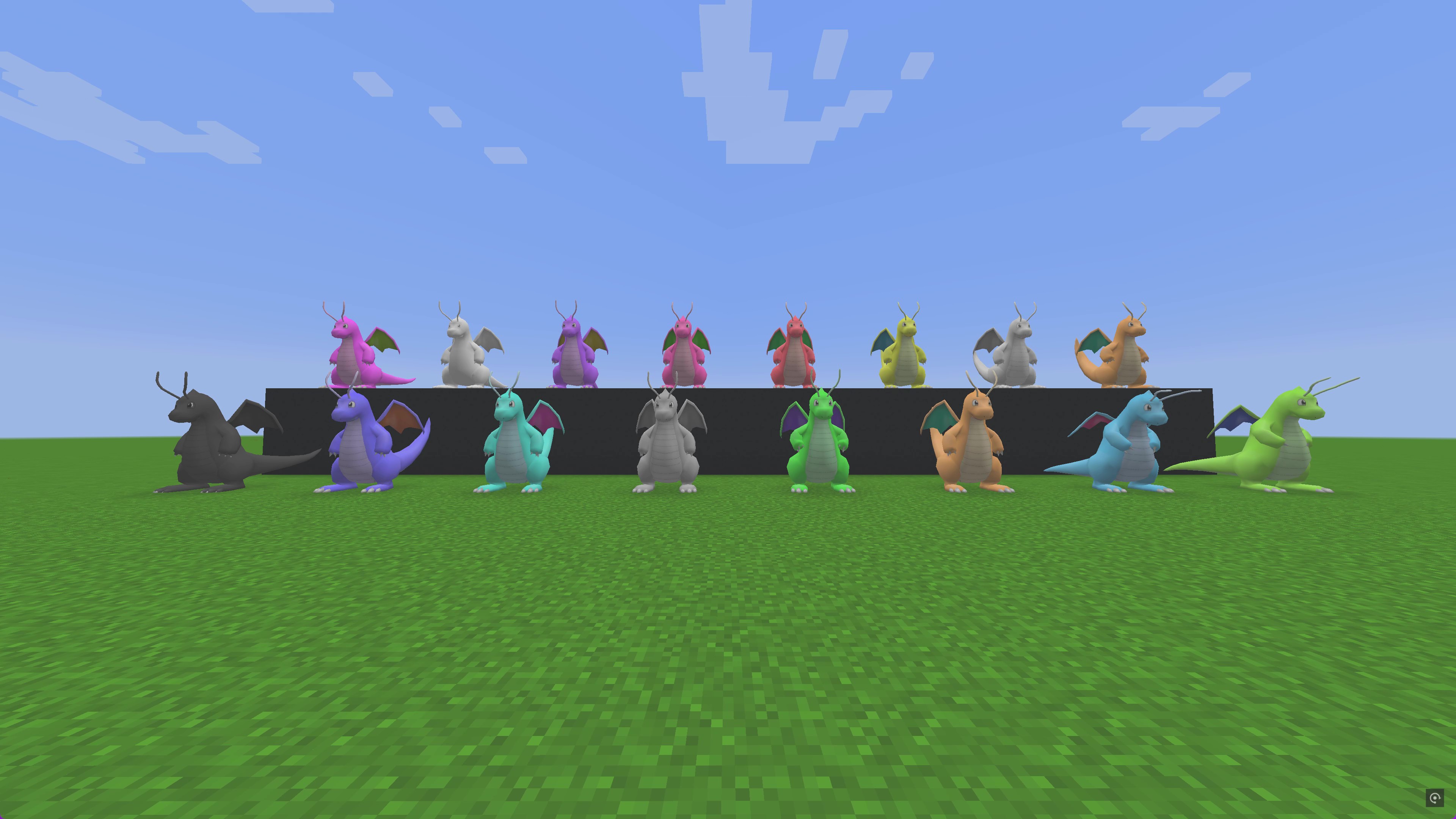
Dyeable Pixelmon - Custom Pokémon Colors (Over 16,000 New Palettes)
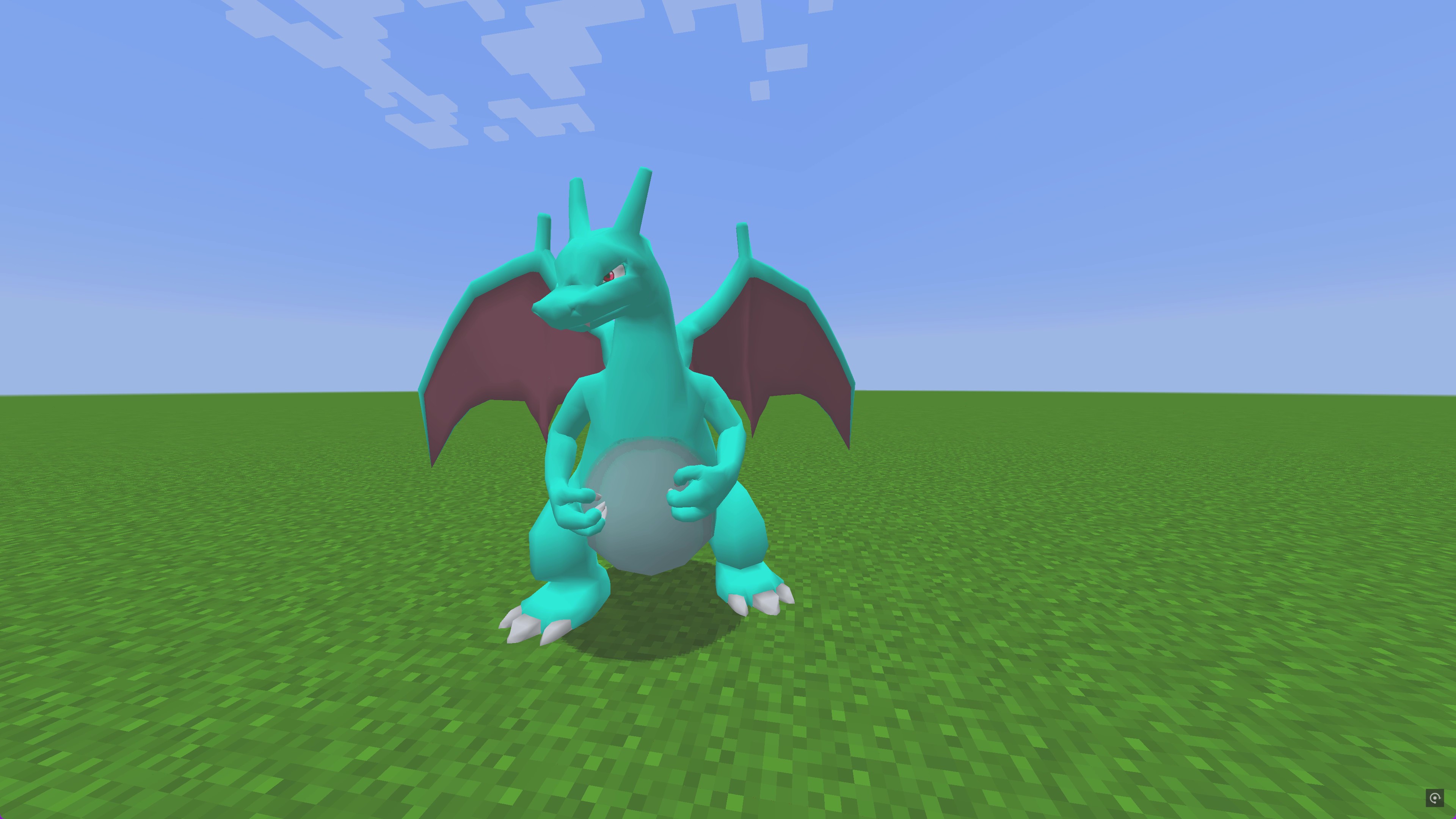
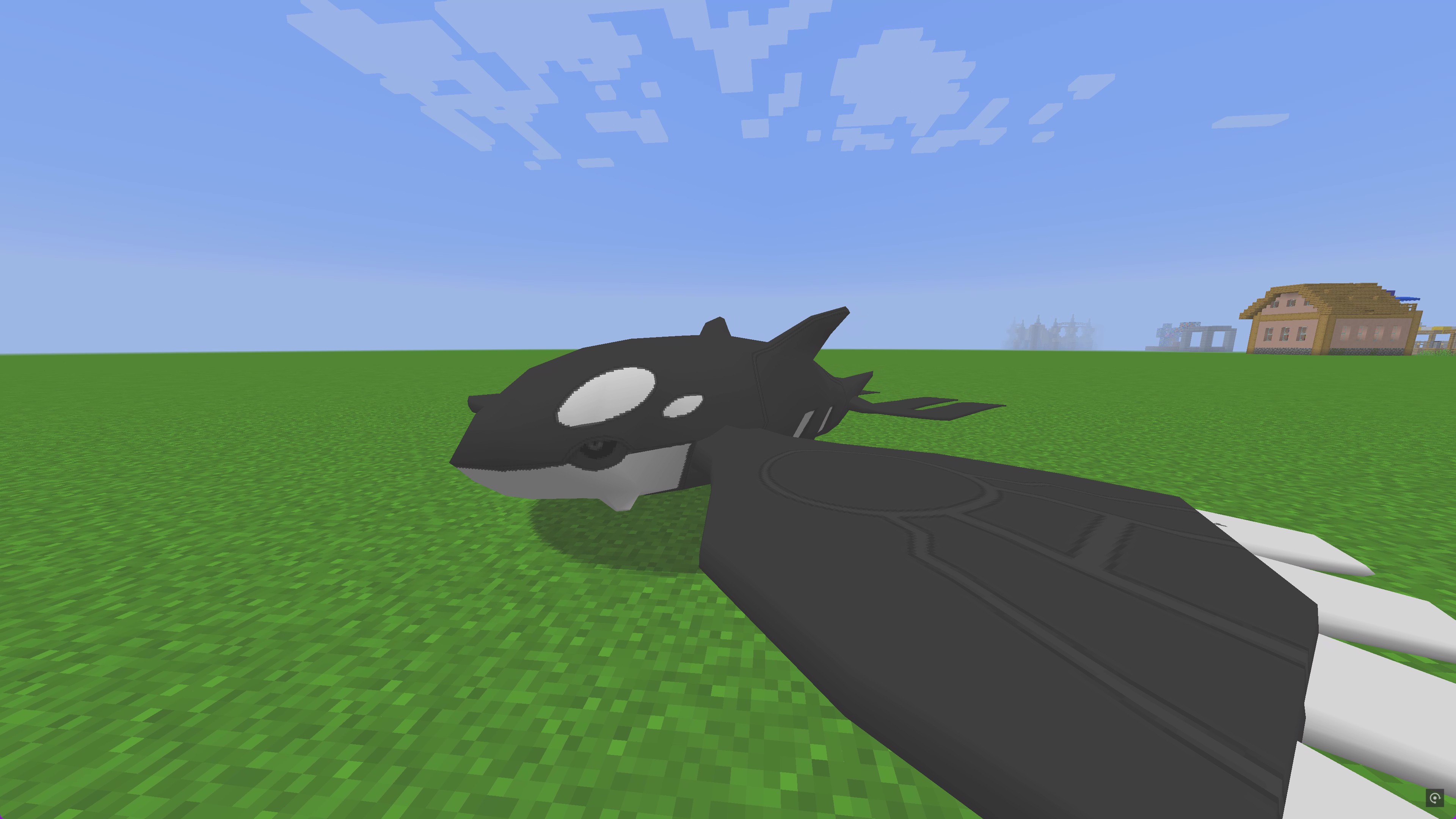
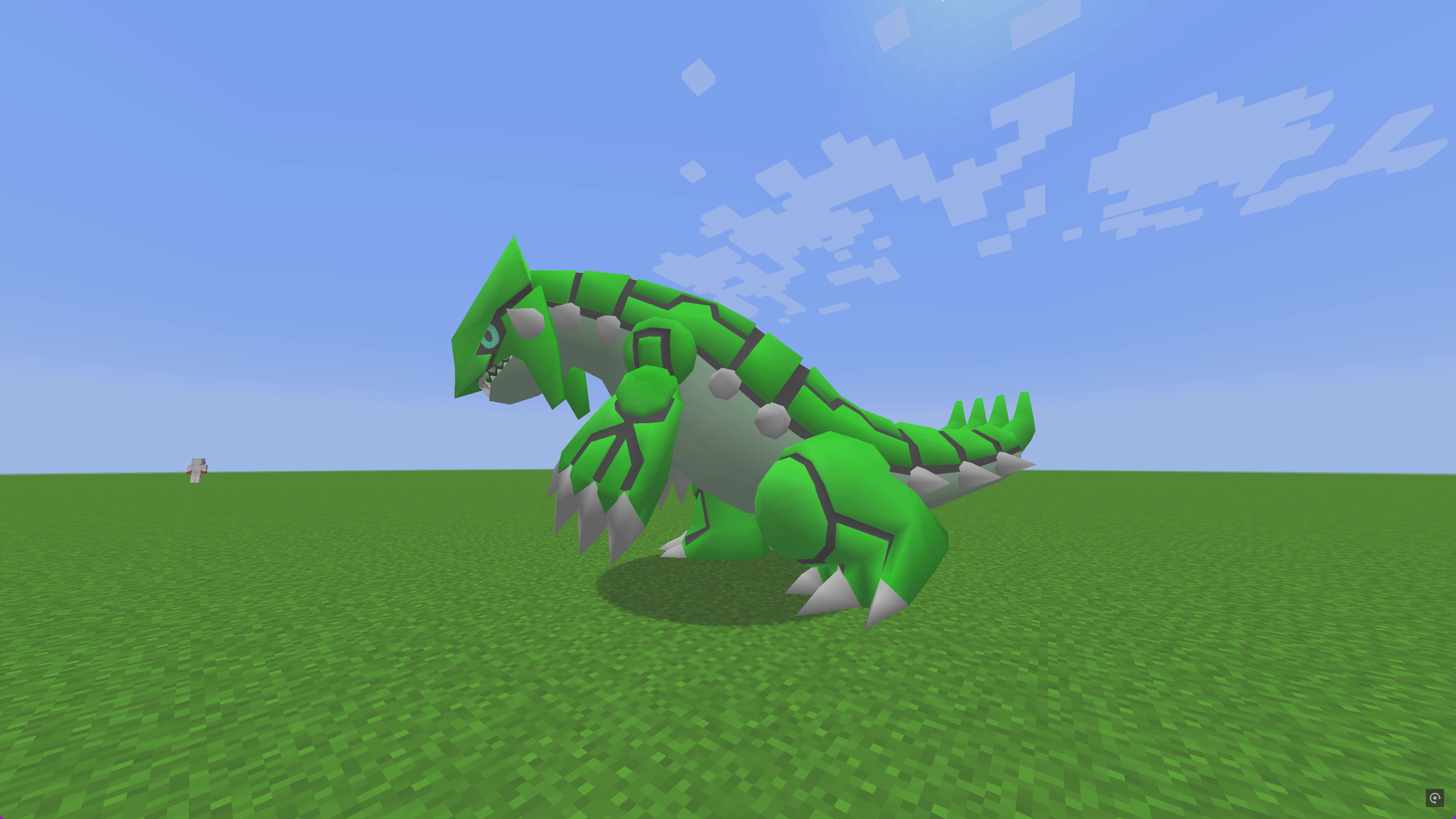
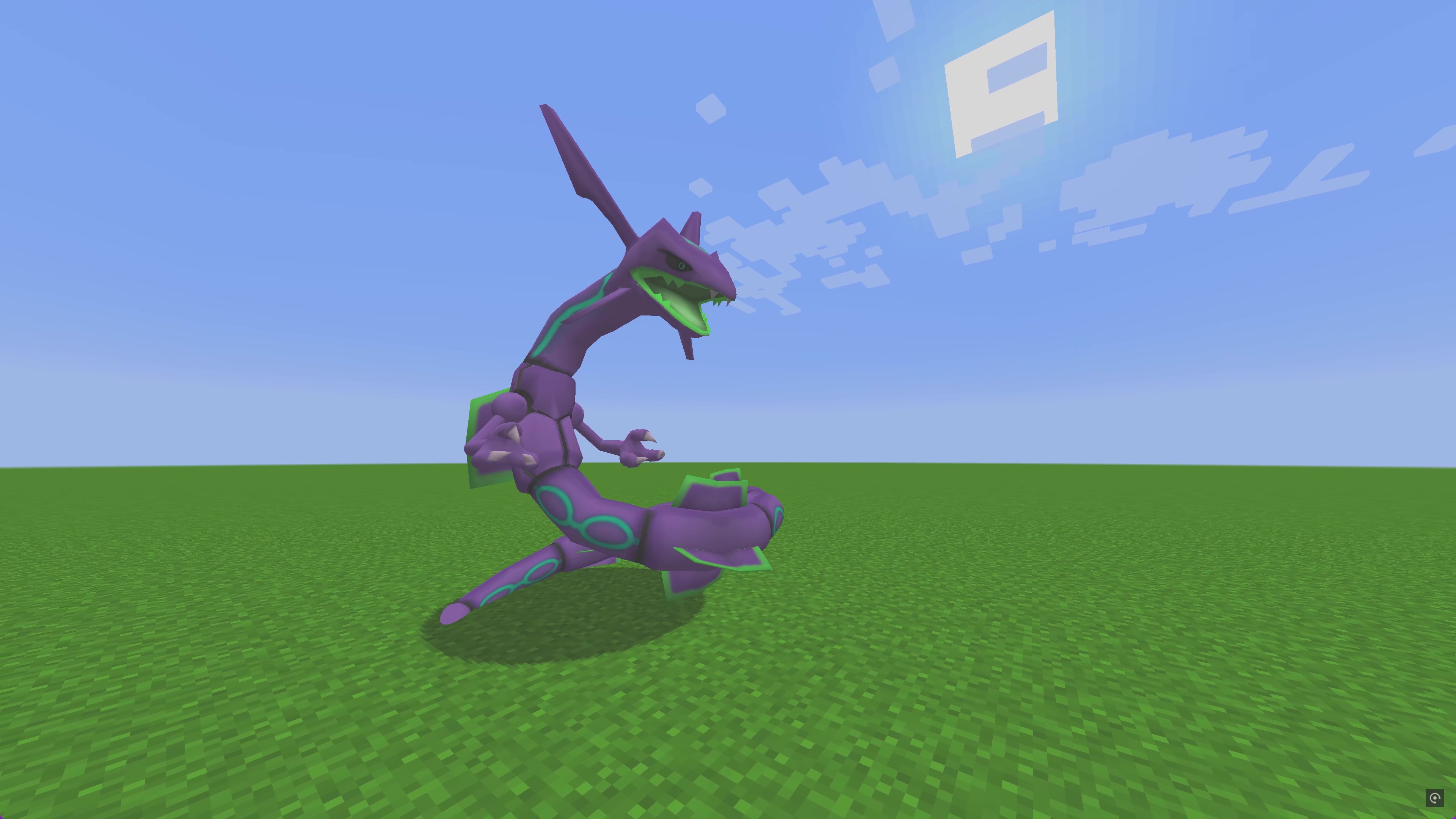
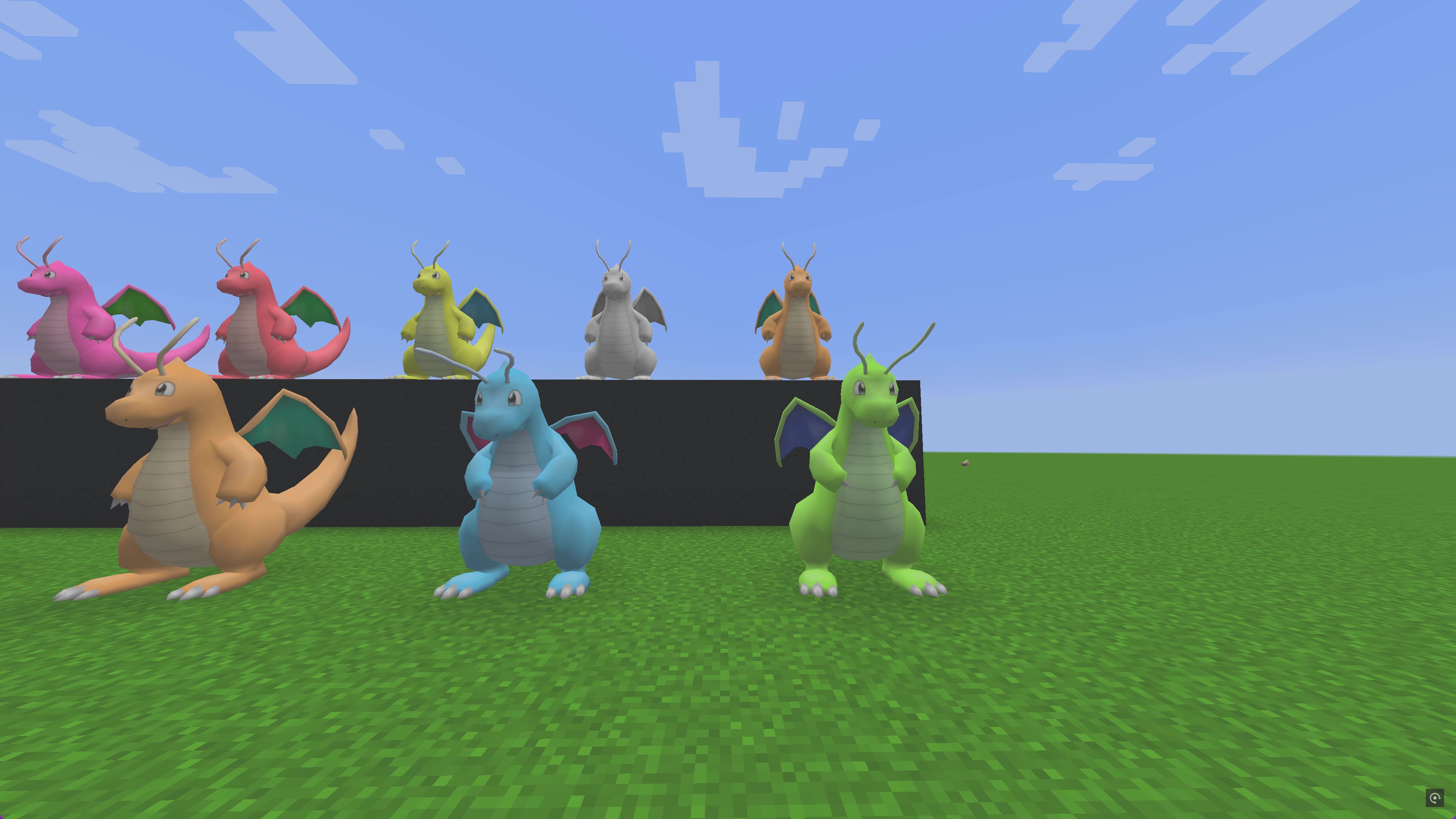
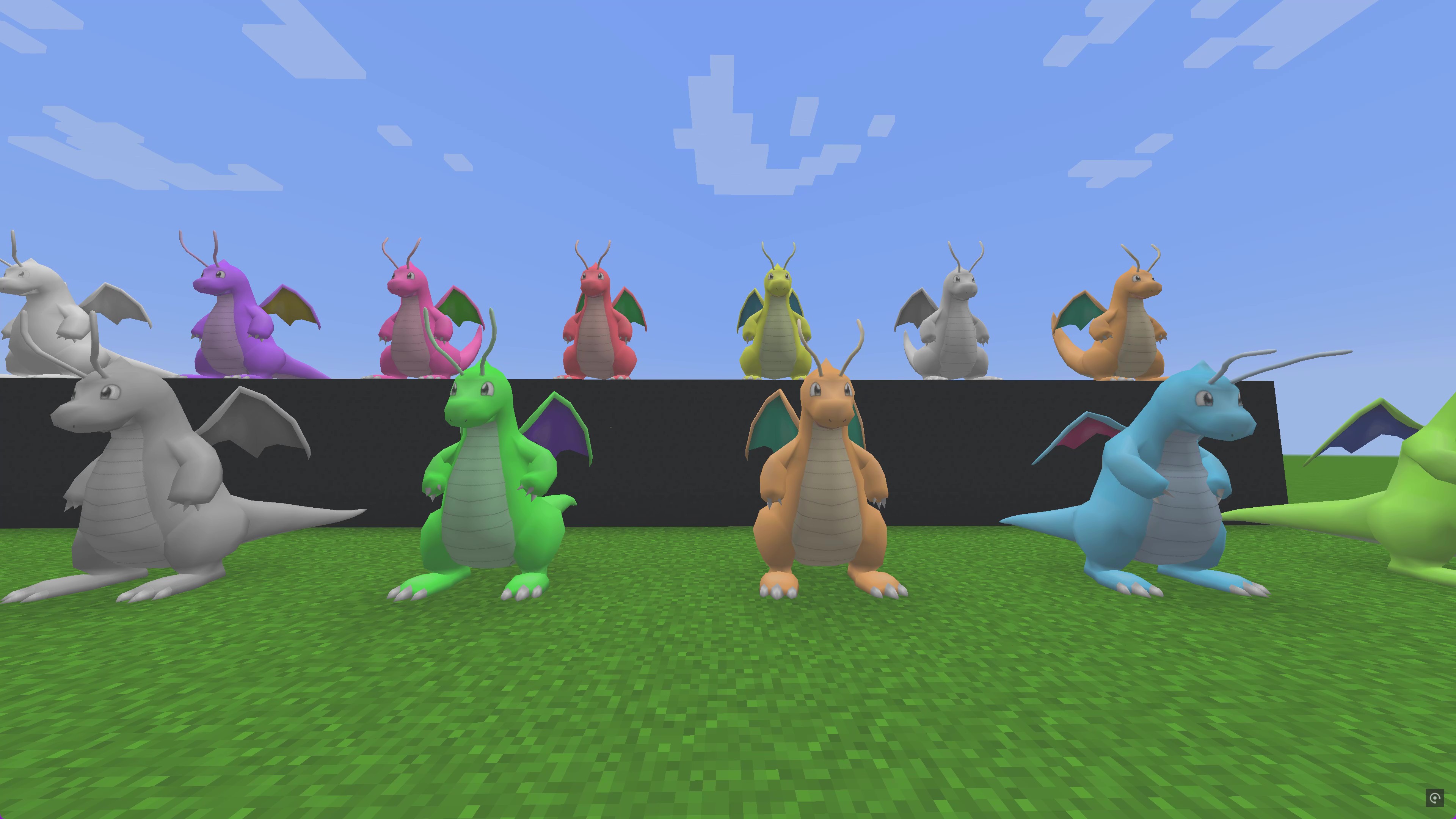
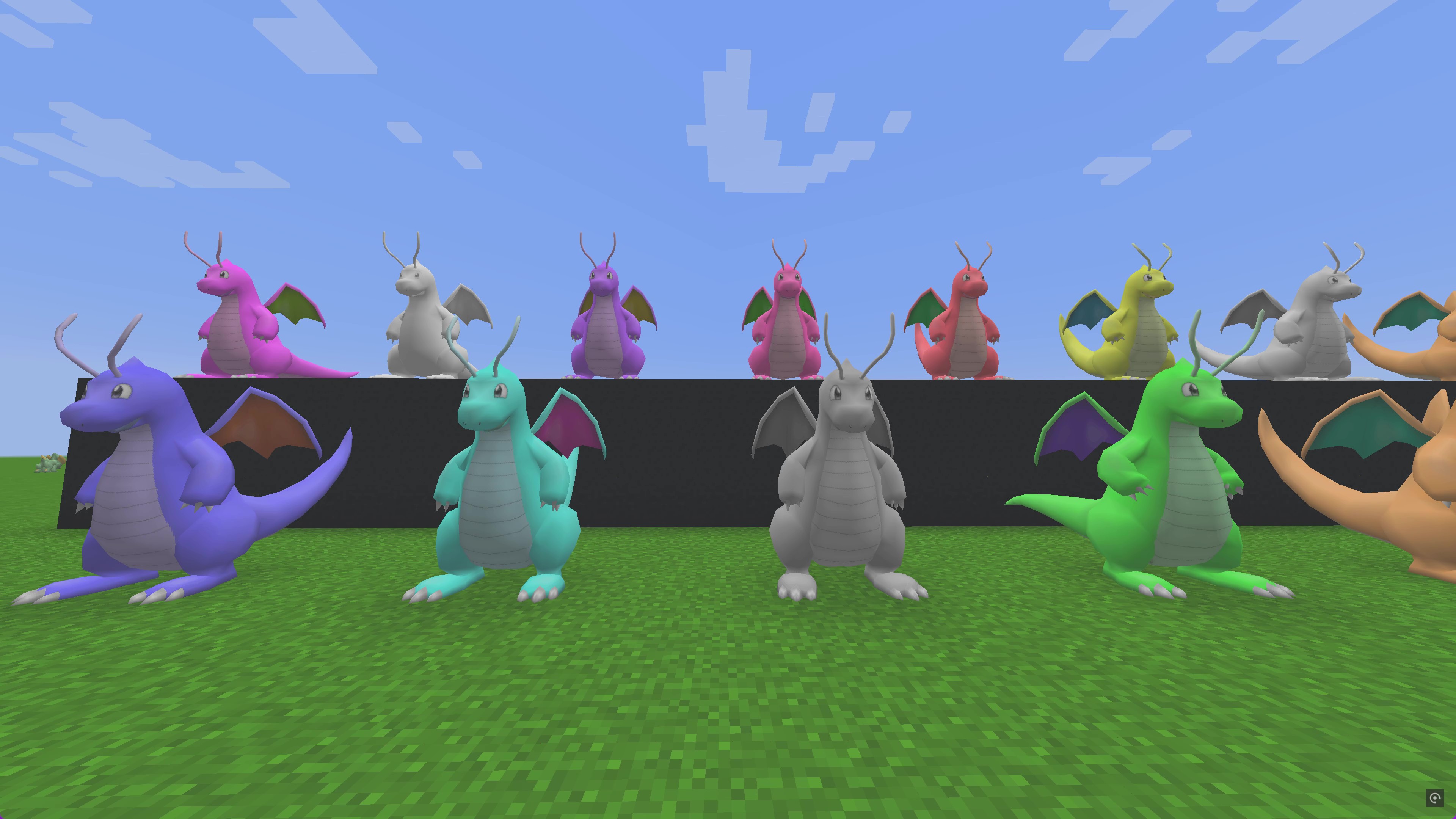
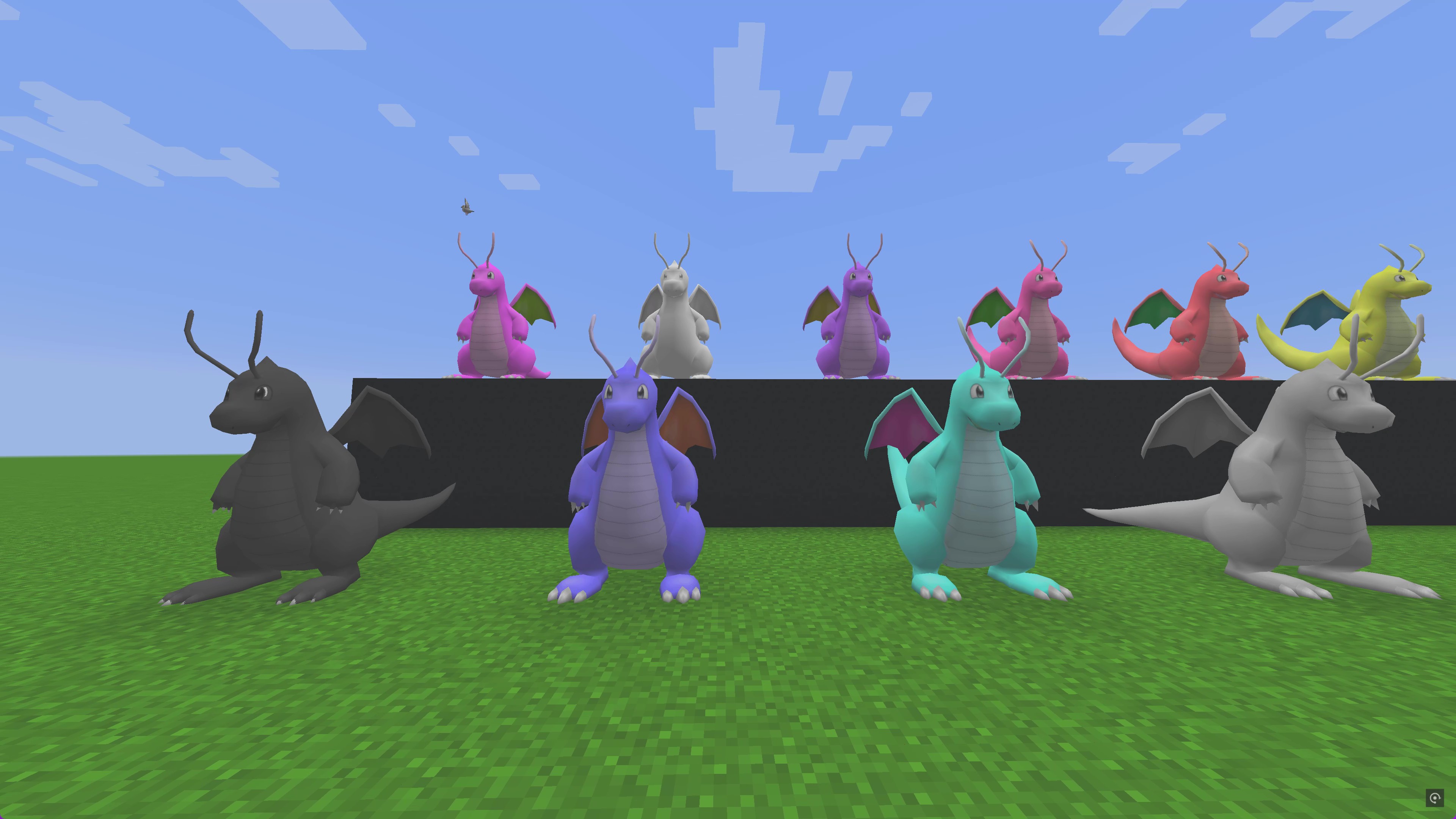
This resource pack and data pack allow you to dye your Pokémon into a variety of new colors using Minecraft dyes! Apply black, blue, green, red, and more to change the appearance of your Pokémon, just like using a dye in Minecraft with sheep. Use a clay ball, to set the Pokemon back to their original palette.
⭐Video Showcase: https://youtu.be/Ly3zOdh1m-o?si=QShxH_CQMzN9DHoU
✅ Works with Pixelmon 1.16.5-9.1.13 (Forge 36.2.34)
✅ Adds new palette options for most Pokémon
✅ Uses Minecraft dyes to change Pokémon colors
✅ Fully compatible with both singleplayer and multiplayer
⚠ You can't go back to a shiny palette. This is to retain how rare shiny Pokemon are.
⚠ This pack does not support the following Pokémon:
Dipplin, Poltchageist, Sinistcha, Okidogi,
Munkidori, Fezandipiti, Ogerpon, Unown,
Shellos, Vivillon, Flabébé, Florges,
Arceus, Minior, Floette, Silvally, Tandemaus, Maushold.
These Pokémon have special forms, textures, or mechanics that prevent them from working with the dye system.
1️⃣ Resource Pack: Place in resourcepacks and enable it in Minecraft.
2️⃣ Data Pack: Place in datapacks inside your world folder and reload the game.
Now, grab some dyes and start customizing your Pokémon! 🎨