Mineuniverse
Resource Packs
Pog's Fresher Ores (Glowing)

Pog's Fresher Ores (Glowing)

RESOURCE PACK
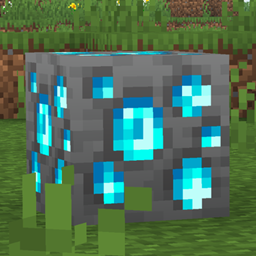
This resource pack adds some new ores to Minecraft, those that are similar to Actions & Stuff! Credits to Oreville Studios for inspiration!
by _PogFrog_
Download Claim this project
Add a badge to your pageLink to Pog's Fresher Ores (Glowing) from a README, website or forum post.
Preview: Badge

Badges update automatically and link to the resource pack page on MineUniverse.

6,163 downloads
0 likes
0 followers
Updated Oct 14, 2026
0 hypes
Follow0
16x
Advertisement Remove ads with Premium →

Pog's Fresh Glowing Ores

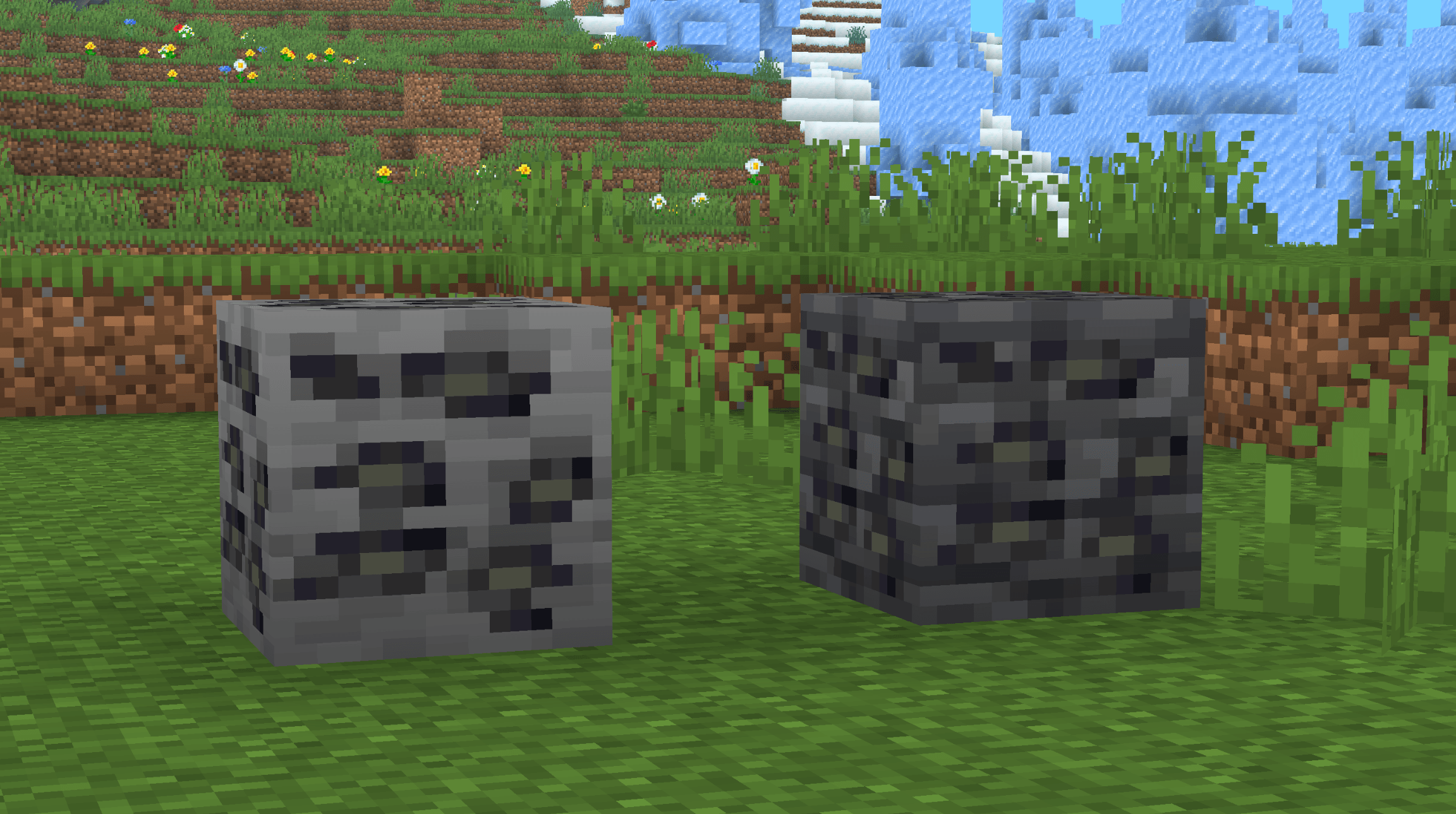
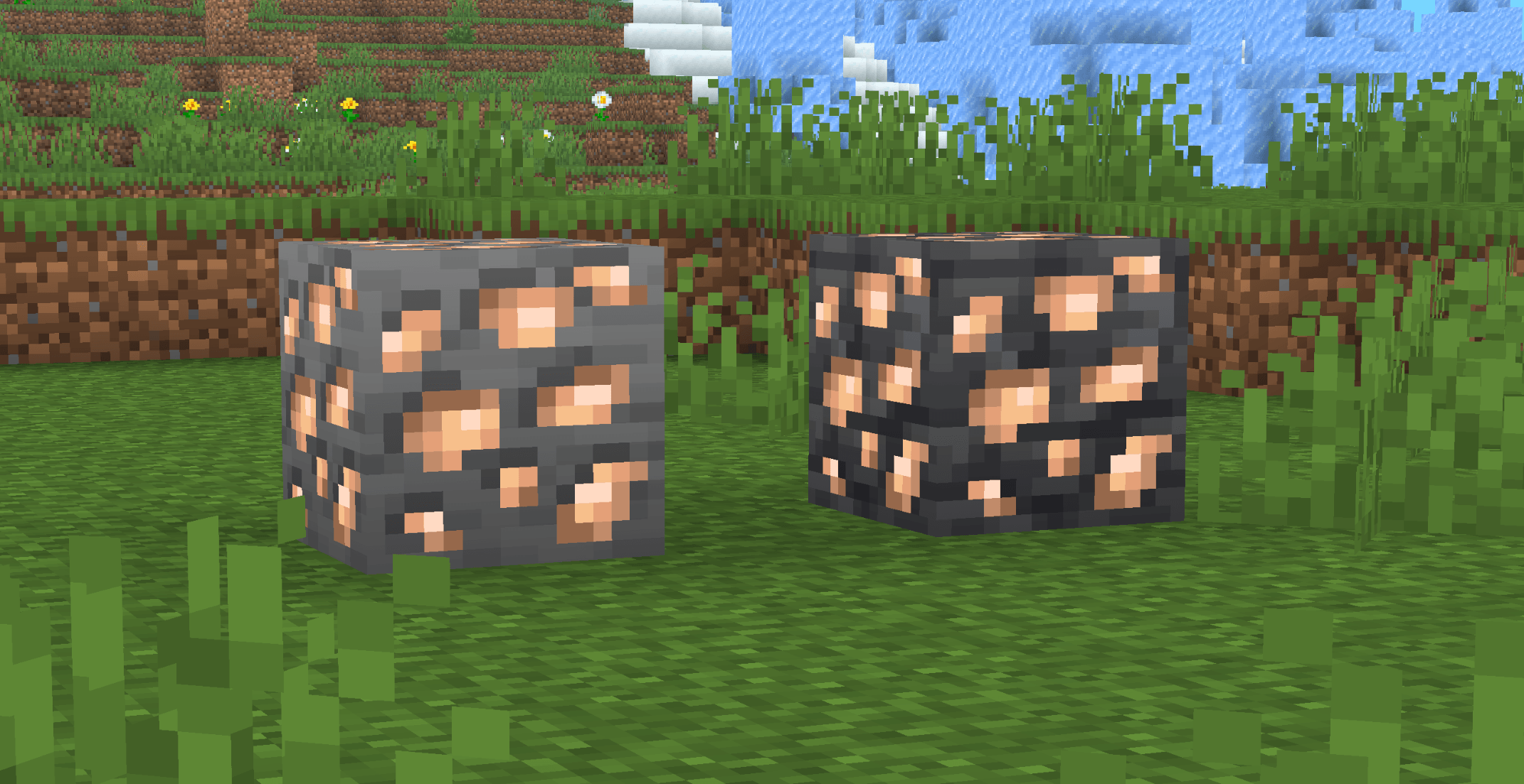
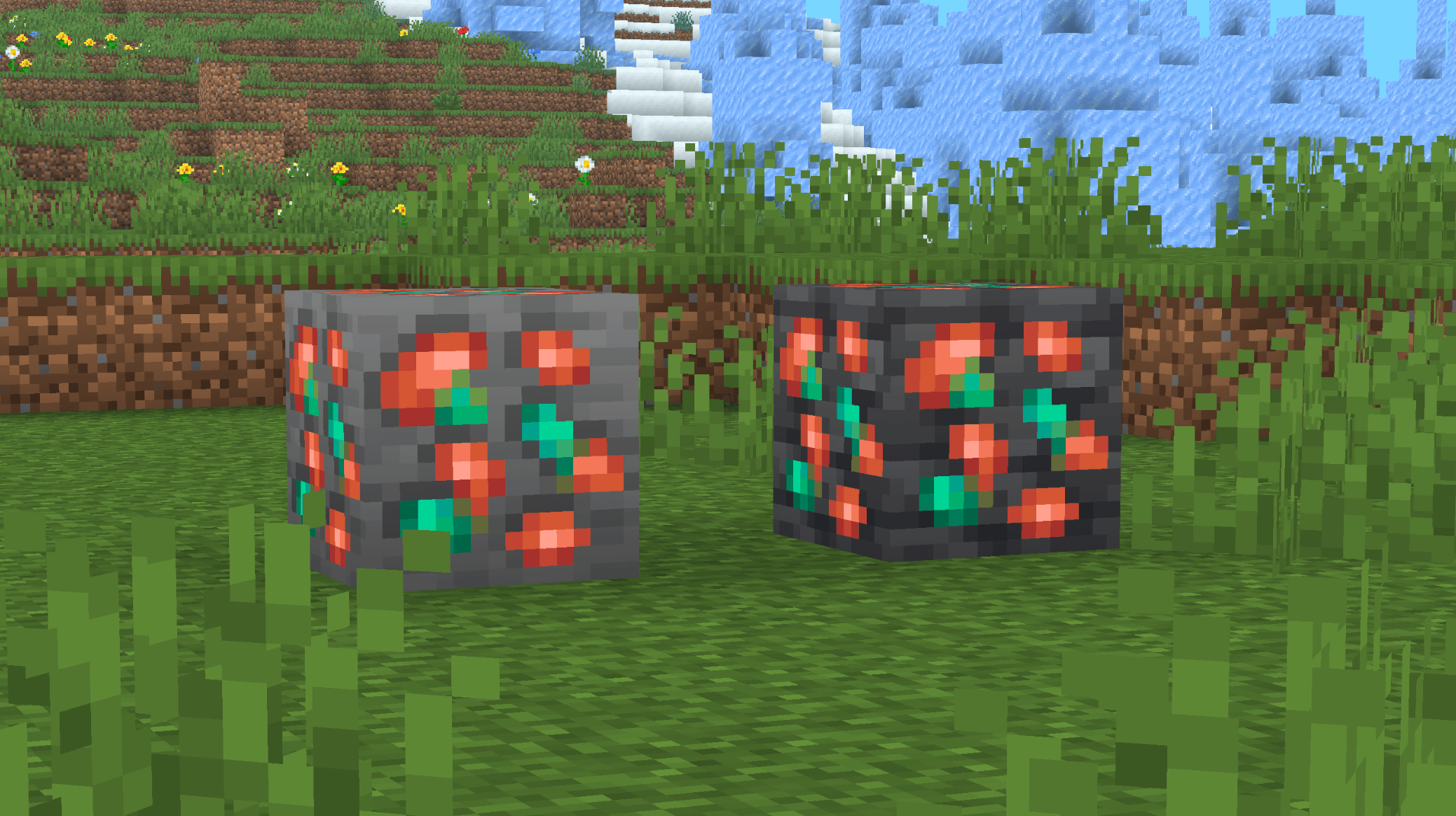
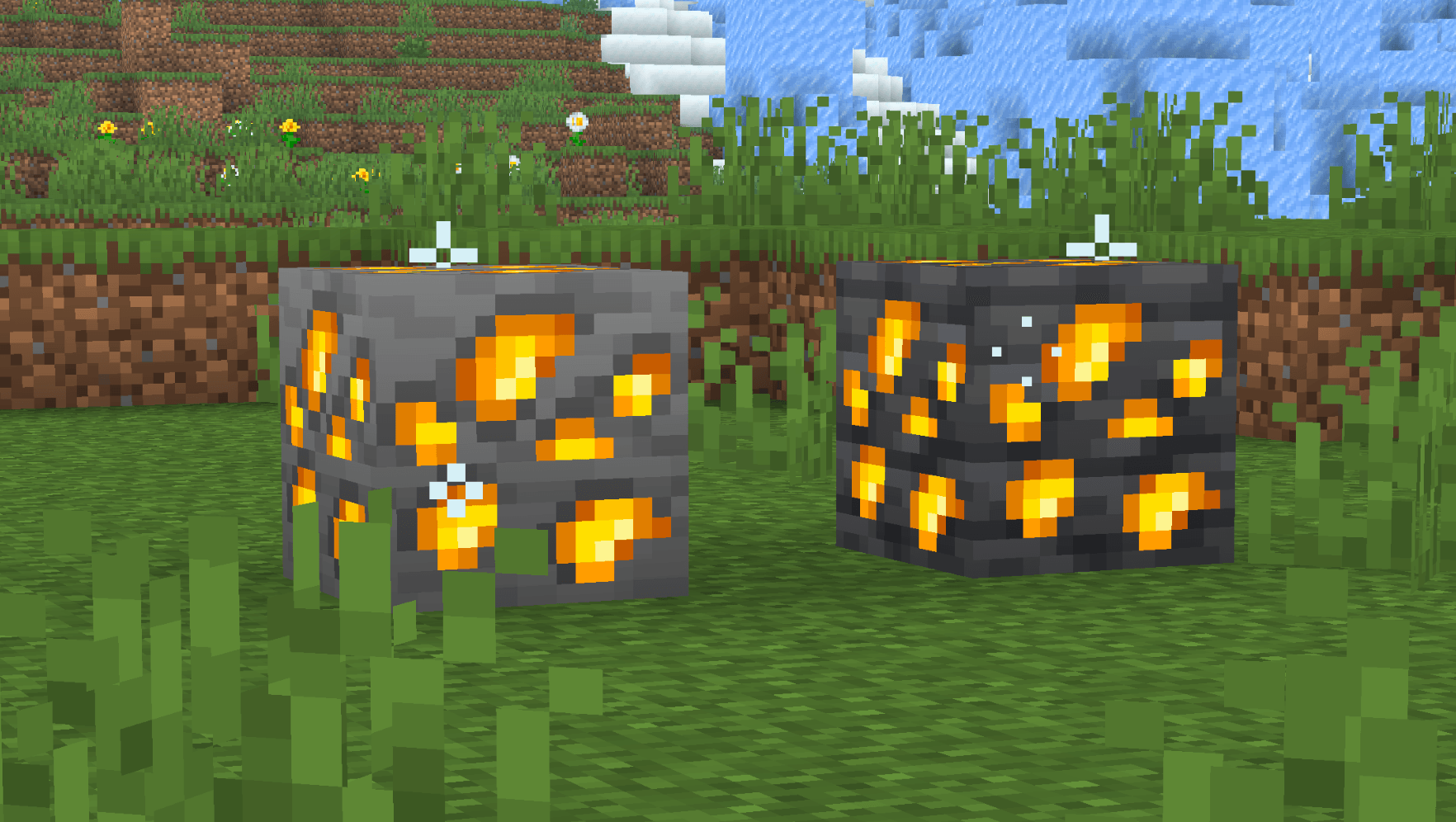
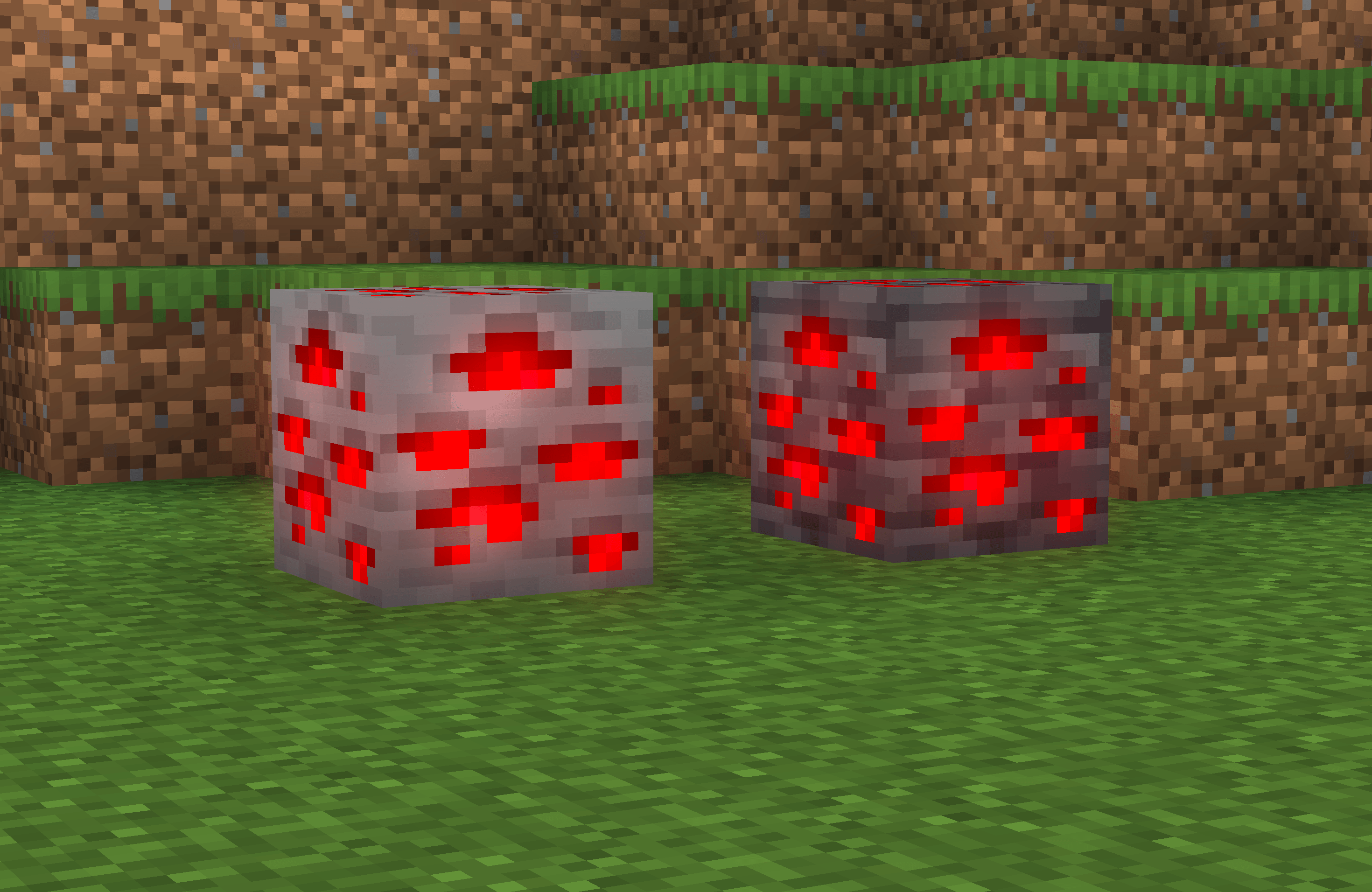
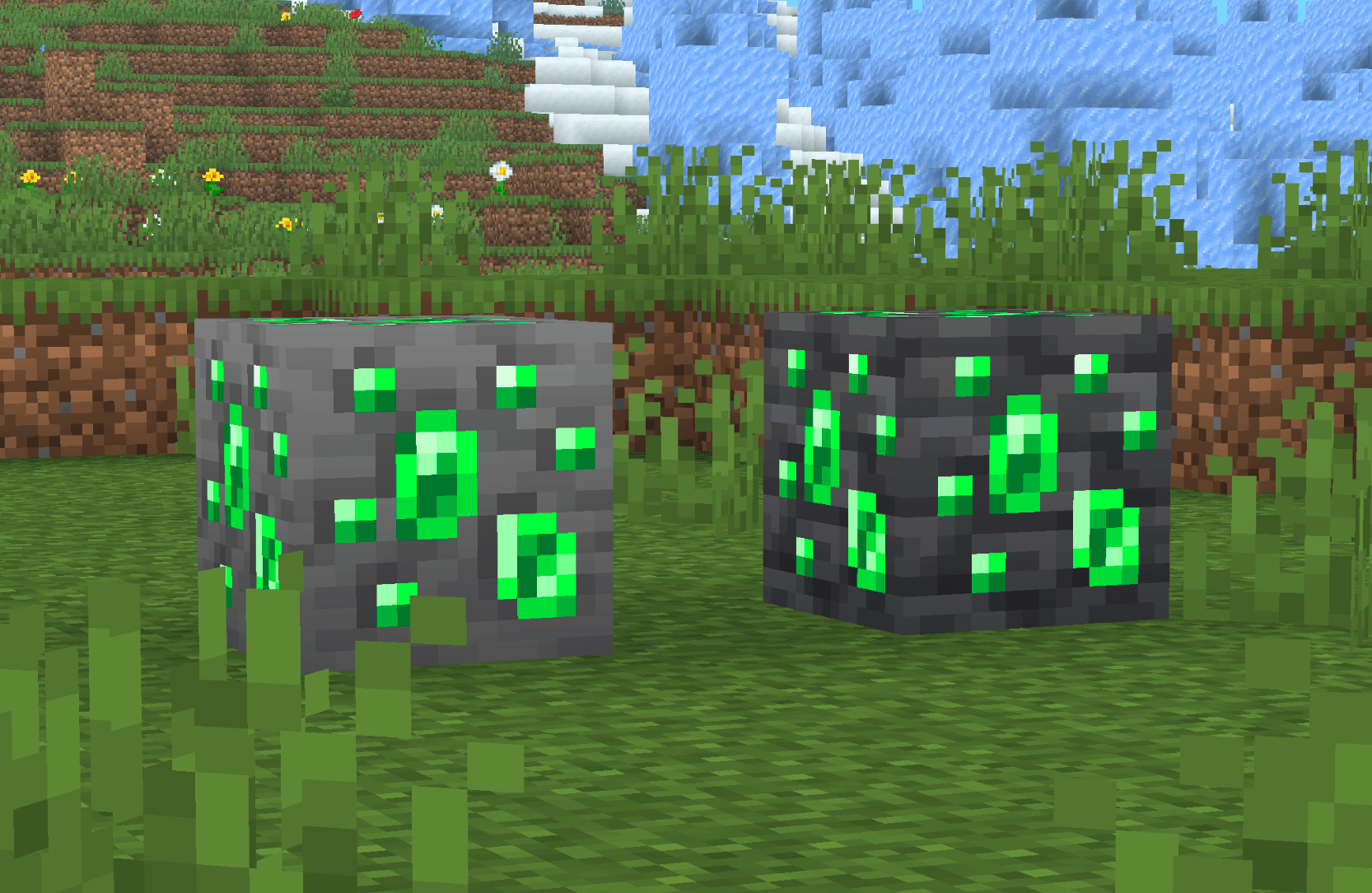
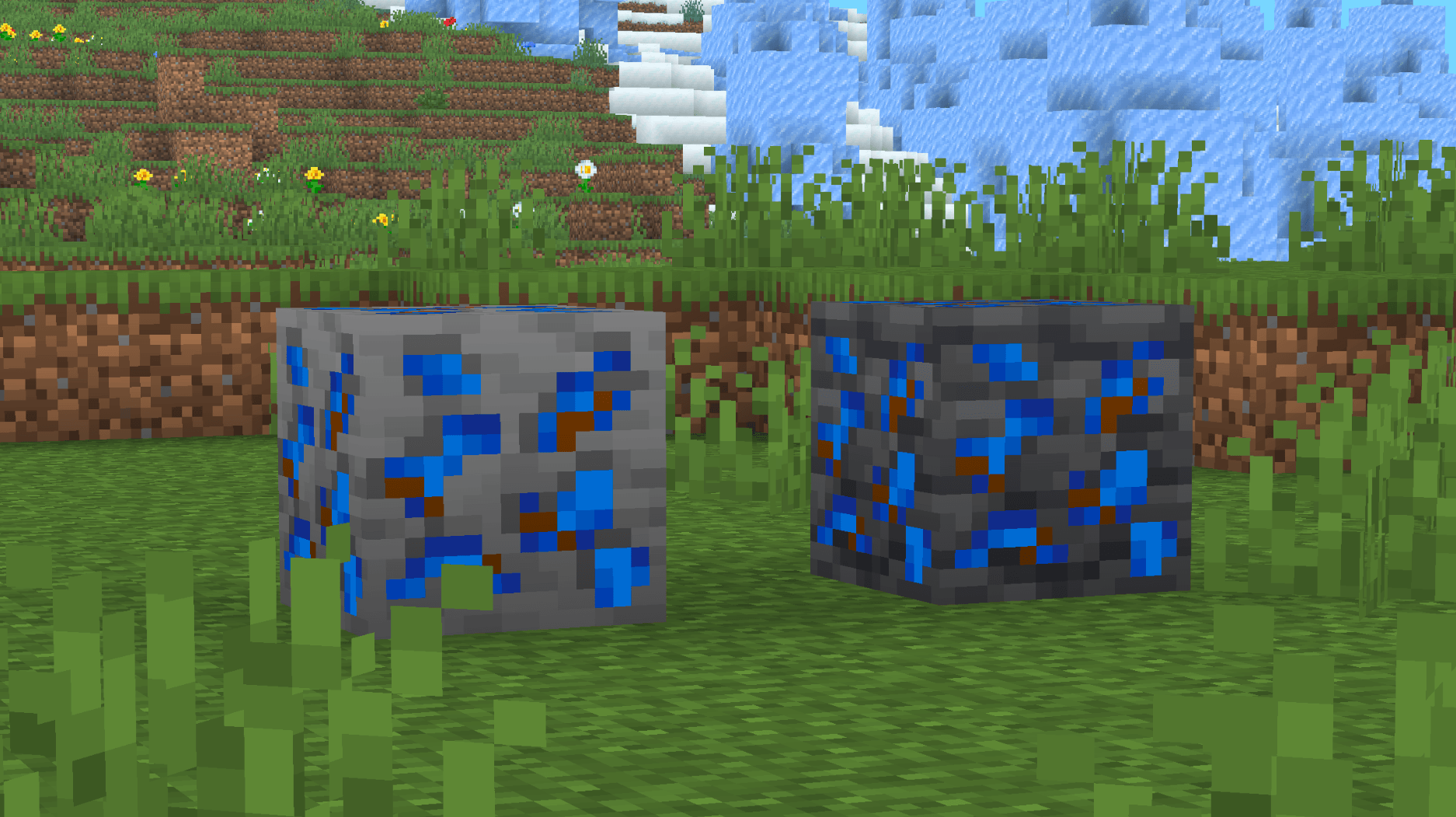
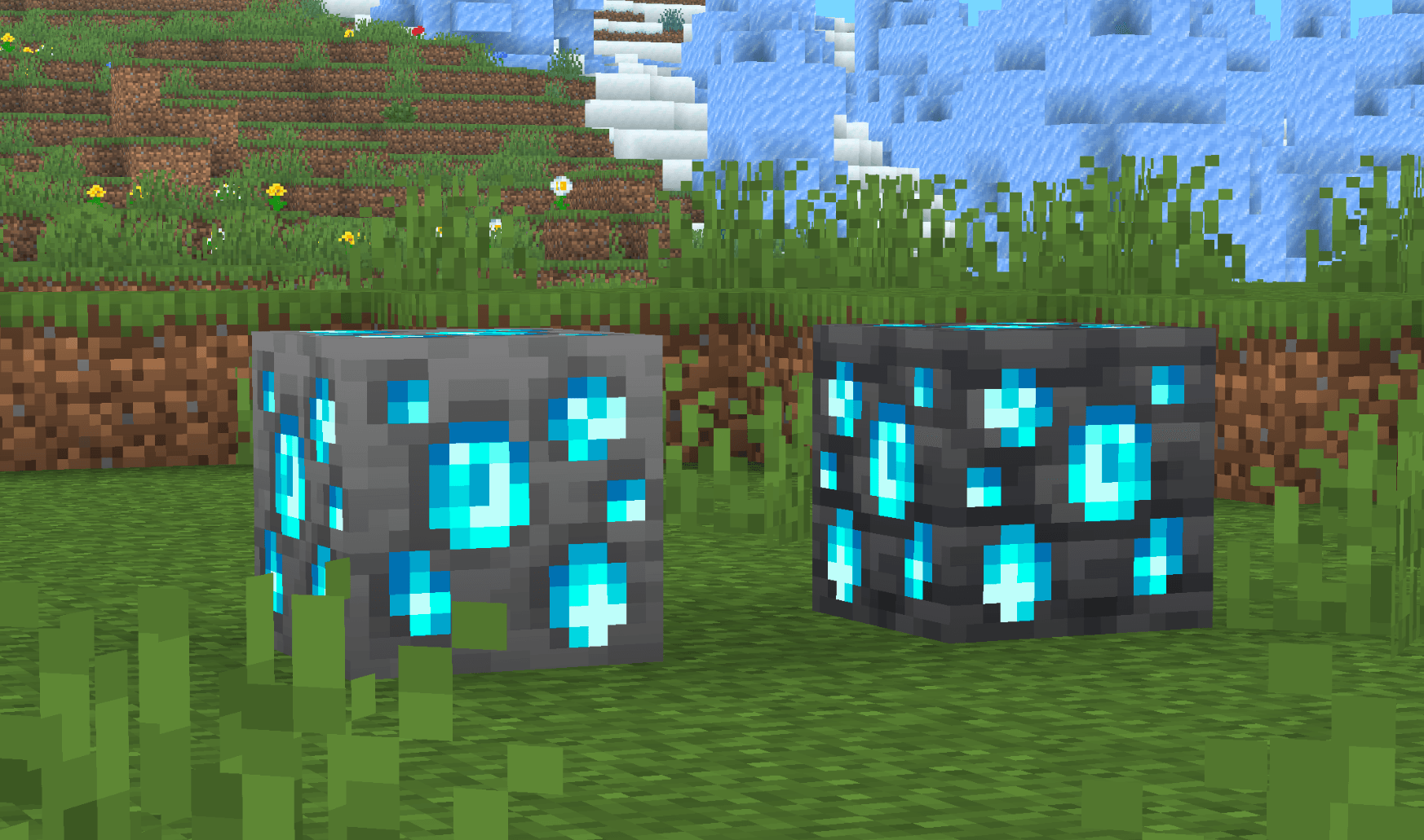
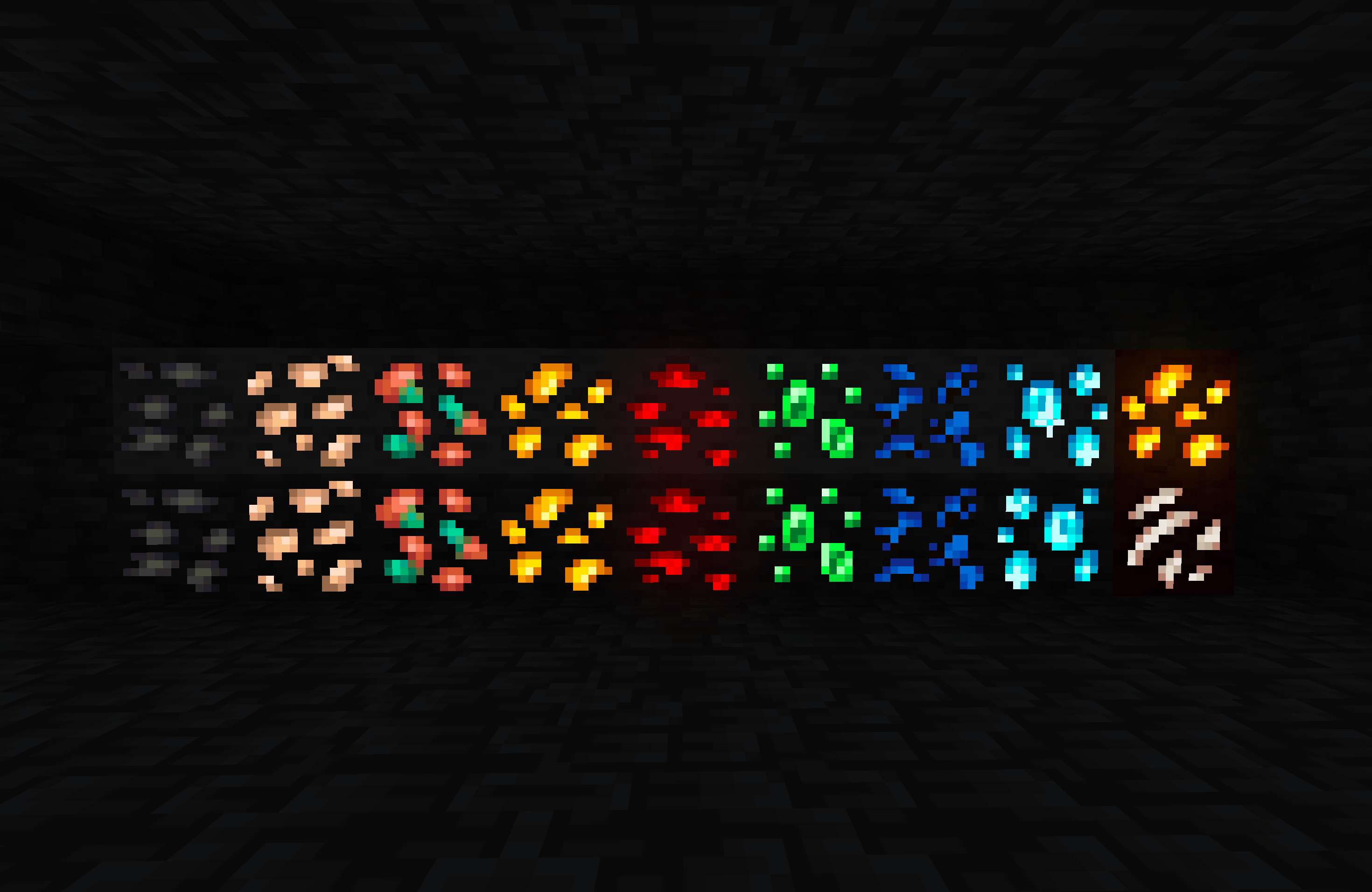
Ever got bored of the default ores in Minecraft? Well, look no further! This resource pack adds a fresh new lineup of ores, each having glowing effects for easy location!

Overworld Ores:

Changes the appearance of:

  • Coal Ore
  • Iron Ore
  • Copper Ore
  • Gold Ore
  • Redstone Ore
  • Emerald Ore
  • Lapis Lazuli Ore
  • Diamond Ore

(along with their deepslate variants)

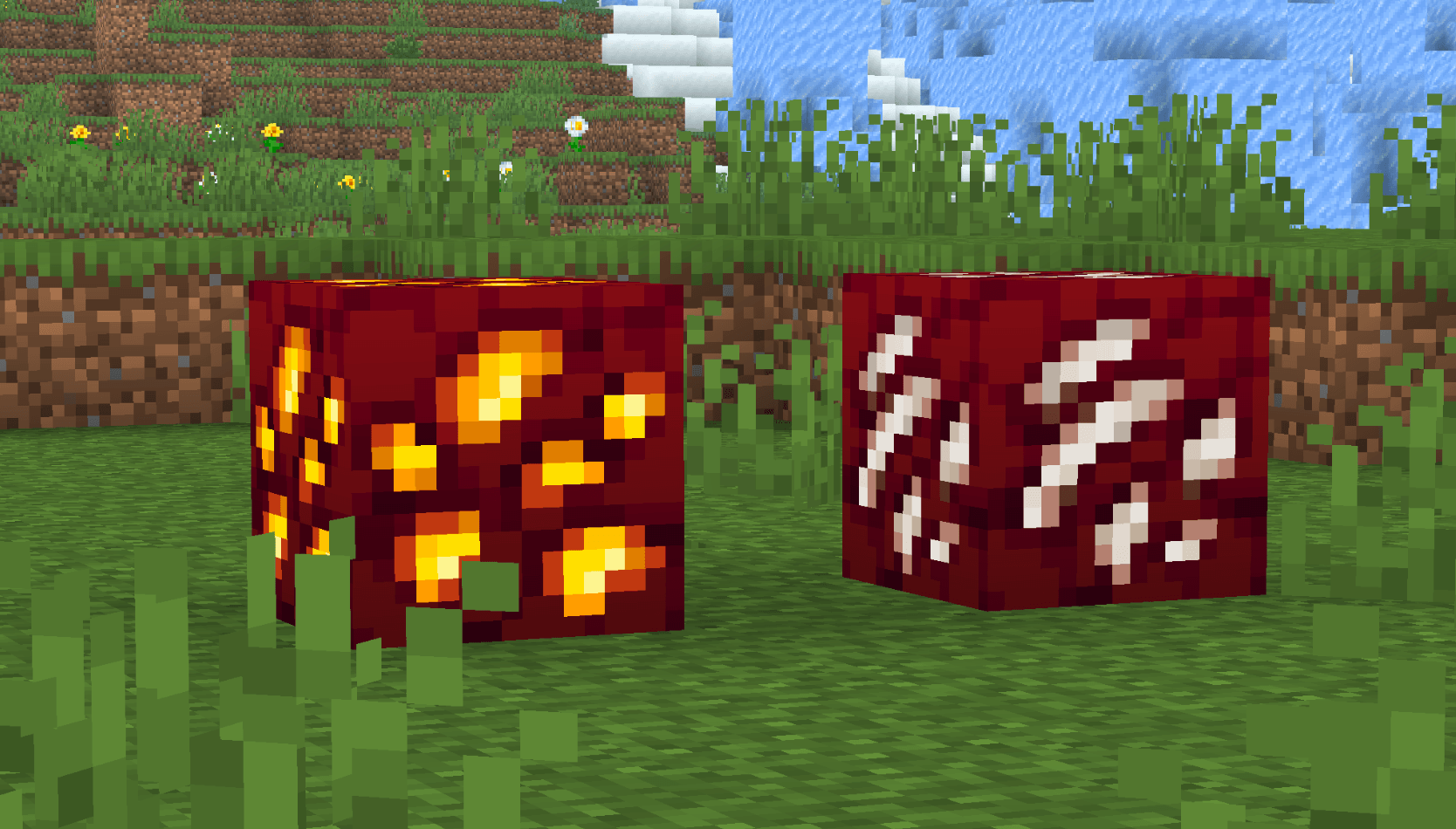
Nether Ores:

Changes the appearance of:

- Nether Gold Ore
- Nether Quartz Ore

Requires Continuity or Optifine for the ores to glow

Also available on Modrinth!

Inspired by Actions & Stuff by Oreville Studios.

Pog's Fresher Ores.zip
MC 1.17.1, 1.21, 1.18.1, 1.19.3, 1.20.2, 1.19.4, 1.21.8, 1.17, 1.20.5, 1.21.5, 1.18, 1.21.4, 1.20.1, 1.20, 1.20.6, 1.21.1, 1.21.6, 1.21.3, 1.21.7, 1.19.1, 1.20.4, 1.18.2, 1.19.2
Release 2026-06-15 Get
Pog's Fresher Ores.zip
MC 1.17.1, 1.21, 1.18.1, 1.19.3, 1.20.2, 1.19.4, 1.21.8, 1.17, 1.20.5, 1.21.5, 1.18, 1.21.4, 1.20.1, 1.20, 1.20.6, 1.21.1, 1.21.6, 1.21.3, 1.21.7, 1.19.1, 1.20.4, 1.18.2, 1.19.2
Release 2026-06-06 Get

Requirements & install

How to use this resource pack in Minecraft
Resolution
16x
Minecraft
1.21 – 1.21.8
Install folder
.minecraft/resourcepacks

How to install resource packs

  1. Download the resource pack .zip file (do not extract it).
  2. In Minecraft open Options → Resource Packs → Open Pack Folder.
  3. Drop the .zip into the resourcepacks folder (.minecraft/resourcepacks).
  4. Move the pack to the Selected column and click Done.
Browse more: 16x resource packs 32x resource packs 64x resource packs 128x resource packs 256x resource packs 512x+ resource packs Resource Packs for 1.21.8 All resource packs
Advertisement Remove ads with Premium →

You Might Also Like