Badges update automatically and link to the resource pack page on MineUniverse.
Preview image
1. Bedrock Version
2. Java Version

How to use
Do you see the Import Skin button? You click on it and then choose your Minecraft Skin you want to make Skin for your totem.
Or if you want to get a skin from someone who owns a copyrighted Minecraft Java by name, you can enable Player Name to use it.
As for the Skin Type section, you can use the model for the appropriate skin, like you choose / change the Skin in Minecraft: Bedrock, it will ask you to choose the skin as Big hand and Small hand.
- Here I use small hand

Totem Texture (Java Players Don't Care) is used to customize your Item type totem texture, it has 3 main functions:
1. Automatic: Use the top of your skin for texture.
2. Vanilla: Keep your totem texture intact, do not edit anything.
3. Custom: Use your texture to make the totem item's texture.
+ If you use option 3 then you can import any texture (Use PNG, JPG and JPEG only) as texture for your Totem.
Minecraft Version Select the version of Minecraft you are using, here is Bedrock and Java (Here I choose Java)

Finally download it, you can name the package according to your liking :D
So you just need to install it into the game like any other Resource Pack and use it normally
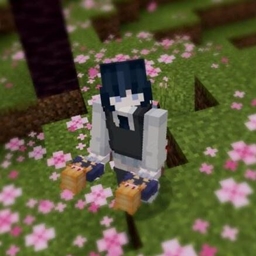
Results when you have finished :D
If you don't like 3D Totem and just want to use 2D form you can turn on the Not for 3D totem feature and import the texture as usual.