Mineuniverse
Resource Packs
Pixion's Rebrush

Pixion's Rebrush

RESOURCE PACK
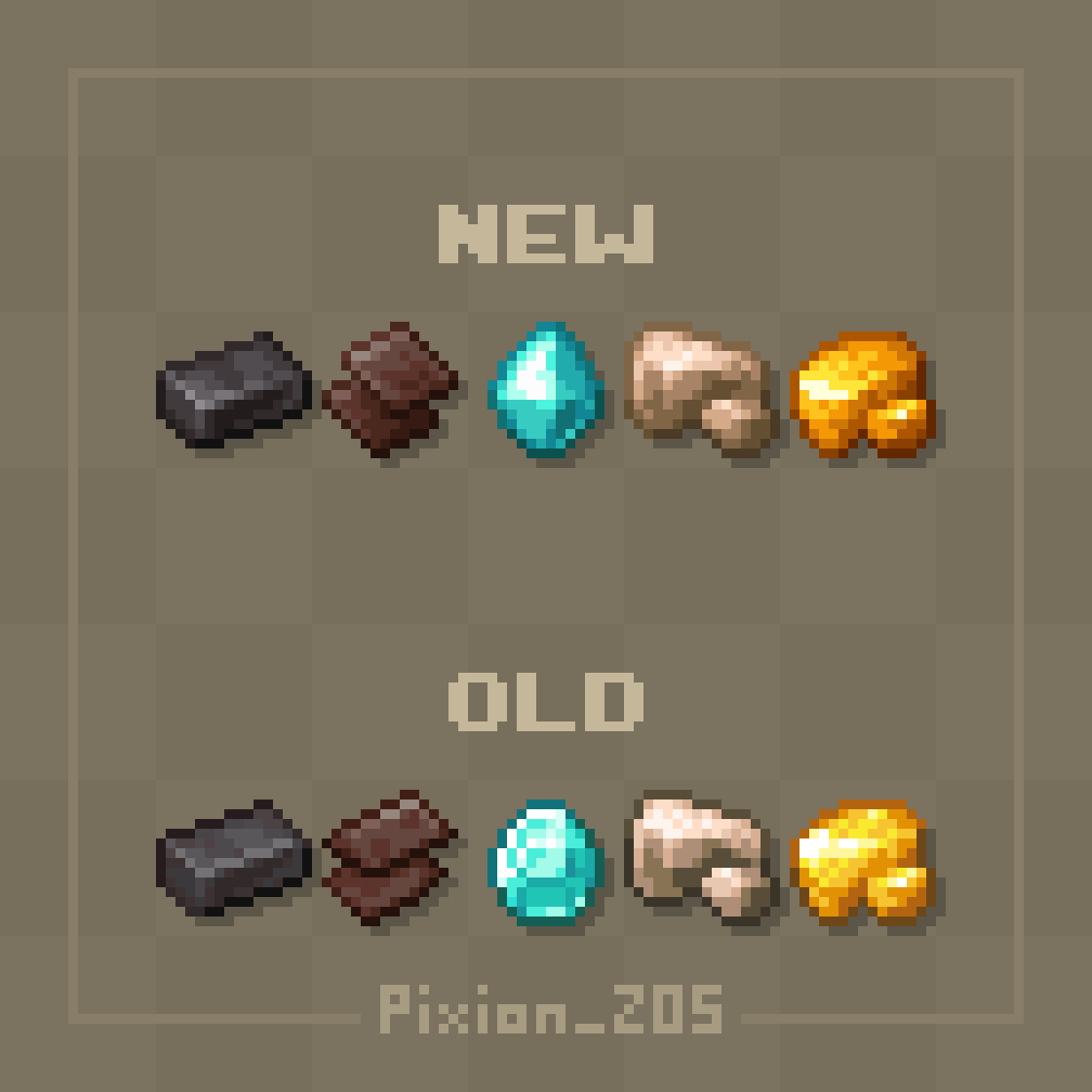
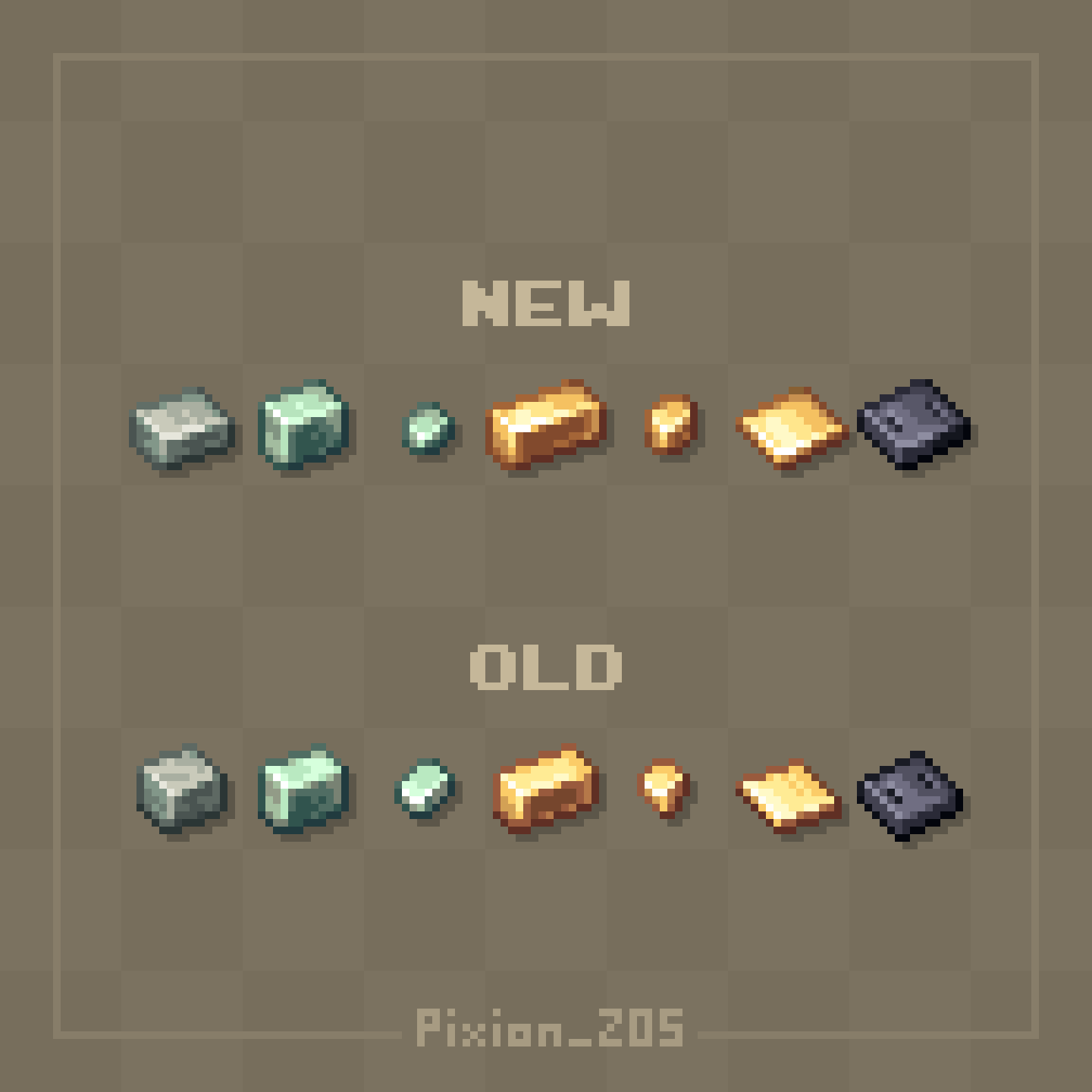
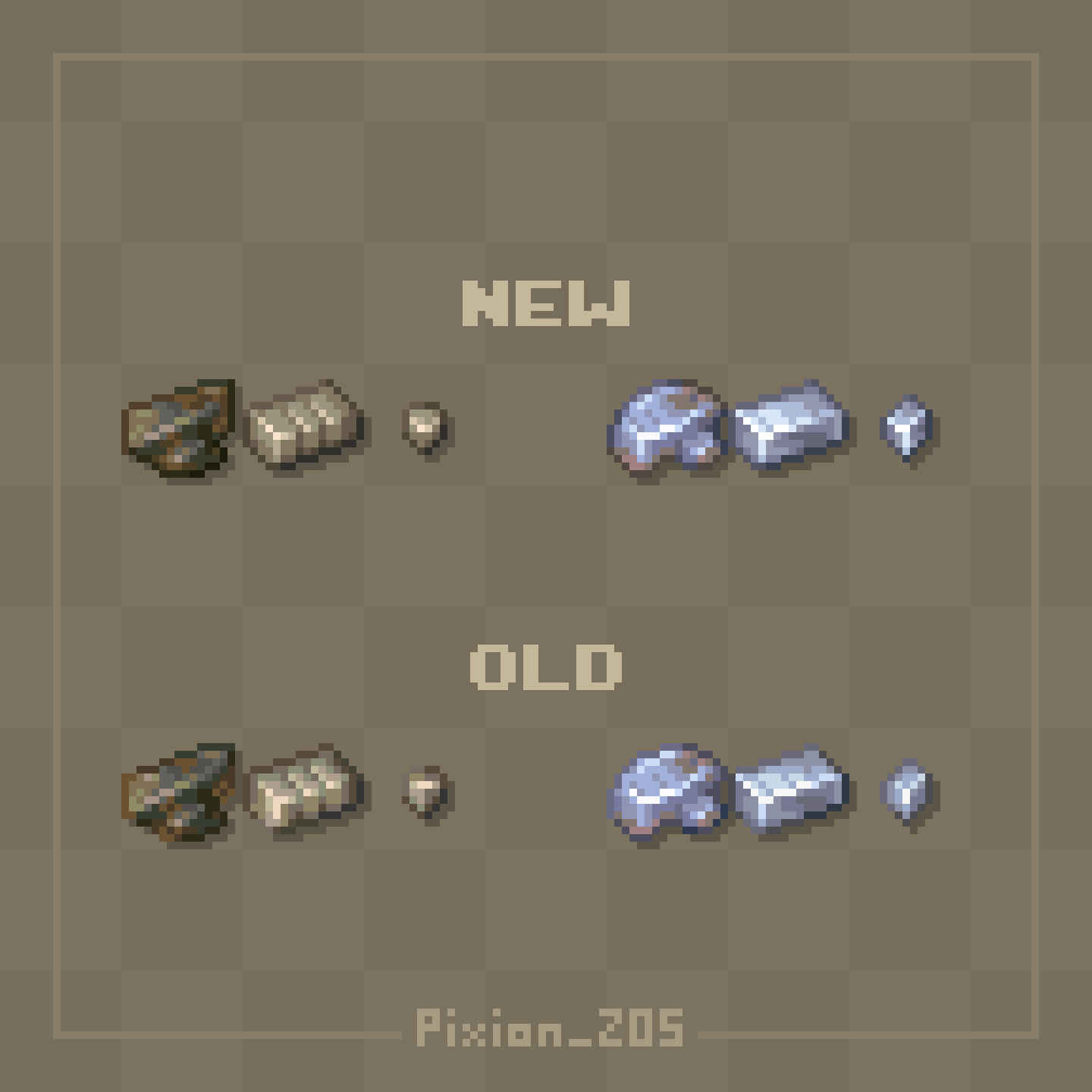
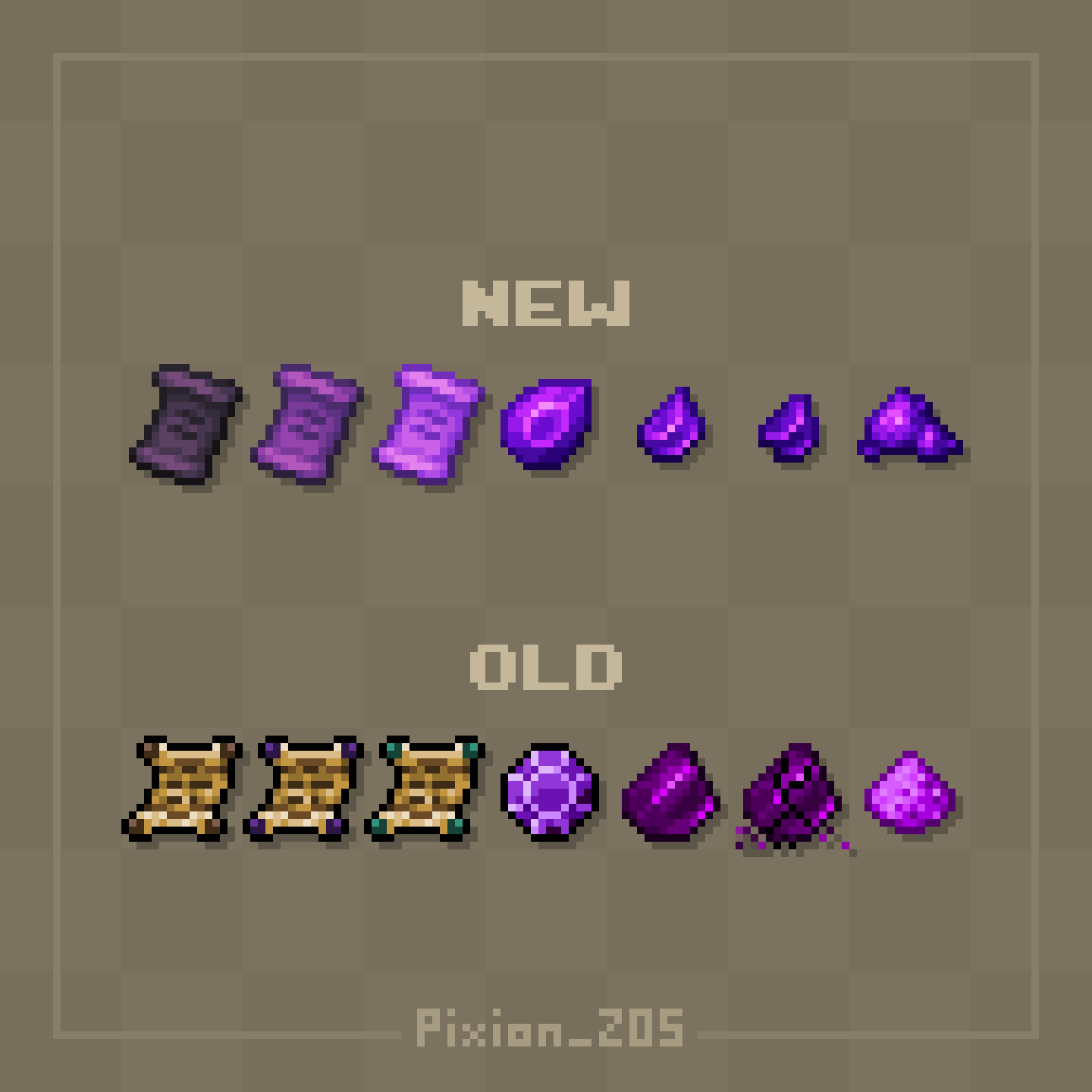
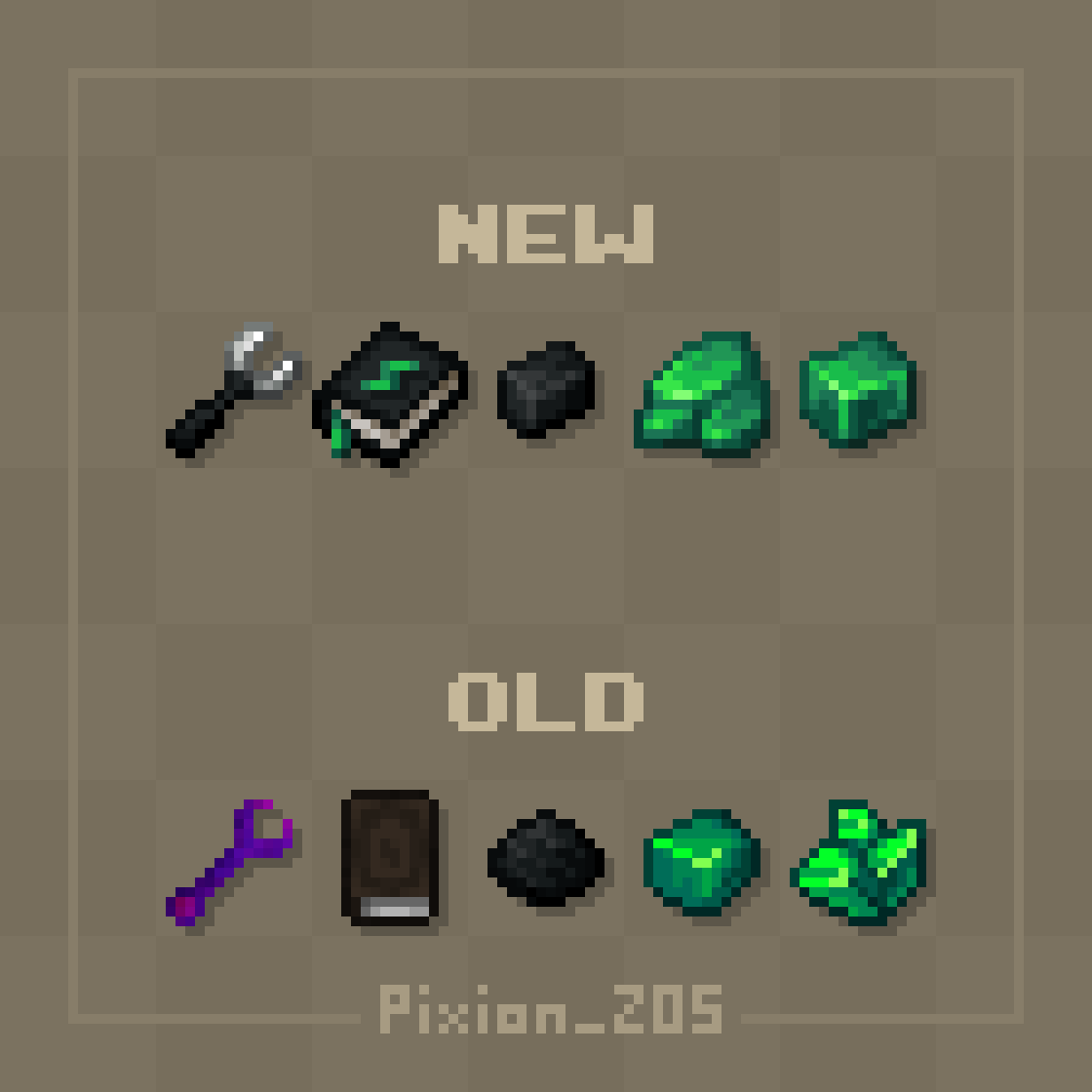
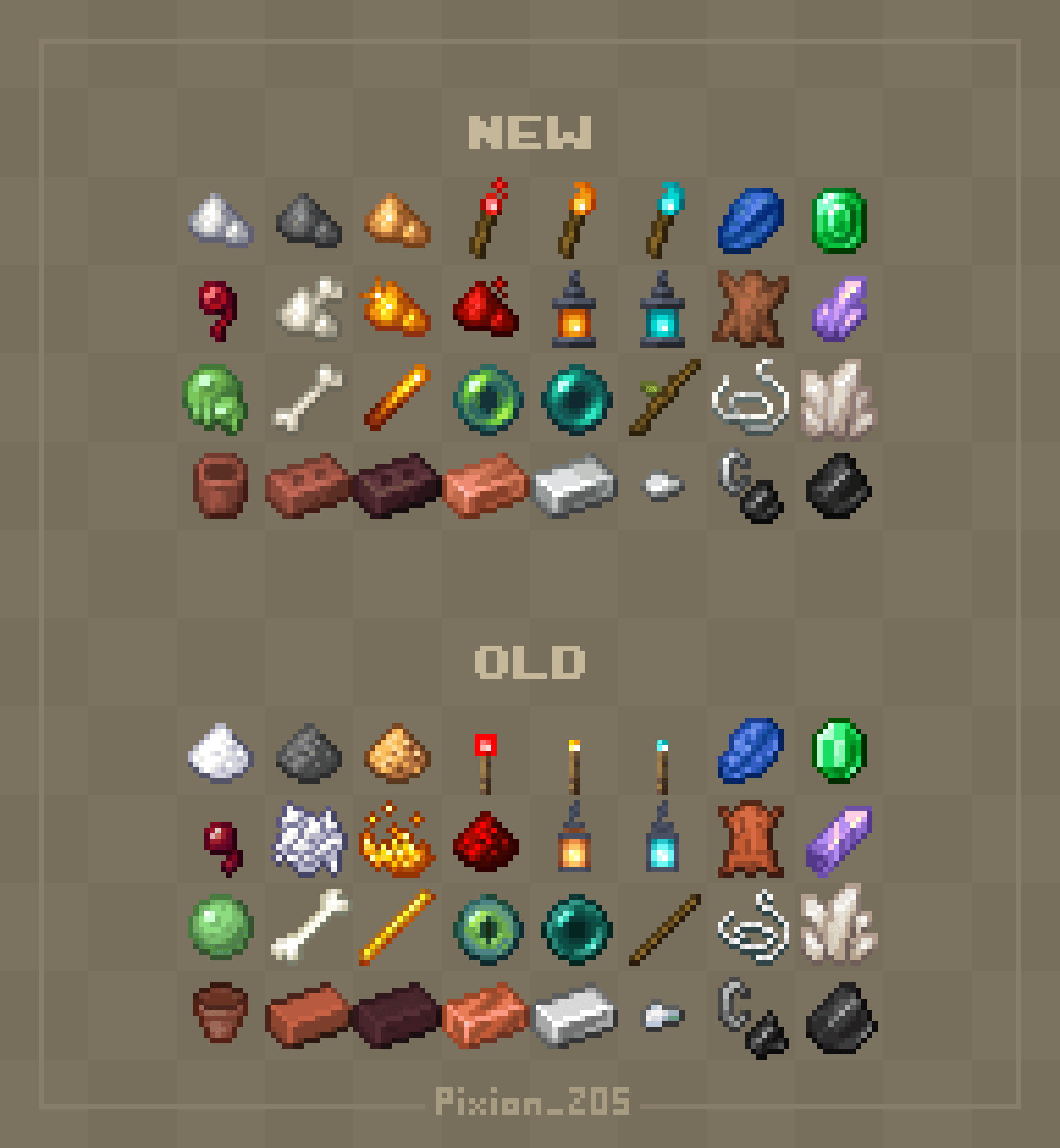
This pack redesigns and polishes some minecraft textures.
by pixion_starwolf
Download Claim this project
157,434 downloads
0 likes
0 followers
Updated Oct 14, 2026
0 hypes
Follow0
16x Miscellaneous
Advertisement Remove ads with Premium →

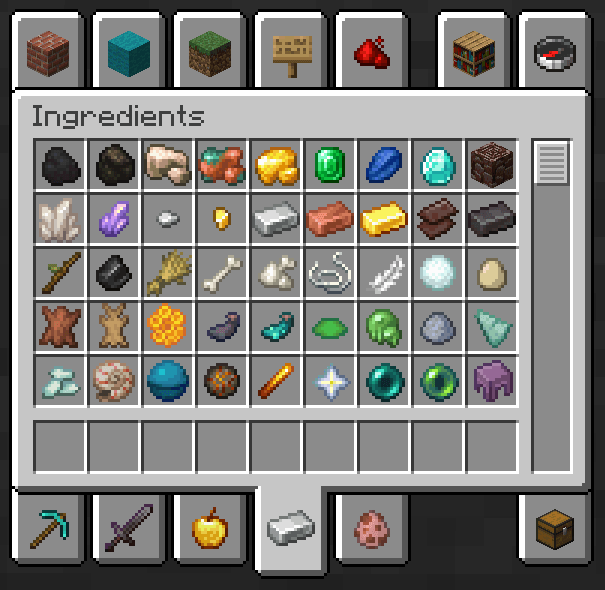
This resource pack changes some Minecraft textures (and sometimes models and names), making them look more modern and polished, and (mostly) not going too far from the original.

Pixion's Rebrush v1.2.zip
MC 1.20.1, 1.20
Release 2026-05-19 Get
Pixion's Rebrush v1.1.zip
MC 1.20.1
Release 2026-04-09 Get
Pixion's Rebrush v1.0.zip
MC 1.20.1
Release 2026-01-28 Get

Requirements & install

How to use this resource pack in Minecraft
Resolution
16x
Minecraft
1.20 – 1.20.1
Install folder
.minecraft/resourcepacks

How to install resource packs

  1. Download the resource pack .zip file (do not extract it).
  2. In Minecraft open Options → Resource Packs → Open Pack Folder.
  3. Drop the .zip into the resourcepacks folder (.minecraft/resourcepacks).
  4. Move the pack to the Selected column and click Done.
Browse more: 16x resource packs 32x resource packs 64x resource packs 128x resource packs 256x resource packs 512x+ resource packs Resource Packs for 1.20.1 All resource packs

More from pixion_starwolf

Advertisement Remove ads with Premium →

You Might Also Like