Mineuniverse
Resource Packs
Pixelshade

Pixelshade

RESOURCE PACK
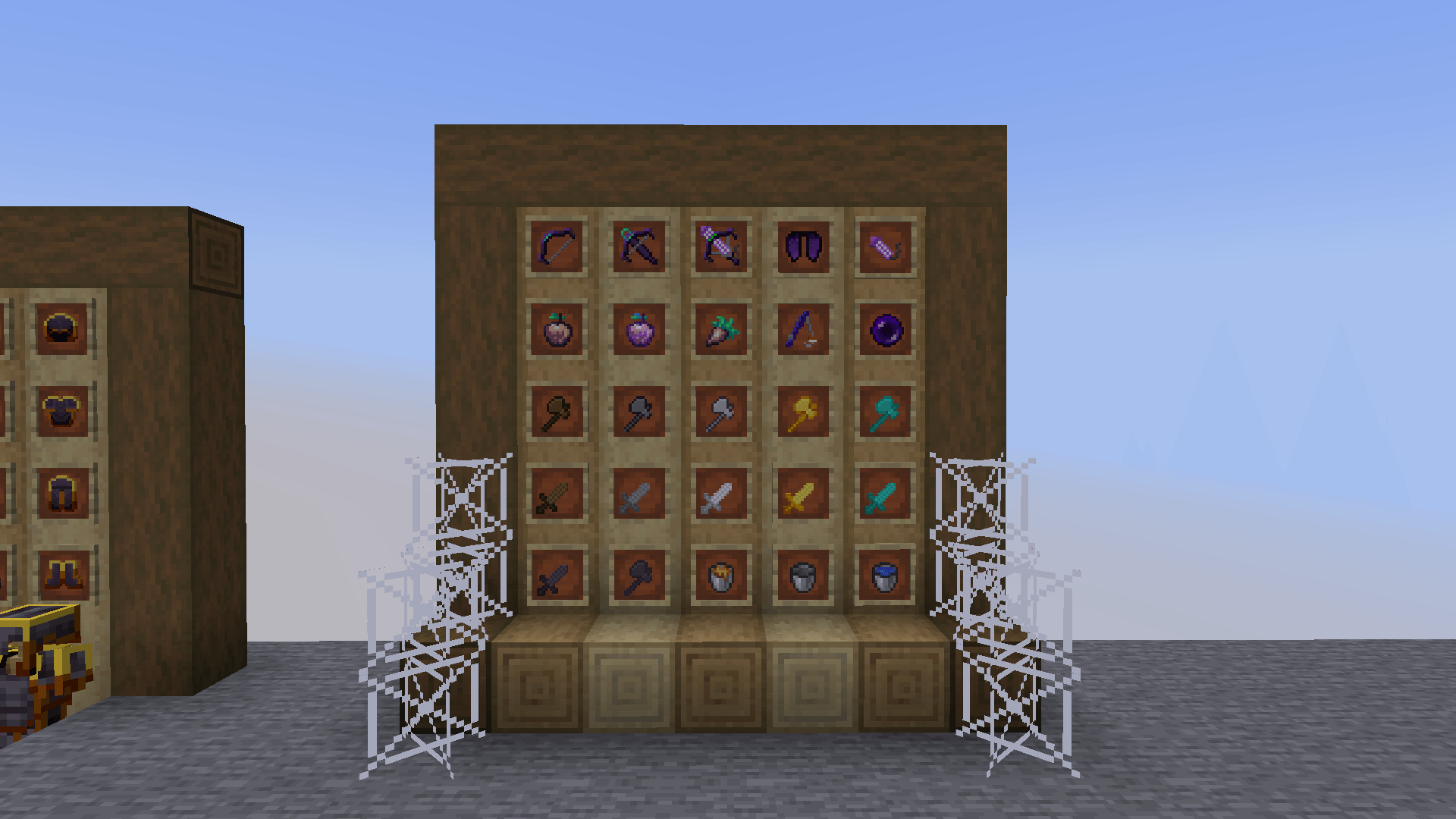
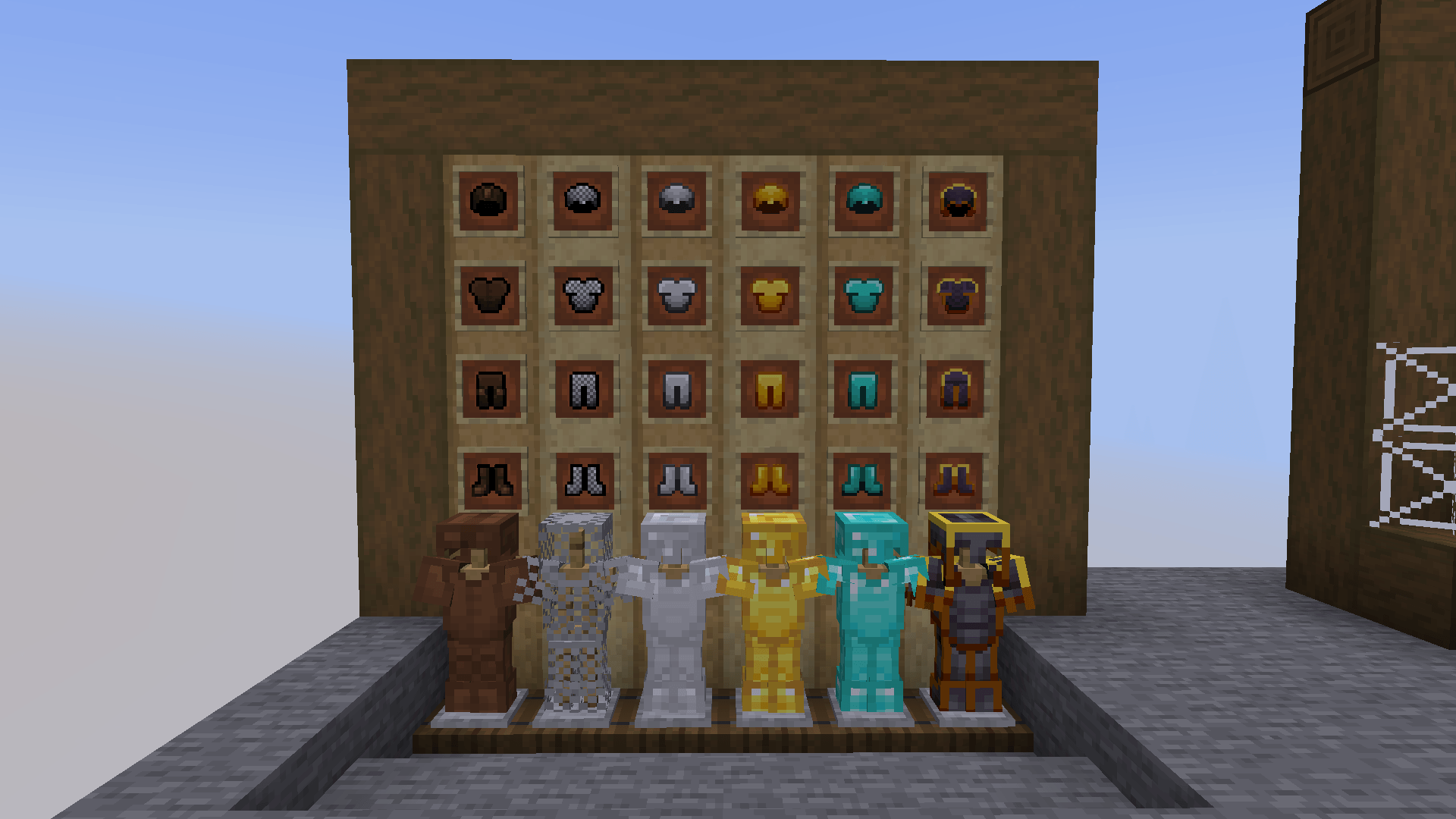
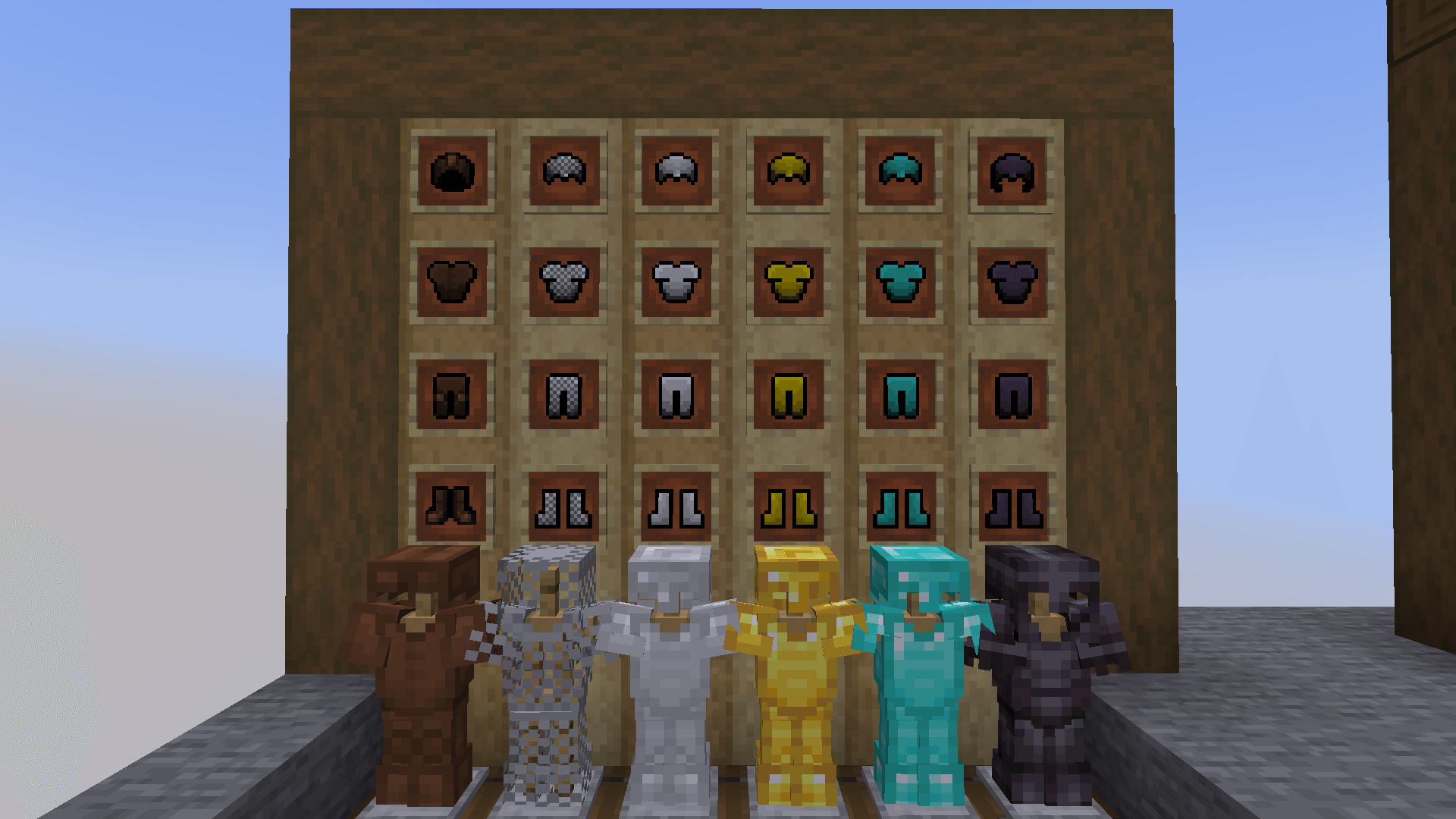
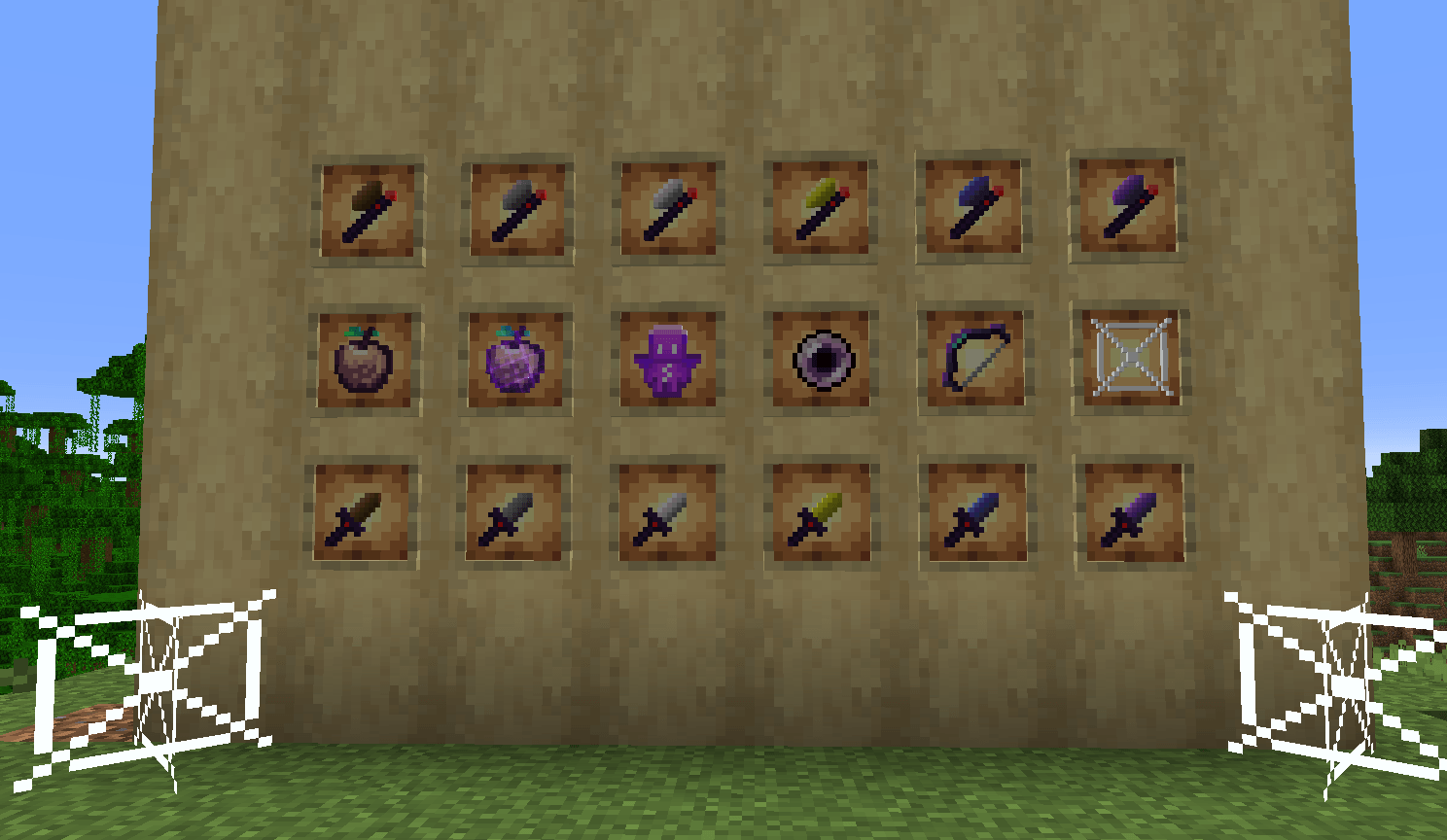
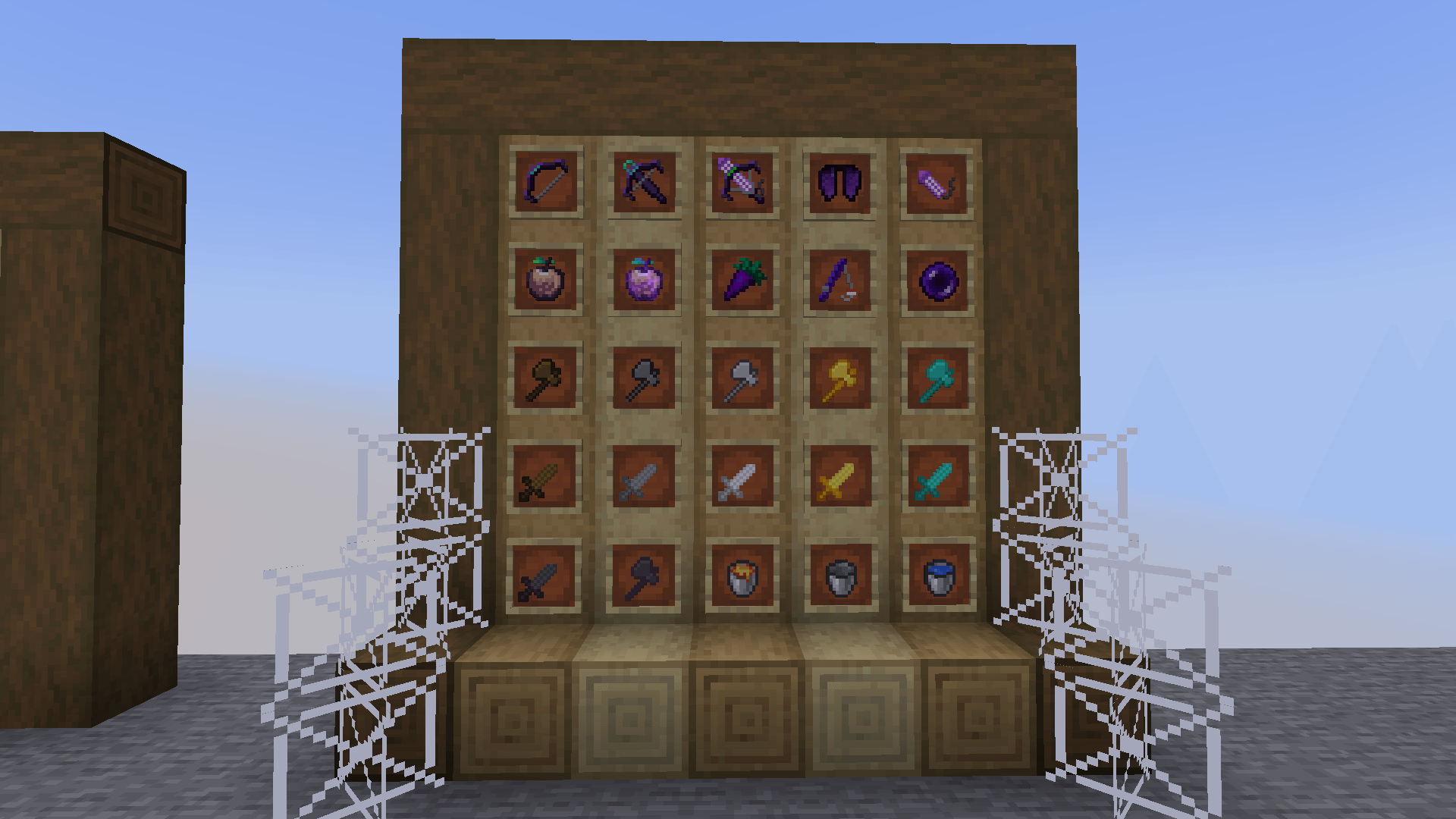
Initial release for Minecraft 1.21.4 - 1.21.8 ๐Ÿ› ๏ธ Created with care for PvP players. โœจ Features: Custom swords and axes, Bow, Totem of undying and Others. ๐Ÿ‘‘ Project Founder: OnDyeMe ๐Ÿค Co-Creator / Support: LatteBey
by OnDyeMe_LatteBey
Download Claim this project
738 downloads
0 likes
Updated Oct 14, 2026
0 hypes
16x Modern
Advertisement Remove ads with Premium →

๐Ÿ› ๏ธ Designed specifically for Minecraft PvP players (1.20+).


๐ŸŽจ Features:

- Custom short swords and axes (16x resolution, purple-black theme)

- Redesigned bow, totem of undying, ender pearl

- Unique textures for golden apple and enchanted golden apple

- Simplified cobweb for better visibility


๐Ÿ“ฆ Resolution: 16x

๐ŸŽฎ Compatible with Minecraft Java Edition 1.21+


๐Ÿšง Upcoming updates may include more item textures and UI tweaks.


๐Ÿ‘‘ Created by: OnDyeMe  

๐Ÿค Co-Creator / Contributor: LatteBey
Pixelshade.zip 0.0.2 Remastered
MC 1.21, 1.21.5, 1.21.8, 1.21.4, 1.21.3, 1.21.7, 1.21.1, 1.21.6, 1.21.2
Beta 2025-08-05 Get
Pixelshade.zip 0.0.2
MC 1.21, 1.21.5, 1.21.8, 1.21.4, 1.21.3, 1.21.7, 1.21.1, 1.21.6, 1.21.2
Beta 2025-08-04 Get
Pixelshade 0.0.1 First Version
MC 1.21, 1.21.5, 1.21.4, 1.21.3, 1.21.7, 1.21.1, 1.21.2
Beta 2025-08-02 Get

Requirements & install

How to use this resource pack in Minecraft
Resolution
16x
Minecraft
1.21.1 โ€“ 1.21.8
Install folder
.minecraft/resourcepacks

How to install resource packs

  1. Download the resource pack .zip file (do not extract it).
  2. In Minecraft open Options โ†’ Resource Packs โ†’ Open Pack Folder.
  3. Drop the .zip into the resourcepacks folder (.minecraft/resourcepacks).
  4. Move the pack to the Selected column and click Done.
Browse more: 16x resource packs 32x resource packs 64x resource packs 128x resource packs 256x resource packs 512x+ resource packs Resource Packs for 1.21.8 All resource packs
Advertisement Remove ads with Premium →

You Might Also Like