Mineuniverse
Resource Packs
PixelRealism

PixelRealism

RESOURCE PACK
Realistic Resource Pack
by Raslar21
Download Claim this project
7,409 downloads
0 likes
Updated Oct 14, 2026
0 hypes
128x Animated Miscellaneous Photo Realistic
Advertisement Remove ads with Premium →

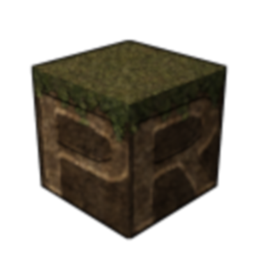
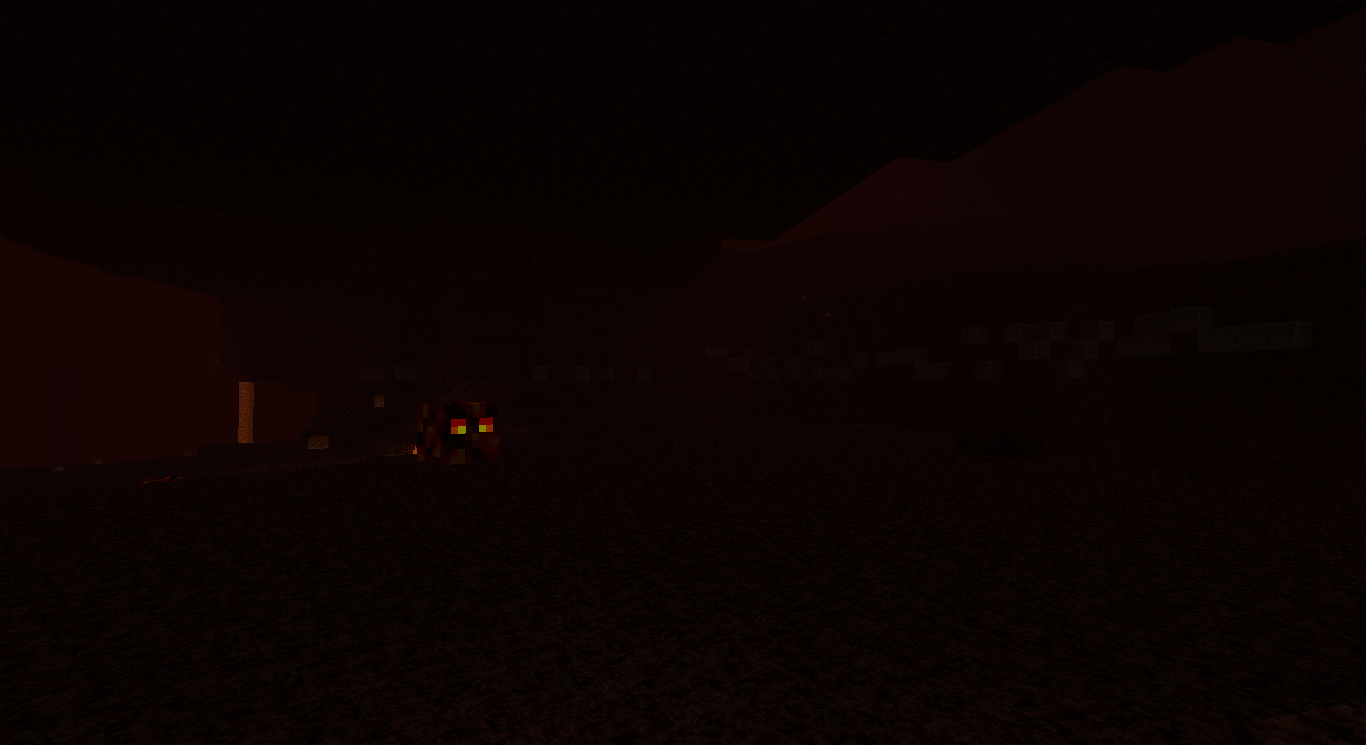
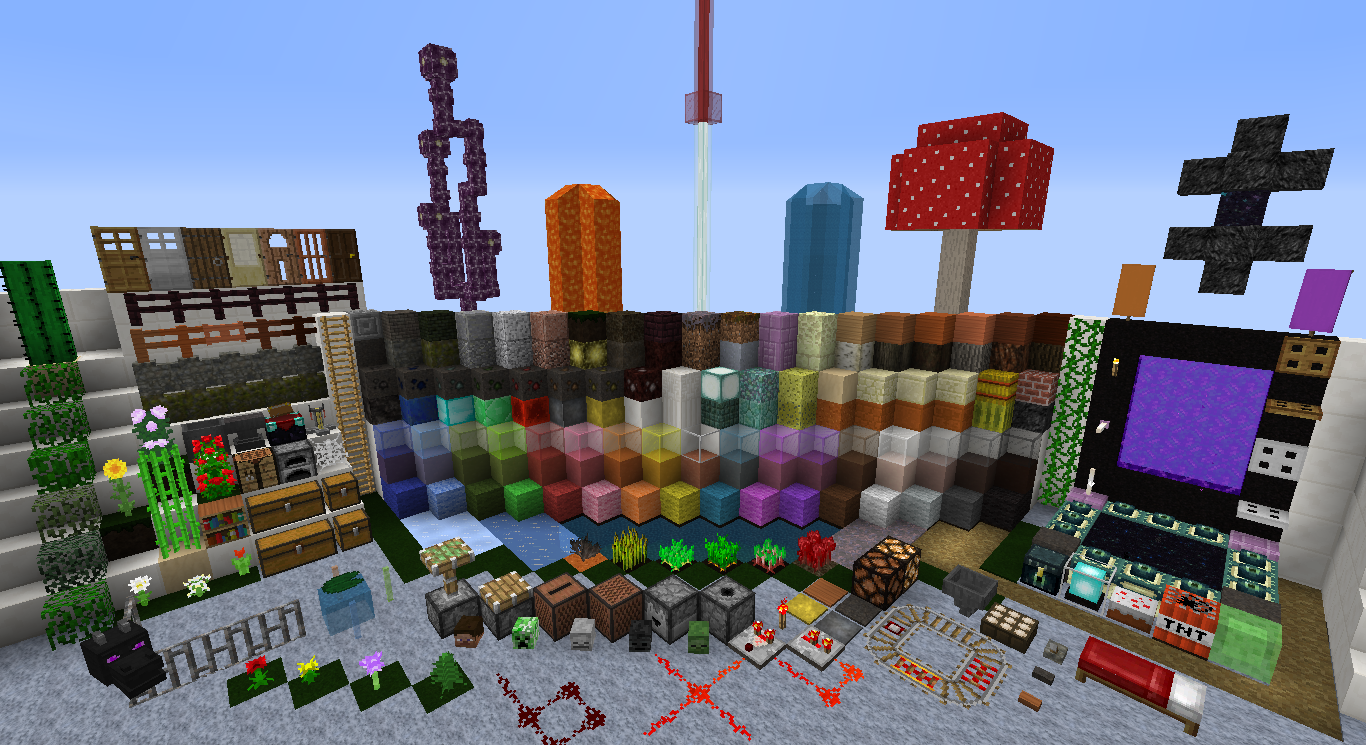
 x128 Realistic/Semi-Realistic Resource Pack that adds a bit of Realism to Minecraft.


===============================
| PixelRealism Changelog - Alpha 0.06 |
===============================

PACK INFO:
--------------------------------------

- Changed Pack Name
- Changed Pack.png
- Added Pack.mcmeta
- Added Changelog 

BLOCKS:
--------------------------------------

- Added Coal Ore
- Added Block of Coal
- Added Iron Ore
- Added Block of Iron
- Added lapis lazuli Ore
- Added Gold Ore
- Added Block of Gold
- Added Redstone Ore
- Added Diamond Ore
- Added Emerald Ore
- Added Quartz Ore
- Added Dirt
- Added Grass
- Added Farland dry
- Added Farland wet
- Added Stone
- Added bedrock
- Added obsidian
- Changed glowstone
- Changed redstone lamp off
- Changed redstone lamp on
- Added redstone ore animation


 Want to join the PixelRealism Discord Server then don't delay and hit that invite LINK today! 


By Downloading and using this Resource Pack you willingly agree to these terms of use:


I, (YOUR NAME) hereby may only use this resource pack as is and may not alter or edit it in any shape or form

and will hereby link the author of this pack if I (YOUR NAME) use this pack in a video.



Pixel Realism A-0.06
MC 1.13.1, 1.14.4, 1.14.1, 1.14.3, 1.13, 1.14, 1.14.2, 1.13-Snapshot, 1.14-Snapshot, 1.13.2
Alpha 2019-08-05 Get
Realistic_Resource_Pack.zip
MC 1.6.2
Release 2013-10-16 Get

Requirements & install

How to use this resource pack in Minecraft
Resolution
128x
Minecraft
1.13.1 – 1.14.4
Install folder
.minecraft/resourcepacks

How to install resource packs

  1. Download the resource pack .zip file (do not extract it).
  2. In Minecraft open Options → Resource Packs → Open Pack Folder.
  3. Drop the .zip into the resourcepacks folder (.minecraft/resourcepacks).
  4. Move the pack to the Selected column and click Done.

Packs from 128x upwards need more video memory: install a performance mod such as Sodium for smooth frame rates.

Browse more: 16x resource packs 32x resource packs 64x resource packs 128x resource packs 256x resource packs 512x+ resource packs Resource Packs for 1.14.4 All resource packs
Advertisement Remove ads with Premium →

You Might Also Like