Mineuniverse
Resource Packs
Pixelated Unicode Font - Chinese

Pixelated Unicode Font - Chinese

RESOURCE PACK
A bitmap-like unicode font with full Chinese support
by yezhiyi9670
Download Claim this project
3,421 downloads
0 likes
Updated Oct 14, 2026
0 hypes
Font Packs
Advertisement Remove ads with Premium →

Pixelated Unicode Font - Simplified Chinese

This resource pack is designed for Chinese players (also support Traditional Chinese).

Do you appreciate the look of Vanilla Minecraft ASCII font? Or does your screen resolution require odd GUI scales, which do make Vanilla Unicode fonts look odd? Now you can replace Vanilla Unicode fonts with pixelated ones! They look consistent with the Vanilla ASCII font style.

The pack is Optifine-compatible.
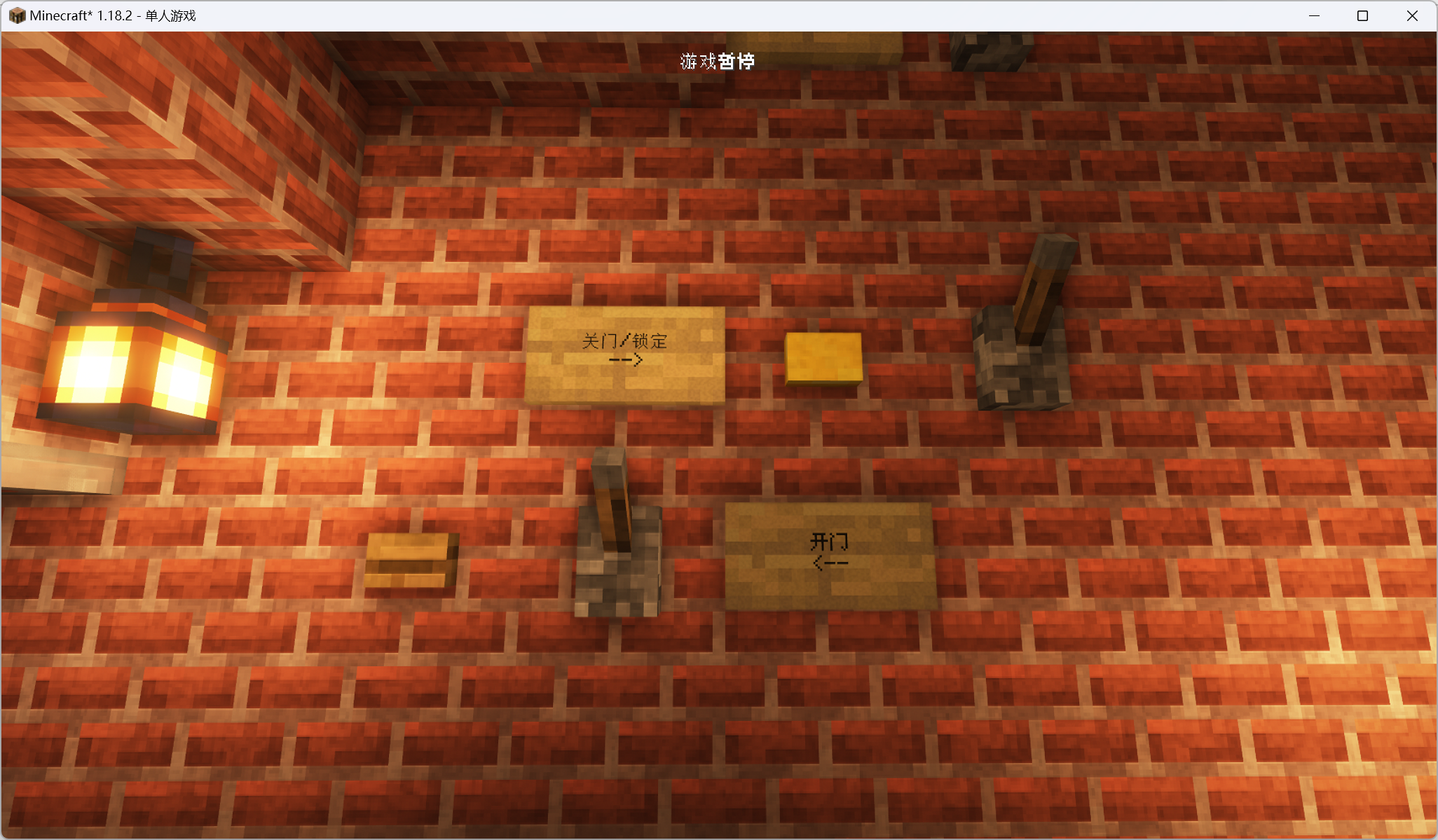
You may need this Force ASCII Font.

The font used is Zfull-GB. It can be found on the Internet, but does not seem to have an official publication page.

Reminder: This pack is only for those who like pixelated fonts. If you don't use Optifine, then you can use HD Unicode fonts (generate one by yourself) or use Vanilla truetype font resource packs. If you want smooth truetype font instead of pixelated ones, try ModernUI mod (it's known to have issues with Optifine shaders).

Pixelated Unicode SC Format 9 (1.19).zip
MC 1.19.2, 1.19.1, 1.19
Release 2022-07-09 Get
Pixelated Unicode SC Format 8 (1.18 - 1.18.2).zip
MC 1.18.1, 1.18.2, 1.18
Release 2022-07-09 Get
Pixelated Unicode SC Format 7 (1.17 - 1.17.1).zip
MC 1.17.1, 1.17
Release 2022-07-09 Get
Pixelated Unicode SC Format 6 (1.16.2 - 1.16.5).zip
MC 1.16.3, 1.16.5, 1.16.4, 1.16.2
Release 2022-07-09 Get
Pixelated Unicode SC Format 5 (1.15 - 1.16.1).zip
MC 1.16.1, 1.15, 1.16, 1.15.2, 1.15.1
Release 2022-07-09 Get
Pixelated Unicode SC Format 3 (1.11 - 1.12.2).zip
MC 1.12.1, 1.12, 1.11, 1.11.1, 1.11.2, 1.12.2
Beta 2022-07-09 Get
Pixelated Unicode SC Format 2 (1.10 - 1.10.2).zip
MC 1.10.2, 1.10, 1.10.1
Beta 2022-07-09 Get
Pixelated Unicode SC Format 4 (1.13 - 1.14.4).zip
MC 1.13.1, 1.14.4, 1.14.1, 1.14.3, 1.13, 1.14, 1.14.2, 1.13.2
Release 2022-07-09 Get

Requirements & install

How to use this resource pack in Minecraft
Resolution
Not specified
Minecraft
1.17 – 1.19.2
Install folder
.minecraft/resourcepacks

How to install resource packs

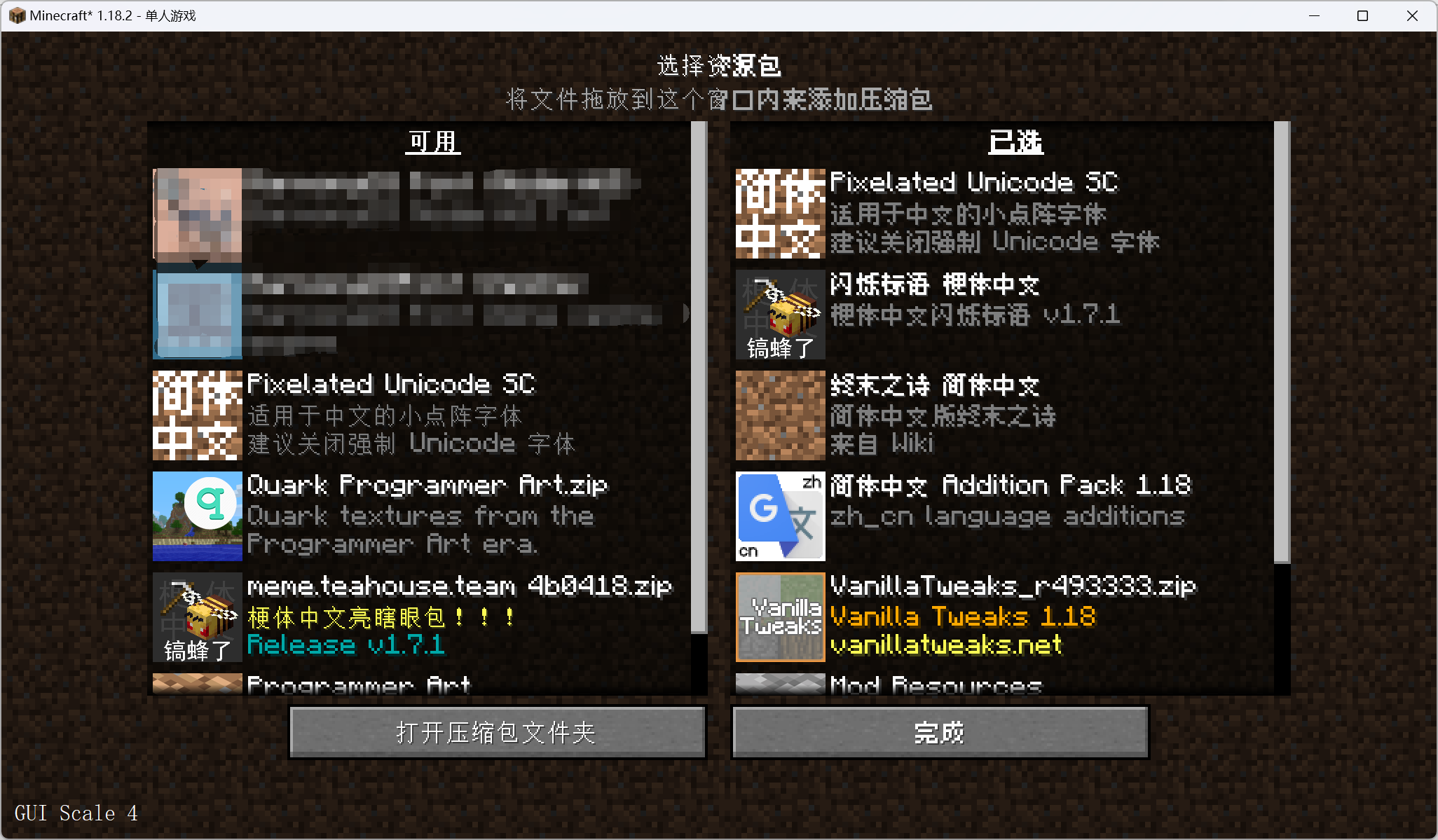
  1. Download the resource pack .zip file (do not extract it).
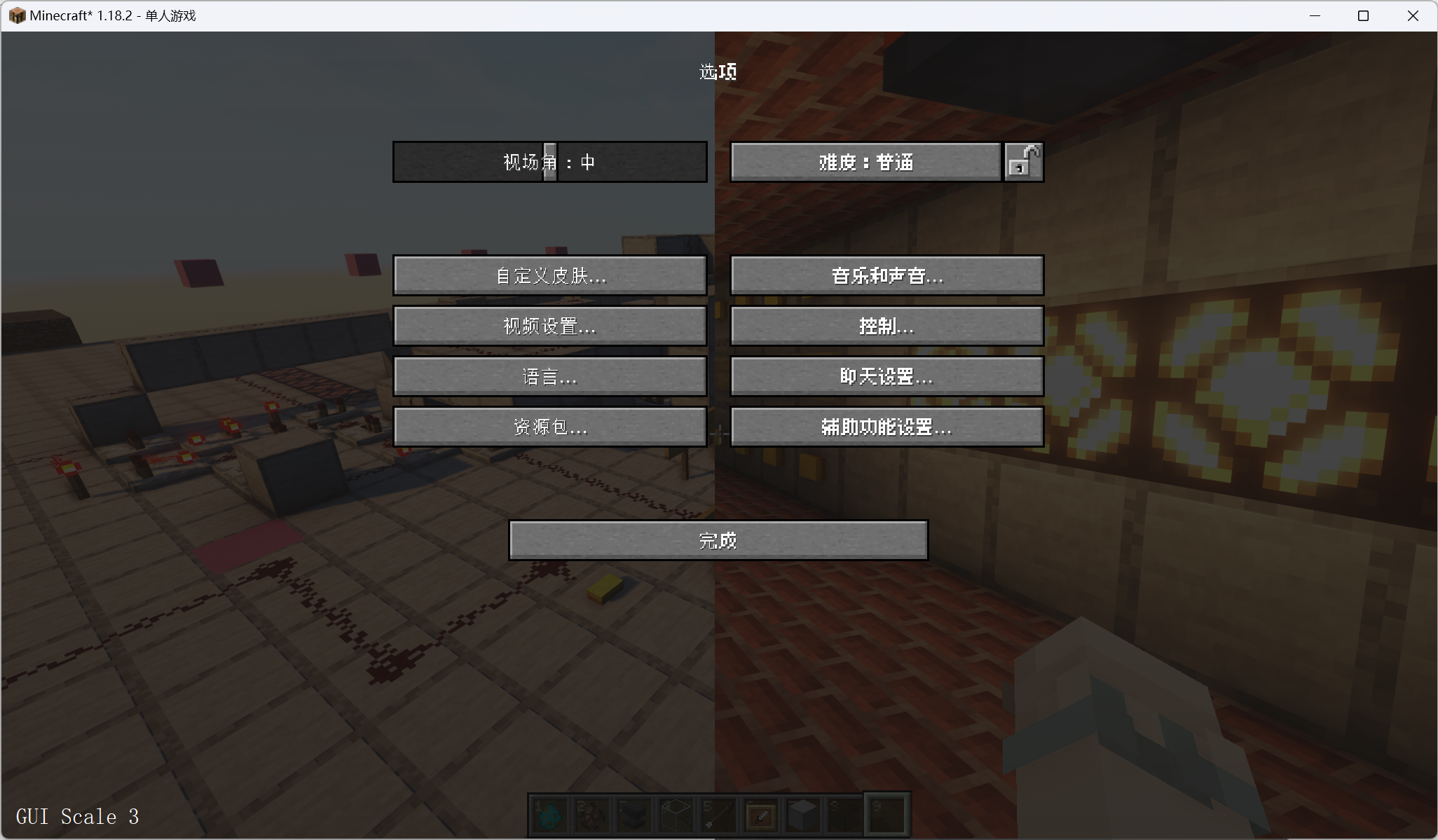
  2. In Minecraft open Options → Resource Packs → Open Pack Folder.
  3. Drop the .zip into the resourcepacks folder (.minecraft/resourcepacks).
  4. Move the pack to the Selected column and click Done.
Browse more: 16x resource packs 32x resource packs 64x resource packs 128x resource packs 256x resource packs 512x+ resource packs Resource Packs for 1.19.2 All resource packs

More from yezhiyi9670

Advertisement Remove ads with Premium →

You Might Also Like