Mineuniverse
Resource Packs
Pixel Permacraft

Pixel Permacraft

RESOURCE PACK
Pixel Perfection support for TerraFirmaCraft+ on 1.7.10 (WIP)
by Keyedrin
Download Claim this project
913 downloads
0 likes
Updated Oct 14, 2026
0 hypes
16x Medieval Mod Support
Advertisement Remove ads with Premium →

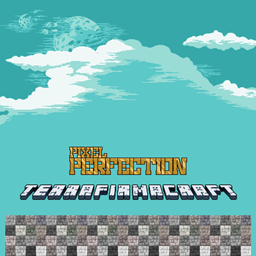
This resource pack adds mods support for XSSheep's Pixel Perfection to TerraFirmaCraft+ by dunkleosteus.


Completion Milestones:

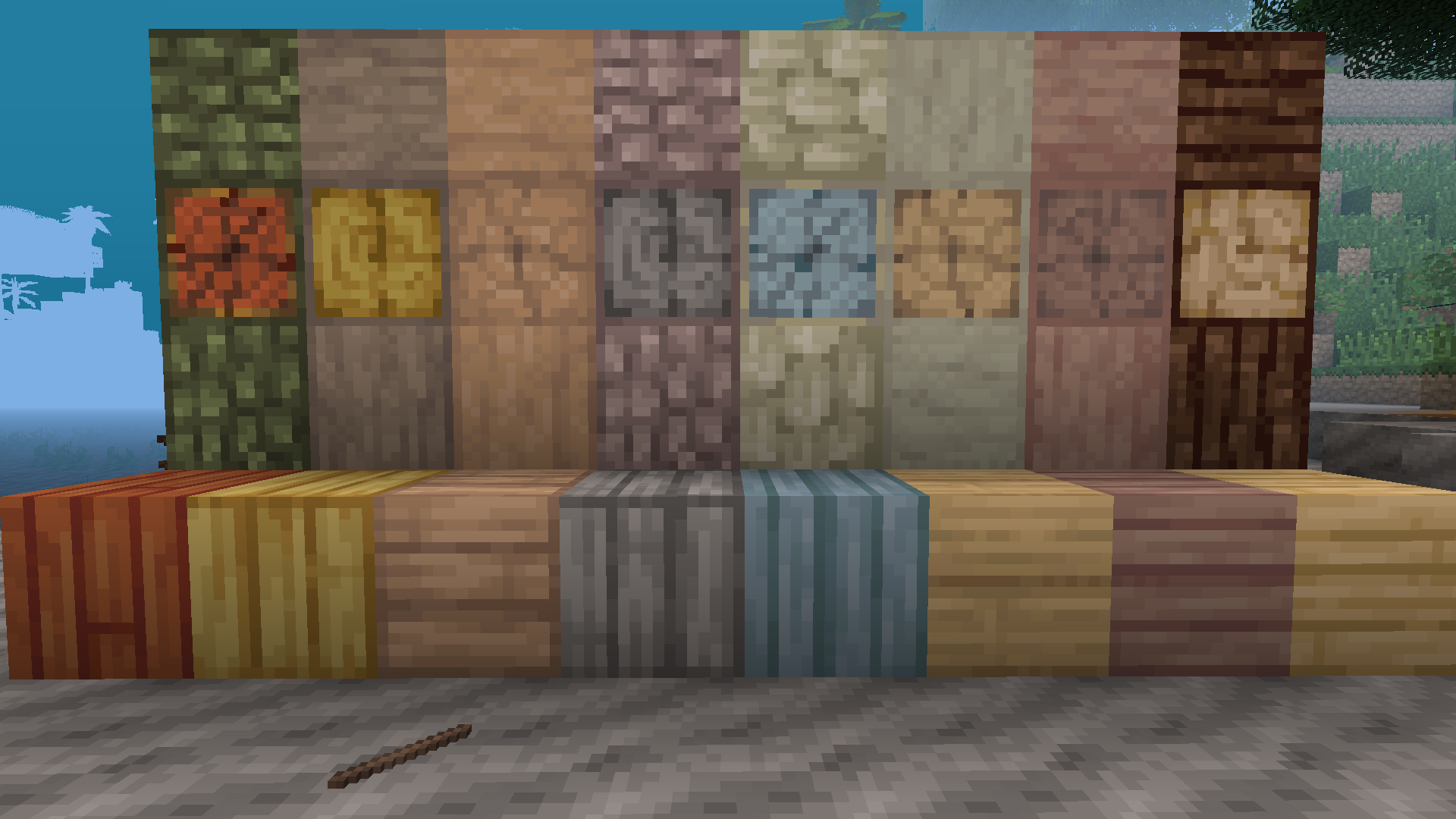
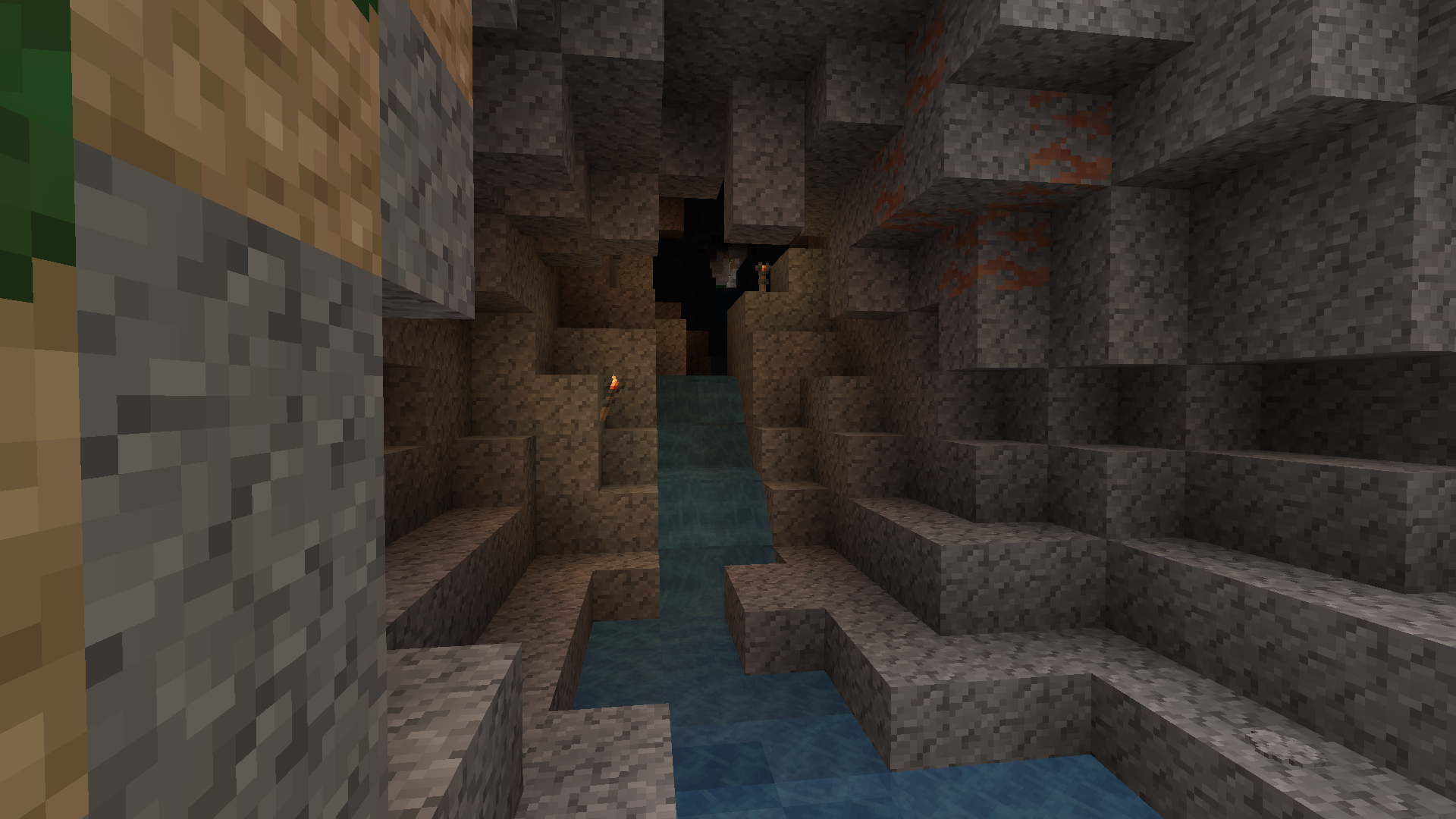
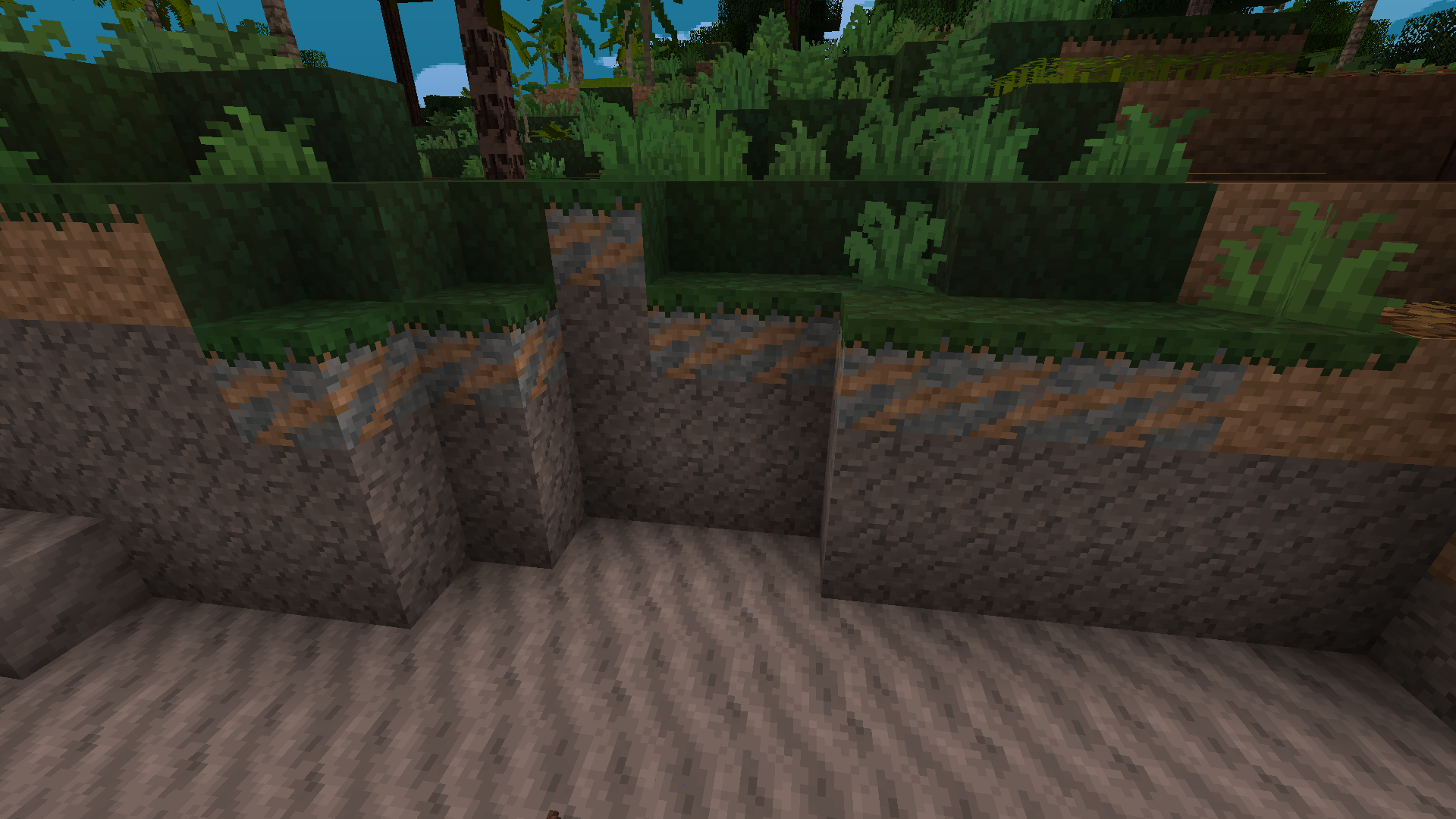
Nearly all naturally spawning blocks are done, so you can explore without terribly clashing textures.

Almost all geological blocks have been retextured, except for the muds.

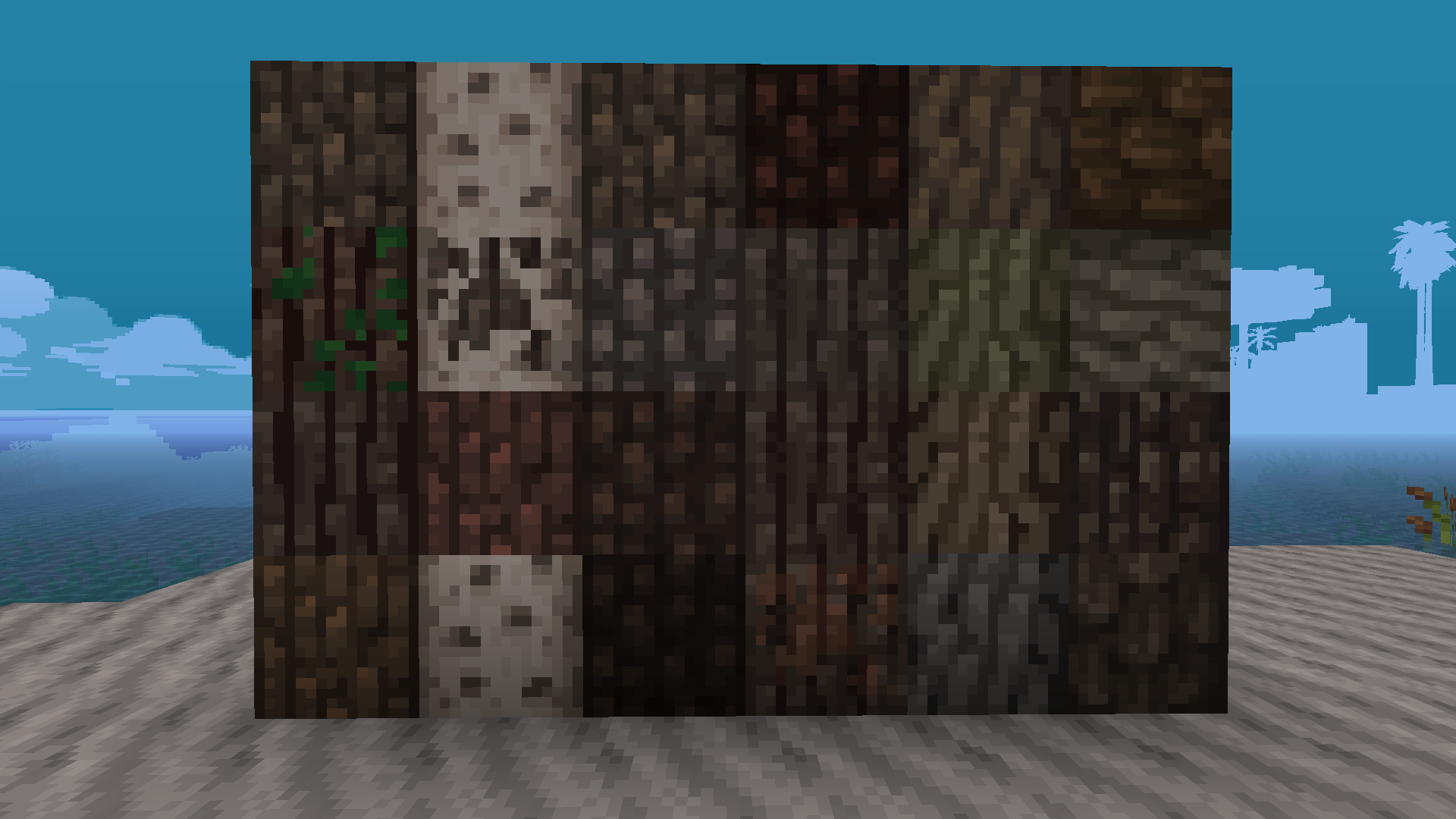
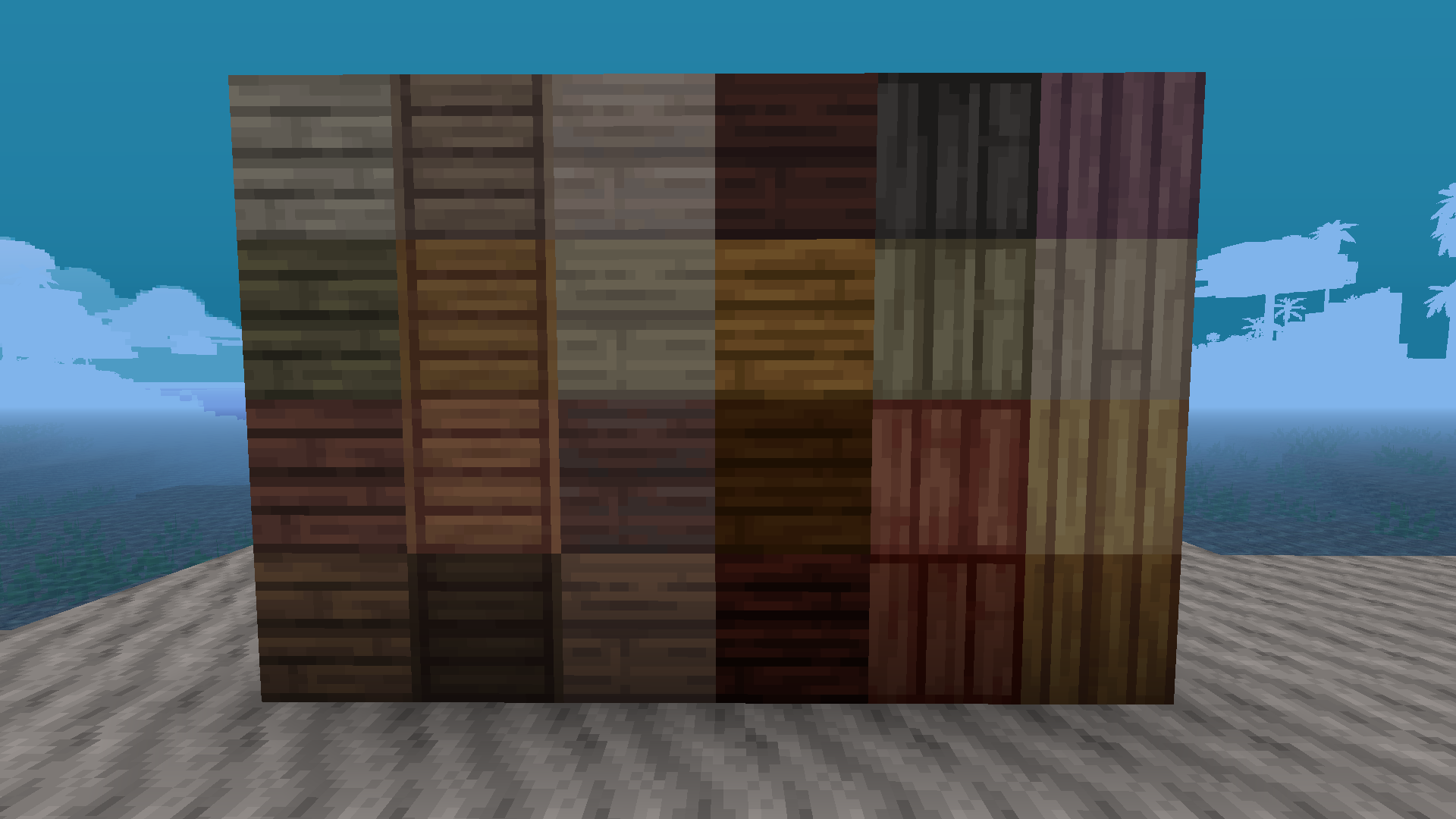
All log blocks and planks have been retextured

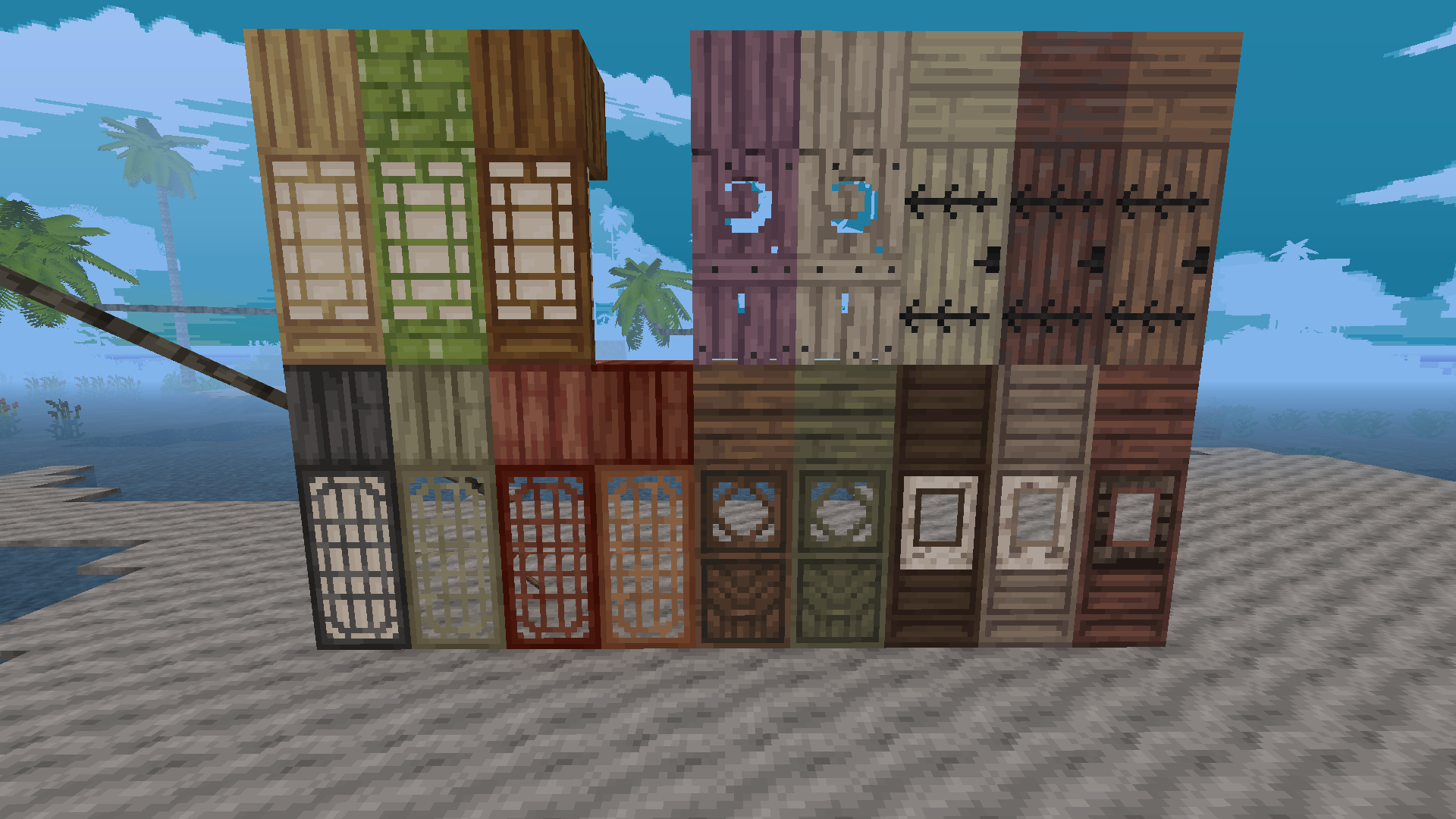
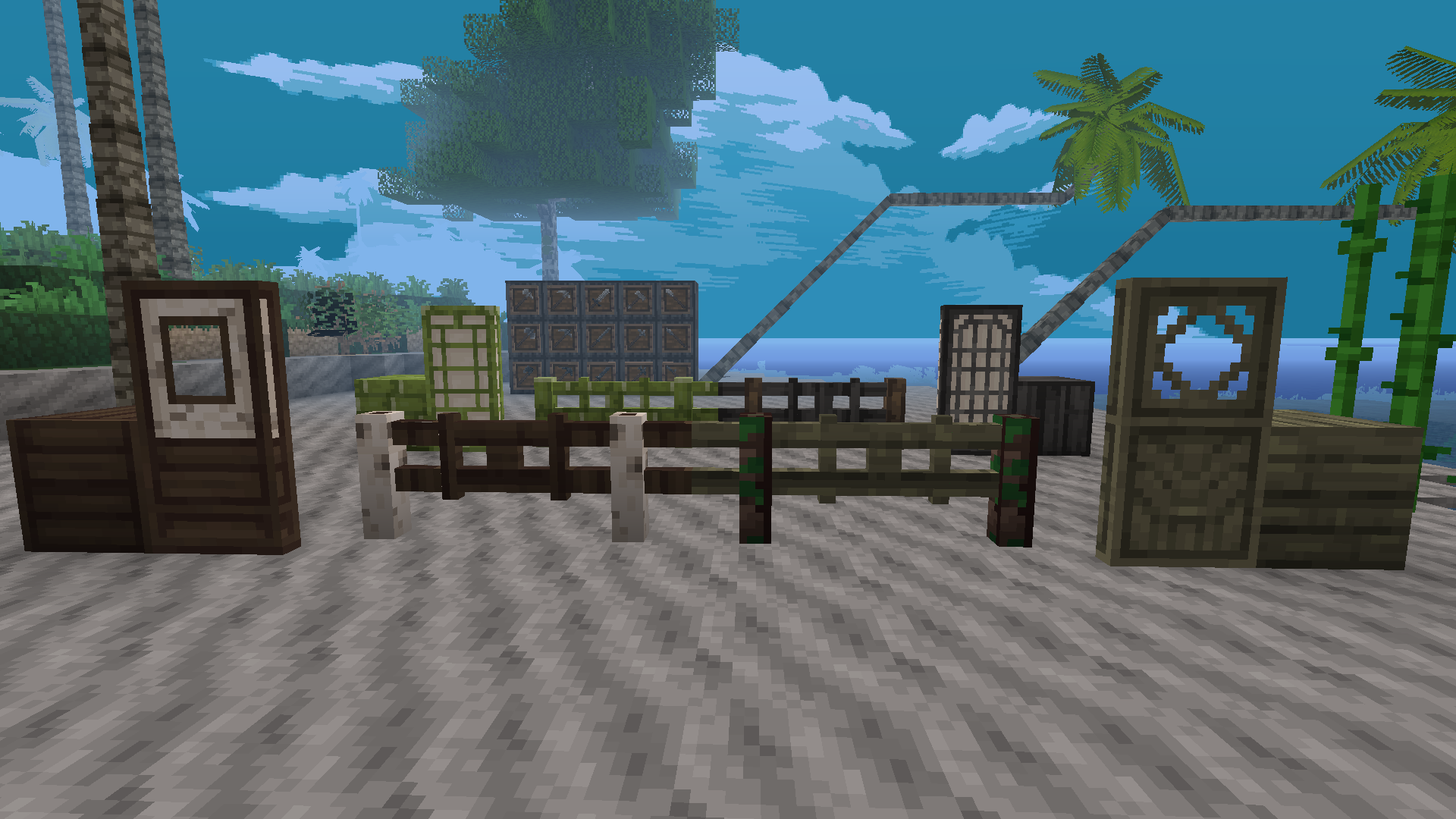
Some doors and all fences and fence gates have been retextured

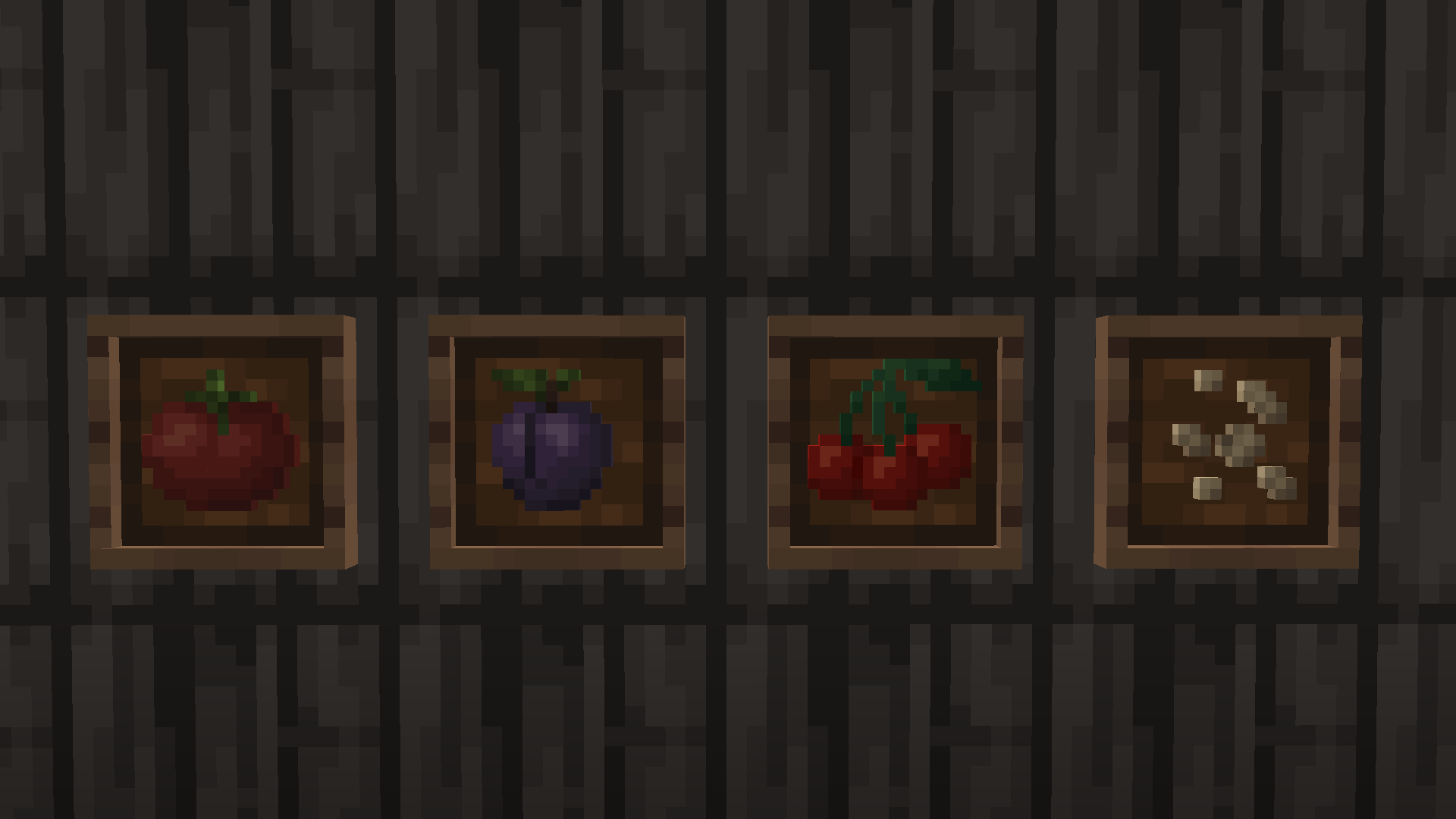
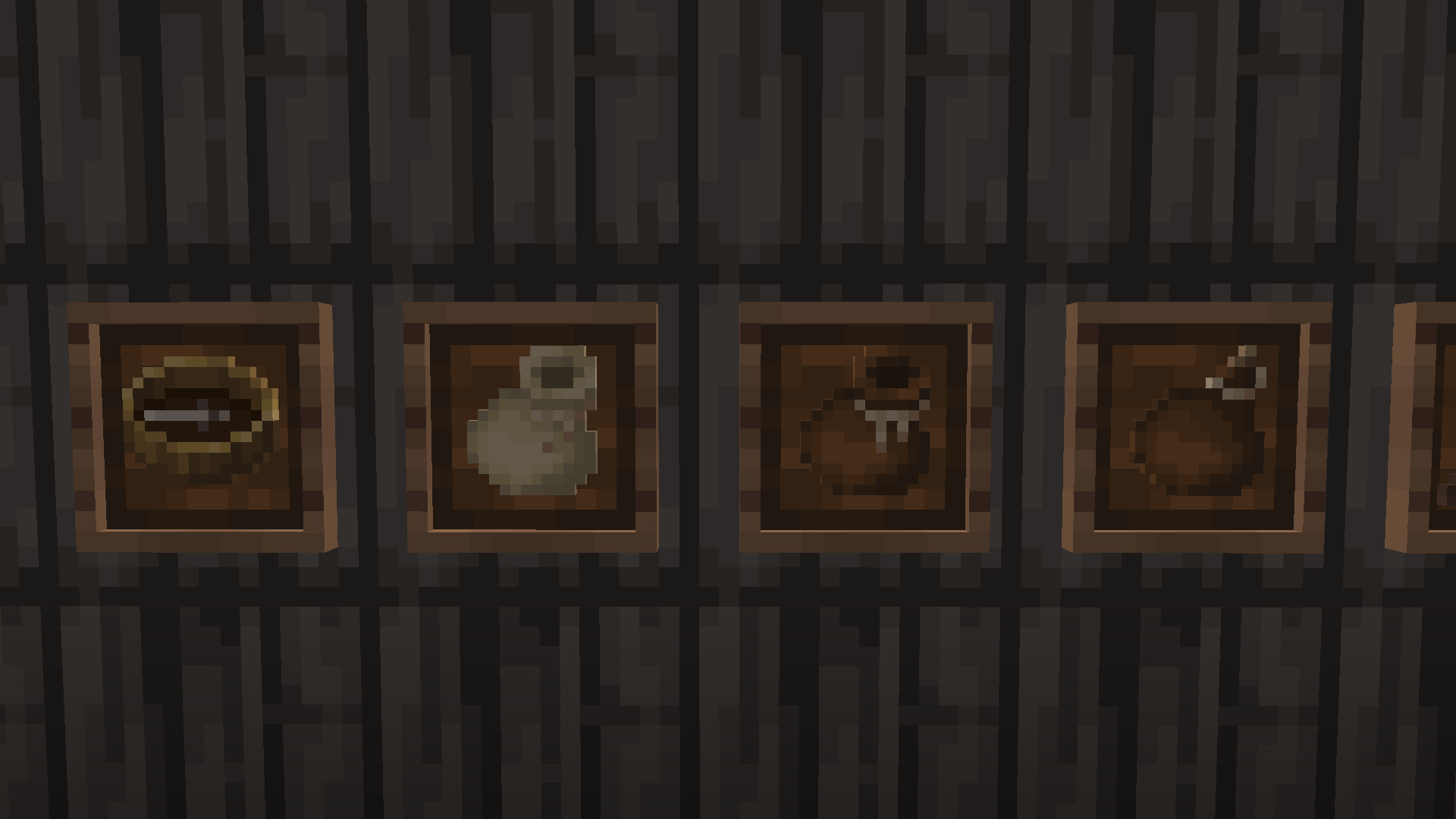
A handful of crops and food items have been retextured

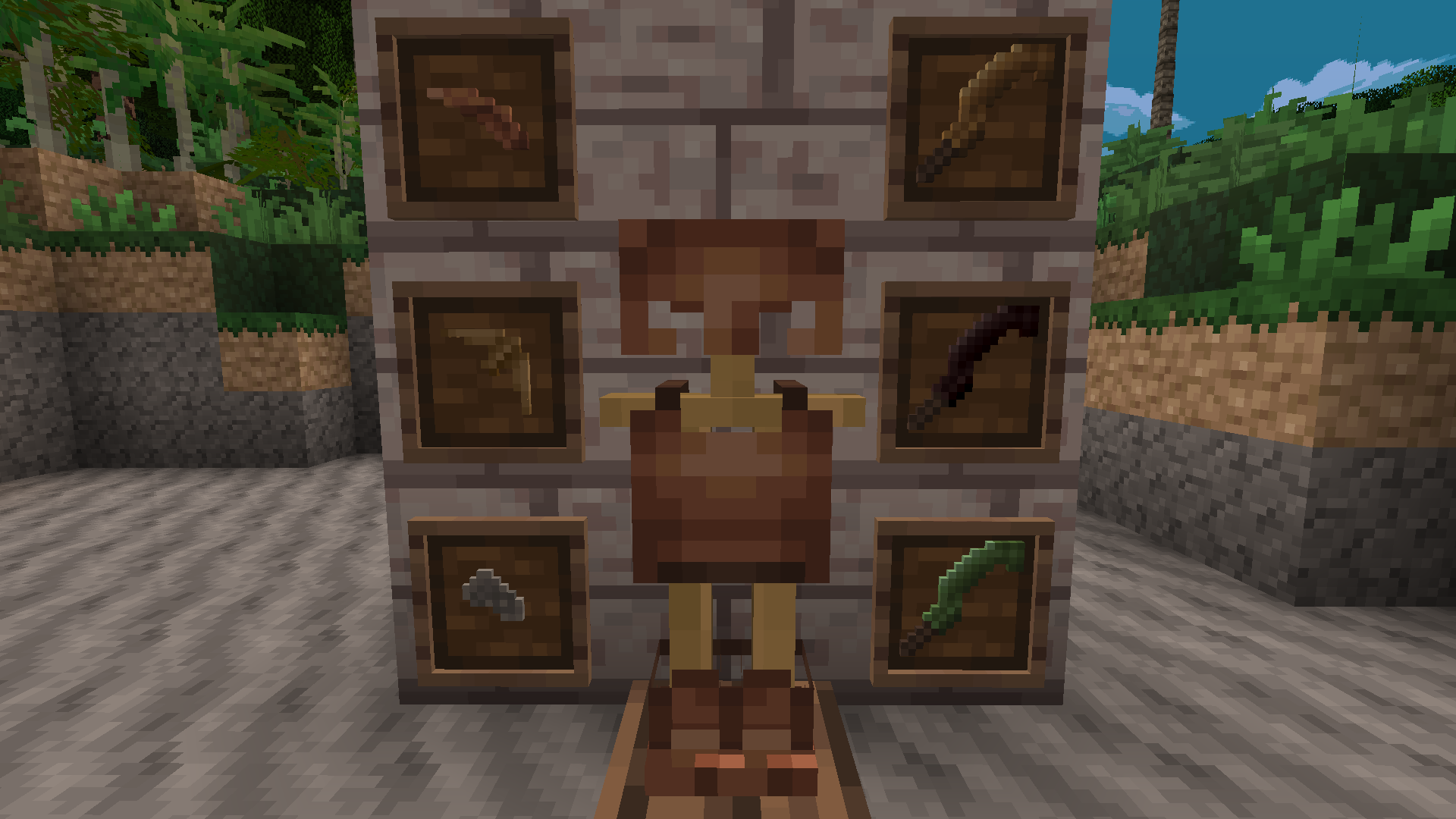
All armor models, ingots and sheets have been retextured

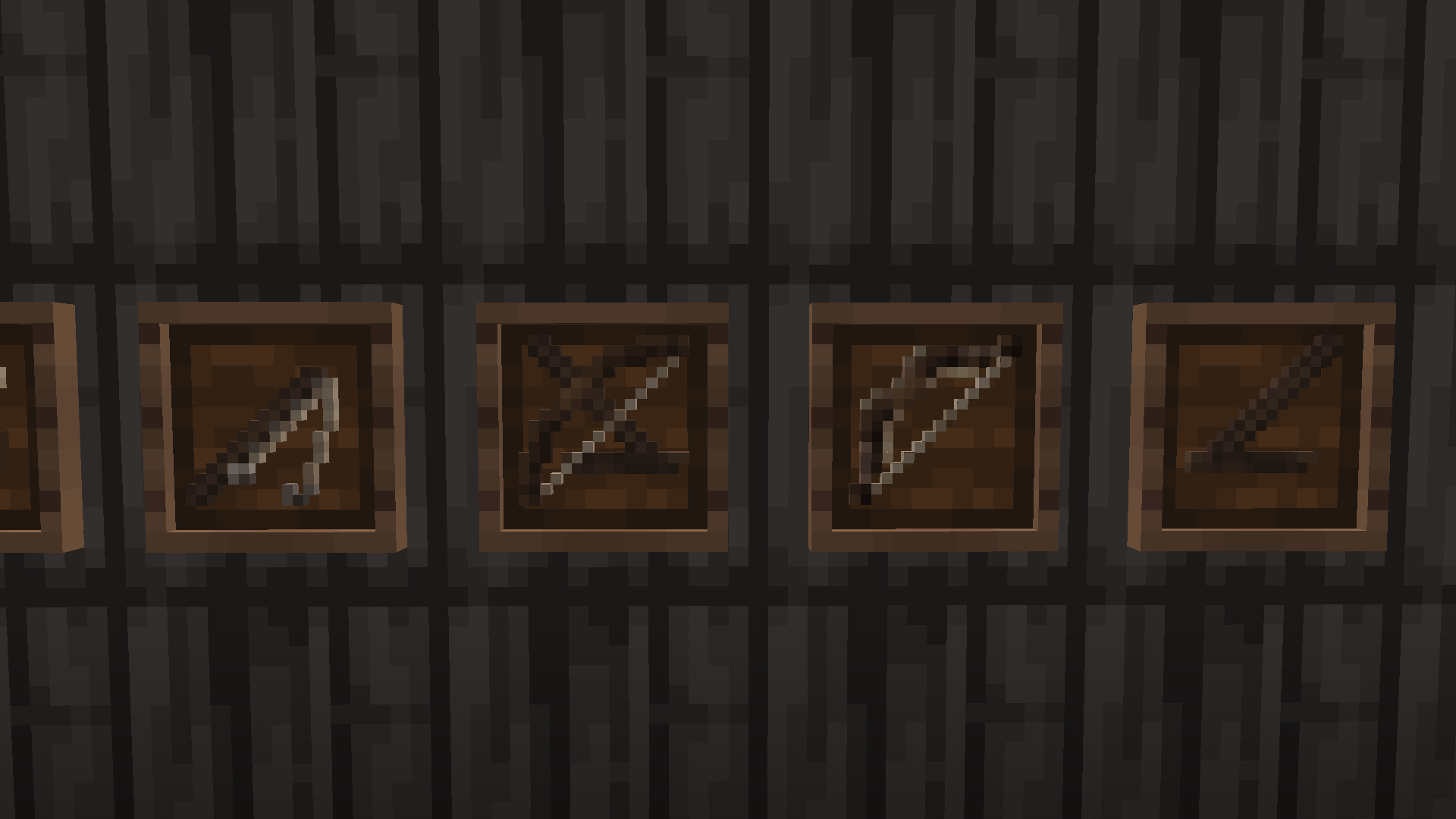
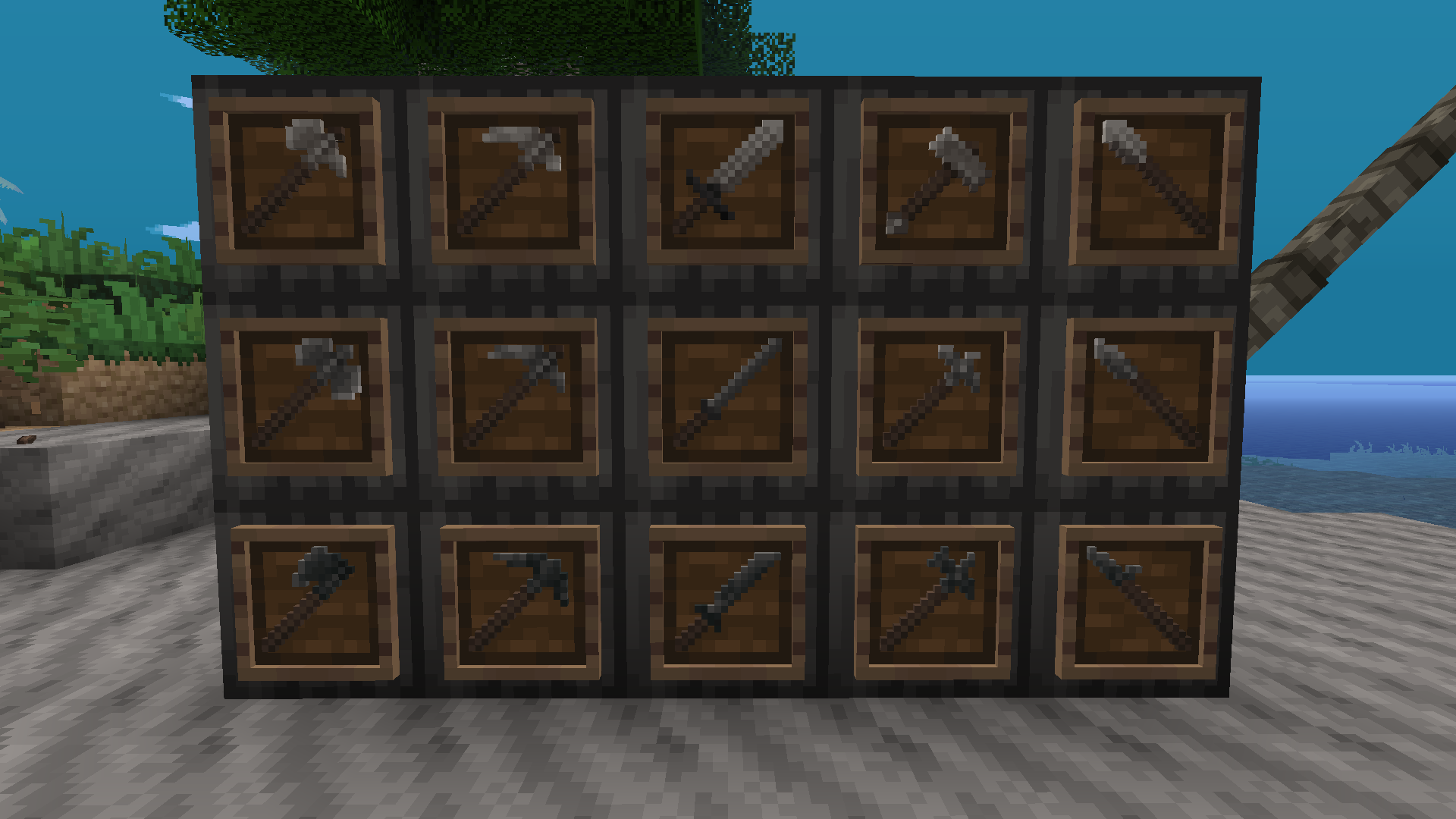
Most tools have been retextured, up to Red and Blue Steels

All flowers besides goldenrods have been retextured.


Priority To-Do List:

Wooden doors

Chests

Make a better logo

Create a Trowel base texture

Finish tools


Credits:


XSSheep for creating Pixel Perfection


Nova_Wostra for updating Pixel Perfection to 1.16


Damien Hazard and Immersive Engineering for the lovely plate textures (Permission)


turboftb for Substrate which has some very fine metal texture palettes


BarkSnarly for the cattail and rice plant textures


The Toxic Jungle guy (or whatever moniker he wants to go by)


Several anonymous people for some extra texture work, including some of the weapon and tool designs

Pixel Permacraft 0.7
MC 1.7.10
Beta 2021-03-02 Get
Pixel Permacraft 0.6
MC 1.7.10
Beta 2021-02-24 Get
Pixel Permacraft 0.5
MC 1.7.10
Beta 2021-02-12 Get
Pixel Permacraft 0.4
MC 1.7.10
Beta 2021-02-07 Get
Pixel Permacraft 0.3
MC 1.7.10
Beta 2021-02-05 Get
Pixel Permacraft 0.2
MC 1.7.10
Beta 2021-02-01 Get
Pixel Permacraft 0.1
MC 1.7.10
Beta 2021-01-31 Get

Requirements & install

How to use this resource pack in Minecraft
Resolution
16x
Minecraft
1.7.10
Install folder
.minecraft/resourcepacks

How to install resource packs

  1. Download the resource pack .zip file (do not extract it).
  2. In Minecraft open Options → Resource Packs → Open Pack Folder.
  3. Drop the .zip into the resourcepacks folder (.minecraft/resourcepacks).
  4. Move the pack to the Selected column and click Done.
Browse more: 16x resource packs 32x resource packs 64x resource packs 128x resource packs 256x resource packs 512x+ resource packs Resource Packs for 1.7.10 All resource packs
Advertisement Remove ads with Premium →

You Might Also Like