Mineuniverse
Resource Packs
Pixel Perfection x THE TWILIGHT FOREST

Pixel Perfection x THE TWILIGHT FOREST

RESOURCE PACK
The Twilight Forest, but for Pixel Perfection.
by SourAlien
Download Claim this project
Add a badge to your pageLink to Pixel Perfection x THE TWILIGHT FOREST from a README, website or forum post.
Preview: Badge

Badges update automatically and link to the resource pack page on MineUniverse.

450 downloads
0 likes
0 followers
Updated Oct 14, 2026
0 hypes
Follow0
16x Medieval Mod Support
Advertisement Remove ads with Premium →

(NOTE: THIS IS A PROJECT IN BETA)

This is a compatibility pack between The Twilight Forest Unofficial and Pixel Perfection Fidelity or Pixel Perfection Legacy. This pack only supports 1.20.1, 1.6.x, 1.7.x and 1.8.x.

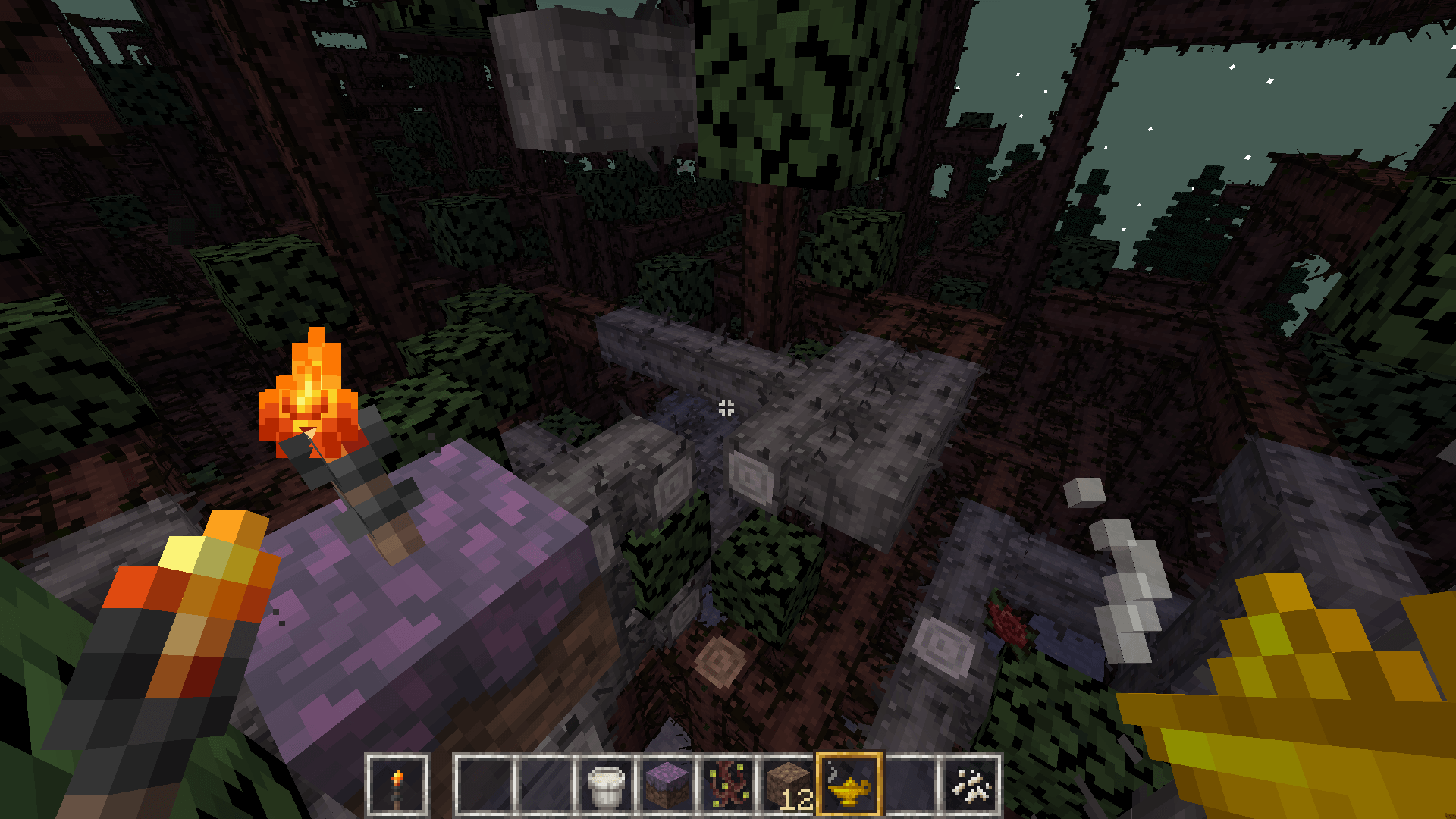
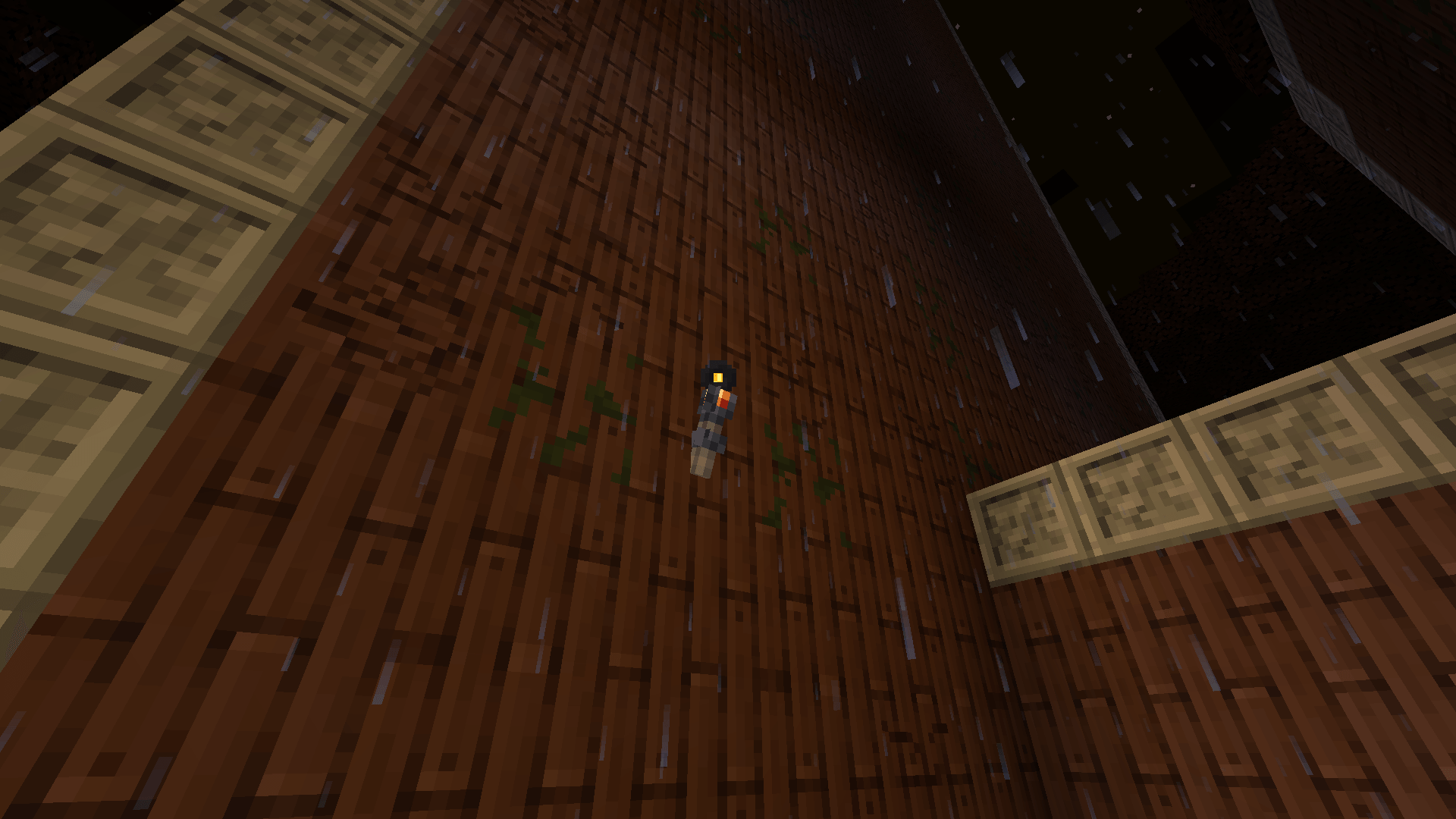
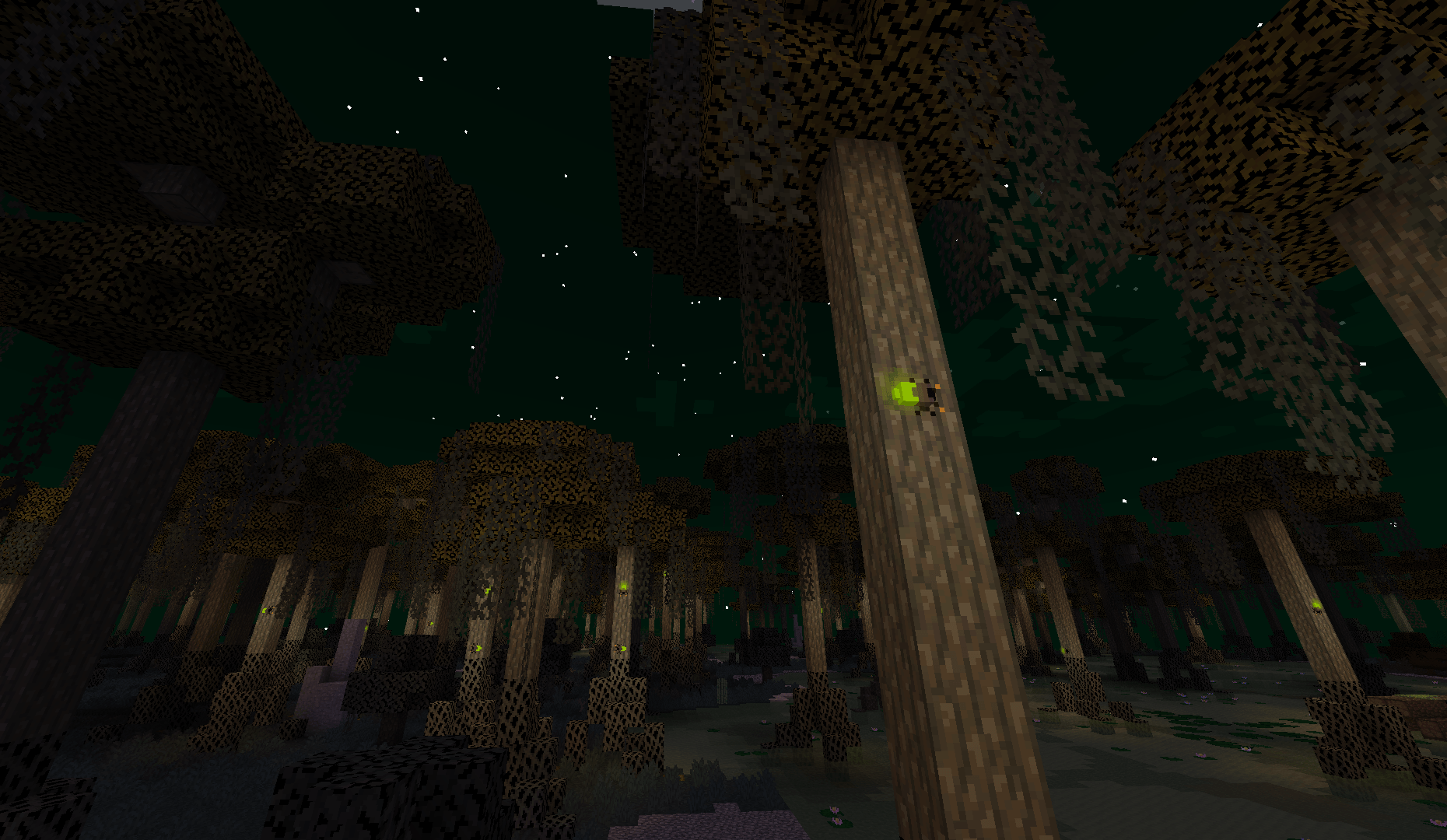
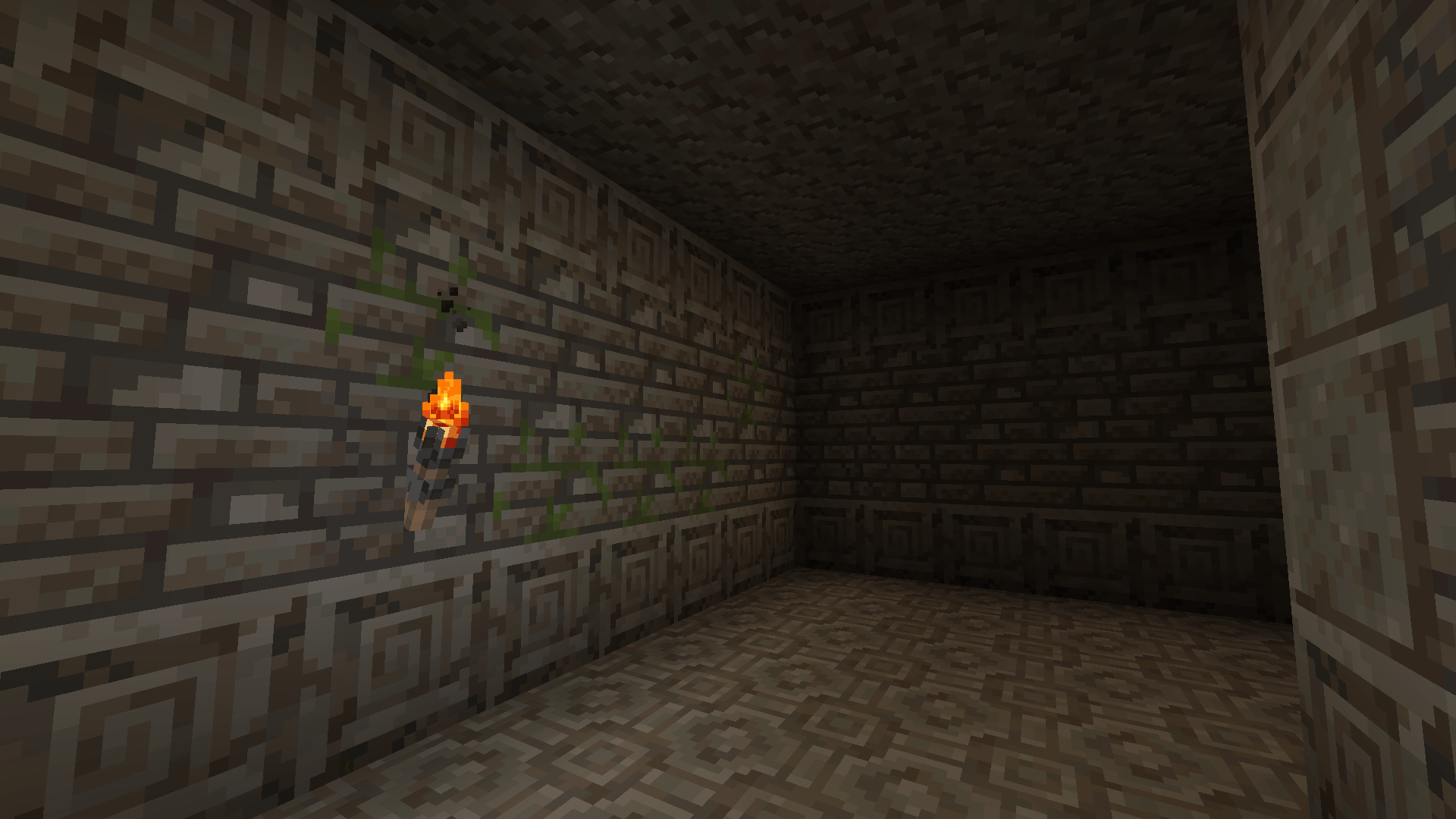
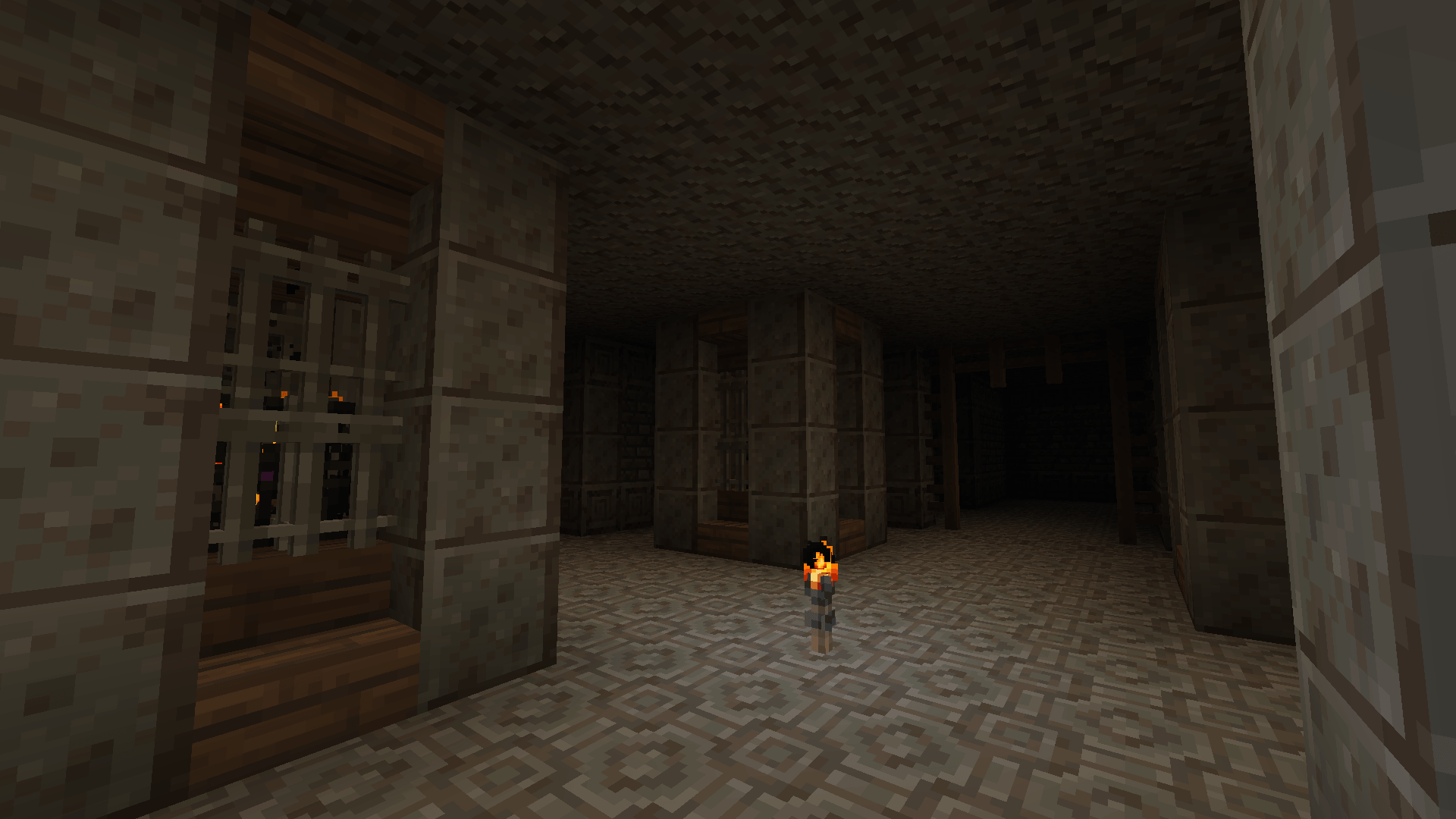
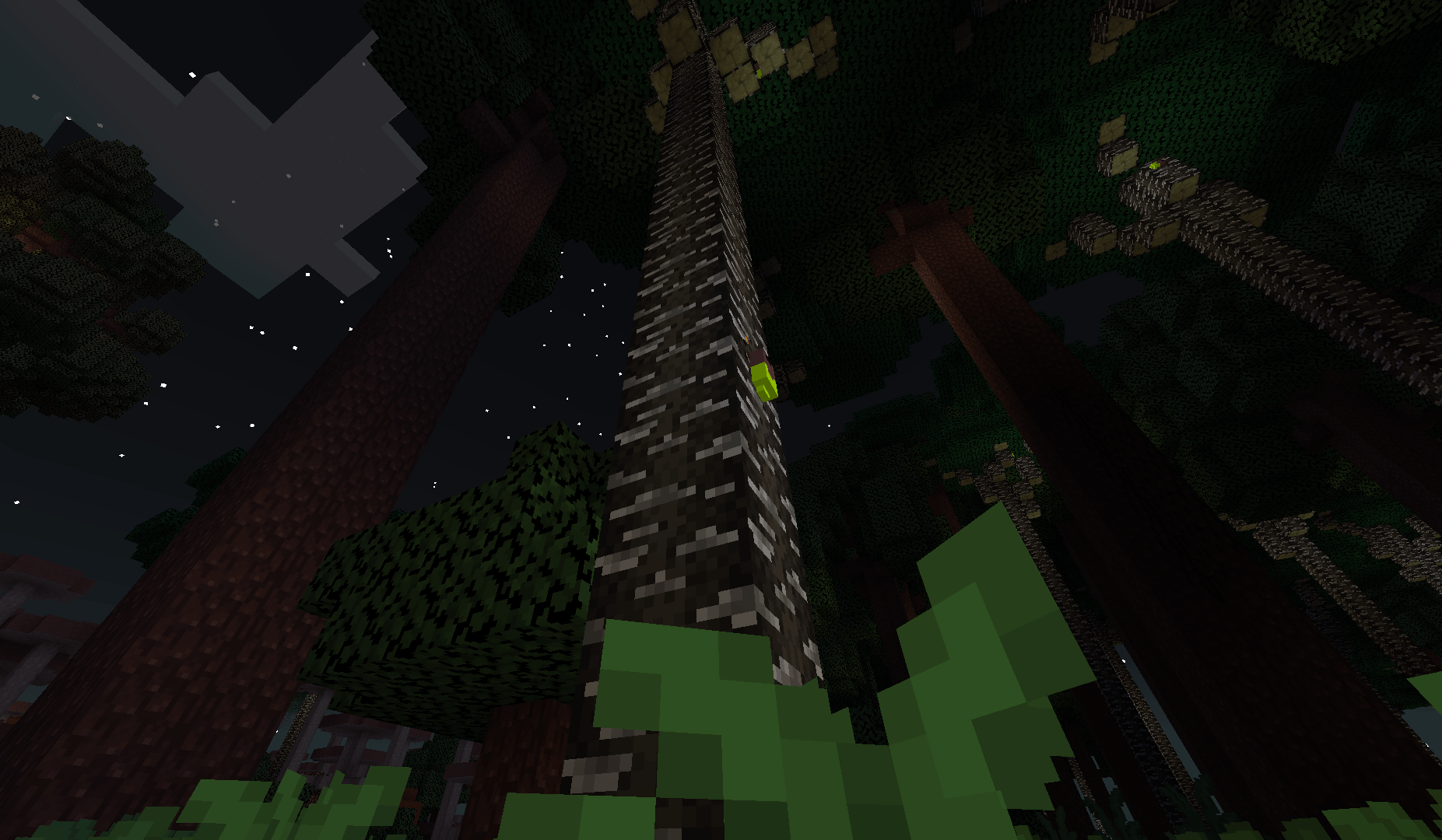
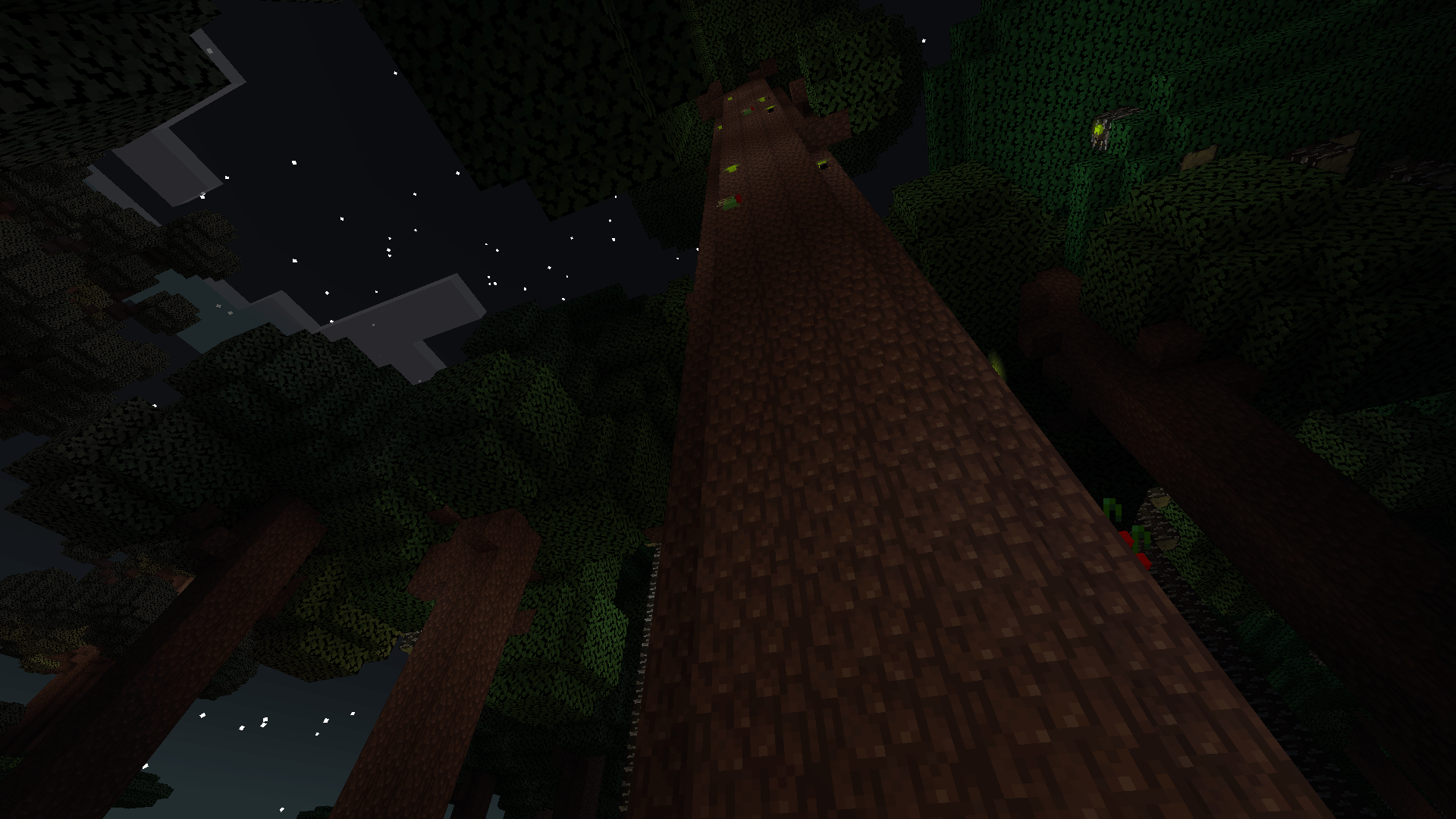
This resource pack adds textures compatible with Pixel Perfection Legacy texture pack and it is meant to be used alongside it. It changes the textures of The Twilight Forest to make them look medieval and less saturated, adapting it to work perfectly with Pixel Perfection.

So far the features present in the pack are:

  • GUI integration
  • Most of the naturally generated building blocks
  • Most items

Future features to be implemented:

  • Retexturing entities
  • Armor 3D layout
  • Particles
  • Paintings
  • Compatibility with newer versions

For any bugs or feedback, reach out on my discord.

MY OTHER PACKS

Pixel Perfection x THE TWILIGHT FOREST vB-BP-0.2-1
MC 1.8.7, 1.7.4, 1.7.7, 1.7.6, 1.7.5, 1.6.1, 1.7.3, 1.7.2, 1.8.8, 1.8.4, 1.7.9, 1.8.3, 1.7.10, 1.8, 1.7.8, 1.6.4, 1.8.6, 1.8.9, 1.8.1, 1.6.2, 1.8.5, 1.8.2
Beta 2026-04-22 Get
Pixel Perfection x THE TWILIGHT FOREST v0.1-15
MC 1.20.1
Beta 2025-10-02 Get

Requirements & install

How to use this resource pack in Minecraft
Resolution
16x
Minecraft
1.8.3 – 1.20.1
Install folder
.minecraft/resourcepacks

How to install resource packs

  1. Download the resource pack .zip file (do not extract it).
  2. In Minecraft open Options → Resource Packs → Open Pack Folder.
  3. Drop the .zip into the resourcepacks folder (.minecraft/resourcepacks).
  4. Move the pack to the Selected column and click Done.
Browse more: 16x resource packs 32x resource packs 64x resource packs 128x resource packs 256x resource packs 512x+ resource packs Resource Packs for 1.20.1 All resource packs

More from SourAlien

Advertisement Remove ads with Premium →

You Might Also Like