Mineuniverse
Resource Packs
Pixalette

Pixalette

RESOURCE PACK
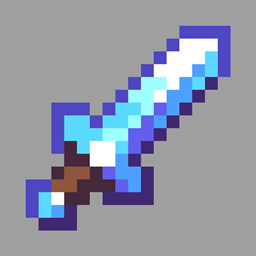
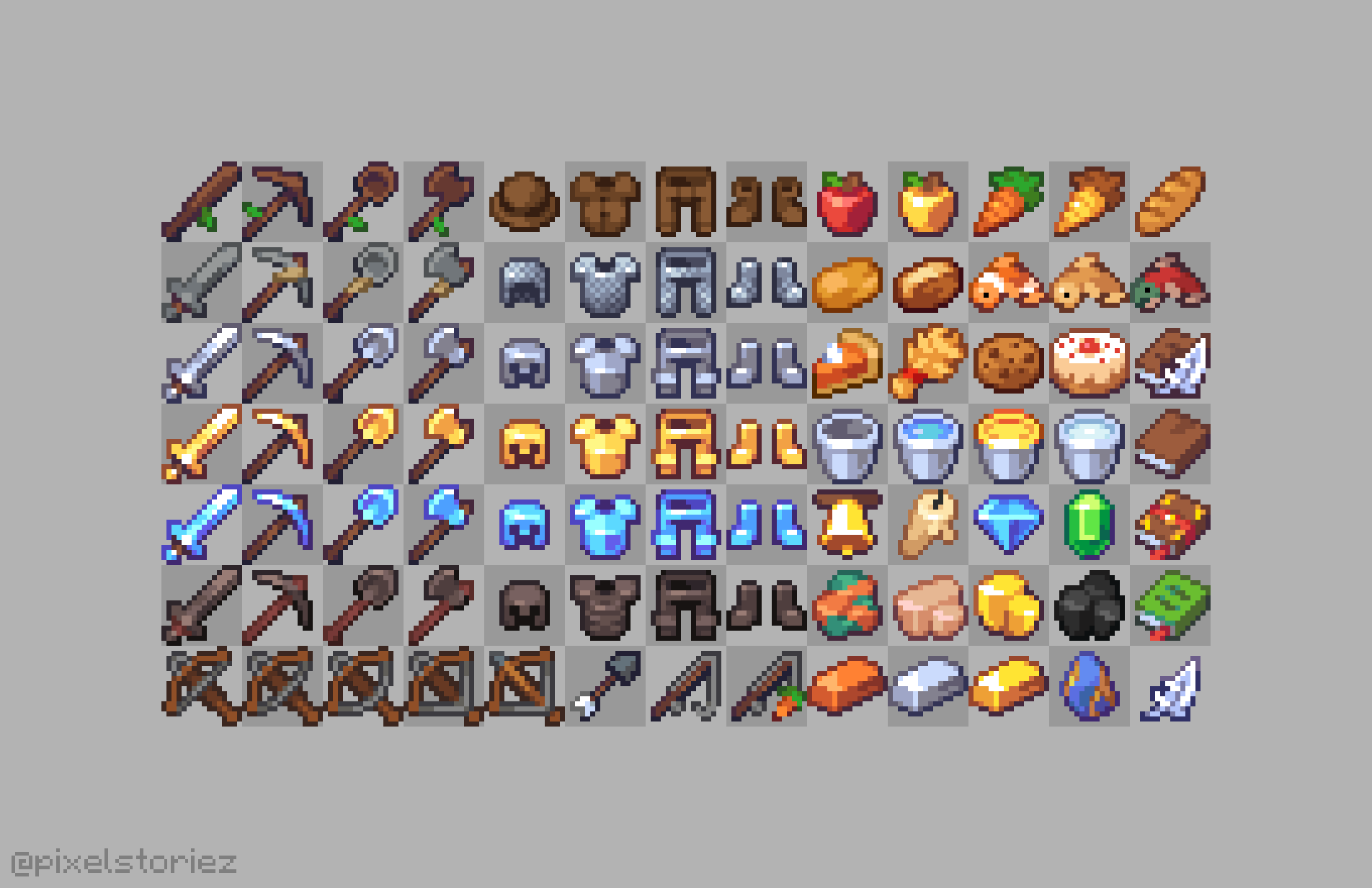
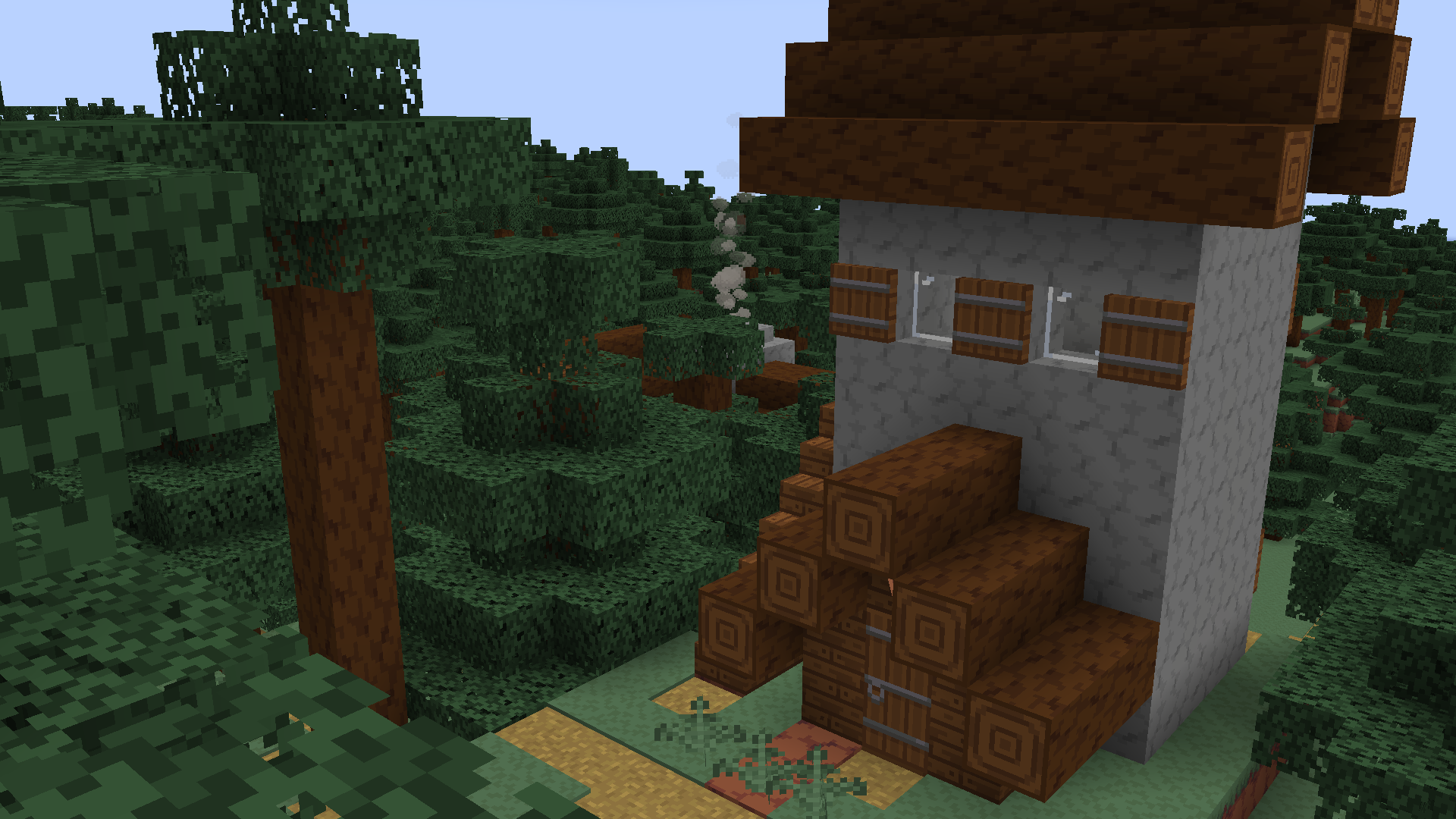
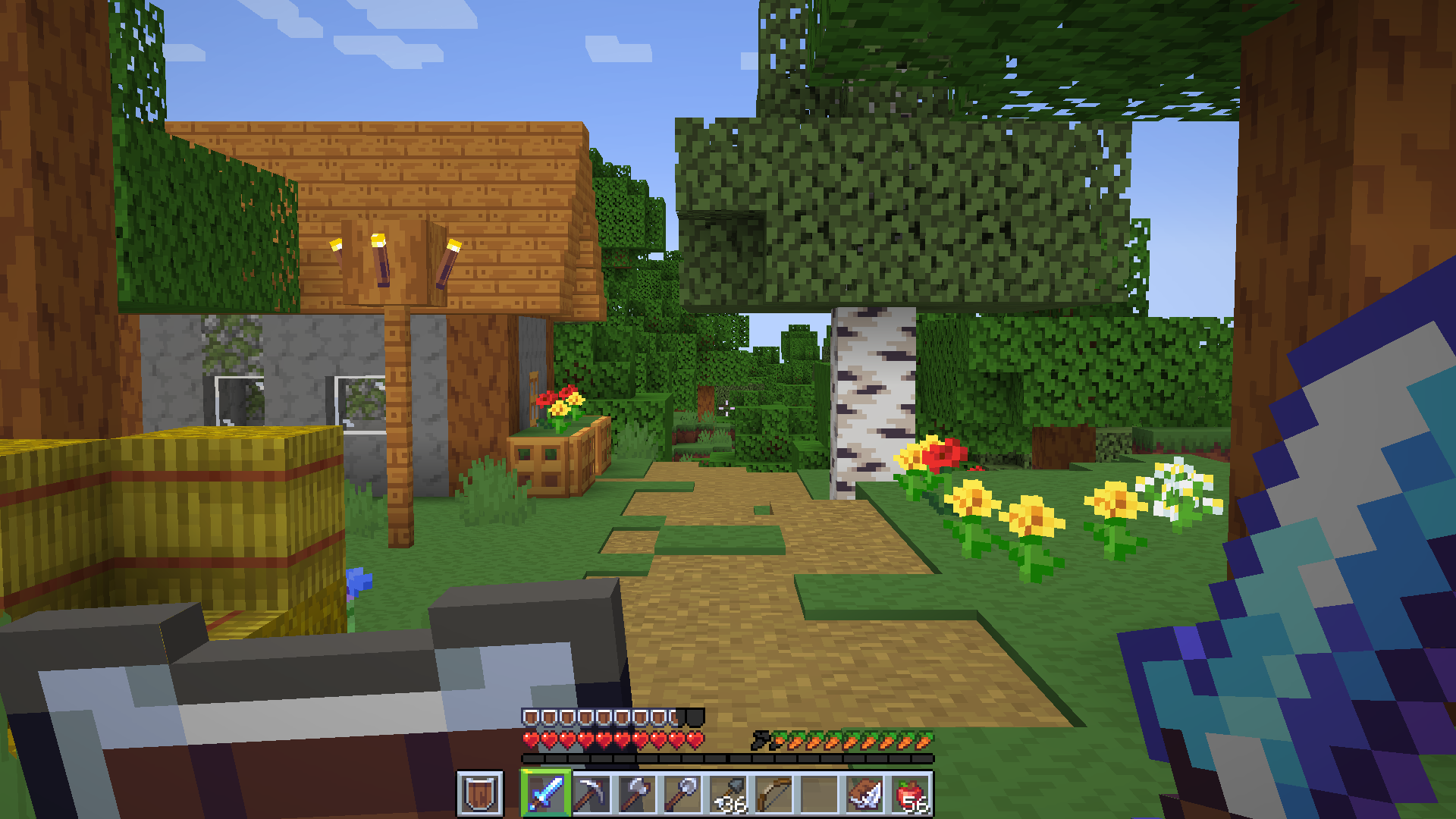
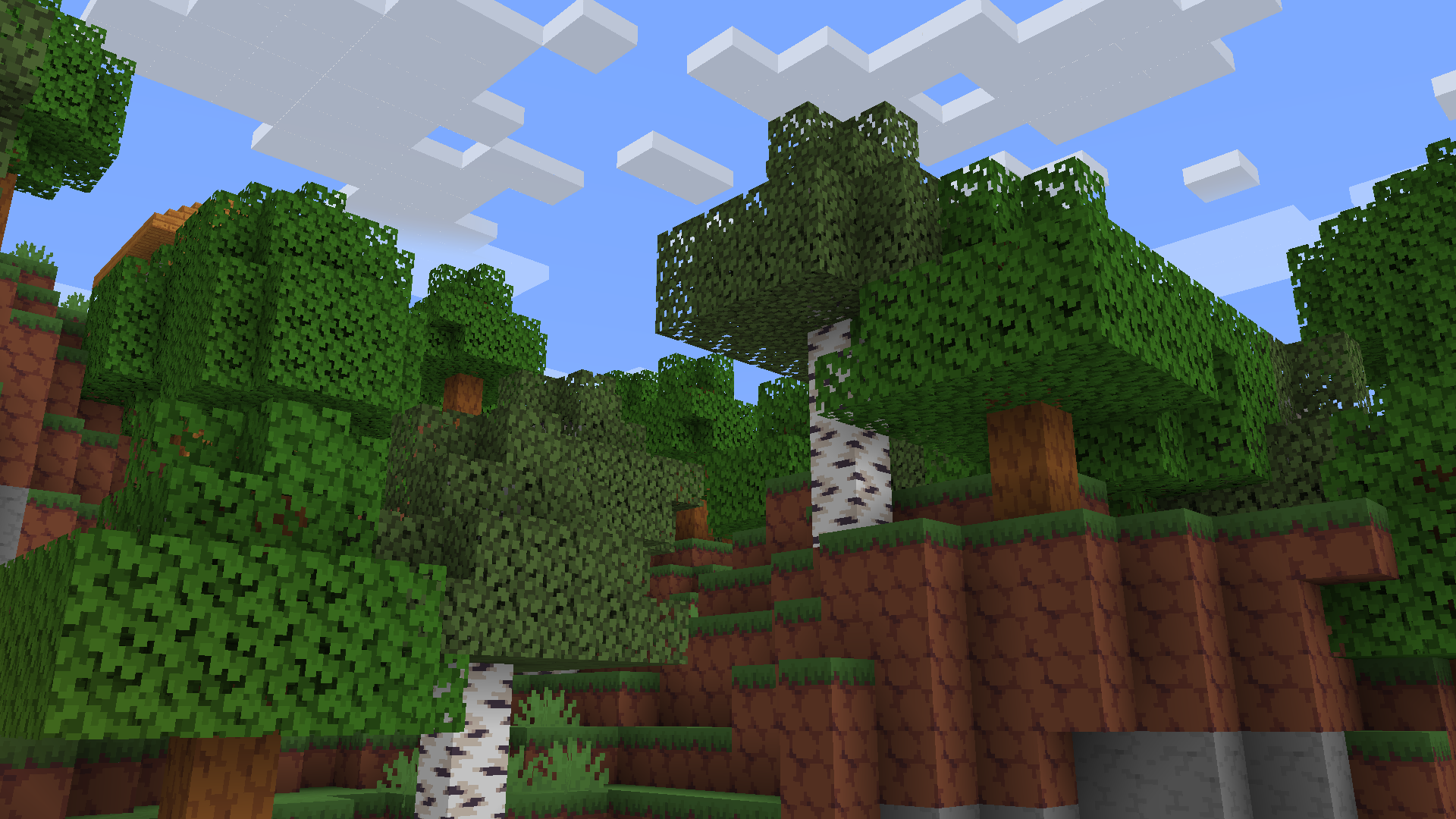
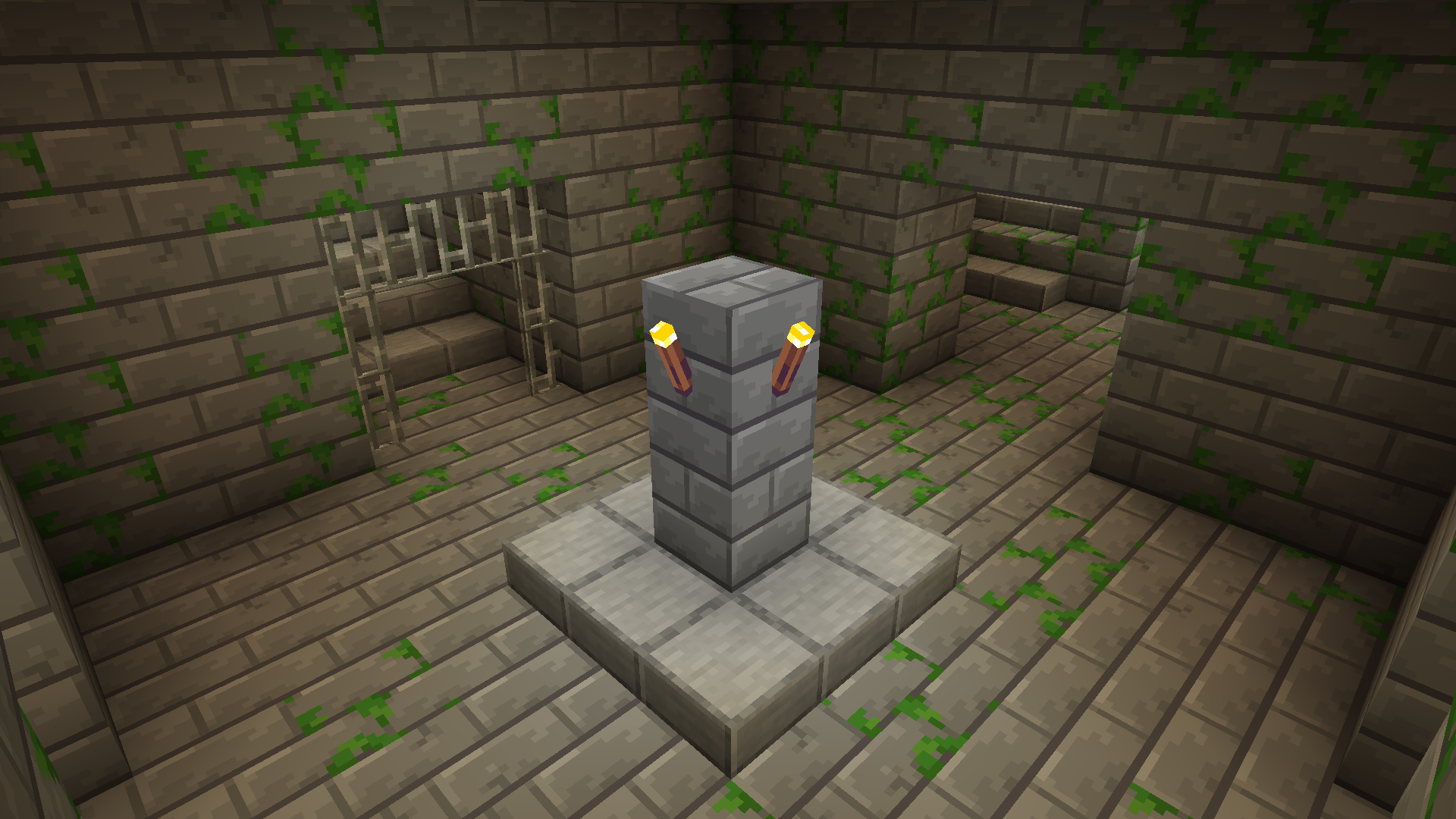
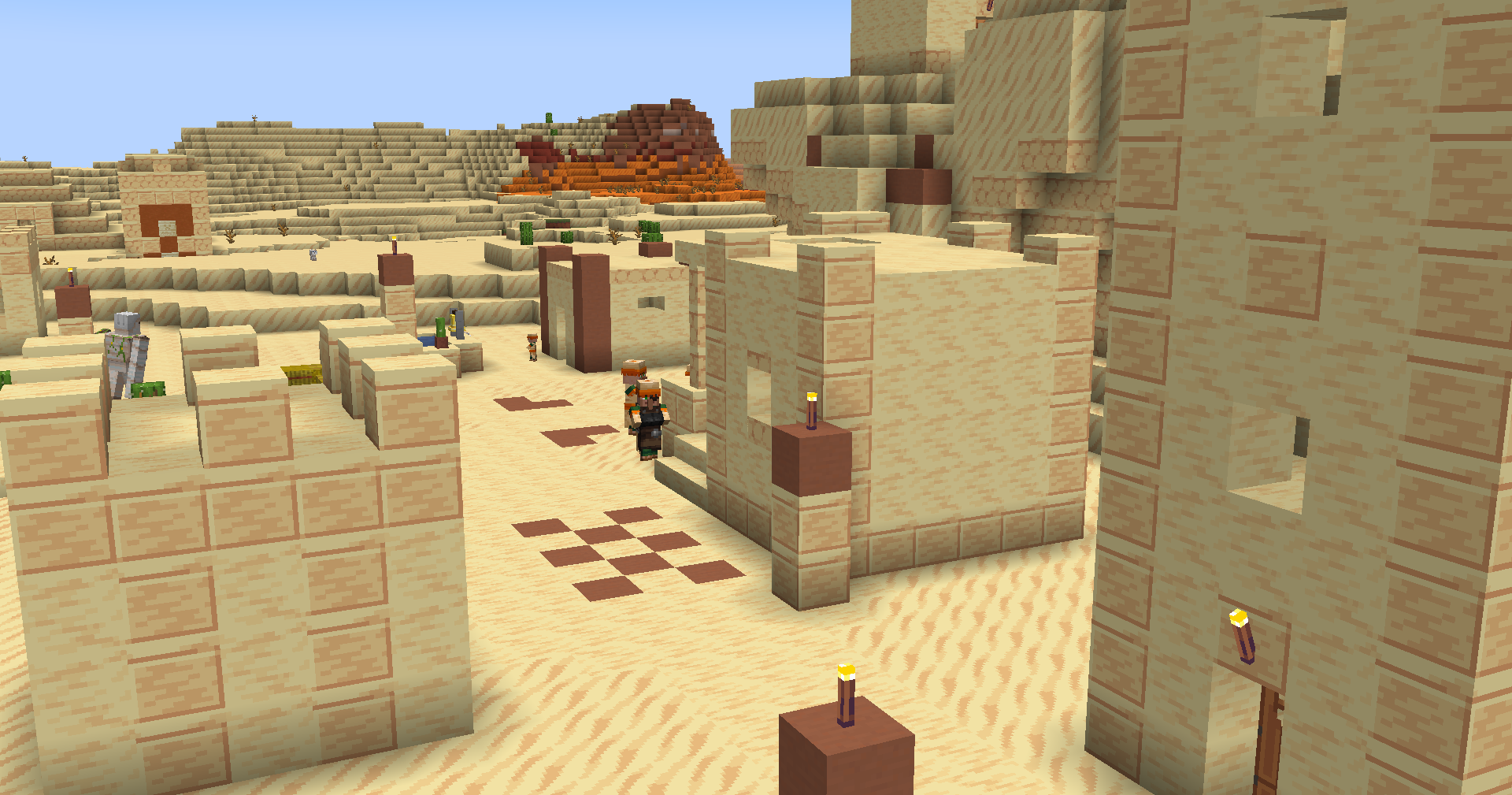
A vibrant, pixel art resource pack for Minecraft.
by pixelstories
Download Claim this project
291,119 downloads
0 likes
Updated Oct 14, 2026
0 hypes
16x Medieval Miscellaneous Traditional
Advertisement Remove ads with Premium →
Join my Discord and follow me on Twitter for news on upcoming updates!
Discord
Twitter


Pixalette is a cartoony 16x resource pack with rich, vibrant colors and simplistic textures that I've been working on in my freetime for the past few years.

Feel free to leave a comment with your thoughts down below, I'd love to hear what you guys think!


If you'd like to support me, you can donate to my Ko-fi. Any amount helps me out a ton!

Ko-fi

DISCLAIMER:
This pack is for personal use only. You are not allowed to redistribute it publicly.
If you use this pack in videos you've uploaded to the internet, please credit it in the description.

Many textures in this pack utilise Dawnbringer 32, a palette which was created by Richard "DawnBringer" Fhager. You can find the original artist and palette here.

Pixalette 1.1.2
MC 1.21.2-Snapshot, 1.21, 1.18.1, 1.20.2-Snapshot, 1.20.5-Snapshot, 1.19-Snapshot, 1.21.1-Snapshot, 1.19.3, 1.20.2, 1.19.4, 1.19.4-Snapshot, 1.20.5, 1.18, 1.21.4, 1.20.1, 1.20, 1.20.6
Release 2024-12-08 Get
Pixalette 1.1.0
MC 1.16-Snapshot, 1.17.1, 1.16.3, 1.13.1, 1.19.3, 1.15-Snapshot, 1.16.1, 1.18.1, 1.14.4, 1.14.1, 1.17, 1.14.3, 1.15, 1.16, 1.13, 1.19-Snapshot, 1.16.5, 1.18.2, 1.19.2, 1.15.2
Release 2022-12-13 Get
Pixalette 1.1.1
MC 1.16-Snapshot, 1.17.1, 1.16.3, 1.13.1, 1.19.3, 1.15-Snapshot, 1.16.1, 1.18.1, 1.14.4, 1.14.1, 1.17, 1.14.3, 1.15, 1.16, 1.13, 1.19-Snapshot, 1.16.5, 1.18.2, 1.19.2, 1.15.2
Release 2022-12-13 Get
Pixalette 1.0.0
MC 1.16-Snapshot, 1.17.1, 1.16.3, 1.13.1, 1.19.3, 1.15-Snapshot, 1.16.1, 1.18.1, 1.14.4, 1.14.1, 1.17, 1.14.3, 1.15, 1.16, 1.13, 1.19-Snapshot, 1.16.5, 1.18.2, 1.19.2, 1.15.2
Release 2022-11-13 Get

Requirements & install

How to use this resource pack in Minecraft
Resolution
16x
Minecraft
1.20.2 – 1.21.4
Install folder
.minecraft/resourcepacks

How to install resource packs

  1. Download the resource pack .zip file (do not extract it).
  2. In Minecraft open Options → Resource Packs → Open Pack Folder.
  3. Drop the .zip into the resourcepacks folder (.minecraft/resourcepacks).
  4. Move the pack to the Selected column and click Done.
Browse more: 16x resource packs 32x resource packs 64x resource packs 128x resource packs 256x resource packs 512x+ resource packs Resource Packs for 1.21.4 All resource packs
Advertisement Remove ads with Premium →

You Might Also Like