Mineuniverse
Resource Packs
Pinku's Pink GUI Pack Addon - Full Pink Title

Pinku's Pink GUI Pack Addon - Full Pink Title

RESOURCE PACK
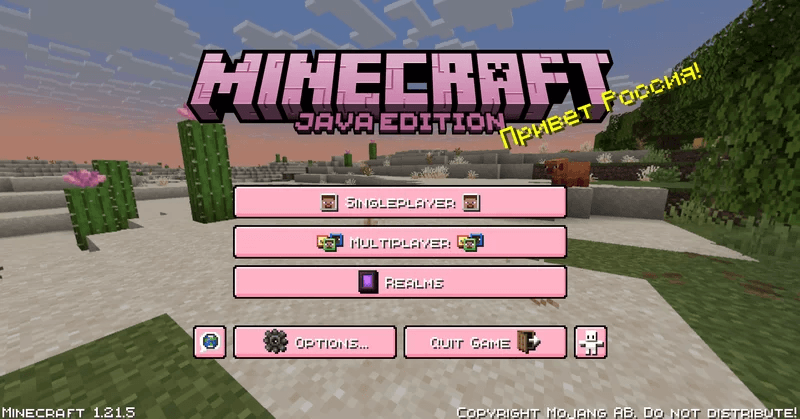
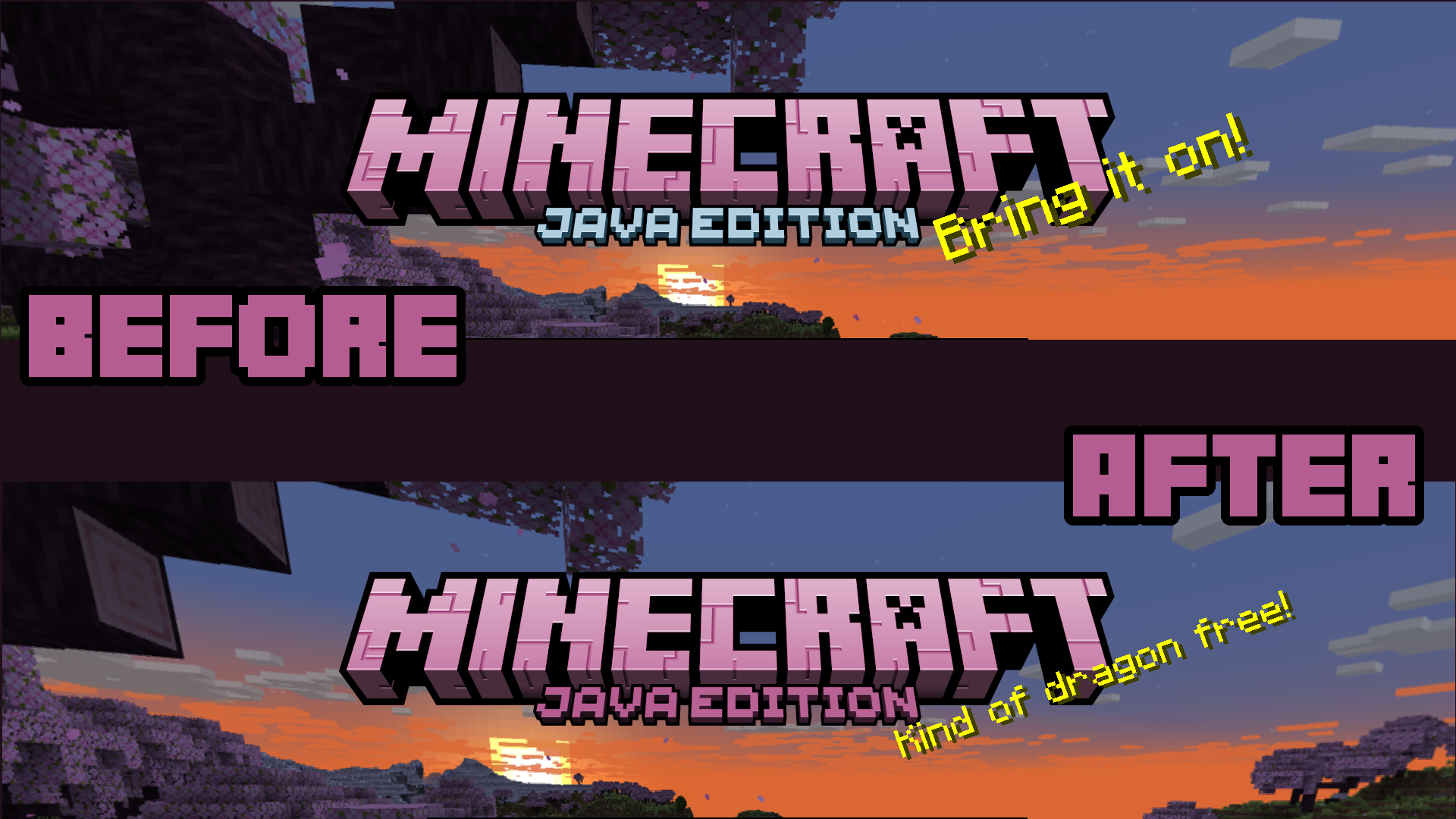
A simple addon for "Pinku's Pink GUI Pack". Makes the Title fully pink!
by itspinku06
Download Claim this project
Add a badge to your pageLink to Pinku's Pink GUI Pack Addon - Full Pink Title from a README, website or forum post.
Preview: Badge

Badges update automatically and link to the resource pack page on MineUniverse.

33,880 downloads
0 likes
0 followers
Updated Oct 14, 2026
0 hypes
Follow0
16x Miscellaneous
Advertisement Remove ads with Premium →

Hii!

This is a simple little addon pack for my other texture pack "Pinku's Pink GUI Pack" that changes the "Java Edition" title text from its original light blue to a darker pink! That's it! ^^

I plan on updating this pack with each new update that comes to the game. If you don't see the version that you were looking for then just message me or leave a comment telling me what version you would like and I'll start working on it as soon as I can.


-[Terms of use]-


You can:

- Use this pack in videos and/or streams.
  - Credit when using it in videos and/or streams is much appreciated.


You can not:


- Claim this pack as your own.
- Modify any textures in this pack.
- Redistribute this pack without my permission.
- Sell this pack for profit.


Pinku's Pink GUI Addon Full Pink Title - [1.21.5] Release
MC 1.21.5
Release 2025-05-30 Get
Pinku's Pink GUI Addon - Full Pink Title 1.21.4.zip
MC 1.21.4
Release 2025-01-01 Get
Addon - Full Pink Title [1.20+] V.1.1
MC 1.20.1, 1.20
Release 2023-09-02 Get
Addon - Full Pink Title [1.20+] V.1.0
MC 1.20.1, 1.20
Beta 2023-09-02 Get

Requirements & install

How to use this resource pack in Minecraft
Resolution
16x
Minecraft
1.20 – 1.21.5
Install folder
.minecraft/resourcepacks

How to install resource packs

  1. Download the resource pack .zip file (do not extract it).
  2. In Minecraft open Options → Resource Packs → Open Pack Folder.
  3. Drop the .zip into the resourcepacks folder (.minecraft/resourcepacks).
  4. Move the pack to the Selected column and click Done.
Browse more: 16x resource packs 32x resource packs 64x resource packs 128x resource packs 256x resource packs 512x+ resource packs Resource Packs for 1.21.5 All resource packs

More from itspinku06

Advertisement Remove ads with Premium →

You Might Also Like