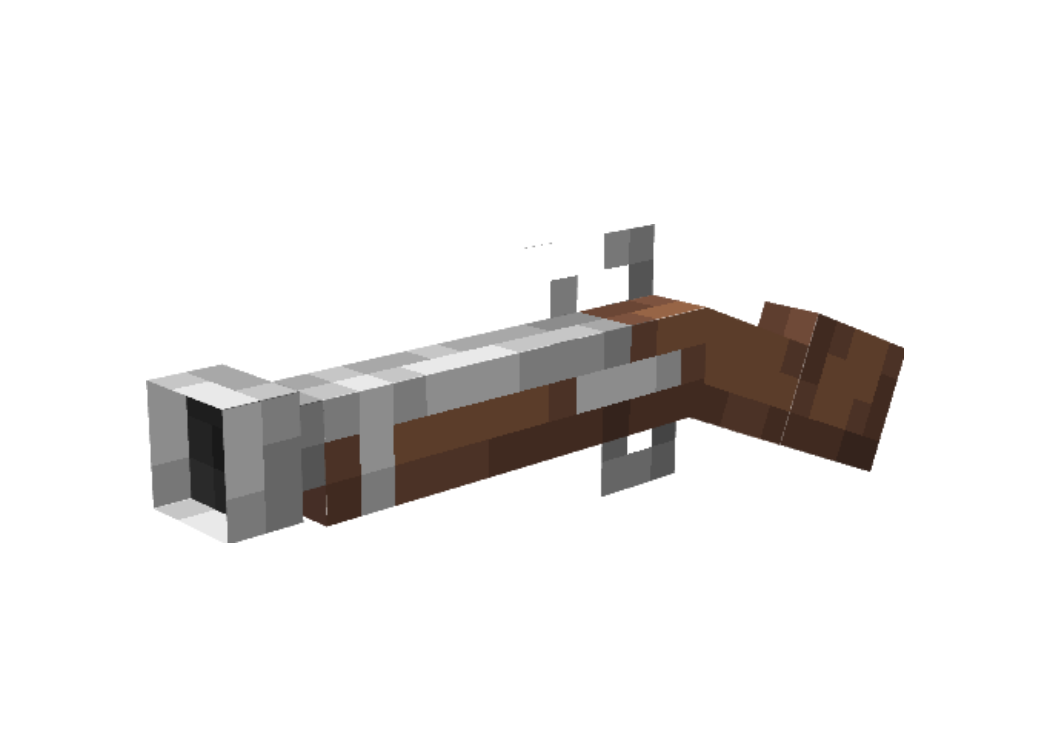
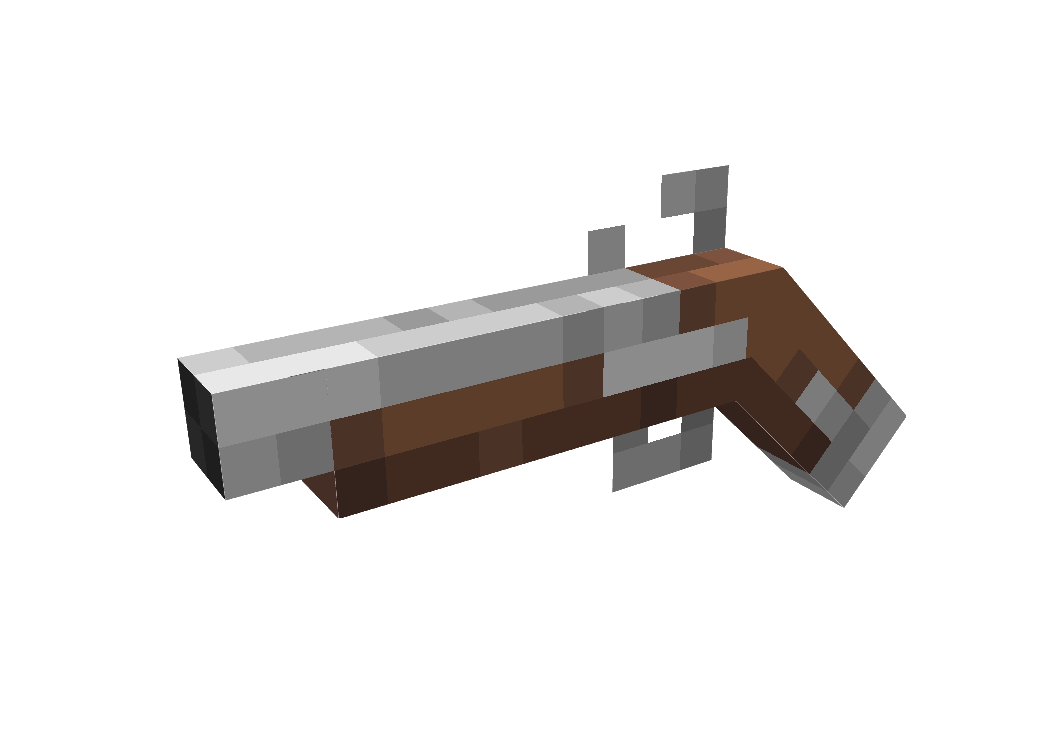
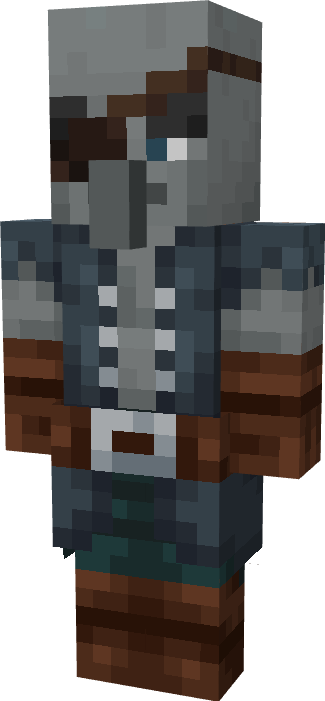
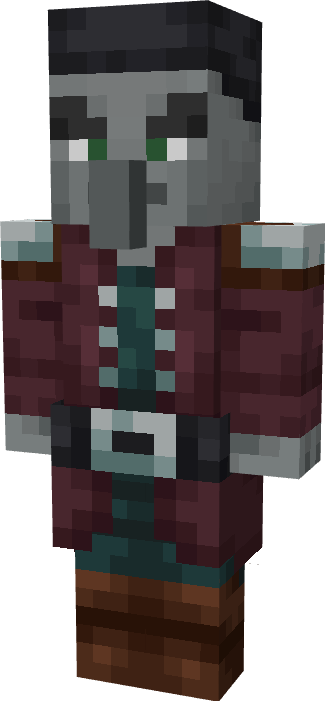
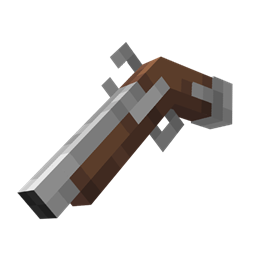
Have you ever wanted to defend your village from hordes of pirates using a flintlock pistol instead of a boring crossbow? No? Well.. I have done it anyway.
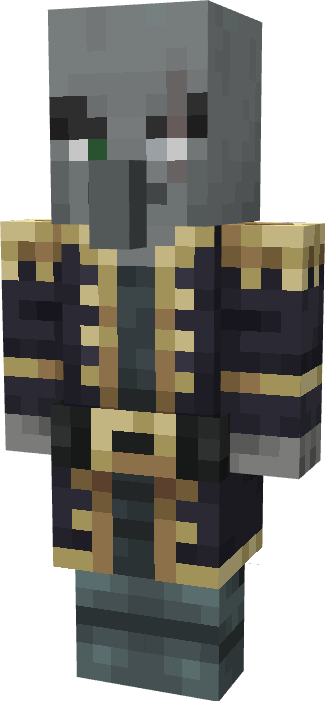
The aim of this pack is to replace every component of a raid with a pirate themed counterpart and we are slowly getting to it.
This pack will get several new updates in the future, including new weapons, enemies and even a cutom-made datapack!
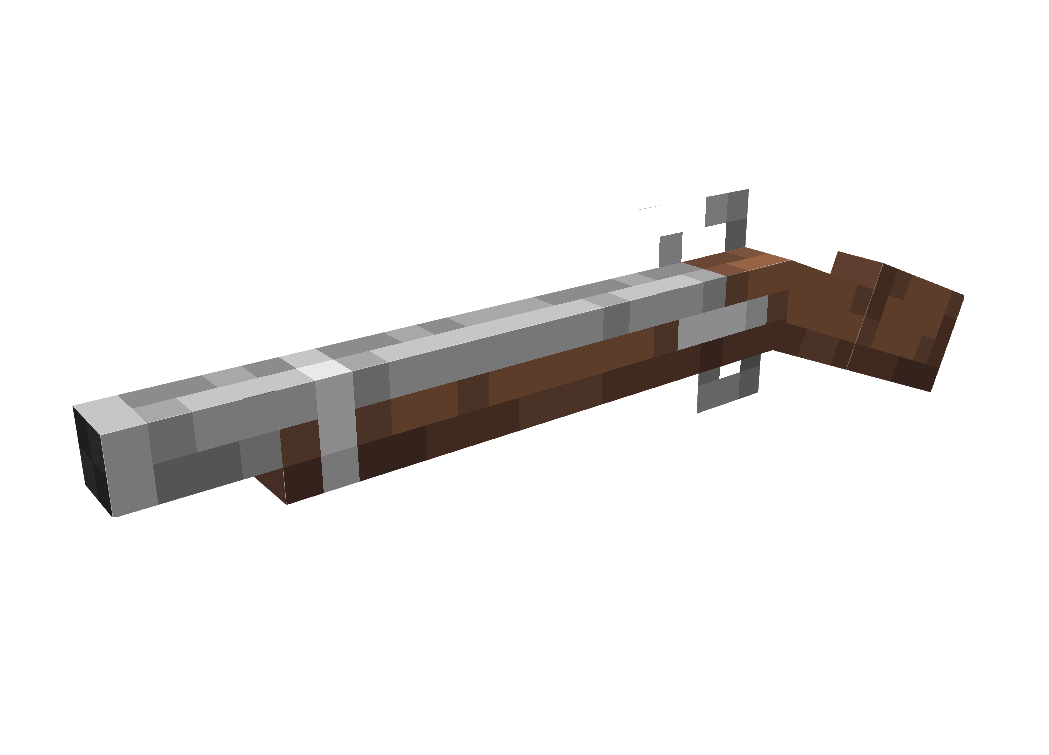
MUSKET & BLUNDERBUSS:
Before 1.21.5
In order to obtain these weapons all you have to do in give yourself a crossbow with a CMD value of "1".
Musket: /give @p minecraft:crossbow{CustomModelData:2}
Blunderbuss: /give @p minecraft:crossbow{CustomModelData:3}
After 1.21.5 (mainly 26.1)
All you have to do is rename the Flintlock pistol to either "Musket" or "Blunderbuss" to get the respective weapons.
TERMS OF USE:
You are mostly free to use this resourcepack as you please, this includes modpacks and other resourcepacks provided you list the proper credits on whatever the final product may be.
The only requirement for the use of this pack as part of a separate project is my permission (feel free to DM me at any time), and I will usually request you to put a link to this pack somewhere in the download page of whatever project makes use of my assets.
This is made to ensure that the pack's content isn't distributed in ways that would bring harm to some personal projects of mine.