Mineuniverse
Resource Packs
PewDiePie PvPack

PewDiePie PvPack

RESOURCE PACK
PewDiePie Texture Pack For 1.8-1.14
by om3r4z
Download Claim this project
25,664 downloads
0 likes
Updated Oct 14, 2026
0 hypes
16x Miscellaneous
Advertisement Remove ads with Premium →

LETS GET PEWDIEPIE TO SEE THIS TEXTURE PACK!

-------------------------------------------------------------------------

New Update v3.0:

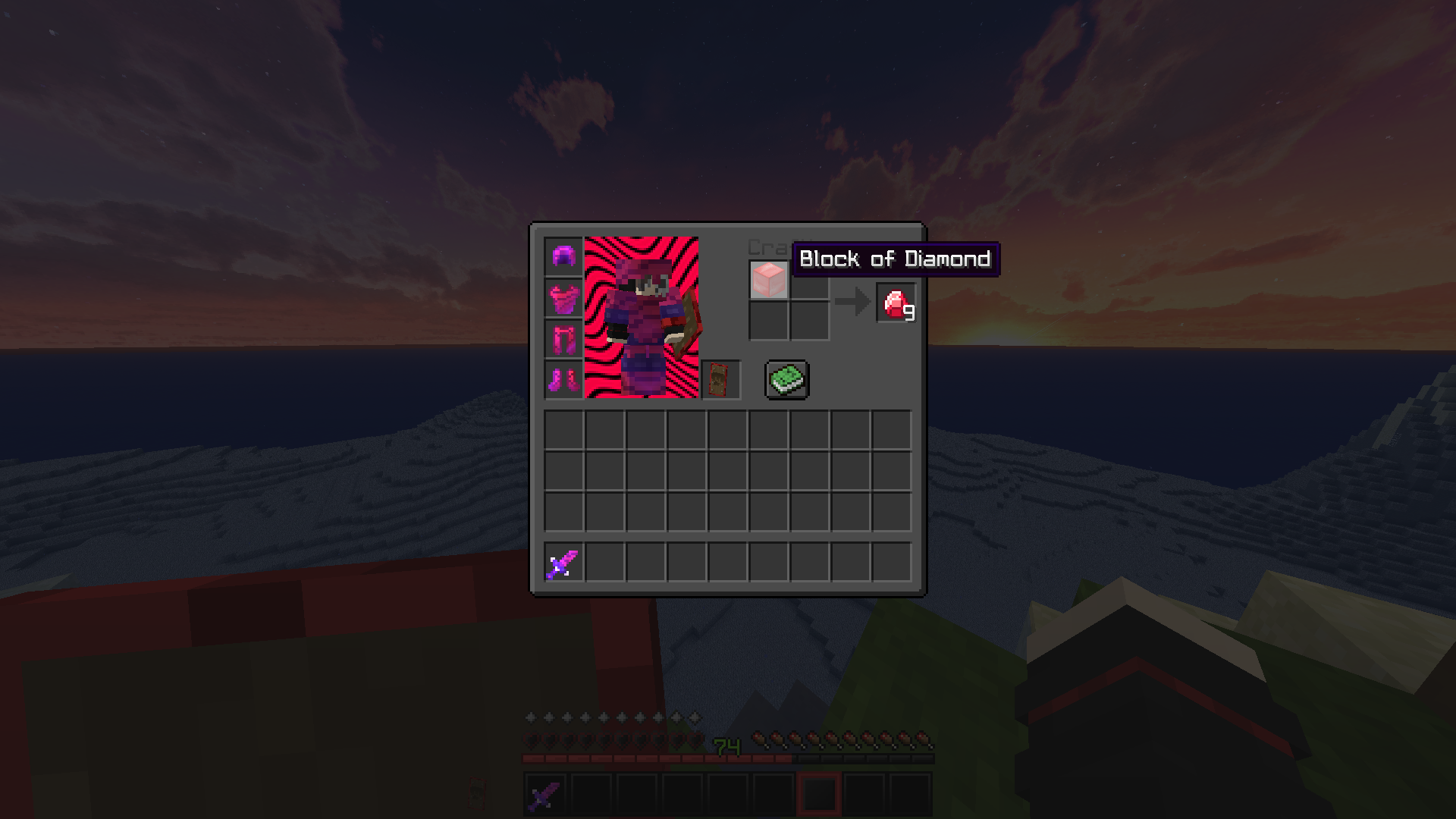
*Added new dark Gui style with nicer look that the last one.

Update v2.0:

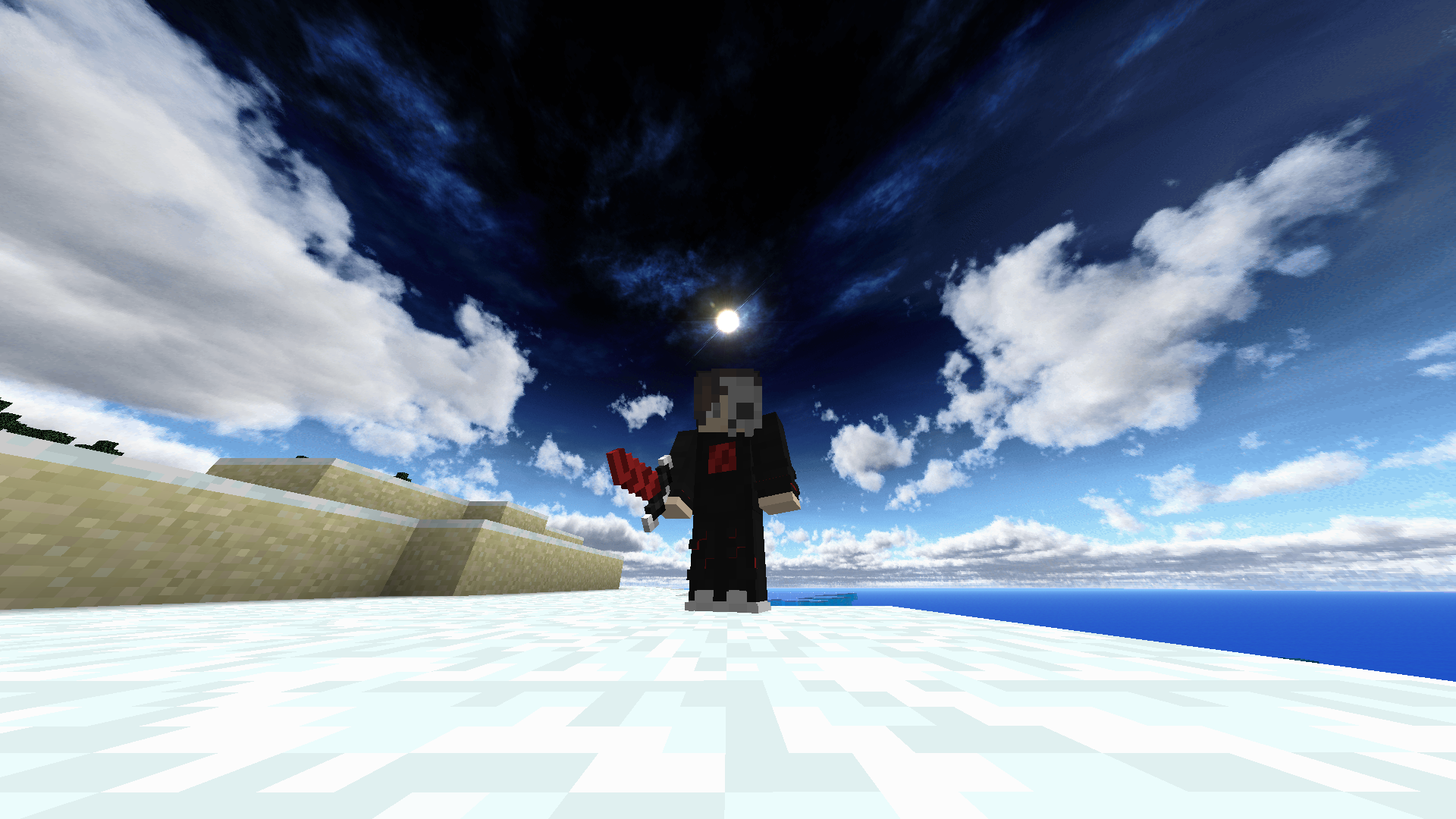
*Fix the custom sky which did not worked on the last 1.14 version.

*Also changed the sky to be "softer" to the eyes for all the pack's versions.

*Fix grass blocks in the 1.14 last version.

*Added 1.13 PewdsPvP pack with the 1.14 one.


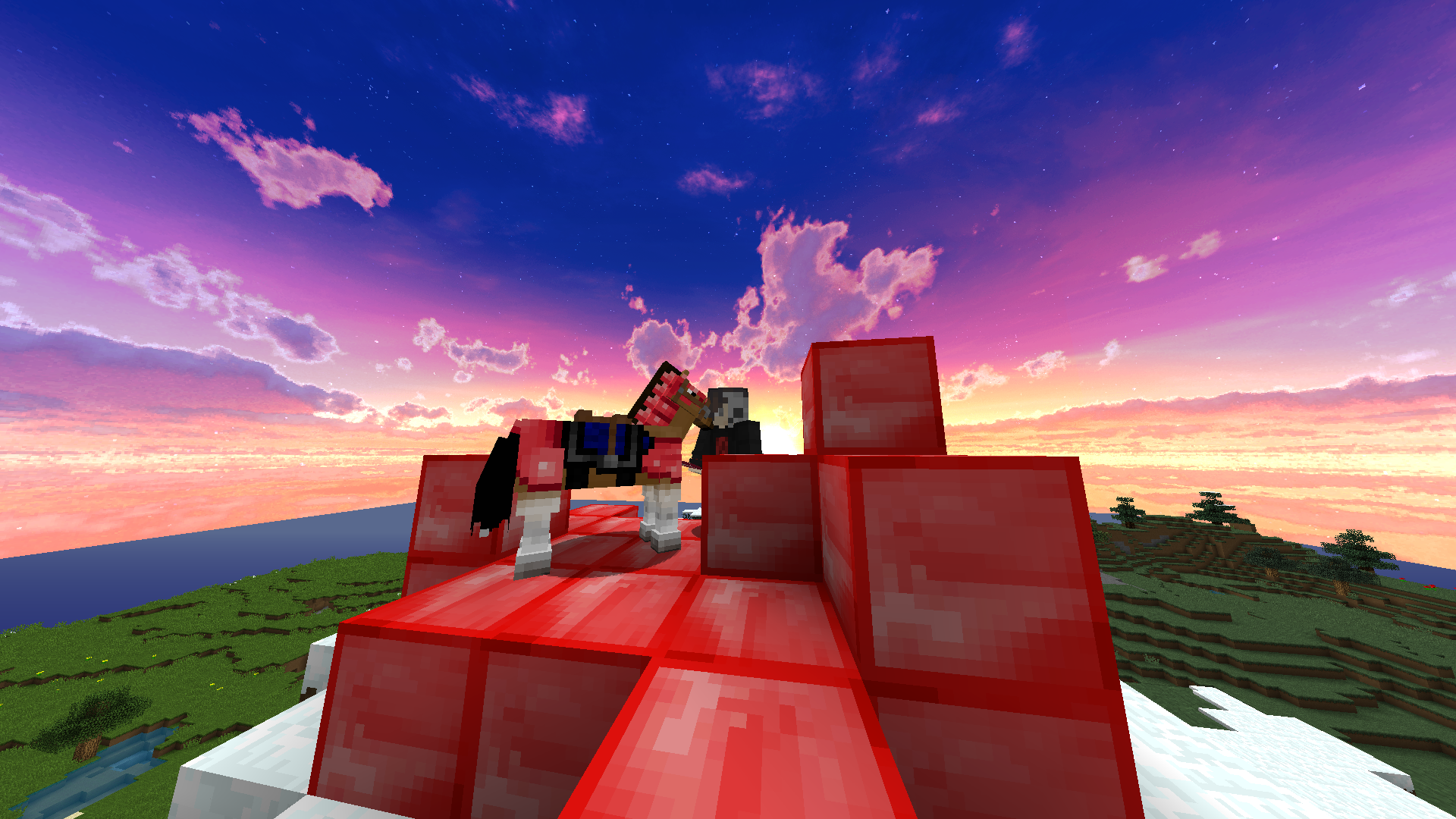
This pack was made for fun and all the diamond items changed to Pewdiepie's red logo.

That's include:

Horse Diamond Armor,

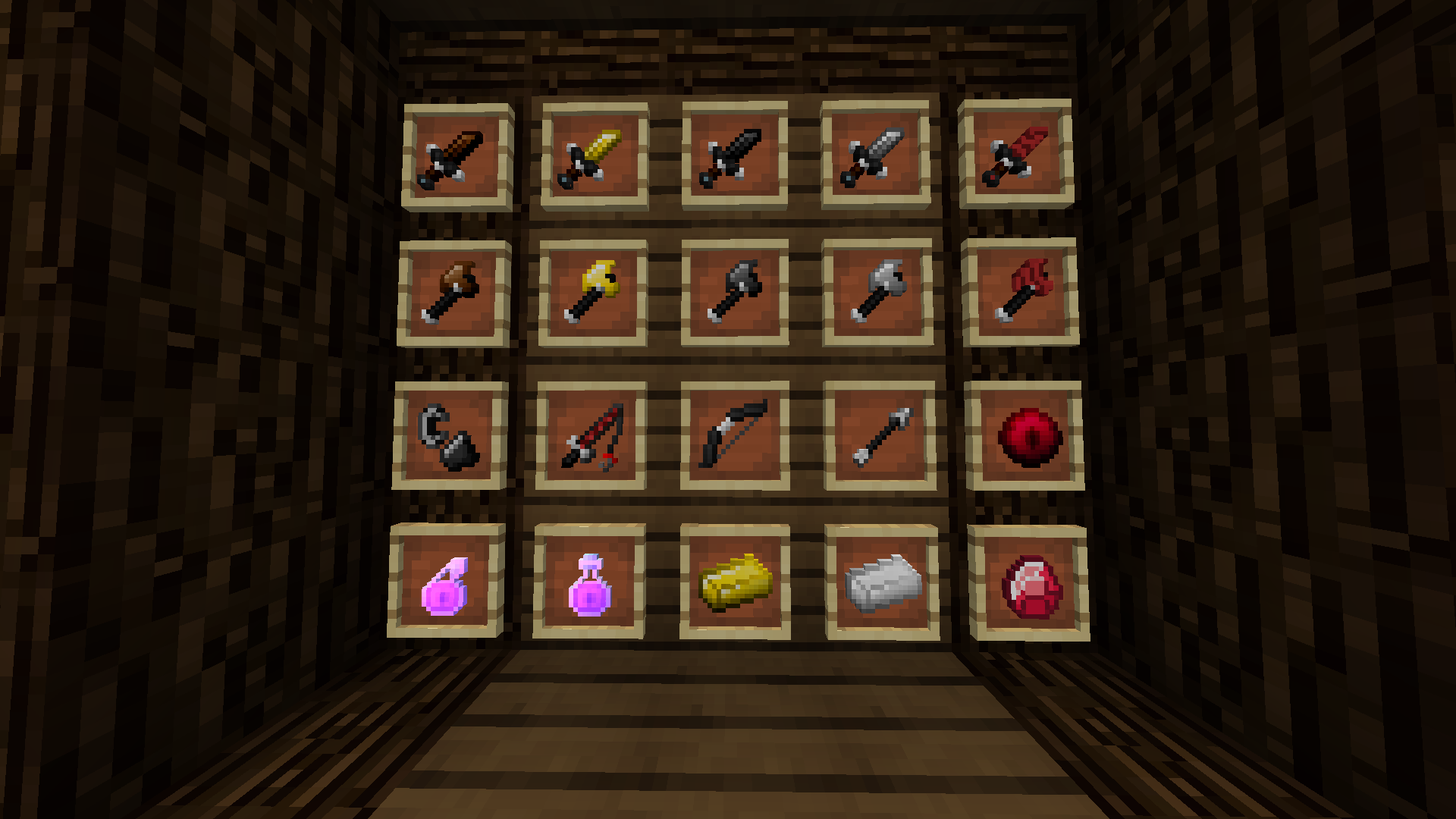
All Diamond Tools,

Bow,

Fishing Rod,

Diamond Sword,

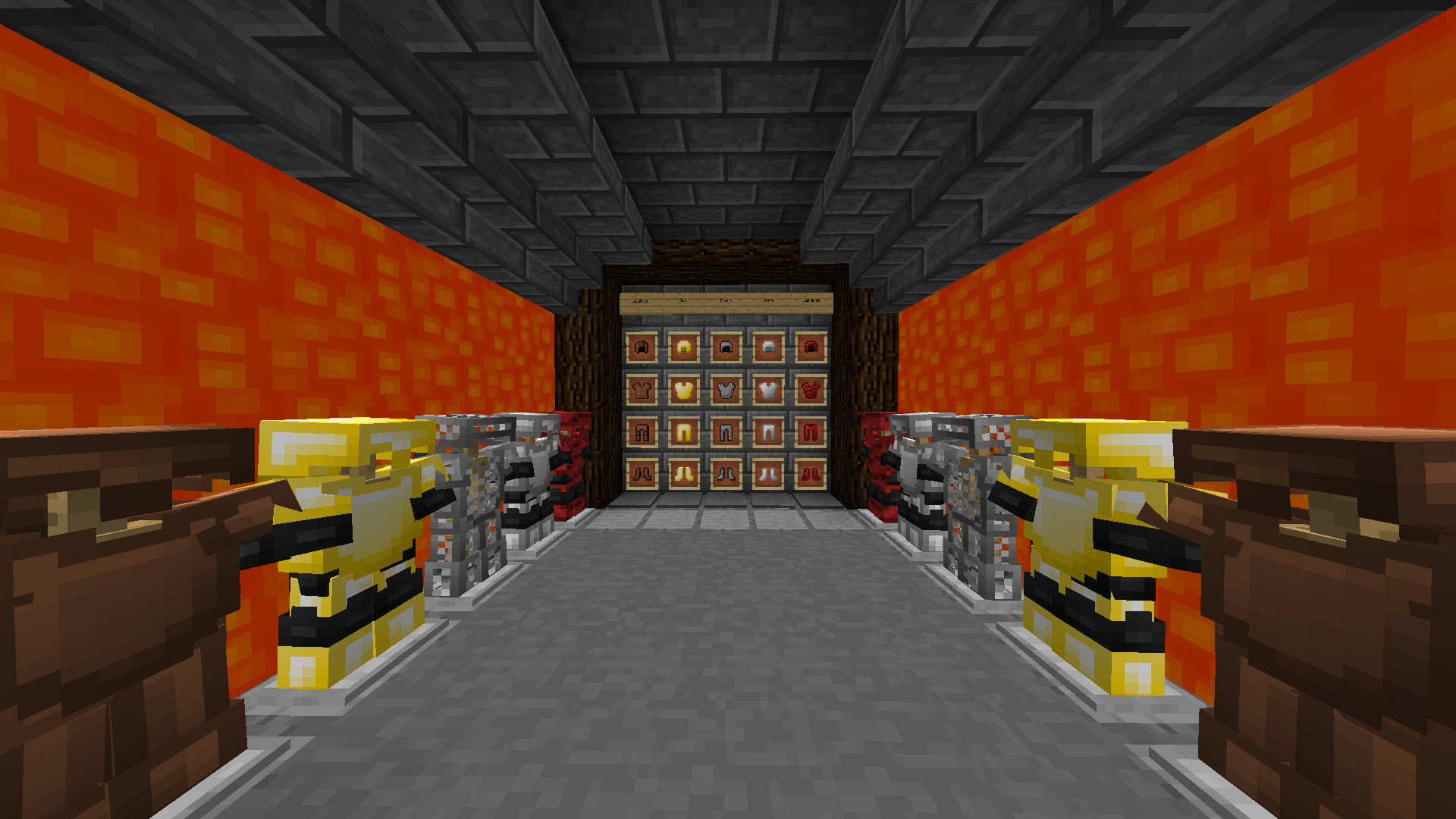
Diamond Armor,

Diamond Ore,

Diamond Block &

Ender Pearl.


P.S. all the other item changed too but not to Pewdiepie's logo :)


Check the photos in the Images and download if you liked it.

This Pack is also good for PvP so it may be good for a lot of you guys.

Use this pack with Optifine for better results :D.


ALSO COMMENT DOWN BELOW IF YOU HAVE MORE IDEAS OR THING TO CHANGE :)


How To Install the Resource pack:

 

  1. Press on files and Download the minecraft version you want to play with.
  2. Open Minecraft.
  3. Click on "Options", then "Resource Packs"
  4. Choose "Open resource pack folder"
  5. Drag the file from the downloads into that resource pack folder.
  6. And finally add it to your other textures.


PewdsPvP v3.0
MC 1.13.1, 1.14.4, 1.14.1, 1.14.3, 1.13, 1.14, 1.14.2, 1.13-Snapshot, 1.14-Snapshot, 1.13.2
Release 2019-07-26 Get
PewdsPvP v3.0
MC 1.12.1, 1.12, 1.11, 1.11.1, 1.11.2, 1.11-Snapshot, 1.12.2, 1.12-Snapshot
Release 2019-07-26 Get
PewdsPvP v2.0
MC 1.8.7, 1.8.4, 1.8.8, 1.8-Snapshot, 1.8.3, 1.8.6, 1.8, 1.8.2, 1.8.5, 1.8.9, 1.8.1
Beta 2019-07-25 Get
PewdsPvP v2.0
MC 1.13.1, 1.14.4, 1.14.1, 1.14.3, 1.13, 1.14, 1.14.2, 1.13-Snapshot, 1.14-Snapshot, 1.13.2
Beta 2019-07-25 Get
PewdsPvP v2.0
MC 1.12.1, 1.12, 1.12.2, 1.12-Snapshot
Beta 2019-07-25 Get
PewdsPvP
MC 1.12.1, 1.12, 1.12.2, 1.12-Snapshot
Alpha 2019-07-23 Get
PewdsPvP
MC 1.8.7, 1.8.4, 1.8.8, 1.8-Snapshot, 1.8.3, 1.8.6, 1.8, 1.8.2, 1.8.5, 1.8.9, 1.8.1
Alpha 2019-07-23 Get
PewdsPvP
MC 1.14.4, 1.14.1, 1.14.3, 1.14, 1.14.2, 1.14-Snapshot
Alpha 2019-07-23 Get

Requirements & install

How to use this resource pack in Minecraft
Resolution
16x
Minecraft
1.13.1 – 1.14.4
Install folder
.minecraft/resourcepacks

How to install resource packs

  1. Download the resource pack .zip file (do not extract it).
  2. In Minecraft open Options → Resource Packs → Open Pack Folder.
  3. Drop the .zip into the resourcepacks folder (.minecraft/resourcepacks).
  4. Move the pack to the Selected column and click Done.
Browse more: 16x resource packs 32x resource packs 64x resource packs 128x resource packs 256x resource packs 512x+ resource packs Resource Packs for 1.14.4 All resource packs

More from om3r4z

Advertisement Remove ads with Premium →

You Might Also Like