Mineuniverse
Resource Packs
PentaPack

PentaPack

RESOURCE PACK
A Resource Pack related to Pentama's content
by TheFox580
Download Claim this project
587 downloads
0 likes
Updated Oct 14, 2026
0 hypes
16x Miscellaneous
Advertisement Remove ads with Premium →

THIS PROJECT IS NO LONGER UPDATED.


This Resource Pack is based on the Pentama (who is a french streamer & youtuber) community & his content on Twitch and Youtube.

It usually get updated when i have a stupid idea or when there is a new version ( like from 1.18 to 1.19 ).

The pack also started as a troll pack by me and is still a troll pack


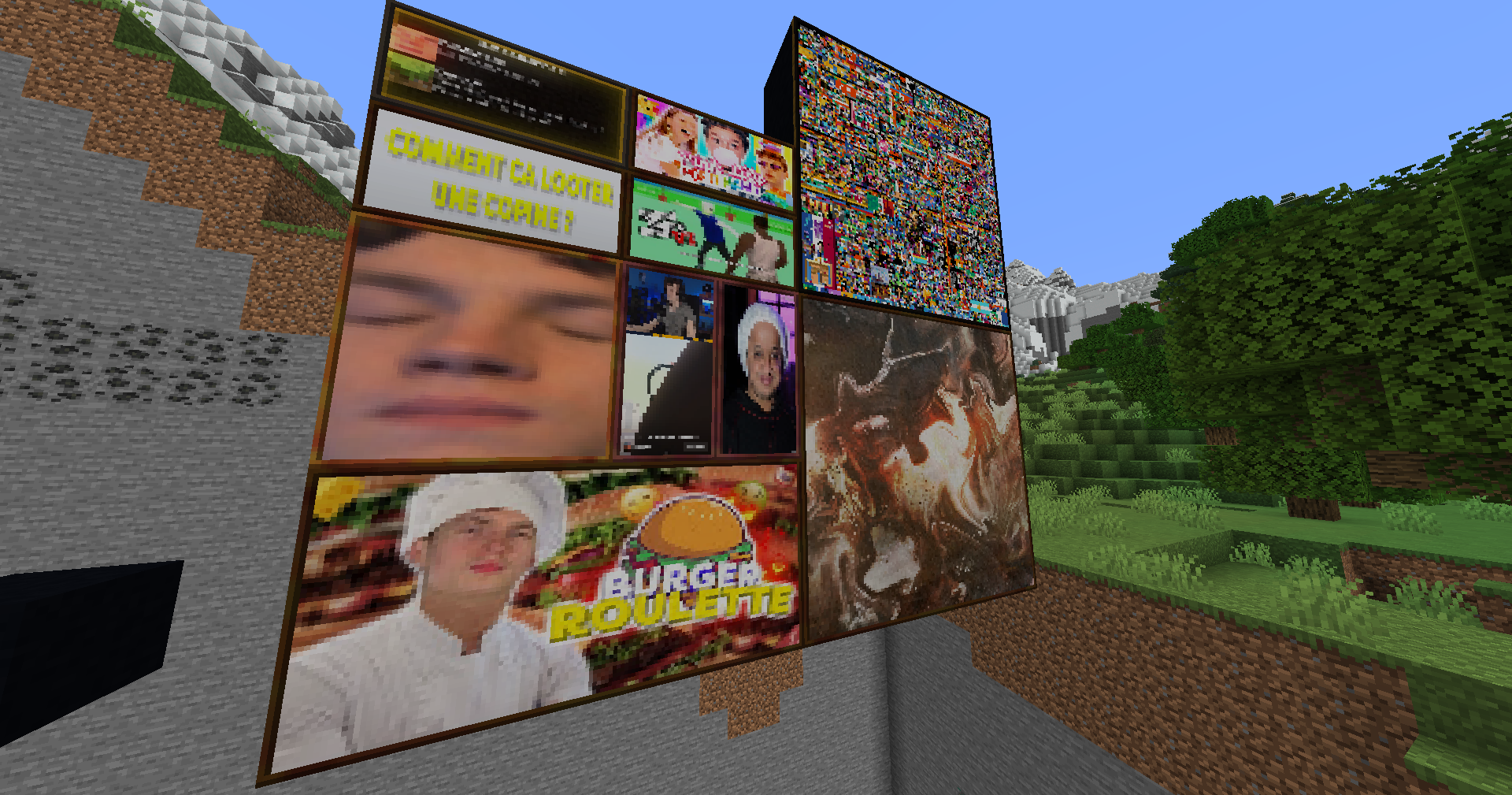
This Pack contain a special item and painting (check the link) related to Pentama's content !

Edit : Now also contains some of Pentama's Twitch Emote instead of random prominent character

PentaPack V1.7.1 - 1.18 Edition
MC 1.18.1, 1.18.2, 1.18, 1.18-Snapshot
Release 2022-07-28 Get
PentaPack V1.7.1 - 1.19 Edition
MC 1.19-Snapshot, 1.19.2, 1.19.1, 1.19
Release 2022-07-28 Get
PentaPack V1.7 - 1.18 Edition
MC 1.18.1, 1.18.2, 1.18, 1.18-Snapshot
Release 2022-07-26 Get
PentaPack V1.7 - 1.19 Edition
MC 1.19-Snapshot, 1.19.2, 1.19.1, 1.19
Release 2022-07-26 Get
PentaPack V1.6 - 1.18 Edition
MC 1.18.1, 1.18.2, 1.18, 1.18-Snapshot
Release 2022-07-23 Get
PentaPack V1.6 - 1.19 Edition
MC 1.19-Snapshot, 1.19.2, 1.19.1, 1.19
Release 2022-07-23 Get
PentaPack V1.1
MC 1.18.1, 1.18.2, 1.18, 1.18-Snapshot
Release 2022-06-12 Get
PentaPack V1.2
MC 1.18.1, 1.18.2, 1.18, 1.18-Snapshot
Release 2022-06-12 Get
PentaPack V1.3
MC 1.18.1, 1.18.2, 1.18, 1.18-Snapshot
Release 2022-06-12 Get
PentaPack V1.4
MC 1.18.1, 1.18.2, 1.18, 1.18-Snapshot
Release 2022-06-12 Get
PentaPack V1.5 - 1.18 Edition
MC 1.18.1, 1.18.2, 1.18, 1.18-Snapshot
Release 2022-06-12 Get
PentaPack V1.5 - 1.19 Edition
MC 1.19-Snapshot, 1.19.2, 1.19.1, 1.19
Release 2022-06-12 Get

Requirements & install

How to use this resource pack in Minecraft
Resolution
16x
Minecraft
1.18-Snapshot – 1.19.2
Install folder
.minecraft/resourcepacks

How to install resource packs

  1. Download the resource pack .zip file (do not extract it).
  2. In Minecraft open Options → Resource Packs → Open Pack Folder.
  3. Drop the .zip into the resourcepacks folder (.minecraft/resourcepacks).
  4. Move the pack to the Selected column and click Done.
Browse more: 16x resource packs 32x resource packs 64x resource packs 128x resource packs 256x resource packs 512x+ resource packs Resource Packs for 1.19.2 All resource packs
Advertisement Remove ads with Premium →

You Might Also Like