ABOUT
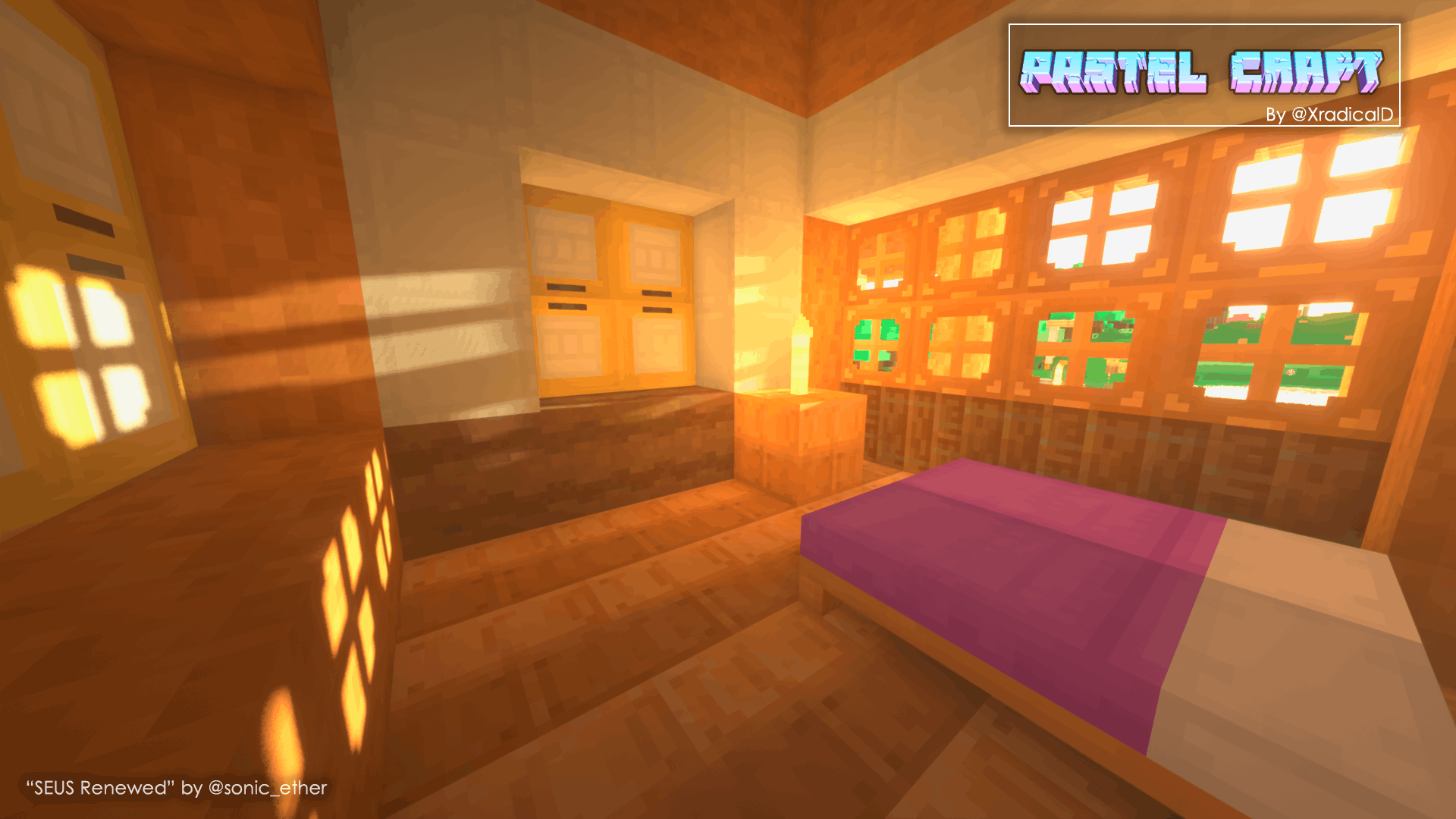
A pastel color texture pack for Minecraft!
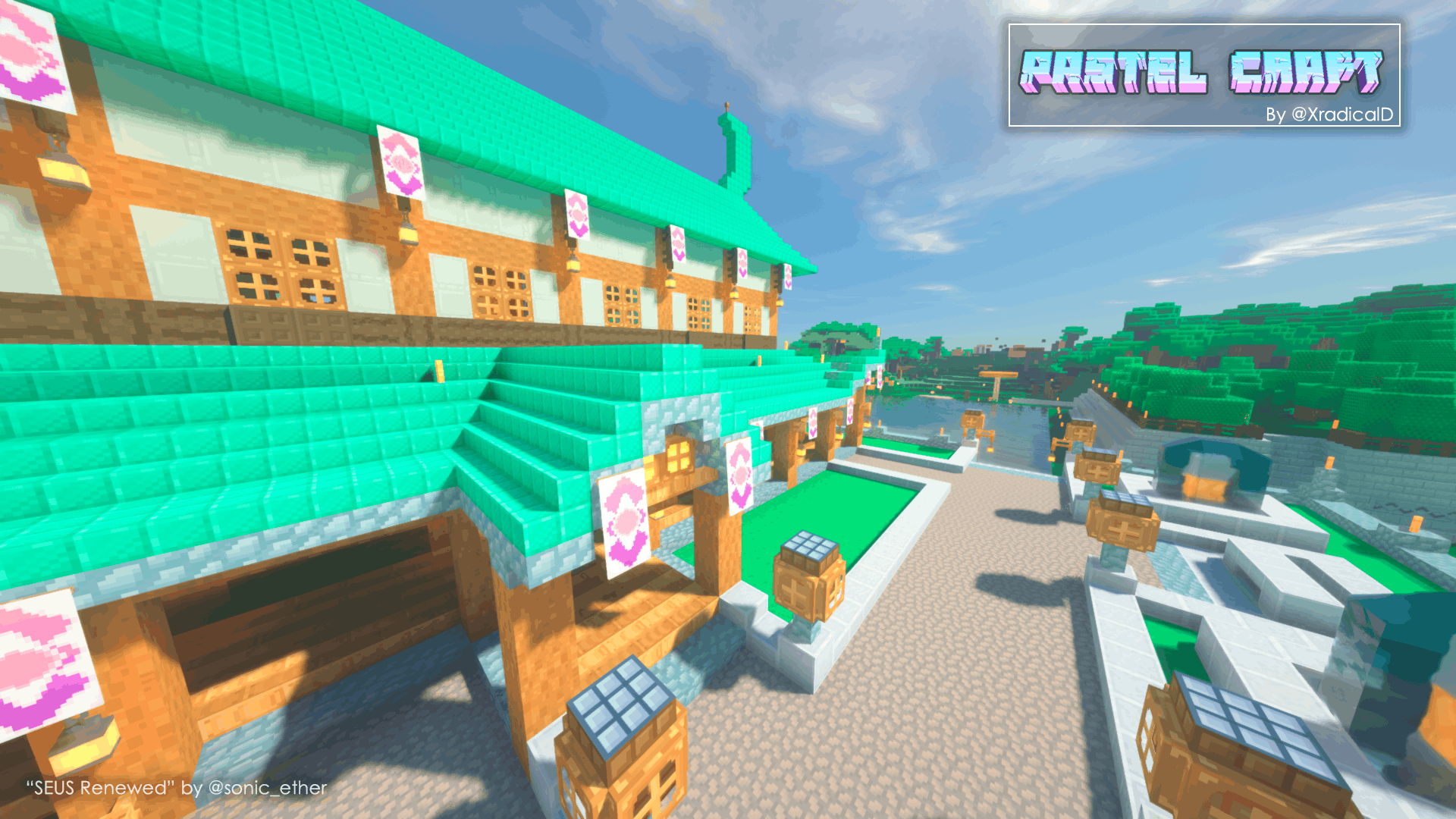
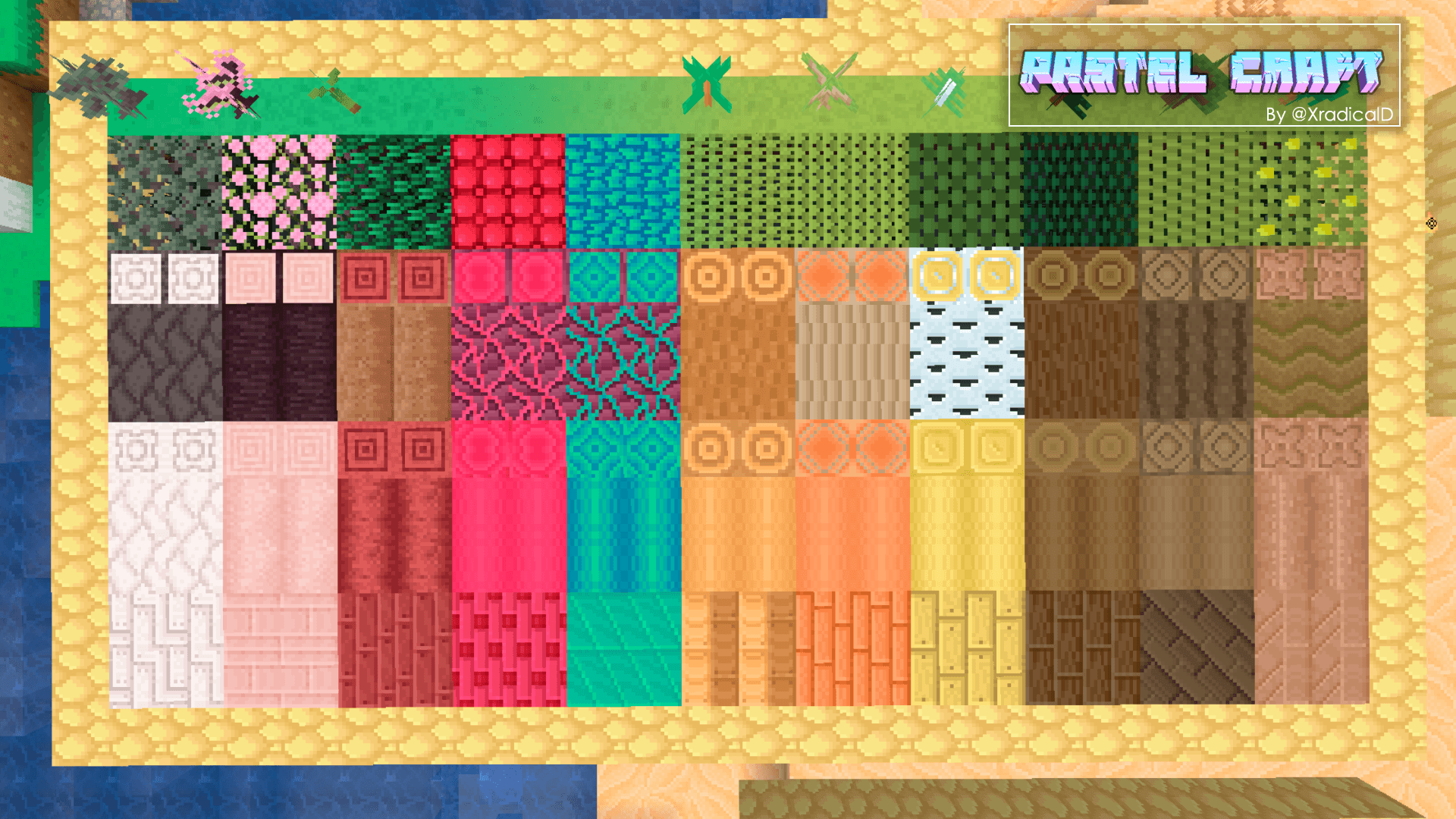
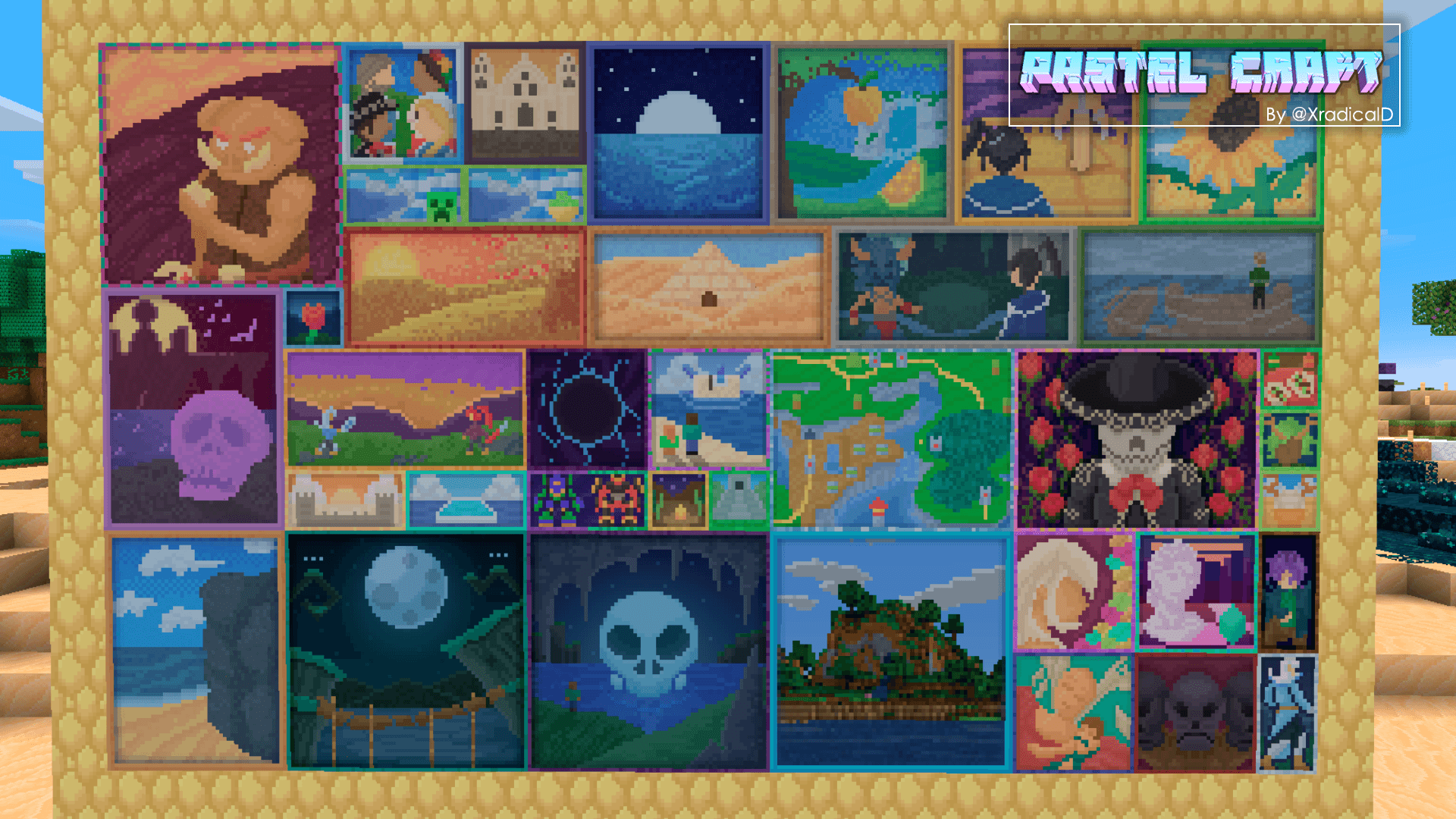
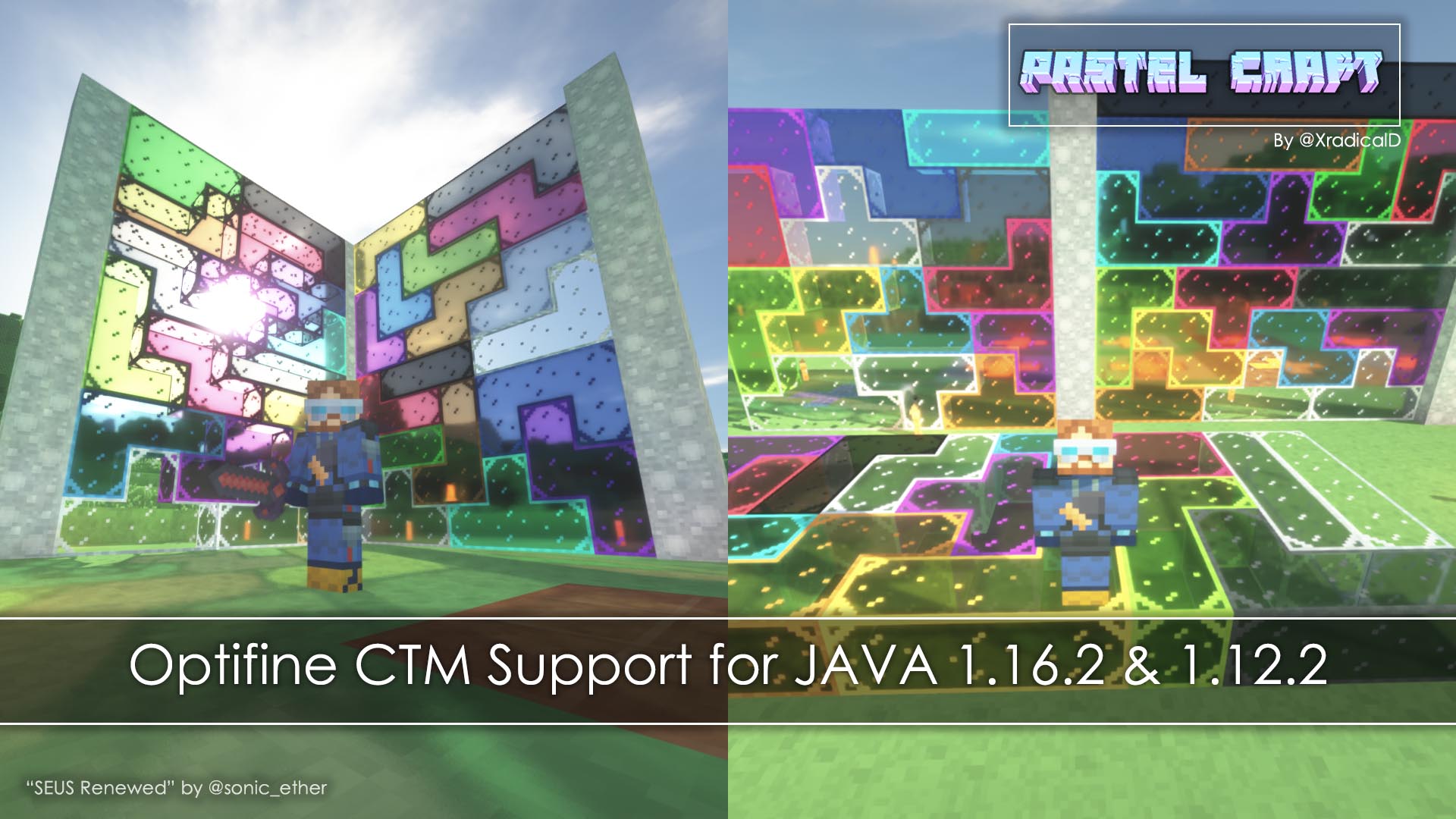
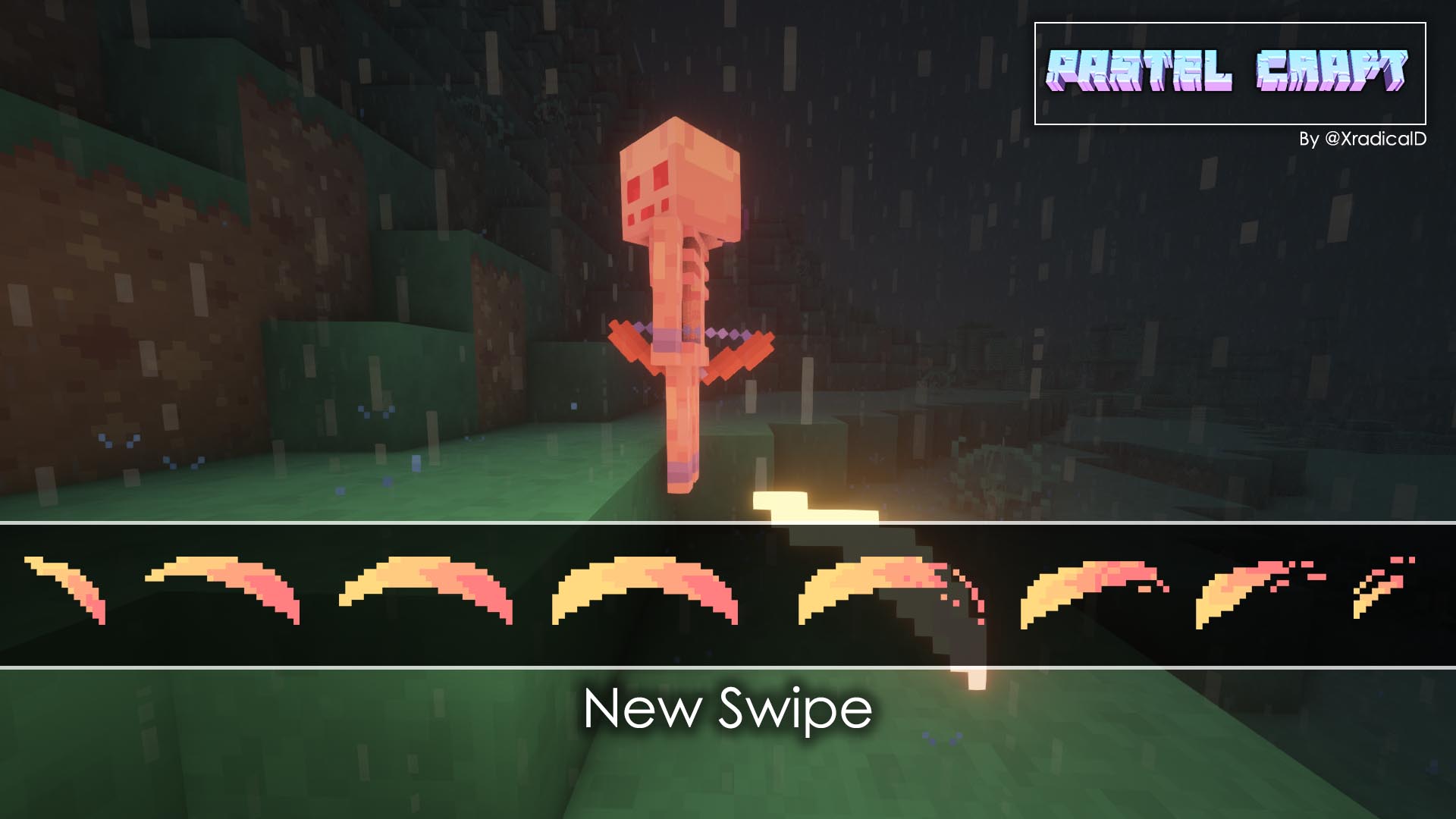
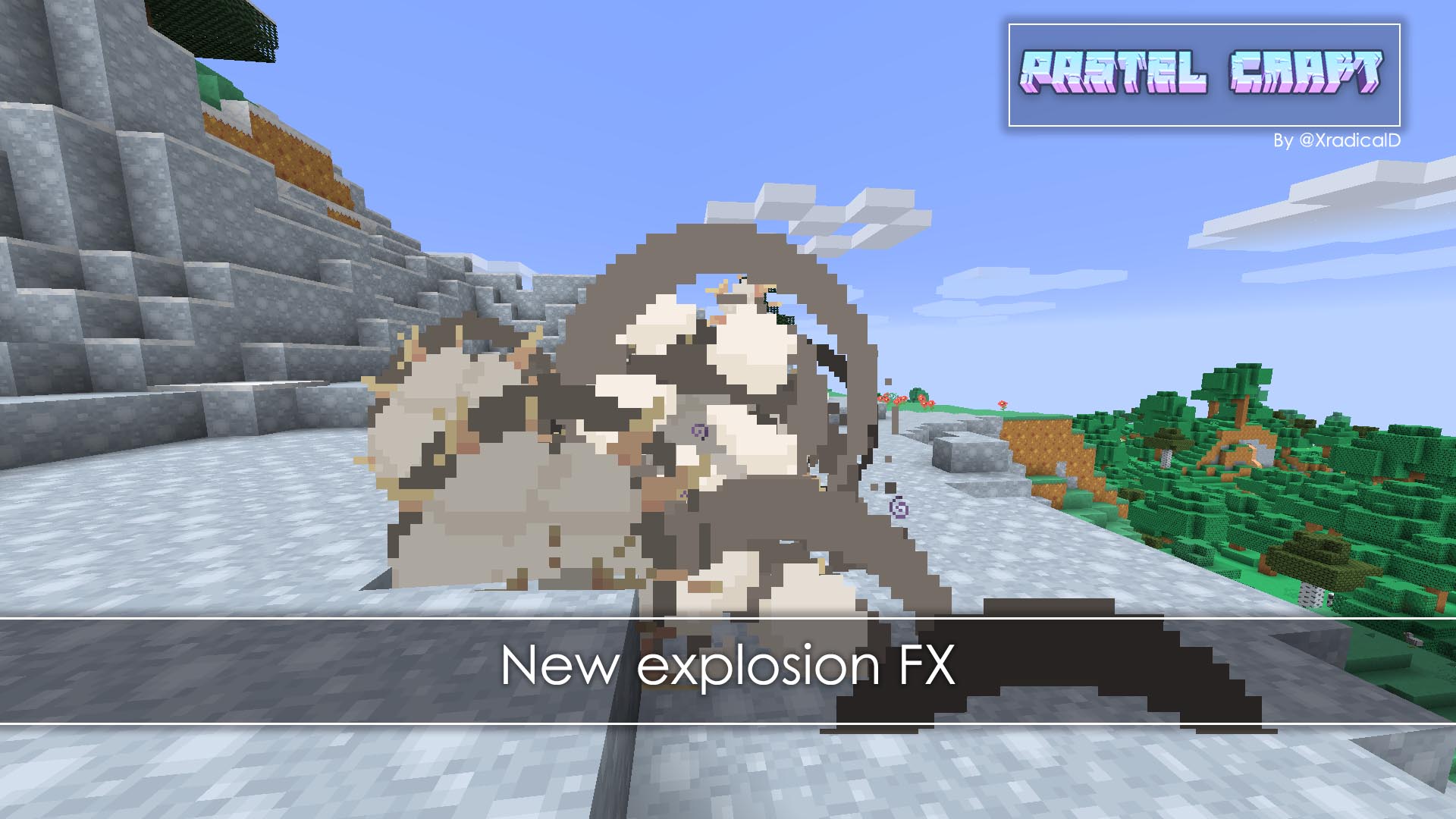
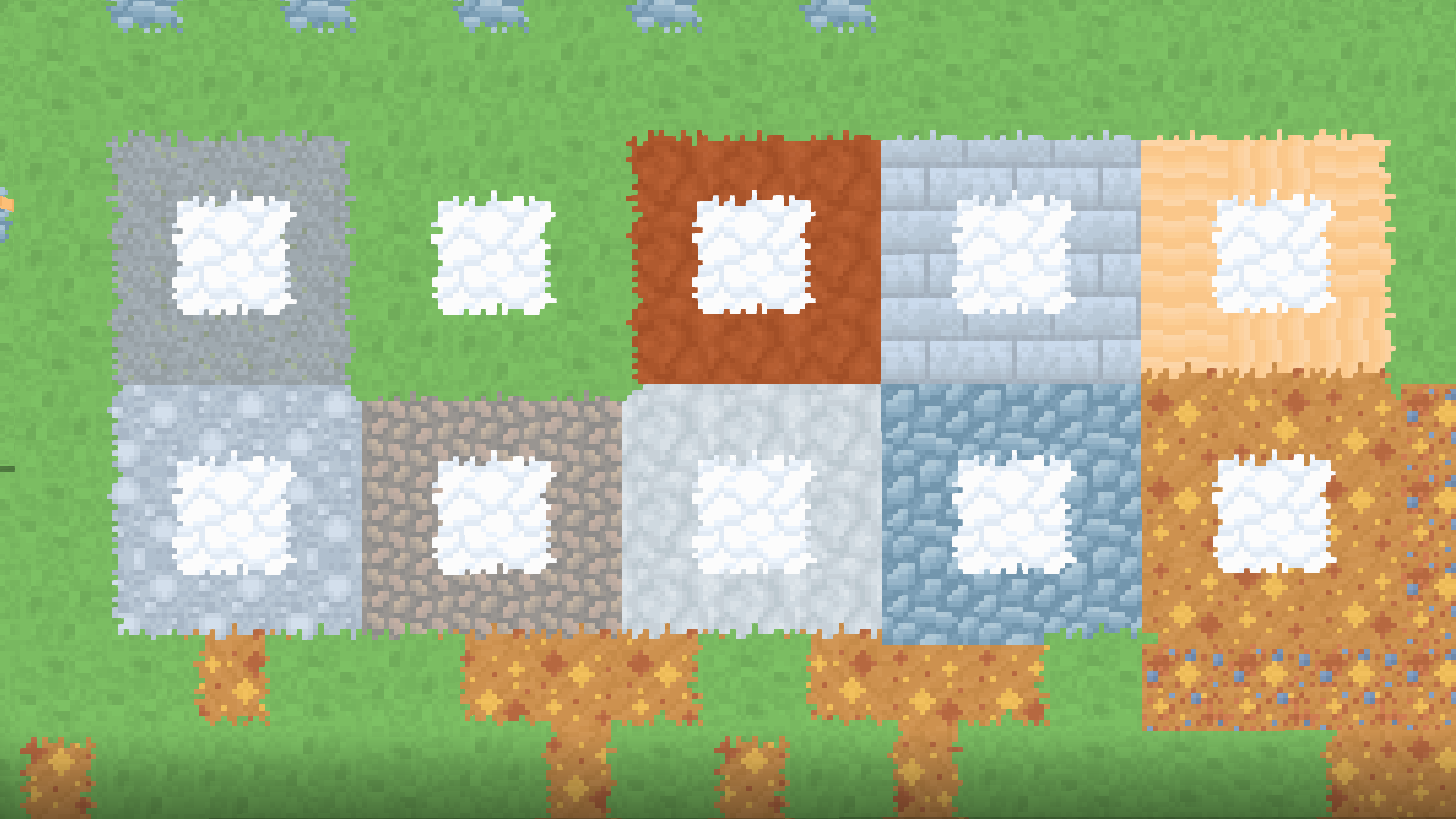
The main inspiration being the lack of full pastel packs for minecraft. This one also gives new designs and tries to keep it as simple as possible, no complicated textures but not single color blocks either.
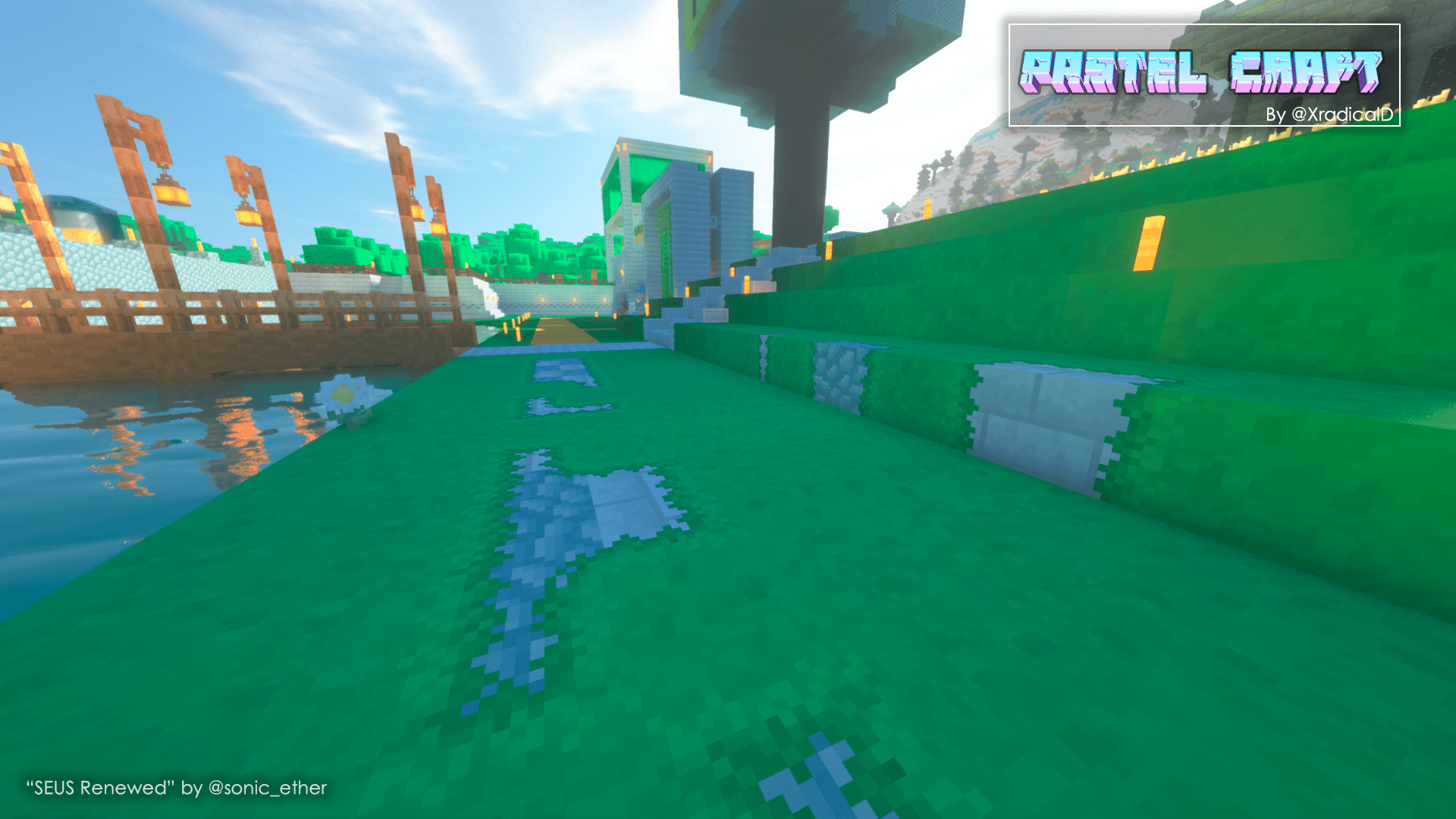
The focus is keeping it as colorful as possible without affecting the general visual design of the world. This is for easy identification of the world without double thinking the blocks functionality.
Made using Aseprite and Blockbench everything done by hand with a tablet.
INSTALLATION
JAVA:
As always, drop the main ZIP (Pastelcraft [VERSION].zip / Pastelcraft 1.12.2.zip) into your Resourcepacks folder, should be like this:
C:\Users\[NAME]\AppData\Roaming\.minecraft\resourcepacks\[PASTELCRAFT]
*Now you can just drop the ZIP of your version's preference into the RESOURCEPACKS folder
BEDROCK:
Being an .MCPACK just double click it and it should install it automatically
If you are playing on Pocket edition, try looking at this guide:
https://mcpedl.com/how-to-install-minecraft-pe-texture-packs-for-android/?cookie_check=1
*Alternatively, search up online. I used both this method and simply "opening it" on mobile and it worked.
MISC:

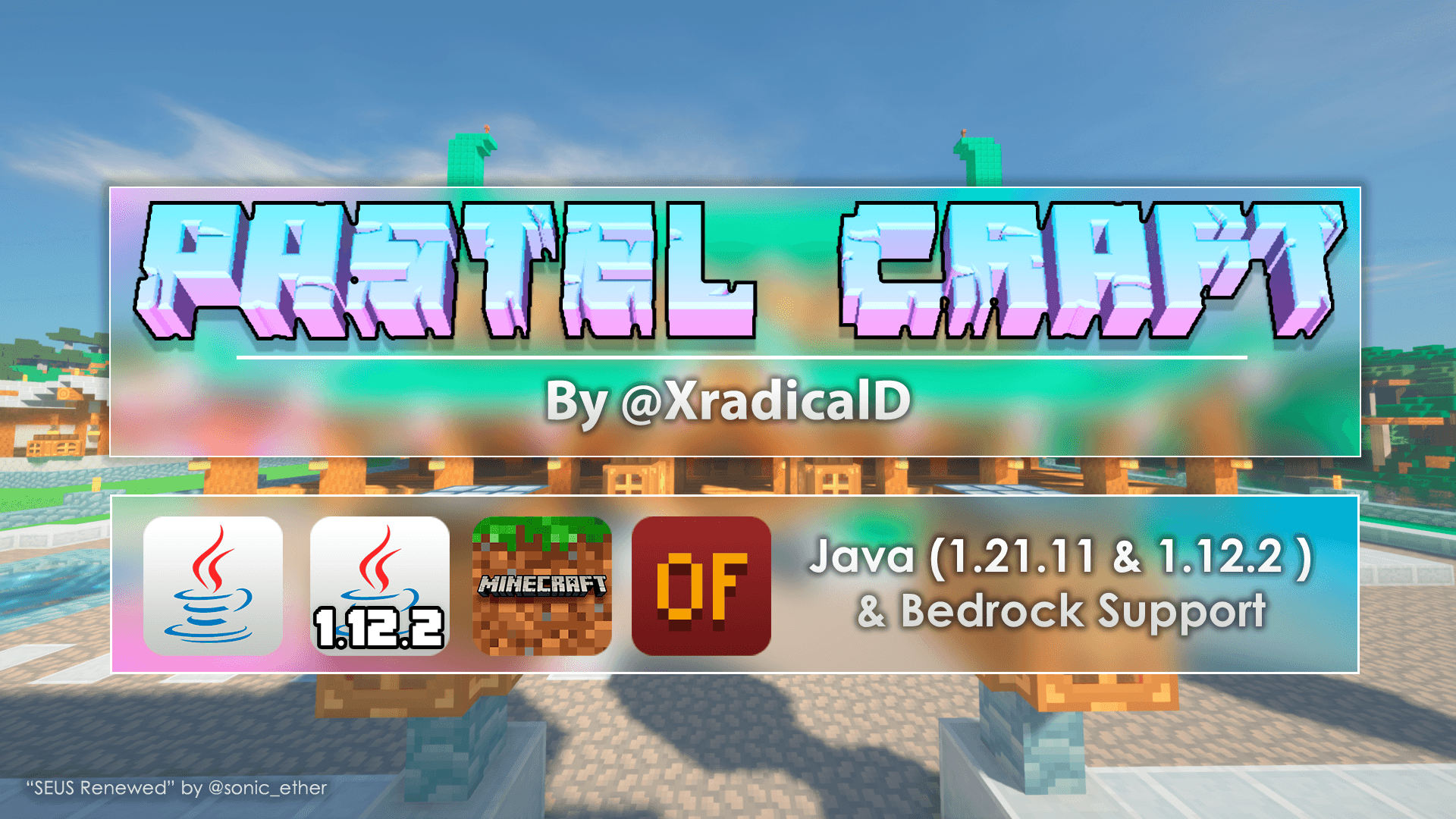
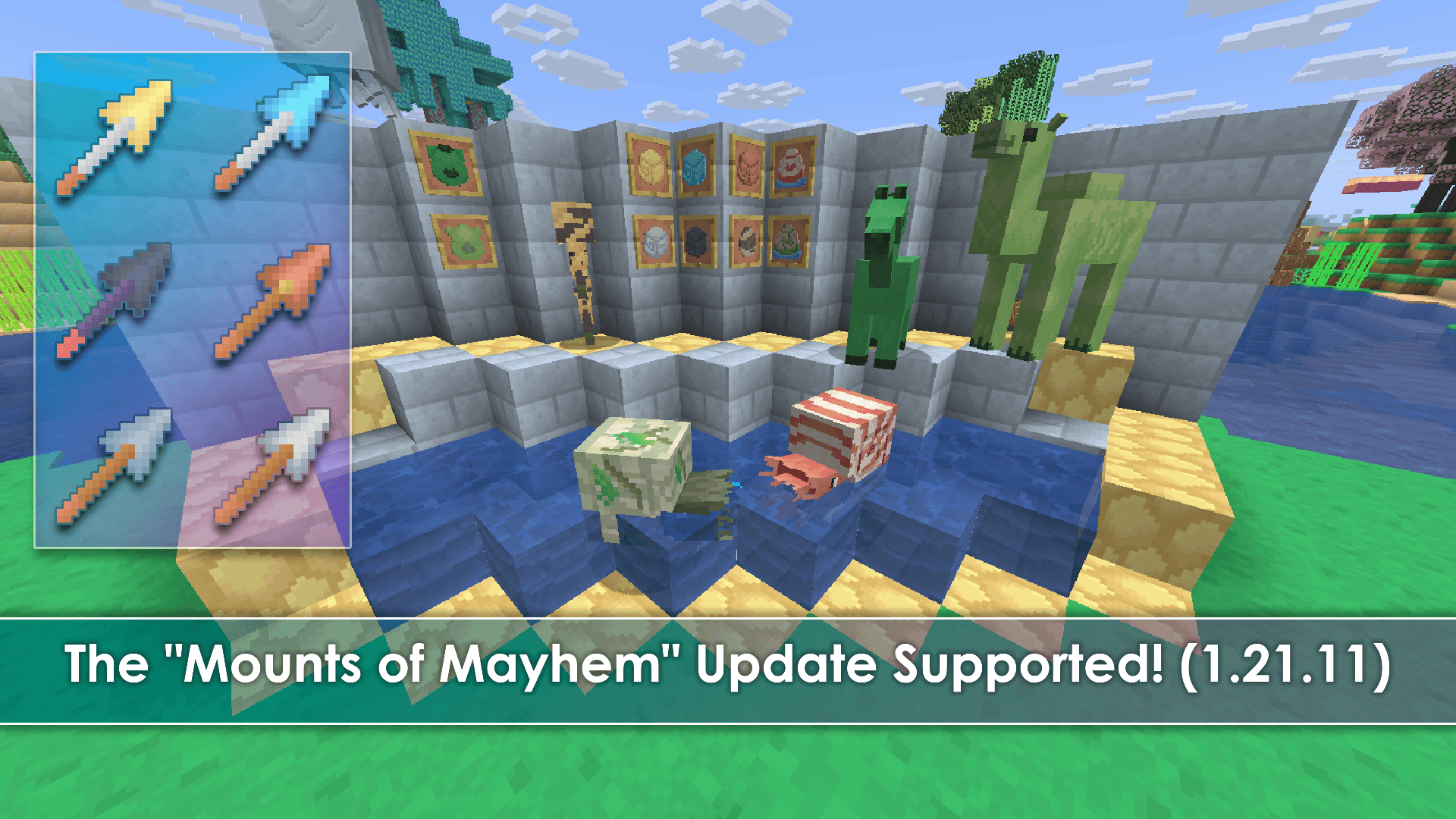
This is the roadmap for Pastel Craft! Every mayor version of minecraft is supported (Newest / 1.12.2 / Bedrock) and even available in the Minecraft Store
RECOMENDED SHADERS:
Arcane Shaders by Triliton
https://johanfossum.wixsite.com/arcane-shaders
Nostalgia Shaders by RRe36
https://www.curseforge.com/minecraft/customization/nostalgia-shader
BSL Shaders
https://www.curseforge.com/minecraft/customization/bsl-shaders
*Anything that can make the colors look a bit "muted" and clear shadows look nice, but anything is at your own choice
FAQ:
Q: Why the menus on Bedrock are different from Java?
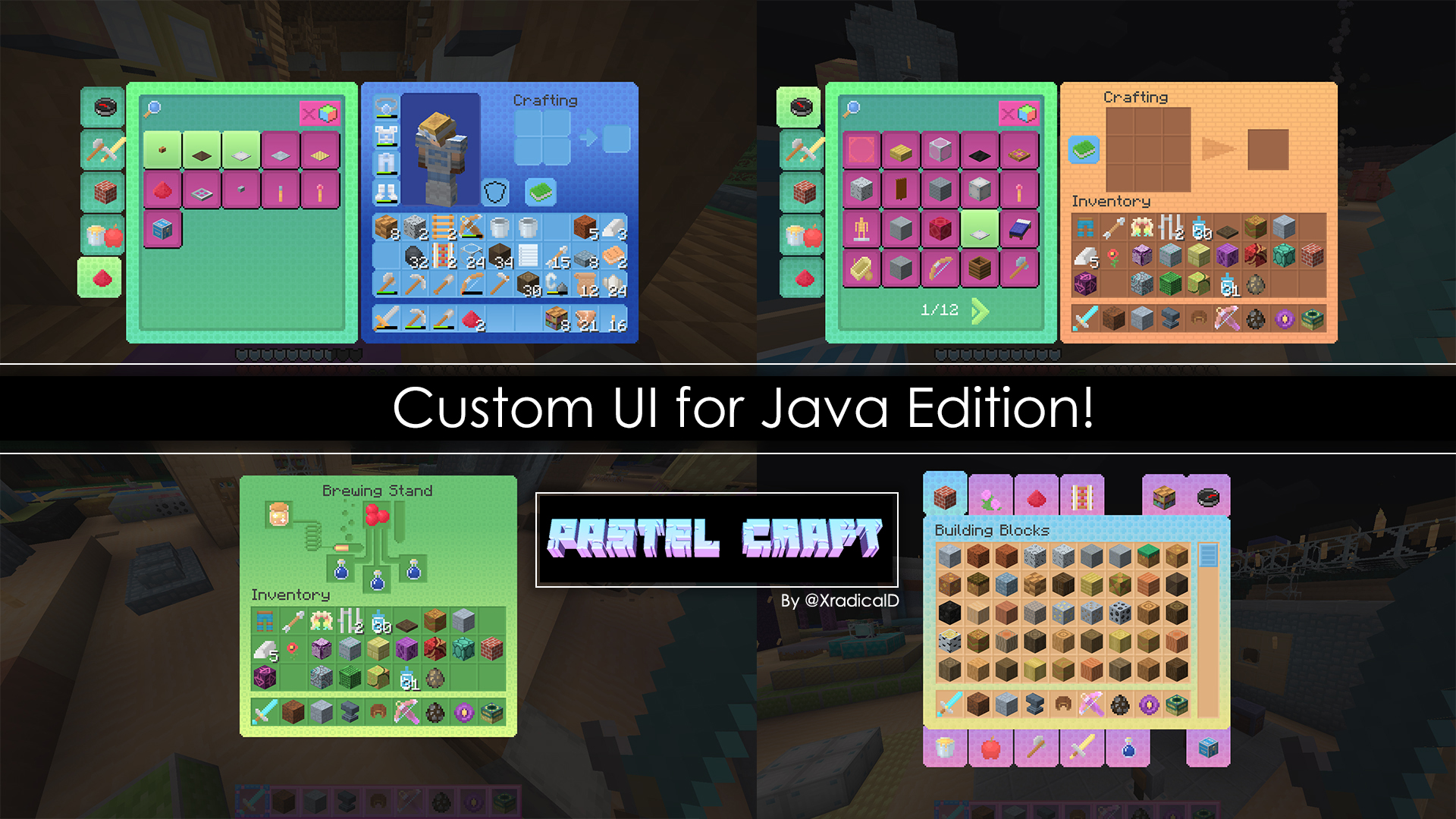
A: Bedrock handles menus a lot different than Java. Whereas Java has each menu as an unique image, Bedrock uses a general base menu texture for all their menus. (Explained further on this tweet )
Q: Why I can still see the default UI on some places?
A: You may need to restart Minecraft in order for the UI to load fully. Make sure The pastel pack is on top of the default Minecraft assets before you restart your game.
Q: Will Bedrock ever have the same menus as Java?
A: I do think it's possible, however this requires a lot more research on my end. But the new UI looks nice on its own!
Q: Bedrock is missing X thing.
A: I may or may not be aware of it. Some things only require simple workarounds, others not. Will update in due fashion, but please consider commenting on what's missing!
Q: What's the difference between the free release and the Minecraft Store release?
A: Virtually nothing! You can keep enjoying Pastelcraft for free! The only differences are:
- You can play on your consoles (Playstation, Xbox and Nintendo) and mobiles devices with ease.
- You support me and my partners at Square Dreams to keep working on this pack!
- The MC Store requires verifications per update, so newer versions should be available here first.
Q: Where is the Bedrock page?
A: Here: The Pastel Pack on the Minecraft Store