Mineuniverse
Resource Packs
Parrot's Questlog

Parrot's Questlog

RESOURCE PACK
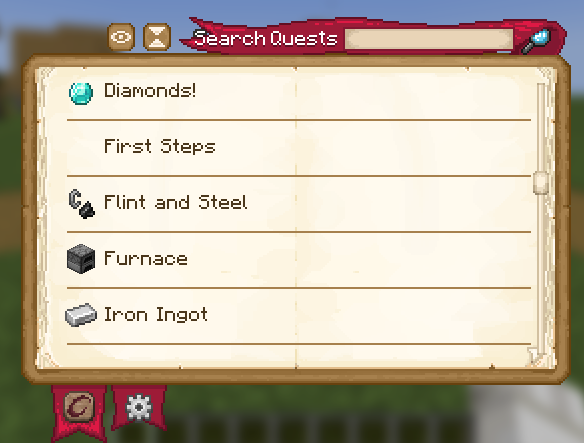
A revamp of the Questlog mod's textures to give it a more rustic and medieval feeling, as well as adding some custom quest pages for further customization themed around both vanilla and Create
by voxelparrot
Download Claim this project
190 downloads
0 likes
Updated Oct 14, 2026
0 hypes
16x Medieval Miscellaneous Mod Support Steampunk
Advertisement Remove ads with Premium →

Parrot's Questlog

Questlog Main Page

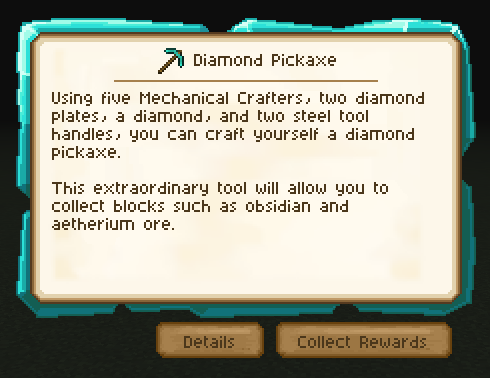
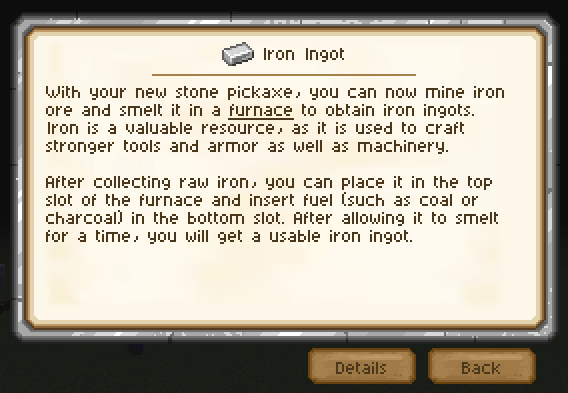
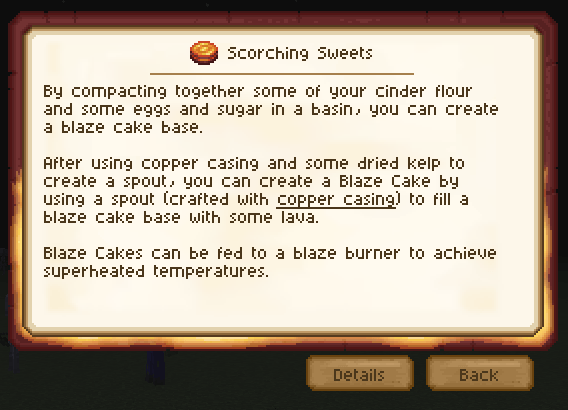
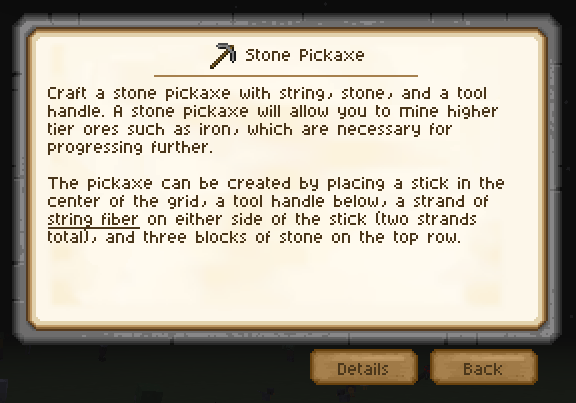
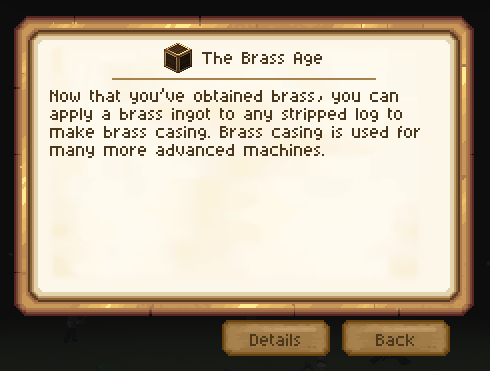
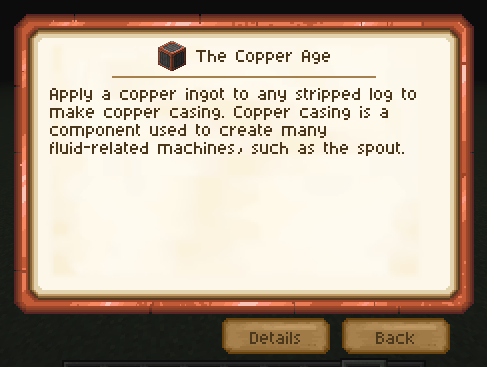
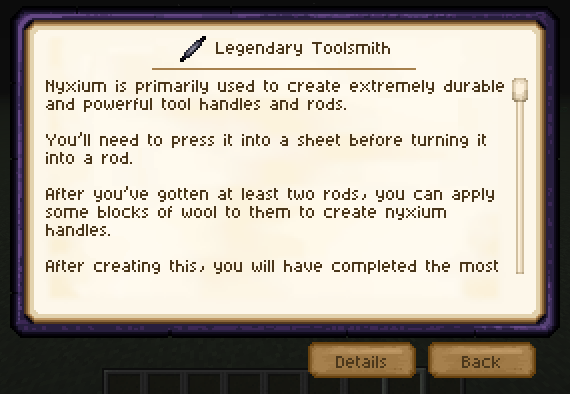
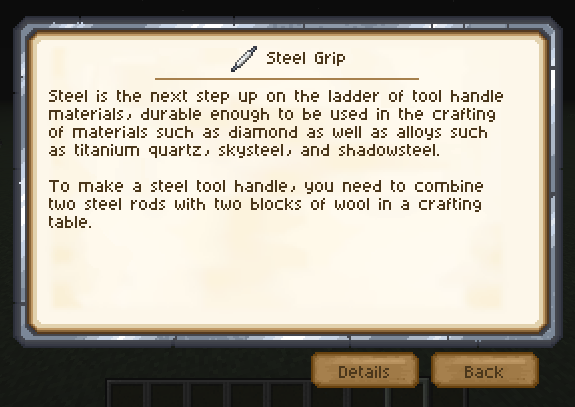
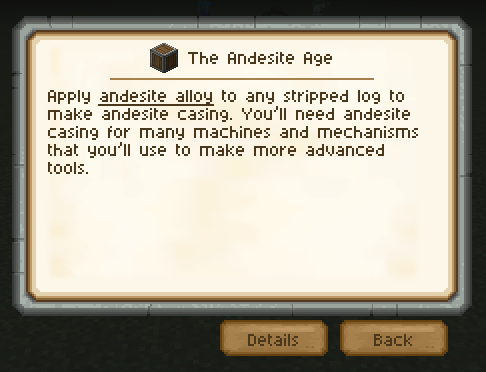
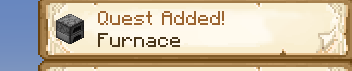
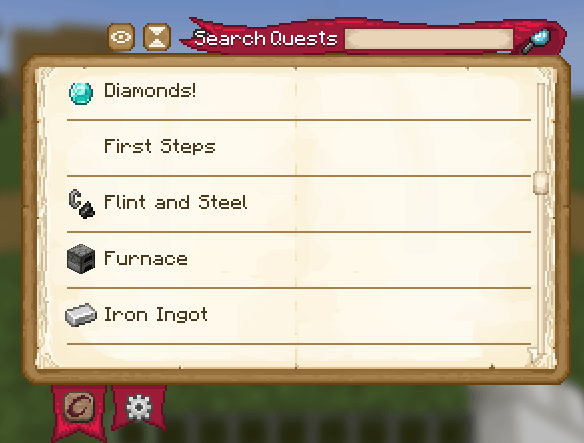
This resource pack is meant to serve as a revamp of the Questlog mod to give it a more rustic and medieval feeling. Specifically, it adds more textured quest pages, tabs, buttons, etc. It also has a set of custom quest pages for you to use as quest backgrounds.

A full list of the custom quest pages is below (and with examples in the media gallery)!

I've also noted the locations of each texture file so that you can more easily set up your quests to use them. (see how on the Questlog Wiki specifically on the Quest Definition Page, look for background_texture)

Stone Quest Page

questlog:textures/gui/pages/stone.png

Copper Quest Page

questlog:textures/gui/pages/copper.png

Iron Quest Page

questlog:textures/gui/pages/iron.png

Steel Quest Page

questlog:textures/gui/pages/steel.png

Netherrack Quest Page

questlog:textures/gui/pages/netherrack.png

Diamond Quest Page

questlog:textures/gui/pages/diamond.png

Obsidian Quest Page

questlog:textures/gui/pages/obsidian.png

Andesite Quest Page

questlog:textures/gui/pages/andesite.png

Brass Quest Page

questlog:textures/gui/pages/brass.png

(The showcased quests are from my modpack Cognata Remaster)

Parrot's Questlog.zip
MC 1.20.2-Snapshot, 1.20.5-Snapshot, 1.19-Snapshot, 1.19.3, 1.20.2, 1.19.4, 1.19.4-Snapshot, 1.20.5, 1.20.1, 1.20.6, 1.21.1, 1.19.1, 1.20.4, 1.19.2, 1.20.3-Snapshot, 1.20.3, 1.19
Release 2026-05-04 Get

Requirements & install

How to use this resource pack in Minecraft
Resolution
16x
Minecraft
1.20.2 – 1.21.1
Install folder
.minecraft/resourcepacks

How to install resource packs

  1. Download the resource pack .zip file (do not extract it).
  2. In Minecraft open Options → Resource Packs → Open Pack Folder.
  3. Drop the .zip into the resourcepacks folder (.minecraft/resourcepacks).
  4. Move the pack to the Selected column and click Done.
Browse more: 16x resource packs 32x resource packs 64x resource packs 128x resource packs 256x resource packs 512x+ resource packs Resource Packs for 1.21.1 All resource packs

More from voxelparrot

Advertisement Remove ads with Premium →

You Might Also Like