Mineuniverse
Resource Packs
Painterly Fantasy V2

Painterly Fantasy V2

RESOURCE PACK
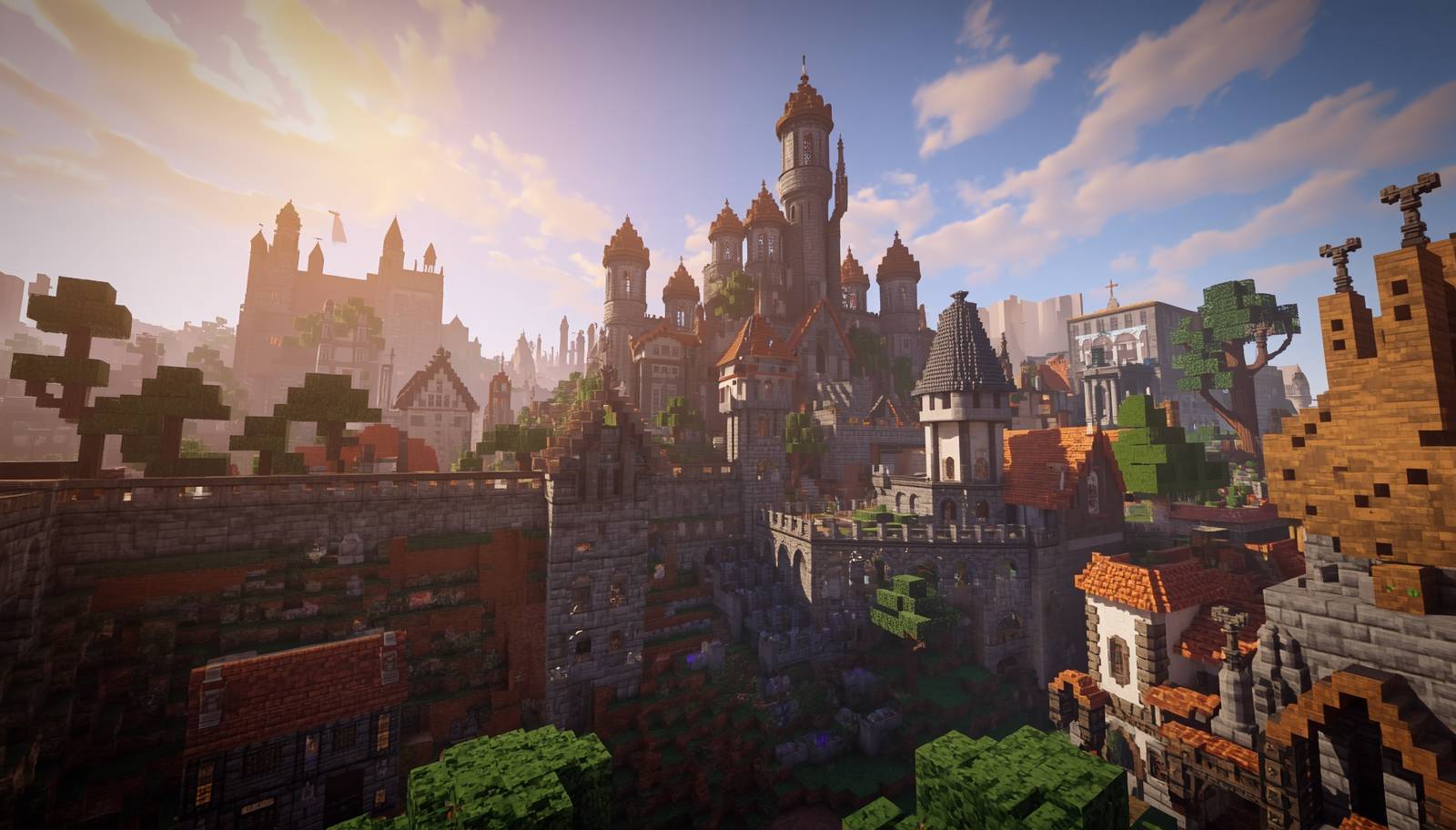
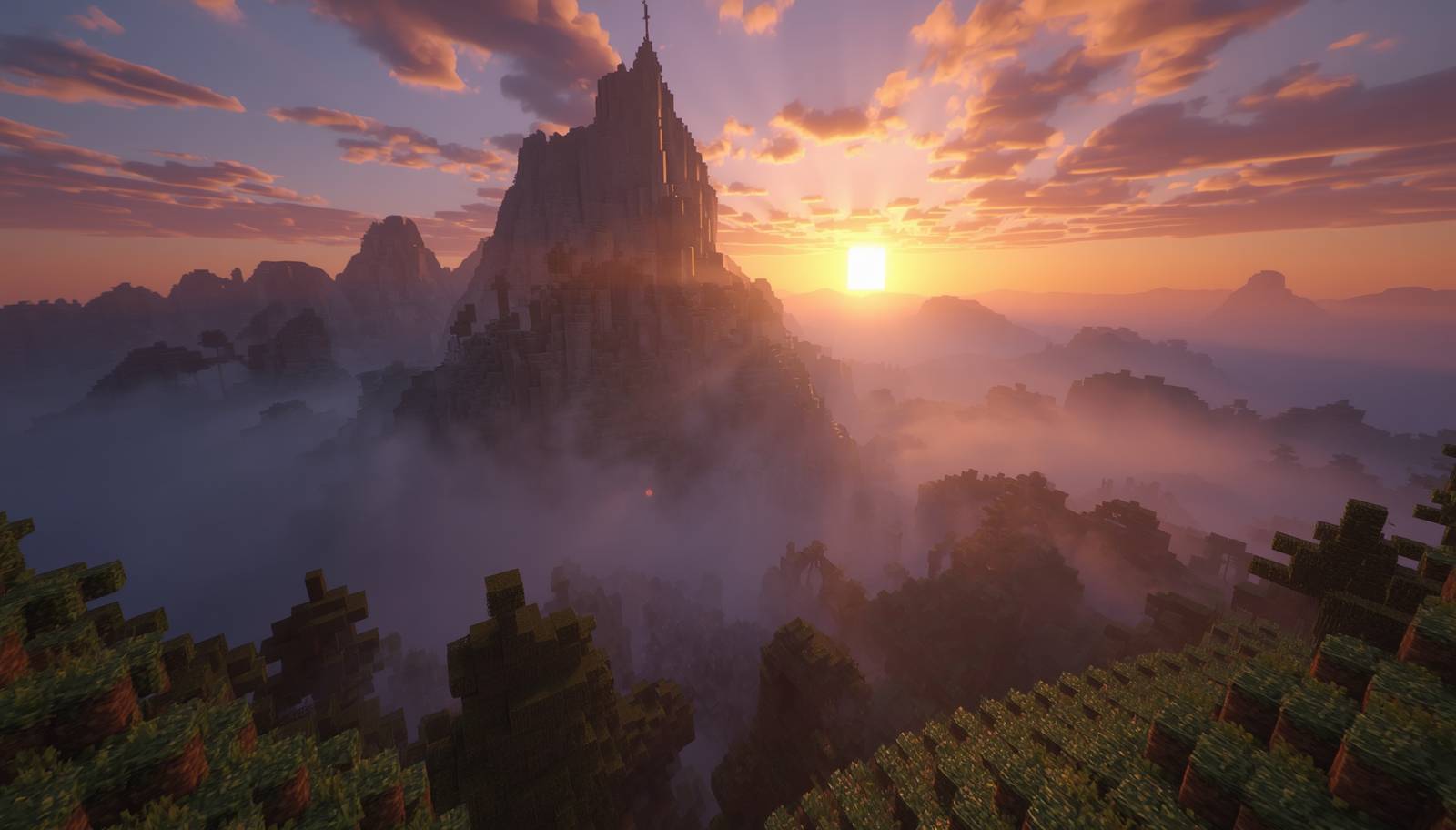
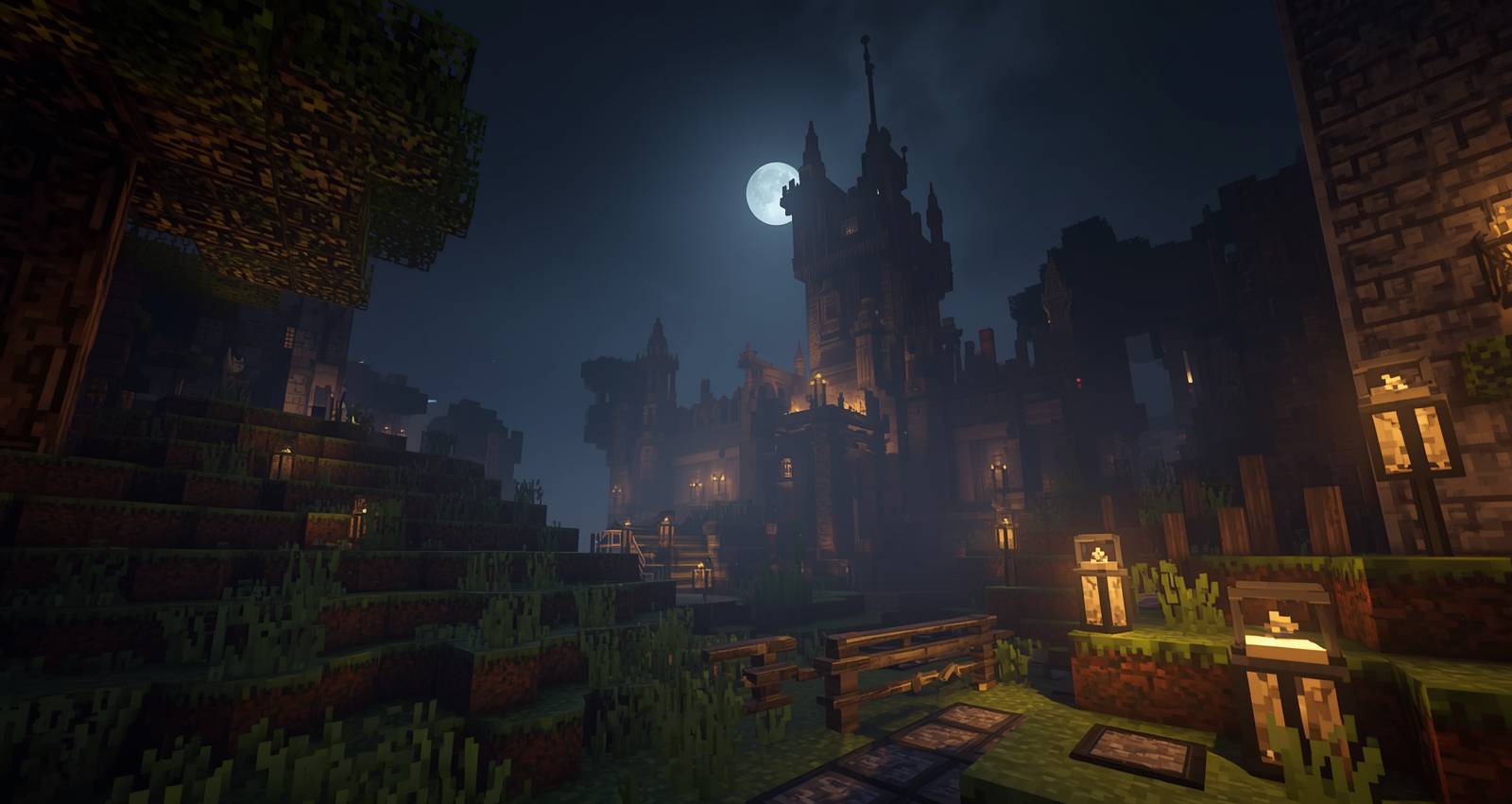
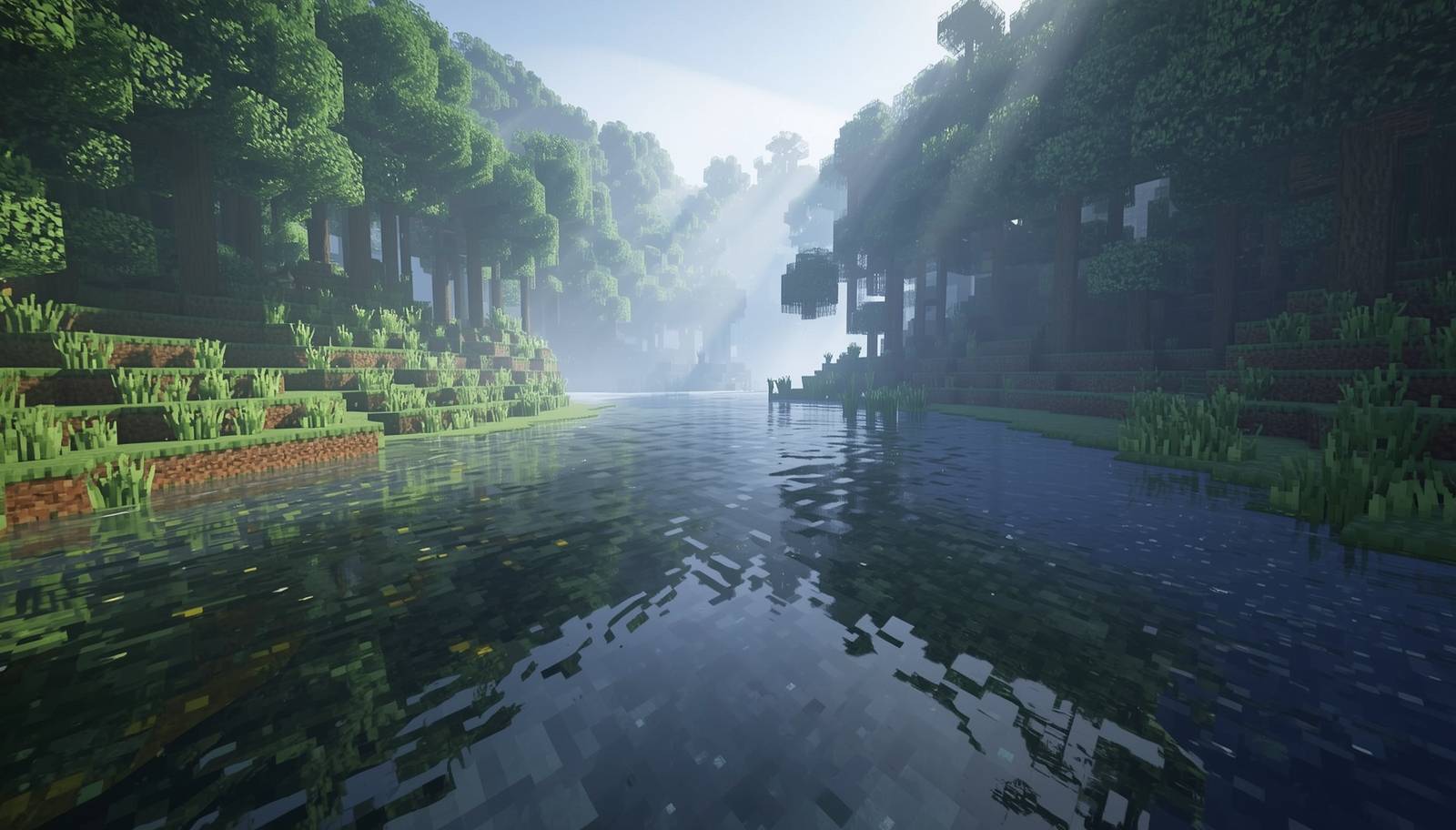
🎨 Painterly Fantasy V2 transforms Minecraft with immersive fantasy-inspired textures, colorful environments, detailed blocks, and a magical medieval atmosphere. Perfect for fantasy worlds, RPG adventures, magical modpacks, and cinematic builds.
by Modmaster_X
Download Claim this project
1,183 downloads
0 likes
0 followers
Updated Oct 14, 2026
0 hypes
Follow0
16x Medieval
Advertisement Remove ads with Premium →

🎨 Painterly Fantasy V2

A hand-painted fantasy resource pack for Minecraft Java Edition, featuring 87+ custom textures with a cinematic painterly art style built for RPG, medieval, and adventure worlds.

✨ What Makes It Different

  • 87+ fully custom 16x textures — blocks, ores, items
  • Multi-layer noise on stone/deepslate to eliminate tiling
  • Smooth grass-to-dirt transitions (no hard pixel cuts)
  • Proper alpha on leaves, water, glass and ice
  • Warm consistent palette across all biomes
  • Works perfectly with and without shaders

🧱 Textures Included

Blocks: Grass, Stone, Cobblestone, Deepslate, all Ores, Oak/Spruce/Birch/Jungle/Acacia/Dark Oak Planks, Logs, Leaves, Sand, Gravel, Water, Lava, Glass, Chest, Furnace, Crafting Table, TNT, Ice, Snow, Netherrack, Soul Sand, Glowstone, and more Items: Swords, Pickaxes, Ingots, Diamonds, Coal, Apple, Bread, Bone, Stick, Flint

🌍 Perfect For

  • Fantasy survival worlds
  • Medieval kingdom builds
  • RPG servers and adventure maps
  • Magic modpacks
  • Cinematic screenshots

⚑ Recommended Shaders

  • Complementary Shaders
  • BSL Shaders
  • Bliss Shaders
  • Photon Shaders

πŸ“¦ Installation

Drop the ZIP into .minecraft/resourcepacks/ — no unzipping needed Enable in Options → Resource Packs

πŸ“‹ Compatibility

Minecraft Java Edition 1.20 – 1.21.4 Resolution: 16x

πŸ“ Changelog

v2.0 (May 2026) — Full release with 87 textures across 4 phases

PainterlyFantasyV2-1.21.4
MC 1.21, 1.20.2, 1.20.5, 1.21.4, 1.20.1, 1.20, 1.20.6, 1.21.1, 1.21.3, 1.20.4, 1.20.3, 1.21.2
Release 2026-05-30 Get

Requirements & install

How to use this resource pack in Minecraft
Resolution
16x
Minecraft
1.20.4 – 1.21.4
Install folder
.minecraft/resourcepacks

How to install resource packs

  1. Download the resource pack .zip file (do not extract it).
  2. In Minecraft open Options β†’ Resource Packs β†’ Open Pack Folder.
  3. Drop the .zip into the resourcepacks folder (.minecraft/resourcepacks).
  4. Move the pack to the Selected column and click Done.
Browse more: 16x resource packs 32x resource packs 64x resource packs 128x resource packs 256x resource packs 512x+ resource packs Resource Packs for 1.21.4 All resource packs

More from Modmaster_X

Advertisement Remove ads with Premium →

You Might Also Like