



Mineuniverse
Resource Packs
Painter's Eye

Painter's Eye

RESOURCE PACK
Makes the Painting item more accessible.
by GraysBlock
Download Claim this project
335 downloads
0 likes
Updated Oct 14, 2026
0 hypes
16x Miscellaneous Traditional
Advertisement Remove ads with Premium →
Painter's Eye Logo

Painter's Eye Showcase Requires CIT Resewn (1.21.1), OptiFine, or Variants-CIT (1.21.2+)!
Modrinth CurseForge CIT GitHub

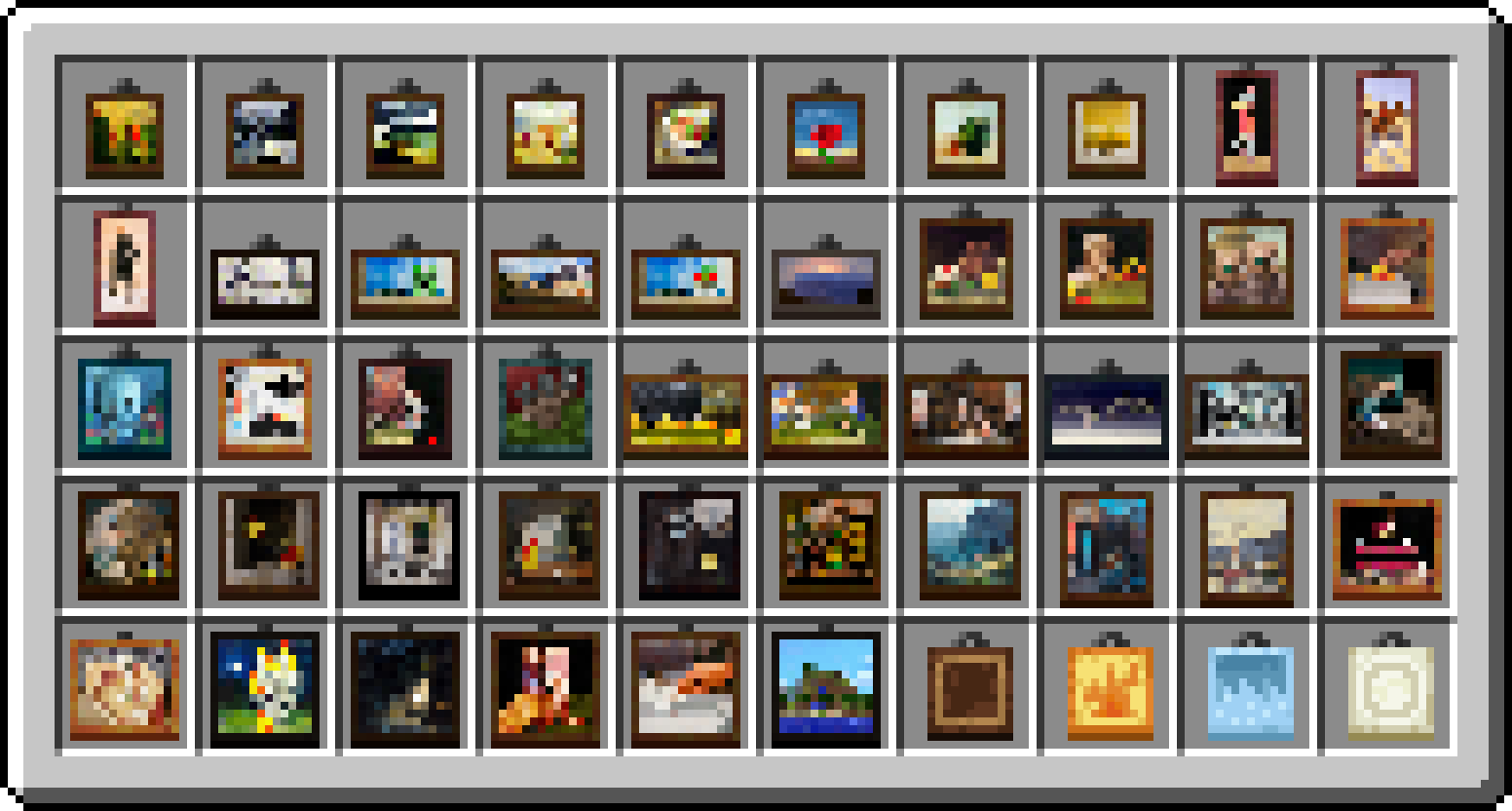
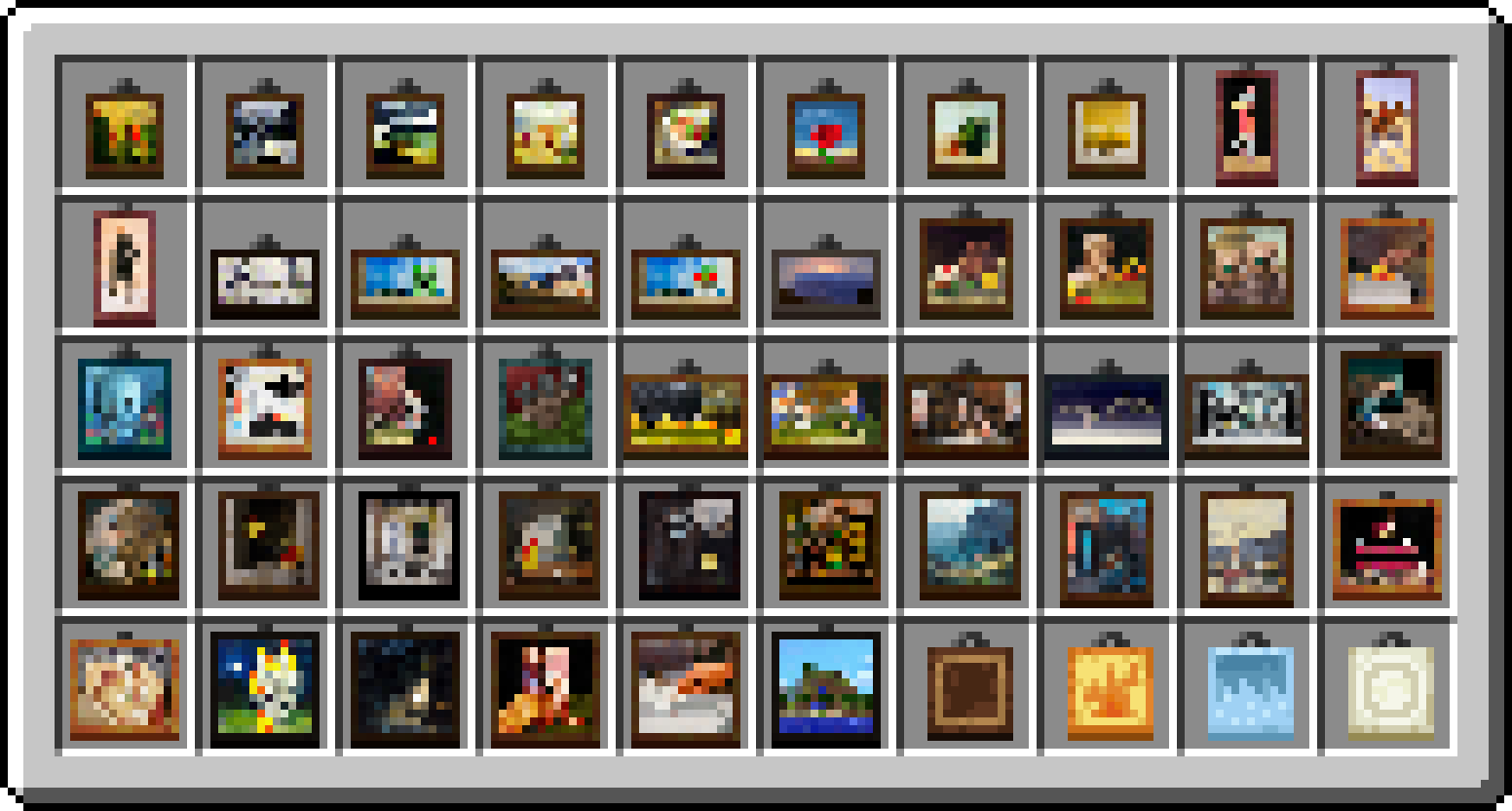
Beginning in Minecraft 1.19.4, you could get a painting item that places a specific variant from the Creative Mode Inventory rather than having to keep replacing the paintings you place trying to get the right one. The only issue with this was that every painting had the same texture, making it very tedious to find the right one you needed.

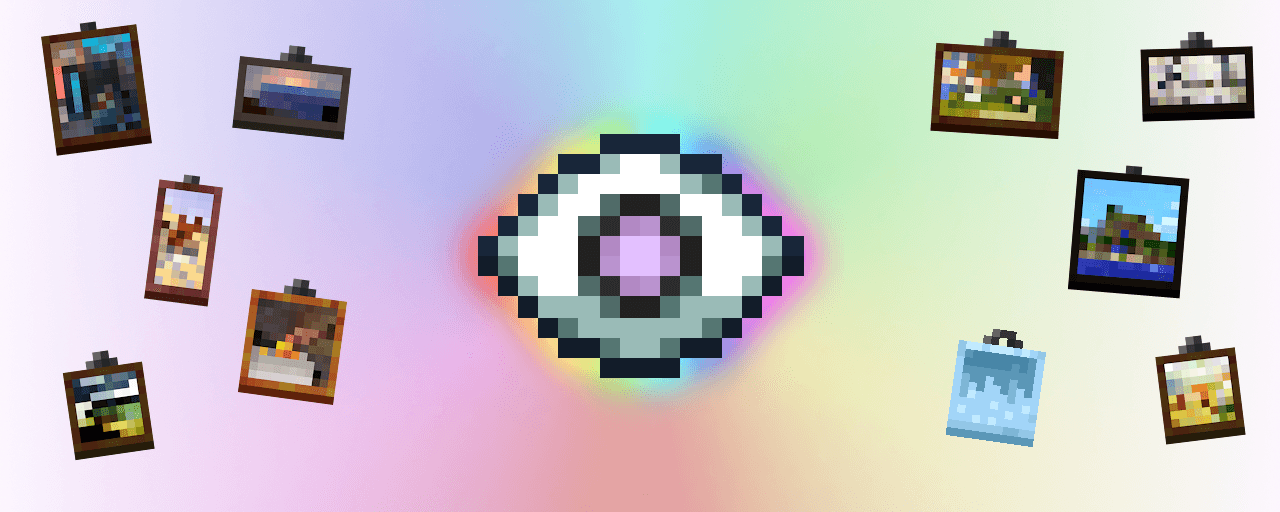
"Painter's Eye" is a small resource pack that fixes that issue by giving each painting a unique texture, making it easier to find the specific painting you want. It's very light-weight, follows Jappa's art style, and includes texture for the new paintings in 1.21.


undefined

I don't actively use any main social media accounts nor do I own an account for donations, but if you want to support me you can always check out my YouTube channel. I like to make content on Minecraft and other games I enjoy, and sometimes stream games I'm playing with my friends. There's also my Planet Minecraft page, where I've released another popular resource pack called "Better Trims" that makes trimmed armor more accessible. If any of that interests you, then check out the links below!

YouTube Planet Minecraft
Painter's Eye v1.1
MC 1.20.2, 1.21, 1.20.5, 1.21.4, 1.20.3, 1.20.1, 1.20, 1.20.6, 1.20.4, 1.21.3, 1.21.1, 1.21.2
Release 2025-01-03 Get

Requirements & install

How to use this resource pack in Minecraft
Resolution
16x
Minecraft
1.20.4 – 1.21.4
Install folder
.minecraft/resourcepacks

How to install resource packs

  1. Download the resource pack .zip file (do not extract it).
  2. In Minecraft open Options → Resource Packs → Open Pack Folder.
  3. Drop the .zip into the resourcepacks folder (.minecraft/resourcepacks).
  4. Move the pack to the Selected column and click Done.
Browse more: 16x resource packs 32x resource packs 64x resource packs 128x resource packs 256x resource packs 512x+ resource packs Resource Packs for 1.21.4 All resource packs
Advertisement Remove ads with Premium →

You Might Also Like