[1.15 OPTIFINE REQUIRED]
Changes in this pack:
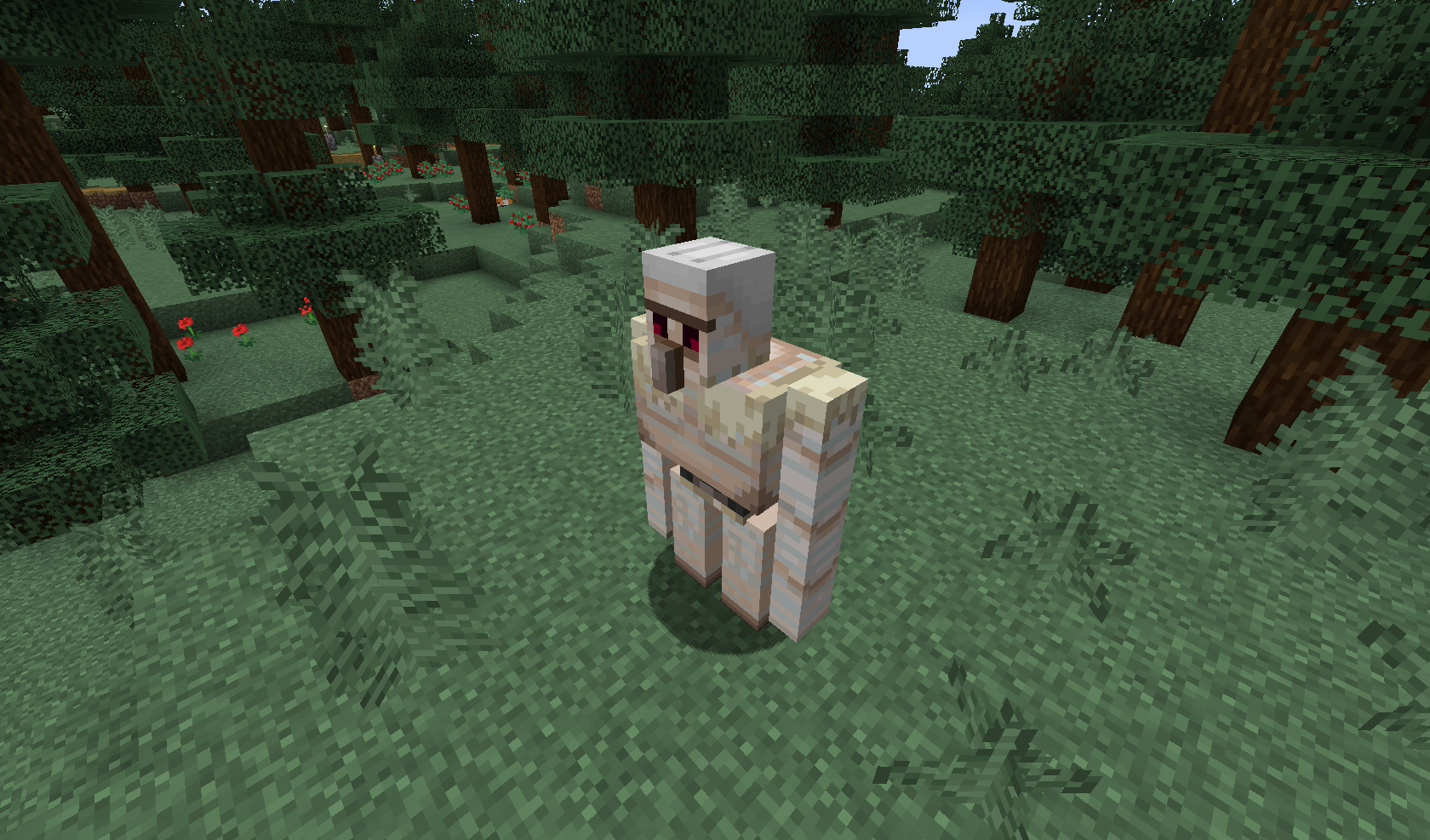
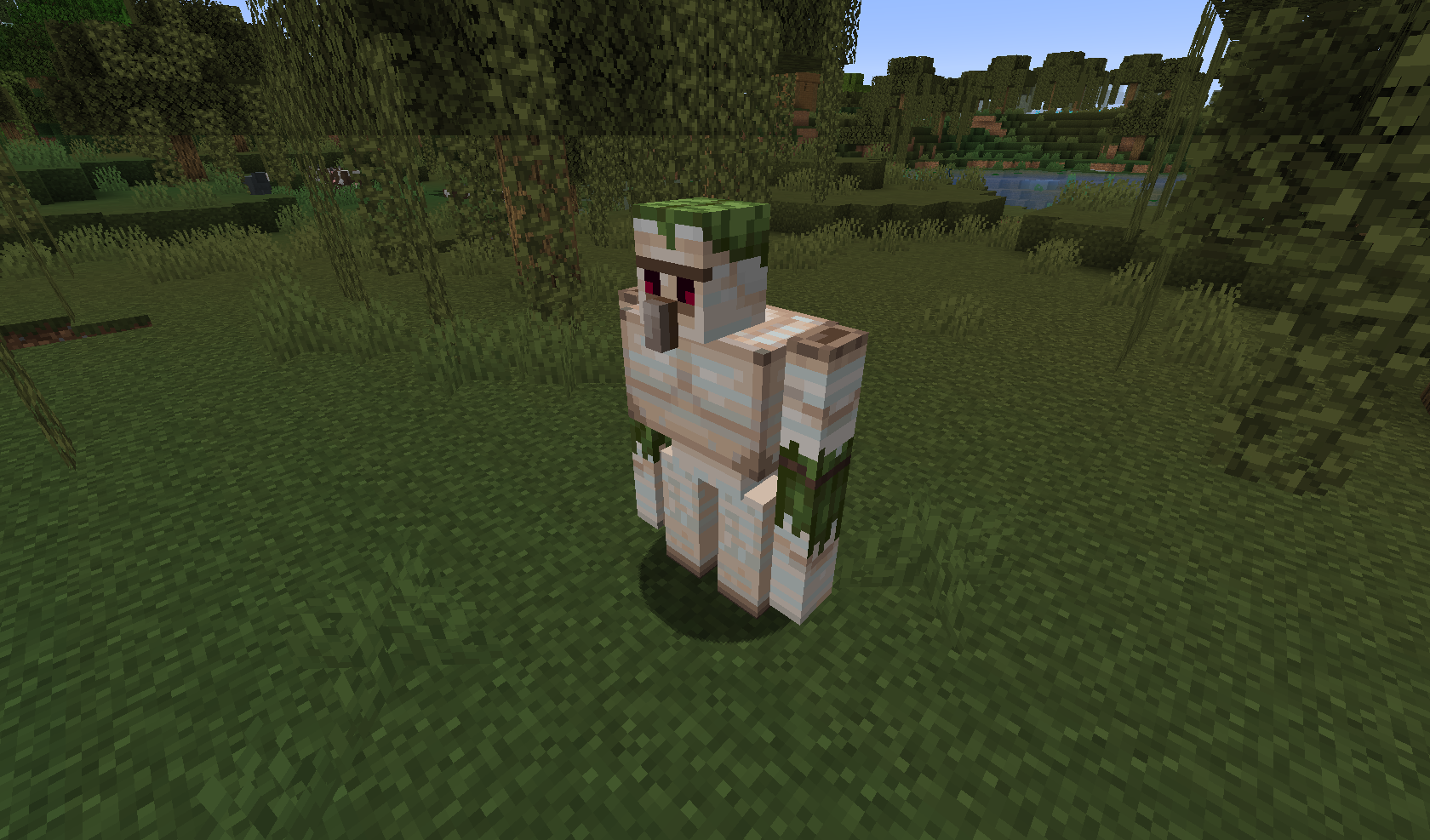
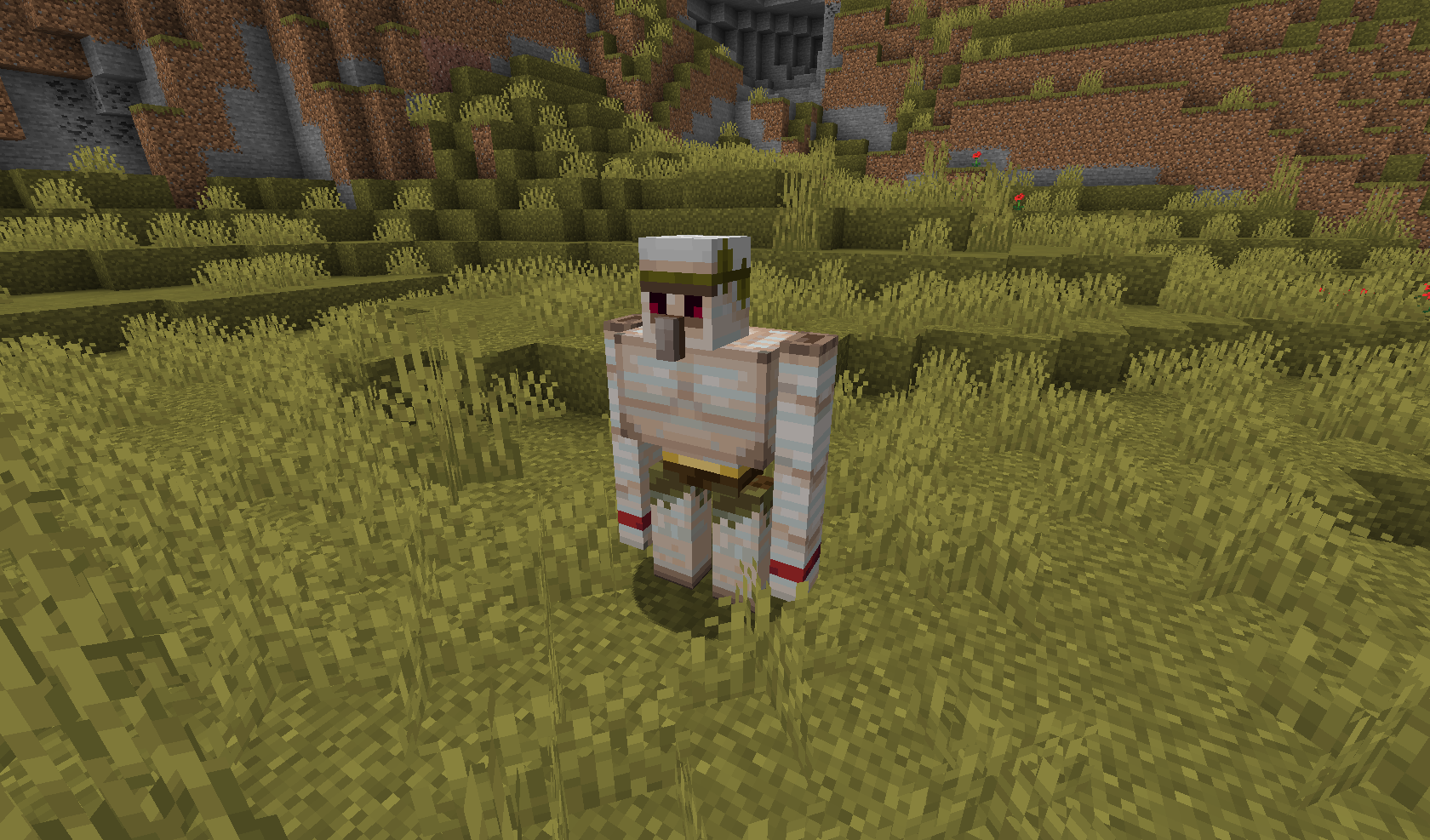
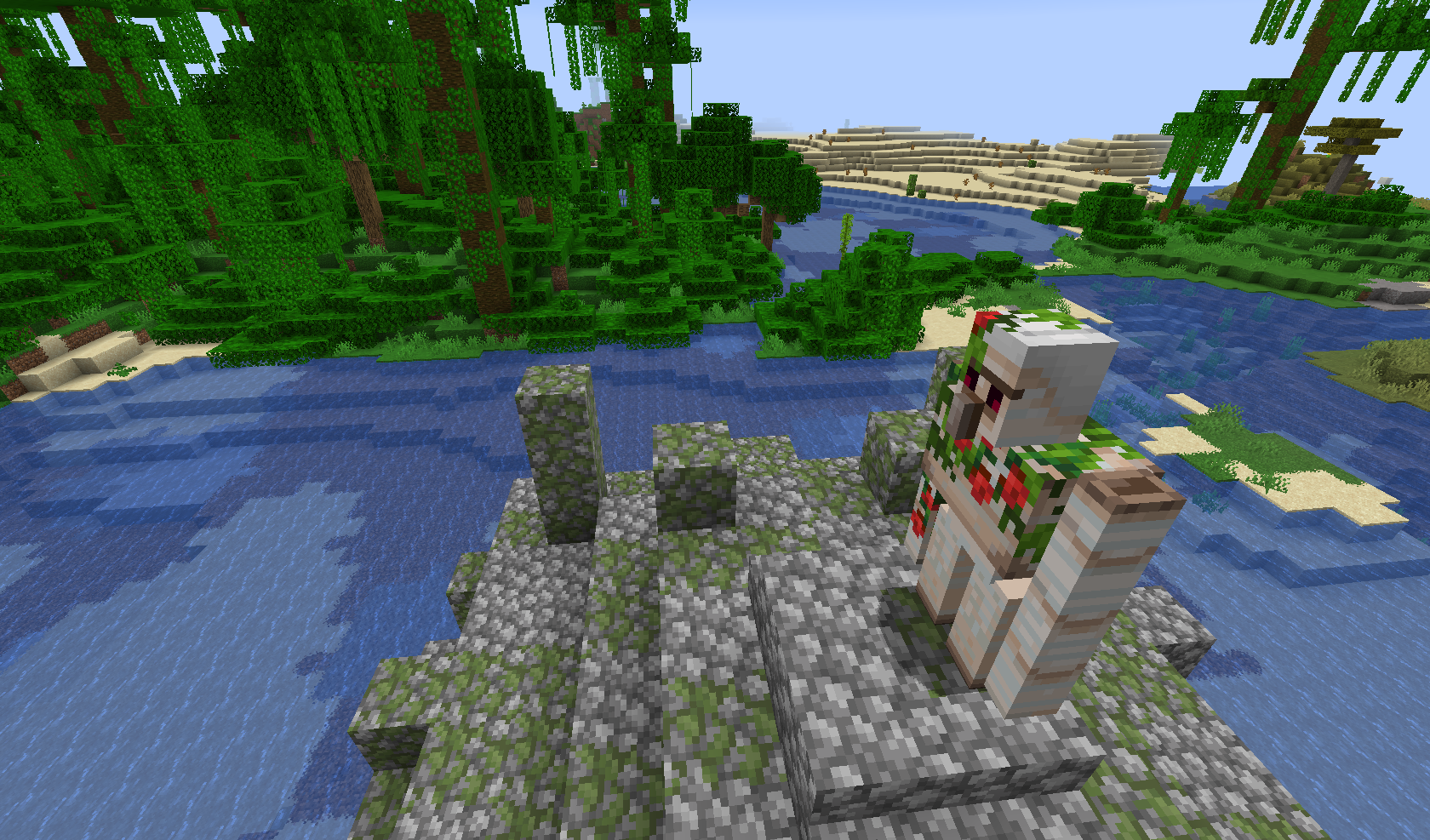
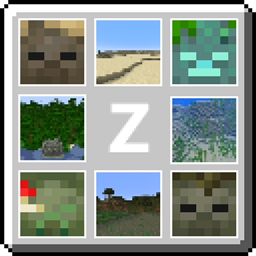
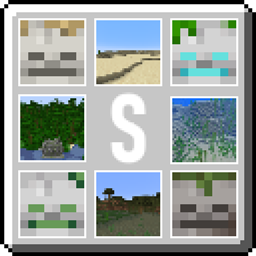
- Biome-dependent textures of Zombies, Skeletons, Creepers, Spiders and Iron Golems;
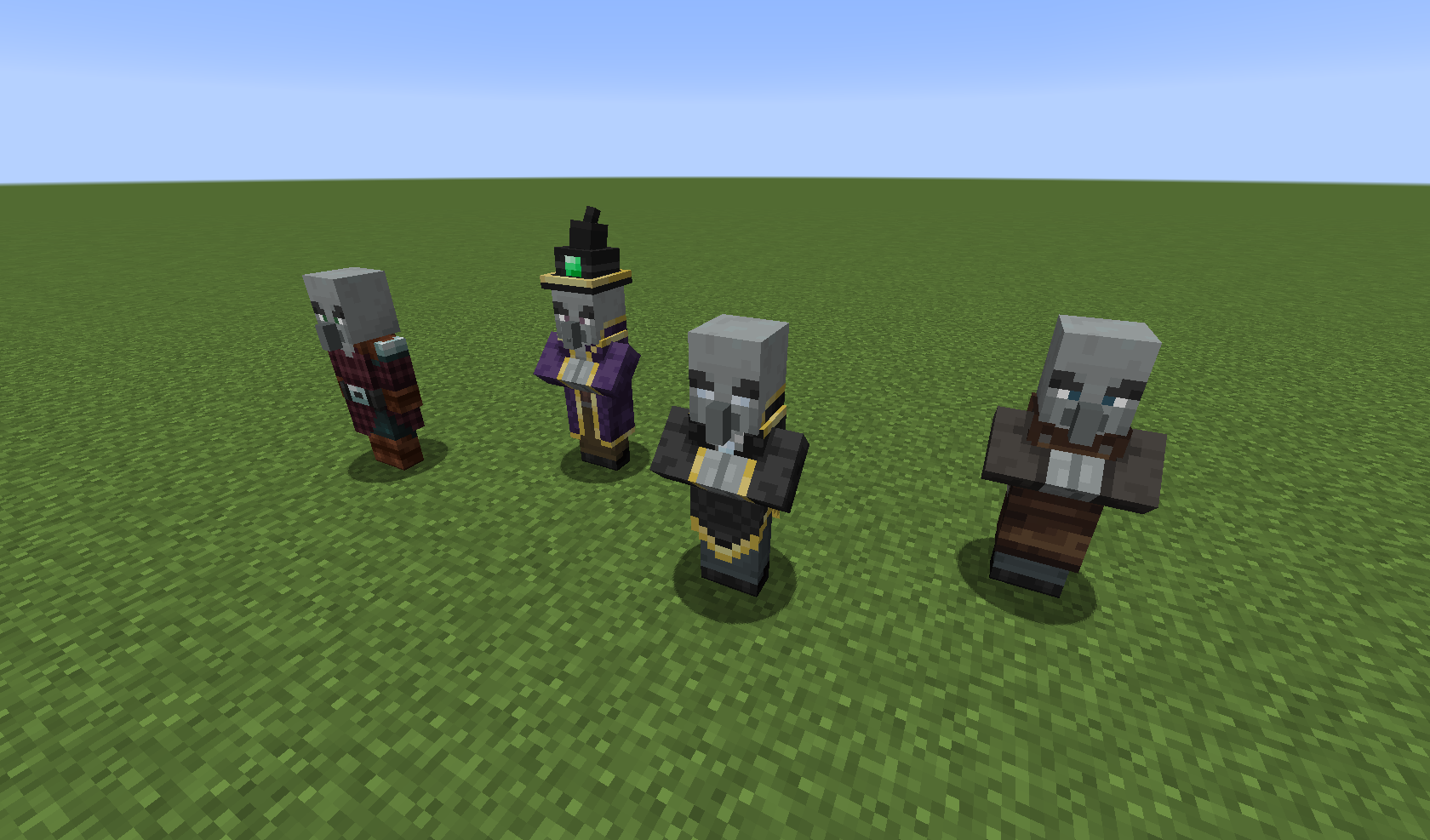
- Updated textures for Witches, Pillagers, Vindicators, Evokers and Ravagers;
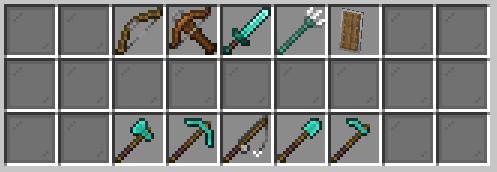
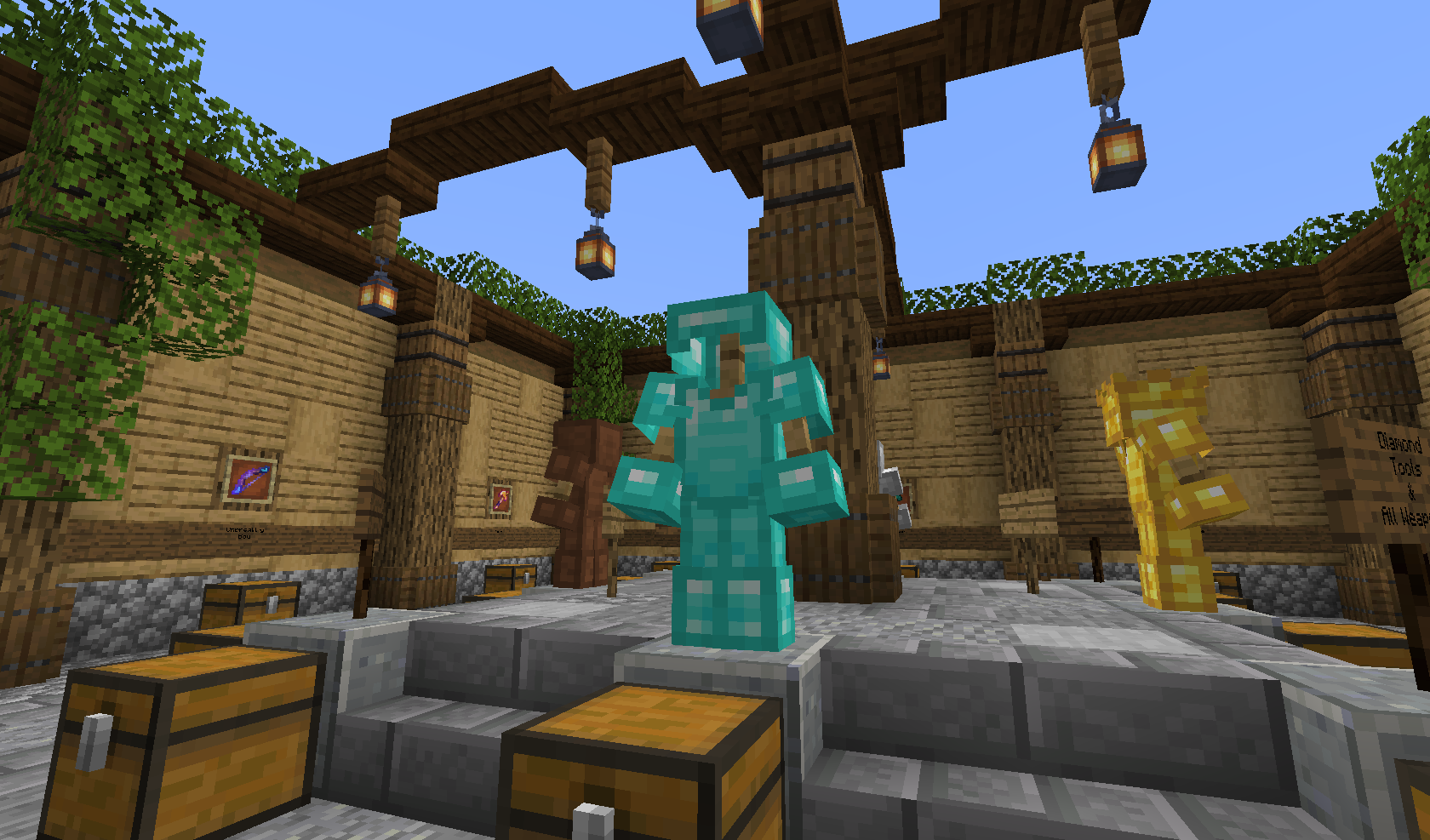
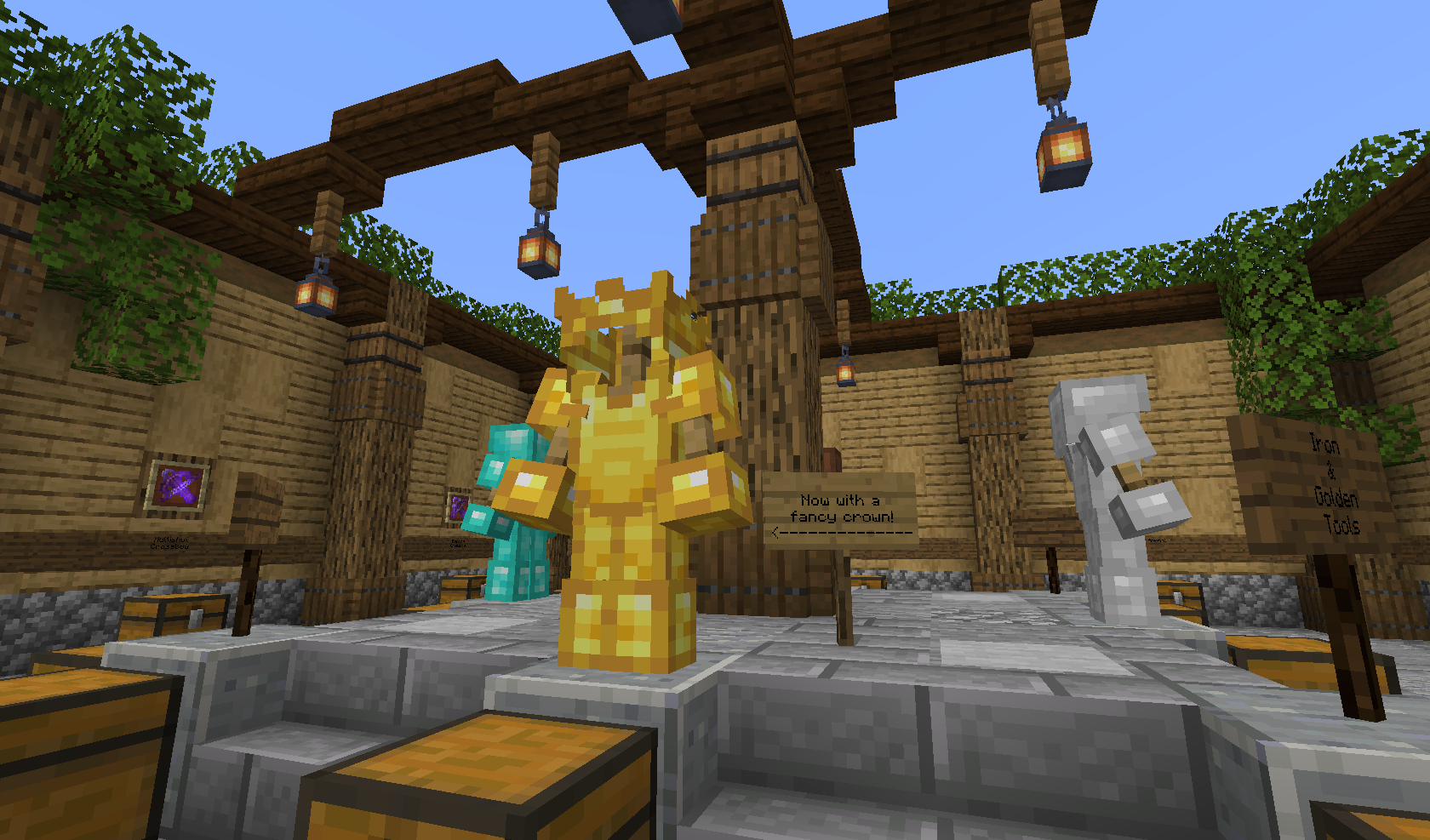
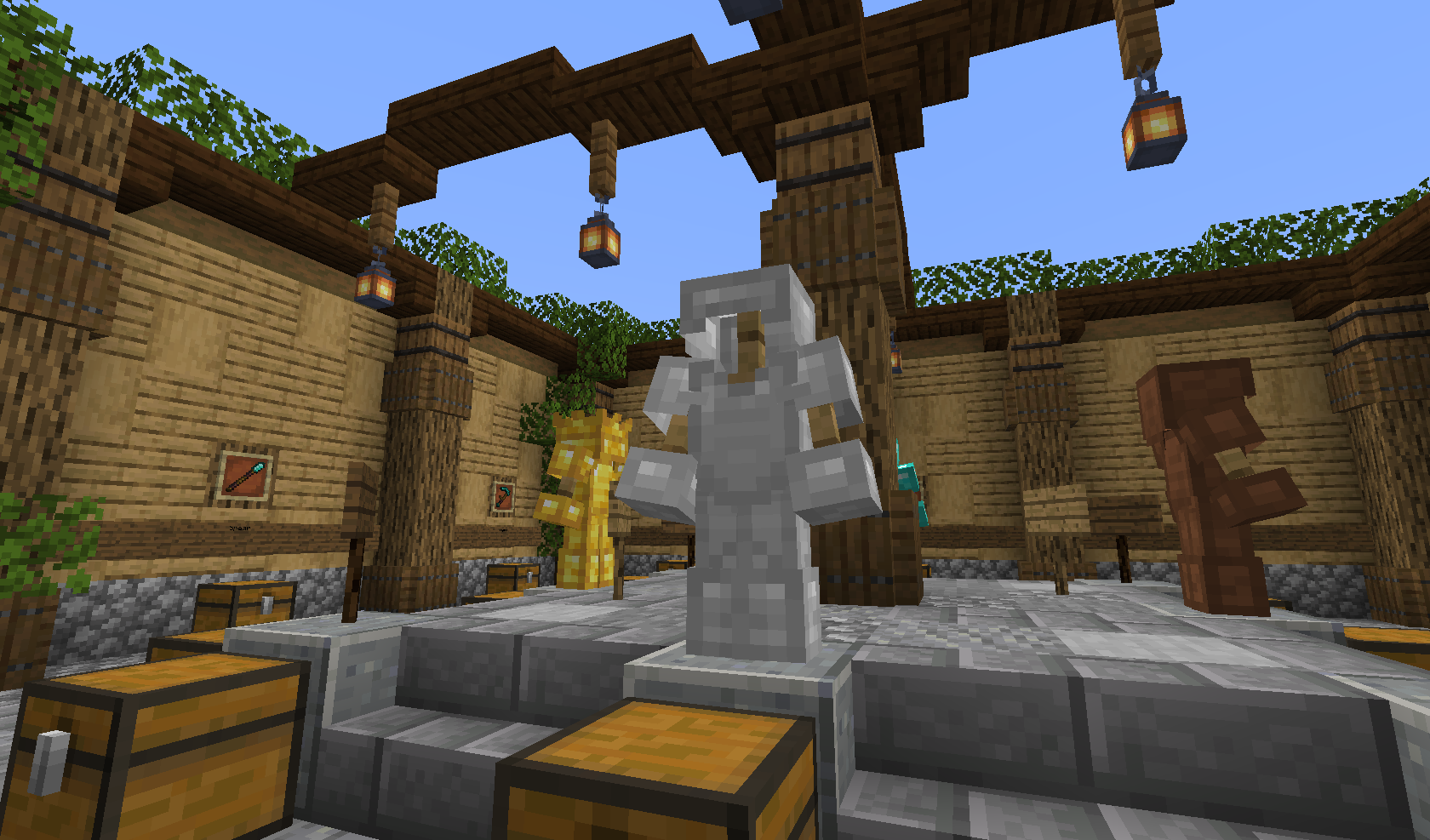
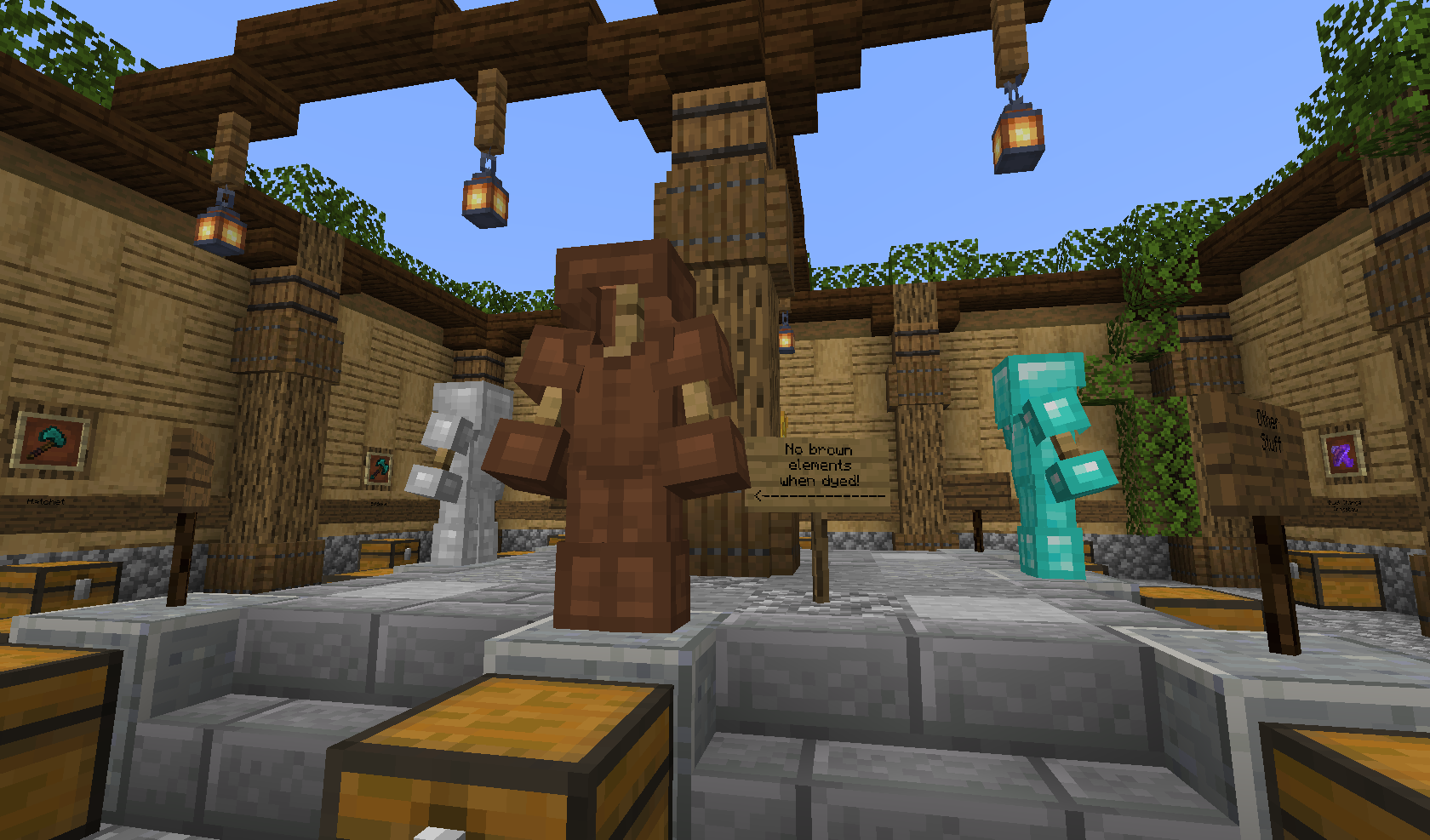
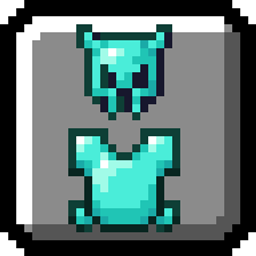
- Updated armor and tools textures;
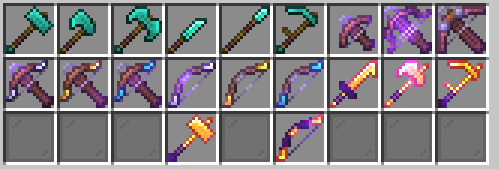
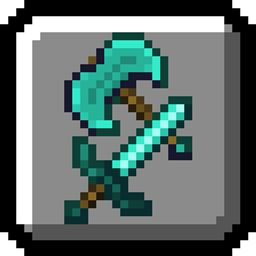
- New weapons, obtained by renaming existing weapons on anvils (Every texture that requires enchantment is optional);
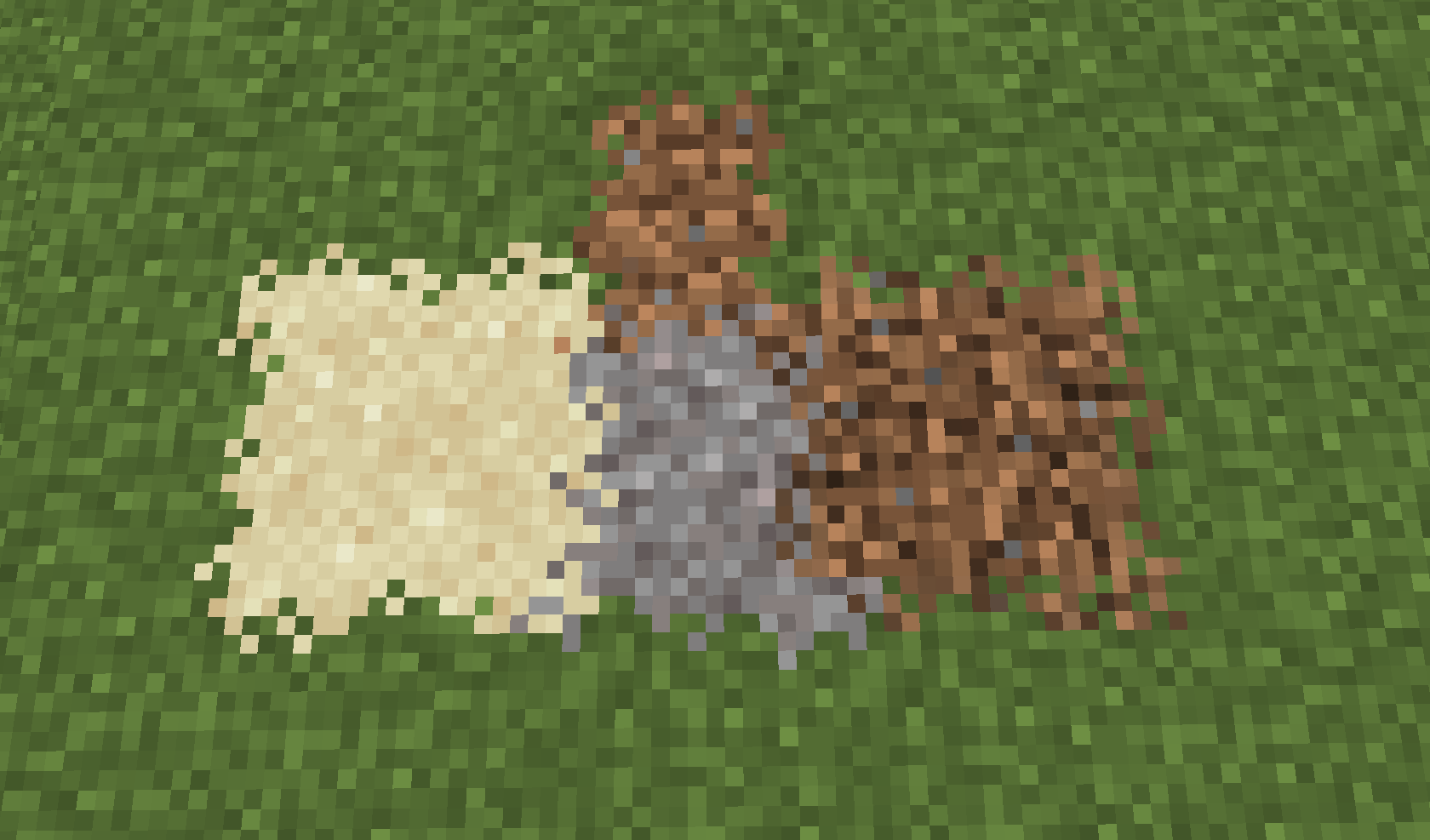
- Block overlays;
Biome textures:
- Zombies - Jungle, Swamp, Snowy biomes;
- Skeletons - Desert, Jungle, Swamp, Underwater;
- Creepers and Spiders - Desert, Jungle, Swamp, Underwater, Snowy biomes;
- Iron Golems - Desert, Jungle, Swamp, Taiga, Savanna, Snowy biomes;
New weapons:
Hammer, Battleaxe and Hatchet comes from renaming axes;
Dagger, Spear and Scythe comes from renaming swords;
Multishot, Piercing and Quick Charge Crossbows comes from renaming and enchanting crossvows;
Infernal Hammer, Scythe, Axe, Sword and Bow comes from renaming and enchanting (Fire aspect or Flame) this weapons;
Unbreaking Bows and Crossbows comes from renaming and enchanting bows and crossbows.
Unbreaking I, II and III weapons:
- To get Unbreaking I custom texture, rename your weapon to "Iron Bow"/"Iron Crossbow".
- To get Unbreaking II custom texture, rename your weapon to "Golden Bow"/"Golden Crossbow".
- To get Unbreaking III custom texture, rename your weapon to "Diamond Bow"/"Diamond Crossbow".
This pack will be updated soon, adding new features and version for 1.14.