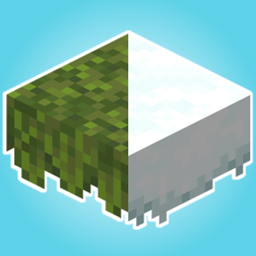
Overlayed is a simple pack that aims to improve the overall look and feel of not only your builds but also the natural world by adding overlays for the moss carpet and snow layer blocks. No longer is only grass able to be snowy, and now your abandoned structures will look truly overgrown.
Showcase:


Disclaimer:
While I have done my best to optimize this as much as possible, this pack by its very nature will be more resource intensive than the vanilla models(I didn't notice any frame drops but lower end systems might). Not only that, but there will be small amounts of z-fighting and weird lighting issues. The z-fighting is basically nonexistent unless you are really looking for it(moss carpets have less than a pixel of z-fighting when placed near one another). This should be nearly undetectable while in game unlike other packs I have seen try and do this. As for the lighting issue, I can't solve that. It is caused only when a low light emitting block is placed by one of the overlay blocks and seems to be a rendering bug in the vanilla game. If it really bugs you, I would recommend you use either Sodium(Rubidium) or Optifine as these seem to fix the issue with that on top of just generally giving better performance. Now with that out of the way, enjoy the pack!