Mineuniverse
Resource Packs
Overlay’s

Overlay’s

RESOURCE PACK
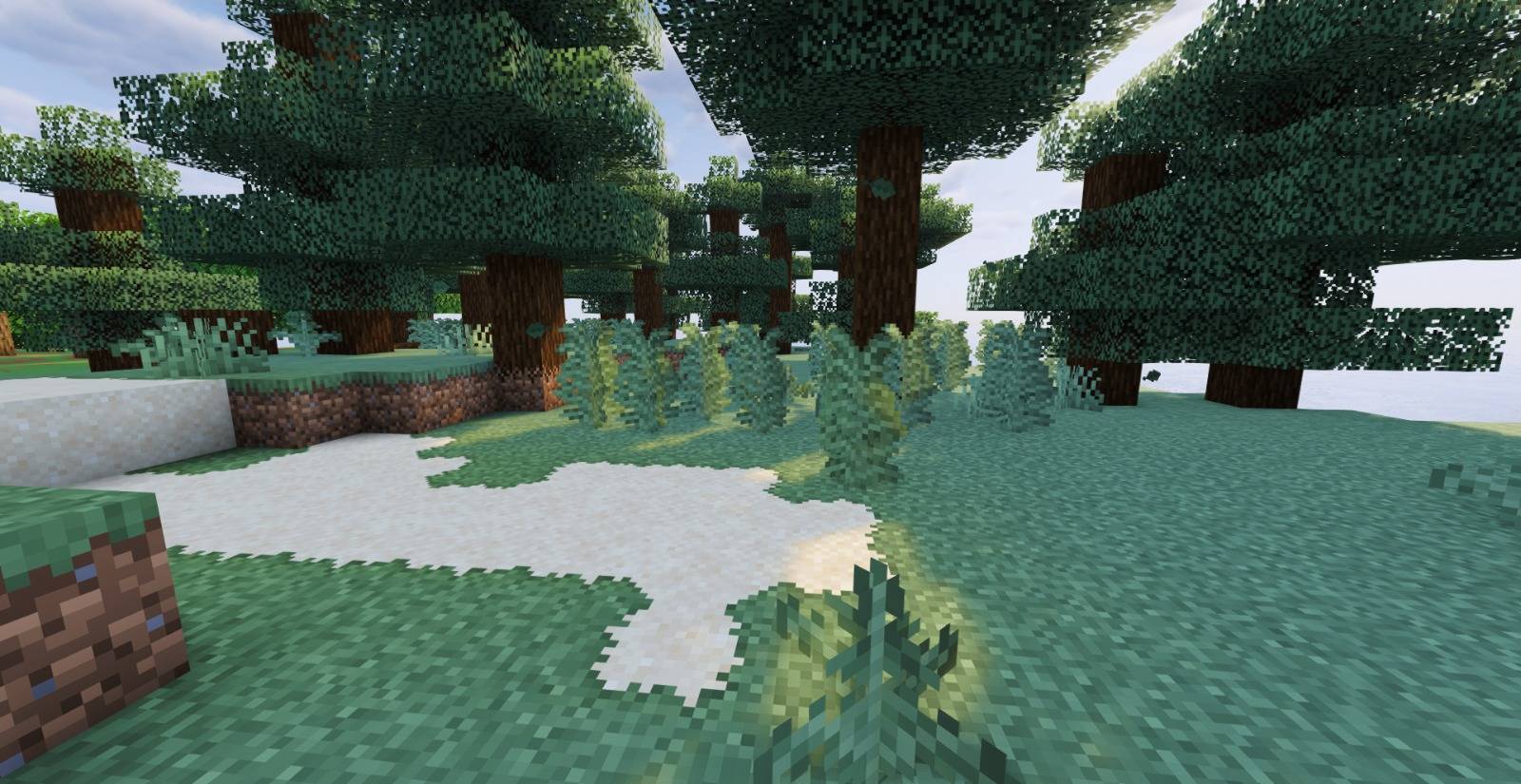
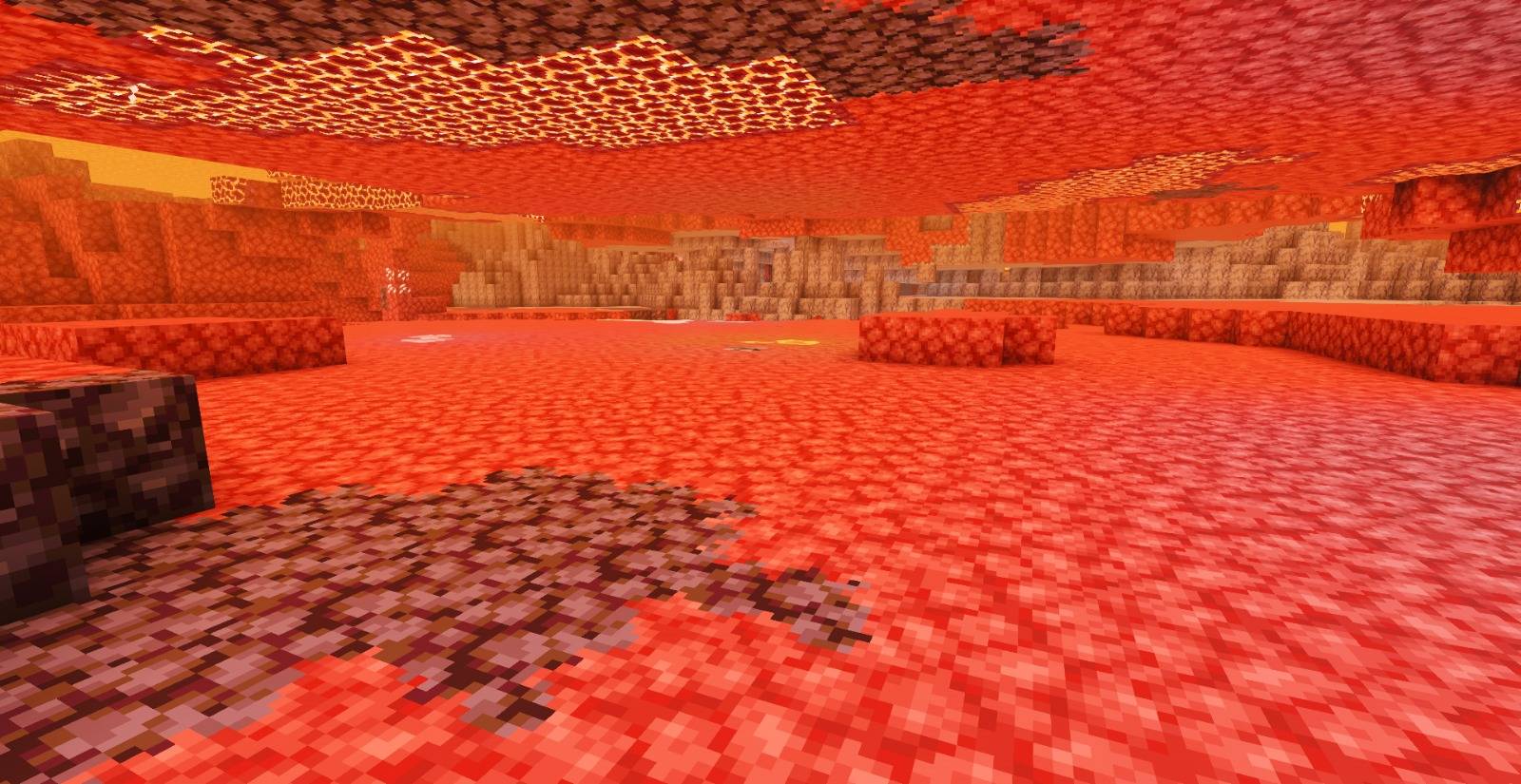
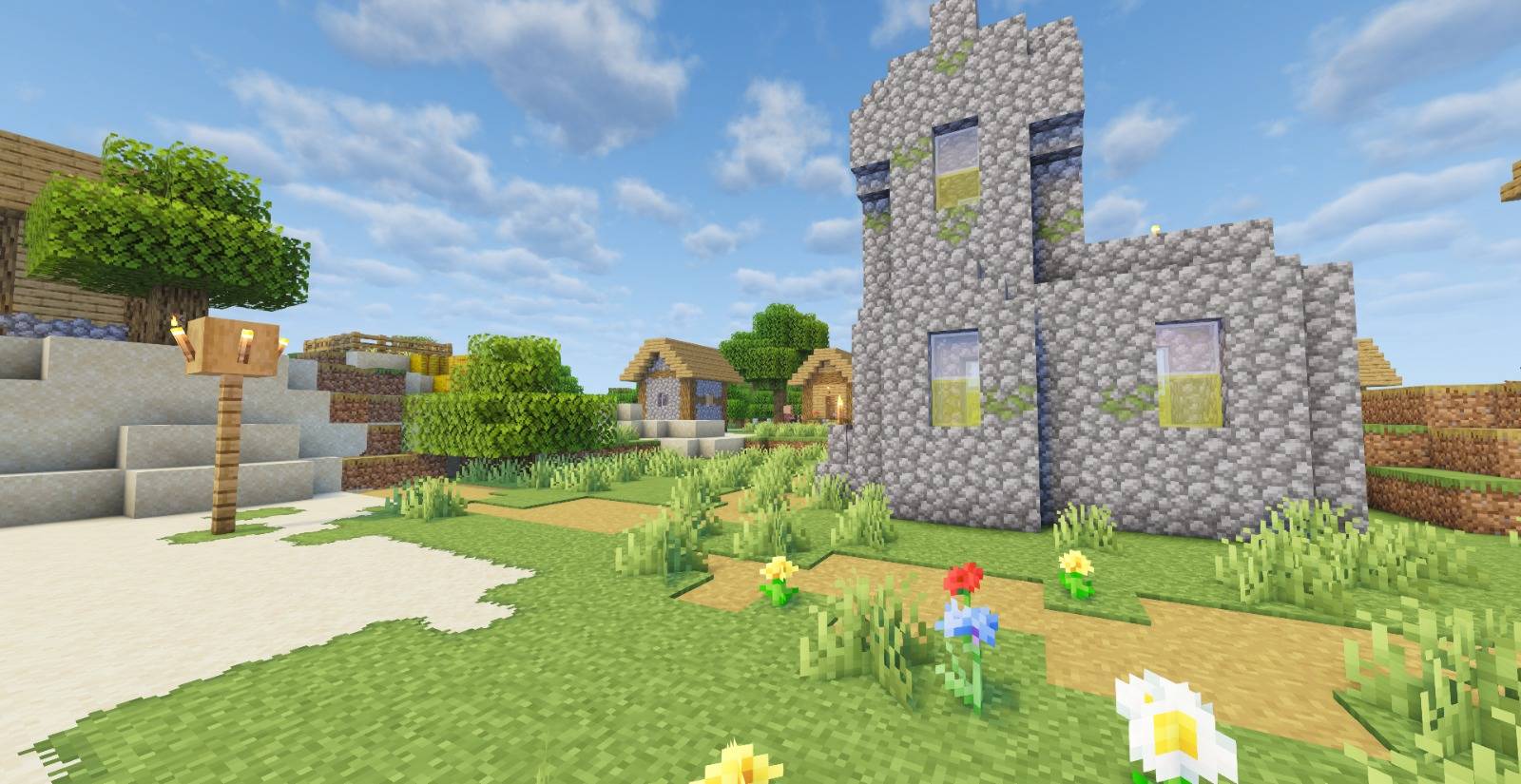
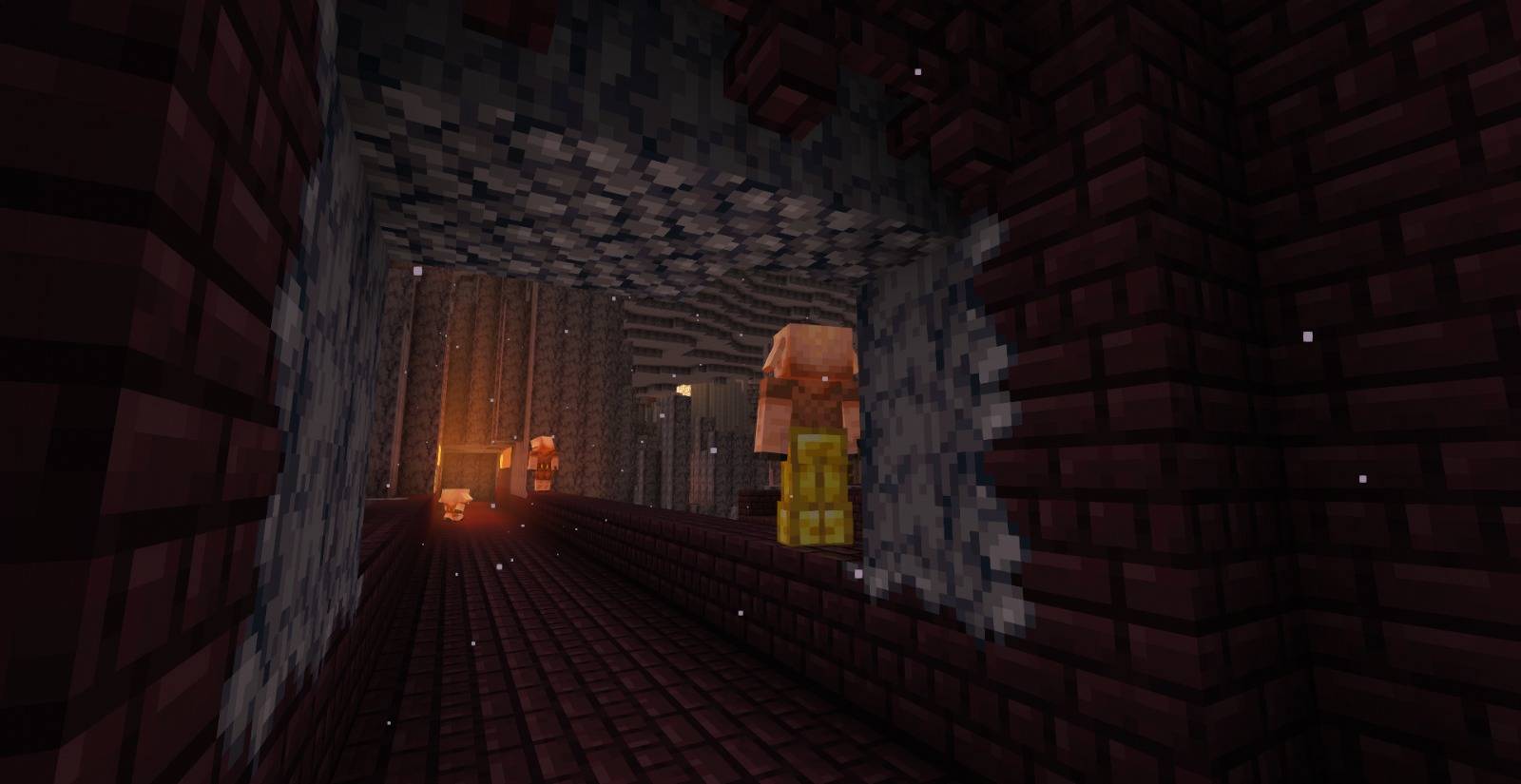
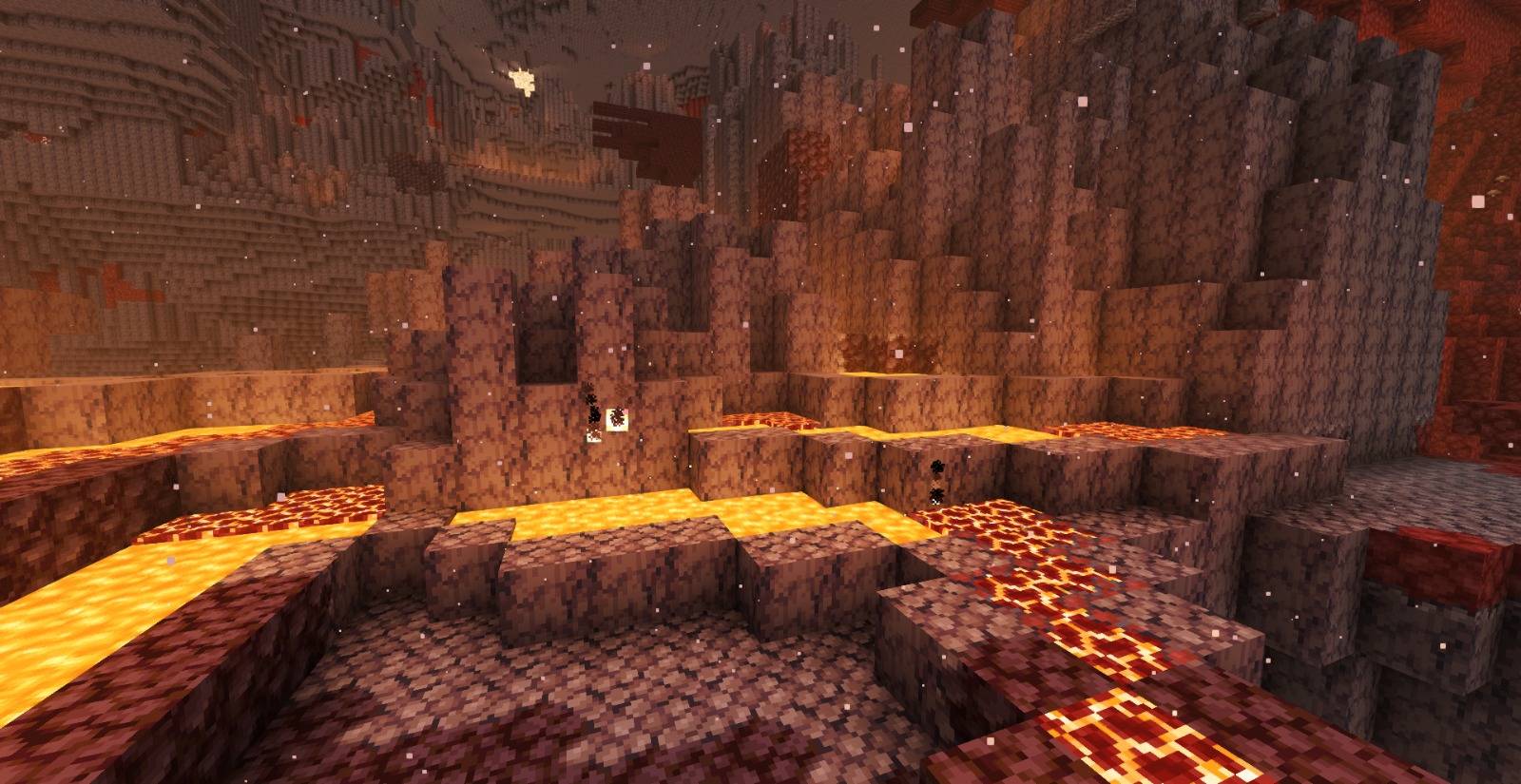
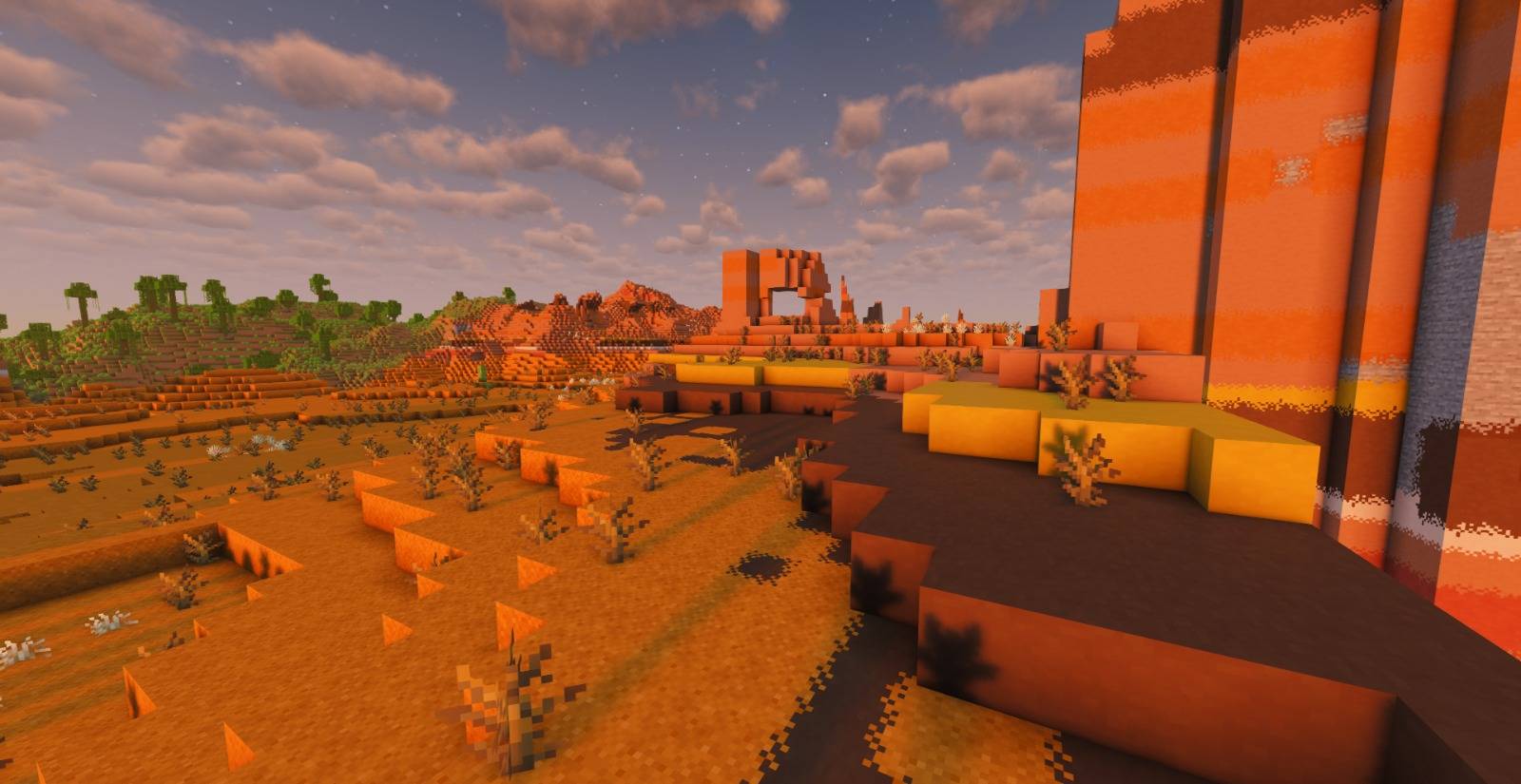
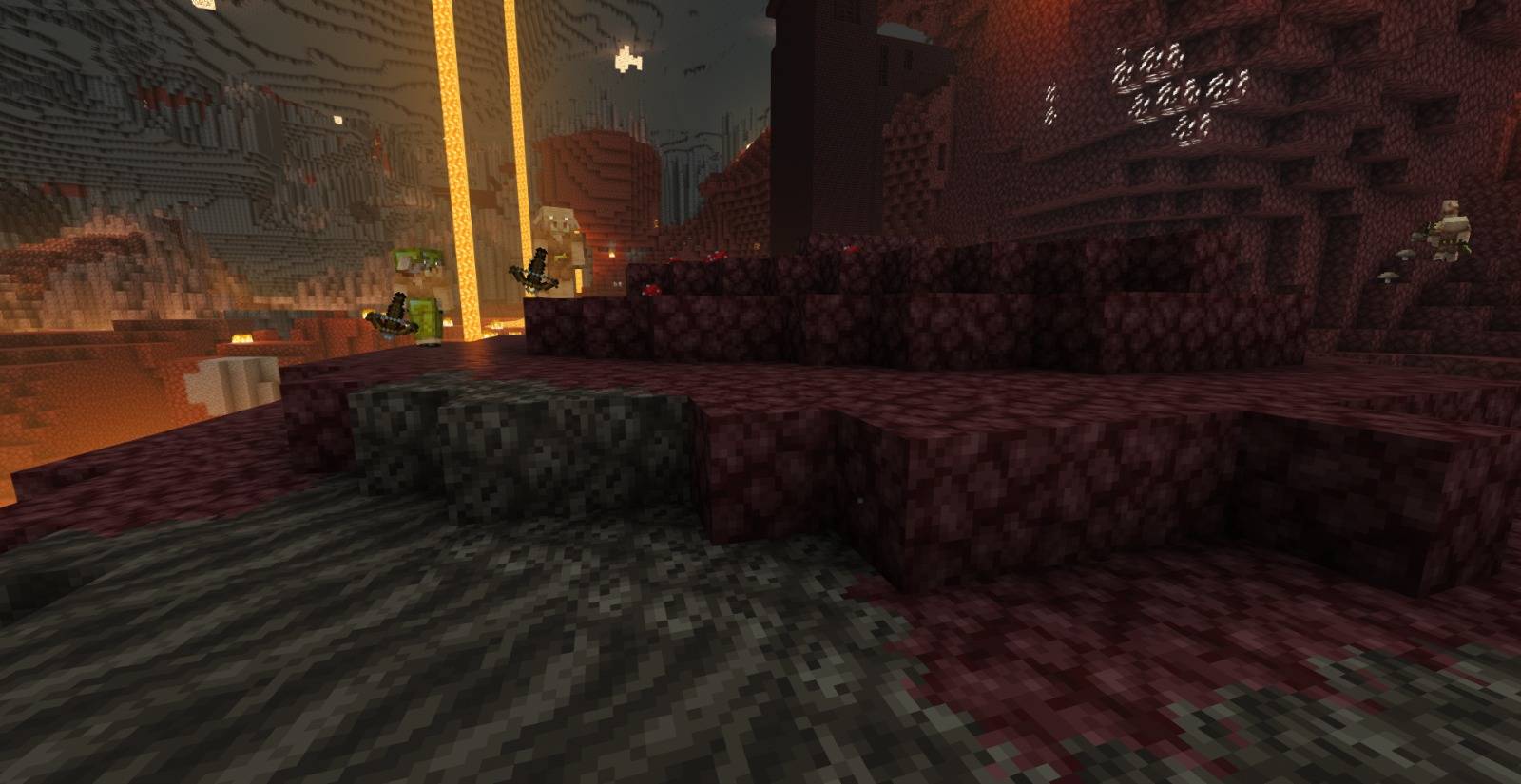
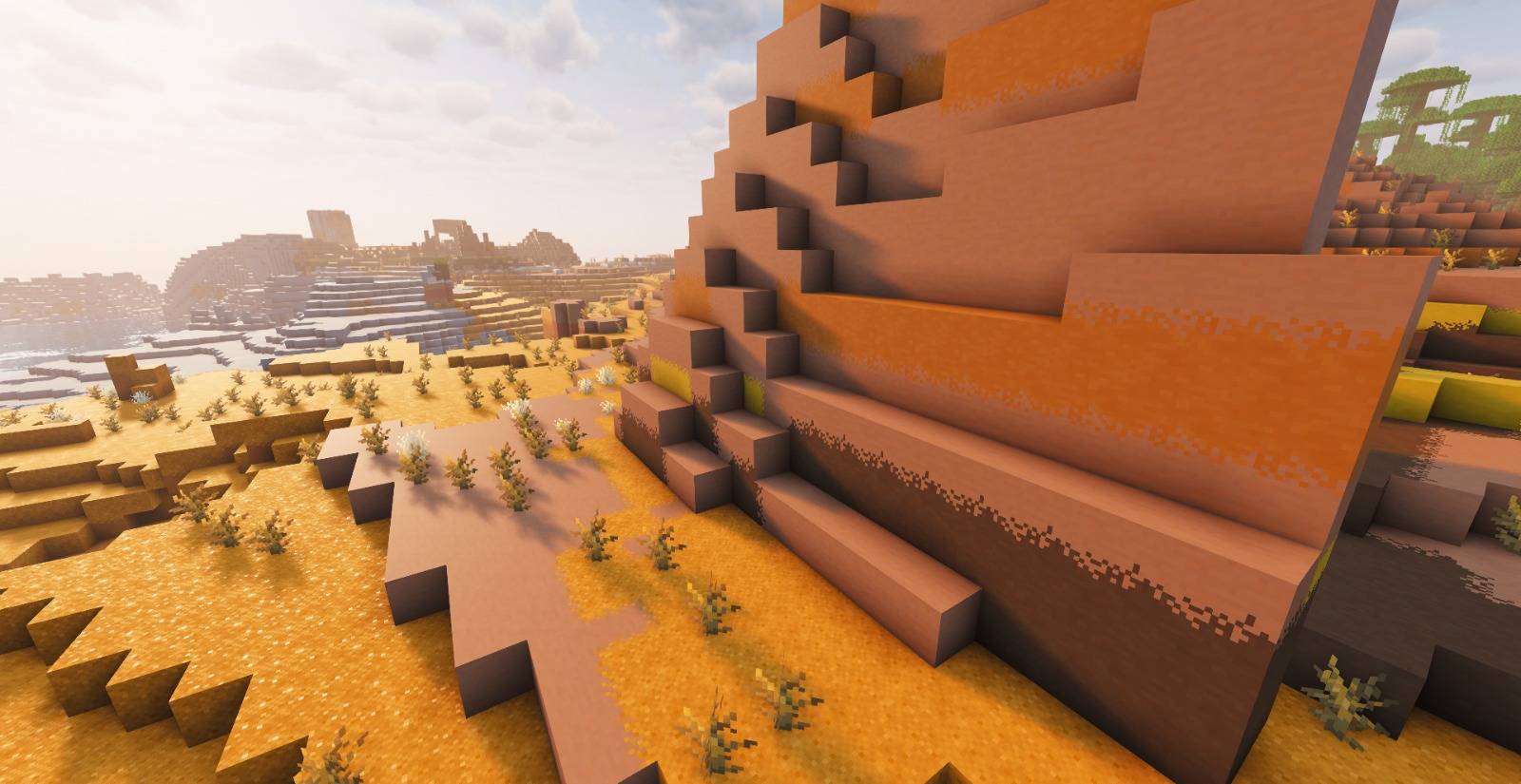
26.3 × Adds seamless block overlays, blending compatible blocks together for a more natural and detailed world.
by itzSandw
Download Claim this project
1,250,144 downloads
0 likes
Updated Oct 14, 2026
0 hypes
16x Miscellaneous Traditional
Advertisement Remove ads with Premium →

Texto alternativo

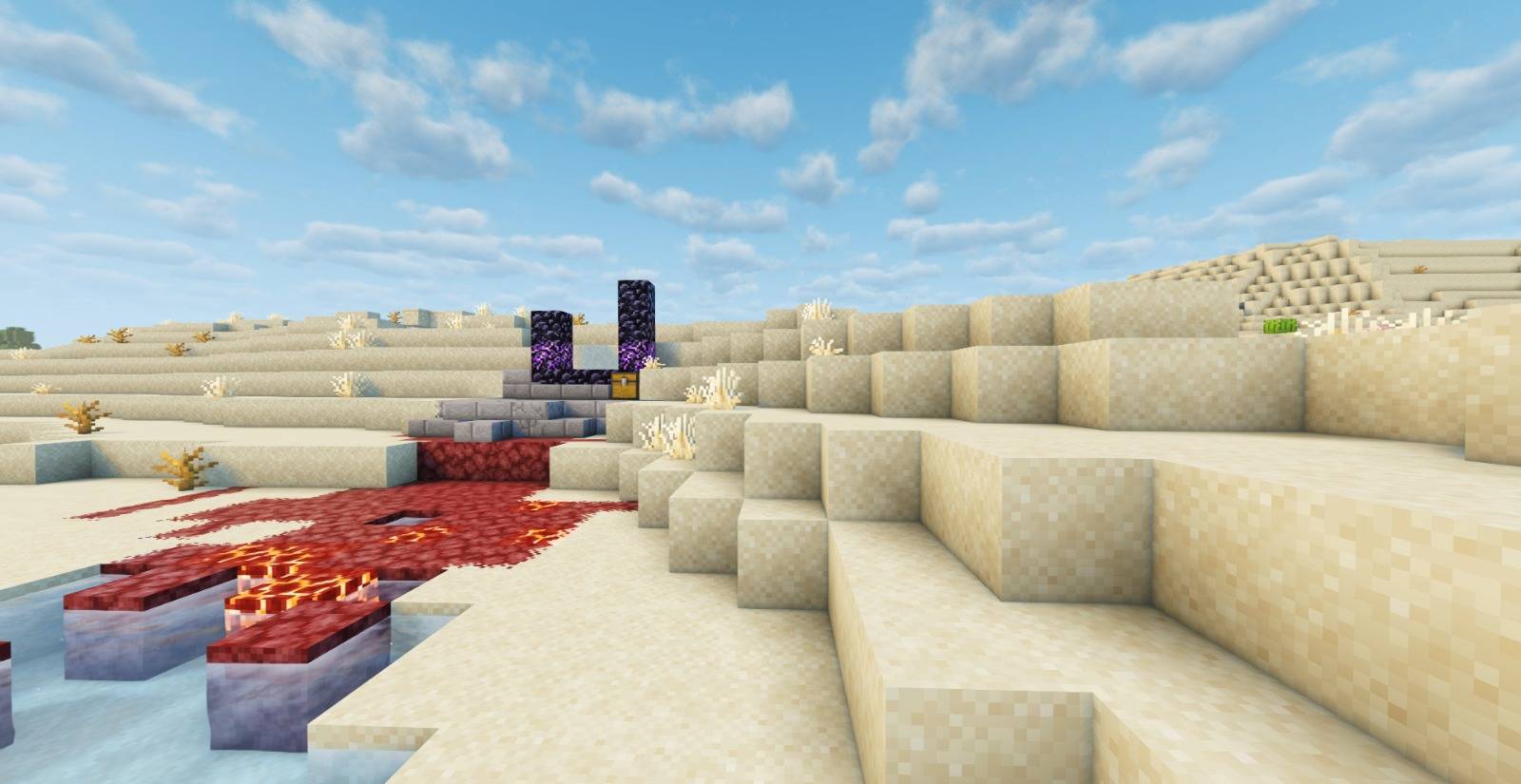
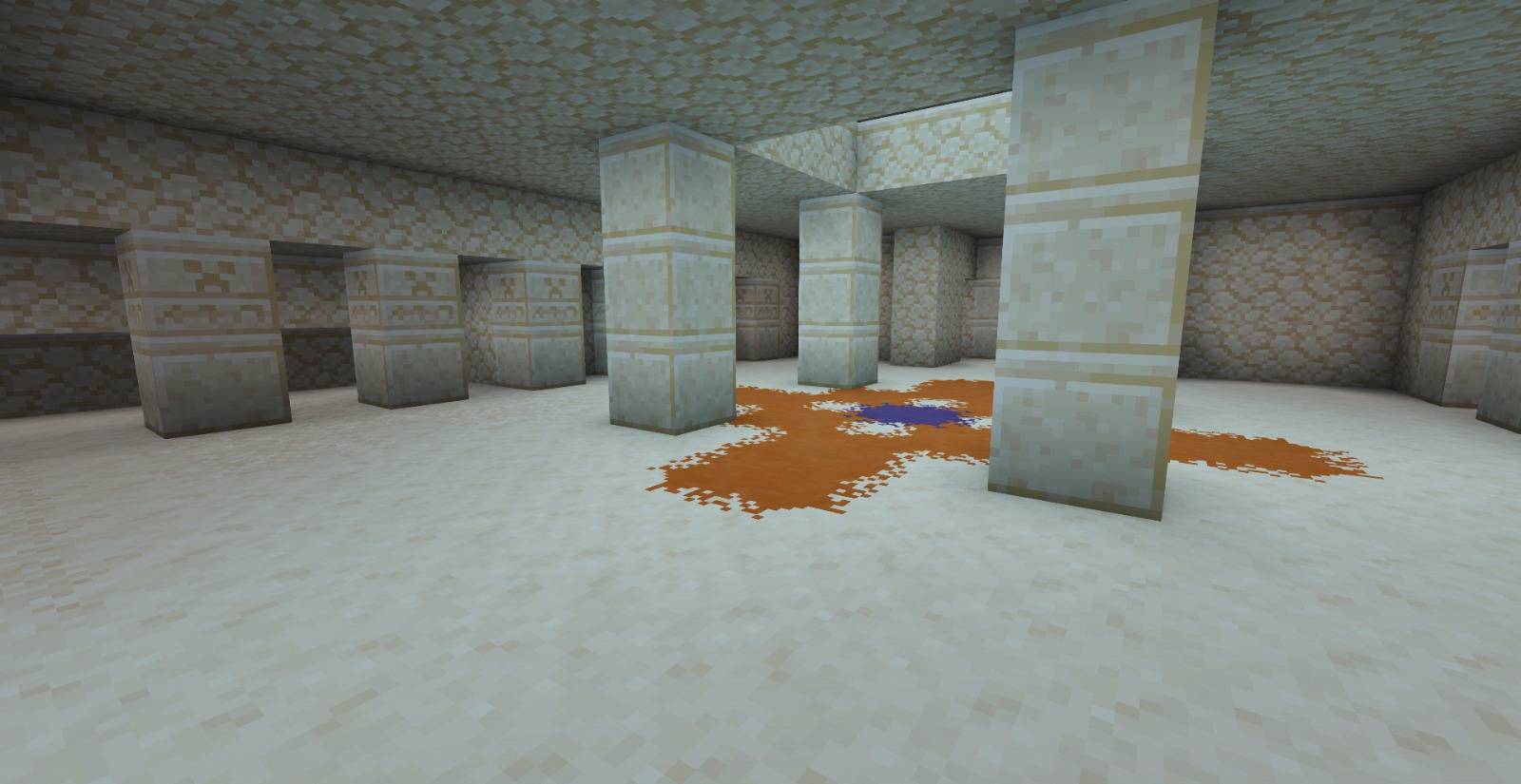
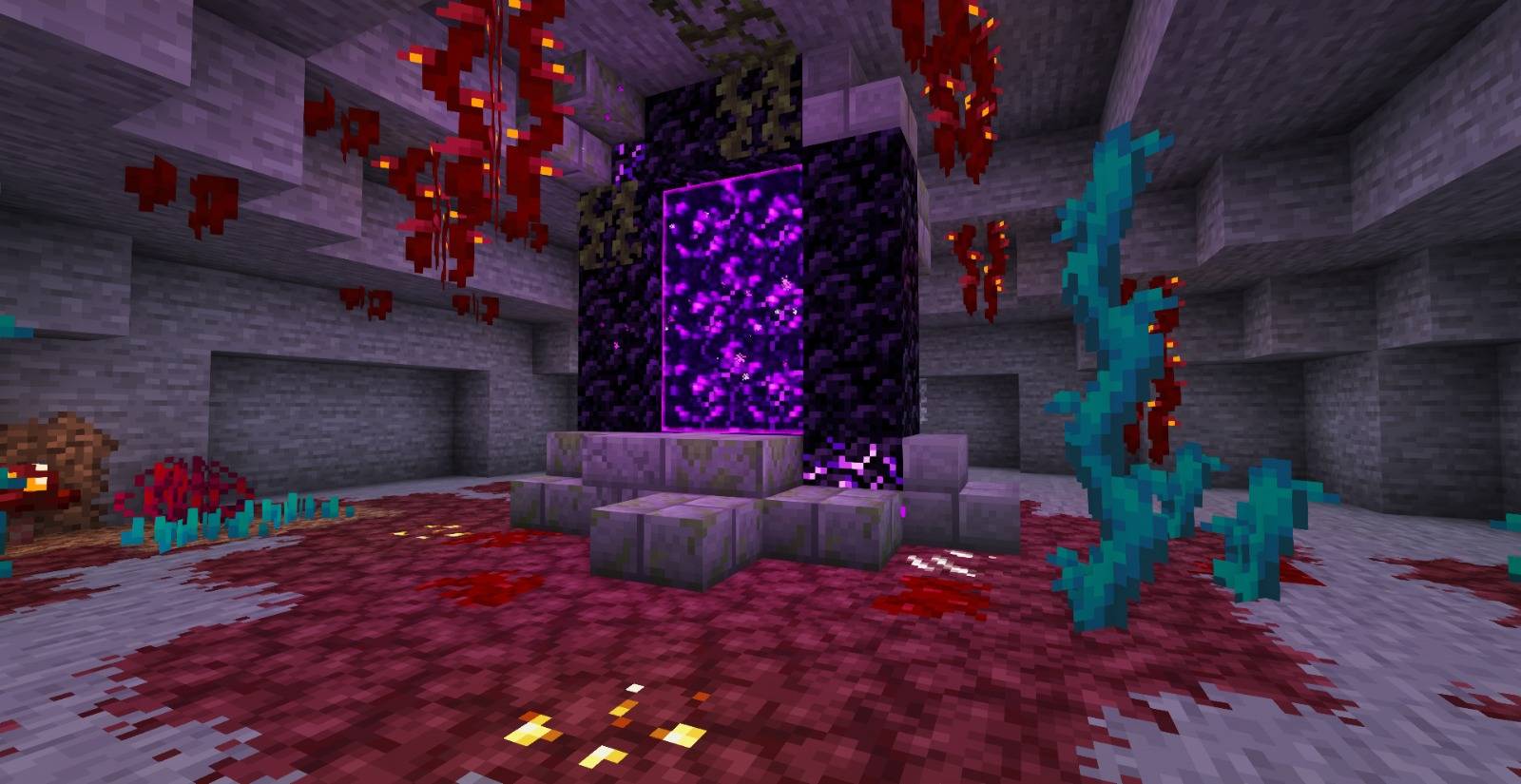
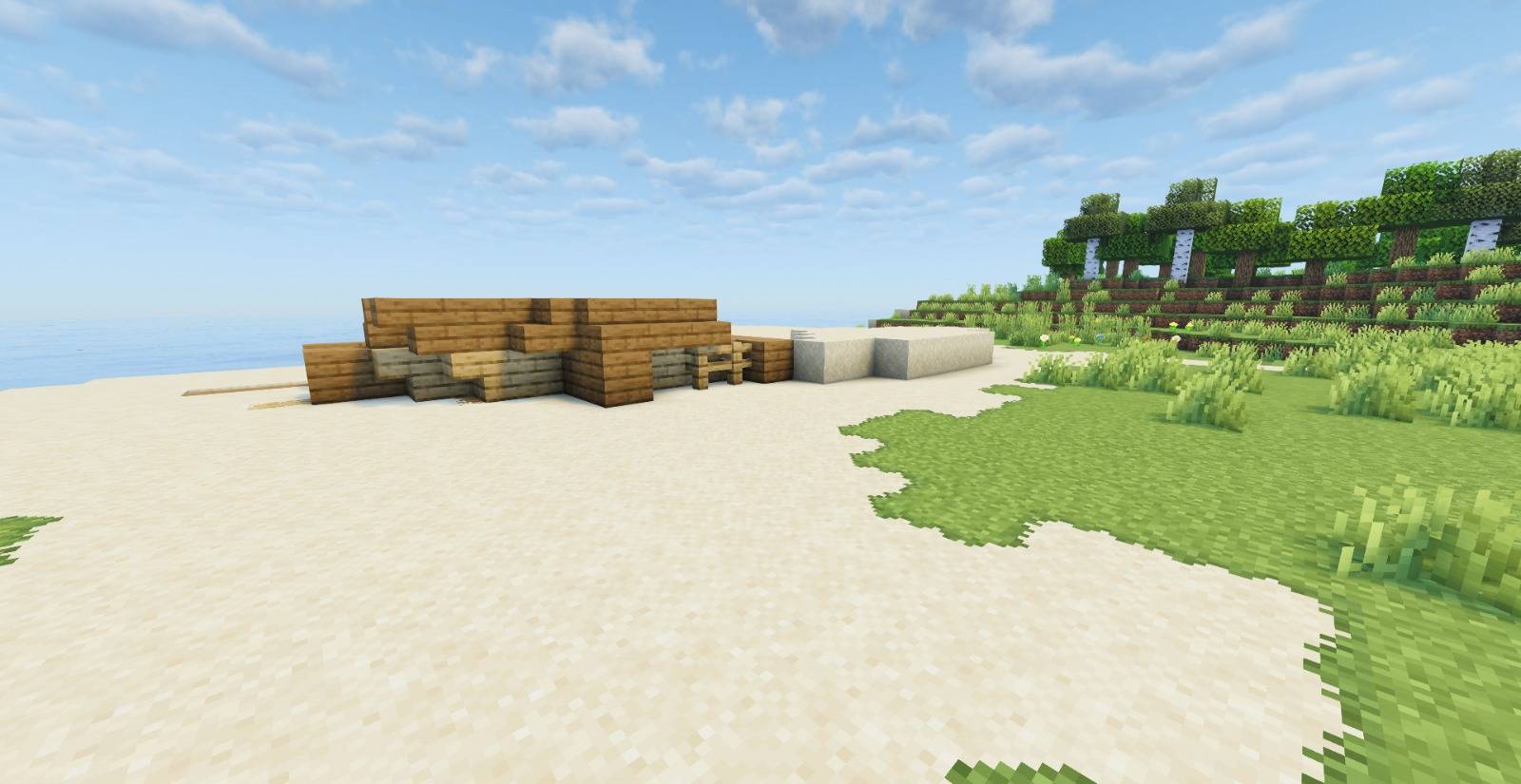
Overlay’s is a texture pack that adds dynamic overlays and smooth transitions between blocks, such as dirt, moisture, cracks, and more.
It enhances immersion without replacing the original block textures.
Lightweight, visually impactful, and fully compatible with Minecraft versions 1.14 through 26.3 including visual support for selected mods.


Latest Update v15

1. Added support for Respackopts *(Currently enables side textures for grass blocks; works best when using Fast Better Grass)*

2. Added new Sulfur & Cinnabar blocks *(including bricks)*

3. Added Poplar log roots

4. Added Poplar wood

🔧 Fixed over 1,000 cross-connections

> 📌 Note: Ignore the "incompatible version" warning for the resource pack. Overlays works from Minecraft 1.14 onwards.


Requirements

  • Optifine (for versions without native CTM support)
  • Continuity (modern alternative with Sodium and CTM support)
  • Continuity are recommended for the best visual experience

Installation Guide

  1. Install Optifine or Continuity, depending on your setup
  2. Download the .zip file of Overlay’s
  3. Place it into your /.minecraft/resourcepacks/ folder
  4. Activate it from the resource packs menu in-game
  5. Make sure Overlay’s is placed at the top if you're using other packs

Support the Project

Want to support Overlay’s or send suggestions?
Click here to contribute


Usage License

This project is distributed under a custom license inspired by Mojang’s EULA.

  • Redistribution, modification, and commercial use are strictly prohibited
  • Only use through official download sources
  • Unauthorized use may result in legal action or platform takedown requests

Available in:

modrinth


YouTube - Enderverse

26.3 × v15
MC 1.21, 1.15, 1.16, 1.17, 1.18, 1.20, 1.14, 1.19, 26.1, 26.1.1, 26.1.2, 26.2, 26.3
Release 2026-09-19 Get

Requirements & install

How to use this resource pack in Minecraft
Resolution
16x
Minecraft
1.19 – 26.3
Install folder
.minecraft/resourcepacks

How to install resource packs

  1. Download the resource pack .zip file (do not extract it).
  2. In Minecraft open Options → Resource Packs → Open Pack Folder.
  3. Drop the .zip into the resourcepacks folder (.minecraft/resourcepacks).
  4. Move the pack to the Selected column and click Done.
Browse more: 16x resource packs 32x resource packs 64x resource packs 128x resource packs 256x resource packs 512x+ resource packs Resource Packs for 26.3 All resource packs

More from itzSandw

Advertisement Remove ads with Premium →

You Might Also Like