Mineuniverse
Resource Packs
Overhaul

Overhaul

RESOURCE PACK
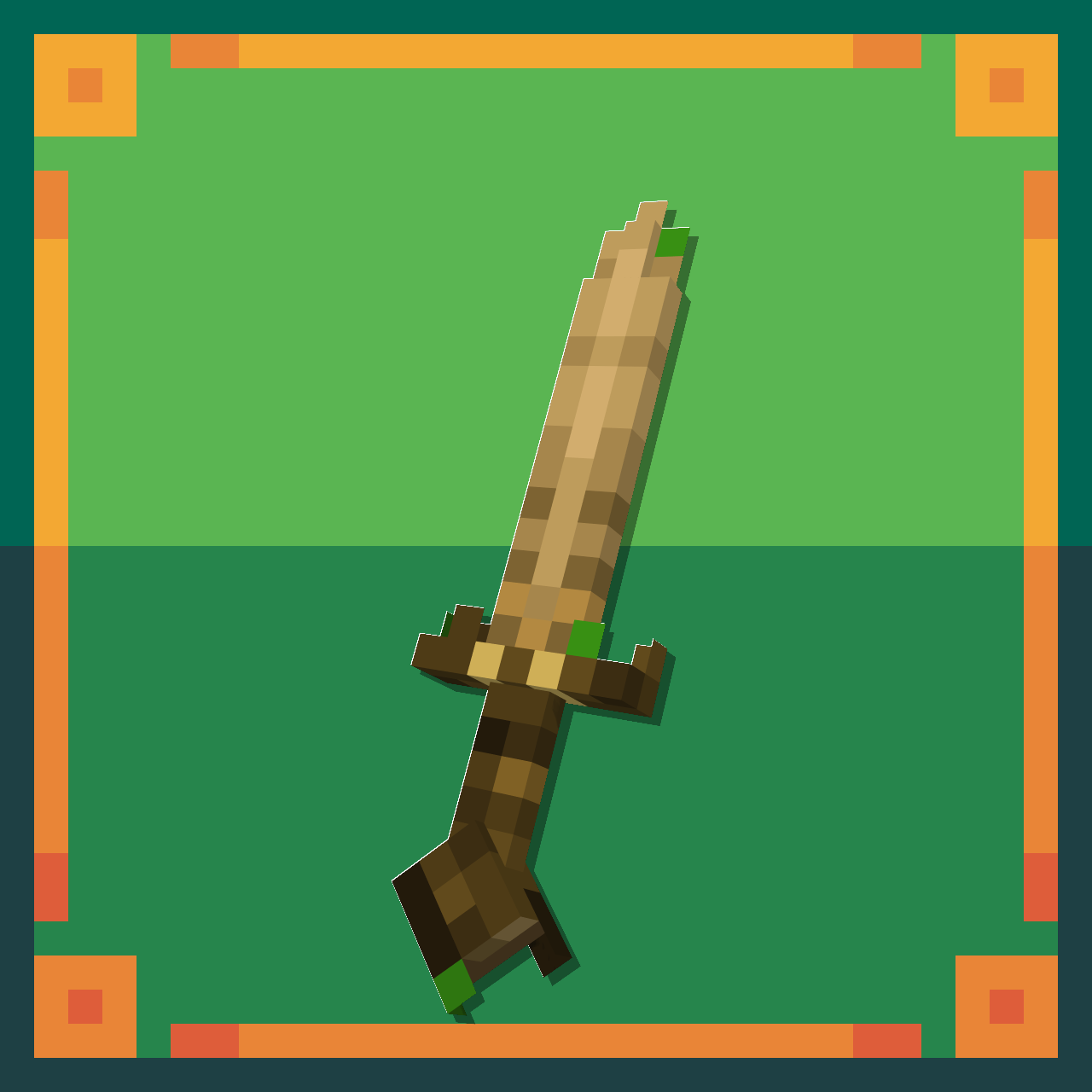
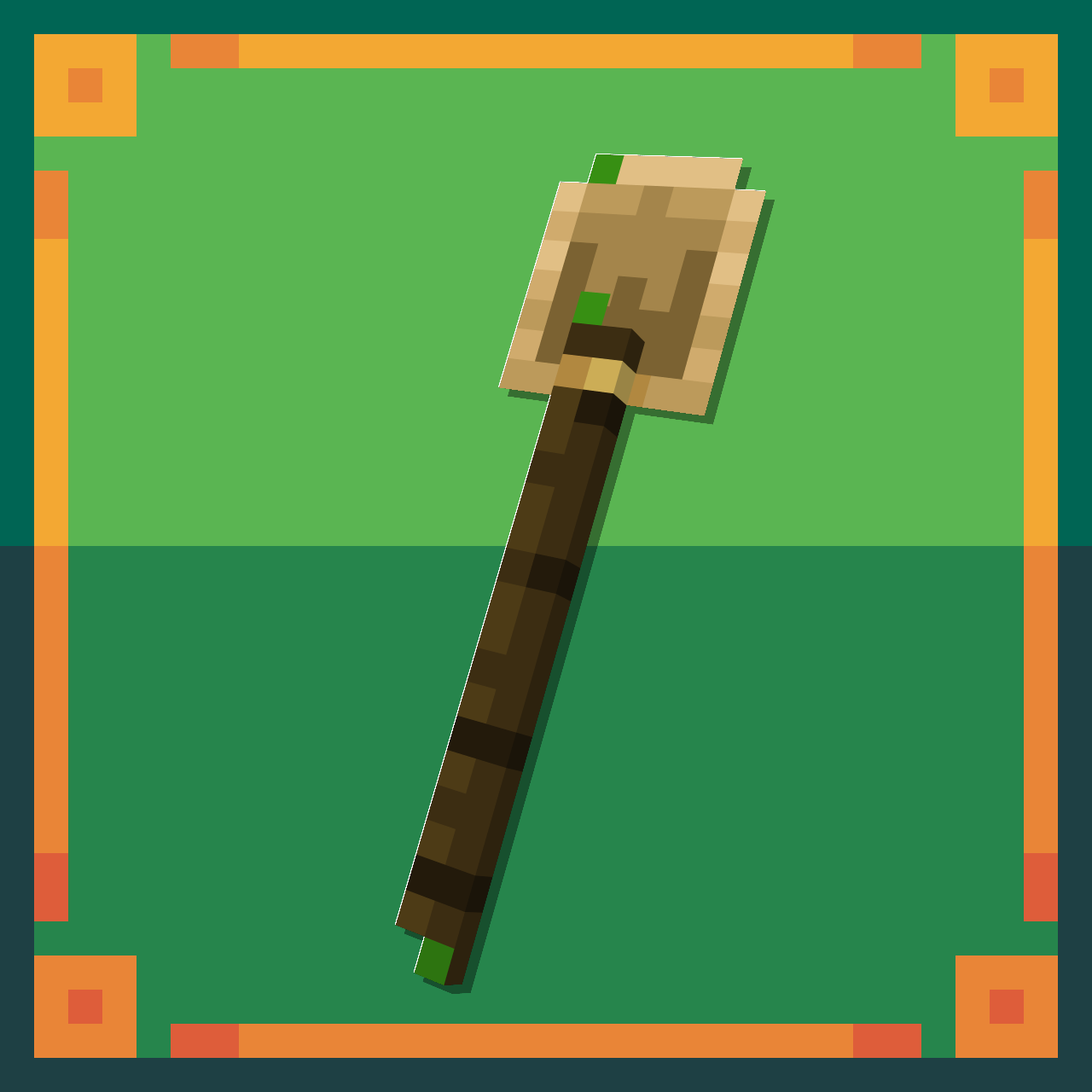
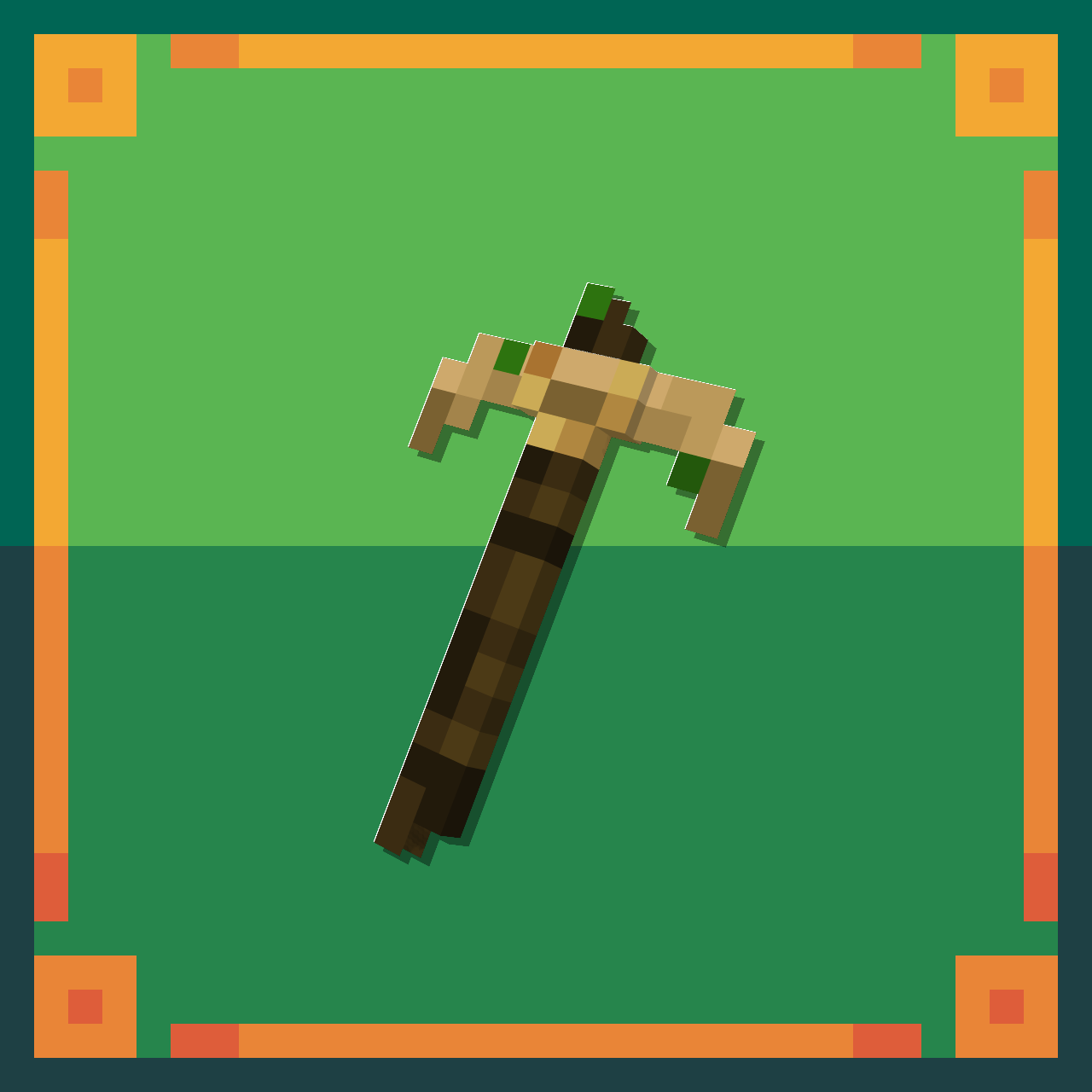
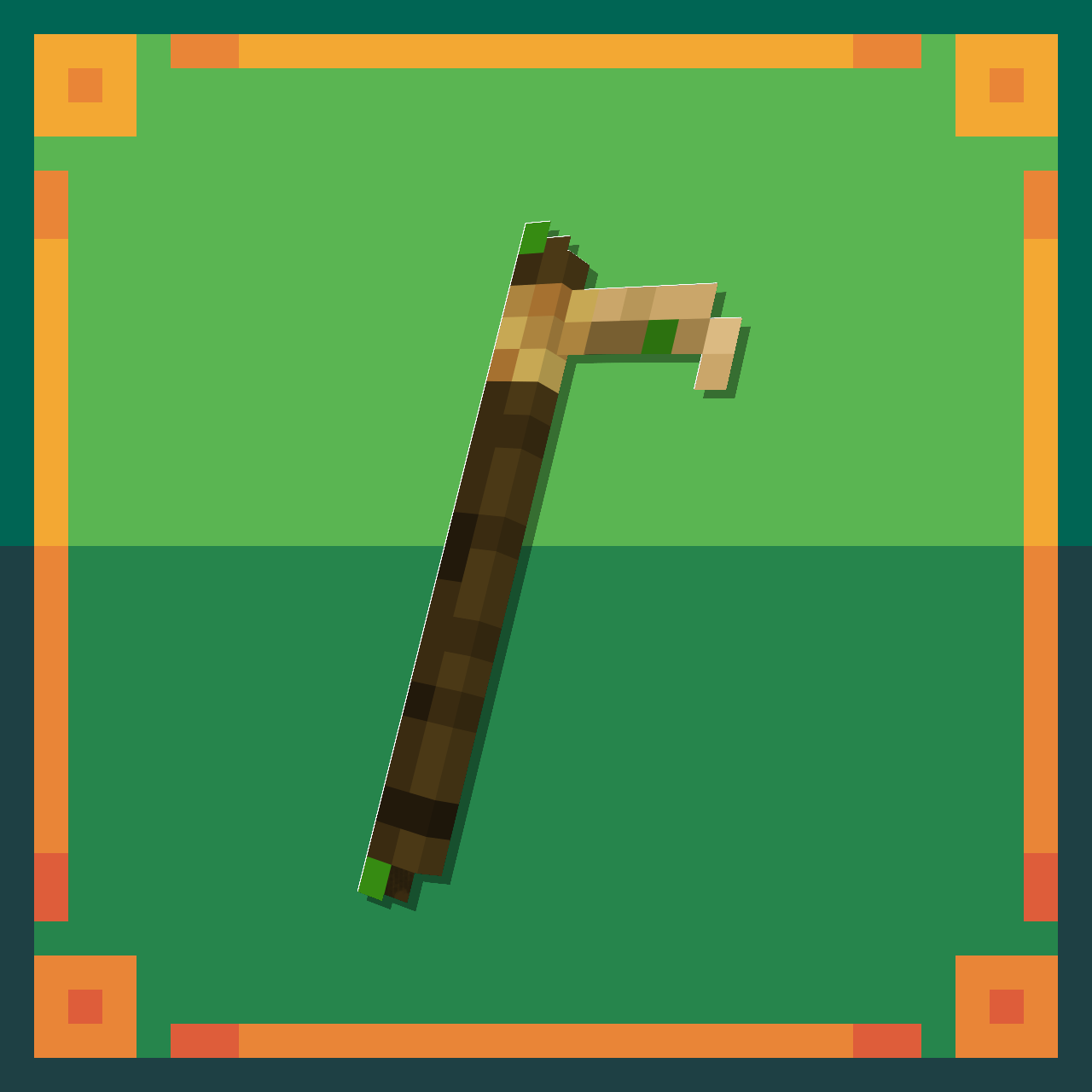
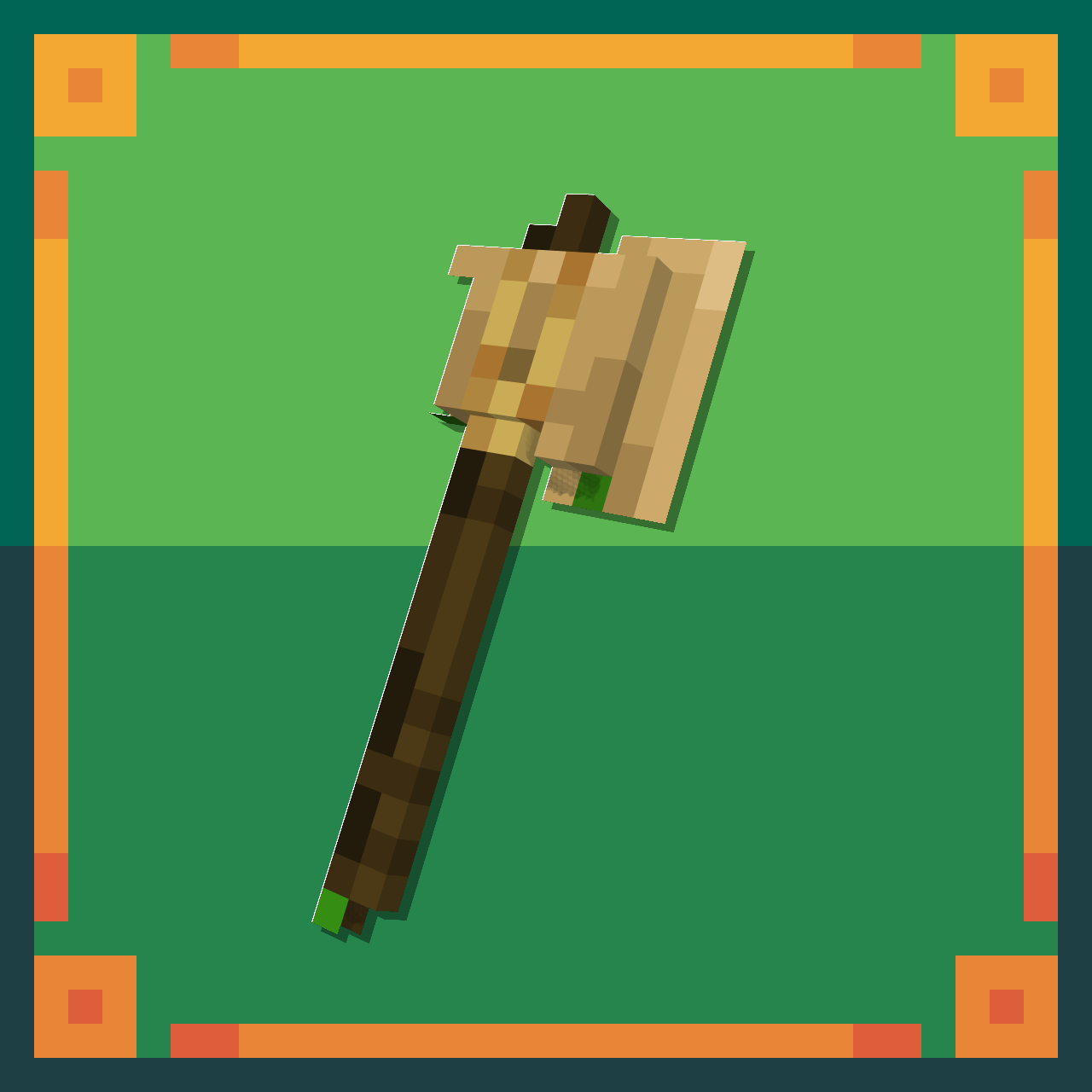
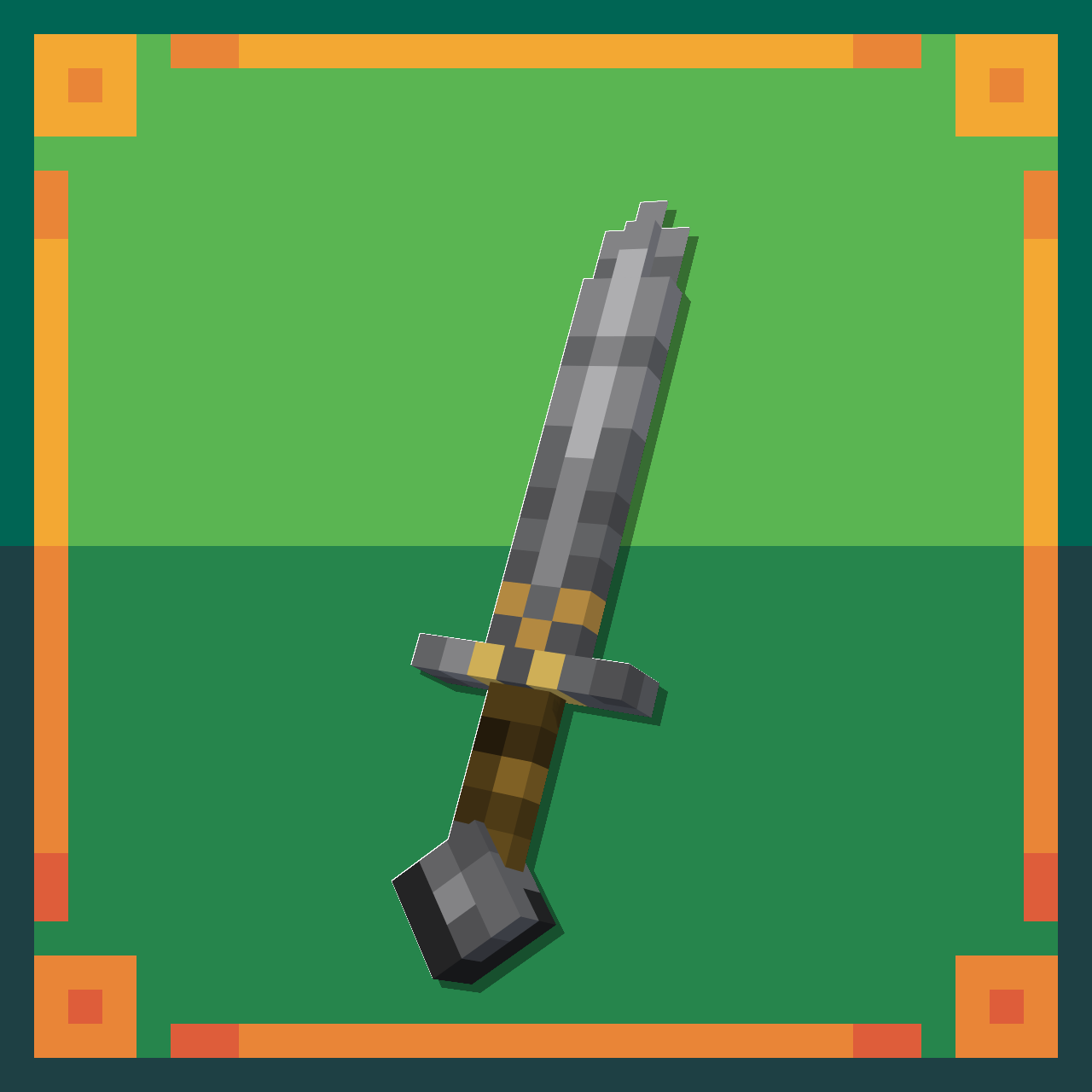
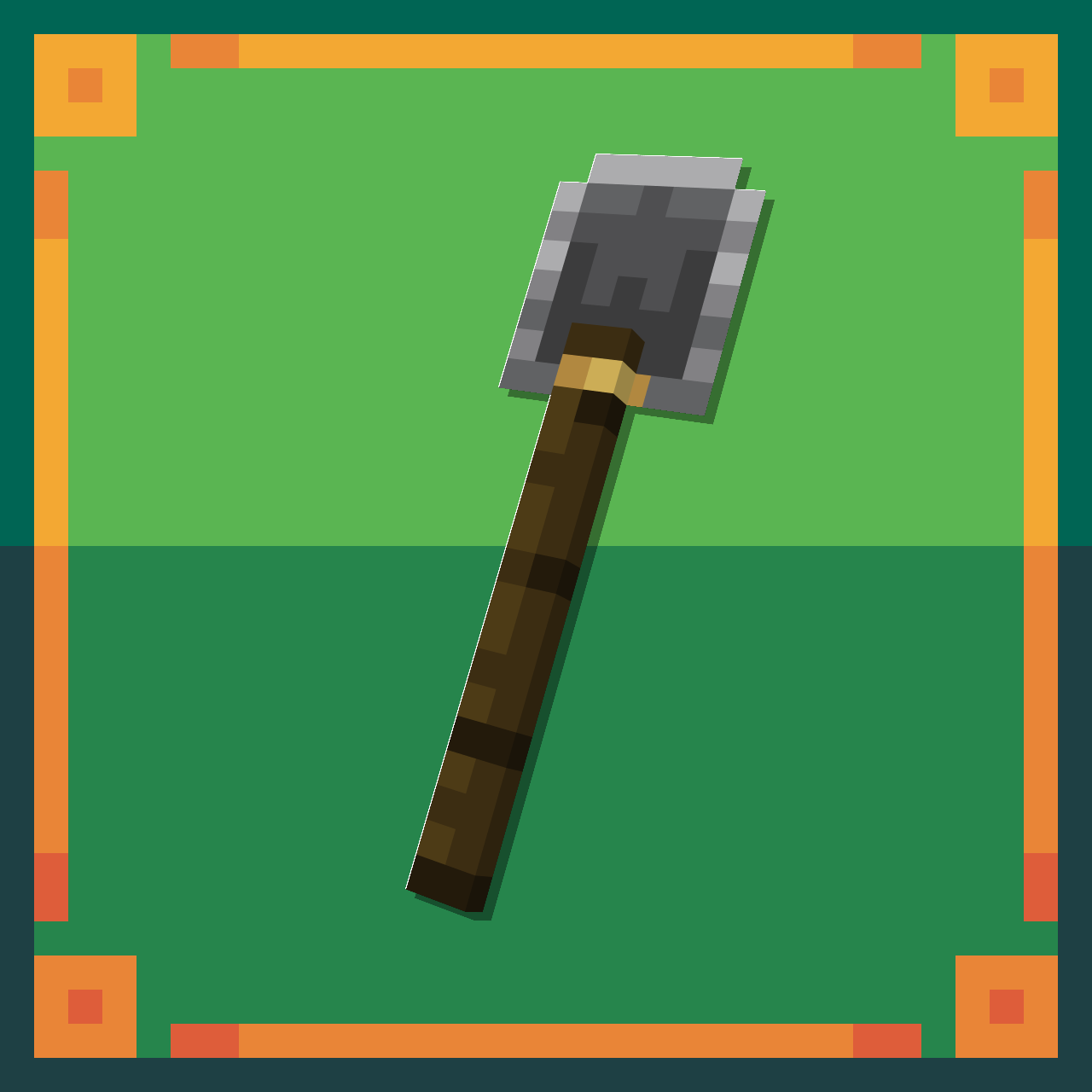
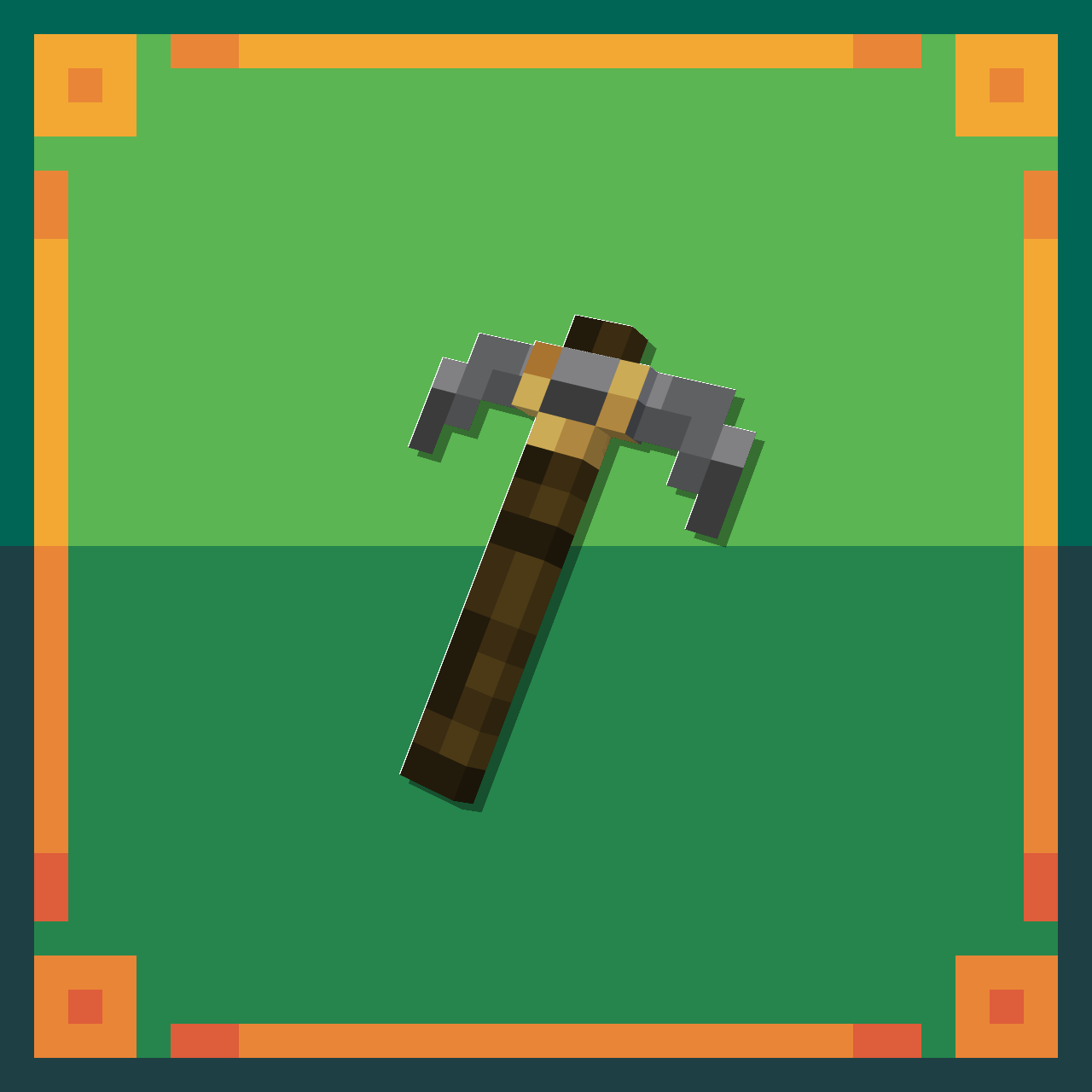
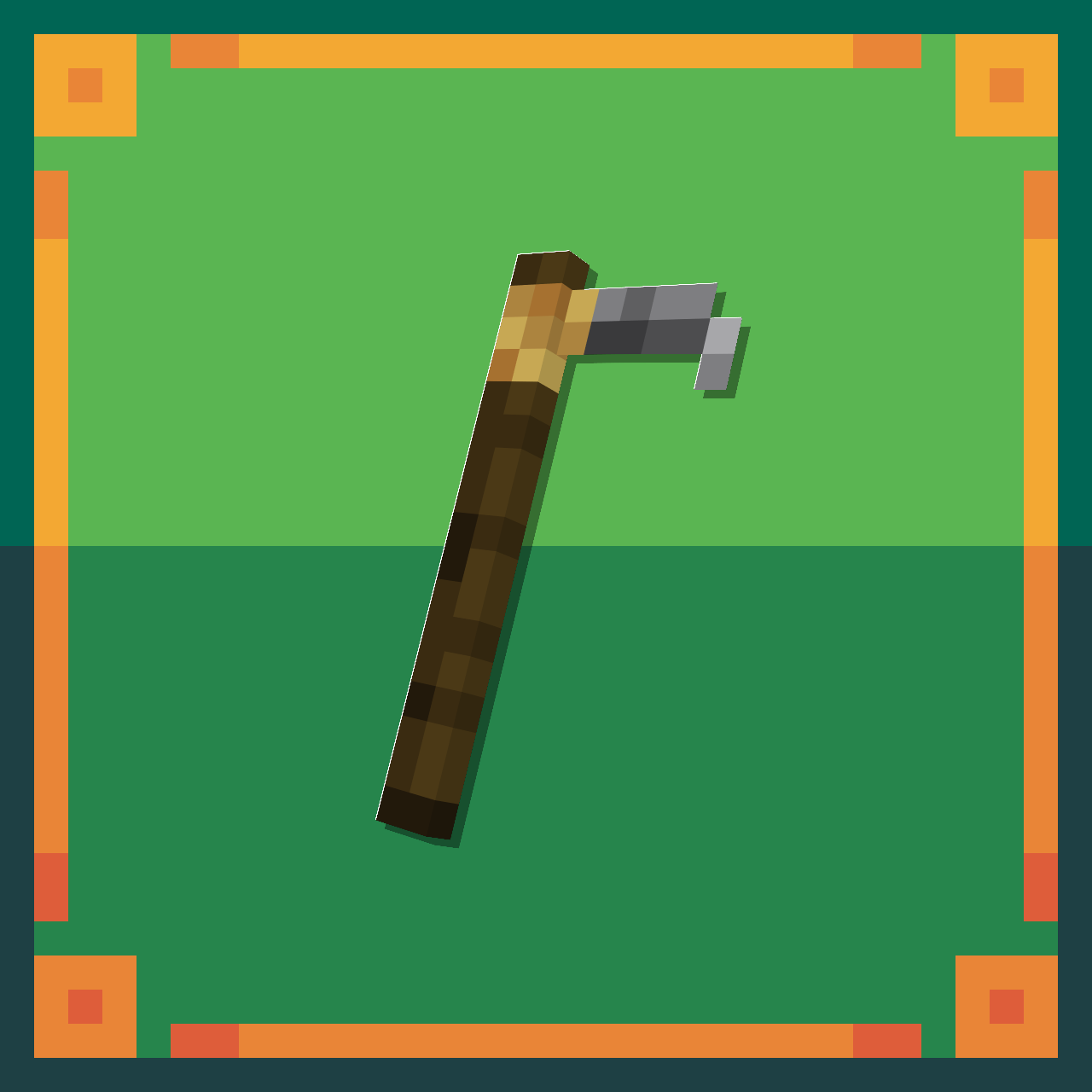
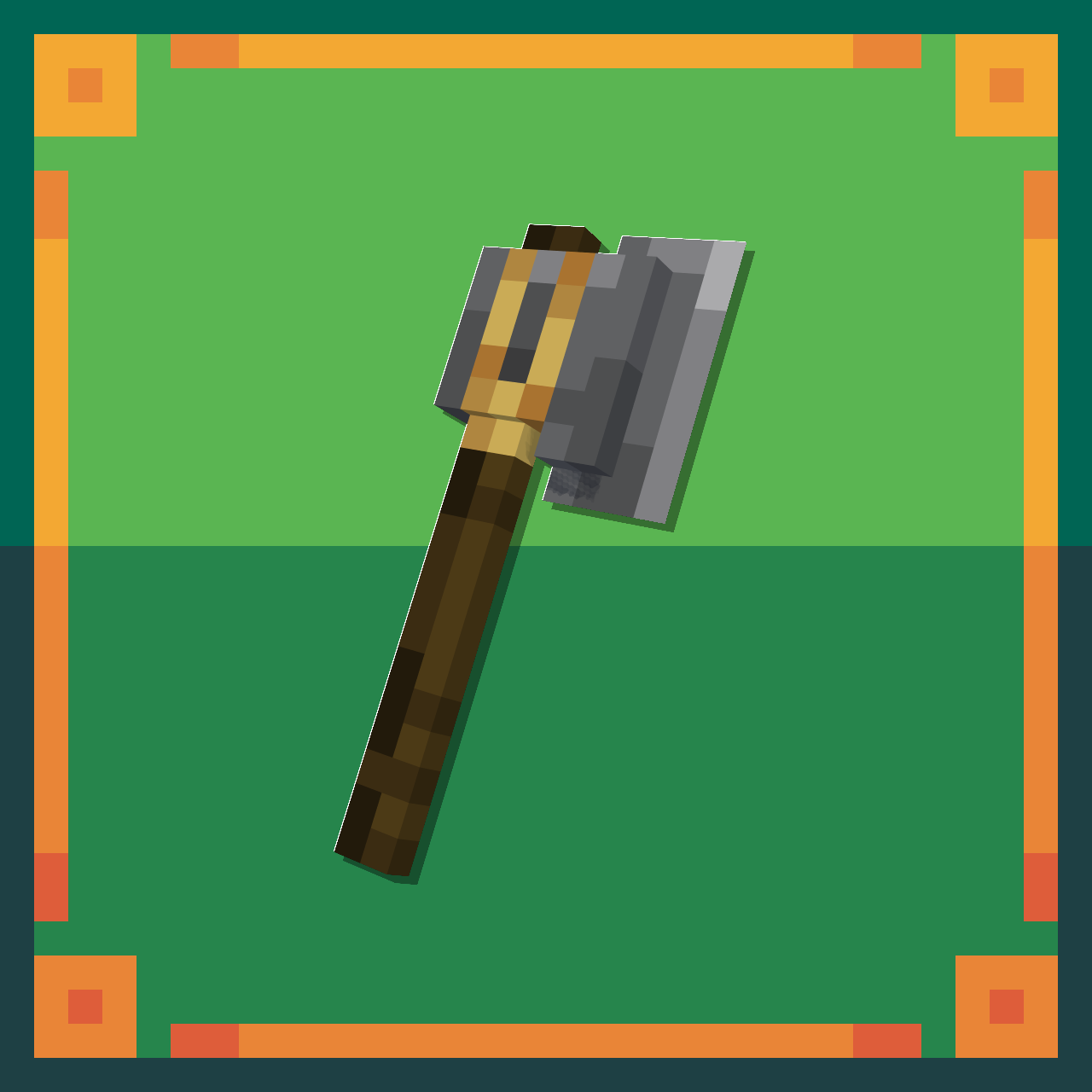
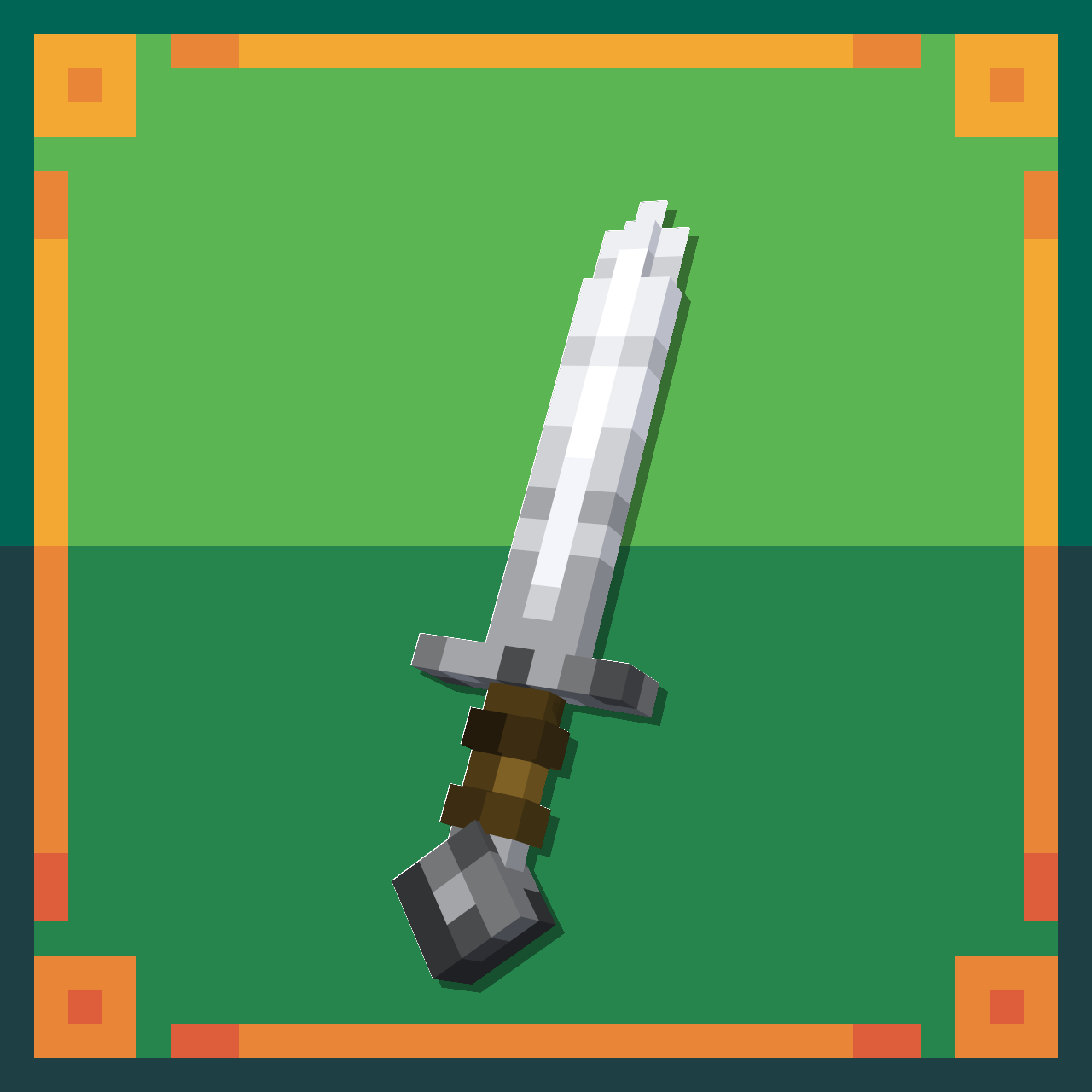
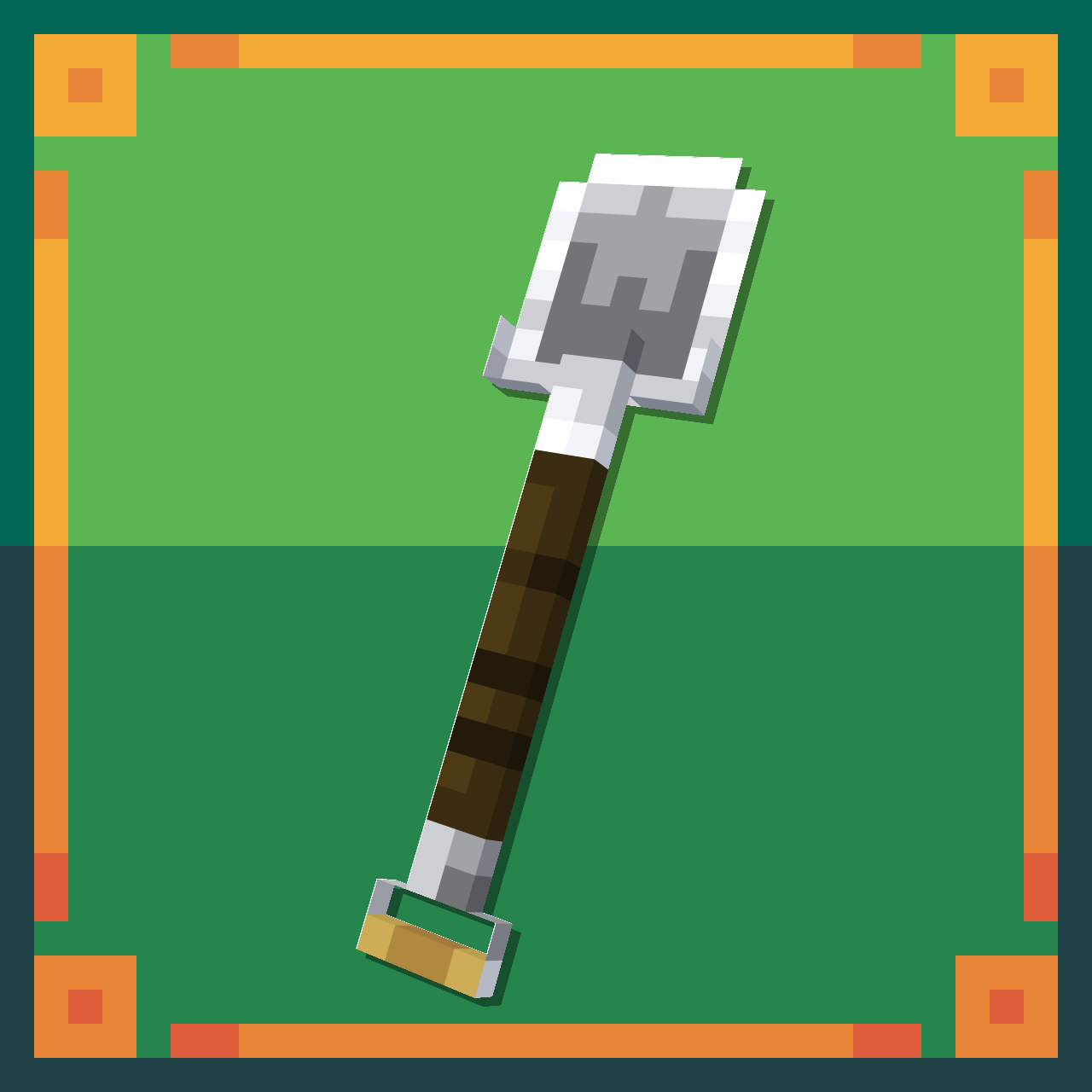
Make your tools into 3D
by Iani_Pix
Download Claim this project
2,549 downloads
0 likes
Updated Oct 14, 2026
0 hypes
32x Miscellaneous Traditional
Advertisement Remove ads with Premium →

Banner

So, I'm Iani, and this is my resourcepack.

This is actually a better version from my latest resourcepack Swords Overhaul, a resourcepack that changes the swords model into 3D, and this doesn't even need an Opifine.

Now Overhaul is changing all the tools such as axes, hoes, pickaxes, shovels and swords into 3d, and actually making some improvements, such as:


  • Tools icon light was changed to front light making it brighter.
  • Changing the wooden's variants blades/heads ETC. textures for "logic" reason.


Well, I guess that's it, you can follow me on Twitter and Instagram, okay, see you later.

Overhaul_1.20-1.20.1.zip
MC 1.20.1, 1.20
Release 2023-09-21 Get
Overhaul_1.19-1.19.3.zip
MC 1.19.3, 1.19.2, 1.19.1
Release 2023-09-21 Get
Overhaul_1.19.4.zip
MC 1.19.4
Release 2023-09-21 Get
Overhaul_1.18-1.18.1.zip
MC 1.18.1, 1.18
Release 2023-09-21 Get
Overhaul_1.18.2.zip
MC 1.18.2
Release 2023-09-21 Get
Overhaul_1.17-1.17.1.zip
MC 1.17.1, 1.17
Release 2023-09-21 Get
Overhaul_1.16.2-1.16.5.zip
MC 1.16.3, 1.16.5, 1.16.4, 1.16.2
Release 2023-09-21 Get

Requirements & install

How to use this resource pack in Minecraft
Resolution
32x
Minecraft
1.18.1 – 1.20.1
Install folder
.minecraft/resourcepacks

How to install resource packs

  1. Download the resource pack .zip file (do not extract it).
  2. In Minecraft open Options → Resource Packs → Open Pack Folder.
  3. Drop the .zip into the resourcepacks folder (.minecraft/resourcepacks).
  4. Move the pack to the Selected column and click Done.
Browse more: 16x resource packs 32x resource packs 64x resource packs 128x resource packs 256x resource packs 512x+ resource packs Resource Packs for 1.20.1 All resource packs

More from Iani_Pix

Advertisement Remove ads with Premium →

You Might Also Like