Mineuniverse
Resource Packs
Overgrowth 32x LITE

Overgrowth 32x LITE

RESOURCE PACK
A less intensive pack
by itschawk
Download Claim this project
10,151 downloads
0 likes
0 followers
Updated Oct 14, 2026
0 hypes
Follow0
32x Medieval Steampunk Traditional
Advertisement Remove ads with Premium →


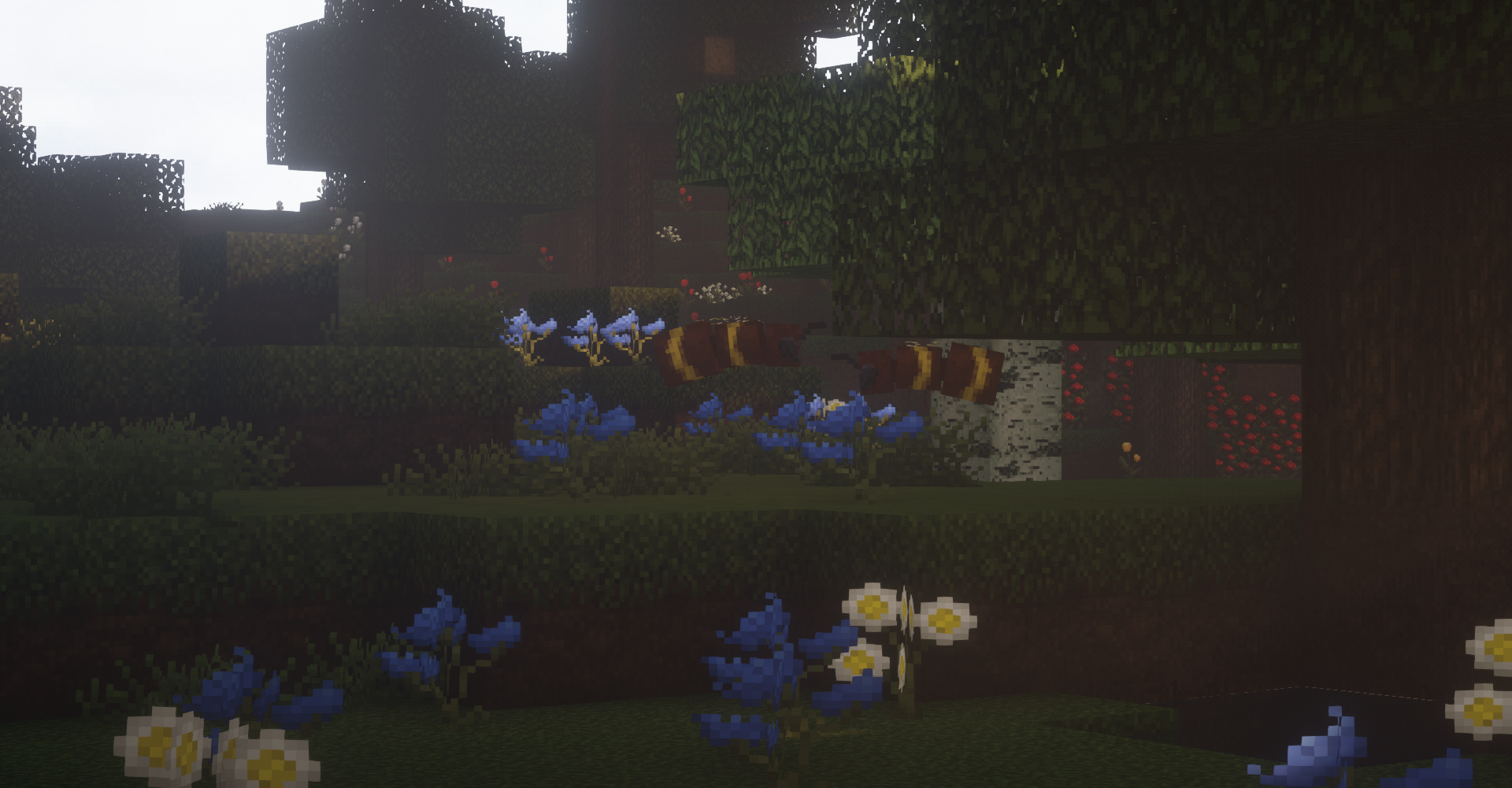
This is a less CPU intensive version of my pack "Overgrowth".

This will run a lot better for those with low end PC's


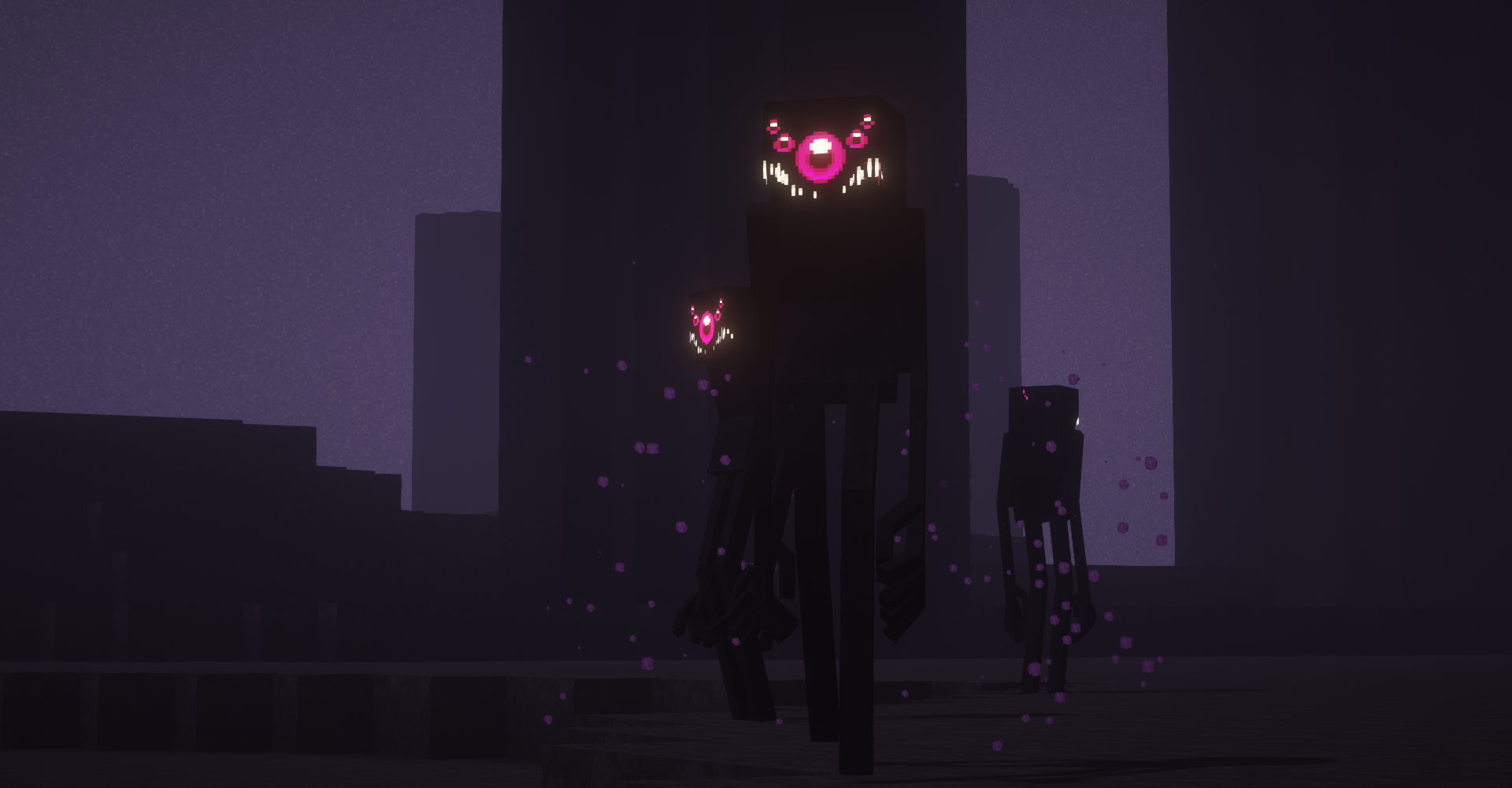
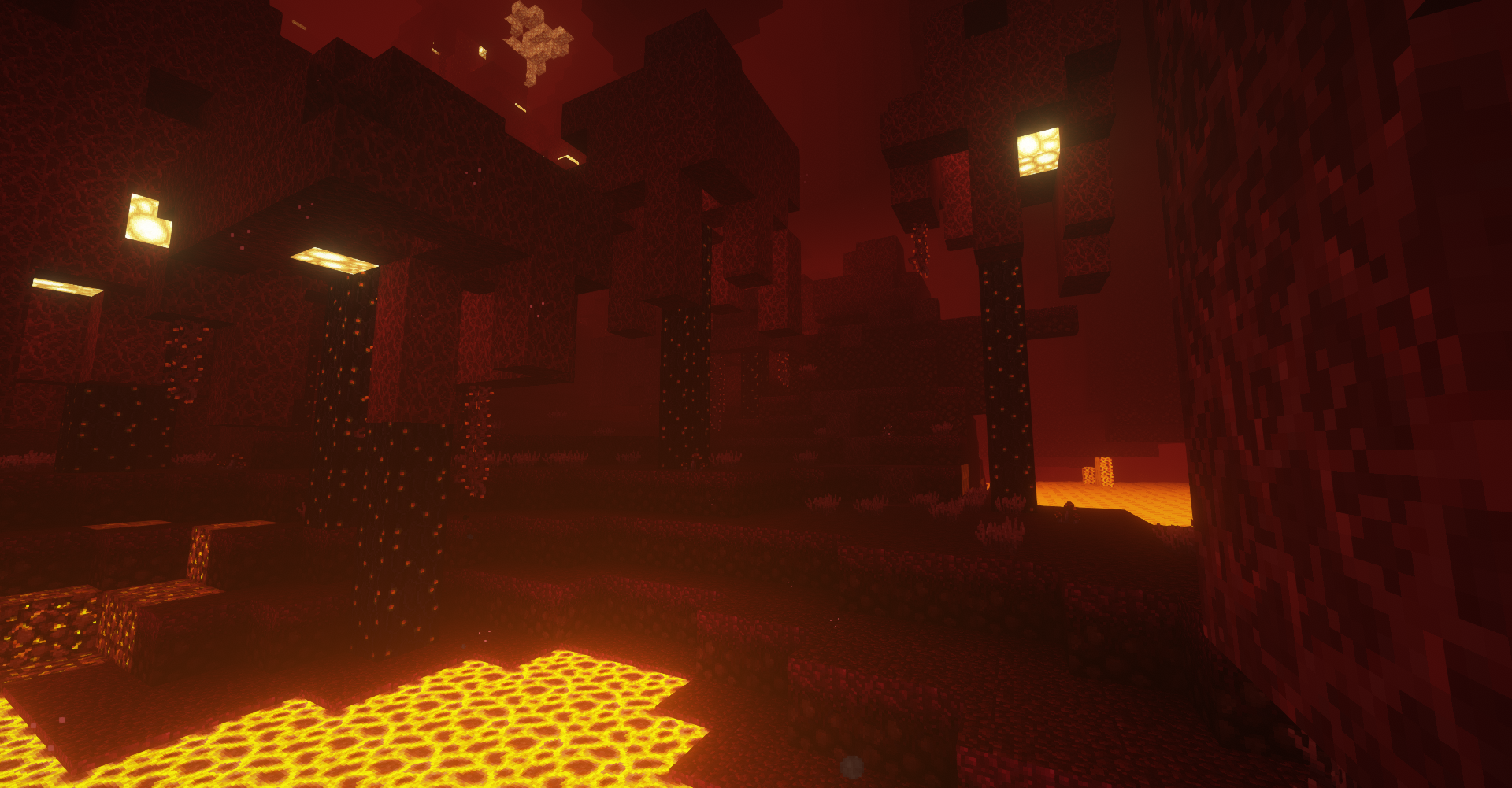
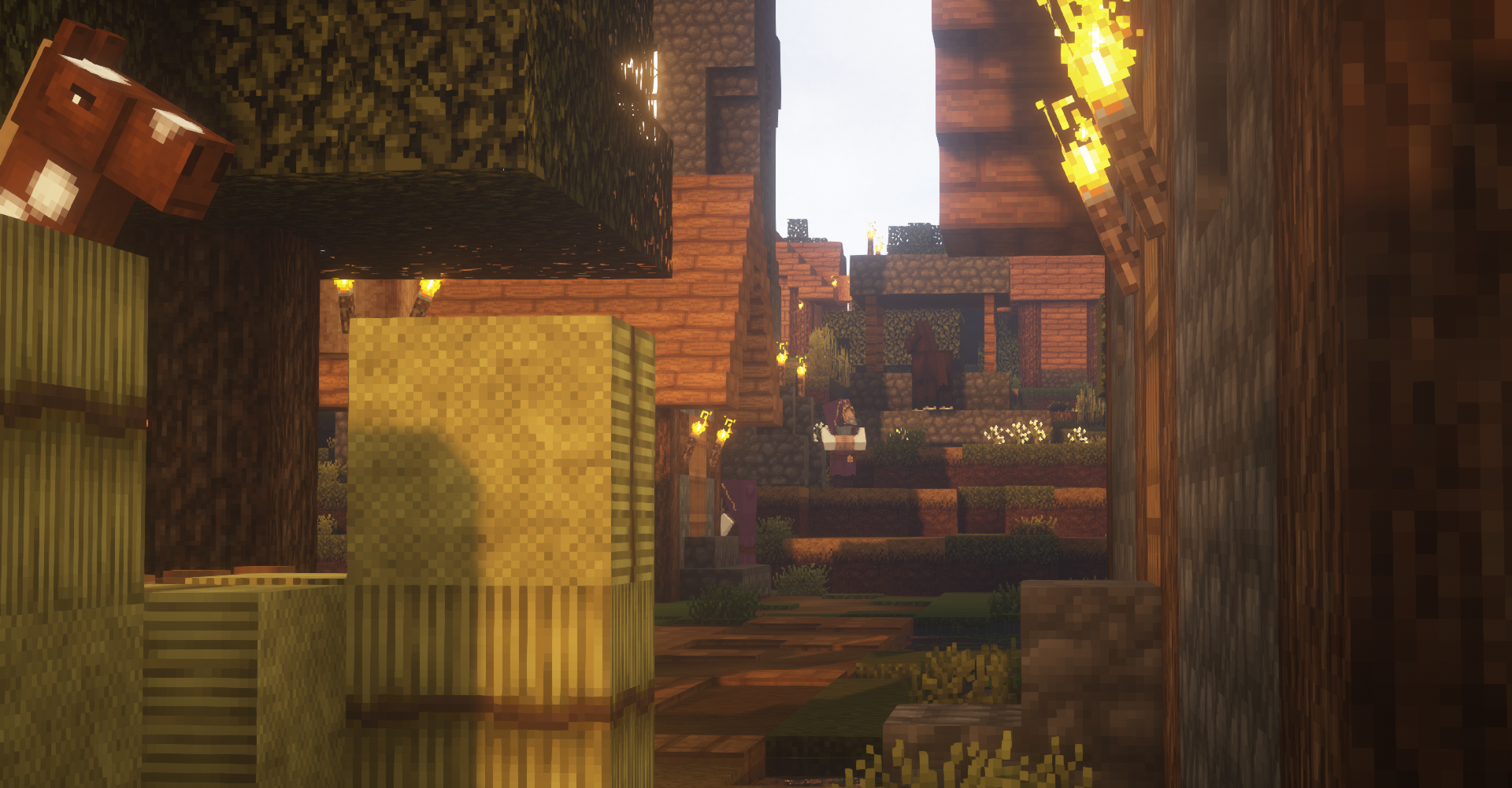
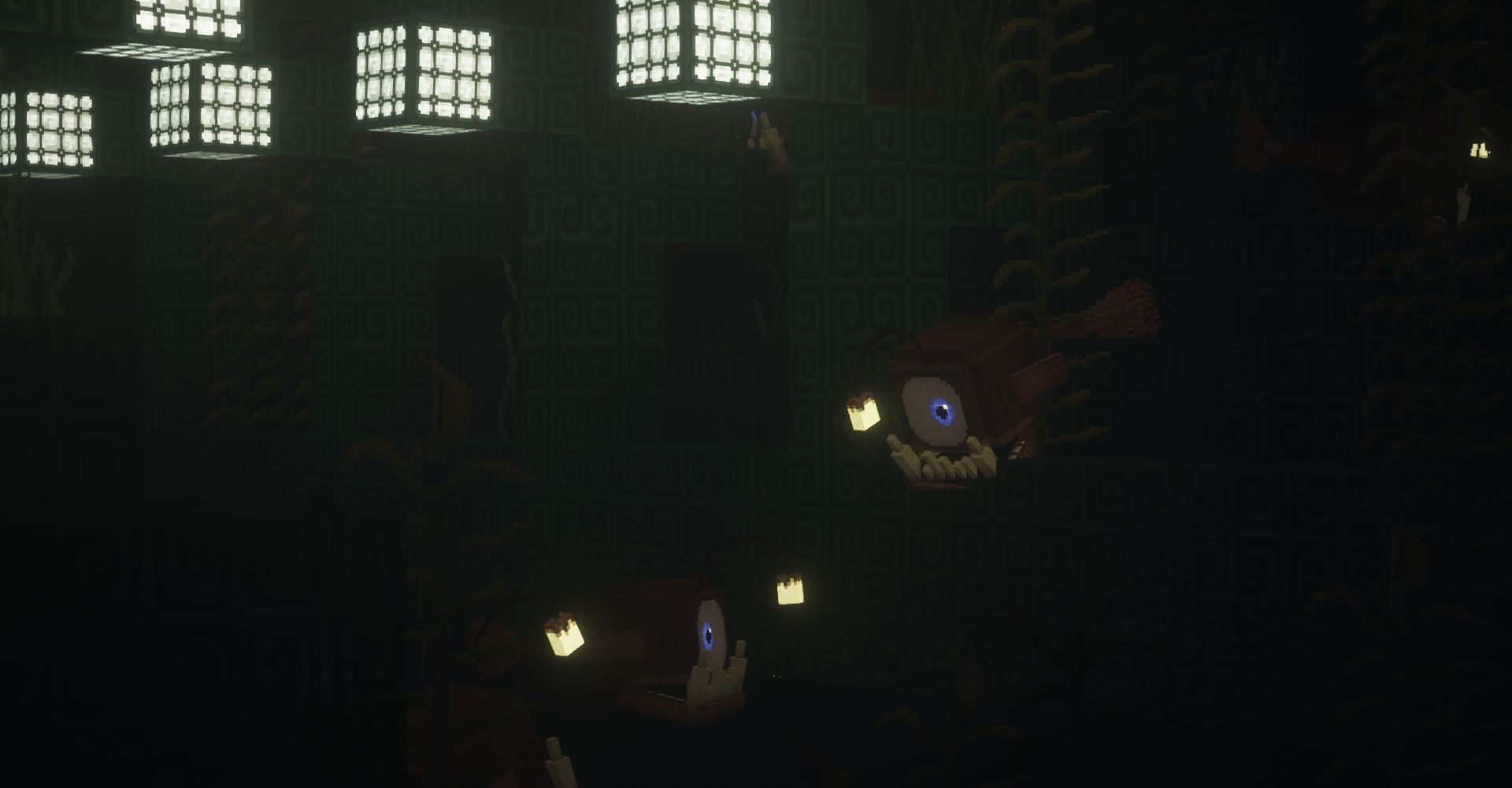
Very epic and unique resource pack in its own way, which significantly changes the game world (although it remains the same cool atmosphere). Replaced a lot of textures-blocks, mobs, some things with tools. In addition, the textures are drawn in a resolution of 32 x 32 pixels, Clever use of many optifine features that you wont have seen before!.

Patreon:
https://www.patreon.com/ItsChawk_


Discord:
https://discord.gg/acC2tfv

Twitter:
https://twitter.com/ItsChawk


How to install Minecraft resource packs:

1. Download a resource pack, you should get a .zip file
2. Open the folder to which you downloaded the file
3. Copy the .zip file
4. Open Minecraft
5. Click on "Options", then "Resource Packs"
6. Choose "Open resource pack folder"
7. Paste the file into the resource folder in Minecraft
8. Go back to Minecraft, the resource pack should now be listed (if not listed then go to the main menu by pressing Esc and repeat step 5 and you can activate it by choosing it and hitting "Finished"

Thanks!

Overgrowth LITE Patch 3
MC 1.17.1
Release 2021-08-24 Get
Overgrowth LITE Patch 2
MC 1.17.1
Release 2021-07-30 Get
OvergrowthLITE[P1]
MC 1.16.5, 1.17-Snapshot
Release 2021-05-25 Get
OGLITE.zip
MC 1.16.5, 1.17-Snapshot
Release 2021-05-21 Get

Requirements & install

How to use this resource pack in Minecraft
Resolution
32x
Minecraft
1.16.5 – 1.17.1
Install folder
.minecraft/resourcepacks

How to install resource packs

  1. Download the resource pack .zip file (do not extract it).
  2. In Minecraft open Options → Resource Packs → Open Pack Folder.
  3. Drop the .zip into the resourcepacks folder (.minecraft/resourcepacks).
  4. Move the pack to the Selected column and click Done.
Browse more: 16x resource packs 32x resource packs 64x resource packs 128x resource packs 256x resource packs 512x+ resource packs Resource Packs for 1.17.1 All resource packs

More from itschawk

Advertisement Remove ads with Premium →

You Might Also Like