Mineuniverse
Resource Packs
Overgrowth

Overgrowth

RESOURCE PACK
Natural details for a vanilla world
by Hardek
Download Claim this project
4,330 downloads
0 likes
Updated Oct 14, 2026
0 hypes
16x Miscellaneous Traditional
Advertisement Remove ads with Premium →

Overgrowth : Let the wild grow back

Spice your world with natural details.
Crafted by Hardek


Minecraft 1.19 to 26.3 Loaders Vanilla textures

Modrinth · CurseForge · GitHub

About

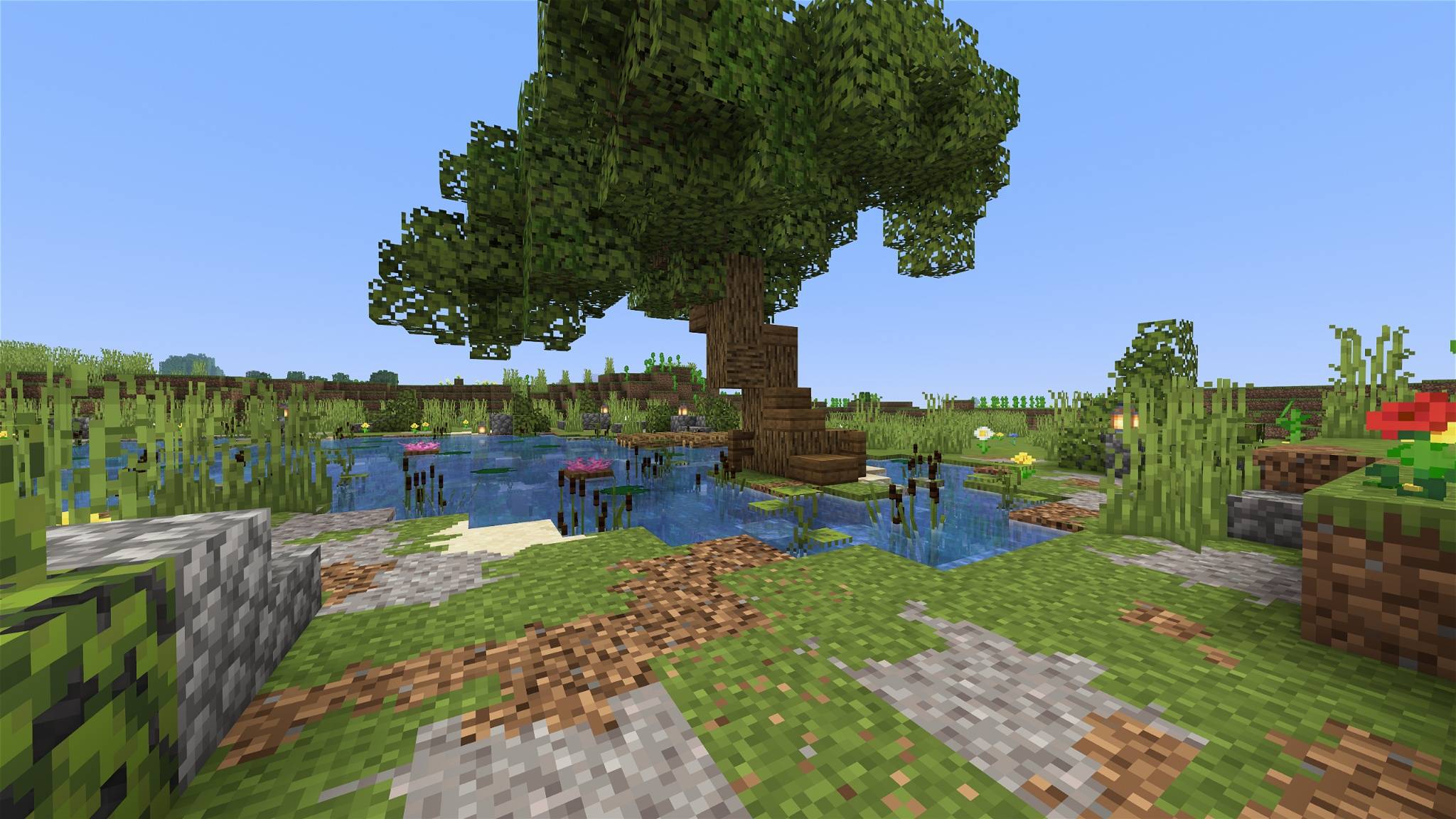
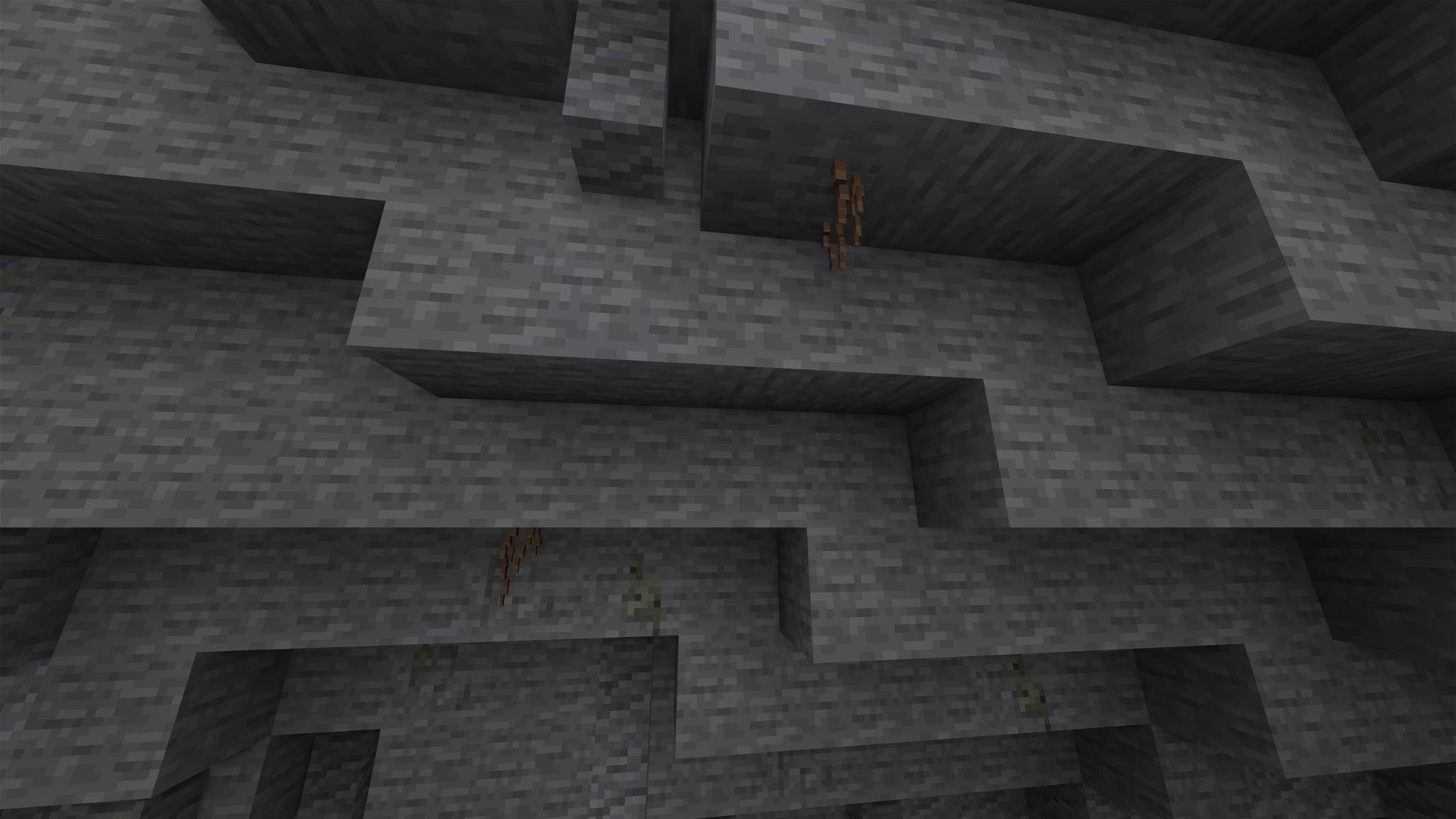
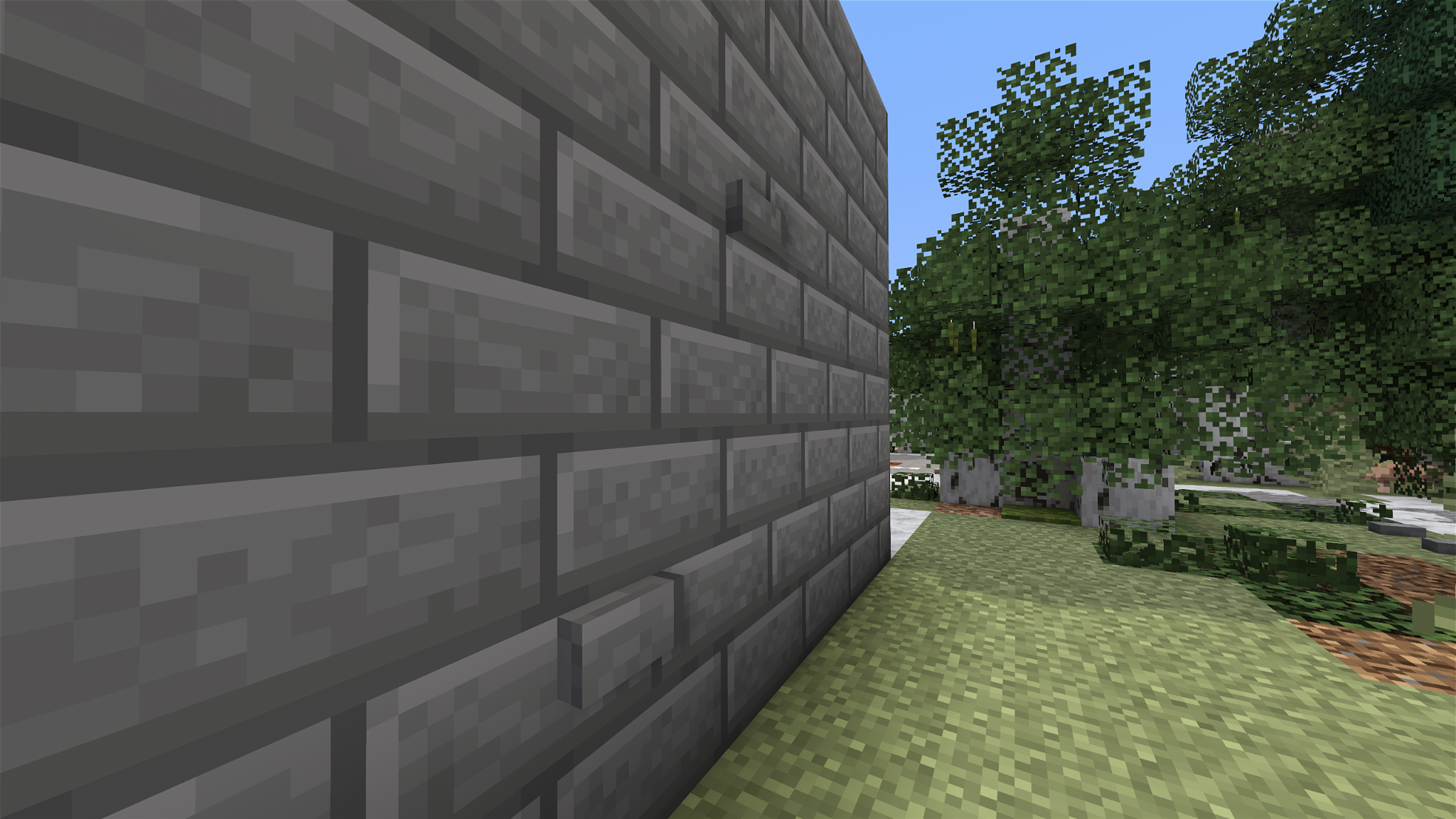
Overgrowth lets nature take back the world, one block at a time. Moss creeps up old trunks, twigs push out of the bark, bricks come loose from forgotten walls, and the ground blends softly from one block to the next, all on top of the vanilla textures.


Features

  • Vanilla at heart : every detail is built on the vanilla textures, so it fits right in.
  • Never the same twice : details appear at random, in many shapes, and turn in every direction.
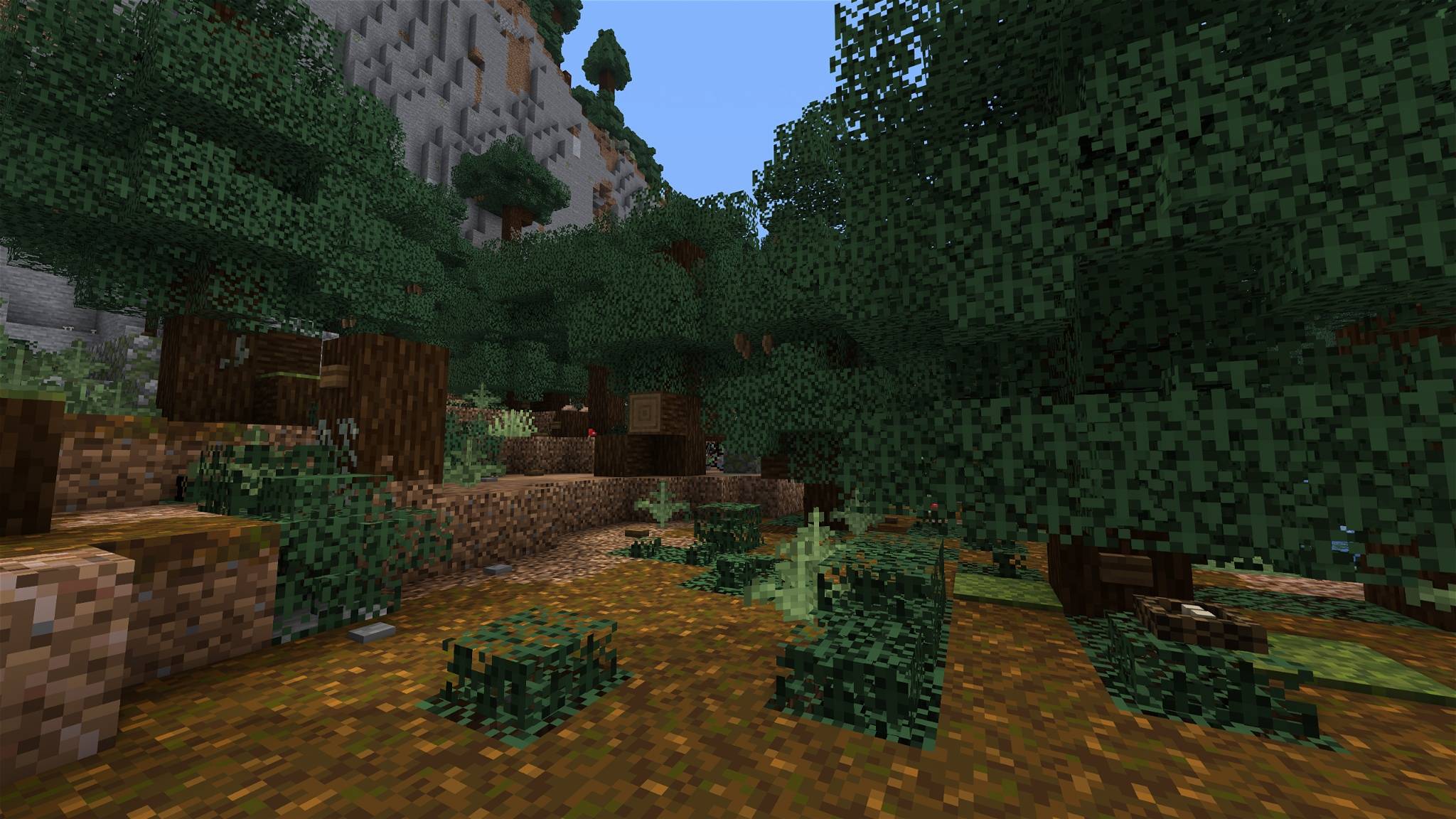
  • Natural blending : dirt, sand, gravel, snow, moss and stone spill softly onto their adjacent blocks.
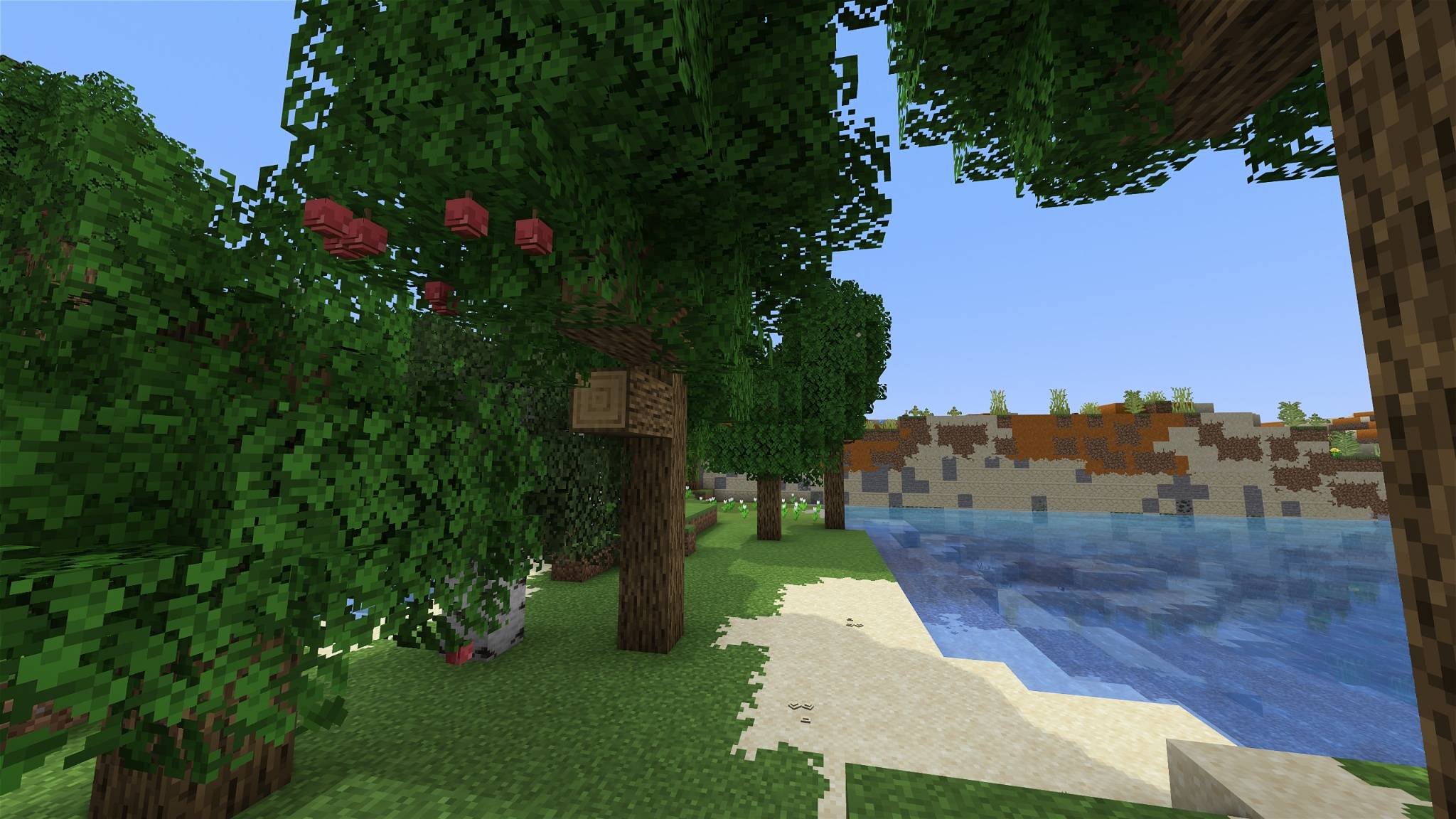
  • Bushy leaves : leaves spill out of their block for fuller, softer trees.
  • Lightweight : simple models, build in mind for performance.

What grows

🌳 Trees moss and lichen on the bark, twigs with leafy tufts, bare dead twigs, shelf fungus, resin, bird nests
🍎 Leaves bushy leaves, apples, acorns, pinecones, cherries, catkins, cocoa, acacia pods, blossoms
💧 Water thick cattails, flowering lily pads, algae, icicles
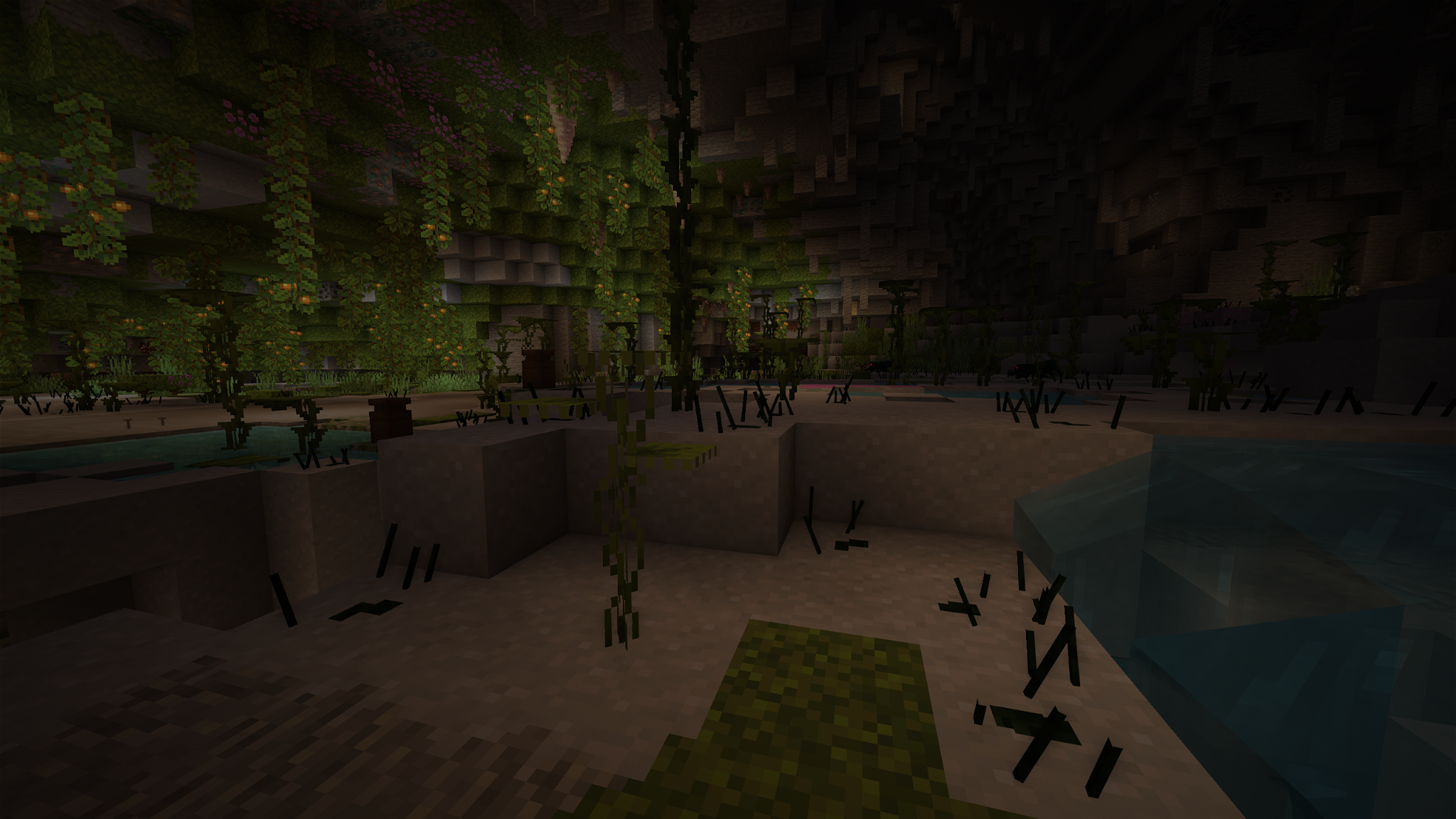
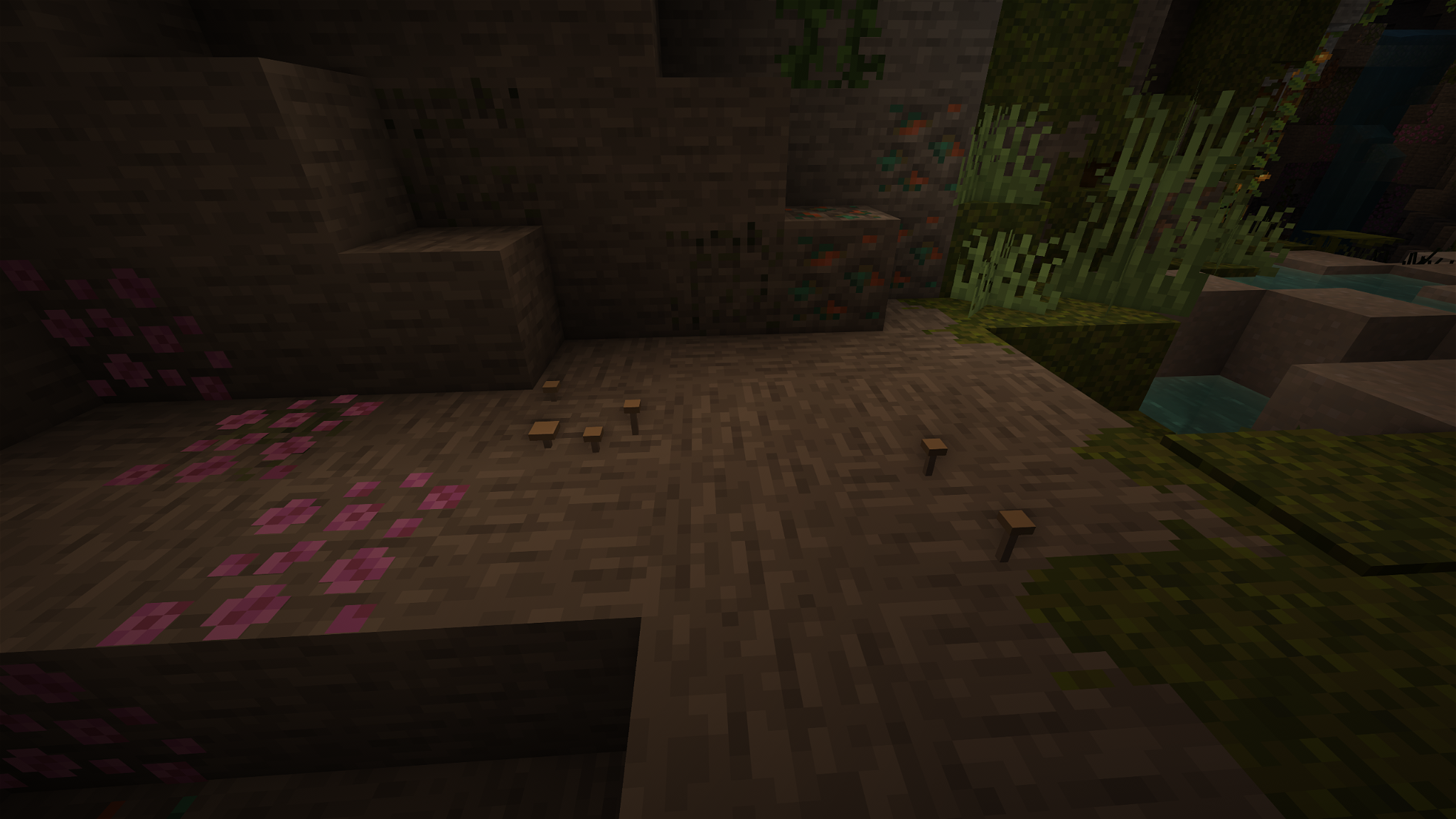
🪨 Ground & caves roots, pebbles, shells, pale mushrooms
🍄 Mushrooms tiny mushrooms sprouting on caps, bracket fungi on mushroom stems
🏰 Builds loose bricks sticking out of stone walls, moss on stone and planks, wrought-iron sconces, sacks on barrels, straw on hay

Compatibility

Version Forge / NeoForge Fabric / Vanilla
1.13 and older ❌ ❌
1.14 – 1.18 🟧 🟧
1.19 – 1.19.4 ✅ ² ✅ ²
1.20 – 1.20.1 ✅ ✅
1.20.2 – 1.21.11 ✅ ✅ ¹
26.1 – 26.3 ✅ ✅

✅ Supported.

🟧 Partial: newer blocks and some details may be missing.

❌ Not supported.

¹ A few see-through details on solid blocks aren't shown on these versions.

² Minecraft shows a harmless "made for a newer version" warning, just enable the pack anyway.

Blending between blocks needs Continuity (or OptiFine). Everything else works without any mod.

With other packs: put Overgrowth above your texture pack. Base blocks use the vanilla texture names, so most texture packs still show through.

Installation: drop the .zip into your resourcepacks folder and enable it in Options → Resource Packs.

Everwild

Overgrowth is also built into Everwild, a MedieVanilla resource pack. If you play with Everwild, you don't need this pack: everything is already included.

Terms

  • ✅ Play with it, share it, make videos and screenshots with it.
  • ✅ Use it in modpacks, simply just link back to the official page please!
  • ❌ Don't reupload the pack or its textures elsewhere.
  • ❌ Don't claim the textures as your own.

See LICENSE.md for details.

This is NOT an official Minecraft product. Not approved by or associated with Mojang or Microsoft.

Overgrowth 1.2 Performance
MC 1.21, 1.19.3, 1.20.2, 1.19.4, 1.21.8, 1.20.5, 1.21.5, 1.21.4, 1.20.1, 1.20, 1.20.6, 1.21.1, 1.21.6, 1.21.3, 1.21.7, 1.19.1, 1.20.4, 1.19.2, 1.20.3, 1.19, 1.21.2, 1.21.9
Release 2026-10-16 Get
Overgrowth 1.2
MC 1.21, 1.19.3, 1.20.2, 1.19.4, 1.21.8, 1.20.5, 1.21.5, 1.21.4, 1.20.1, 1.20, 1.20.6, 1.21.1, 1.21.6, 1.21.3, 1.21.7, 1.19.1, 1.20.4, 1.19.2, 1.20.3, 1.19, 1.21.2, 1.21.9
Release 2026-10-15 Get
Overgrowth 1.1
MC 1.21, 1.19.3, 1.20.2, 1.19.4, 1.21.8, 1.20.5, 1.21.5, 1.21.4, 1.20.1, 1.20, 1.20.6, 1.21.1, 1.21.6, 1.21.3, 1.21.7, 1.19.1, 1.20.4, 1.19.2, 1.20.3, 1.19, 1.21.2, 1.21.9
Release 2026-10-13 Get
Overgrowth 1.0
MC 1.21, 1.19.3, 1.20.2, 1.19.4, 1.21.8, 1.20.5, 1.21.5, 1.21.4, 1.20.1, 1.20, 1.20.6, 1.21.1, 1.21.6, 1.21.3, 1.21.7, 1.19.1, 1.20.4, 1.19.2, 1.20.3, 1.19, 1.21.2, 1.21.9
Release 2026-09-28 Get

Requirements & install

How to use this resource pack in Minecraft
Resolution
16x
Minecraft
1.21.2 – 1.21.9
Install folder
.minecraft/resourcepacks

How to install resource packs

  1. Download the resource pack .zip file (do not extract it).
  2. In Minecraft open Options → Resource Packs → Open Pack Folder.
  3. Drop the .zip into the resourcepacks folder (.minecraft/resourcepacks).
  4. Move the pack to the Selected column and click Done.
Browse more: 16x resource packs 32x resource packs 64x resource packs 128x resource packs 256x resource packs 512x+ resource packs Resource Packs for 1.21.9 All resource packs

More from Hardek

Advertisement Remove ads with Premium →

You Might Also Like